


The slump starts quietly.
At nine, the screen is at eye level and both feet are flat. By two, the head has drifted toward the monitor, one shoulder has rolled forward, and a foot is tucked under the chair. Nobody decided to sit that way, because it just happened while the work got interesting.
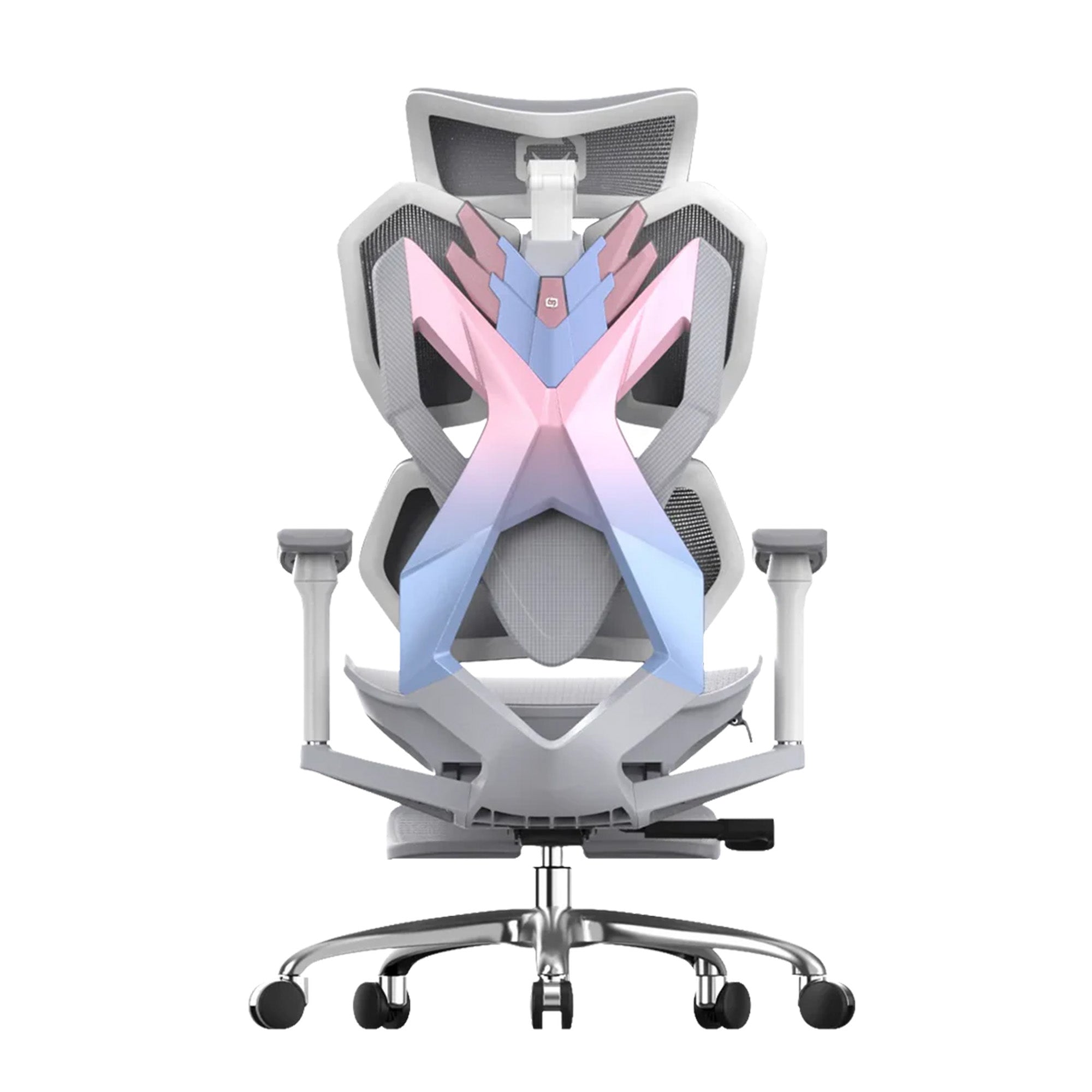
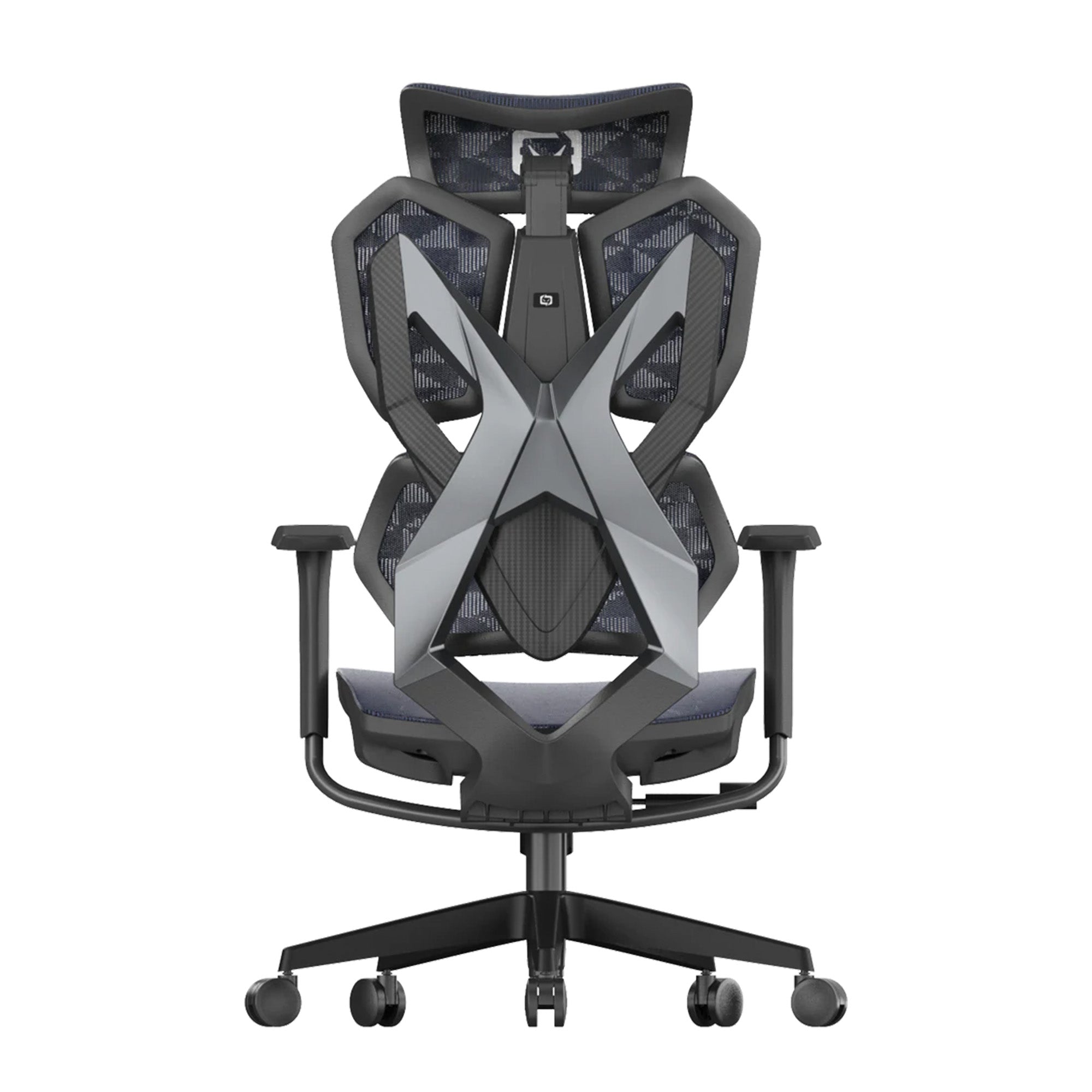
This guide covers correct sitting posture for desk workers in Australia. It explains what the evidence says, how to set up your chair in nine steps, and where a chair stops helping. If you are comparing ergonomic desk chairs for home and office in Australia, setup matters as much as the model. A well-adjusted ergonomic office chair makes a good position easy to hold and easy to leave.
Quick answer: There is no single perfect posture. Aim for a relaxed, supported position, then change it often. Set the seat so your feet rest flat, lift the lumbar to the hollow of your back, and bring the screen to eye level. Move about every 30 minutes. See a doctor if pain lasts beyond about six weeks.
Correct Sitting Posture Is a Range, Not a Single Perfect Position
Most of us were told to sit up straight. It sounds like the obvious fix, so it is worth checking what the research says before you try to hold a rigid pose all day.
What Healthdirect says good posture looks like
Healthdirect says good posture spreads your weight evenly and keeps the three natural curves of your spine. It also says good standing posture should be relaxed, not stiff. That is a useful rule: a position you can hold without effort beats a straight one that makes you tense.
What the research on "sit up straight" says
Slater and colleagues (2019, Journal of Orthopaedic and Sports Physical Therapy) argued in a short article that it is time to re-evaluate the advice to sit up straight. A summary adapted from that paper says there is no strong evidence that one ideal posture exists. It also says avoiding so-called bad postures has not been shown to prevent low back pain. We could not access the full text, so we could only check these points against a summary. Treat them as a direction, not a verdict.
Why moving often matters more than holding a pose
SafeWork NSW says Australian workers sit for about 76% of their work time, which is roughly five hours a day. It suggests getting up and moving about every 30 minutes, and it says exercise outside work does not cancel the risk of long sitting. So the aim is not a perfect pose. The aim is a supported pose that you change often.
For a team, this changes what good looks like. A workplace that only checks whether people sit upright misses the bigger gap: people who never move.
Set Up Your Ergonomic Chair for Correct Sitting Posture in Nine Steps
A new chair usually stays at its factory settings. The same is true of an old one that was adjusted once for someone else. Work through these steps in order, because each one affects the next.
The seat: height, depth and feet
-
Sit right back so your hips touch the backrest.
-
Raise or lower the seat until your feet rest flat on the floor and your elbows sit level with the desk.
-
Check for a two to three finger gap between the seat front and the back of your knees, the gap Workplace Health and Safety Queensland describes.
-
Add a stable footrest if your feet still do not reach the floor.
A seat that is too deep makes the backrest hard to use. A 2023 Biomimetics paper on chair sizing notes that a seat that is too deep makes the backrest hard to use and can affect leg circulation.
The backrest: recline and lumbar support
-
Tilt the backrest so your hip angle sits between 100 and 120 degrees, the range Workplace Health and Safety Queensland recommends.
-
Move the lumbar support until its firmest part meets the hollow of your lower back, around belt height.
Note that the 100 to 120 degree figure is the angle at your hip. Chair makers often quote recline as the angle of the backrest, which is a different measure, so the two numbers will not match. Our guide to lumbar support for an office chair explains the three lumbar types and how to set each one.
The arms and head: shoulders down, neck neutral
-
Set the armrests so your elbows rest near desk height and your shoulders can drop.
-
Raise the headrest, if your chair has one, so it supports the back of your head when you lean back.
-
Work for an hour, then adjust one setting at a time if you feel pressure.
Our guide on how to properly adjust your ergonomic chair goes deeper on each control.
A setup card helps teams
In an office, add a short setup card at each desk during onboarding. It costs almost nothing, and it stops a good chair from sitting at the wrong settings for three years.

Screen, Keyboard and Desk Setup for Correct Posture at a Computer
The chair is only half of the picture. If the screen sits too low, your neck bends forward no matter how well the seat is set.
Bring the screen to your eyes, not your eyes to the screen
Place the top of the screen at eye level or slightly below, depending on your glasses. Workplace Health and Safety Queensland gives this guidance for workstations.
Keep the keyboard and mouse close
Keep your keyboard and mouse close enough that your elbows stay near your sides. If you reach forward, your shoulders roll forward with you.
The laptop problem
A laptop forces a trade-off, because the screen and keyboard are joined. If you work on one for hours, raise the screen on a stand and add a separate keyboard and mouse. A pile of books works if you do not own a stand.
Teams: audit the screens first
For a workplace, a screen audit across a floor takes less time than a chair purchase. It often fixes more neck complaints than a new chair would.
Common Posture Problems and the Setup Fix for Each
By mid-afternoon, most people can name where it hurts. That is useful, because each symptom points to a different setting.
|
What you notice |
Likely setup cause |
Try this first |
|---|---|---|
|
Aching low back by late afternoon |
Lumbar support too low or too high, or seat too deep |
Move the lumbar to the hollow of your back and check the knee gap |
|
Neck and shoulder tension |
Screen too low or armrests too high |
Raise the screen to eye level and lower the armrests |
|
Tingling or numb legs |
Seat too deep or too high |
Shorten the seat depth and rest your feet flat |
|
Perching on the seat edge |
Backrest tilted too far back or seat too deep |
Set recline within the 100 to 120 degree hip range |
|
Slumping after lunch |
Static position for too long |
Stand and move about every 30 minutes |
This table is our editorial guide to common cause and fix pairs, not study findings, and none of these fixes is a medical treatment. If the symptom stays after a week of changes, move on to the section below on when to see a professional.
Do Ergonomic Chairs Really Improve Posture?
Sales pages often say a good chair will fix your posture. The honest answer is narrower, because a chair only makes good positions easier to reach.
What a chair can do
A chair can make good positions easier to reach. It can support your lower back, let you change position without effort, and let you reset in seconds when you drift. That is useful, especially over a full workday.
What a chair cannot do
We found no reliable evidence that a chair prevents a hunchback or fixes a spine curve. A chair cannot make you move, and it cannot undo a screen that is set too low. Treat the chair as a tool for comfort and load, not a cure.
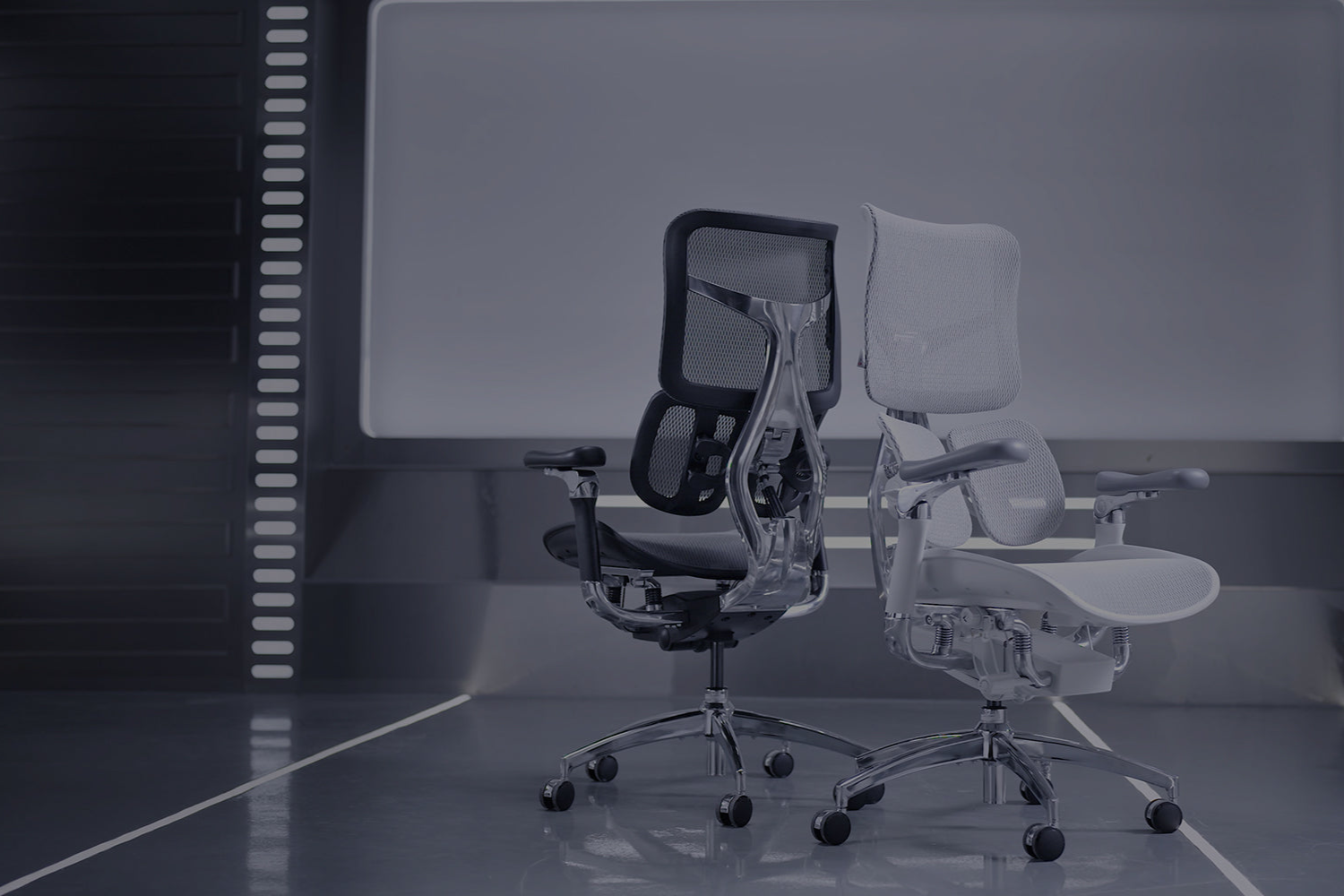
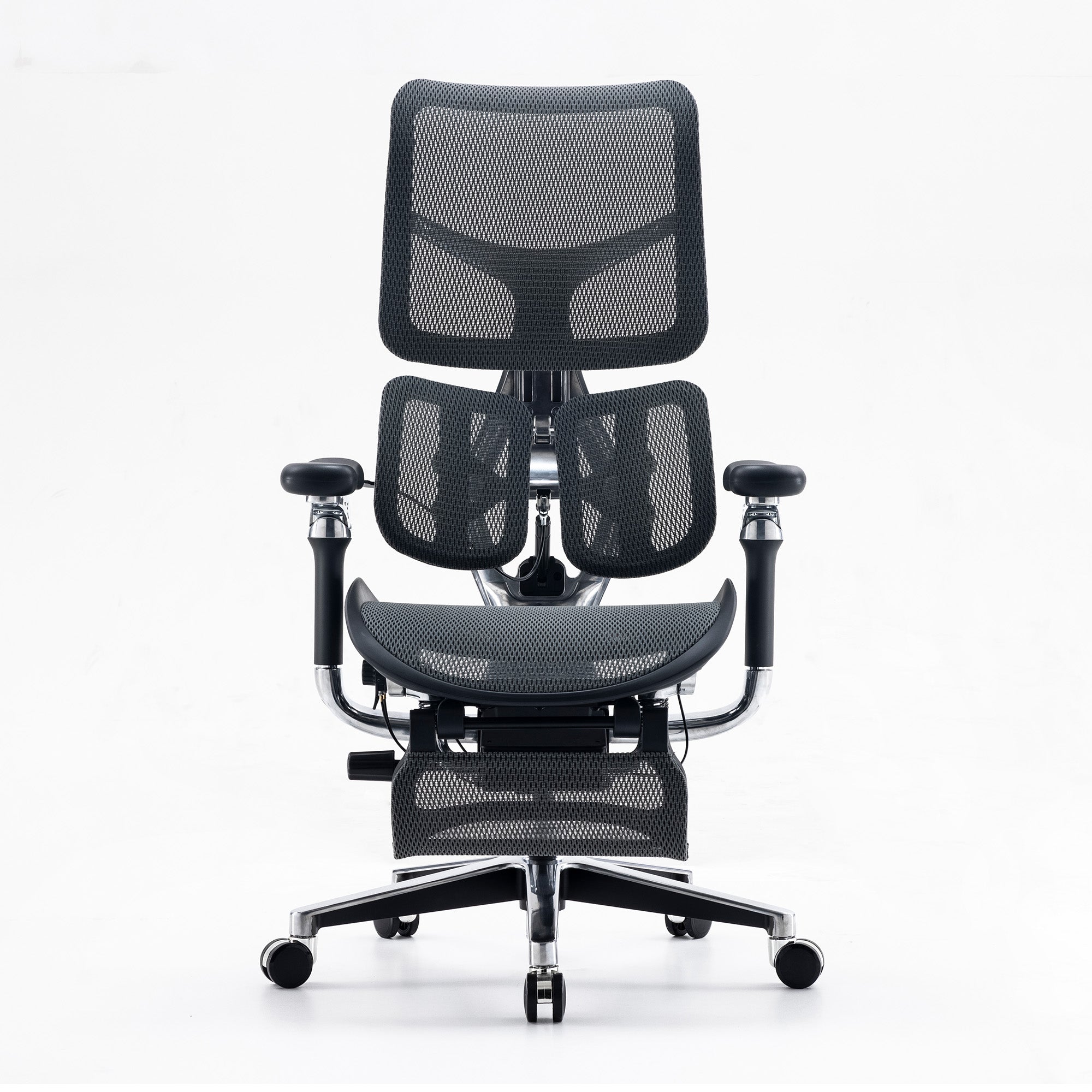
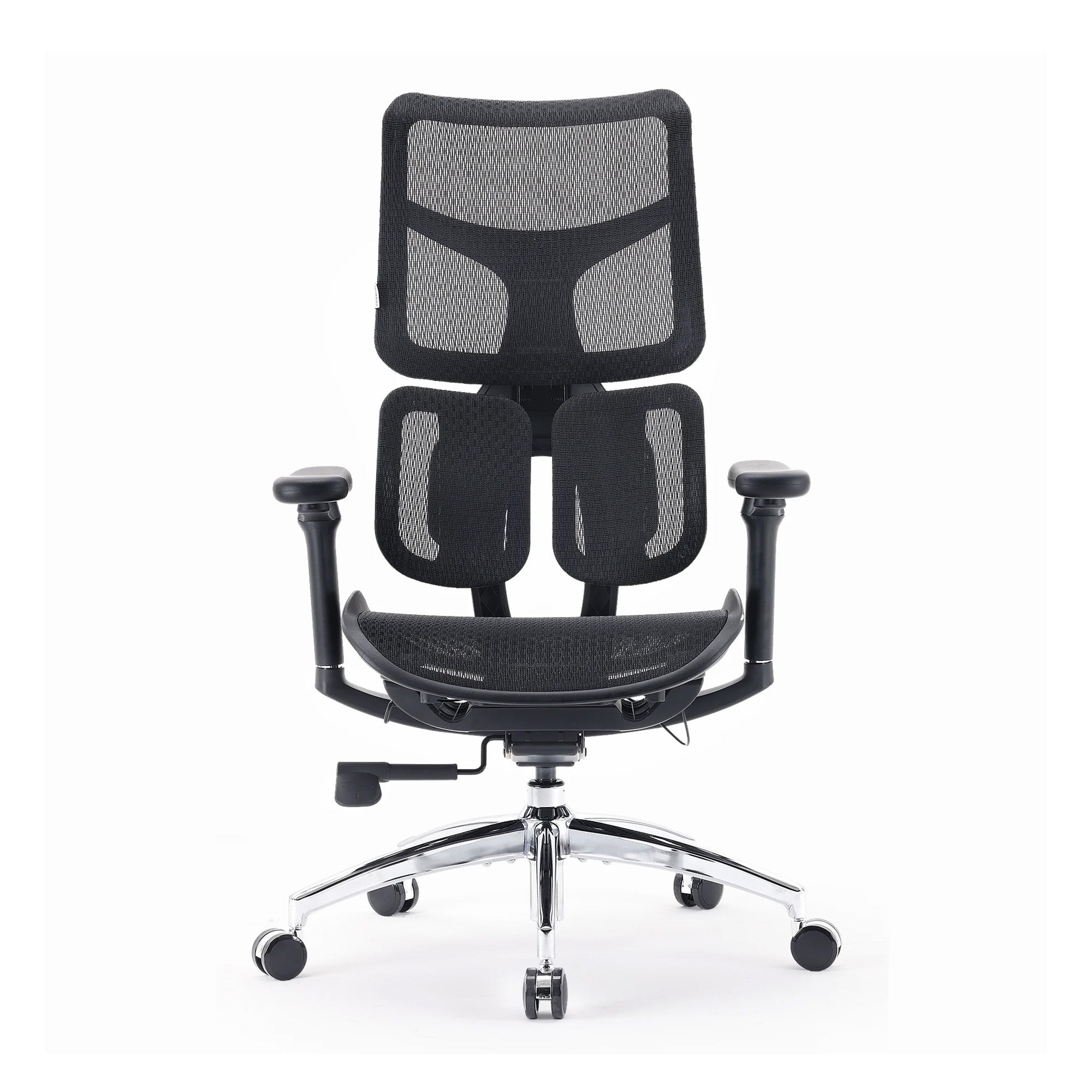
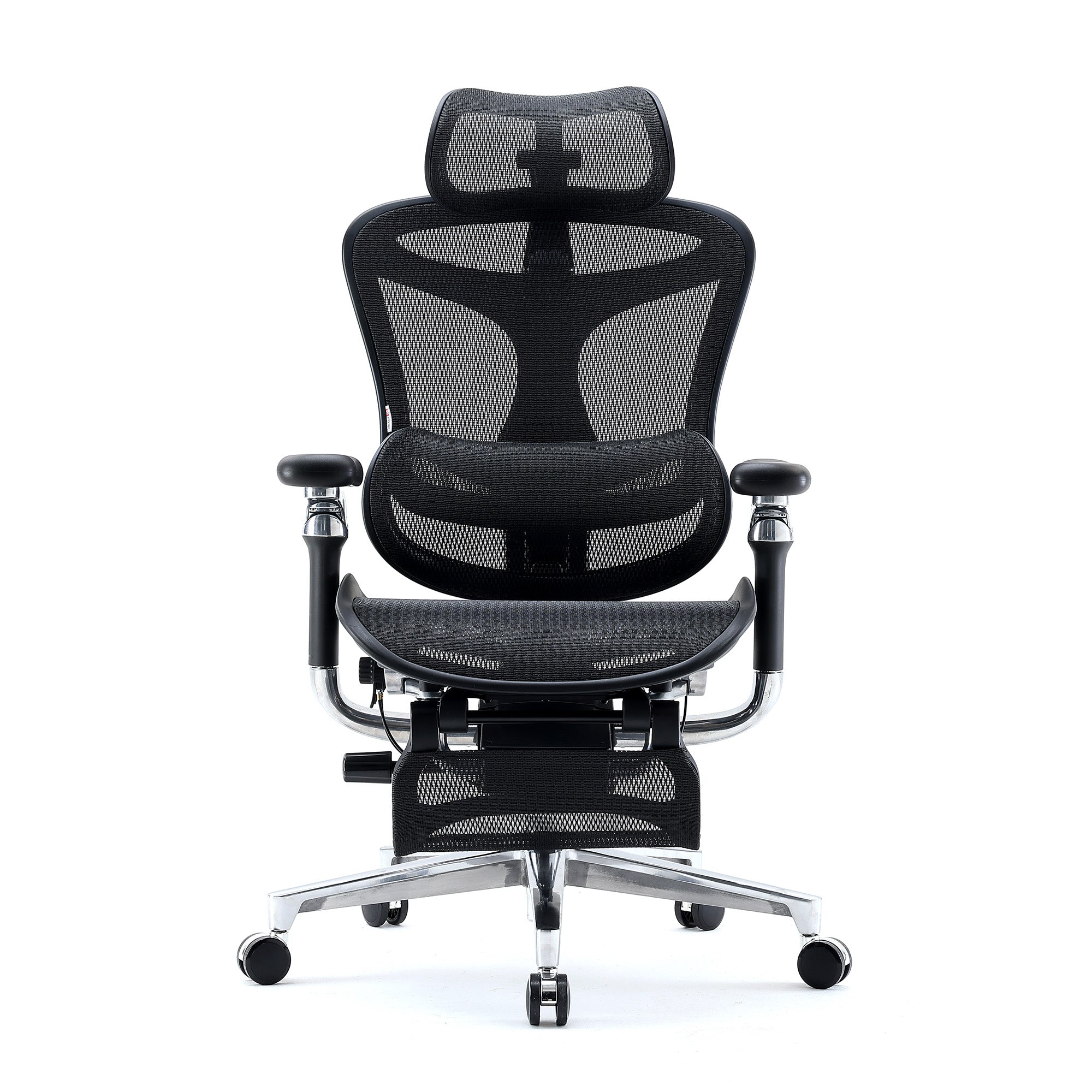
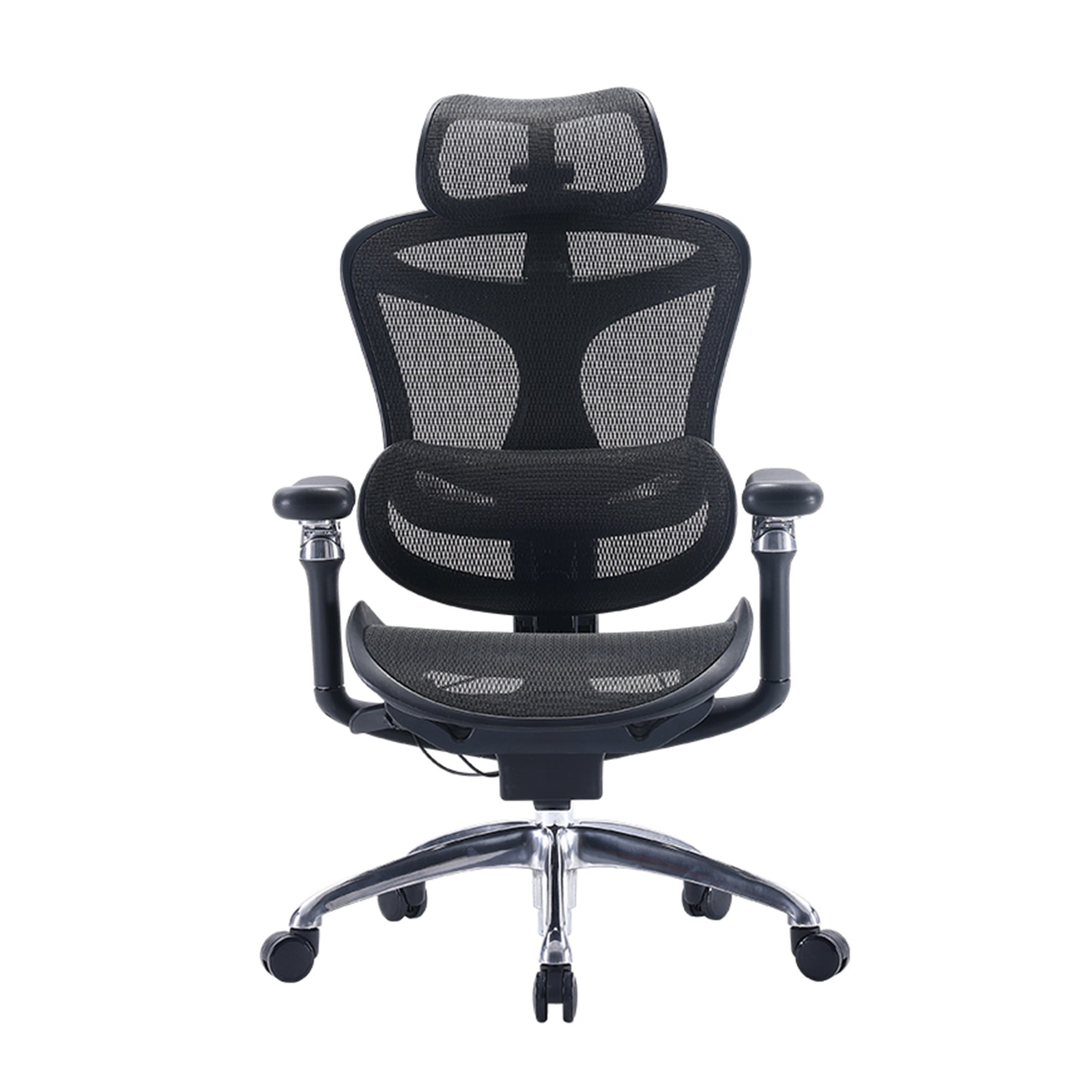
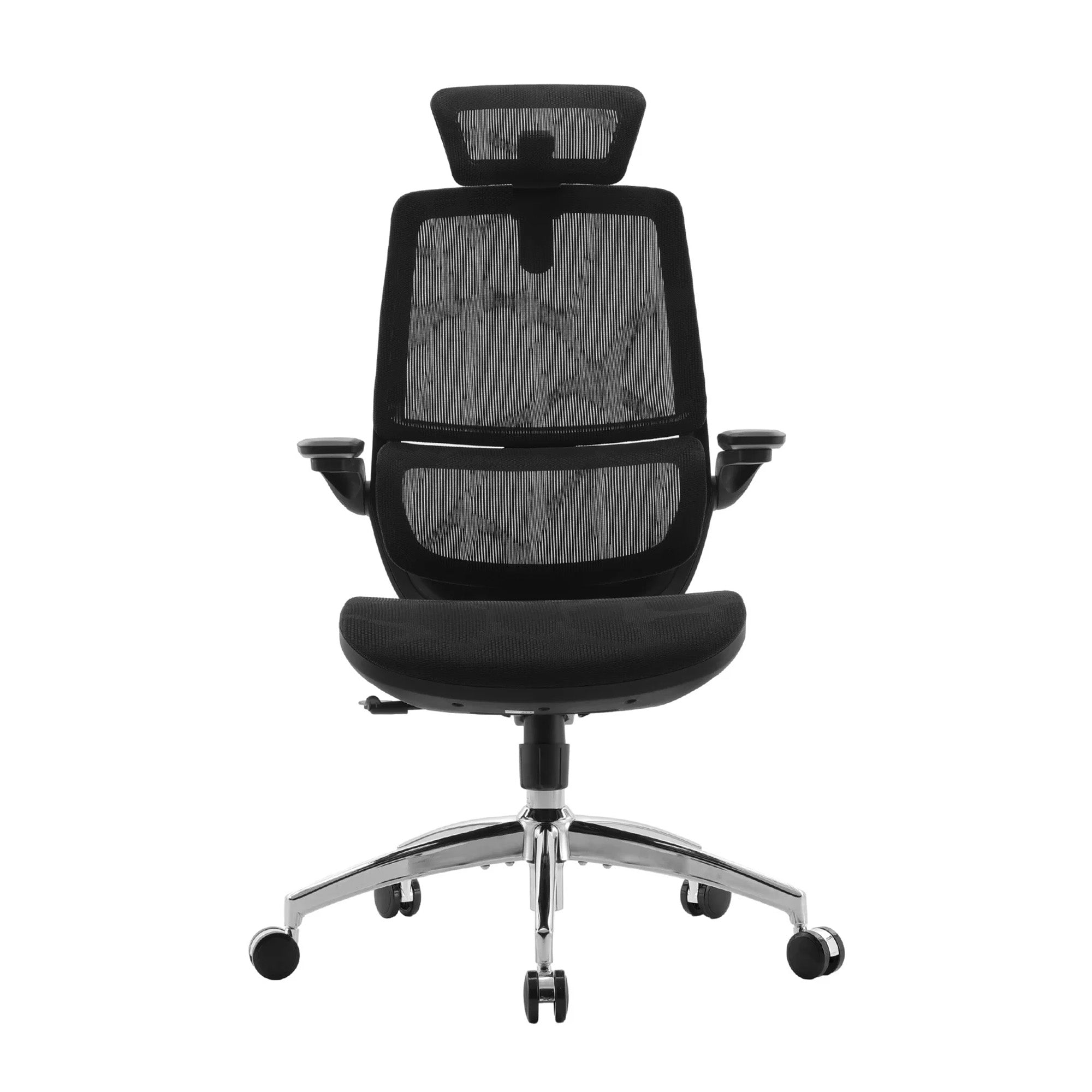
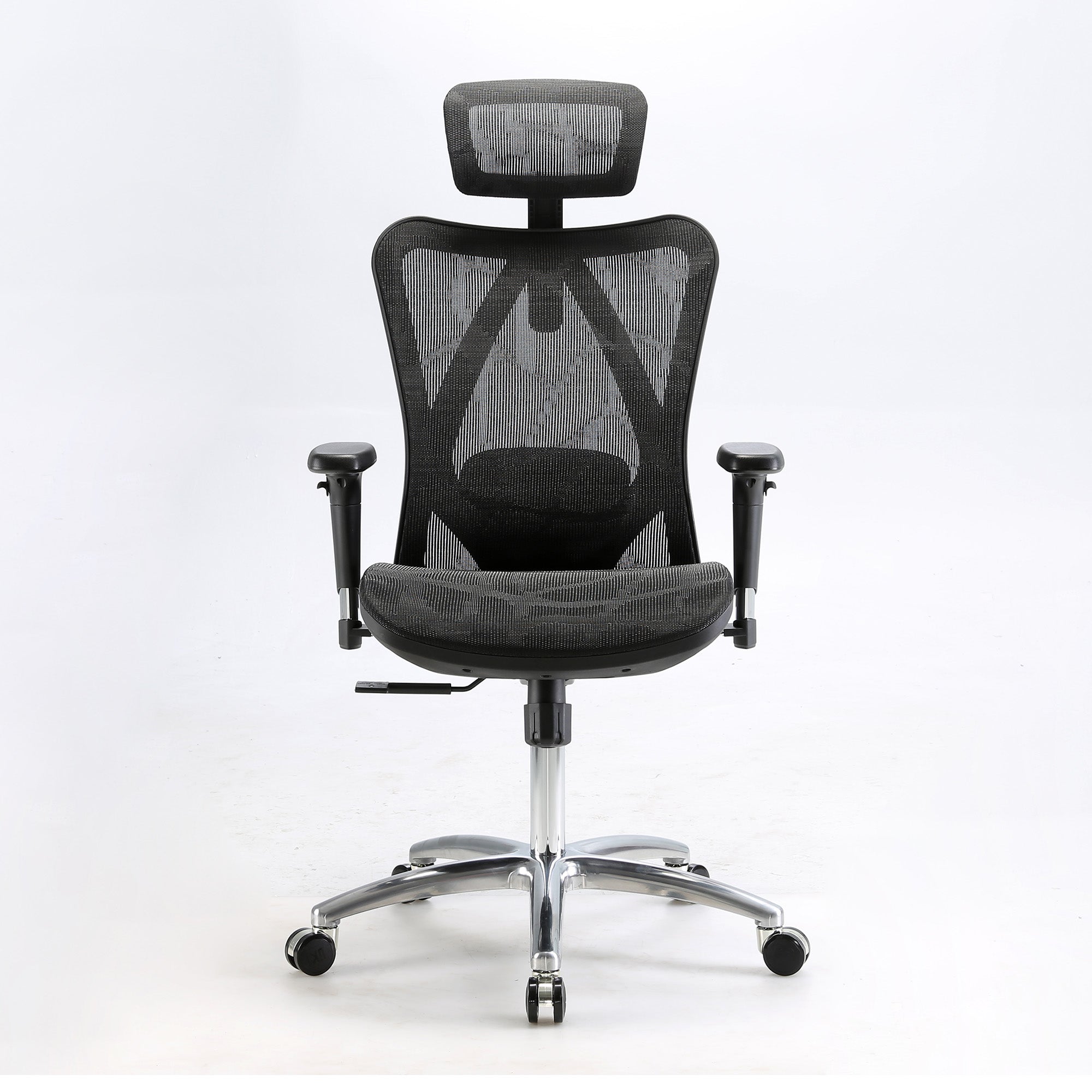
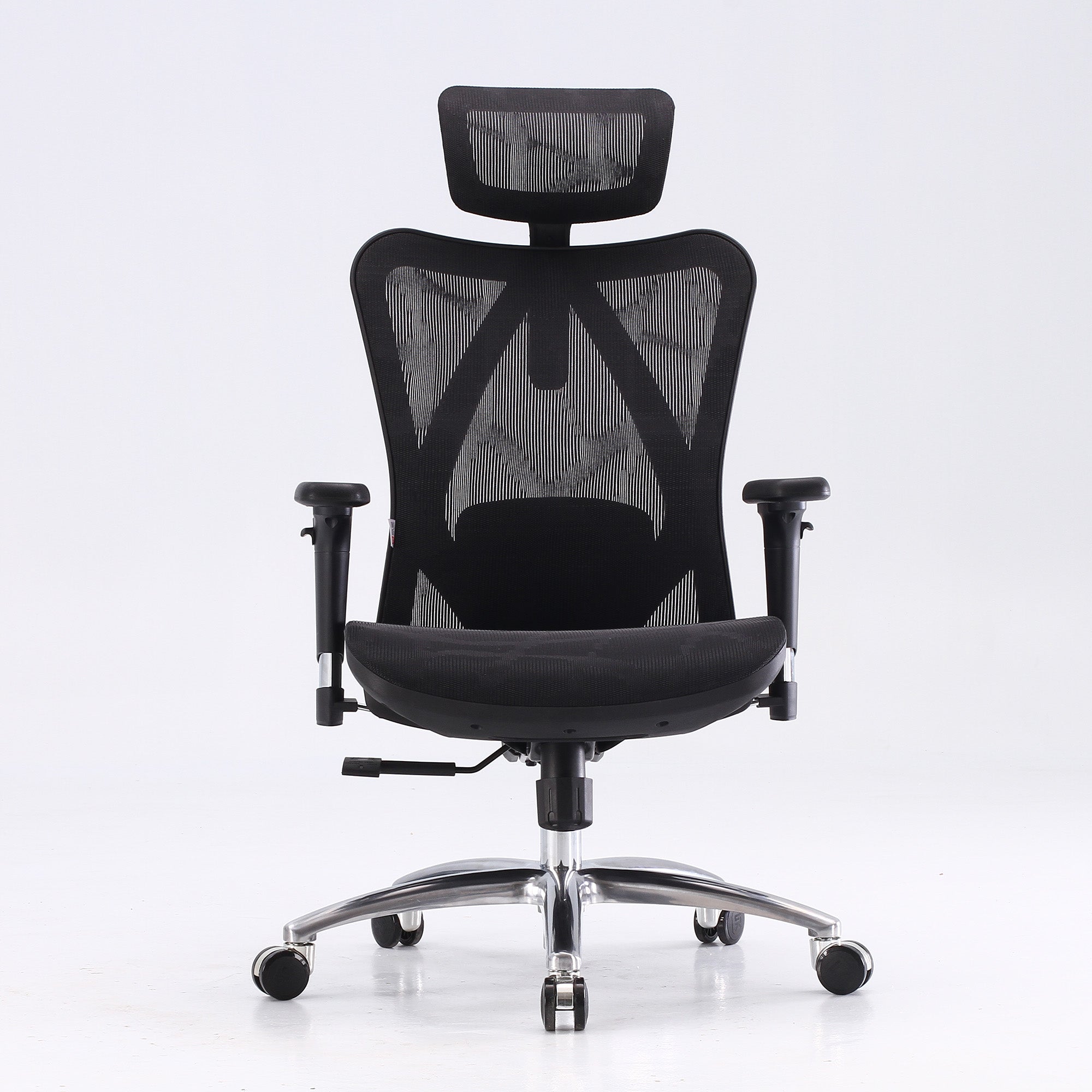
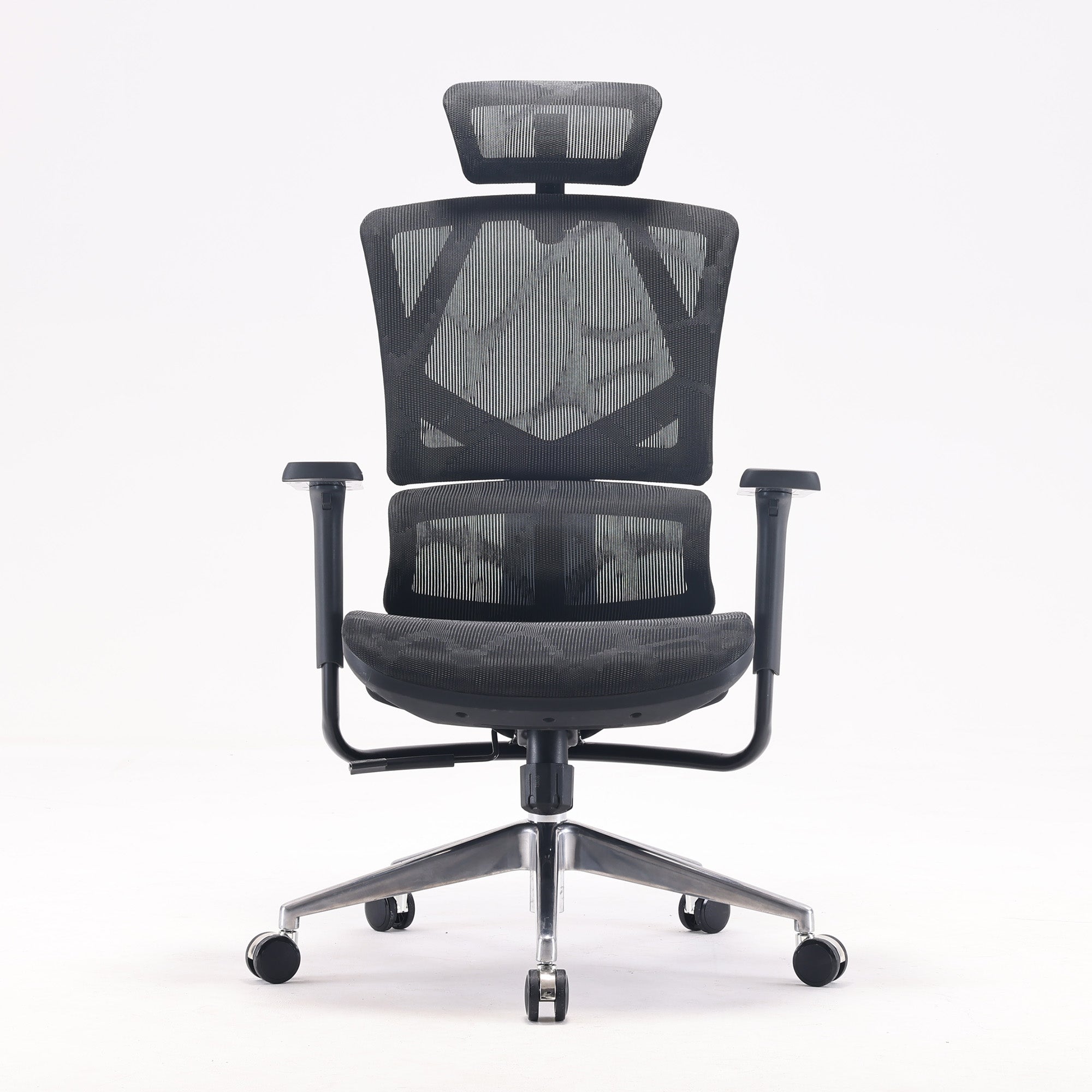
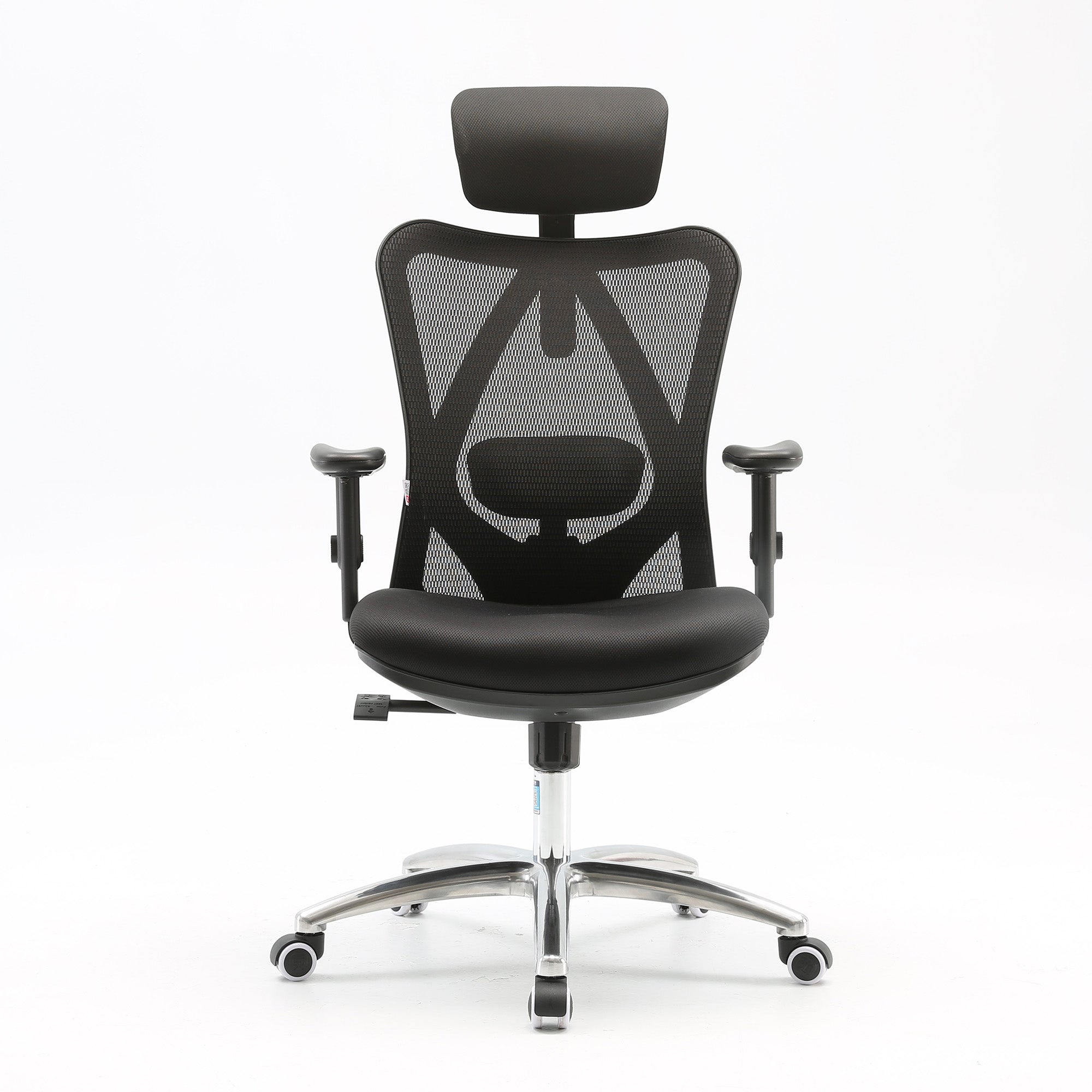
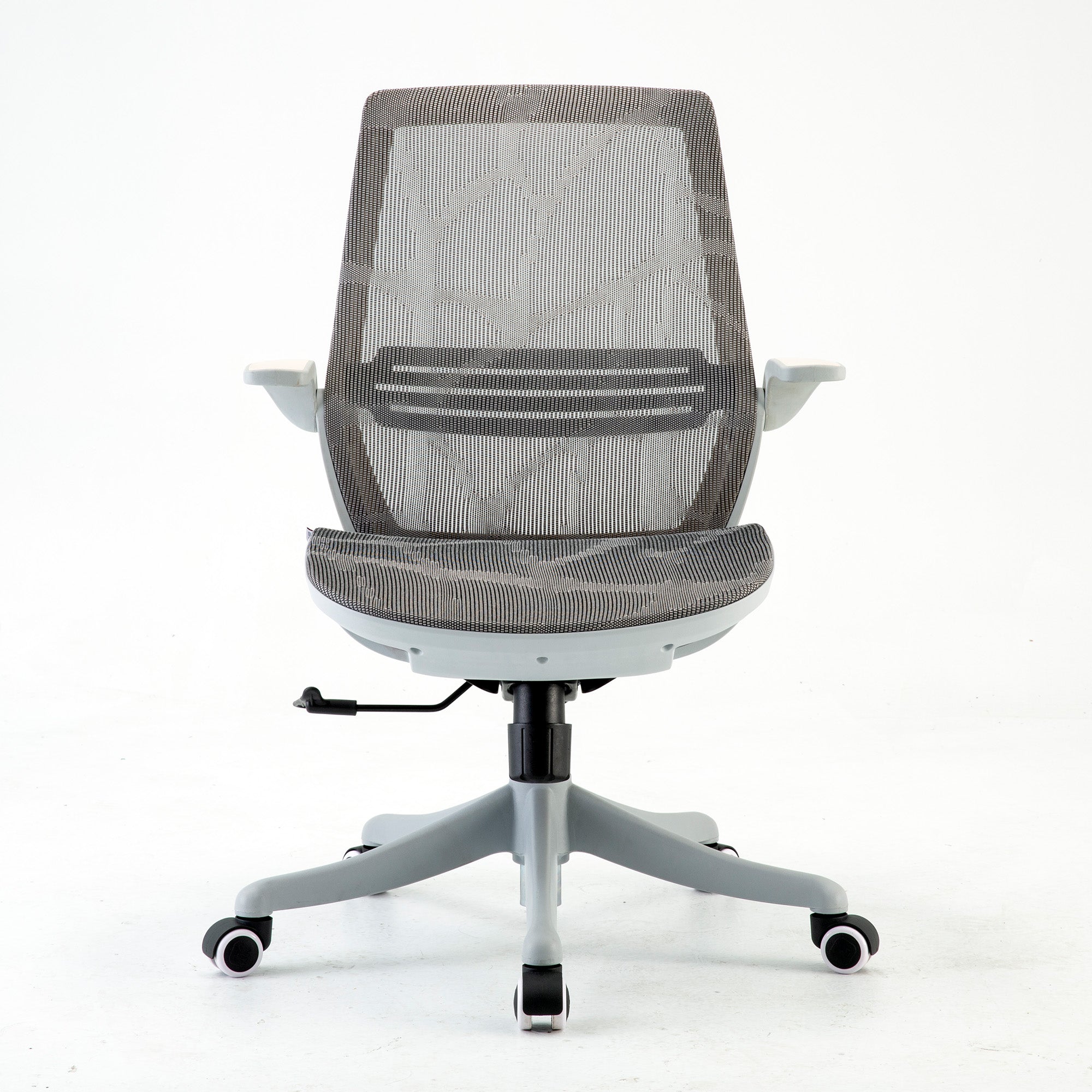
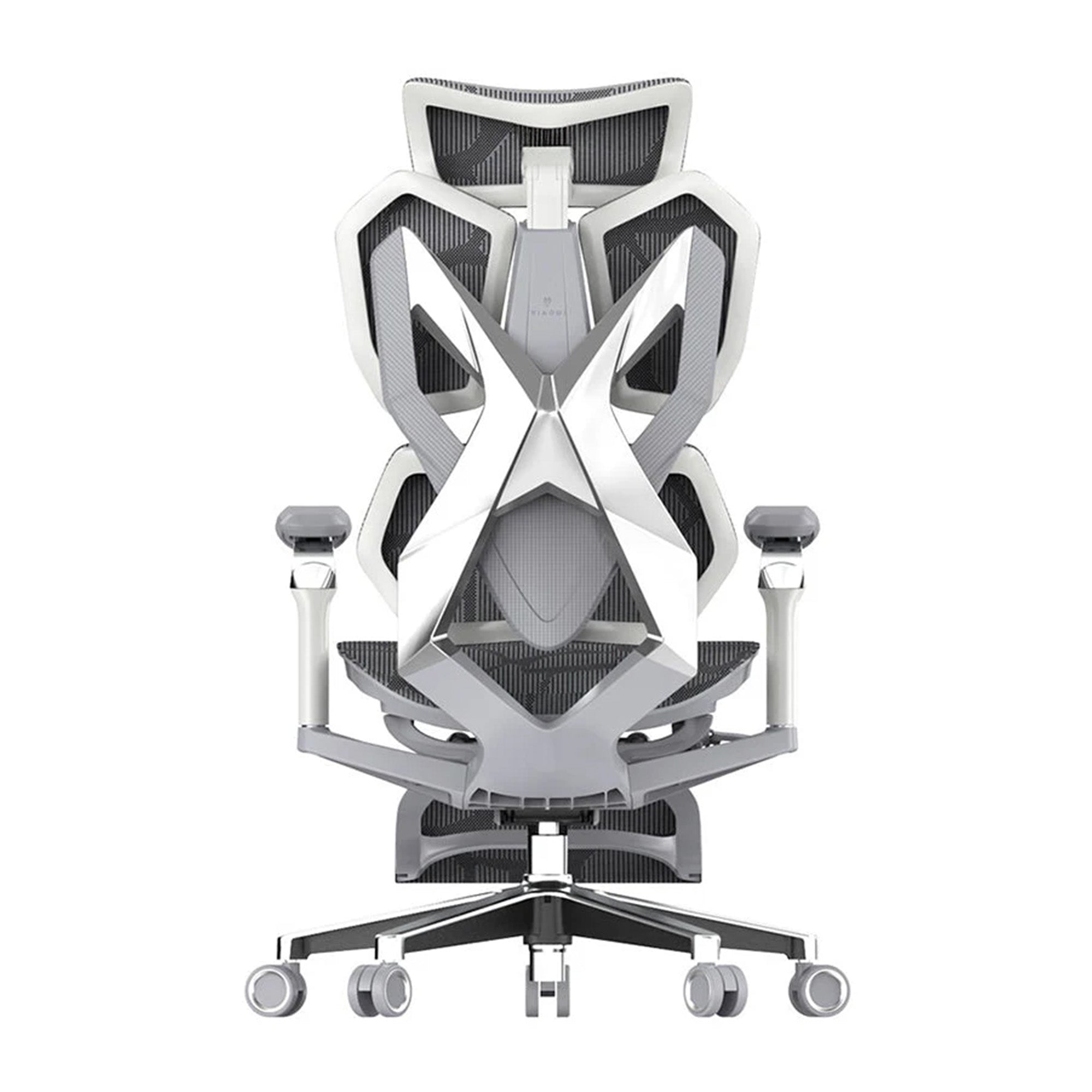
Five Sihoo chairs matched to posture features
Specs below come from the product pages on 9 October 2026. A hip angle is not the same as a backrest recline angle, so use this table to compare chairs with each other, not with the 100 to 120 degree guide.
|
Model |
Recline |
Lumbar |
Seat depth |
Armrests |
|---|---|---|---|---|
|
M57 |
Up to 126 degrees |
Dual-adjustable, vertical and horizontal |
Not stated |
3D |
|
Vito M90 |
Locks at 103, 113 and 123 degrees |
Adaptive, split backrest |
Not stated |
3D, linked to the backrest |
|
V1 |
90 to 140 degrees, adjustable tension |
Cushioned, height and depth |
Sliding, 44.5 to 49.5 cm |
4D |
|
Doro C300 Pro |
Locks at 105, 120 and 135 degrees |
Adaptive fibre lumbar |
Up to 4 cm |
6D (spec list) |
|
Doro S300 |
Reclines at any angle without locking |
Dual dynamic wing pads |
Seat depth control |
6D |
If you sit upright and want control, the M57 lets you set lumbar height and depth. If you shift and recline, the Vito M90 has three recline locks. For seat depth, the V1 slides across a 5 cm range. For long hours, the Doro C300 Pro and the Doro S300 both carry a 5-year warranty on their product pages. The other three list 3 years, so check the page before you compare.

Do Posture Correctors Work? What the Evidence Says
A posture brace looks like a quick answer. It is worth knowing what the research found before you buy one.
The best review we found
A scoping review by Palsson and colleagues (2019, Scandinavian Journal of Pain) looked at posture-correcting shirts for musculoskeletal pain. It concluded that their use is not supported by current evidence. The included studies were few and varied, and mostly of poor or fair quality, with one rated good. Of 136 articles screened, only six were included, and none tested people with pain. We found no high-level review of braces themselves, so we cannot say they work or that they harm.
A safer plan than a brace
A brace does not teach you to move more, and it does not change the screen height. If you try one, treat it as short-term and talk to a physiotherapist first. Build the habits that the evidence does support: a good setup, regular movement, and exercise you will actually do.
Workplaces should not rely on correctors
For an employer, a posture brace is a poor substitute for chair fit and screen height. It also hides the cause of the problem.
Train Your Back and Move Often: What Helps for the Long Run
A strong back is a good goal, but the evidence is more cautious than most fitness pages. This section covers only what we can source.
Stay active, because rest does not fix back pain
The Australian Commission on Safety and Quality in Health Care Low Back Pain Clinical Care Standard (2022) says to keep up normal activities, including work, as far as you can. It also says prolonged bed rest is harmful, and it puts active strategies ahead of passive ones.
Pick exercise you will do
Healthdirect suggests about 30 minutes of low-impact exercise a day, plus stretch breaks. It also recommends alternating sitting and standing about every 30 minutes. We will not give you a rep scheme, because we found no single best routine in the sources we read. A physiotherapist can match exercises to you if you need more than a walk.
Work-from-home posture needs a plan
A 2022 Osteopathy Australia survey of 1,008 adults found that 65% of remote workers lack a dedicated ergonomic home office. It also found that 22% work from a dining room table or a laptop wherever they can find space. A quarter of respondents reported more pain since they started working from home. It is an industry-body survey, but the pattern is plain. A laptop on a dining table is a common setup problem.
Does desk work cause a hunchback?
We found no reliable review showing that desk work causes a rounded upper back. The evidence is limited, so we will not make that claim. If you notice a visible change in your posture, or pain with it, see a GP.
When Posture Needs a Professional, Not a New Chair
Some pain is a setup problem, and some is not. A new chair will not touch the second kind.
See a doctor if pain lingers
Healthdirect says to see a doctor if back pain is not getting better after about six weeks, or if it affects your sleep or daily activities. It also says to call 000 or go to an emergency department if back pain comes with any of these:
-
Very sudden, severe pain.
-
Pain after a significant injury or accident.
-
Fever, or feeling unwell along with the pain.
-
Being unable to walk or move because of the pain.
-
Leg weakness or numbness.
-
Changes to bladder or bowel control.
-
Unexplained weight loss.
Check the rest of the desk first
If your chair is well set and the pain stays, check the screen, the keyboard, and how long you sit without a break. Our guide to the best ergonomic chair for lower back pain matches each pain pattern to a chair feature.
Employers should use the usual health process
For a manager, a staff member with ongoing pain needs your normal health and safety process, not only a chair swap. This guide is general information, not medical advice.
Posture Setup for Teams, Hybrid Staff and Shared Desks
One sore back is a conversation. Six is a pattern, and patterns come from setup, not character.
Shared desks need quick controls
For hot-desking, pick chairs with obvious controls and add a small guide card at each desk. A chair that needs five minutes of setup will stay at the last person's settings.
Hybrid staff need two setups
A person who works two days at home and three in the office has two workstations, so check both. Our office ergonomics checklist for businesses gives a full desk review.
Buying for a team
When you are ready to buy in volume, trial two or three models with a small mixed group first. Our team can quote on wholesale office chairs for a mix of body sizes.
Conclusion
Correct sitting posture is not one pose. It is a supported position that you set up well and change often. Start with the seat, then the lumbar, then the screen, and give each change an hour before you judge it.
A chair helps most when it lets you reset in seconds, but no chair replaces movement. If pain lasts beyond about six weeks, or comes with any red flag, see a doctor rather than shopping for a fix.
If you want to compare models, our range of the best ergonomic office chairs in Australia lists each chair by price and feature. Use it to match the chair to the way you sit.
Better Comfort Starts Now.
Sources Referenced
-
Healthdirect. How to improve your posture (last reviewed March 2026). healthdirect.gov.au
-
Healthdirect. Back pain. healthdirect.gov.au
-
SafeWork NSW. Sedentary work (last modified 29 April 2026). safework.nsw.gov.au
-
Slater D, Korakakis V, O'Sullivan P, Nolan D, O'Sullivan K. "Sit up straight": time to re-evaluate. Journal of Orthopaedic and Sports Physical Therapy, 2019;49(8):562-564. DOI: 10.2519/jospt.2019.0610
-
Palsson TS and colleagues. The use of posture-correcting shirts for managing musculoskeletal pain. Scandinavian Journal of Pain, 2019;19(4):659-670. DOI: 10.1515/sjpain-2019-0005
-
Australian Commission on Safety and Quality in Health Care. Low Back Pain Clinical Care Standard (2022). safetyandquality.gov.au
-
Workplace Health and Safety Queensland. Selecting and adjusting your chair; Setting up your workstation. worksafe.qld.gov.au
-
Sydor M, Hitka M. Biomimetics, 2023;8(1):57. DOI: 10.3390/biomimetics8010057
-
Osteopathy Australia. Working from home a real pain for Aussies (media release, 18 April 2022). osteopathy.org.au
-
Sihoo Australia product pages (checked 9 October 2026). sihoo.com.au
Frequently Asked Questions
A relaxed, supported position. Your feet rest flat and your elbows sit near desk height. Your lower back meets the lumbar support, and the top of your screen is at eye level or slightly below. Change position about every 30 minutes.
We found no strong evidence for one. Healthdirect says good standing posture should be relaxed, not stiff. Varying your position matters more than holding one pose.
It can make good positions easier to hold, but it cannot fix posture alone. Screen height, movement and breaks matter as much. We found no reliable evidence that a chair prevents a hunchback.
The best review we found, on posture-correcting shirts, said use is not supported by current evidence. We found no high-level review of braces, so talk to a physiotherapist before you rely on one.
SafeWork NSW suggests getting up and moving about every 30 minutes. Healthdirect gives the same figure for alternating sitting and standing.
Run a 60-second setup on a sample of desks. Ask each person whether the lumbar meets the hollow of the back, whether the seat clears the knee, and whether the screen sits at eye level. Note who cannot reach a good setting, because those people need a different chair.
Pick chairs with obvious controls that most people can set in under a minute, and add a guide card at each desk.
We would not rely on them. Chair fit, screen height and regular movement address the cause, and the evidence for braces is weak.
Shop products from this article


