
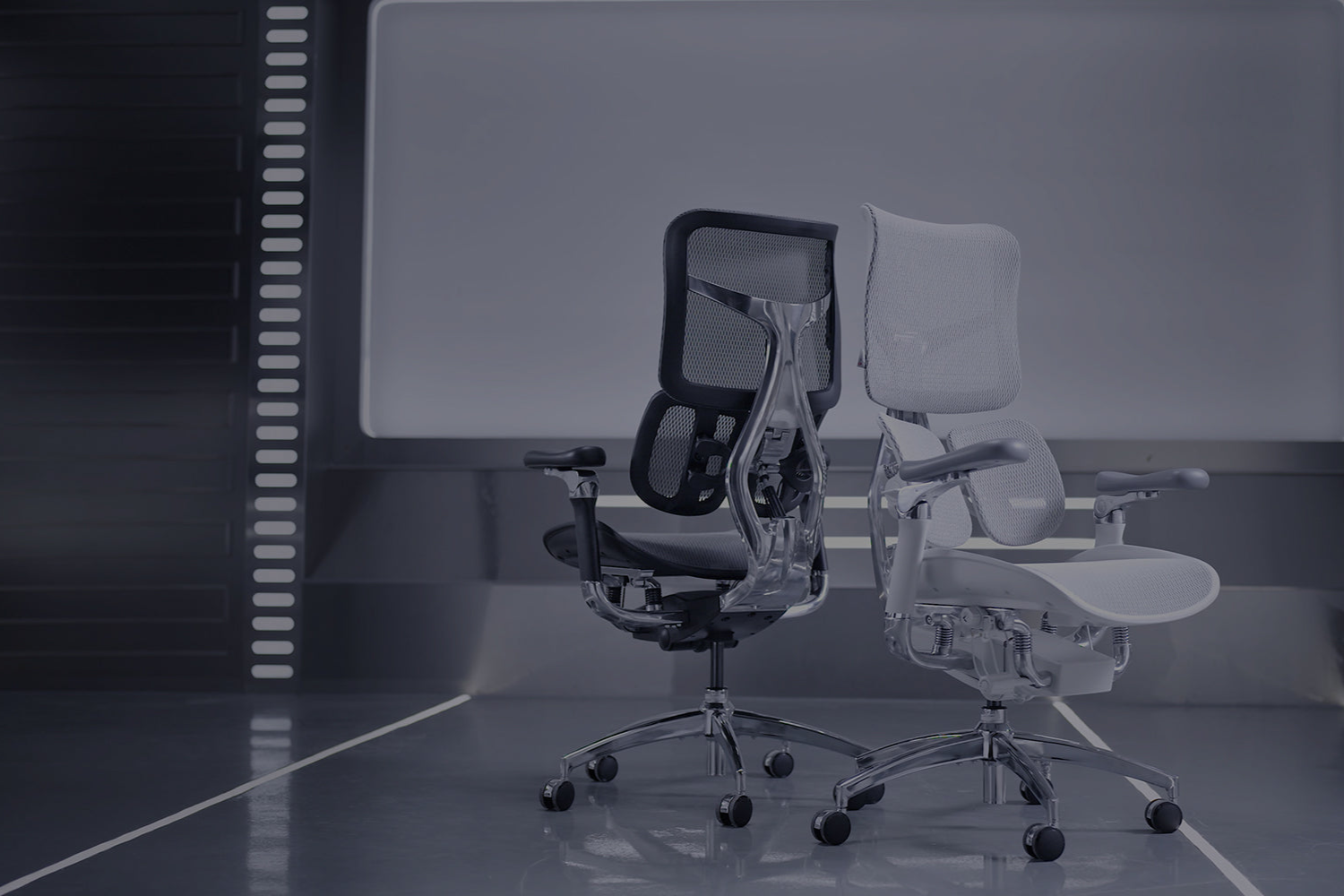
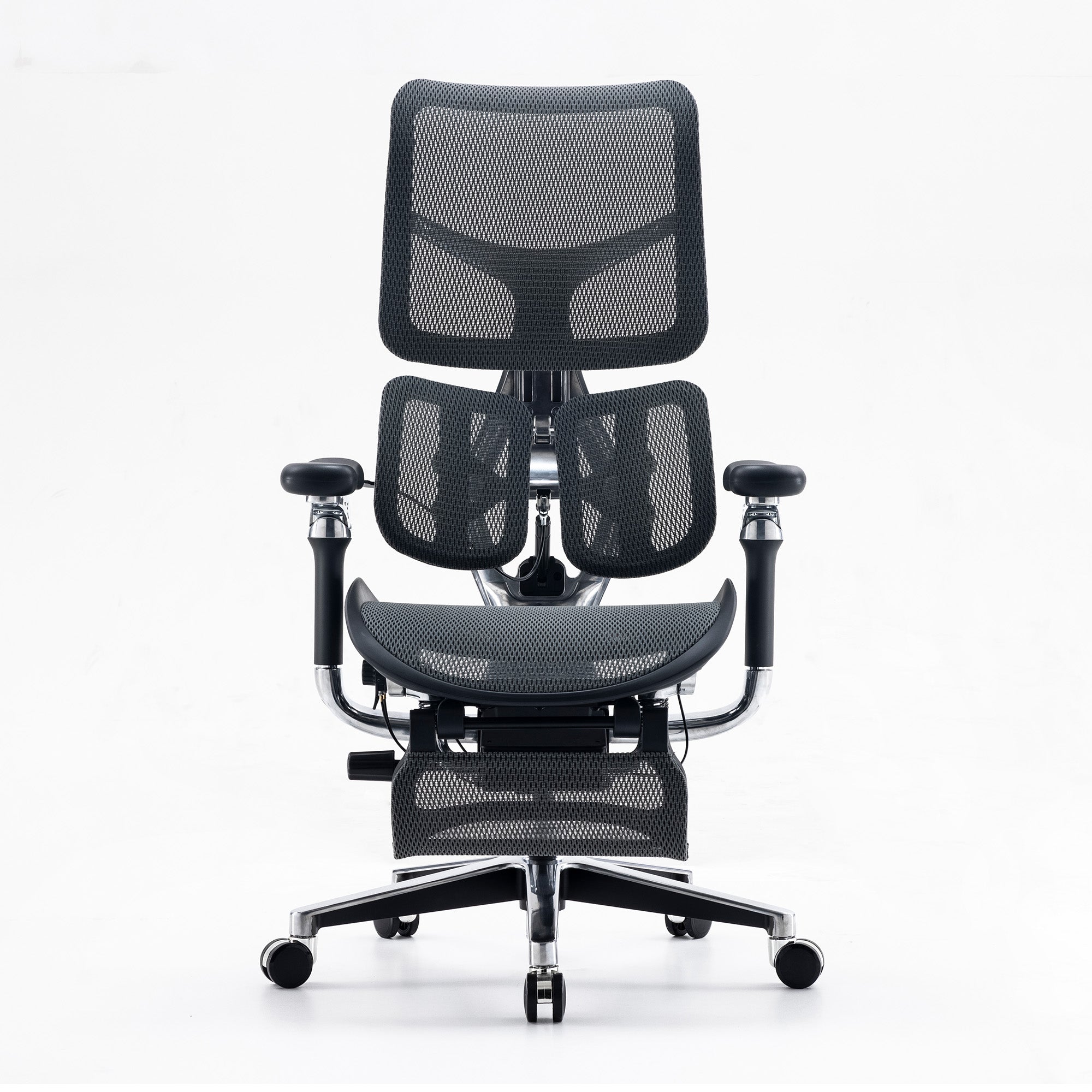
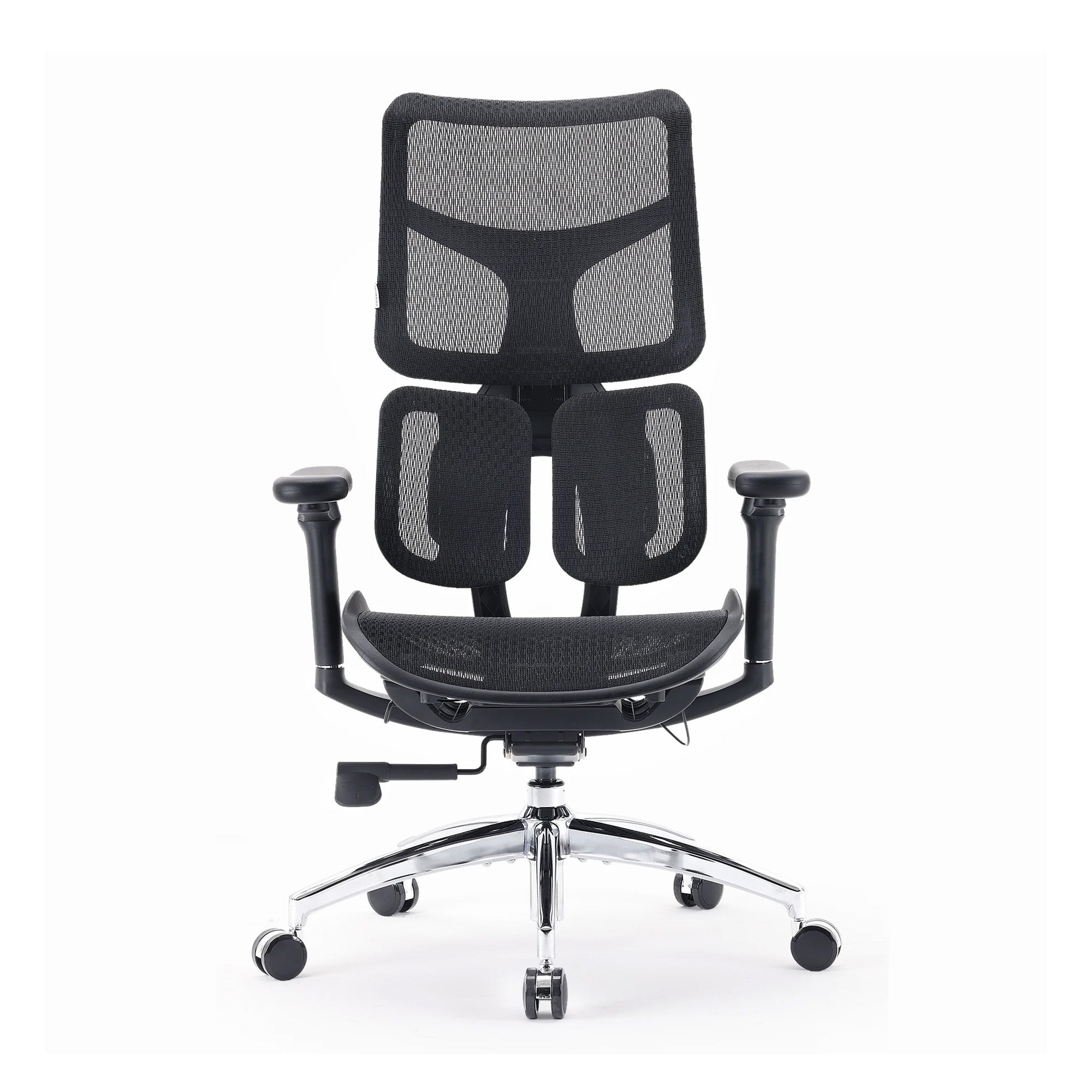
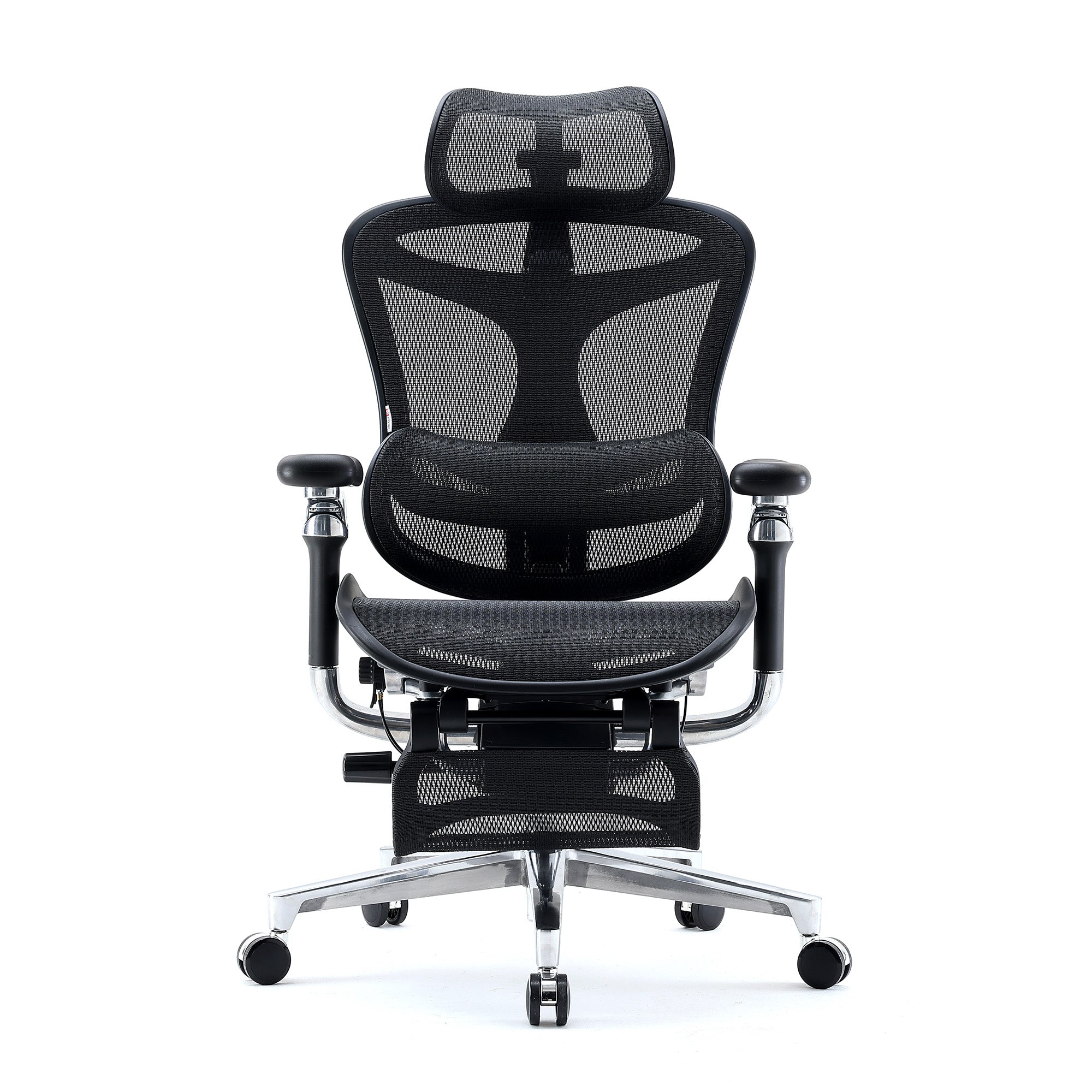
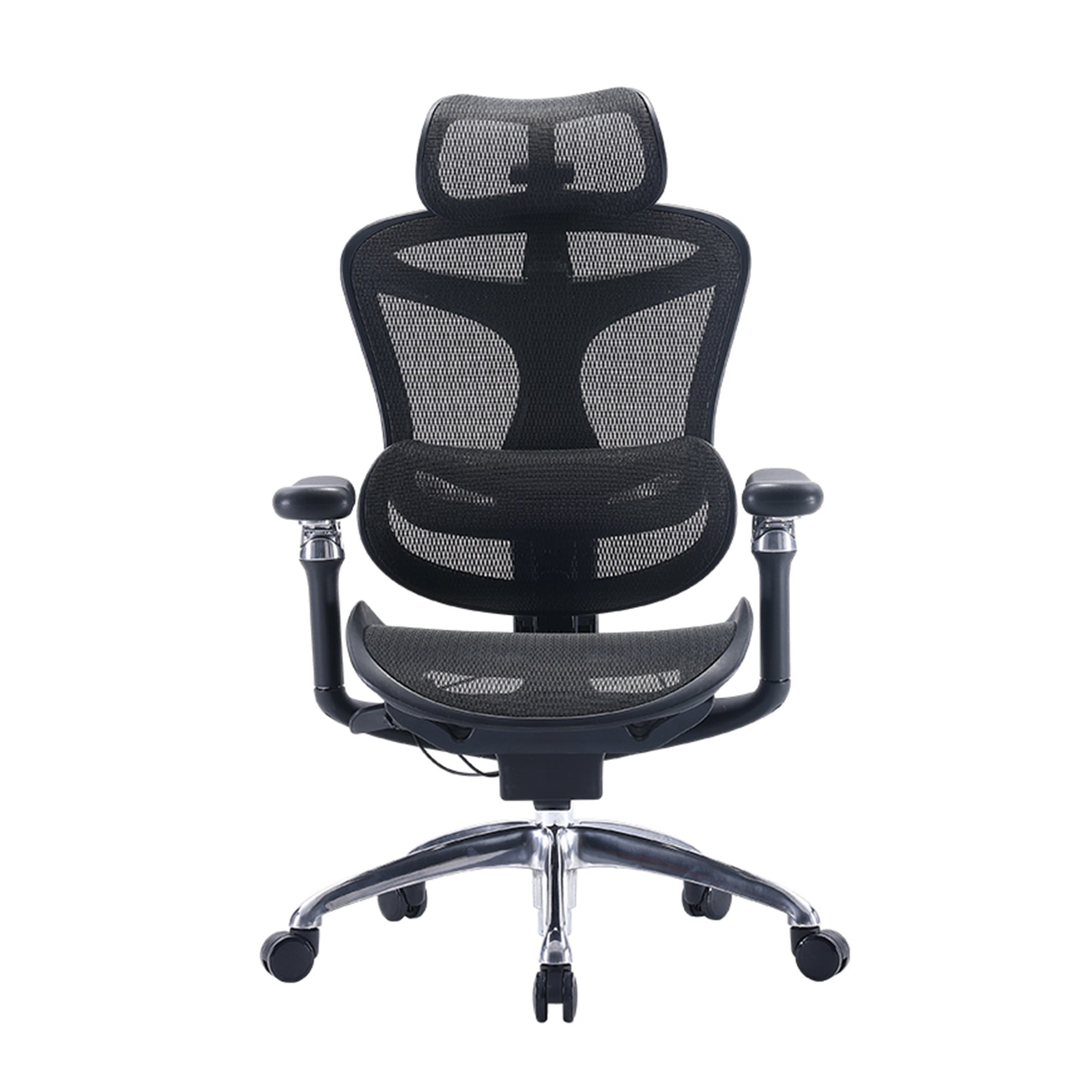
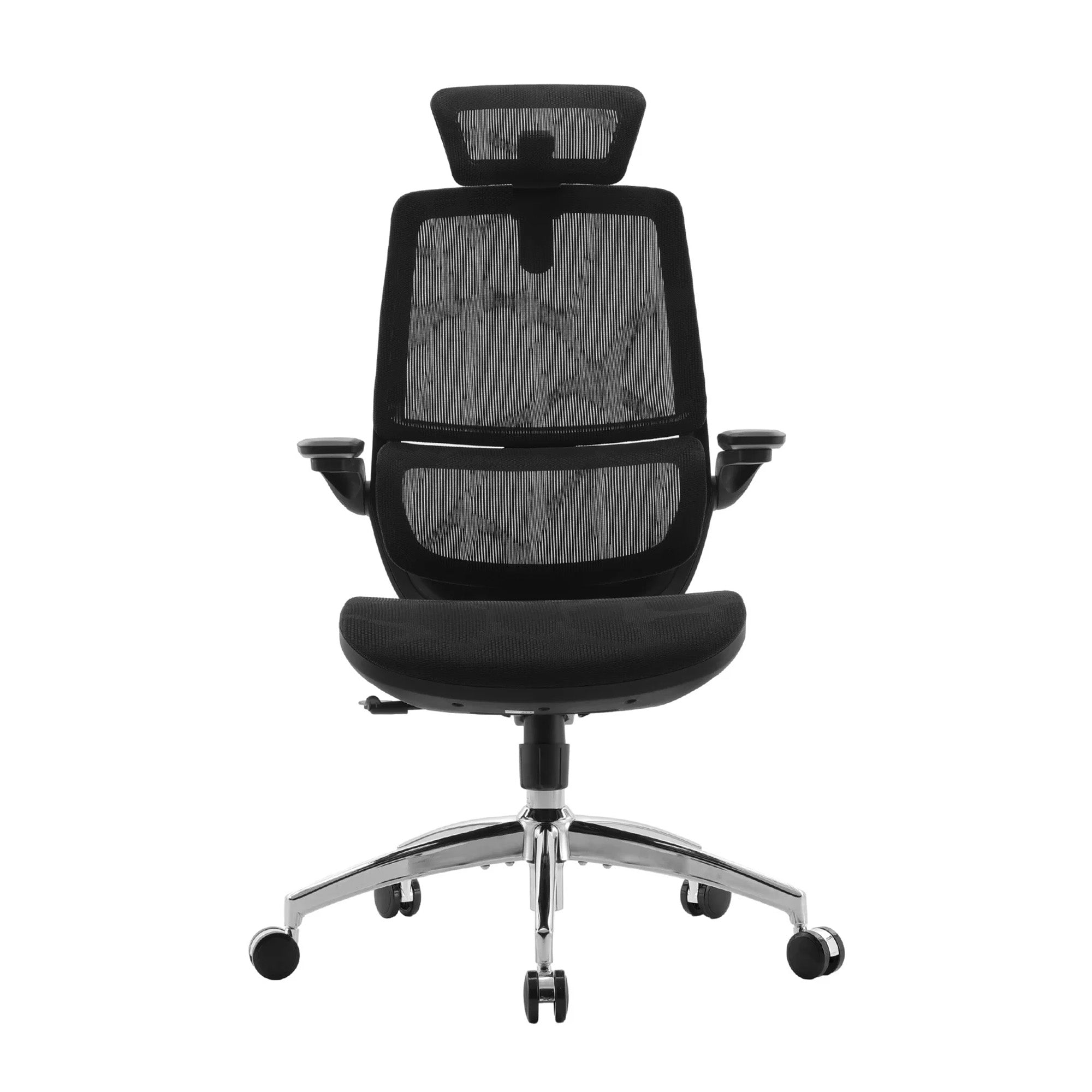
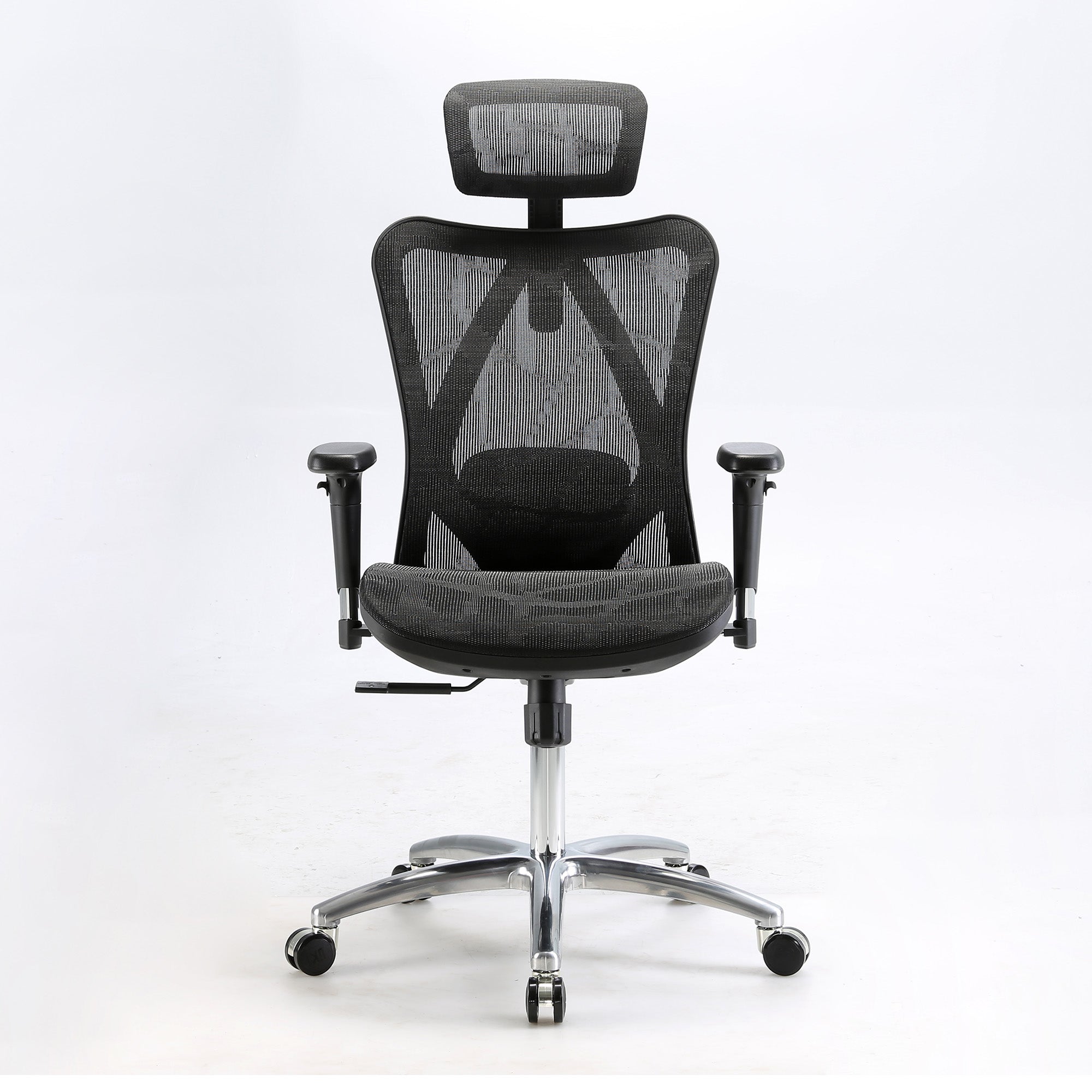
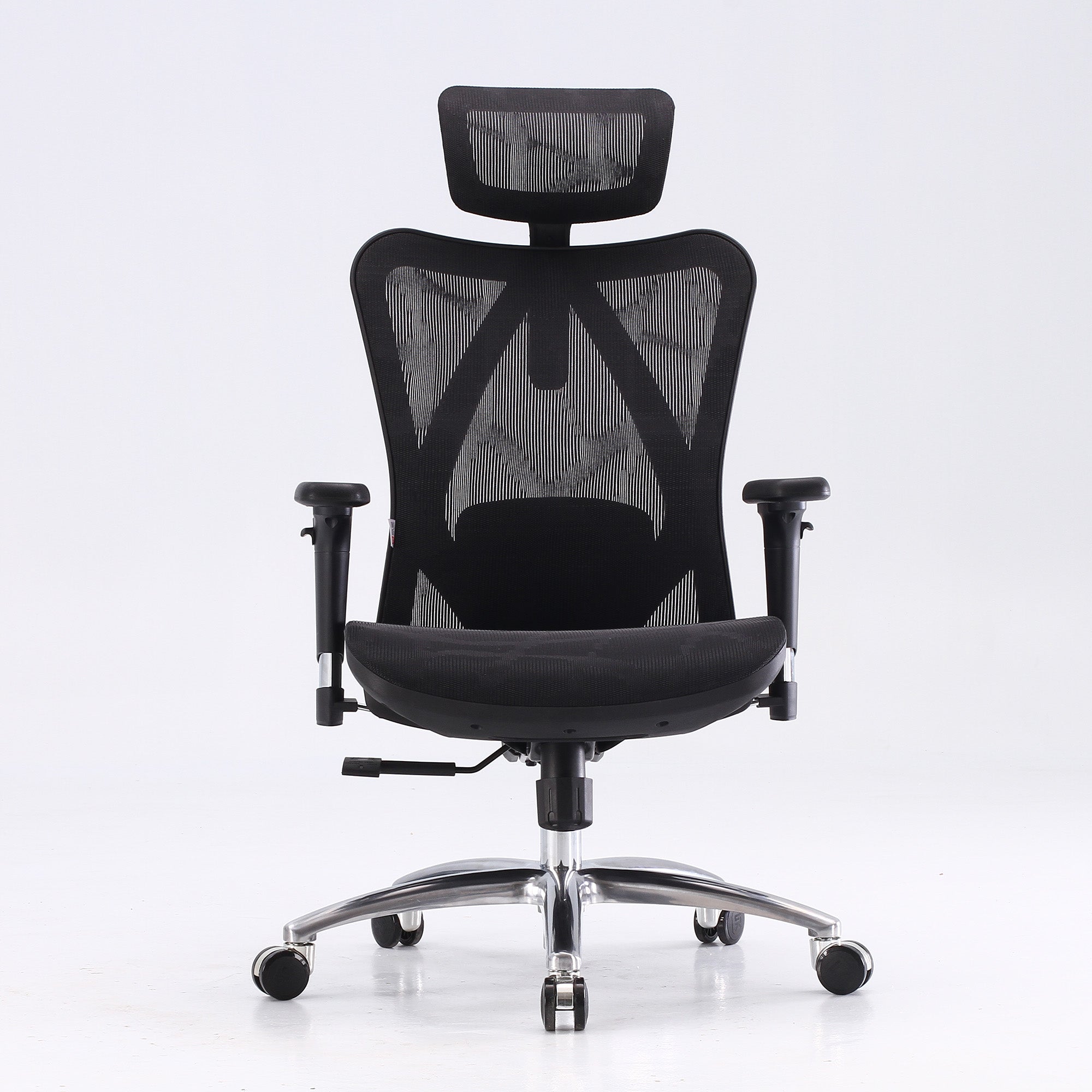
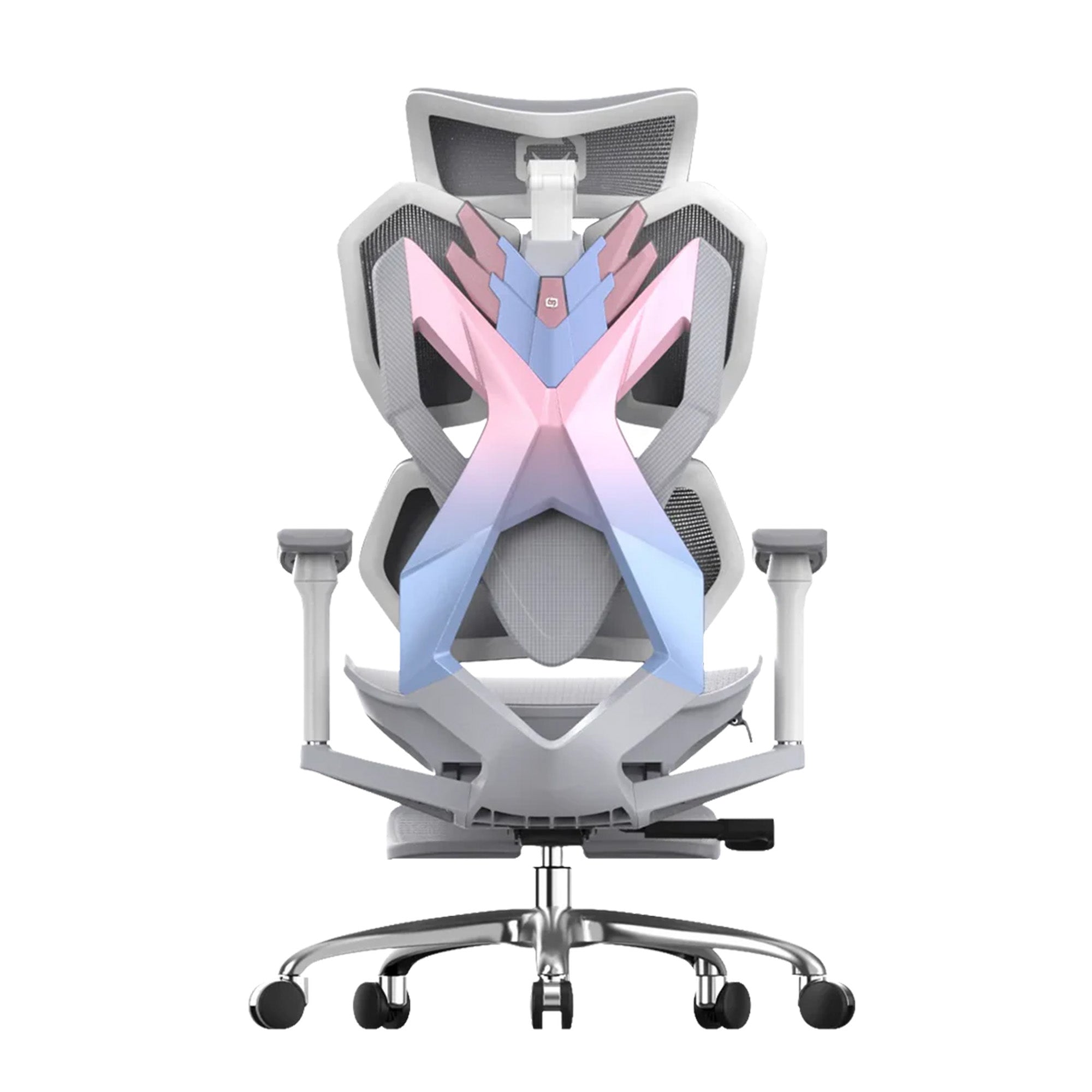
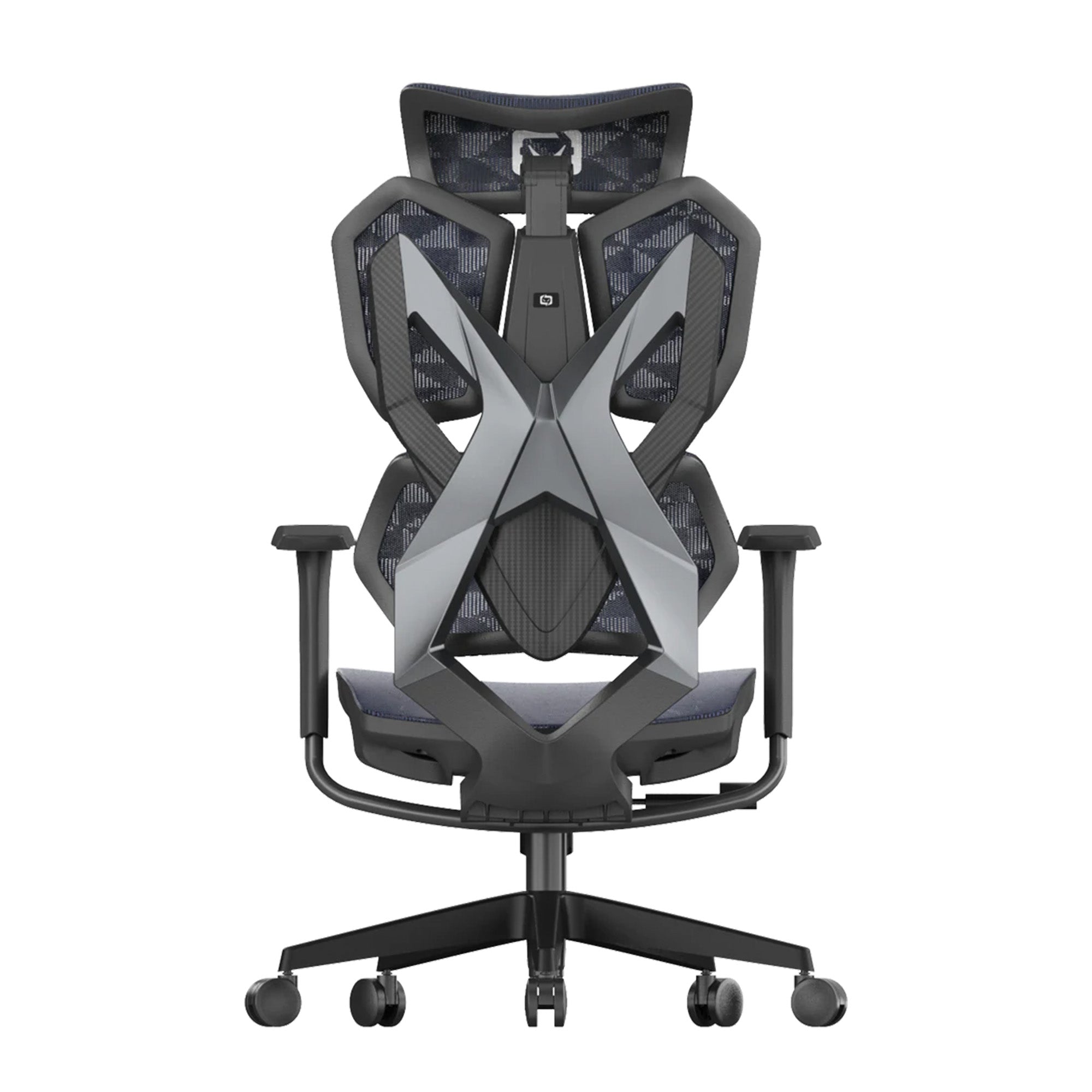
SIHOO M16 Ergonomics Office Chair

$299.00 $329.00

71 reviews

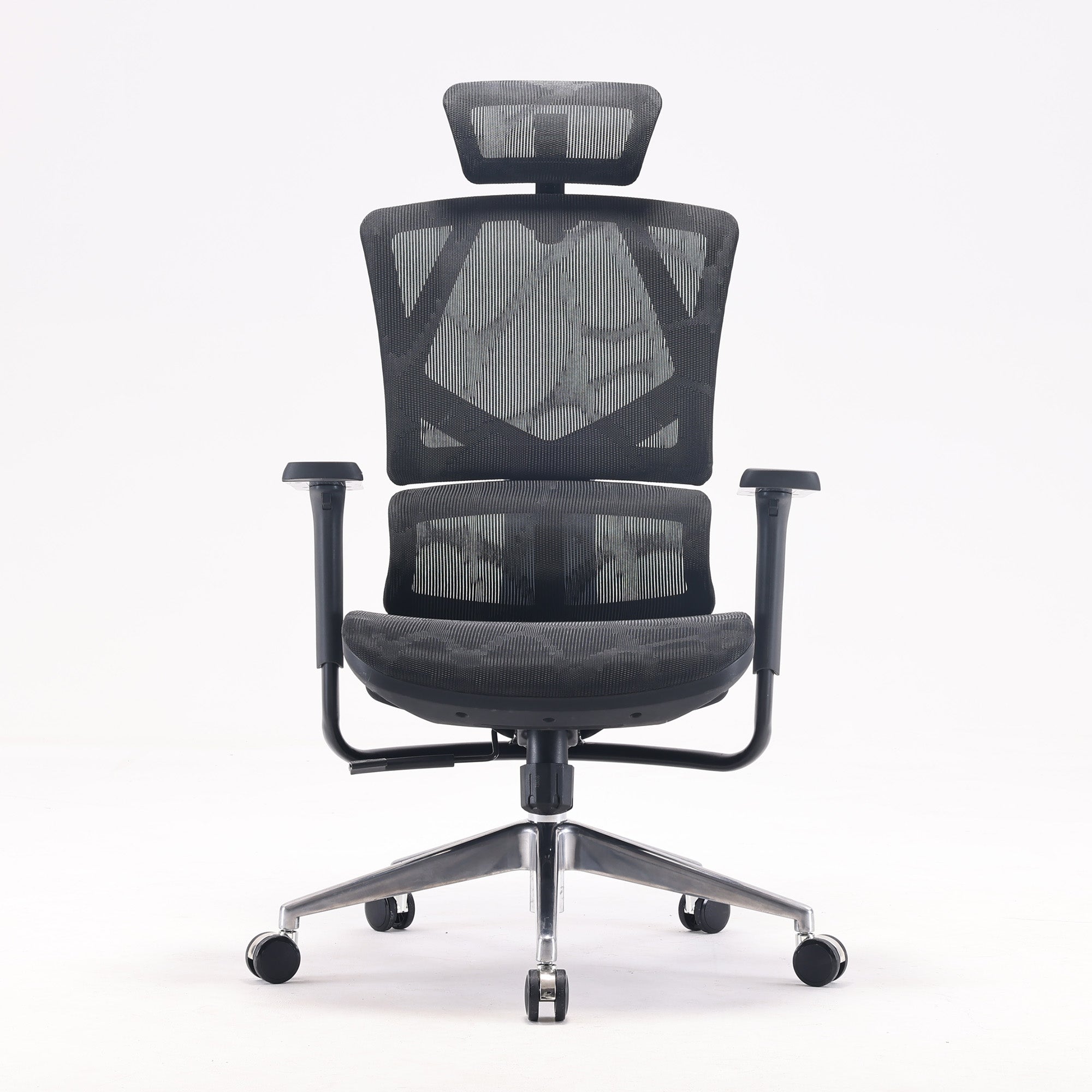
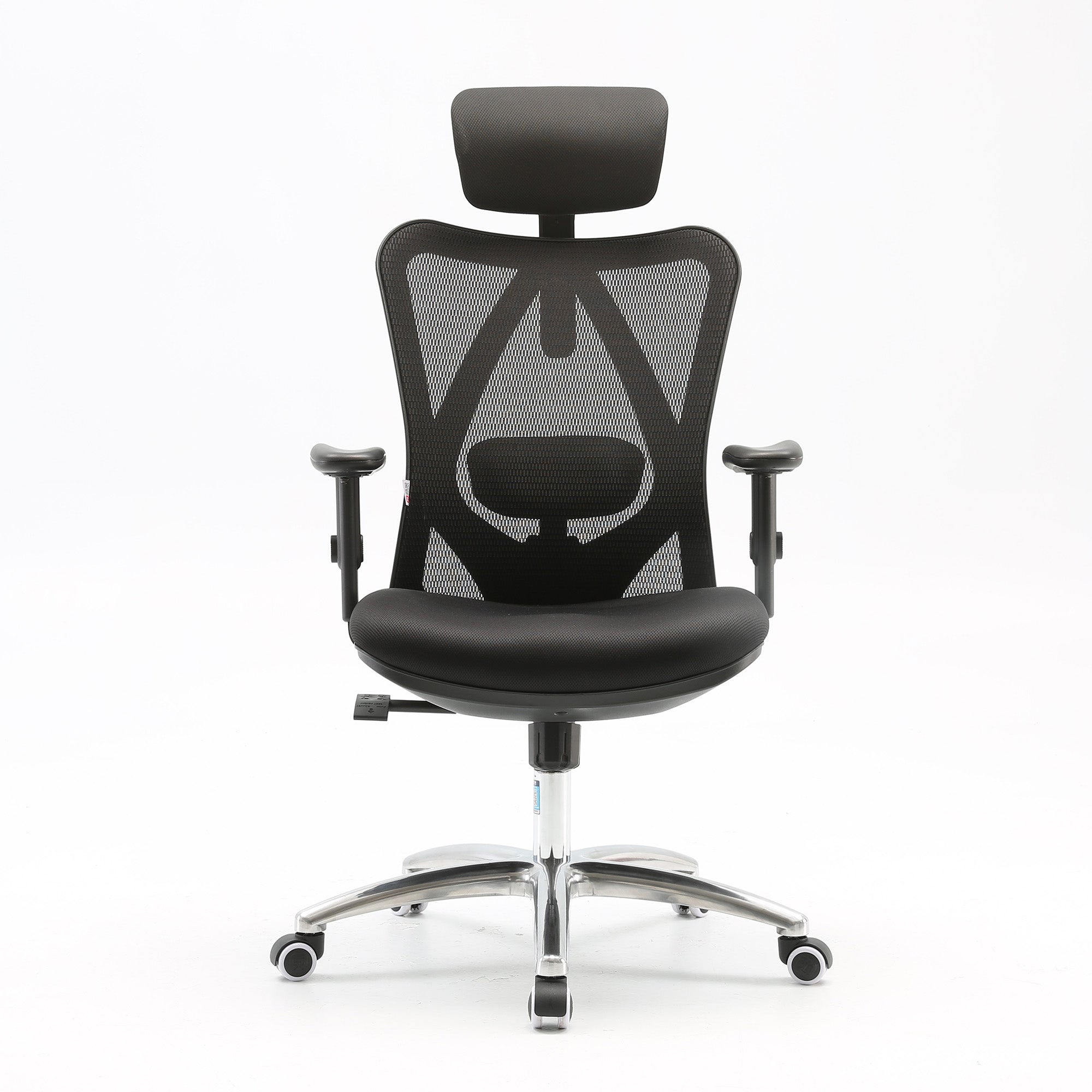
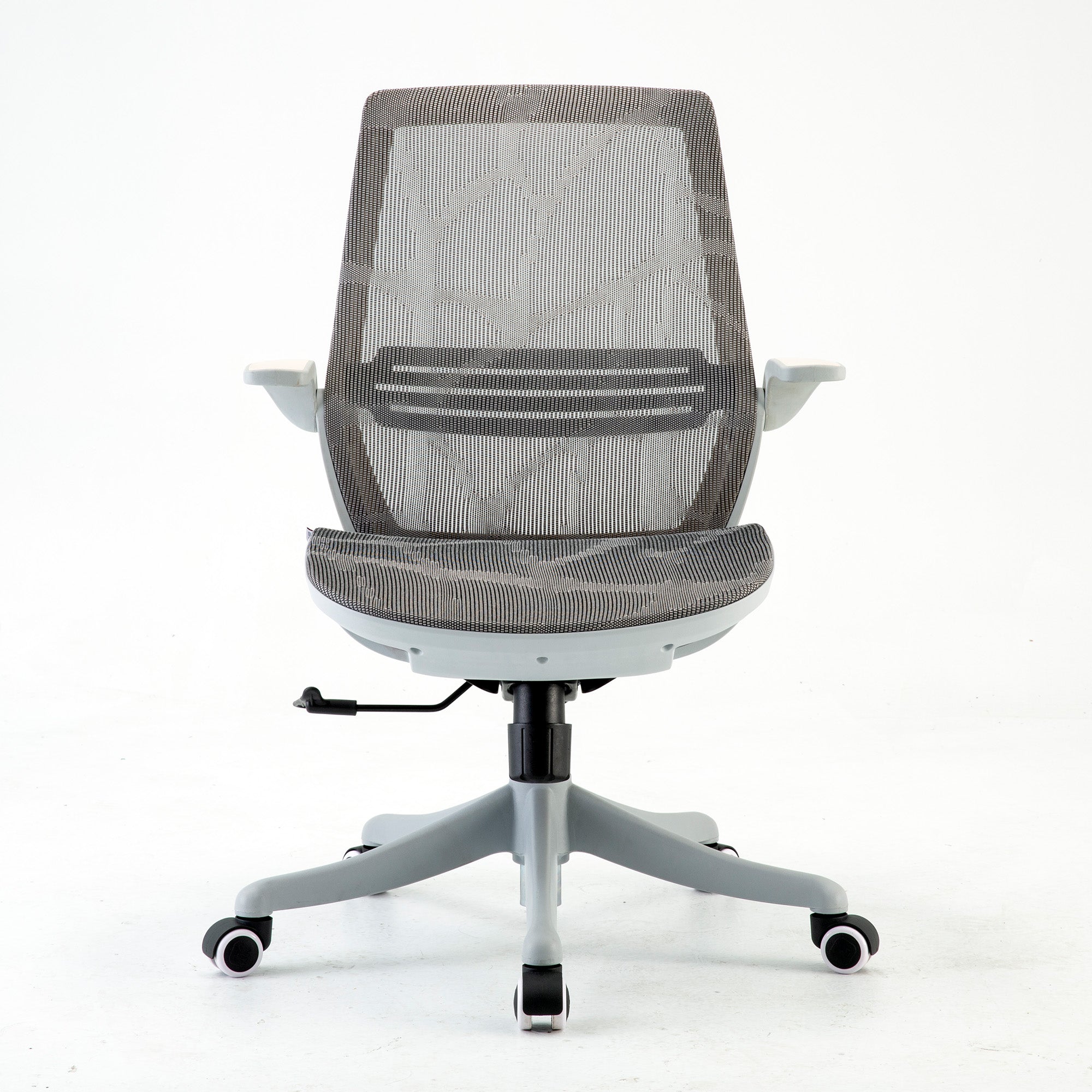
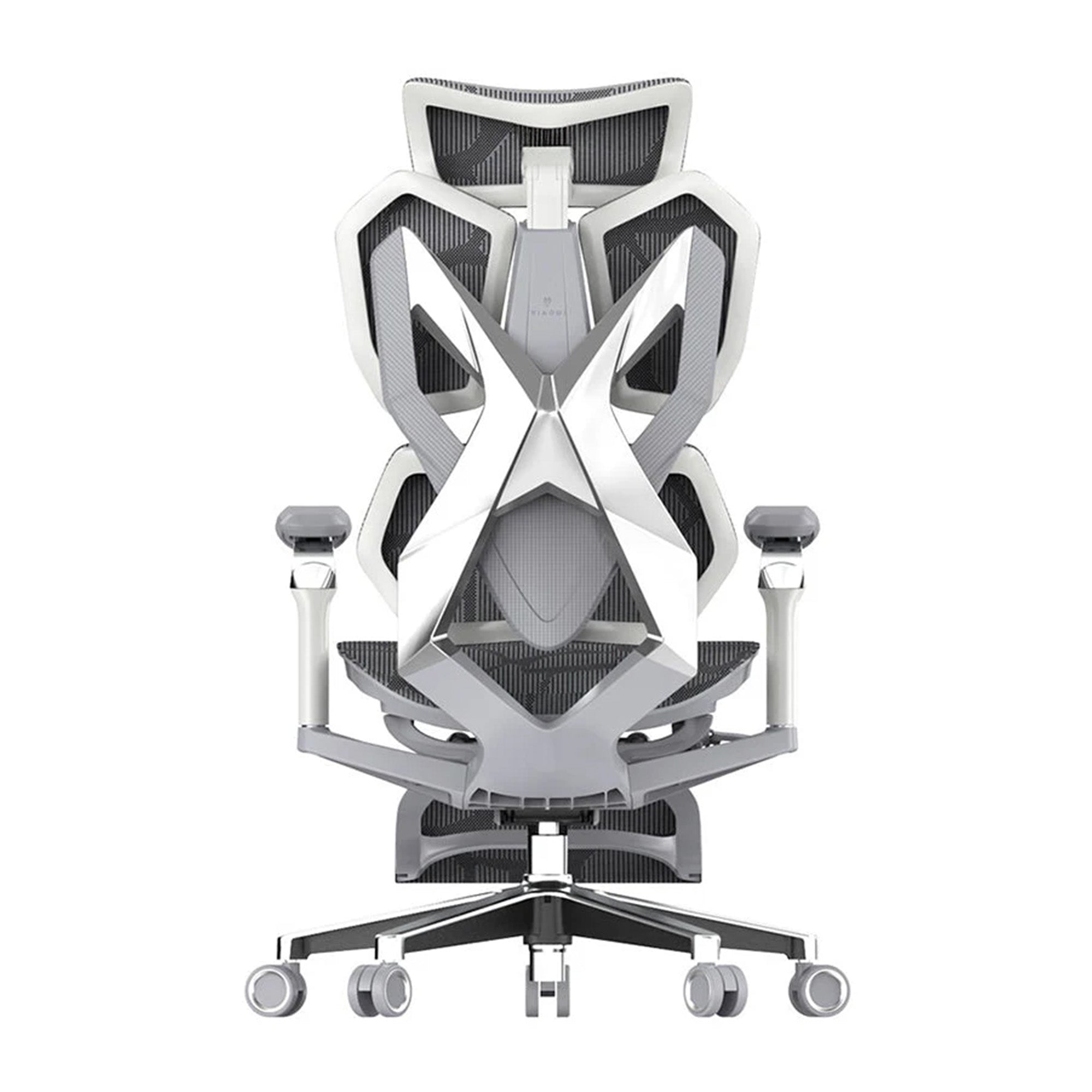
SIHOO M16 Ergonomics Office Chair, Computer Chair Desk Chair, Adjustable Headrests, Lumbar Support, Fixed Arm Rest, W-Shaped Seat Pan and High Quality Mesh Backrest Mesh Chair


★【Features】 Two-way adjustable lumbar pillow and headrest allow for complete fine-tuning of support based on personal preferences, 90°-125°degree reclining backrest adjustable for multiple work positions, 10cm (3.9 in.) of seat pad vertical adjustment and 360°-degree swivel capability. Ultra-soft cotton cushion is comfortable and resists sagging and sinking.


    ★ 【Premium Materials】 For the backrest, we’ve incorporated a specially-selected mesh cloth with high tensile strength and breathability properties. For mobility, thickened PU rubber castors roll and glide smoothly across the floor and won't scrape or scratch flooring surfaces.

    ★ 【research】 SIHOO is the realisation of decades of research conducted by professionals in product design, and mechanical engineering. We do our absolute best to make sure the smallest details are designed with comfort and safety for each customer. Every aspect of our ergonomic office chairs has been assessed with strict safety and quality testing, including but not limited to cushion impact tests, handrail fatigue tests, and chair-frame Static pressure tests, to ensure a product that exceeds expectations.

    ★ 【warranty】 period is three years. If there are any quality problems, please contact us. After confirming, we will provide a replacement part or product for you. SIHOO provides full parts coverage for the three years of the period, at zero cost for you!


      FAQs

      This is exactly the presentation described in this guide. Fatigue from a poorly configured workstation accumulates independently of sleep and nutrition. If the chair is not supporting your lumbar spine correctly, the deep muscles responsible for spinal stability begin fatiguing within twenty-five minutes of sitting. That fatigue runs all day. Combined with a screen that requires neck tension to view, and a natural circadian dip in the early afternoon, the result is pronounced fatigue that has nothing to do with how well you slept. Check your chair adjustment first, then your monitor height. Both are covered in the adjustment guide linked throughout this article.
      Adjust your lumbar support. Sit back fully into your chair and check that the lumbar support is contacting the natural inward curve of your lower back specifically, not the mid or upper back. If it is not, adjust it until it is. This takes two minutes and addresses the fatigue source with the earliest onset and the longest duration in the working day. If your chair's lumbar support cannot be positioned correctly for your spine, that is information worth acting on.
      Quite possibly. The most common cause of work-specific afternoon headaches that do not occur at weekends is sustained neck and upper back loading from an incorrectly positioned screen. Check whether your monitor requires you to look upward or sit with your head tilted back to view it clearly. If the top of the screen is above your eye level, the monitor is too high. Check also whether glare from a nearby window is causing you to lean or turn to see the screen. Both of these create the sustained muscular tension that refers to the head as an afternoon headache. Fixing the monitor position is cheap and immediate.
      Yes, significantly for anyone sitting six or more hours per day. The research on ergonomic interventions consistently finds productivity improvements in the range of 12 percent following correct ergonomic setup. The subjective experience is that the fatigue curve across the day is flatter in a correctly adjusted chair with adequate lumbar support than in a chair that forces the stabilising muscles to work continuously. For guidance on what to look for when evaluating your current chair or considering an upgrade, how ergonomics improves employee productivity covers the research in detail.
      Yes. The WHS duty of care extends to home-based workers in Australia, and the physiological fatigue from a poorly configured home setup is identical to what occurs in the office. If your home setup involves a laptop flat on a kitchen table with no stand, you are accumulating the neck and upper back load described above on every home working day. Given that hybrid workers typically alternate between setups, the inconsistency itself adds a layer of postural adjustment demand that compounds the fatigue from either environment alone. Fix both. The home setup fixes are the same and they are cheap.
      Present it as an operational diagnosis rather than a wellbeing request. The Monash University research published in JAMA Network Open projects $638 billion in lost Australian GDP from back pain in the working-age population over the next decade. The Washington State study found a median 12 percent productivity improvement following ergonomic intervention. The Productivity Commission states that Australian productivity growth requires working smarter rather than harder. The afternoon productivity drop your team experiences is a measurable output of a specific set of environmental conditions, most of which can be fixed for free this week. Frame it in those terms and the conversation is operational, not pastoral.
      Start with a one-day fatigue audit. Walk every workstation and check for the six sources in this guide: lumbar support position, monitor height, lighting adequacy and glare sources, laptop use without stands, absence of movement structure, and unadjusted inherited workstations. Document findings, implement no-cost fixes on the day, order low-cost accessories within the week, and identify the chairs that need replacing. The no-cost fixes alone, if implemented consistently across a large office, produce an immediately observable change in how the space feels by mid-afternoon.
      For standard workstations involving four to six hours of daily seated work, a chair with adjustable lumbar support, seat height adjustment, and 3D armrests addresses the primary fatigue source at the lowest cost per seat. The Sihoo M57 at $329 covers these specifications. For roles involving six or more hours daily, or for employees already reporting back discomfort, an adaptive lumbar system significantly reduces the fatigue that accumulates from manual adjustment being neglected across the day. The Sihoo Vito M90 at $379 covers this profile. For senior roles or high-use positions, the Doro C300 and Doro S300 provide the highest level of dynamic lumbar support in the Sihoo range.
      Safe Work Australia classifies prolonged sedentary behaviour as a recognised hazard and identifies over seven hours of sitting per day as a high-risk threshold. The Work Health and Safety Act 2011 requires employers to eliminate or minimise ergonomic hazards so far as is reasonably practicable. An office where the seating has never been adjusted to fit the people using it, where monitors are consistently at the wrong height, and where no movement structure exists, presents multiple addressable ergonomic hazards that a documented audit and intervention programme would address. The audit also creates the due diligence record that matters if a claim is ever investigated.
      Yes. Sihoo Australia supports commercial orders for offices of all sizes, with pricing, delivery coordination, and fit-out support available for larger orders. The range covers the full spectrum from standard workstation chairs through to senior and high-use options across the M-series and Doro series. For organisations wanting to address team-wide fatigue through a coordinated seating programme, volume pricing is available through Sihoo's commercial programme. Contact support@sihoo.com.au or 1300 002 580 to discuss your requirements.