
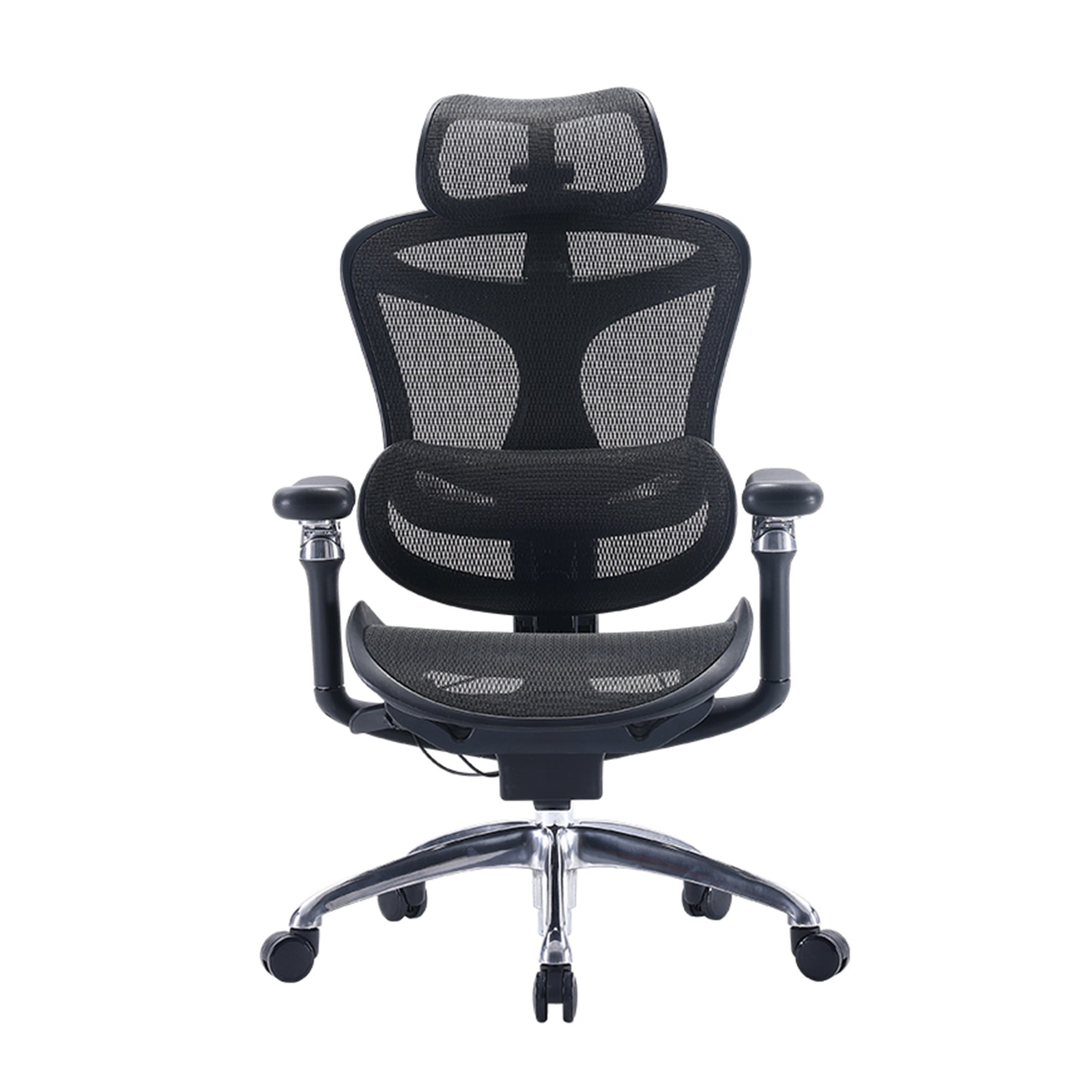
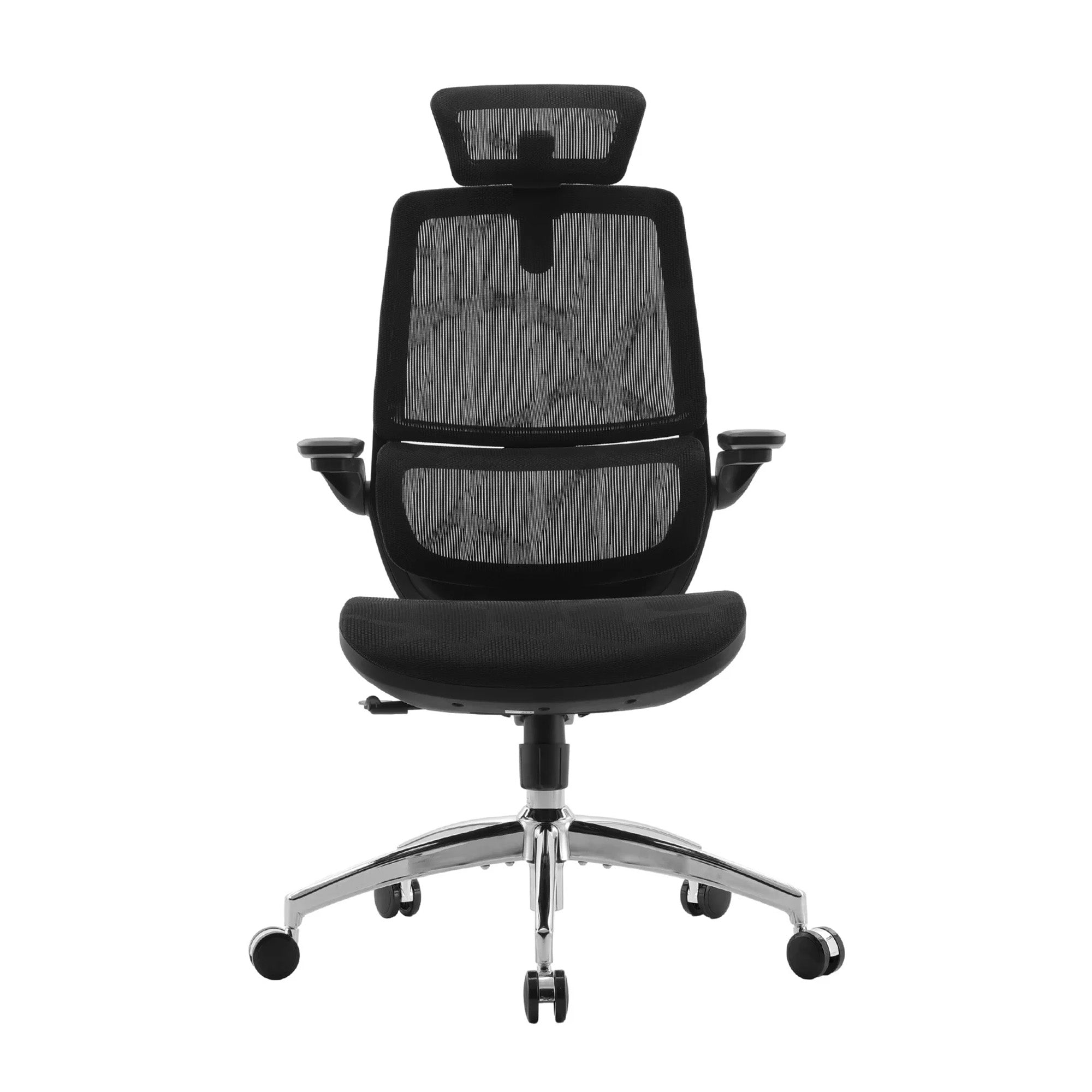
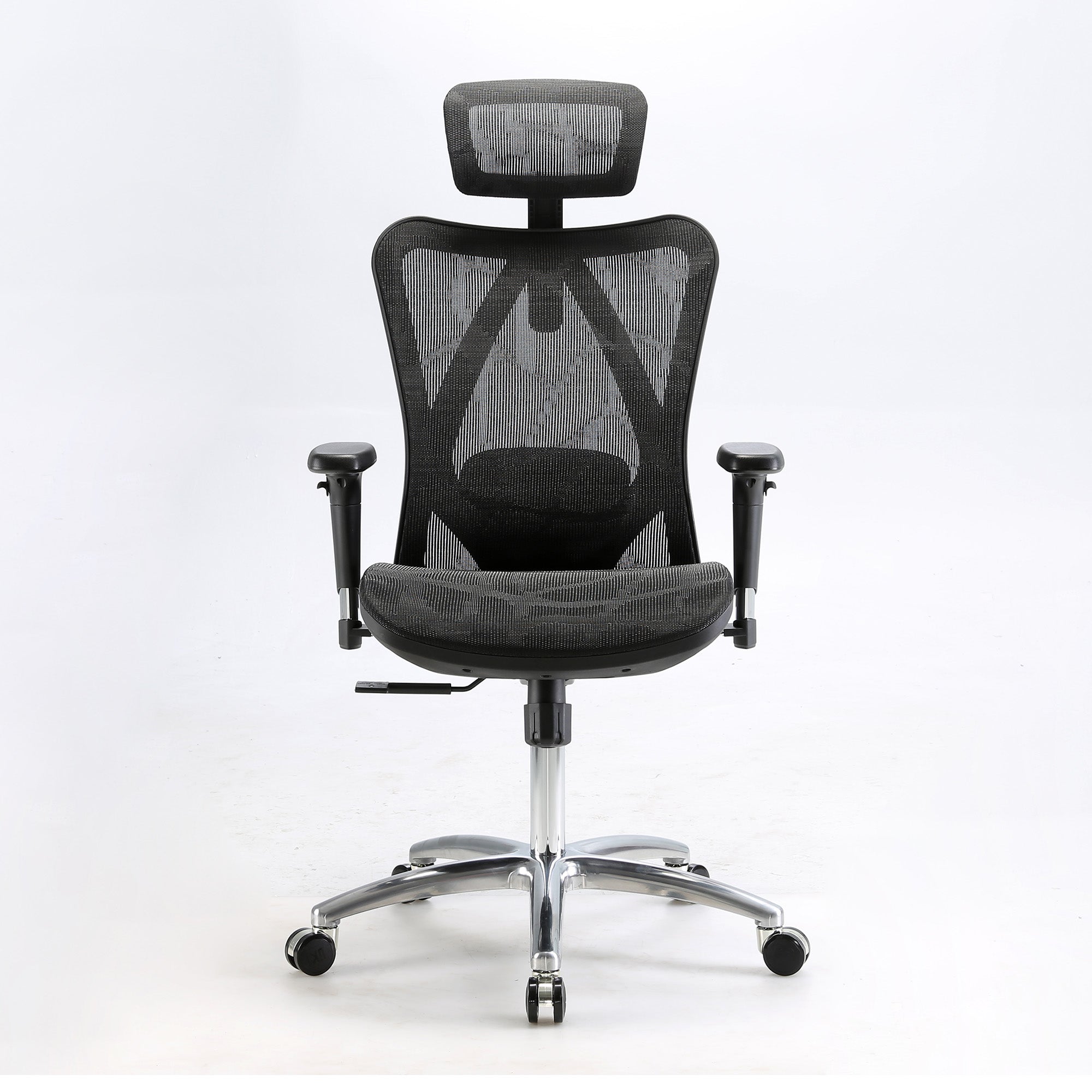
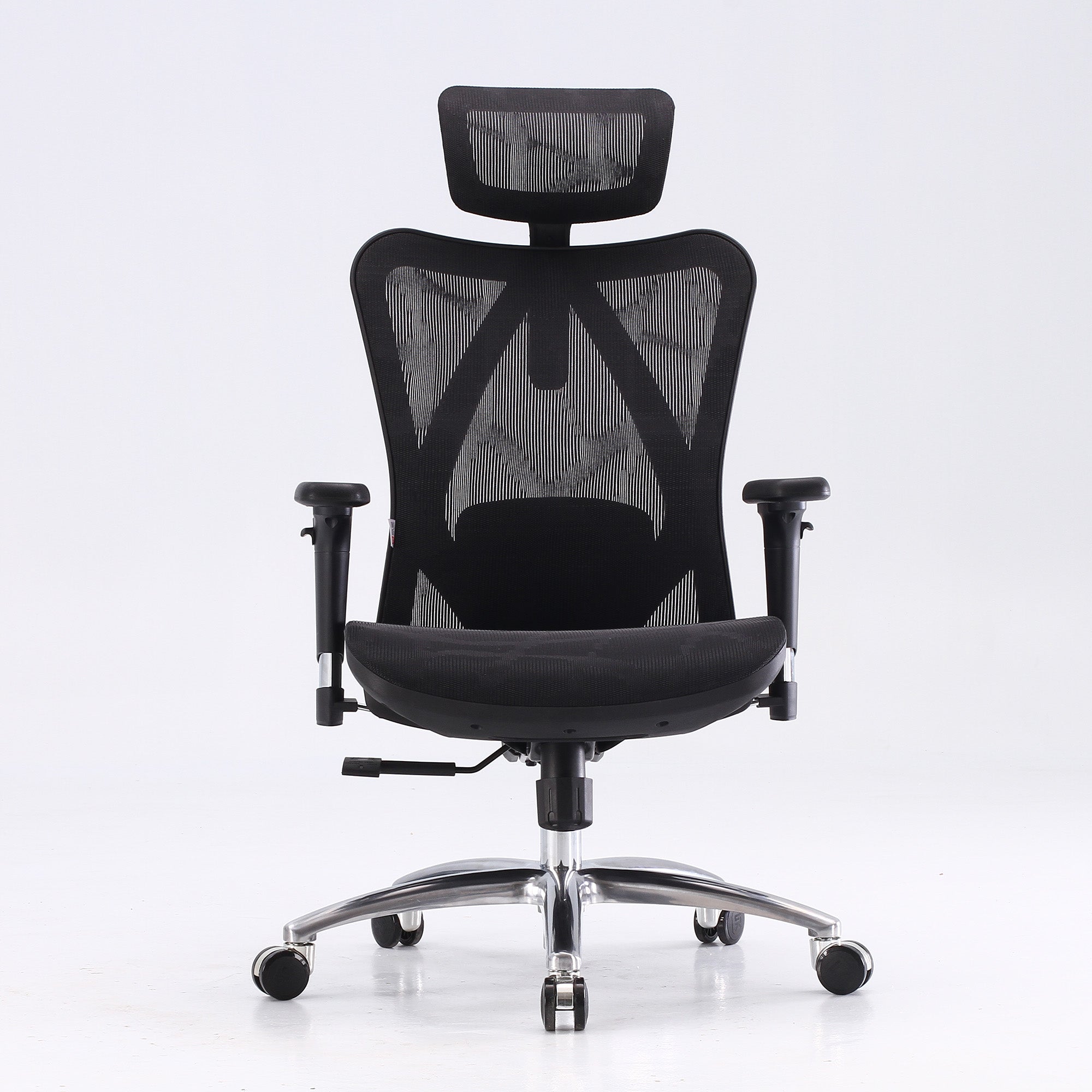
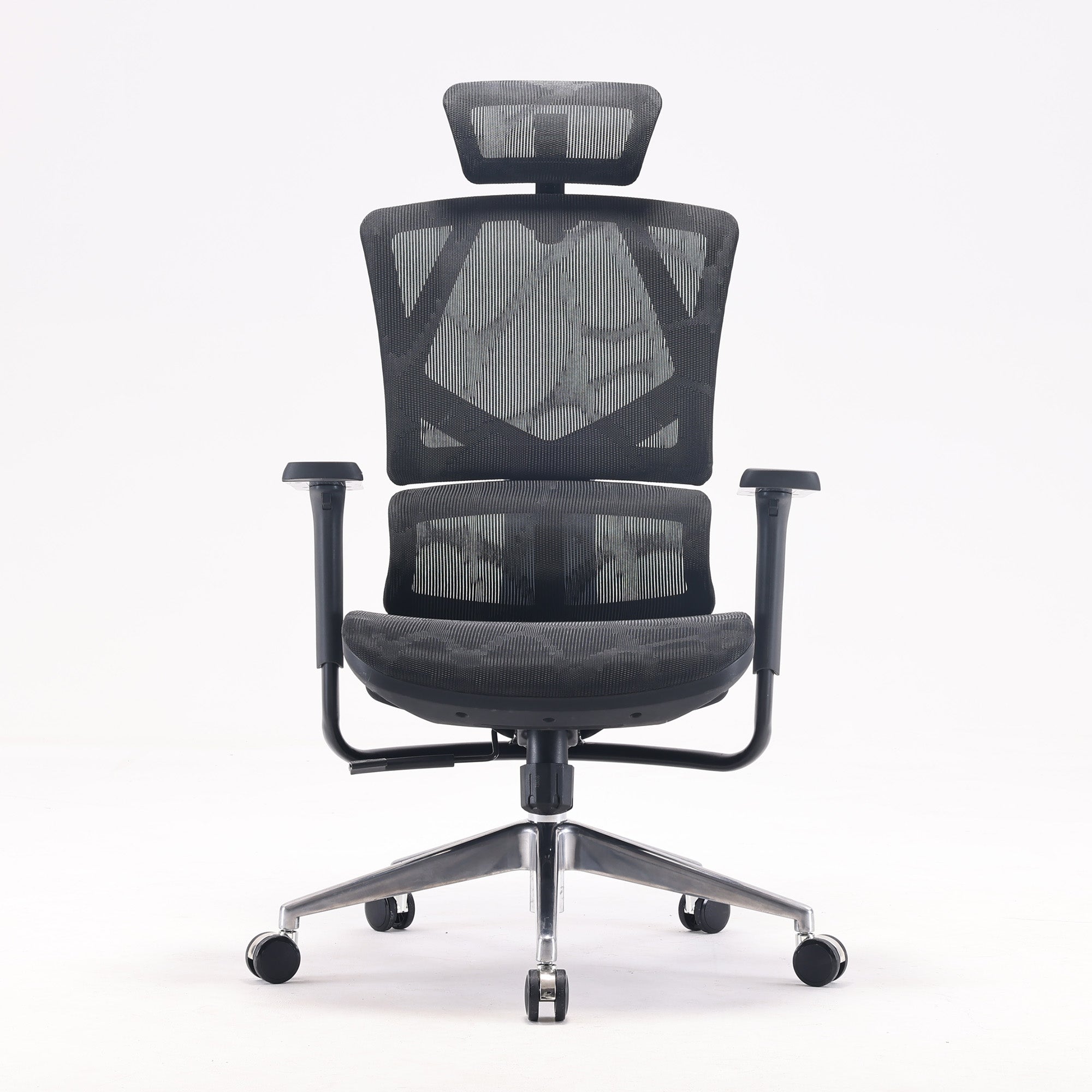
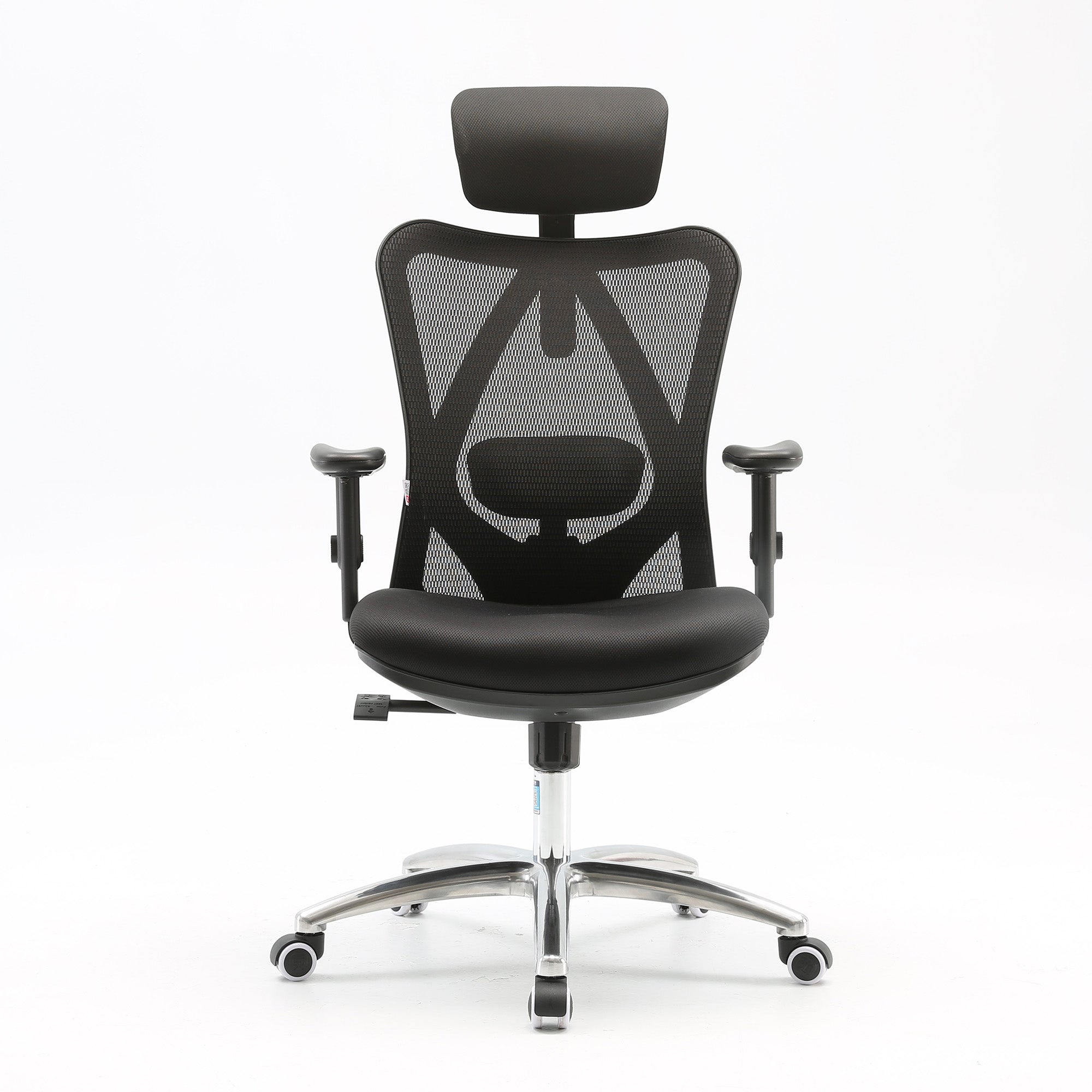
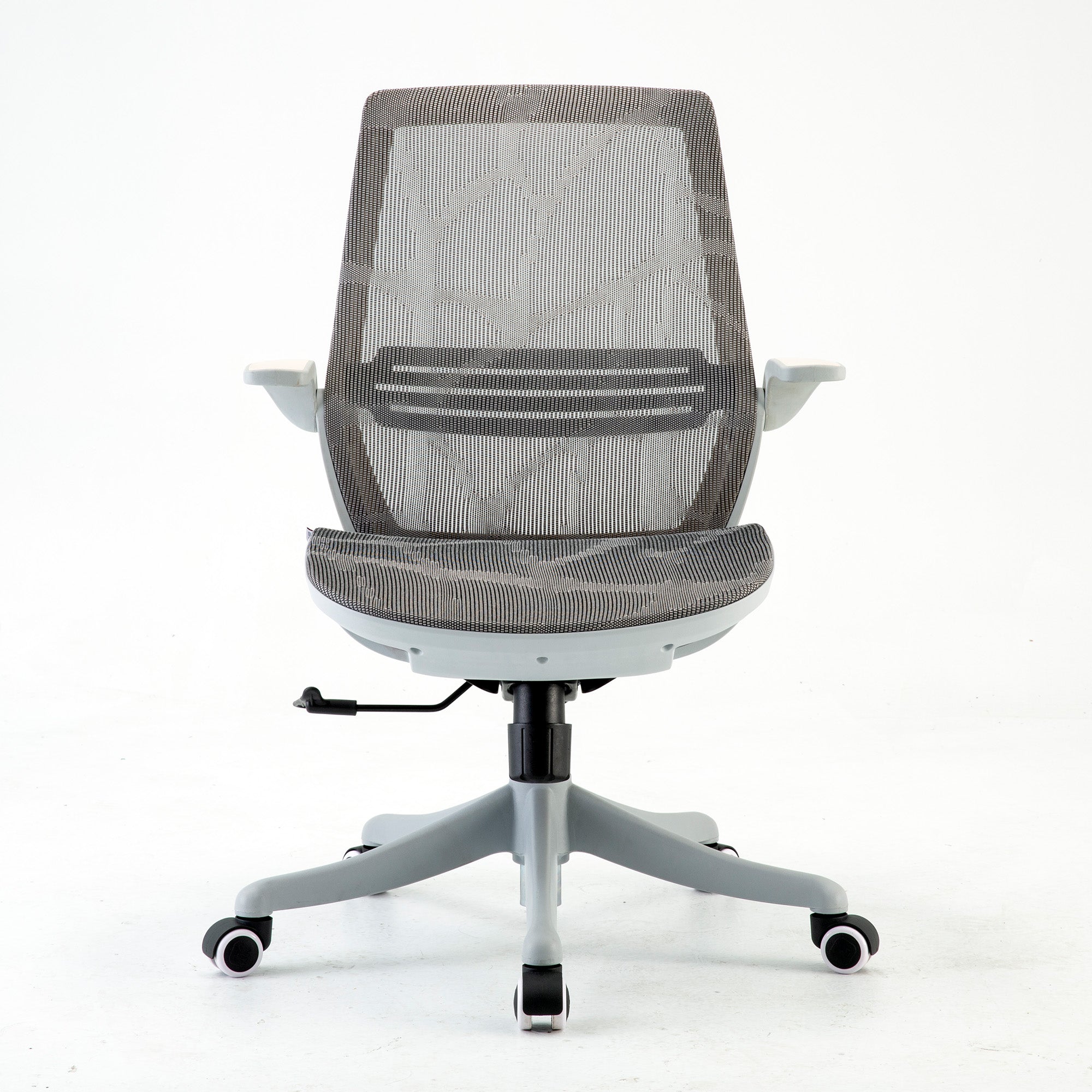
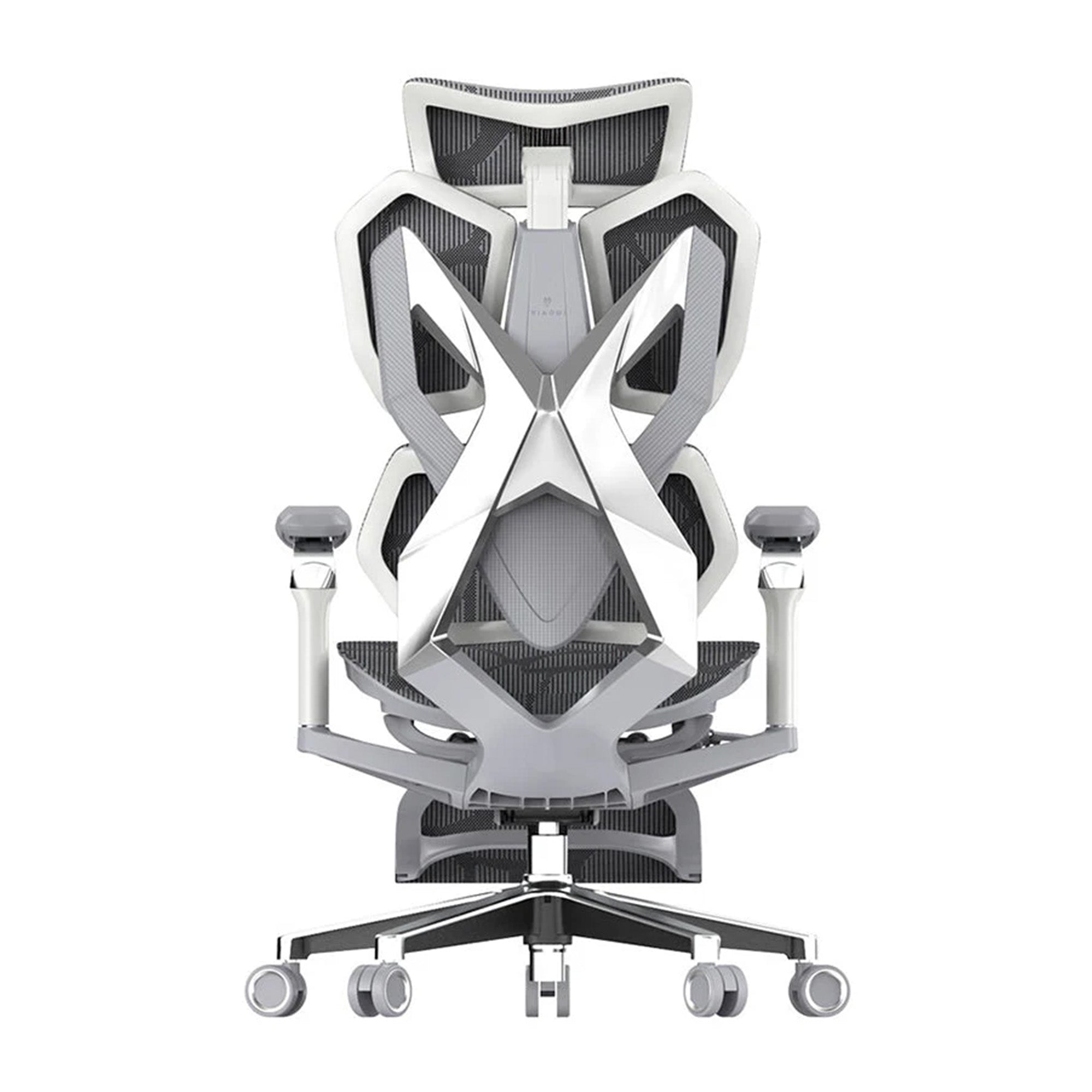

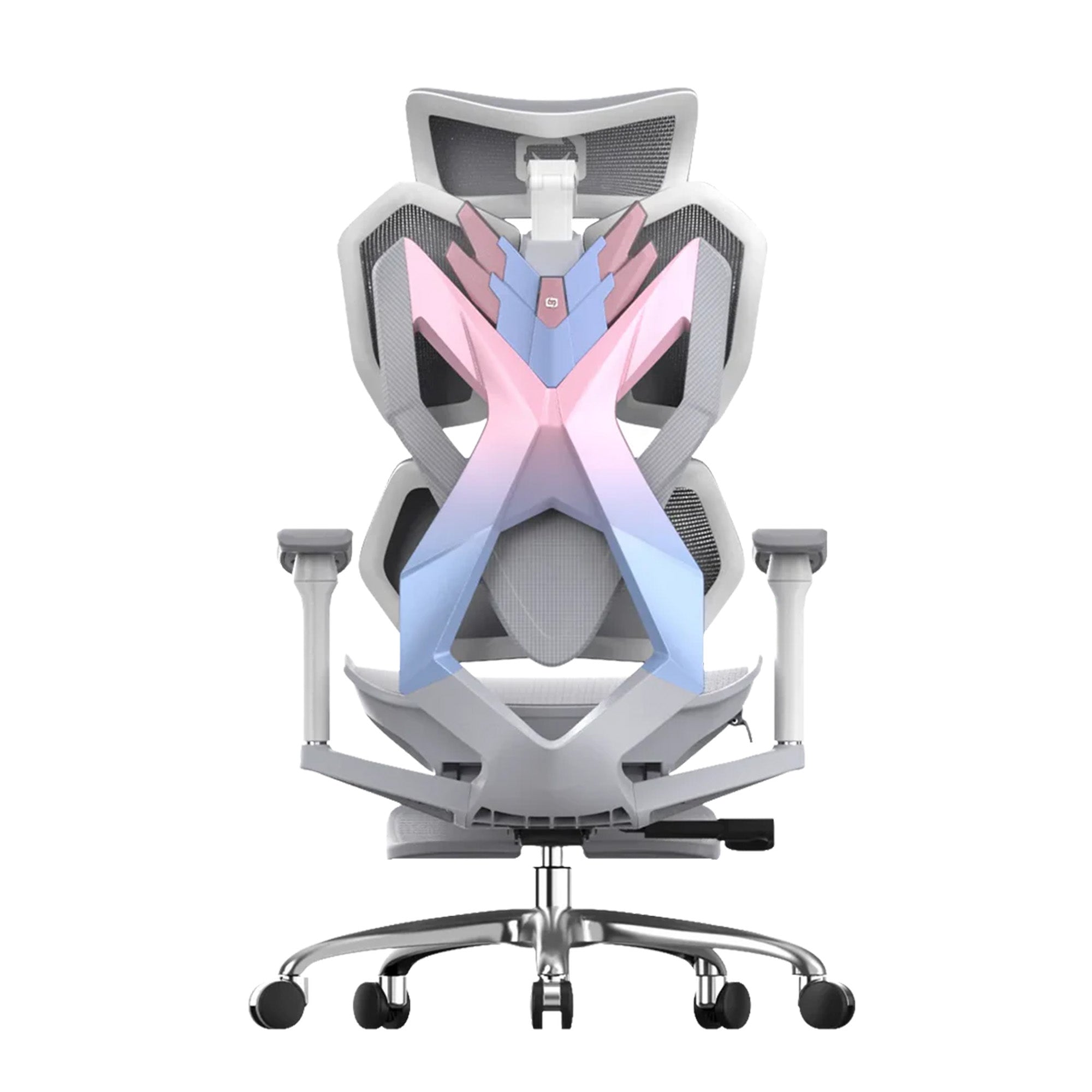
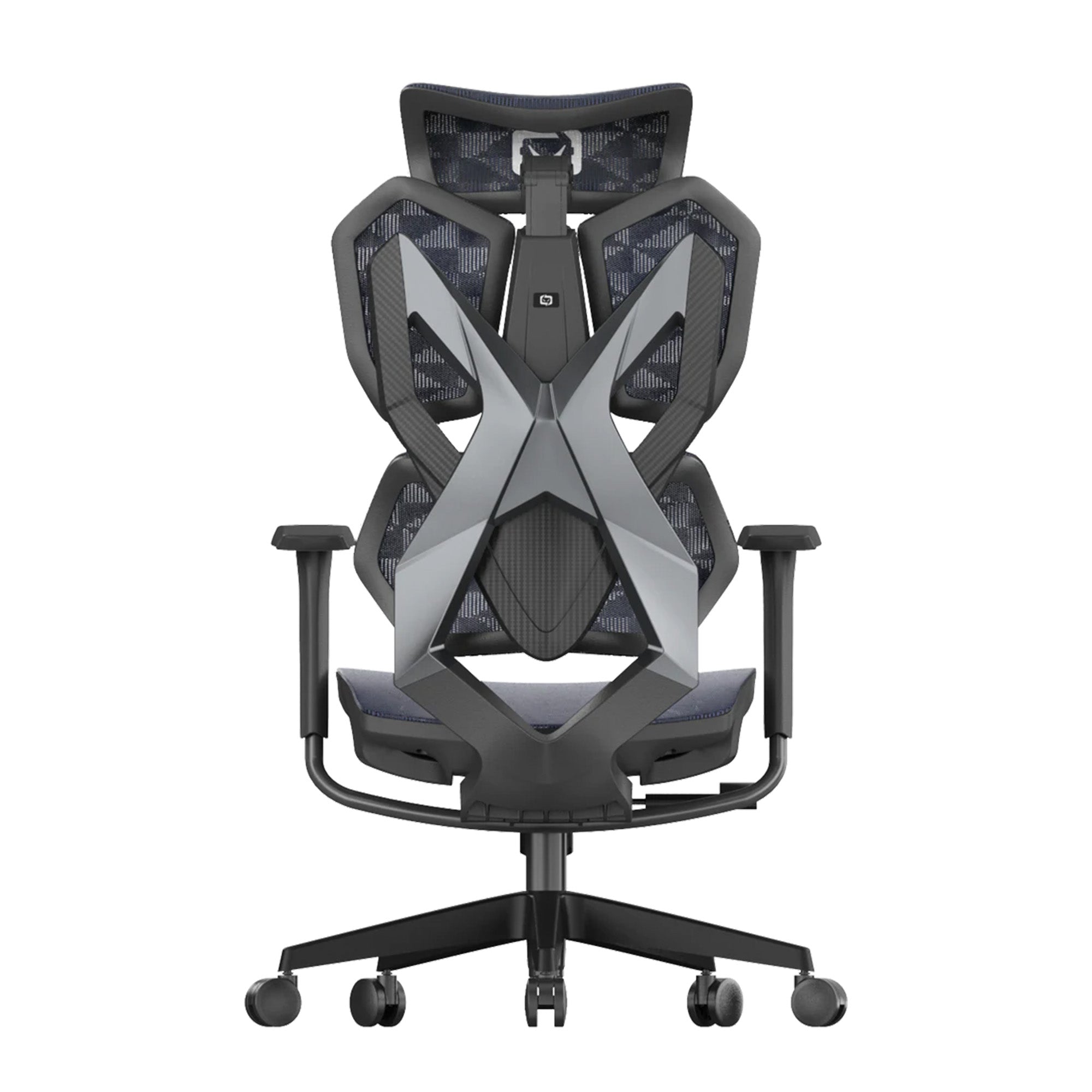

The chair arrives assembled.
Most people sit in it for a few minutes, decide it feels reasonably comfortable, and then start working. The seat height is wherever the manufacturer set it. The lumbar support is at the factory default position, which is a mid-range setting designed for no one in particular. The armrests are at maximum height because they came that way in the box. Six weeks later, the person is back on Google searching for a better ergonomic office chair because the one they bought during the EOFY sale did not seem to make any difference.
This is the most common EOFY chair mistake. Not buying the wrong model. Not falling for a fake markdown. Not missing the deadline. It is buying the right chair and then never configuring it for the specific body that sits in it. An ergonomic chair at factory defaults is not an ergonomic chair. It is a chair with adjustment mechanisms that have not been used.
This guide covers why adjustment failure is the primary reason ergonomic chair upgrades produce no result, what the five settings are and how to find the correct position for each one, how to diagnose a problem with a chair that is not working, and when the issue is genuinely the chair rather than the setup. It complements the Sihoo EOFY 2026 buying guide which covers the purchasing decision, tax rules, and model selection. This guide starts where that one ends: the moment the chair is in your room.
Why Adjustment Failure Is the Primary Reason EOFY Chair Upgrades Fail
What the Research Shows About Chair Use in Practice
The ergonomics research literature has a consistent finding that almost never appears in buying guides: most ergonomic chairs in commercial use are not correctly adjusted for the individuals using them. A review of office chair adjustment practices published in the Journal of Occupational Rehabilitation found that fewer than one in five office workers had received any instruction on how to adjust their chair, and the majority used their chairs at or close to factory default settings regardless of their body dimensions.
Research published in Sports Medicine Open in February 2025 by Amiri, Behm, and Zemkova confirmed that without adequate lumbar support, deep trunk muscle fatigue in the stabilising muscles of the spine begins between the 15th and 25th minute of sitting. The word adequate is the key word. A lumbar support set to the factory default position, which is a single fixed mid-range point, is adequate for the narrow range of users whose lumbar height happens to match that position. For everyone else, the support is in the wrong place and provides no meaningful mechanical benefit regardless of how advanced the mechanism is.
The implication is direct: an EOFY sale chair that arrives at factory defaults produces almost no ergonomic benefit for most buyers. Not because the chair is poorly designed. Because the adjustment mechanisms that produce the benefit have not been used.
THE CORE FINDING: The difference between an ergonomic chair that works and one that does not is almost never the model. It is whether the five settings have been correctly configured for the specific person using it. A $949 Doro S300 at factory defaults is less effective than a $329 M57 correctly adjusted. Correct adjustment is the implementation step that the purchase price cannot substitute for.
Why Factory Defaults Are Correct for Nobody
Chair manufacturers set factory defaults for an imagined average user: approximately 170 to 175cm, average torso length, average leg length, average body weight. The factory default lumbar height is set for this average. The factory default seat height is at a mid-range position. The armrests are at maximum height because they are less likely to be damaged in transit at maximum extension.
The actual distribution of Australian office chair users spans from approximately 155cm to 195cm with significant variation in torso length, leg length, and lumbar height at any given overall height. The person who matches the factory default average precisely enough that no adjustment is needed is a minority of buyers. For the majority, the factory settings are wrong in ways that range from slightly suboptimal to genuinely counterproductive.
The buyer who sits in the new EOFY chair for the first time and finds it reasonably comfortable is not experiencing the ergonomic benefit the chair is designed to provide. They are experiencing the difference between the new chair and whatever they were sitting in before, which in most cases was worse. The real test of whether the chair is correctly configured is whether the specific settings match the specific body. That test requires running through the adjustment sequence.
The Five Settings That Determine Whether Your Chair Works
Run These in Order on Delivery Day
The five settings below must be run in order. Each one creates the baseline for the next. Running them out of order produces a sequence of corrections that cancel each other out.
The full sequence takes approximately 10 to 15 minutes for a first-time setup. For a chair purchased to solve a specific pain problem, this 15-minute session is the most important thing that happens between the purchase and the result.
|
Order |
Setting |
How to find correct position |
What goes wrong if skipped |
|
1 |
Seat height |
Sit naturally. Adjust until feet are flat on the floor and knees are at approximately 90 degrees. Do not work backward from desk height. |
Feet dangle or knees are above hip level. Thigh pressure increases. Pelvis tilts. Lower back loading begins from the first minute of every session. |
|
2 |
Seat depth check |
Sit all the way back. Check the gap between the front seat edge and the back of your knees. Two to three finger-widths is correct. Less than two finger-widths means posterior thigh compression. |
Shorter users who cannot achieve clearance must slide forward and lose lumbar contact. The entire lumbar system provides no benefit. This is the most commonly missed setting. |
|
3 |
Lumbar position |
Find the natural inward curve of your lower back by running your hand down your spine while seated. The lumbar support must contact this specific point. Not the mid-back. Not the upper back. |
Lumbar support in the wrong position produces zero mechanical benefit. Research confirms deep trunk muscle fatigue onset begins at 15 to 25 minutes without correct lumbar contact. |
|
4 |
Armrest height |
Lower armrests until shoulders drop completely. The moment the shoulder relaxes is the correct height. Most armrests arrive at maximum height from the factory. |
Elevated shoulders load the trapezius continuously from the first minute. Upper back tension and neck pain are the typical output after several hours. |
|
5 |
Recline tension |
Push back slowly. The backrest should respond to body weight with moderate, consistent resistance. Too stiff requires physical effort to recline. Too loose allows the chair to recline involuntarily during normal sitting. |
Incorrect tension either prevents the recline function from being useful or causes postural instability during normal seated work. Factory defaults are set for an average user. |
Adjustment guidance based on CCOHS (Canadian Centre for Occupational Health and Safety) office ergonomics guidelines, Cornell University Ergonomics Web recommendations for seat height and depth, and Safe Work Australia guidance on sedentary workstation setup. Individual fit depends on body dimensions and desk configuration.
The Setting Most People Completely Skip
Setting 2, the seat depth check, is the one adjustment that buyers consistently do not make and that produces the most consequential failure when skipped.
Research published in the Biomimetics journal (PMC, February 2023) confirmed the mechanism: when a seat is too deep for the user's leg length, it is physically impossible to use the backrest correctly while maintaining the clearance behind the knees that prevents posterior thigh compression. The user must either sit forward on the seat and lose lumbar contact, or sit fully back and accept pressure behind the knees. Neither position is ergonomically correct.
For shorter users, this problem is structural. No lumbar adjustment, no matter how sophisticated, helps a user who cannot physically sit back against the backrest. The seat depth is the upstream problem that prevents the lumbar system from functioning. For the Sihoo V1, the sliding seat depth mechanism addresses this directly. For models without this mechanism, check the seat depth against your leg length before the EOFY sale order is placed, not after the chair arrives.
Diagnosing the Problem: Why Your EOFY Chair Is Not Working
The Buyer Regret Map
The table below maps the most common post-purchase complaints to their actual cause and the specific fix. In most cases the fix requires a settings adjustment, not a chair replacement.
|
What the buyer says |
The actual cause |
The fix |
|
"The chair is uncomfortable after two hours" |
Lumbar support at factory default position, not at the inward spinal curve. The support is in the mid-back or has no meaningful contact. |
Run Setting 3 from the adjustment sequence. Reposition lumbar to the inward curve of the lower back specifically. Retest for two hours before concluding anything about the chair. |
|
"My back hurts more than with my old chair" |
Seat height is incorrect, loading the lumbar differently from the old chair. OR the new chair has a seat depth that is too long for the user's leg length. |
Reset seat height to the correct position (Setting 1). Check seat depth clearance (Setting 2). Give the body two weeks to adapt to correct positioning before comparing to the previous chair's incorrect positioning. |
|
"The lumbar support doesn't do anything" |
The lumbar support is not contacting the inward curve of the lower back. Either too high, too low, or too far back. OR the user is sitting forward on the seat and not making contact with the backrest at all. |
Run Setting 2 (seat depth check) first. If the user cannot sit fully back with clearance behind the knees, the lumbar cannot help regardless of its quality. Then run Setting 3. |
|
"My neck and shoulders are still tense" |
The chair is not the cause of neck and shoulder tension. The monitor height is. A correctly adjusted chair cannot fix neck pain caused by a screen that requires sustained neck tilt. |
Position the monitor top at or slightly below eye level. For laptop users, a laptop stand plus external keyboard addresses the cause. The chair addresses the lumbar. The monitor stand addresses the neck. |
|
"The chair made no difference at all" |
Chair arrived at factory default settings and was never adjusted. Happens in a significant proportion of ergonomic chair purchases. The research literature consistently names adjustment failure as the primary reason ergonomic chairs underperform. |
Run all five settings from the adjustment sequence in order. Give the correct position two weeks before assessing the result. Most "made no difference" outcomes are adjustment failures, not chair failures. |
Complaint diagnosis based on published occupational ergonomics literature and CCOHS workstation assessment guidance. Individual situations vary. For persistent pain that does not resolve after correct chair adjustment, consult a physiotherapist or GP.
When It Is Actually the Chair
After running all five settings correctly and giving the body two weeks to adapt to the new positioning, if back pain or discomfort persists at the same level as before the purchase, the chair may be genuinely wrong for the user's specific body dimensions or use case.
The three scenarios where the chair is the genuine problem:
-
Seat depth without adjustment: For users below 165cm, any chair without a sliding seat depth mechanism may produce the popliteal compression problem described above regardless of how other settings are configured. The V1 at $529 is the specific recommendation for this body type. No amount of lumbar adjustment on a fixed-depth seat resolves a seat depth problem.
-
Backrest height for tall users: For users above 185cm, a backrest that ends below the shoulder blades leaves the upper spine unsupported regardless of lumbar positioning. The Doro C300 and Doro S300 provide extended backrest coverage that addresses this. If upper back tension persists after correct armrest and monitor height adjustment on a standard backrest chair, backrest height may be the issue.
-
Weight capacity limit: The Sihoo V1 is rated to 120kg. Other Sihoo models are rated to 150kg. For users above these limits, the chair's structural performance and adjustment range may be compromised. Confirm the weight capacity against your requirements before purchasing.
The Variable Outside the Chair That Causes Most Neck Pain
Why a Correctly Adjusted Chair Cannot Fix a Monitor Height Problem
After running all five settings correctly, if neck pain and upper back tension persist, the cause is almost certainly the monitor height rather than the chair.
The biomechanics are straightforward. The average adult head weighs between 4.5 and 5.5 kilograms. At neutral, the cervical spine manages this weight efficiently. At 15 degrees of neck tilt, the effective muscular load on the neck and upper back increases to approximately 12 kilograms. At 30 degrees, it reaches around 18 kilograms. A person working at a laptop flat on a desk, or looking upward at a monitor mounted too high, sustains this multiplied load from the first minute of the working day. No chair adjustment removes this load.
The fix is free: the top of the monitor should be at or slightly below eye level when correctly seated. For laptop users, a laptop stand that raises the screen to eye level plus an external keyboard and mouse resolves the problem at a cost under $100. This is the highest-return intervention available for neck pain in home office and office settings, and it costs less than any chair upgrade.
The sequencing matters: fix the monitor height before concluding the chair needs to be replaced or upgraded. The two problems produce overlapping symptoms. Resolving the monitor height often eliminates the remaining neck and upper back pain after a correct chair setup, leaving only the lower back load, which the chair addresses.
How Correct Adjustment Changes the EOFY Value Calculation
The Real Return on an EOFY Chair Purchase
The financial case for an EOFY chair purchase is built on two components: the discounted price relative to full retail, and the tax deductibility for eligible buyers. Both components are covered in the 2026 EOFY buying guide. There is a third component that neither financial calculation addresses: whether the chair actually produces the ergonomic benefit it was purchased to provide.
A Doro C300 at $679 bought during the EOFY sale and correctly adjusted on delivery produces the lumbar support benefit across six or more daily sitting hours. The research basis for this benefit, reduced deep trunk muscle fatigue from correct lumbar contact, is real and documented. A Doro C300 at the same price bought during the same sale and used at factory defaults produces a fraction of that benefit. The purchase price is identical. The tax deduction is identical. The outcome is not.
Correct adjustment is the implementation step that converts the purchase into the result. It costs 15 minutes. It requires no additional equipment. It is the most consistently skipped step in every ergonomic chair upgrade, EOFY or otherwise.
THE 15-MINUTE ROI: An EOFY chair purchase that converts to zero ergonomic benefit because it was never adjusted is not a bargain. It is a furniture delivery. The 15-minute adjustment session on the day of arrival is the step that converts the purchase price into the health and productivity outcome the chair was bought to produce.
For Businesses: Implementation Is the Variable That Determines ROI
Why Bulk EOFY Chair Orders Consistently Underperform
Organisations that order ergonomic chairs in bulk before the EOFY deadline face a specific implementation problem that individual buyers do not. The chairs arrive on a delivery day. They are distributed across workstations. Employees sit in them. Almost none of the employees adjust them correctly.
A 2024 occupational health study across Australian office environments found that fewer than 20 percent of employees who received new ergonomic chairs had received any instruction on how to adjust them. The majority used the chairs at factory default settings for months. The productivity and health outcomes the purchase was intended to produce did not materialise at the expected rate.
The fix is a workstation setup session on the delivery day: one session, all affected employees, running through the five settings in order for each person. Thirty minutes per workstation. The session that converts the bulk purchase into the outcome the business case projected.
The full framework for an office-wide ergonomic chair rollout, including the setup protocol and the measurement approach for tracking productivity outcomes, is at what happens to team productivity when you upgrade office chairs. The adjustment gap is the most common reason bulk ergonomic upgrades produce less than the projected return.
For bulk orders through Sihoo Australia's wholesale office chairs programme, delivery coordination and volume pricing are available for mixed-model orders. The workstation setup session can be planned for the delivery day with adequate lead time if the order is placed before mid-June.
Conclusion
The EOFY chair mistake most guides miss happens after the purchase.
Choosing the right model matters. Confirming the chair fits the daily hours and body type matters. Understanding the tax rules matters. All of these are covered in the other EOFY guides on this site. This guide covers the one that determines whether any of that preparation produces a result: the 15-minute adjustment session on delivery day.
The research is consistent. Ergonomic chairs produce their intended benefit when correctly configured for the individual using them. They produce minimal benefit at factory defaults. The buyer who receives a new chair in June and uses it at factory settings through winter is not experiencing the ergonomic upgrade they paid for. They are experiencing an expensive furniture delivery.
Run the five settings in order. Seat height first. Seat depth check second. Lumbar position third. Armrest height fourth. Recline tension fifth. It takes 15 minutes. It is the difference between a chair that works and a chair that did not seem to do anything, which is the outcome that drives most of the buyer regret that follows EOFY chair purchases every year.
Browse the full range of best ergonomic office chairs in Australia and find the right model for your daily hours and body type before the EOFY deadline.
Better Comfort Starts Now.
Sources Referenced
-
Amiri B, Behm DG, Zemkova E (2025): Core Exercises in Alleviating Muscular Fatigue from Prolonged Sitting. Sports Medicine Open, February 2025. DOI: 10.1186/s40798-025-00816-x — deep trunk muscle fatigue onset 15-25 minutes unsupported sitting
-
PMC/NIH: Chair Size Design Based on User Height. Biomimetics, February 2023. DOI: 10.3390/biomimetics8010057 — seat depth and posterior thigh compression mechanism
-
Journal of Occupational Rehabilitation: adjustment practices for ergonomic chairs in office environments — fewer than 20% of workers had received adjustment instruction
-
CCOHS: Office Ergonomics — optimal seat height approximately one quarter of body height; five-setting adjustment sequence — ccohs.ca/oshanswers/ergonomics
-
Cornell University Ergonomics Web: seat depth 14 to 18.5 inches for adjustable seats — ergo.human.cornell.edu
-
Safe Work Australia: Sitting and Standing Hazards — workstation setup guidance, sedentary bout recommendations — safeworkaustralia.gov.au
-
ATO: $20,000 Instant Asset Write-Off for 2025-26 — ato.gov.au/businesses-and-organisations/small-business-newsroom/20000-instant-asset-write-off-for-2025-26
Frequently Asked Questions
Check the lumbar position first. Sit all the way back and find the natural inward curve of your lower back by running your hand down your spine. The lumbar support should be contacting that specific point. If it is in your mid-back or has no meaningful contact, reposition it. Second, check seat depth. If you cannot sit all the way back with two to three finger-widths of clearance between the front seat edge and the back of your knees, the seat is too deep for your leg length. You are likely sitting forward on the seat and not making contact with the backrest at all. Third, check the monitor height. Neck and upper back pain from a screen that requires neck tilt cannot be resolved by chair adjustment. The top of the screen should be at or slightly below eye level.
Five checks: feet are flat on the floor with knees at approximately 90 degrees (seat height). Two to three finger-widths of clearance between the front seat edge and the back of your knees (seat depth). The lumbar support contacts the inward curve of your lower back specifically, not your mid-back (lumbar position). Your shoulders are completely relaxed when your forearms rest on the armrests (armrest height). The backrest responds to your body weight with moderate resistance when you push back (recline tension). If all five are correct and you are still experiencing back pain after two weeks, the issue may be the monitor height, the desk height, or a clinical cause that requires physiotherapy assessment rather than a chair adjustment.
On the day it arrives, before using it for work. The 15-minute adjustment session is significantly more effective before habits form around the incorrect settings than after several weeks of using the chair at factory defaults. The body adapts to whatever seated position is habitual, including incorrect ones. Running the five settings before the first work session prevents the incorrect habit from forming and produces better results than adjusting after the fact.
The tax deductibility of an ergonomic chair is not affected by whether it has been correctly adjusted. The ATO's conditions for claiming office furniture as a work-related expense relate to the purchase purpose, the work-use proportion, and the documentation you keep. Whether the chair has been ergonomically optimised is irrelevant to the tax claim. That said, adjusting the chair correctly after claiming it ensures the purchase produces the physical benefit it was also bought to provide. For the full tax rules including the $300 threshold, depreciation, and the IAWO for businesses, the EOFY 2026 guide to claiming home office chairs covers all deduction methods and eligibility conditions.
The most common reason is that the lumbar support is not in contact with the inward curve of the lower back. Either the lumbar height is wrong, the depth is insufficient, or the user is sitting forward on the seat rather than fully back against the backrest. The second most common reason is that the armrests are too high, keeping the shoulders elevated and producing upper back and neck tension that the lumbar support cannot address. Both of these are factory default problems, not design problems. Running the five-setting adjustment sequence resolves most cases where an ergonomic chair appears not to be working.
Plan a workstation setup session for the delivery day. One representative from the team, such as a WHS coordinator or office manager, runs through the five settings with each employee at their specific workstation. The session takes approximately 20 to 30 minutes per person including the seat height, seat depth check, lumbar position, armrest height, and recline tension. For a team of ten, this is a half-day investment that converts the bulk purchase into the ergonomic outcome the business case projected. Without this session, research suggests fewer than one in five employees will configure their chairs correctly on their own.
Yes, if the chairs are first used or installed ready for use by 30 June 2026. For small businesses with aggregated turnover under $10 million, each chair under $20,000 qualifies for the instant asset write-off under ATO legislation confirmed for 2025-26. The threshold reverts to $1,000 from 1 July 2026. For a bulk order of 20 Doro C300 chairs at $679 each, the full $13,580 can be written off in the current financial year at the 25 percent small business tax rate, producing a tax saving of $3,395. Confirm delivery timing to ensure the chairs are in use before June 30. Always consult your accountant to confirm eligibility for your specific business structure.
Shop products from this article


