
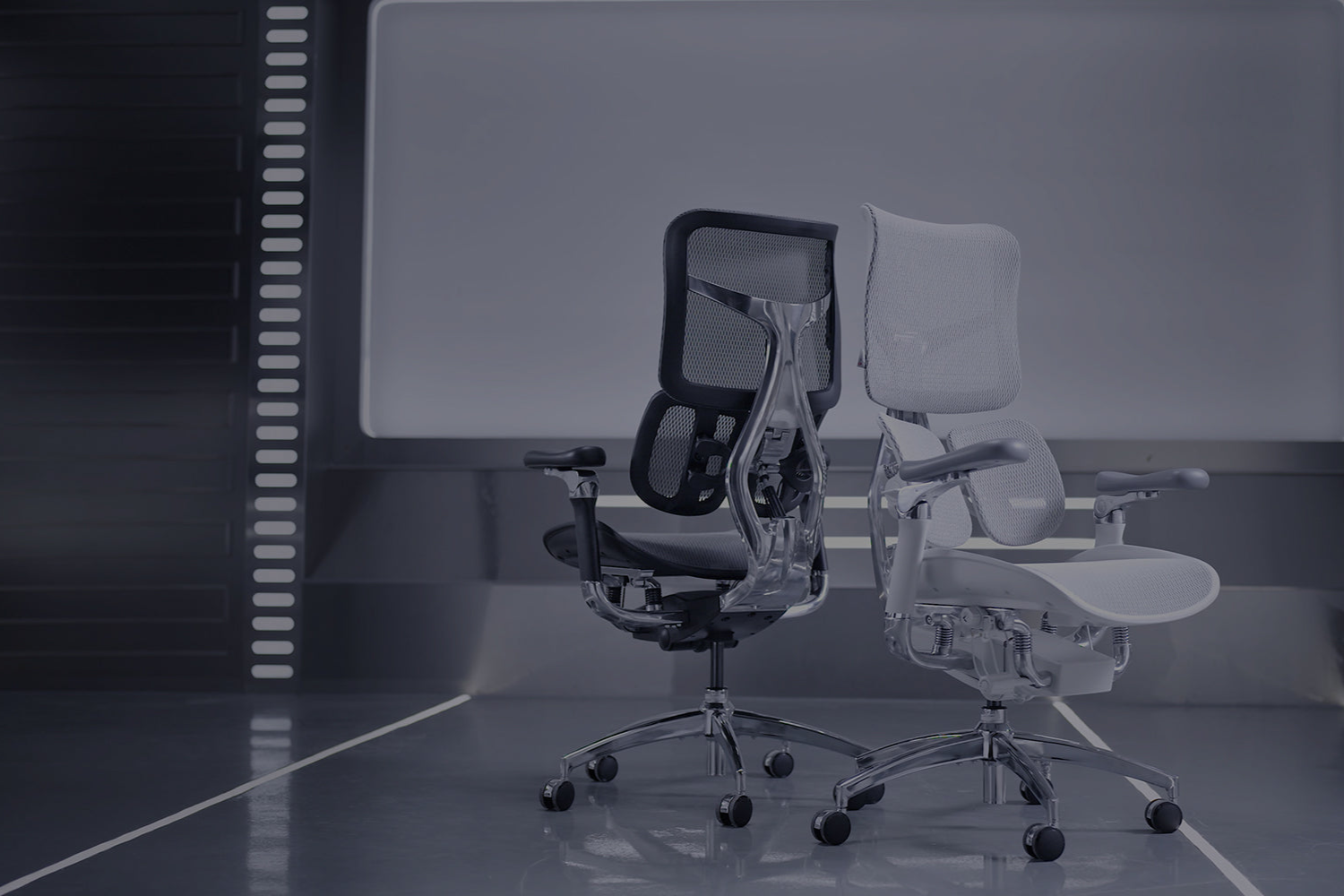
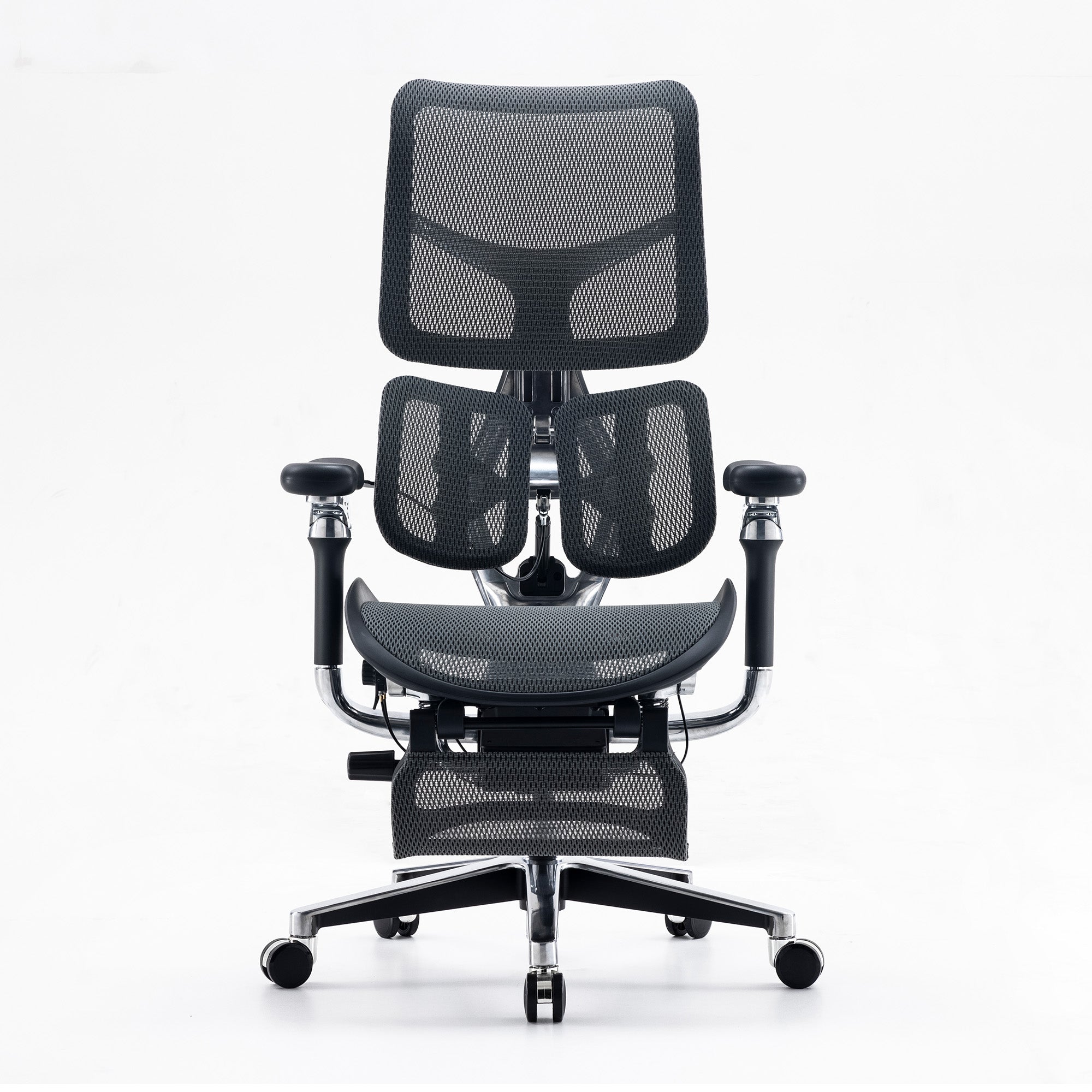
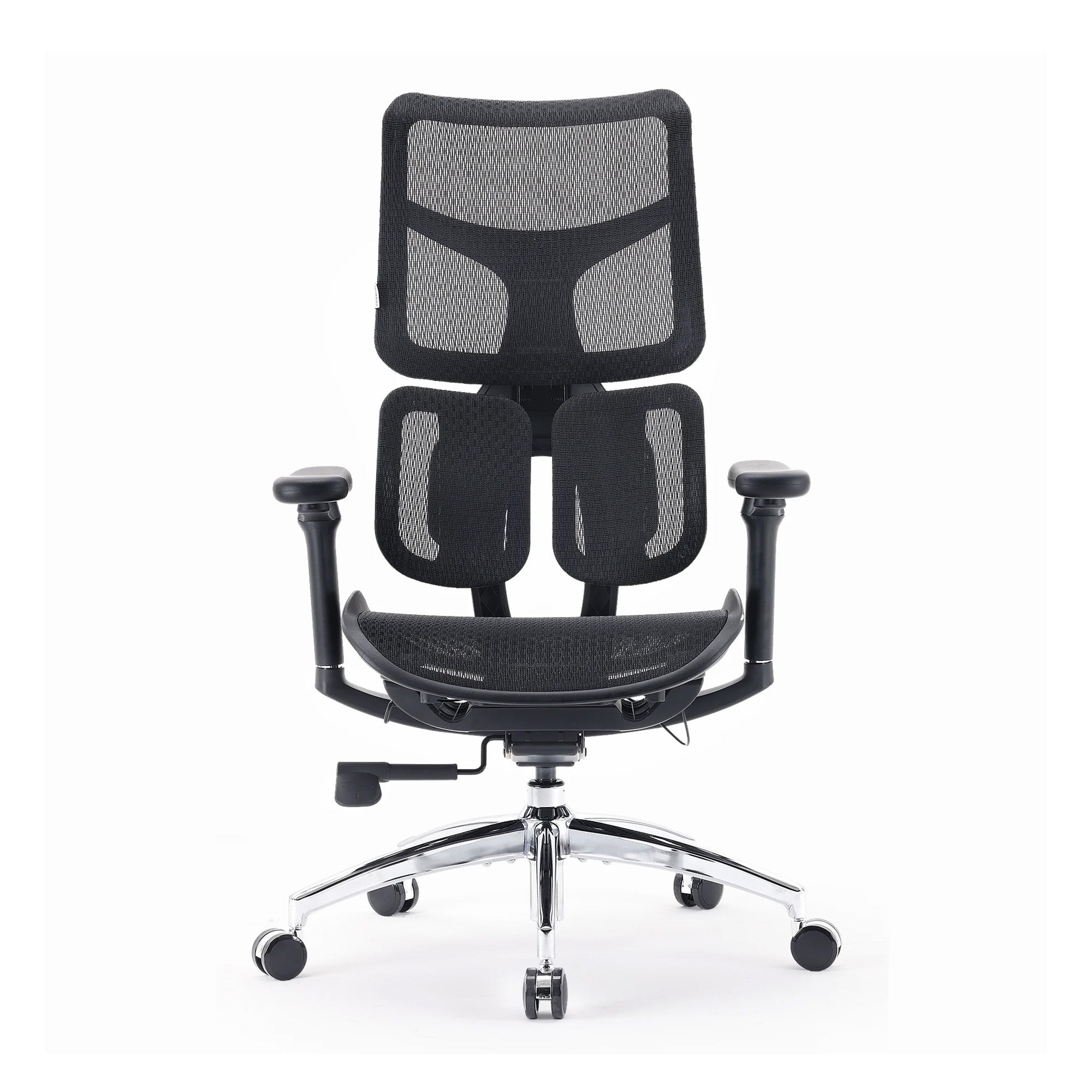
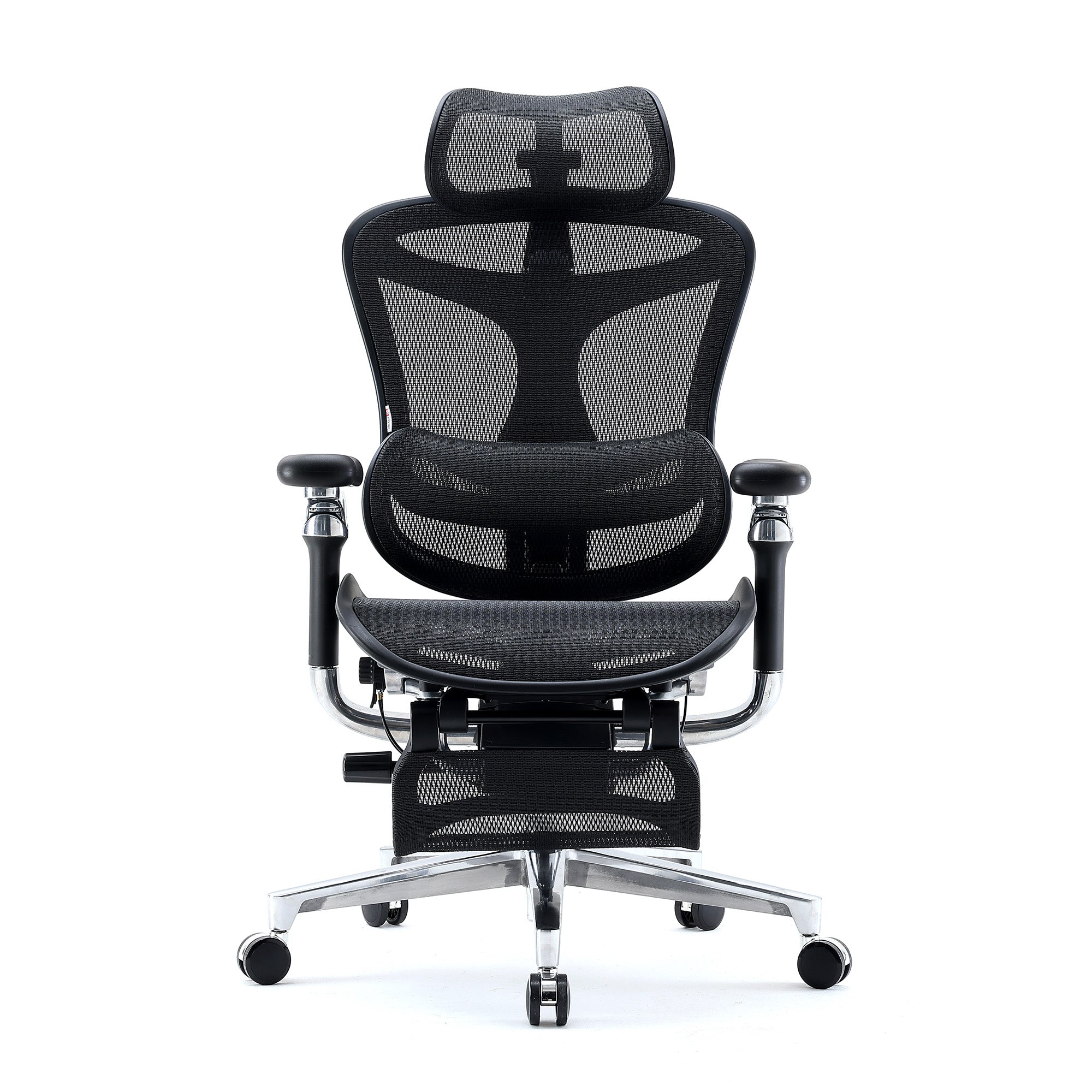
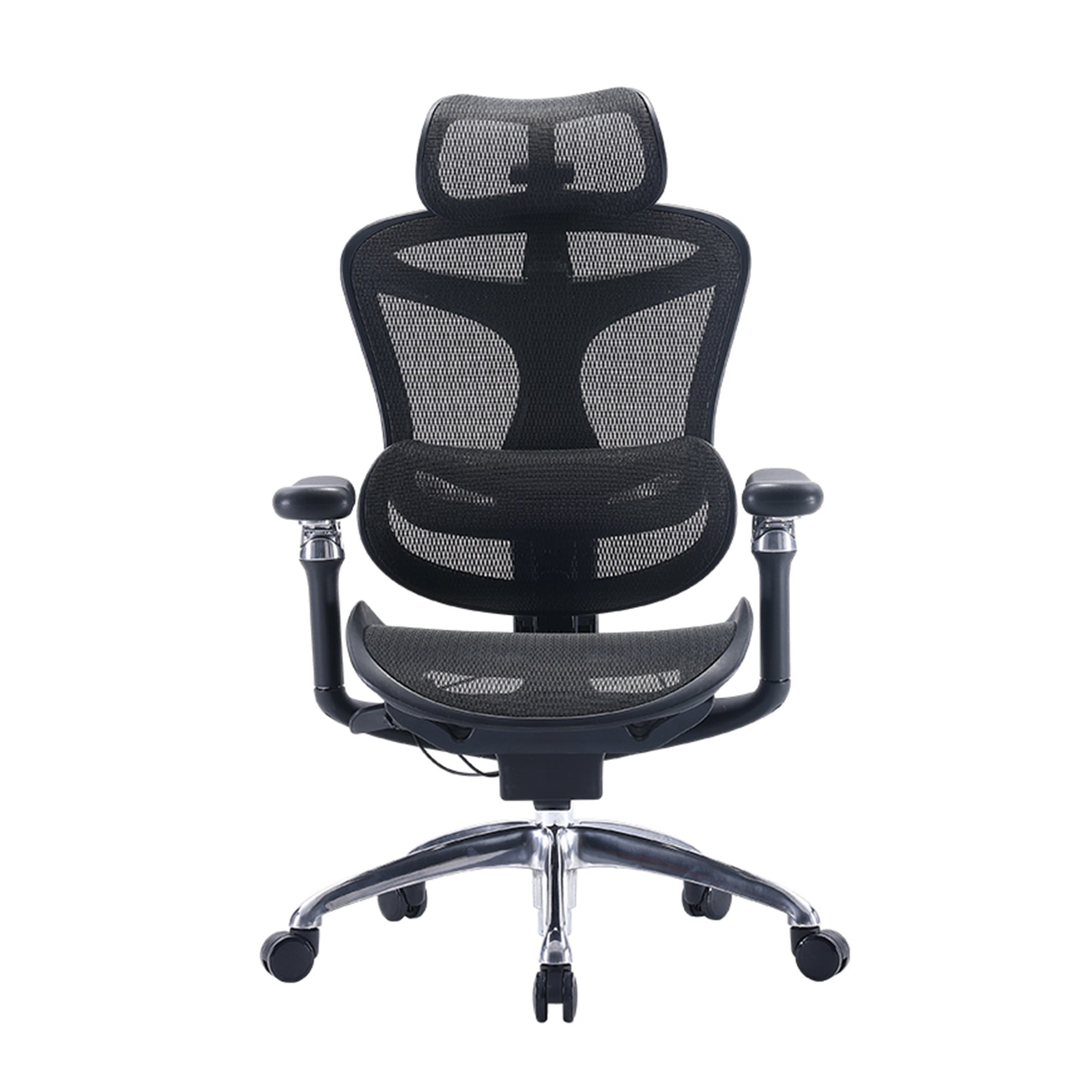
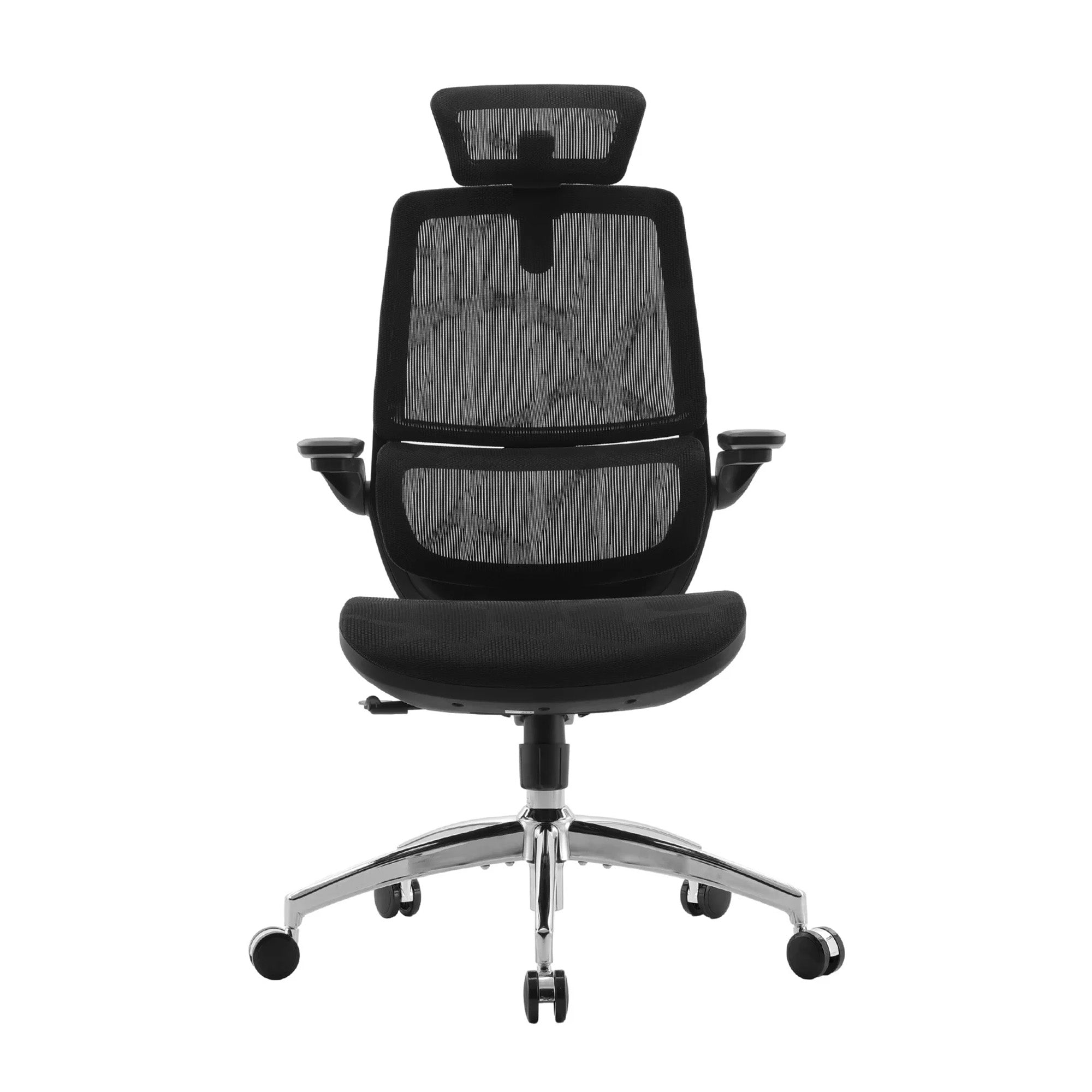
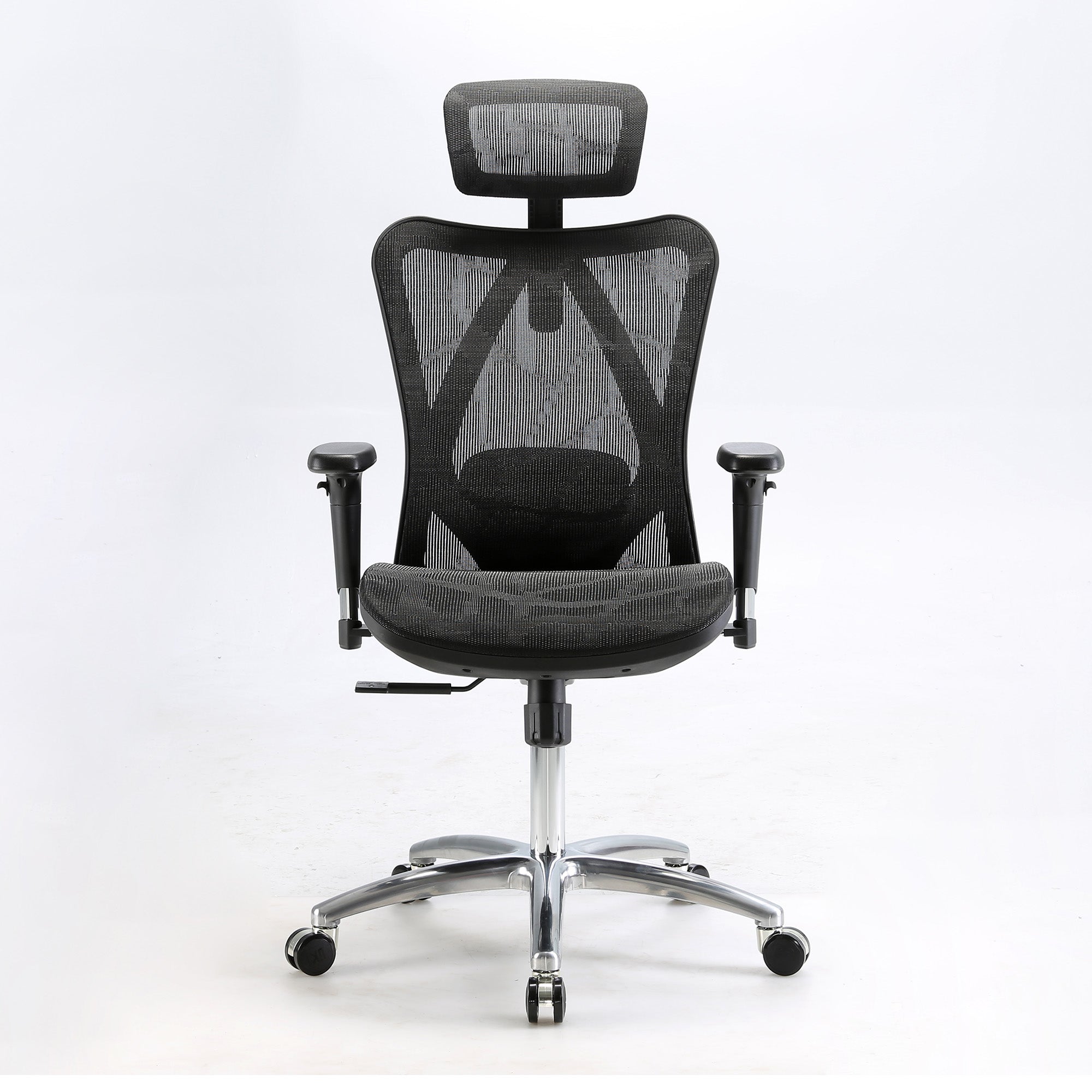
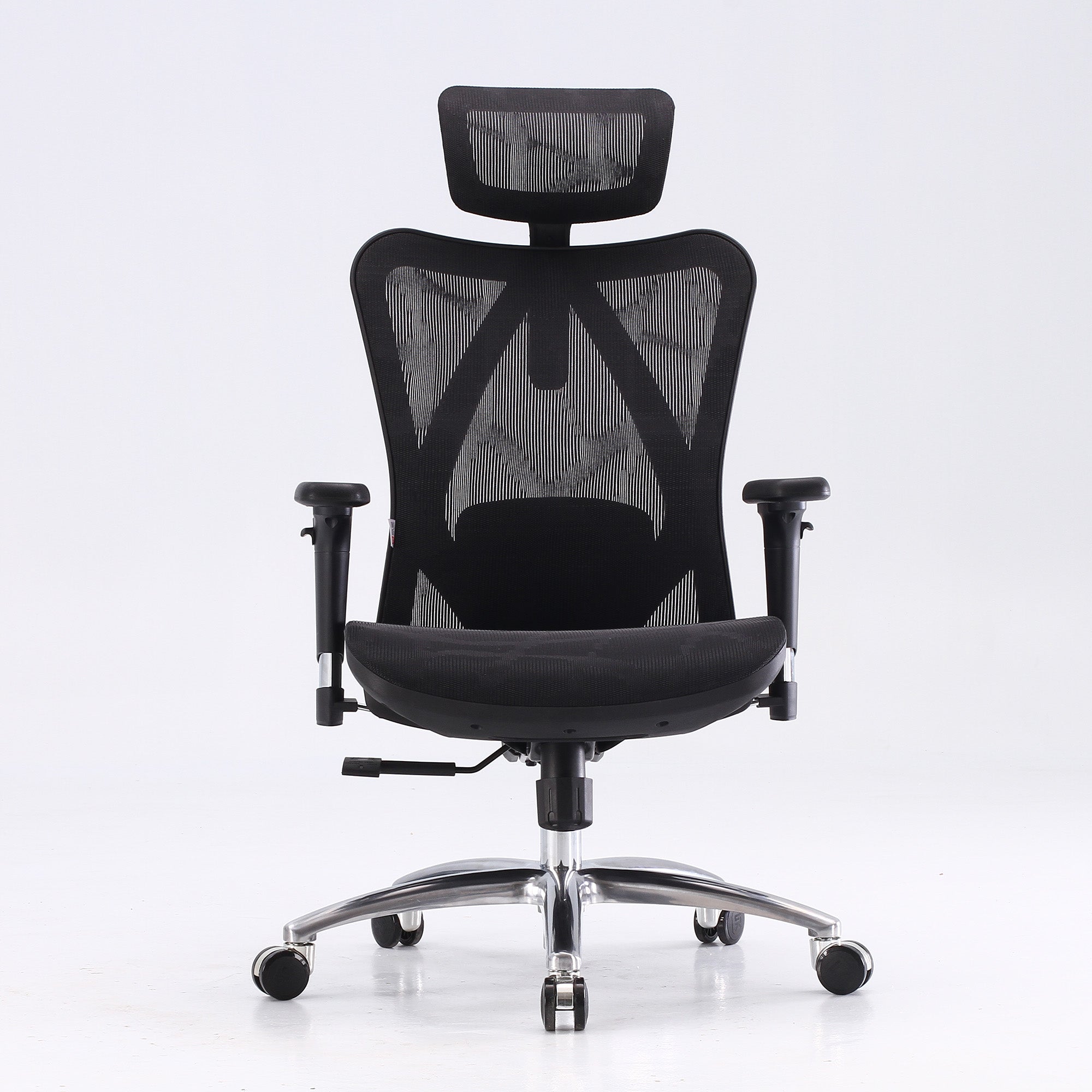
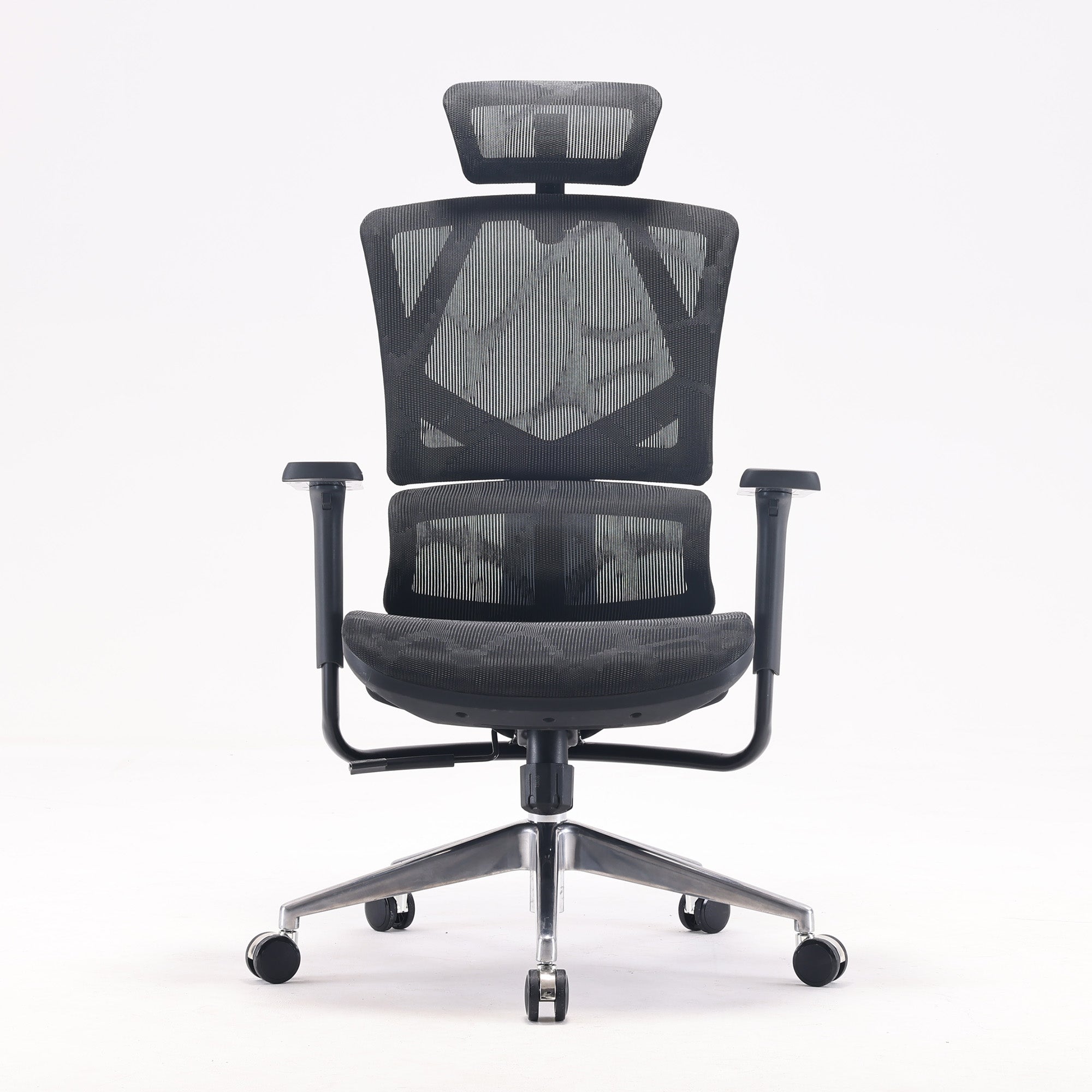
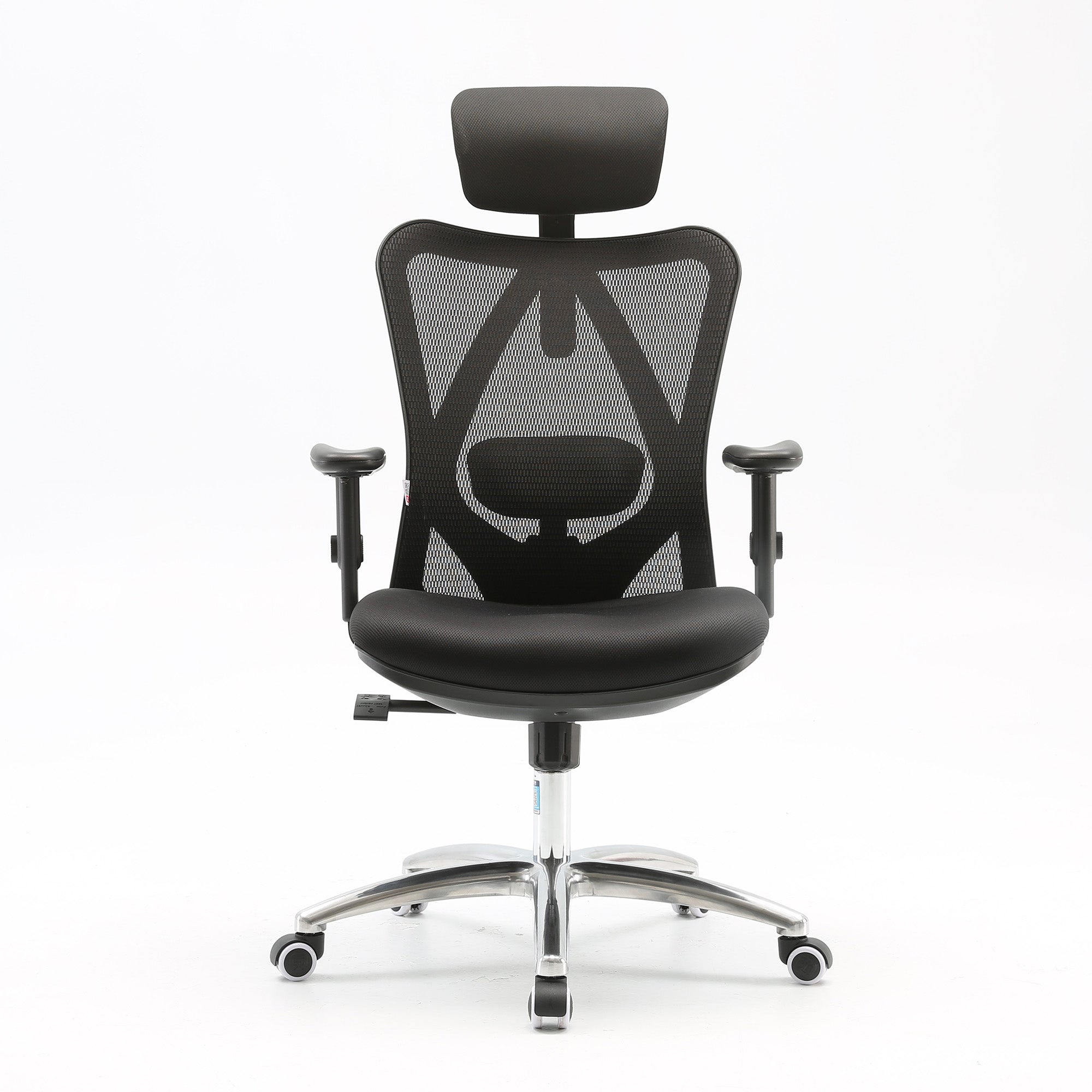
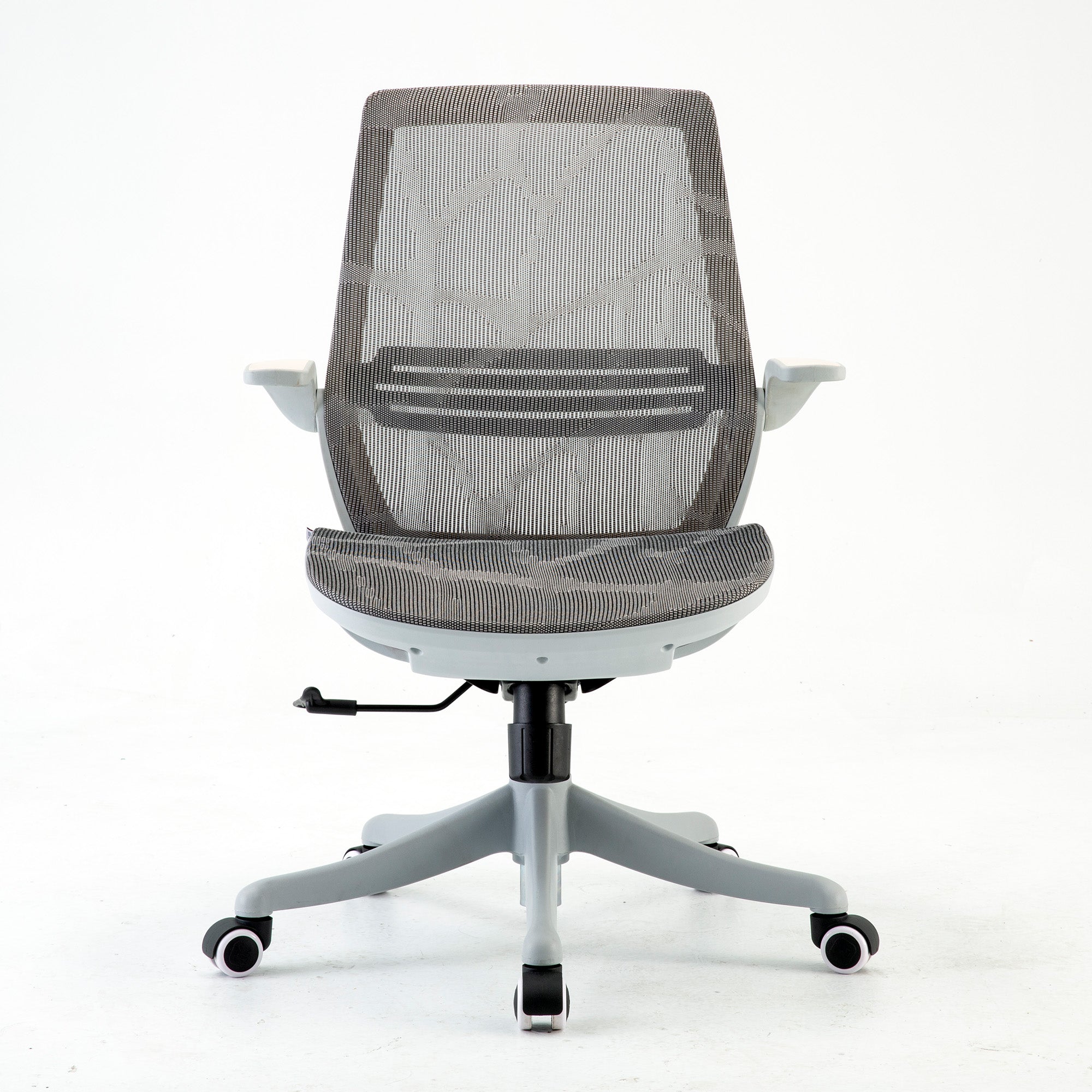
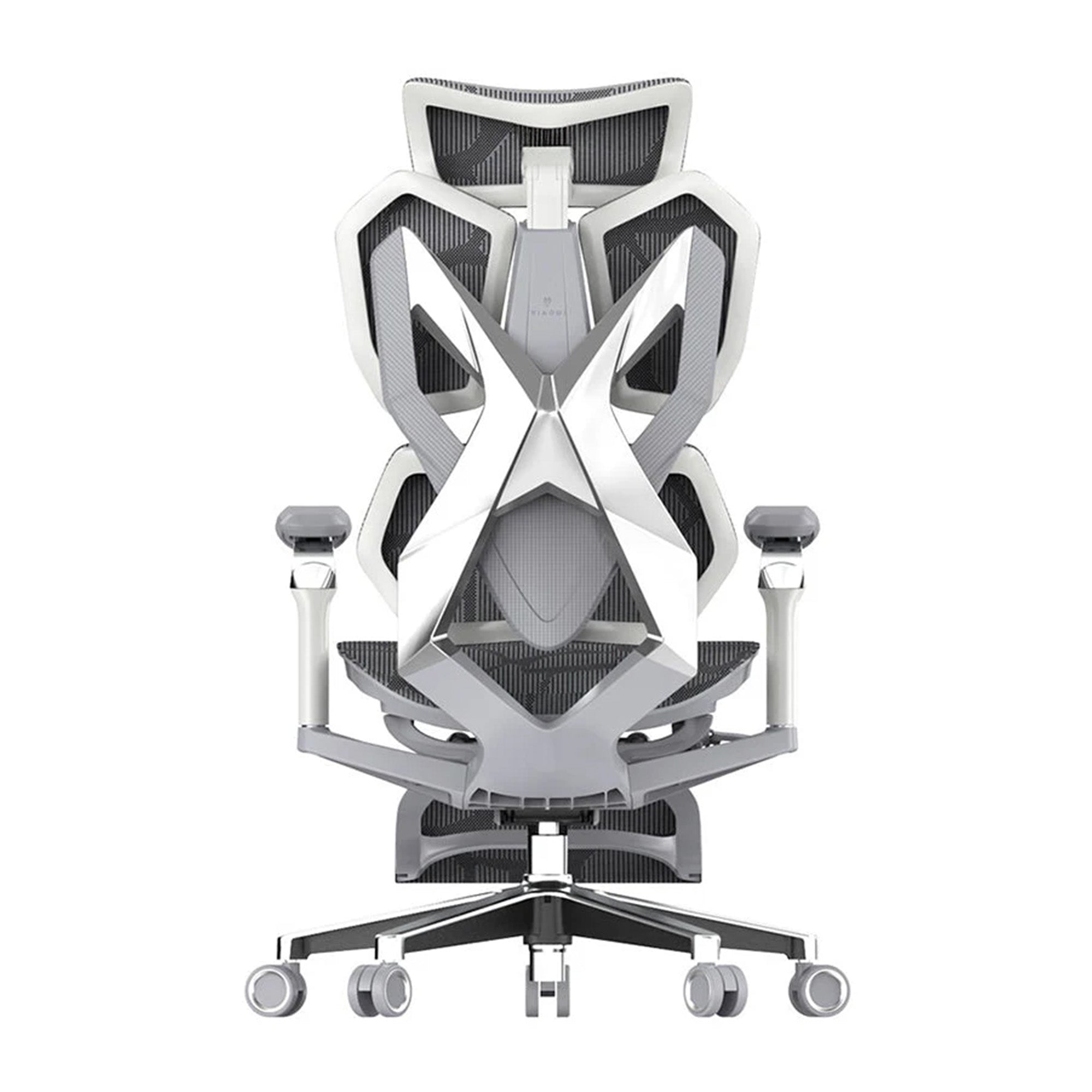

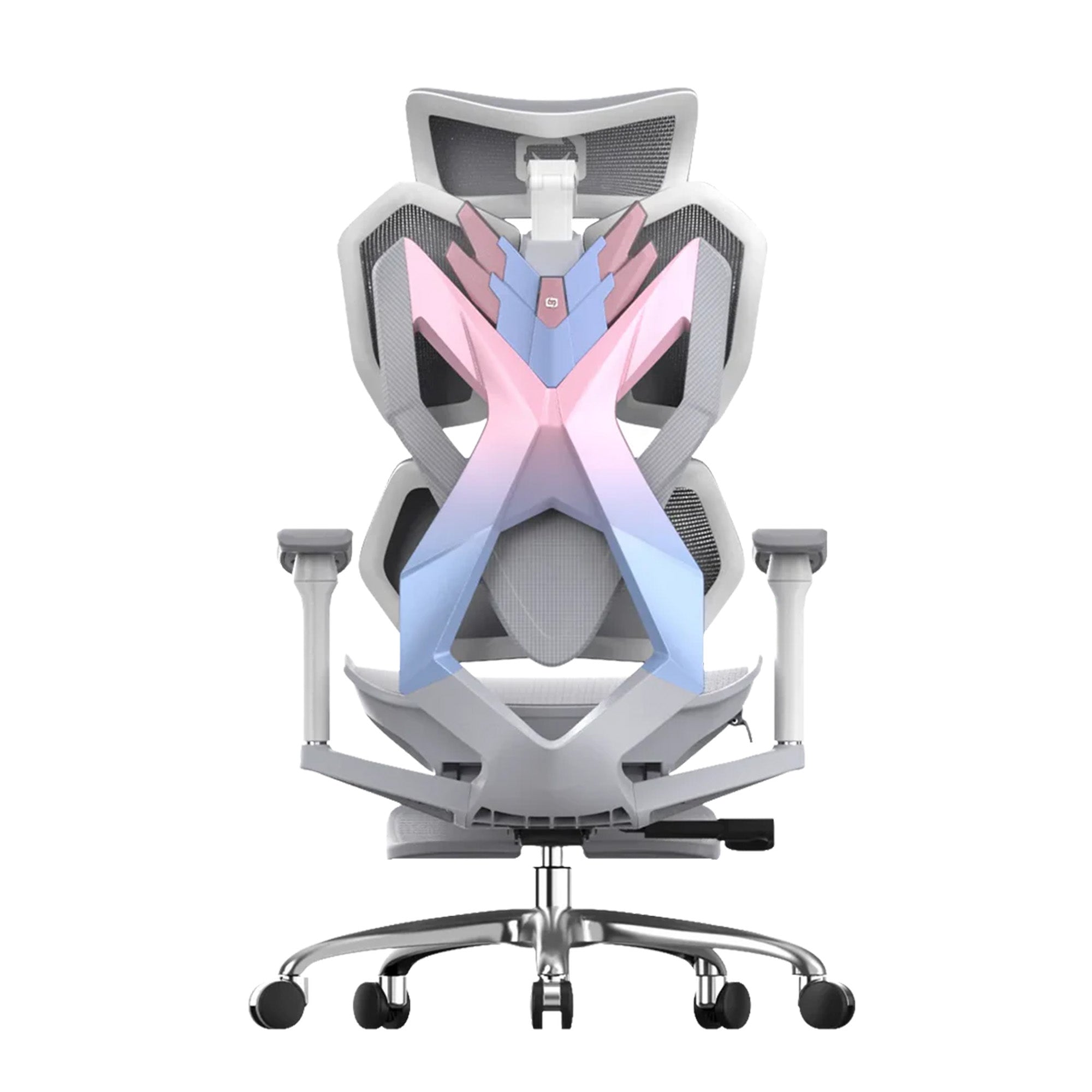
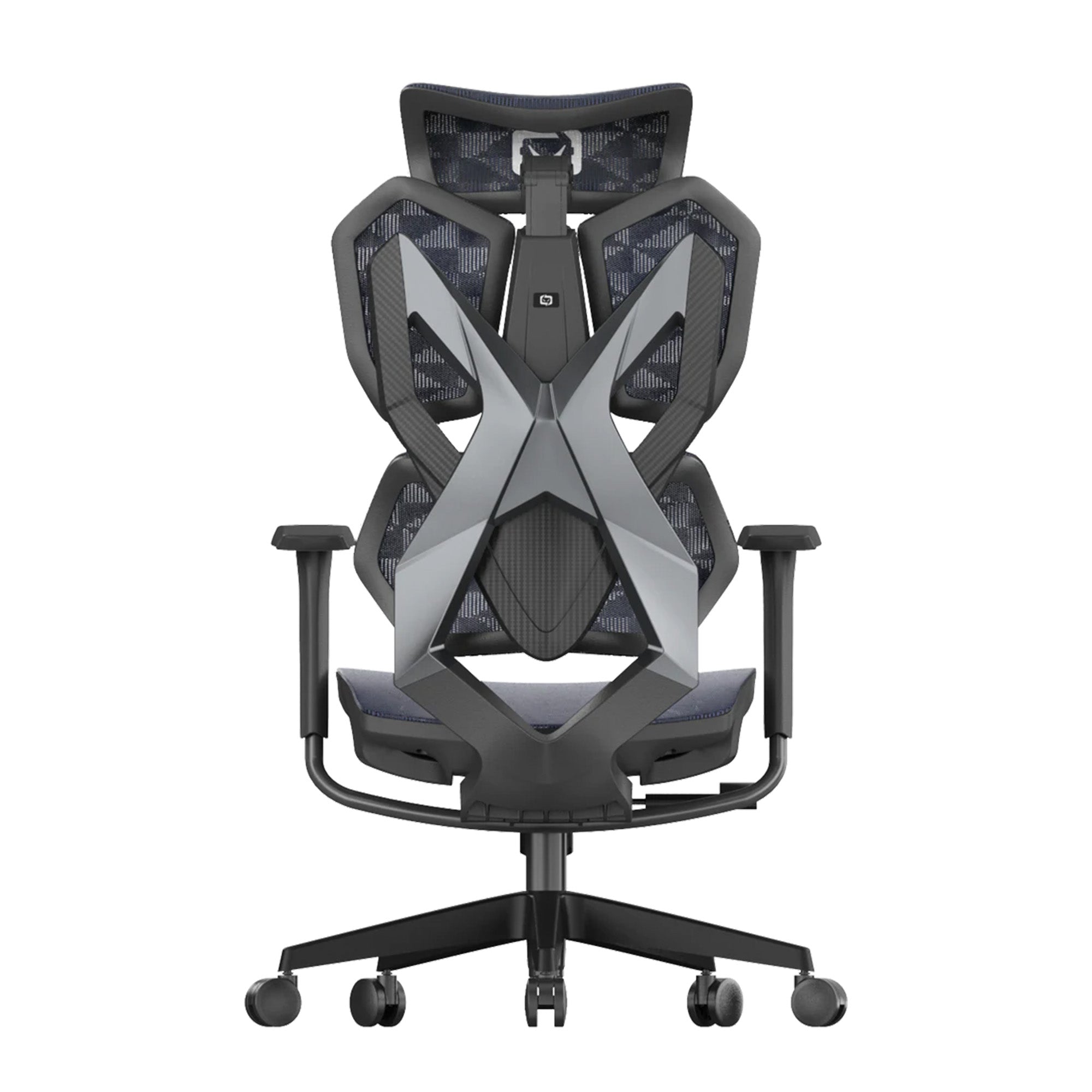

Most chairs are called ergonomic.
Fewer of them are actually built for desk work. There is a difference between a chair that supports sitting in general and one that supports the specific way a desk worker sits: forearms parallel to the keyboard, eyes level with the screen, weight shifting between focus and recline across the day. When you search for Ergonomic Desk Chairs for Home and Office in Australia, the specific word desk matters. It tells you what the chair needs to do well.
Australia now has over 40 percent of its employed workforce spending at least some time working from home, according to the ABS. A significant proportion of those workers sit at a desk for six or more hours daily. Safe Work Australia classifies sitting for more than seven hours per day as a high-risk sedentary threshold. The chair at a desk is the single piece of furniture doing the most physical work in that environment every day.
This guide covers what makes a chair suited specifically to desk use, how that differs from general ergonomic seating, what the five essential specifications are, and which Sihoo ergonomic office chairs match each type of desk worker in Australia. All prices are confirmed from sihoo.com.au as of July 2026.
What Makes an Ergonomic Chair Actually Good for Desk Work
A Desk Puts Specific Demands on a Chair That General Seating Does Not
You sit differently at a desk than you sit watching television, waiting in a meeting, or sitting on a train. Desk work involves sustained forward orientation: hands on a keyboard or mouse, eyes fixed on a screen, arms at a consistent height, with periodic shifts between typing and reading. These demands place specific requirements on a chair.
A chair that provides good general support may still fail at a desk if the armrests cannot be lowered to desk height, if the seat depth presses behind the knees when you sit all the way forward, or if the lumbar support sits too high for your specific torso length. The desk is the context that shapes what the chair needs to do.
This is why two chairs with identical feature lists can produce very different outcomes at a workstation. The adjustment range, the armrest configuration, and the seat depth all matter differently at a desk than they do in a general seating context.
THE DATA SIGNAL: Research published in Sports Medicine Open (February 2025) by Amiri, Behm, and Zemkova found that deep trunk muscle fatigue from unsupported sitting begins between 15 and 25 minutes. For a desk worker in a six-hour session, that means five hours and thirty-five minutes of accumulated spinal load after the initial fatigue onset if the lumbar support is not correctly positioned. At a desk, correct lumbar positioning is not optional.
The Five Desk-Specific Specifications
The five specifications below determine whether a chair works at a desk. They apply whether the desk is in a home office, a shared office, or a hot-desk environment.
|
Feature |
Why it matters at a desk |
What to check |
Sihoo model with it |
|
Adjustable lumbar support |
Desk work keeps you in one position for extended periods. Lumbar support must contact your lower back specifically, not your mid or upper back. |
Can it move up and down? Does it push forward enough to contact the inward curve of your lower spine when you sit all the way back? |
All Sihoo models. Adaptive on Vito M90 and Doro series. |
|
Seat height range |
The chair must bring your forearms parallel to the desk surface. If the seat is too low or too high, your shoulders carry the load. |
Check that the seat height range includes your correct position. Your feet should be flat on the floor with knees at about 90 degrees. |
All Sihoo models. M57 covers 42-52cm. Doro S300 covers a wider range for taller users. |
|
3D or higher armrests |
Desk work involves different arm positions throughout the day: keyboard, mouse, phone, document review. 2D armrests fix you at one height. |
Can the armrests move inward toward the desk? Can they pivot for angled keyboard or mouse use? This matters more at a desk than in any other seated context. |
M57, Vito M90, Doro C300, Doro S300 all have 3D or above. |
|
Seat depth adjustment |
A seat too deep for your legs forces you to sit forward and lose lumbar contact. This is the most missed specification for shorter desk workers. |
Sit all the way back. Is there at least 2 finger-widths of clearance between the seat edge and the back of your knees? If not, the seat is too deep. |
Sihoo V1 has sliding seat depth. Doro series has limited depth adjustment. M57 and M90 have fixed depth. |
|
Breathable mesh construction |
Australian summers, home offices without consistent aircon, and long desk sessions all generate heat. A foam or PU leather seat traps it. Mesh lets it out. |
Is the seat surface mesh, foam, or PU leather? Full mesh on both seat and back is the correct specification for warm-climate desk work. |
All Sihoo models use full mesh backrest. M57, M90, V1, Doro series all use mesh seats. |
Specifications based on CCOHS office ergonomics guidance, Cornell University Ergonomics Web recommendations, and Safe Work Australia workstation setup guidelines. Individual fit varies by body dimensions and desk configuration.

Lumbar Support at a Desk: Why Position Matters More Than Type
The Desk Worker Lumbar Problem
Lower back pain is the most common work-related health complaint in Australia. The ACA's 2024 national survey found that 86.7 percent of Australian workers had experienced a musculoskeletal disorder at or because of their work environment. For desk workers, lumbar support failure is the primary physical cause.
At a desk, posture changes constantly across the day. You sit upright for focused typing. You lean slightly back during a video call. You lean forward to read something on the screen. Each position change shifts the contact point between your lower back and the lumbar support. A fixed lumbar set correctly for one position provides diminishing support as the working posture shifts through the day.
The practical difference between lumbar types at a desk:
-
Fixed lumbar: Set at one height and depth at the factory. Correct for users whose lumbar height matches the factory default. For most users, it sits in the wrong place and provides limited benefit at a desk.
-
Manually adjustable lumbar: Correct when adjusted and less correct after posture changes. Research consistently shows office workers rarely readjust their lumbar during the day. At a desk, this means episodic support rather than sustained support.
-
Adaptive lumbar: Responds automatically to sitting angle and body weight. Maintains contact through posture changes. At a desk with varied postures across the day, this provides more consistent benefit than manual adjustment.
For desk workers at four to six daily hours, a manually adjustable lumbar correctly set on the morning produces adequate benefit. For desk workers at six or more daily hours with significant postural variation, adaptive lumbar produces a meaningfully different end-of-day physical state.

Armrests at a Desk: The Shoulder Pain You Have Normalised
Why Armrest Height Is the Most Under-Adjusted Setting
Most new chairs arrive with armrests at maximum height. Most people sit down, find the armrests uncomfortable at maximum height, and either lower them slightly or ignore them. The shoulders stay elevated throughout the working day, loading the trapezius muscles continuously from the first hour.
The correct armrest position at a desk is lower than most people expect. Lower the armrests until the shoulders drop completely. That moment when the shoulders release their tension is the correct height. From that position, your forearms should rest roughly parallel to the keyboard surface without requiring any shoulder elevation at all.
The difference between 2D armrests (height only) and 3D armrests (height, pivot, forward/back) matters specifically at a desk because desk work involves varied arm positions throughout the day. A pivot function allows the armrests to swing inward toward the keyboard for close typing, and outward for wider mouse use or document review. A fixed or height-only armrest requires the user to choose one compromise position.
For office managers specifying chairs for teams, the armrest configuration is worth considering across different role types. A data entry role uses a narrower consistent arm position. A creative or research role involves wider, more varied arm movement. The armrest type that serves each role is different.

Full Mesh Matters More in Australia Than Most Reviews Acknowledge
The Australian Climate Specification for Desk Chairs
Most ergonomic chair reviews are written for Northern Hemisphere markets where ambient temperatures in home offices rarely exceed 22 degrees Celsius. Australian home offices without consistent air conditioning regularly reach 26 to 34 degrees Celsius during summer months in Sydney, Melbourne, Brisbane, Perth, and Adelaide.
At these temperatures, the seat surface material produces a meaningfully different experience across a working day. A foam or PU leather seat retains body heat. Surface temperature increases from the first hour onward. Moisture accumulates between the body and the seat surface. By the third hour of a desk session in a warm room, the thermal discomfort from the seat compounds with the physical fatigue from sustained sitting.
Full mesh on both the seat and backrest allows continuous airflow through both surfaces regardless of ambient temperature. The surface temperature remains consistent across the session. For an Australian desk worker in a home without reliable climate control, full mesh is a functional specification rather than an aesthetic preference.
Every Sihoo model uses mesh on the backrest. The M57, Vito M90, V1, and Doro series all use mesh on the seat surface as well. No Sihoo desk chair uses foam or PU leather on the seat. For Australian summer desk work, this is the right specification by default.

Home Desk vs Office Desk: Does the Chair Need to Be Different?
Two Contexts, Shared Specifications, One Key Difference
The ergonomic requirements for desk work are largely the same whether the desk is at home or in a corporate office. Lumbar support, seat height, armrest configuration, and seat depth all matter equally in both settings.
The practical differences:
-
Home desk: More likely to lack consistent air conditioning. More likely to involve a single user at a single chair for the full working day. Less likely to have been correctly set up at the start. Full mesh is more relevant for climate reasons. Seat depth adjustment is more relevant because nobody has assessed the fit. The adjustment session that most office setups skip is even more likely to be skipped at home.
-
Office desk: More likely to involve hot-desking or chair sharing between users of different heights. The adjustment range of the chair matters more when multiple people use it. Durability and warranty coverage matter more under commercial use frequency. BIFMA certification, which the Sihoo Doro series carries, indicates the chair has been tested for commercial daily use intensity rather than residential use cycles.
For a hybrid worker who uses the same chair at home five days a week, the home specification is the relevant one. For a business fitting out a shared office, the commercial specification applies. A chair that suits both needs the adjustment range and durability of a commercial chair with the climate comfort of a home mesh design. The Doro C300 and Doro S300 cover both.
For businesses procuring desk chairs across a team, the guide to choosing ergonomic chairs for teams with different body types covers the procurement process for mixed-requirement environments, including how to assess fit across height distributions and role types.

The Best Ergonomic Desk Chairs in Australia 2026 — By Desk Worker Profile
Matched to Your Daily Hours and Desk Setup
The table below matches each Sihoo desk chair to the specific desk worker profile it is best suited to. Use your daily desk hours and the desk context as the primary filters.
|
Best for |
Price |
Model |
Daily desk hours |
Why this model at a desk |
|
First ergonomic desk chair upgrade |
$329 |
Sihoo M57 |
4 to 6 hrs |
Full mesh, adjustable lumbar, 3D armrests that pivot inward toward the desk. The most complete entry-level desk chair specification in the Sihoo range. |
|
Budget desk chair, occasional WFH |
$279 |
Sihoo M18 |
Up to 4 hrs |
Adjustable lumbar and 3D armrests at the lowest price. The right choice when daily desk hours are moderate and budget is the primary filter. |
|
Shorter desk workers under 165cm |
$529 |
Sihoo V1 |
Any |
The only Sihoo model with sliding seat depth. Shorter users cannot use the backrest of a standard-depth desk chair correctly. This is the fix. |
|
Full-time WFH desk, 6+ hours daily |
$379 |
Sihoo Vito M90 |
6+ hrs |
Adaptive lumbar that maintains contact through posture changes. For a desk worker who shifts position across the day, adaptive beats manual above 6 daily hours. |
|
Hot-desk, shared office, tall users |
$679 |
Sihoo Doro C300 |
6 to 8 hrs |
Extended backrest covers shoulder blades for taller frames. Split lumbar supports upper and lower back independently. The right desk chair for extended commercial use. |
|
Executive desk, 8+ hours, back history |
$949 |
Sihoo Doro S300 |
8+ hrs |
Dynamic lumbar arm tracks spinal movement through the full range of desk postures. 5-year warranty. The appropriate specification for sustained daily desk work at highest intensity. |
Prices confirmed from sihoo.com.au as of July 2026. Check sihoo.com.au for current pricing. All models assume correct adjustment on delivery for optimal benefit.
How to Set Up Your Ergonomic Desk Chair Correctly
The Sequence That Determines Whether the Chair Works
A new ergonomic desk chair produces almost no benefit at factory default settings. The factory defaults are set for an average user that does not match any specific person. The adjustment session on delivery day is the implementation step that makes the chair work for the desk it sits at.
The correct sequence at a desk:
-
Seat height first: Adjust until feet are flat on the floor and knees are at approximately 90 degrees. Do not adjust seat height from the desk height. Adjust the desk height if needed after the chair is set.
-
Seat depth check: Sit all the way back. There should be at least two finger-widths of clearance between the front edge of the seat and the back of your knees. If there is not, the seat is too deep for your leg length.
-
Lumbar position: Find the natural inward curve of your lower back by running a hand down your spine while seated. The lumbar support must contact this specific point. Not the mid-back. Not the upper back.
-
Armrest height: Lower the armrests until the shoulders drop completely. With forearms resting on the armrests, the shoulders should be fully relaxed. At a desk, this means the armrests are likely lower than you initially set them.
-
Monitor height: This is not a chair adjustment but it directly affects the result. The top of the screen should be at or slightly below eye level when correctly seated. For laptop users at a desk, a laptop stand plus external keyboard is the fix that produces the most significant improvement in neck and upper back comfort.
The complete adjustment walkthrough for each setting is at how to properly adjust your ergonomic chair. Ten minutes on the day the chair arrives.

What an Ergonomic Desk Chair Cannot Fix on Its Own
The Variables Outside the Chair That Affect Desk Comfort
Choosing the right ergonomic desk chair addresses the physical load from seating. It does not address physical load from other workstation elements that produce pain and fatigue at the same time.
-
Desk height: A desk that is too high or too low relative to the correctly adjusted chair forces the shoulders or wrists into a compromised position regardless of the chair specification. At the correct seated position, the desk surface should allow forearms to rest roughly horizontal without shoulder elevation.
-
Monitor height: Neck and upper back pain from a screen that requires sustained neck tilt cannot be resolved by any chair adjustment. A laptop flat on a desk places the screen 25 to 30 centimetres below eye level for most seated adults. A laptop stand addresses this more effectively than any chair upgrade.
-
Keyboard and mouse position: A keyboard pushed too far back on the desk extends the arms forward and rounds the shoulders. Keeping input devices close to the body reduces the forward reach that drives upper back loading.
-
Movement frequency: Safe Work Australia recommends that sedentary task bouts be no longer than 20 to 30 minutes before a postural change. Even the best ergonomic desk chair does not eliminate the need for regular postural variety across the working day.

Conclusion
A desk is a specific context.
The chair that works at a desk is one whose lumbar adjustment reaches the correct spinal position for the specific person sitting at it, whose armrests can be lowered to shoulder-relaxation height for desk-level work, whose seat depth does not compress behind the knees when the user sits fully back, and whose surface breathes well enough for Australian summer conditions in a room that may not have consistent climate control.
The M57 at $329 covers all of these for a first desk chair upgrade at four to six daily hours. The Vito M90 at $379 adds adaptive lumbar for six-plus daily hours. The V1 at $529 is the specific answer for shorter desk workers who cannot access the backrest of a standard-depth chair. The Doro C300 at $679 covers extended daily hours and taller frames. The Doro S300 at $949 is the specification for eight-plus daily hours with existing back history or commercial desk environments at the highest intensity.
The right desk chair is not the most expensive one available. It is the one whose specifications match the specific desk, the specific daily hours, and the specific body using it.
Browse the full range of best ergonomic office chairs in Australia and use your daily desk hours as the first filter.
Better Comfort Starts Now.
Frequently Asked Questions
Prioritise adjustment range and ease of adjustment over any single ergonomic feature. In a hot-desk environment, the chair is shared between users of different heights and proportions throughout the week. The chair that serves them all best is the one whose adjustment range covers the widest height distribution and whose adjustment controls are intuitive enough that users will actually use them. The Sihoo Doro C300 and Doro C500 both provide the broad adjustment range and BIFMA commercial-use certification appropriate for shared desk environments. An adjustment guide posted at each workstation reduces the proportion of users who leave the chair at factory defaults.
Yes, for most full-time desk workers at four to six daily hours. The Sihoo M57 at $329 provides adjustable lumbar, 3D armrests, full mesh construction, and the seat height range to suit the majority of Australian adult heights. For extended daily hours above six, the Vito M90 at $379 provides adaptive lumbar that produces better sustained results across longer sessions. For eight-plus daily hours with existing back history, the Doro C300 or Doro S300 provide the more comprehensive specification that sustained high-intensity desk work requires. The key is matching the specification to the actual daily hours, not to the maximum price available.
Check these in order. First, lumbar position: the support should contact the inward curve of your lower back specifically, not your mid or upper back. Reposition it if needed. Second, seat depth: sit all the way back and check the clearance behind your knees. Less than two finger-widths means the seat is too deep and is forcing you forward off the lumbar support. Third, armrest height: if your shoulders are even slightly elevated when your arms rest on the armrests, lower them until the shoulders drop completely. Fourth, monitor height: if neck and upper back pain persists after these three adjustments, the monitor is the cause, not the chair. The top of the screen should be at or slightly below eye level. These four checks resolve most ongoing desk chair pain problems.
Safe Work Australia recommends that sedentary task bouts be no longer than 20 to 30 minutes before a postural change. This does not require leaving the desk each time. Standing to take a phone call, shifting to a different task that requires a different posture, or simply standing and sitting back down adds the postural variety that reduces the accumulated physical load from sustained static sitting. Research published in Sports Medicine Open (February 2025) confirmed that deep trunk muscle fatigue from unsupported sitting begins between 15 and 25 minutes. Even a correctly adjusted ergonomic desk chair does not eliminate this onset. It reduces the rate of accumulation.
An ergonomic desk chair is an ergonomic chair specifically configured for desk-based work. The desk context adds specific requirements: armrests at the right height for keyboard use, lumbar support that maintains contact through the posture shifts that desk work involves, seat depth that does not compress behind the knees when sitting forward, and full mesh construction that handles Australian home office temperatures during summer. Many chairs marketed as ergonomic provide general seating support without being specifically optimised for desk use. The key specifications to check are armrest adjustability, seat depth, and lumbar adjustment range rather than general comfort features.
Shop products from this article


Save up to 40% this Oktoberfest Sale. Pay in 4 interest-free instalments with Afterpay.
SHOP NOWRecommended Posts


Ergonomic Chairs Vs. Traditional Chairs
Sep 28, 2026