


It used to be nice to work from home, especially for a lot of Australians, this is just how work gets done now. On paper, the change seems easy, but in real life, your surroundings affect how you think, feel, and act every day. Working from your home means that the lines between personal and family life blurs.
So separating this line is a must, but how? Most people start out the same way. You look for ideas for how to set up your home office, scroll through pictures of home offices that inspire you, and save a few that are clean and pretty.
But it usually feels different…when you sit down at your own desk. The chair isn't quite right, the layout doesn't feel right, and by mid-afternoon, your focus drops faster than it should.
Better design fills in the space between inspiration and reality, sure, but is that enough? Then you realize that a desk that fits your workflow, an ergonomic chair that fits your body, and a setup that fits your space, is what you really need to make you more comfortable. It can give you more energy, ease your stress, and make work feel easier every day.
The goal is not to copy what you see online. It is to build a home office that actually supports how you work in real life, whether you are in a Sydney apartment, a Melbourne terrace, or a quiet regional home.
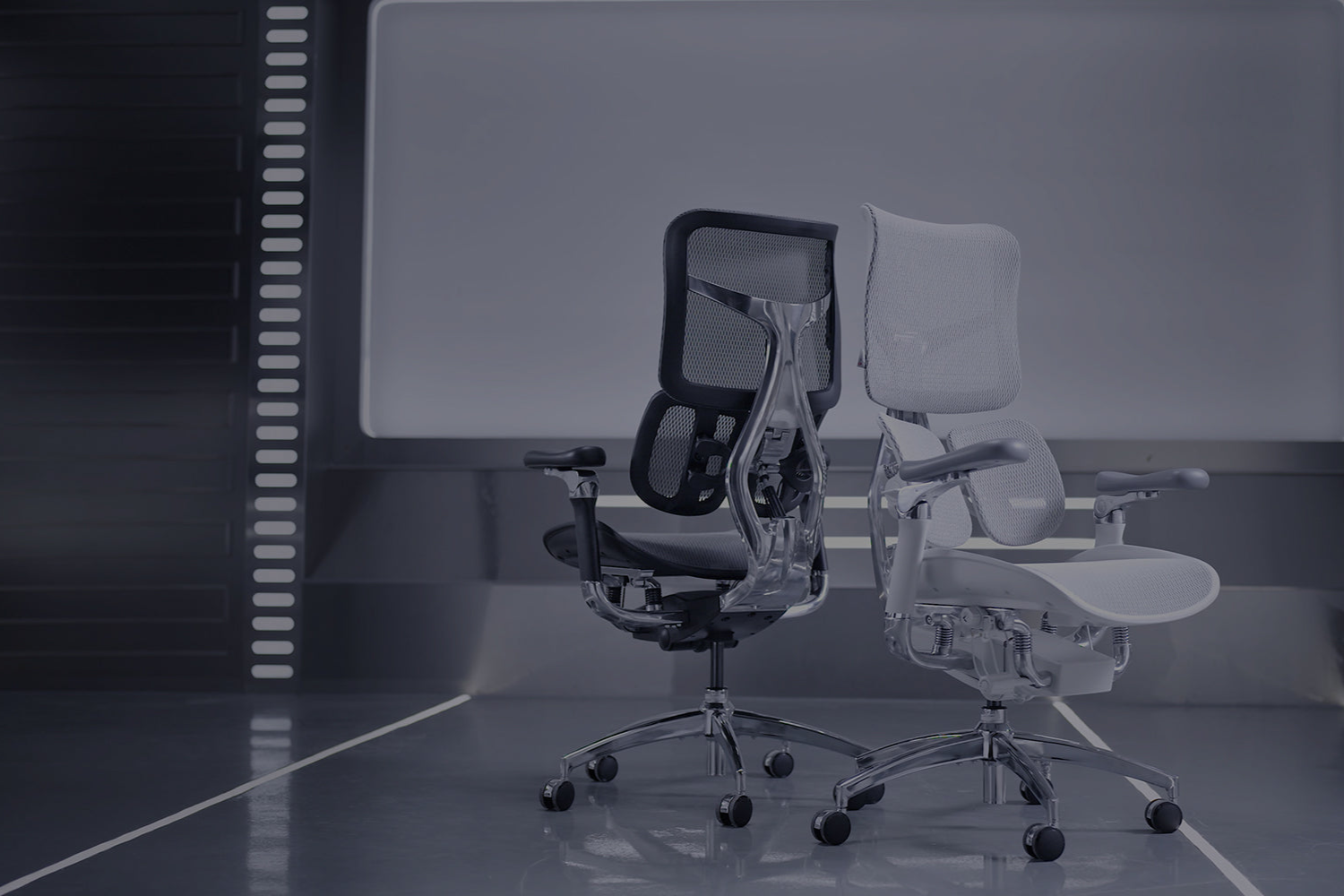
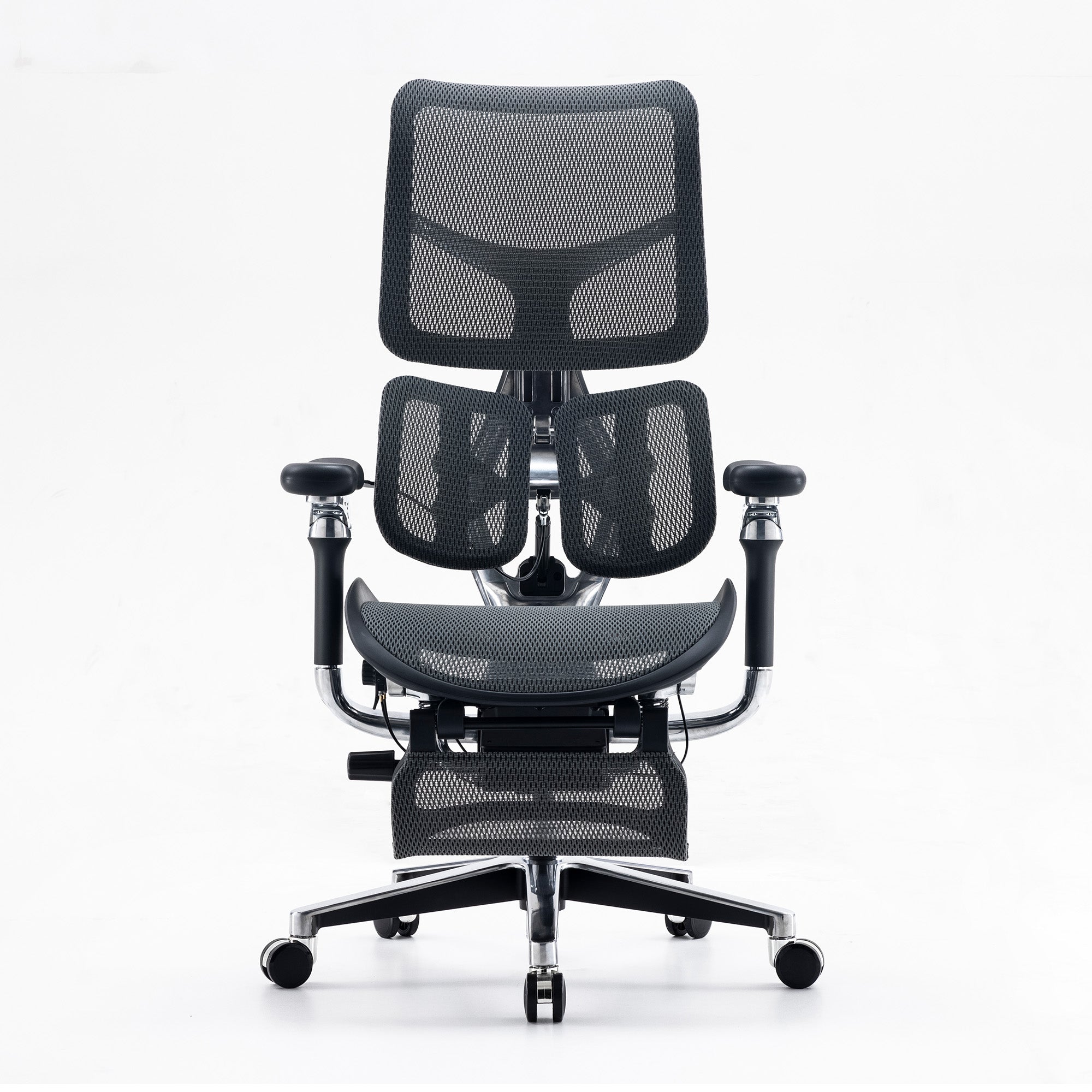
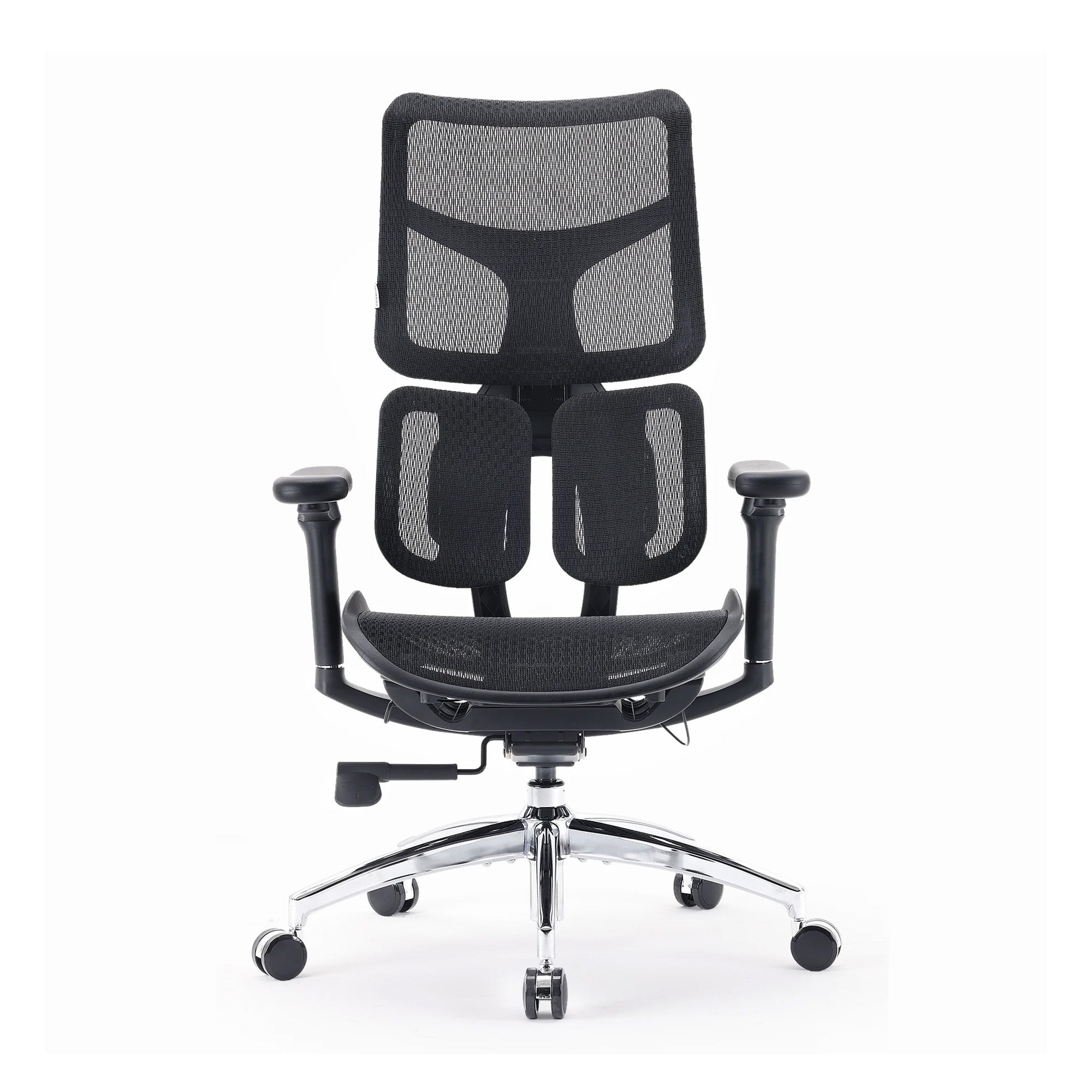
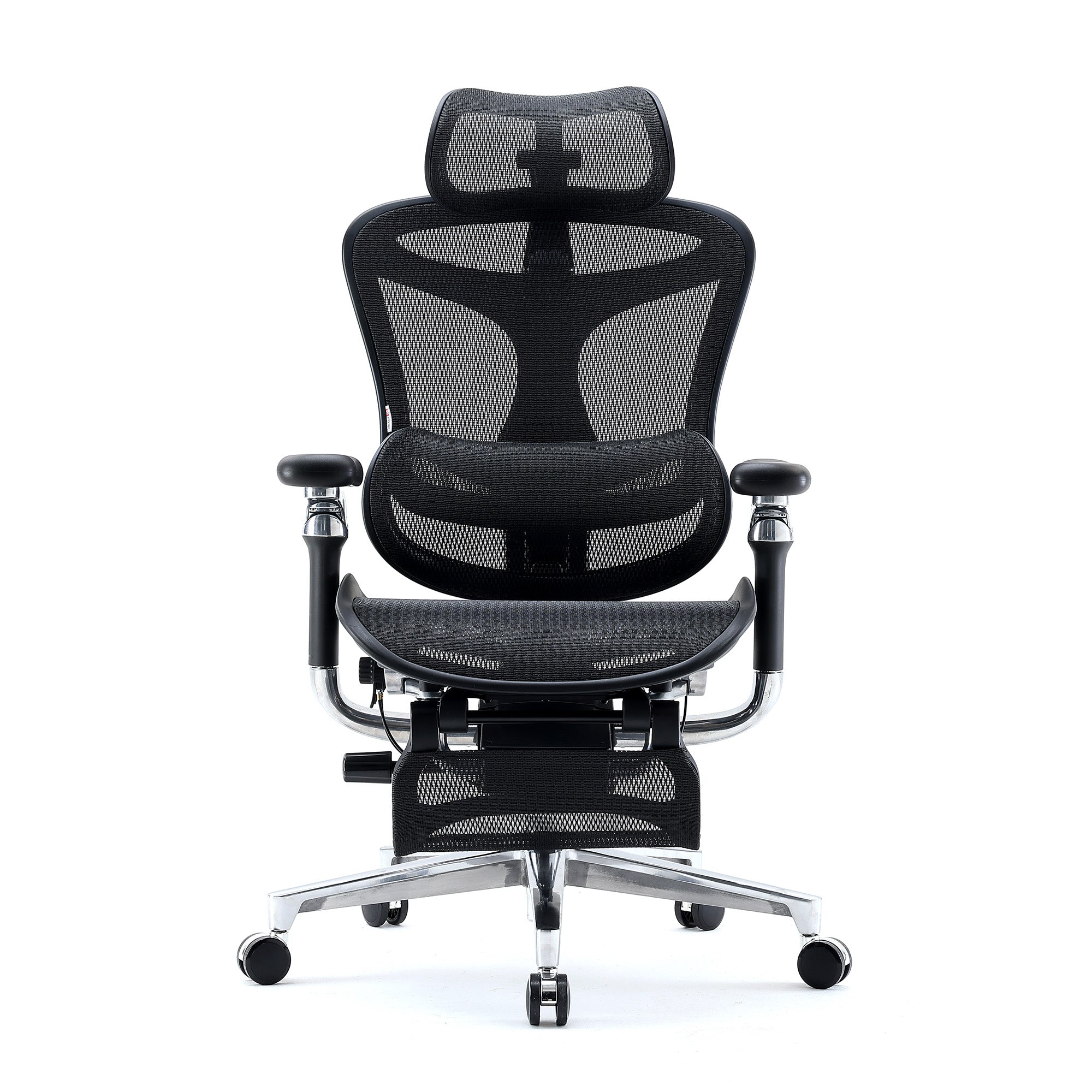
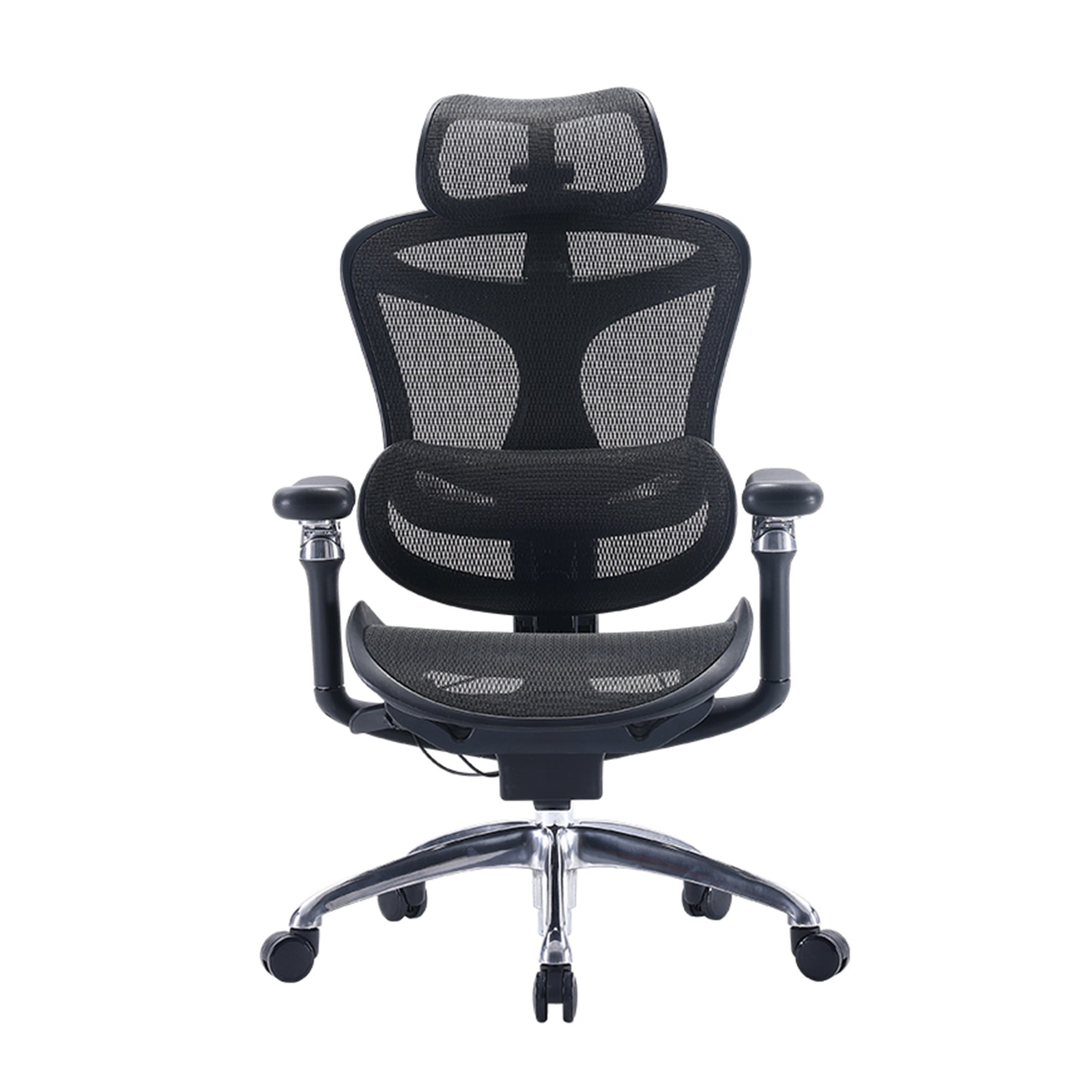
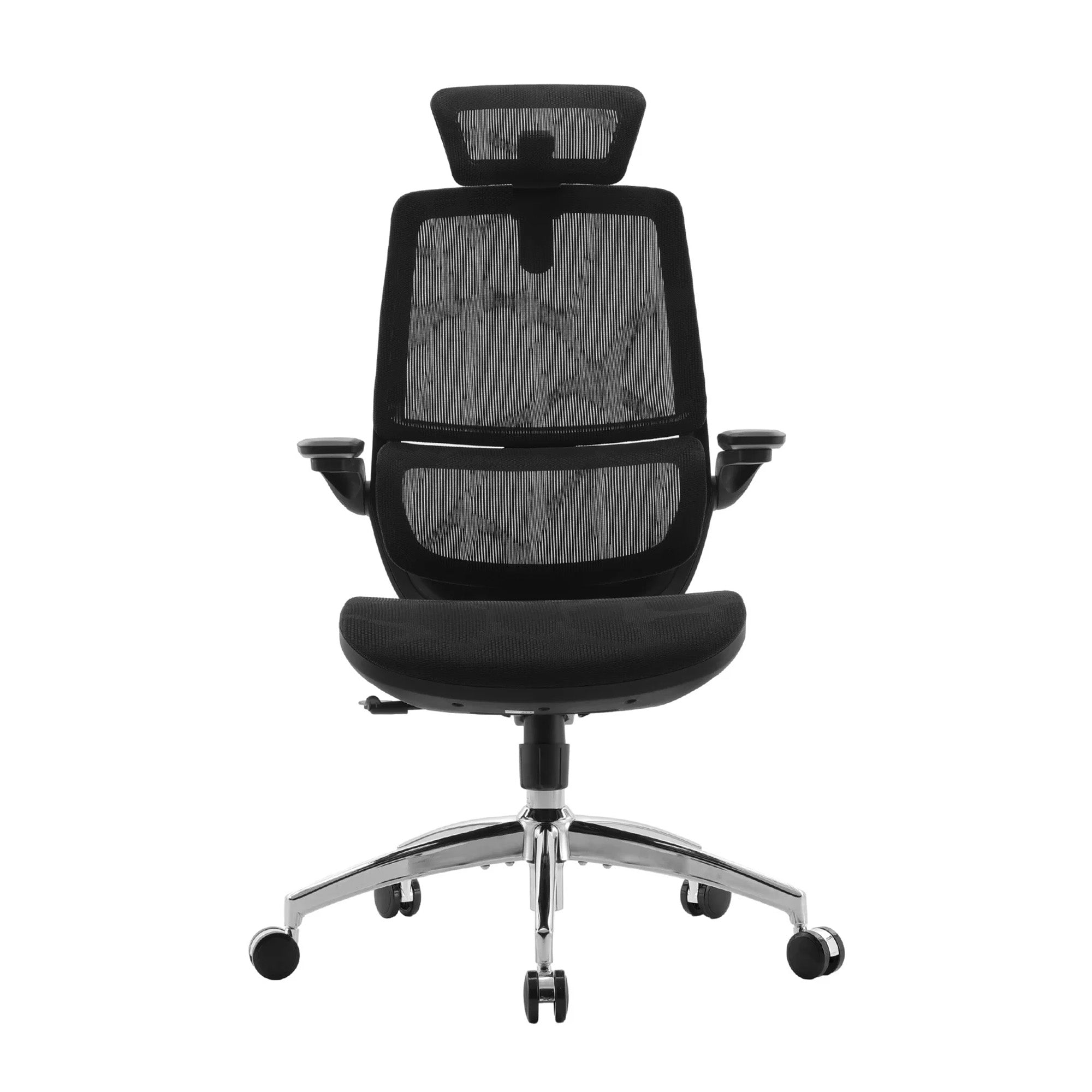
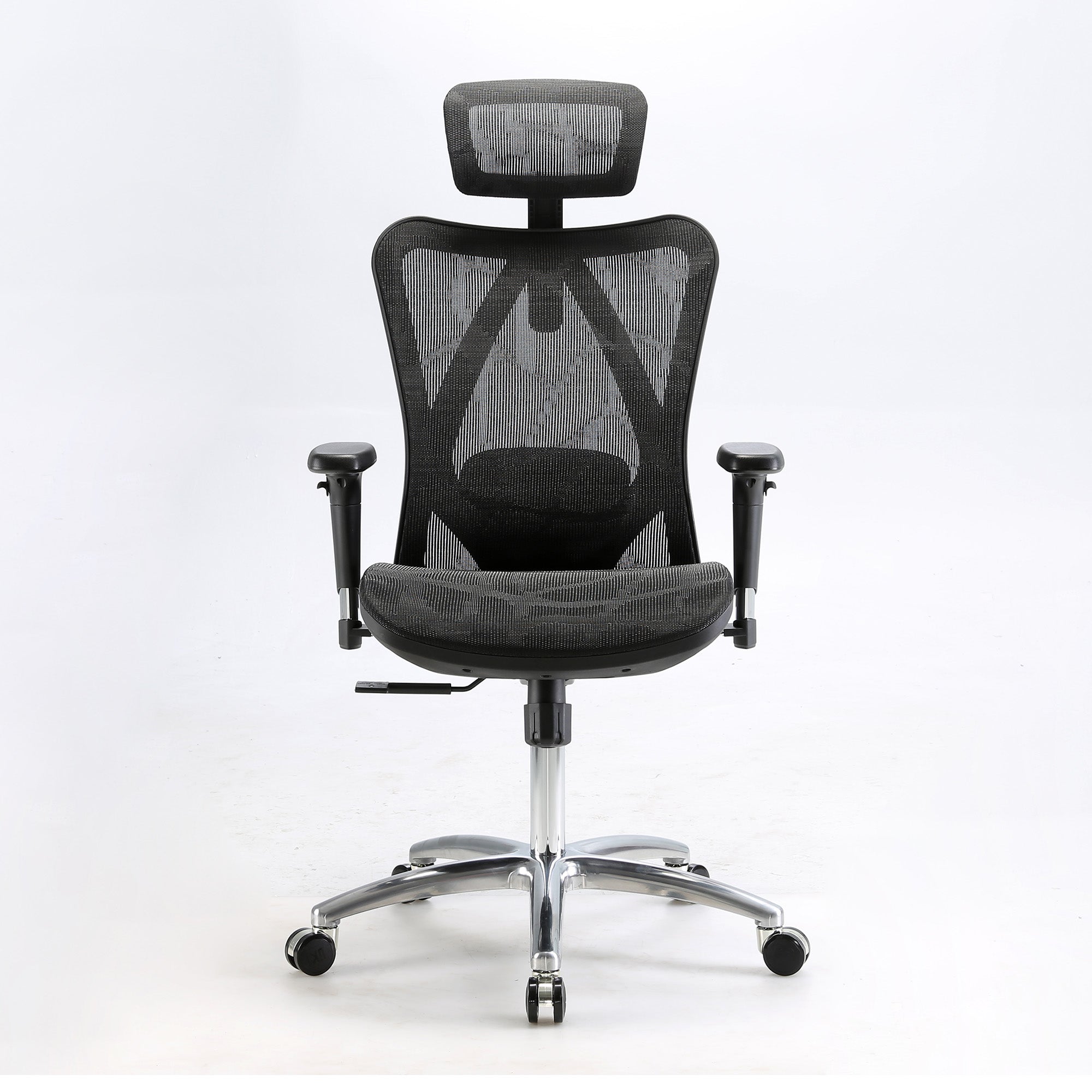
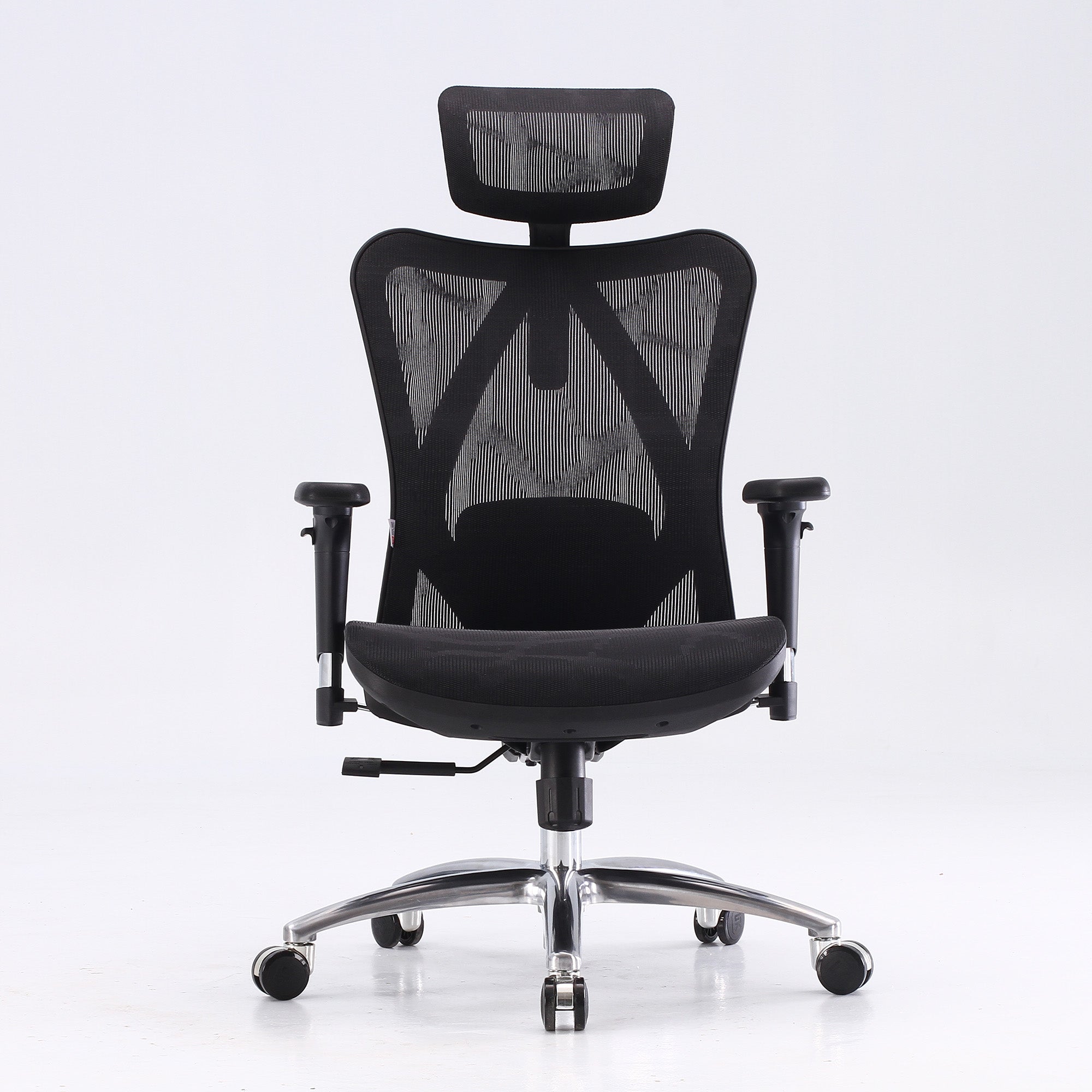
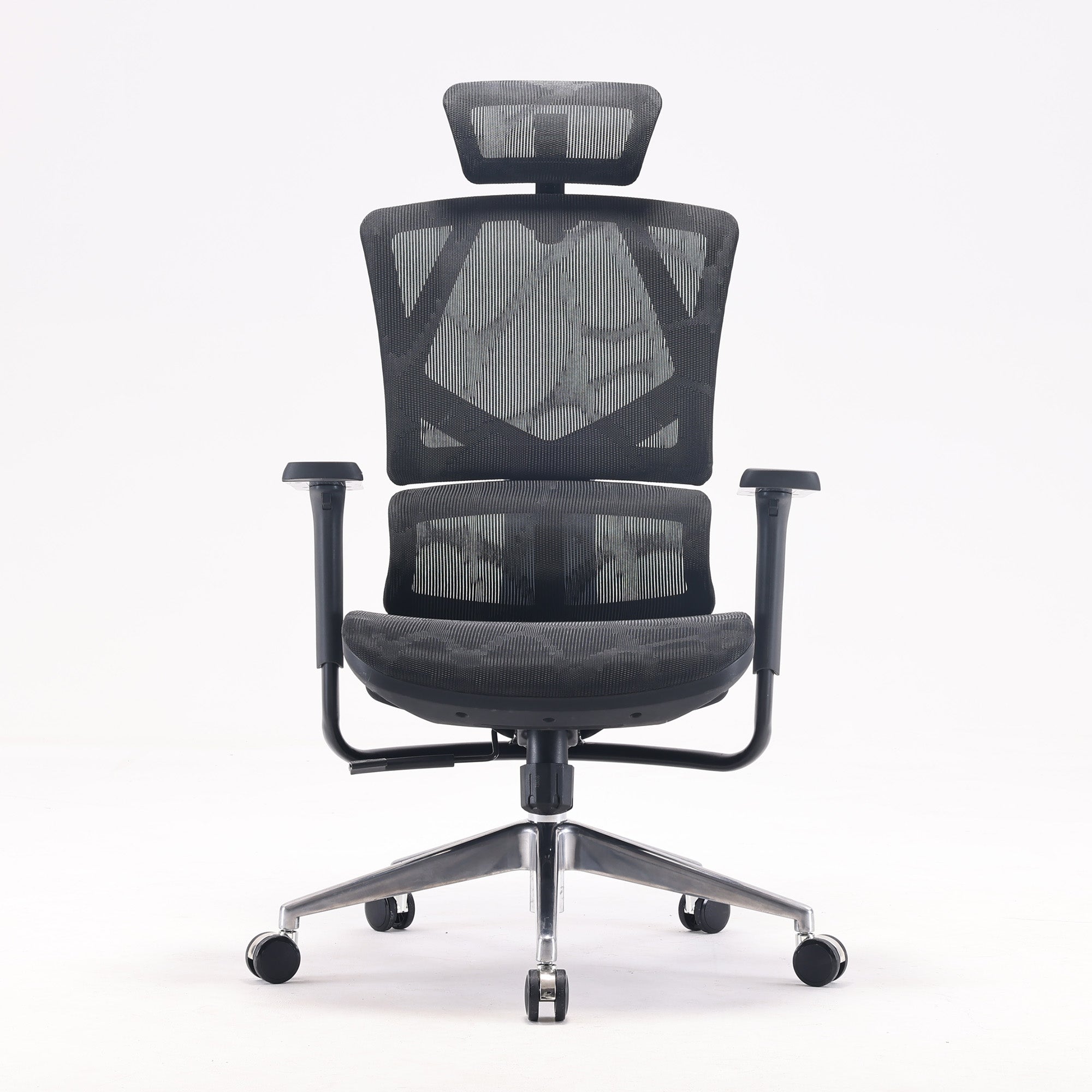
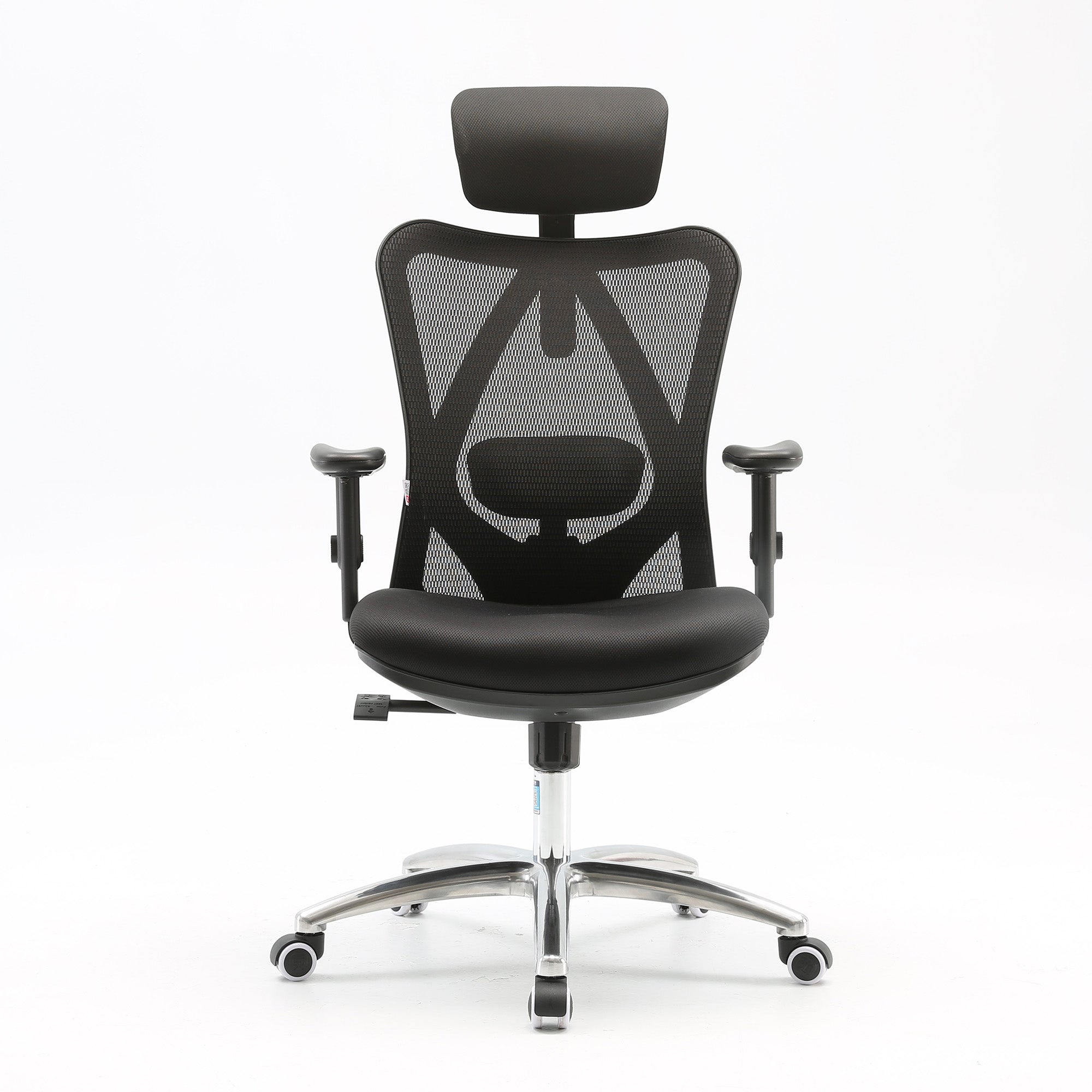
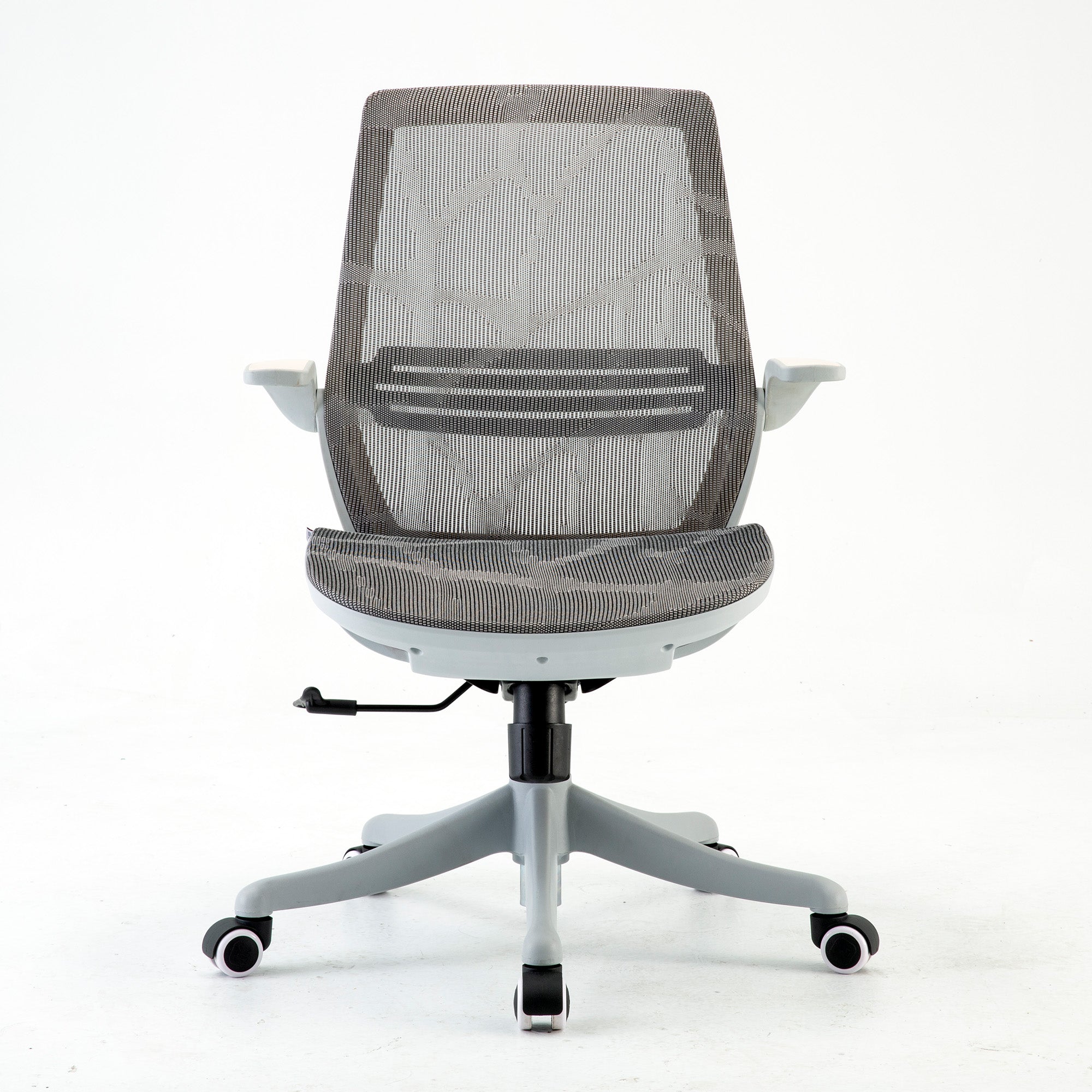
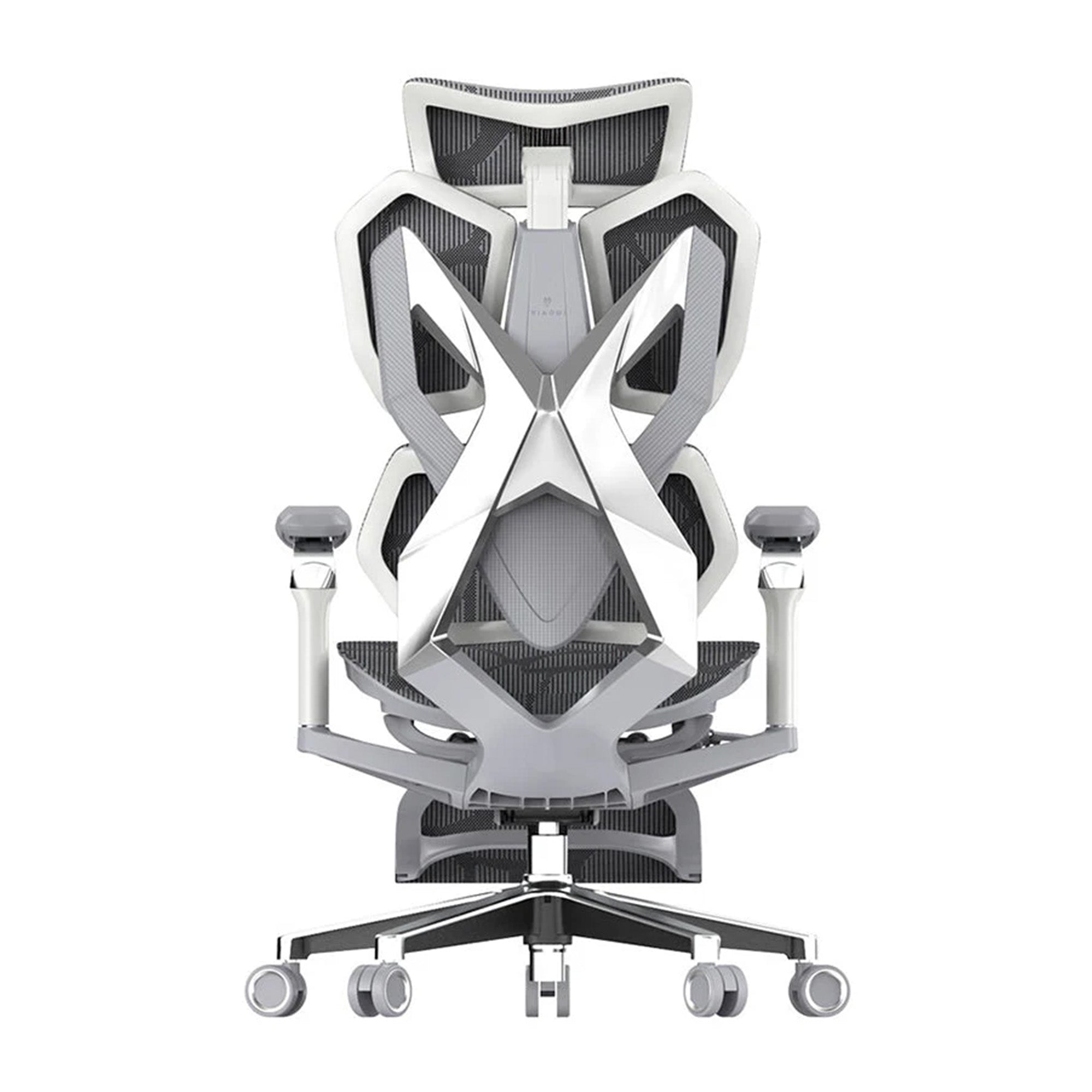
In this guide, we will break down practical, realistic ways to improve your home office setup. No overcomplicated ideas, just smart changes that help you work better in 2026, and maybe by the end, you will decide what kind of Sihoo chair fits your needs!
Home Office Inspiration: Ideas to Make Your Home Office Better
A good place to work should make you feel comfortable and help you think clearly. It doesn't have to be hard or cost a lot. Small changes can often have the biggest effects.
Begin with what you already have and make it better bit by bit.
-
Use natural light: If you can, put your desk near a window. It helps your eyes feel better and keeps you awake during the day.
-
Keep your desk clear by only keeping what you use every day. Fewer things around you means fewer things that can distract you.
-
Add some plants: A small plant can make your space feel more welcoming and peaceful.
-
Pick colors that are calm. Most Australian homes look good with whites, soft grays, and warm neutrals.
-
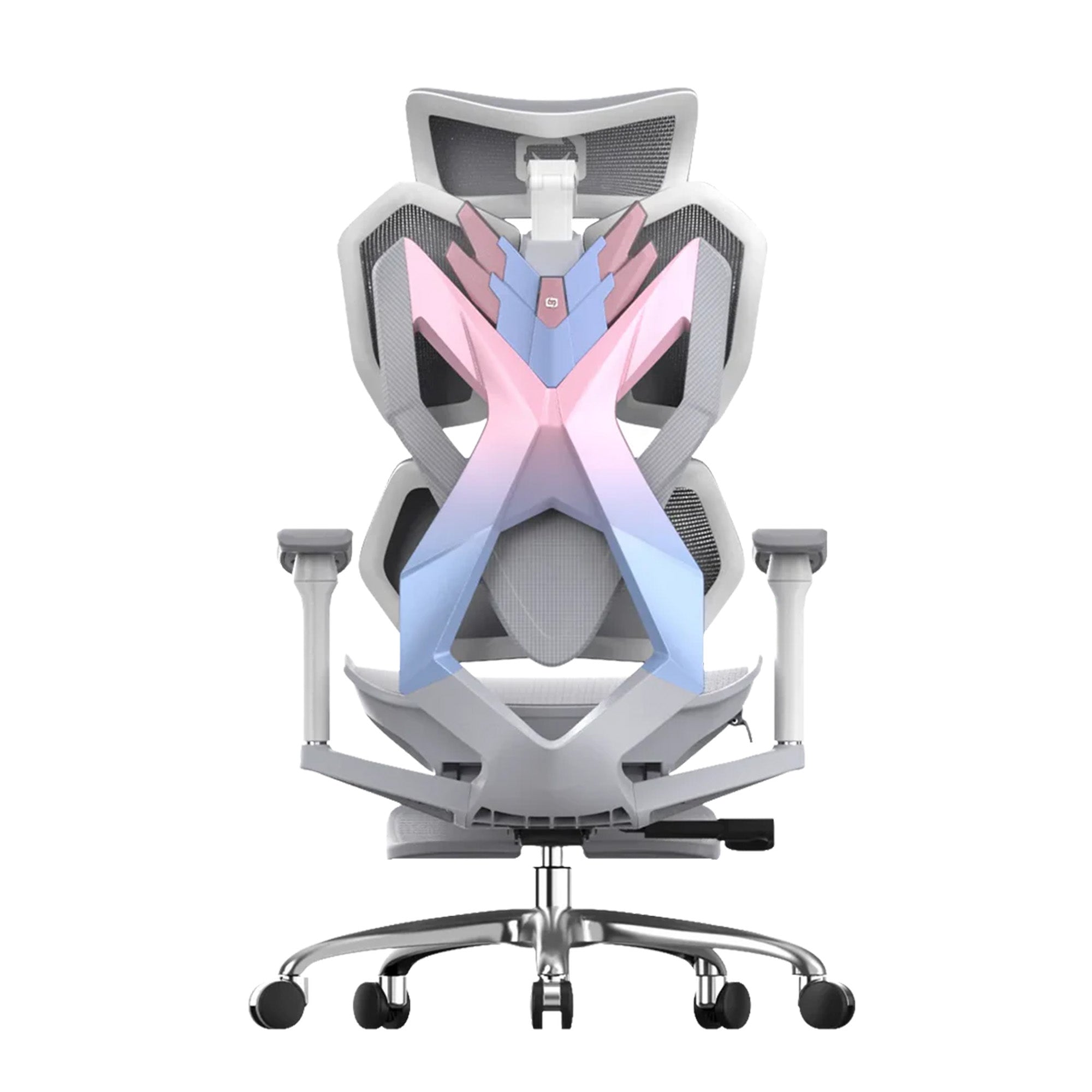
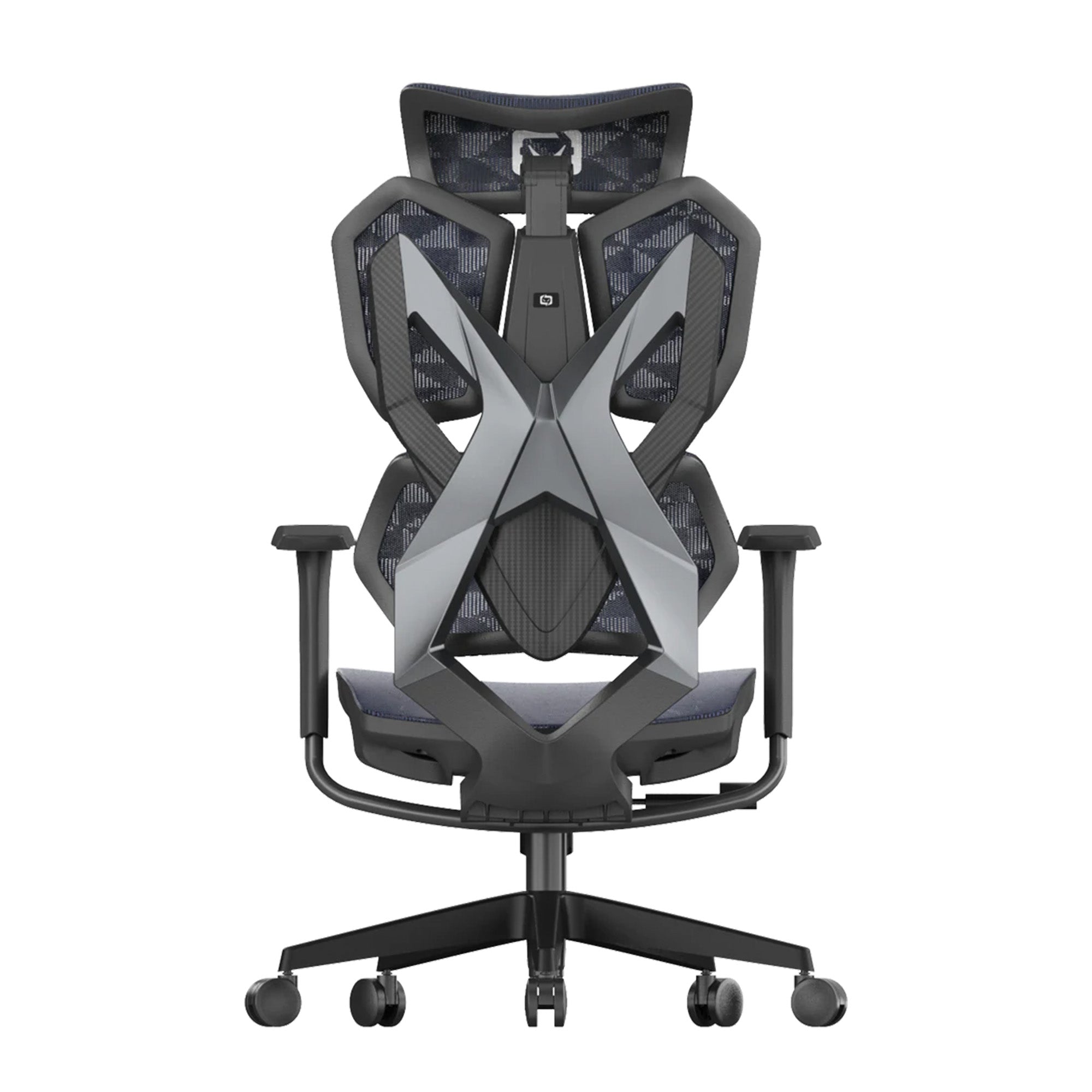
Change your chair first: If you only change one thing, make it your ergonomic office chair. Your comfort level has a direct impact on how long and how well you can work.
Your workspace is a tool. Everything you have should help you work, not get in the way. It is easier to stay focused and consistent when your space feels right.

Home Office Designs and Layouts That Work
Your layout shapes how you move, think, and work throughout the day. A good design is not about filling space. It is about making your setup easy to use and easy to maintain.
Start by placing your desk where you feel least distracted. For many Australians, that means facing away from busy areas or positioning the desk to avoid glare from strong daylight.
Keep these simple layout principles in mind:
-
Prioritise movement: Leave enough space to stand, stretch, and move your chair easily
-
Keep essentials within reach: Keyboard, mouse, and daily tools should not require you to lean or twist
-
Separate work and rest zones: Even a small visual boundary helps your brain switch modes
-
Manage cables and clutter: Clean setups reduce visual stress and improve focus
Best Home Office Configurations for Small and Large Spaces
Every home is different, so your setup should match your space.
For small office spaces:
-
Use compact desks or wall-mounted options
-
Add vertical storage like shelves or pegboards
-
Choose a slim ergonomic chair that fits under the desk
-
Keep your setup minimal and functional
For larger office spaces:
-
Use L-shaped or wider desks for more surface area
-
Create zones for work, storage, and short breaks
-
Add a secondary chair or reading corner
-
Use rugs or lighting to define your workspace
The best setup is one that feels natural to use every day. If it helps you stay organised and comfortable, you are on the right track.
Home Office Setup Ideas for Productivity and Comfort
Your setup should help you stay focused without making you tired. The goal is to lower stress and get rid of little annoyances that build up throughout the day.
Start with the basics, then add upgrades based on how long you work and what you do.
Easy Office Setup for Daily Work
If your work isn't too hard, keep things clean and organized:
-
An ergonomic chair with basic support
-
Good lighting, like natural light or a desk lamp
-
Little room for everyday items
This setup is easy to keep up with and works well for short to medium-length work sessions.
Long Hours of Work from Home Setup
If you work at your desk for a long time, your setup needs to do more:
-
Ergonomic chair that can be adjusted and has strong lumbar support
-
An external monitor at eye level to ease neck strain
-
Keyboard and mouse should be separate for better arm placement.
-
Footrest if your feet don't sit flat on the floor.
-
Headphones or a quieter room can help with noise control.
These upgrades help you stay on track all day and make you less tired.

Home Office Decorating Ideas to Upgrade Your Space
Making your workspace look nice isn't the only thing that matters. It's about making a space that makes you feel calm, focused, and ready to work.
The most important thing is to find a balance. Having too little personality can be boring, but having too much can be distracting.
Picking the Best Decor for Your Home Office
Begin with simple, useful decorations that help you get your work done:
-
Stick to color schemes that are neutral or soft.
-
Use organizers or storage boxes that look neat and clean.
-
Put in a desk lamp that has warm or adjustable light.
-
Only use decorative items that are useful and not too many.
Decor that is good should never get in the way of your work.
Making Your Own Style for Your Home Office
Your office should be practical but also show off your personality.
-
You can pick a style that works with your home:
-
Minimalist in a modern way: clean lines, neutral colors, and not much clutter
-
Scandinavian: Light wood, soft colors, and a bright, open feel
-
Industrial: Dark colors, metal finishes, and a more organized look
-
Australian coastal: light colors, natural textures, and a laid-back vibe
Choose a style that makes you feel at ease and focused. It's easier to stay productive when your space feels right.
How to Set Up Your Home Office to Make Work Easier
A good layout isn't just about how things look. It's about how smoothly you can get your work done.
To begin, think about what you do every day. What do you grab the most? Where do you usually waste time? Your setup should help you avoid these little breaks.
Follow these simple rules for how to work:
-
Keep your main area small: You shouldn't have to stretch to reach your keyboard, mouse, and monitor.
-
Put things you use a lot close by: You should be able to reach your notebooks, chargers, and tools easily.
-
Use secondary zones: Put things you don't use often, like files or supplies, a little farther away.
-
Keep distractions out of your line of sight: Keep your main view clear and focused.
-
Put your monitor right in front of you and don't twist your body all day. If you have more than one screen, make sure the main one is in the middle and the second one is slightly tilted.
A well-organized workspace makes it easier for your mind to work. Your setup doesn't get in the way of your work when everything is in its right place.
Office Furnishing Ideas That Improve Comfort and Efficiency
The furniture you pick out can change how you feel during the day. The right pieces help your body, lower stress, and help you stay focused for longer.
Start with the basics, and then add more as you need them and can afford them.
-
Desk that can be adjusted or a standard desk at the right height: When you type, your elbows should be at a 90-degree angle.
-
Chair that is comfortable and gives you the right support: Look for a material that can be adjusted in height, has lumbar support, and lets air flow through it.
-
Arm or stand for the monitor: Lifts your screen to eye level and makes more room on your desk
-
Ways to store things: Organizers, drawers, or shelves to keep your work area neat
-
Managing cables: Easy clips or trays to hide cords
If you can, spend money on good things for your desk and chair, which you use every day. These are the most important things for comfort and long-term health.
You don't have to spend a lot of money on good furniture. It just needs to fit your body, your space, and how you work.

Best Ergonomic Chairs for Home Office Setups
Not every chair is the same. How much money you have, how long you sit each day, and how much support you need will all affect what kind of ergonomic chair is best for you.
Here is an easy way to pick best ergonomic chair in Australia based on how much money you have and how you plan to use it.
Choices for the budget
If you're just getting started or setting up a simple workspace:
-
Basic ergonomic chairs with lumbar support that doesn't move
-
Mesh back lets air flow in hotter Australian climates
-
Not very adjustable, but better than regular office chairs
These are good for short to moderate use, about three to five hours a day.
Choices in the Middle
For most people who work from home every day:
-
The lumbar support and seat depth can be changed.
-
Better padding and quality of construction
-
Armrests and tilt functions that can be changed
These chairs are a great balance between comfort and price, and they're great for working for 6 to 8 hours.
High-End Choices
For users who need the most help or who work long hours:
-
Ergonomic systems that can be fully adjusted for the lumbar area, headrest, and armrests
-
Materials of high quality that are meant to last
-
Made to fix your posture and keep you comfortable for a long time
- These are best for workdays that last 8 hours or more and can help keep your back and neck from getting sore over time.
Consider your chair to be an investment. The longer you sit, the more important it is to pick the right one.
Things to avoid when setting up your home office
If the basics are wrong, even a nice-looking setup can cause problems. A lot of people copy ideas they see online without thinking about how they really work in real life.
Don't make these common mistakes:
-
Sitting in a chair that isn't ergonomic: Dining chairs or sofas may feel fine at first, but they can become uncomfortable over time.
-
Bad monitor height: Screens that are too low can hurt your neck.
-
Too many things in your workspace can make it hard to focus and raise your stress level.
-
Poor lighting: Working in dim or bright light can make your eyes tired.
-
Not paying attention to posture: Bad habits can still hurt, even with a good setup.
The goal is not to be perfect. It is being aware. Fixing even one or two of these problems can make your work life better.
And there you have it, the full home office setup guide to help you in your WFH era. Hopefully this Sihoo blog helped you to find the right balance in your life and work.
Frequently Asked Questions
Compact spaces benefit from built-in desks, vertical shelving, and modular storage solutions. Pegboards, wall-mounted cabinets, and foldable desks help maximise usability without sacrificing style. Combining functional furniture with decorative elements like cushions, rugs, or art pieces creates a productive yet inviting workspace.
Natural light enhances focus, reduces eye strain, and boosts mood and productivity. Positioning desks near windows or using light-reflecting surfaces like white walls and mirrors maximises daylight. Supplementing with adjustable desk or pendant lamps provides balanced lighting for work during evenings or cloudy days.
Midcentury modern, playful, and minimalist designs are popular. Mixing textures, neutral palettes, and statement furniture pieces adds personality while maintaining functionality. Integrating decor elements like pendant lighting, rugs, or wall art enhances both style and productivity.
Spaces such as laundry rooms, alcoves, or mezzanine nooks can be converted into work areas with custom desks, storage solutions, and ergonomic chairs. Compact furniture, wall-mounted shelves, and proper lighting turn unconventional areas into efficient and stylish home offices.
A functional desk paired with an ergonomic chair ensures proper posture, comfort, and long-term health. Adjustable chairs with lumbar support, breathable materials, and height-compatible desks reduce strain. Accessories like monitor arms or task lighting complement the setup for a fully efficient workspace.
Shop products from this article


