
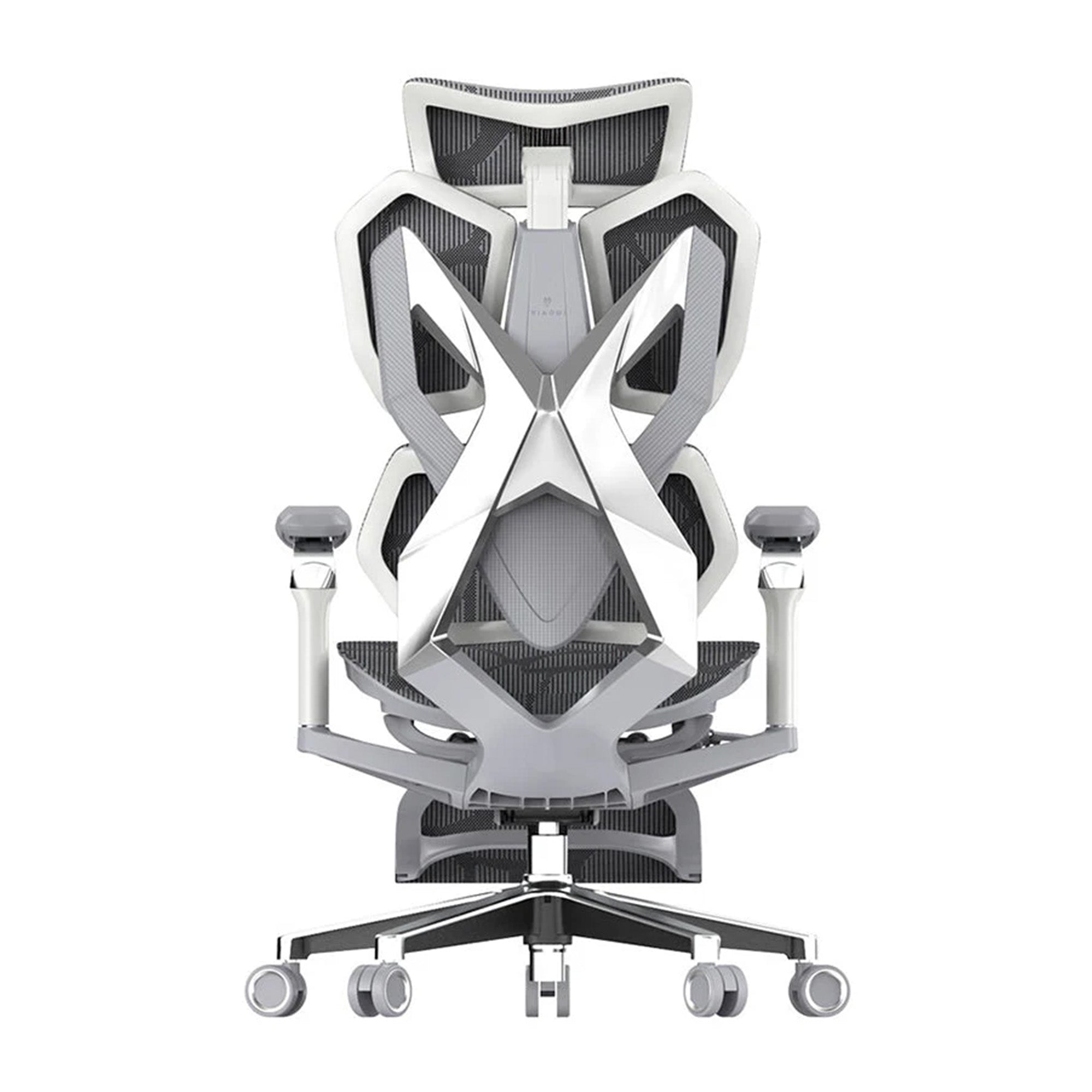
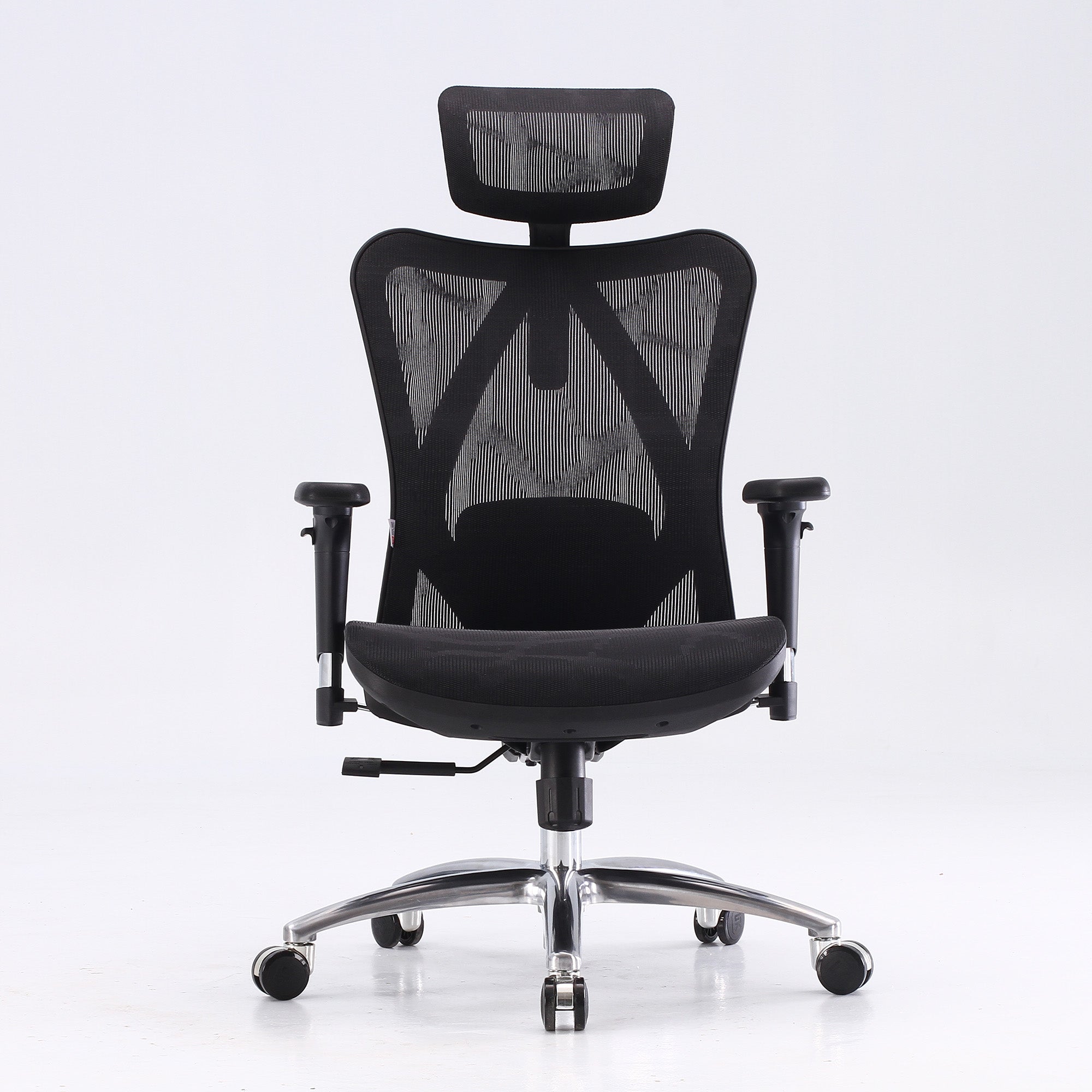
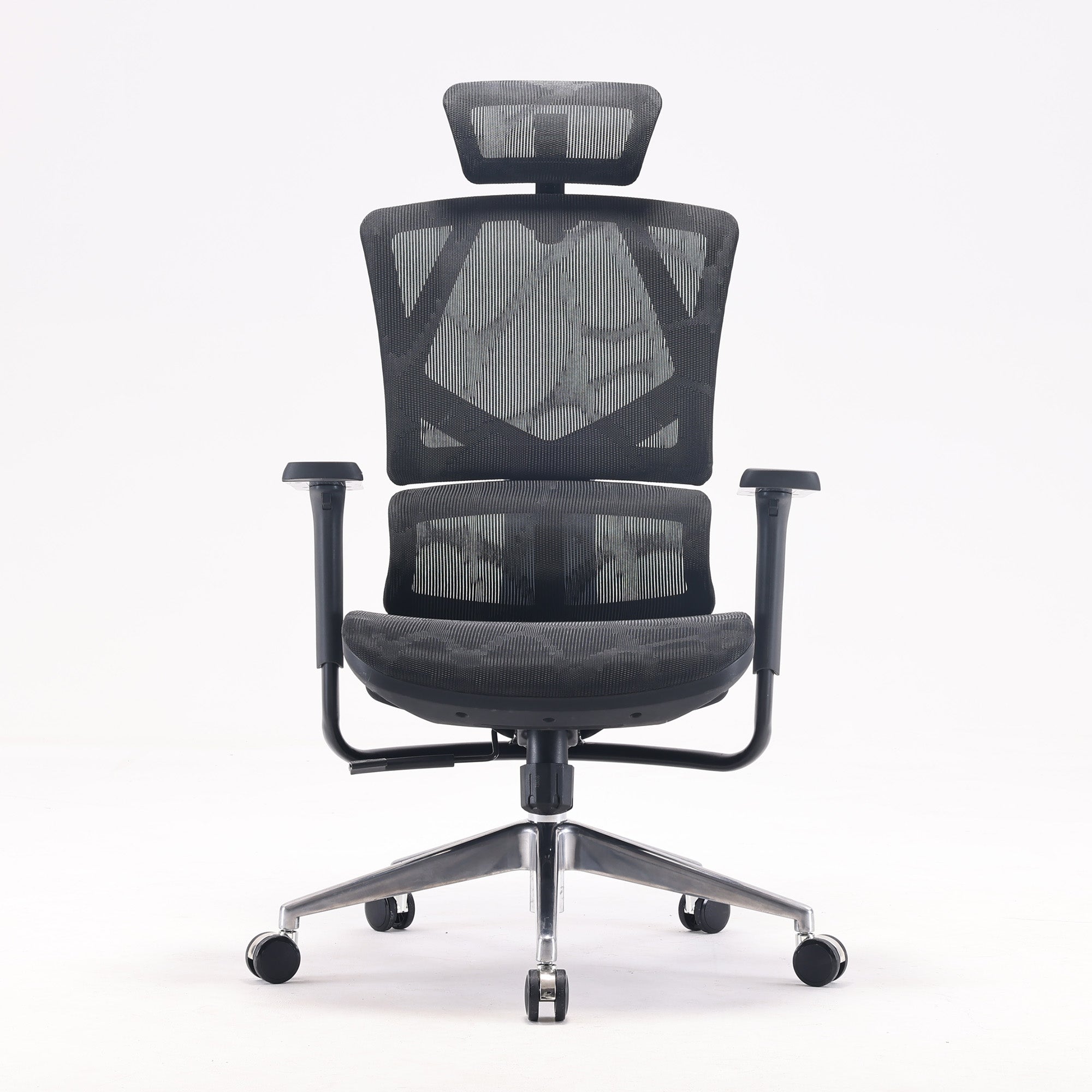
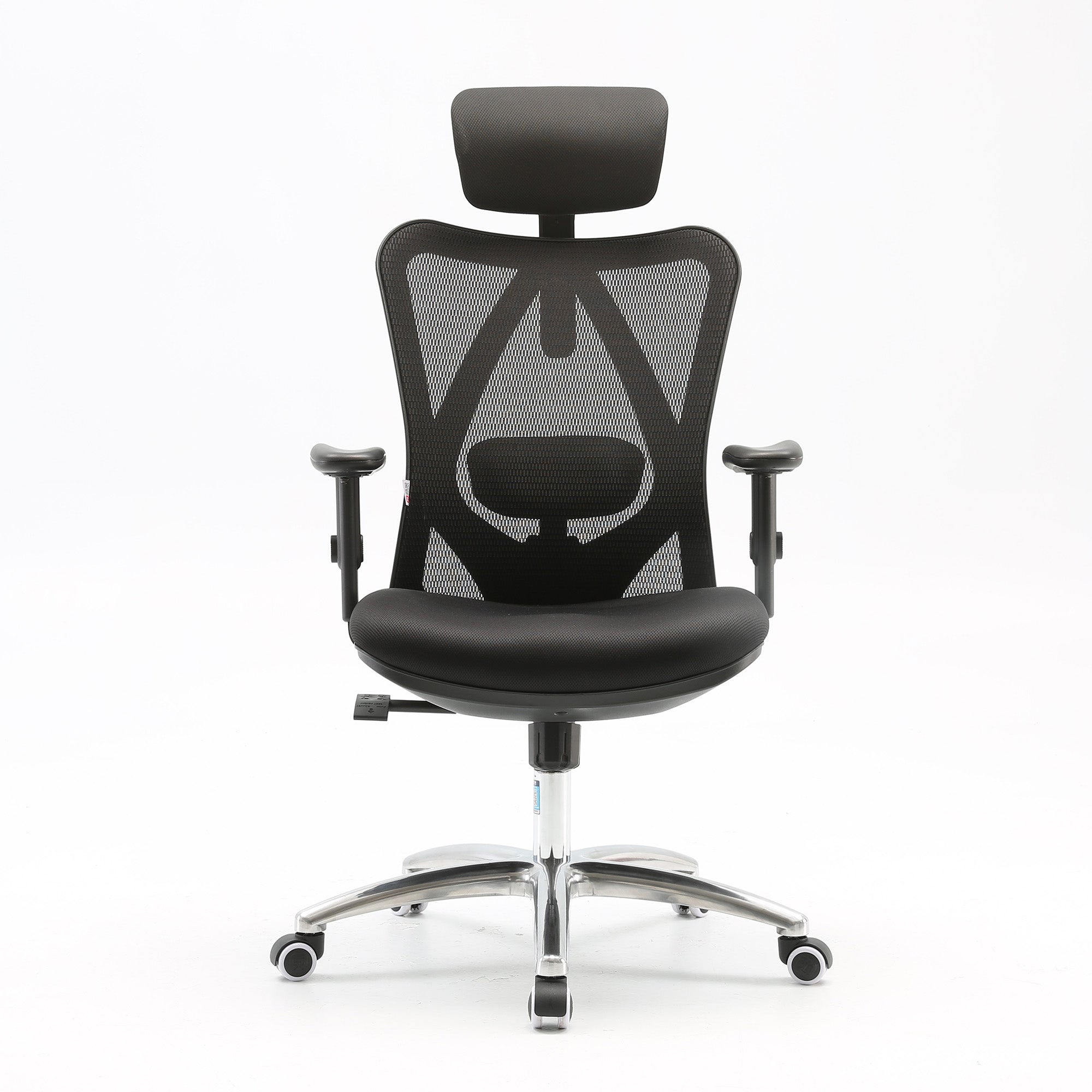
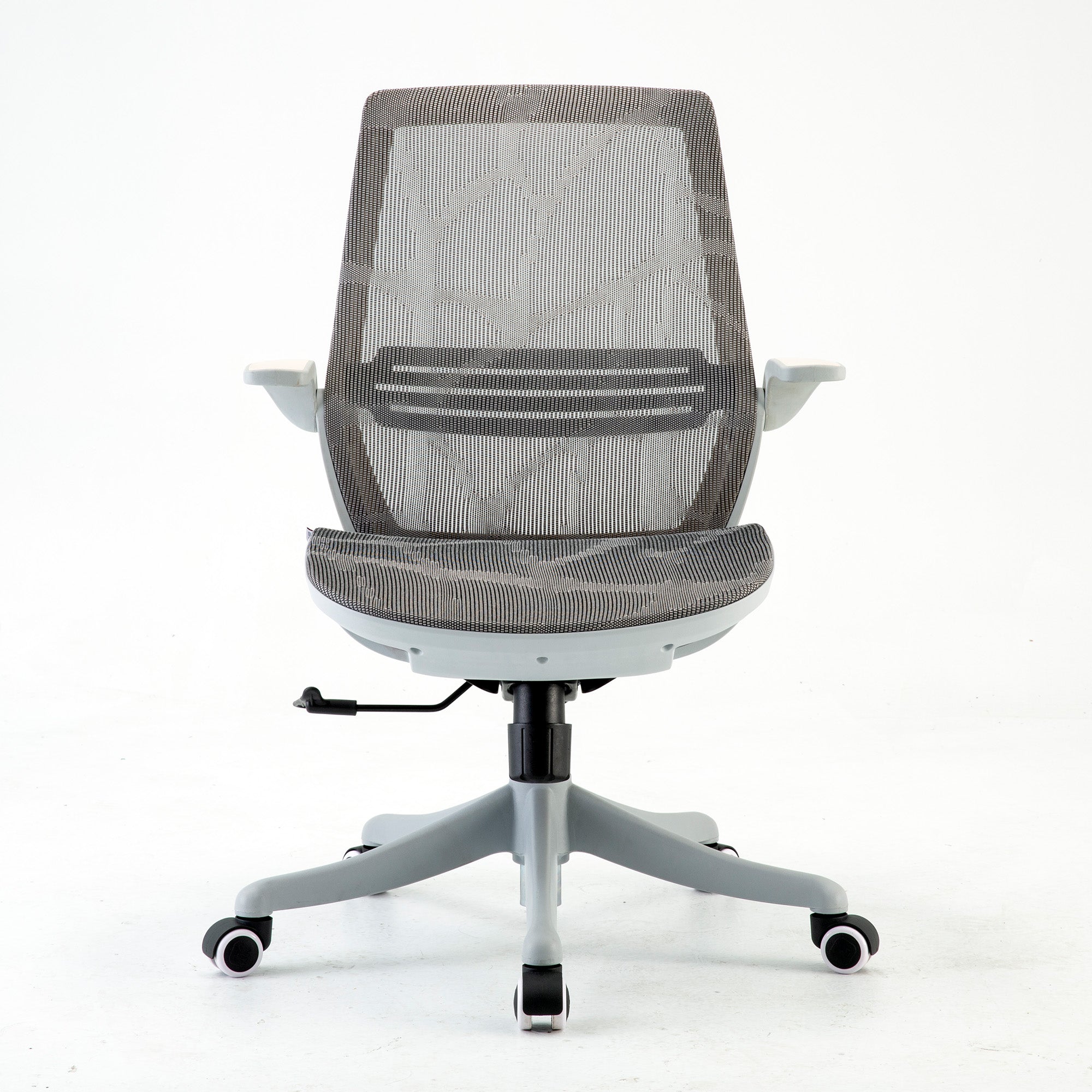
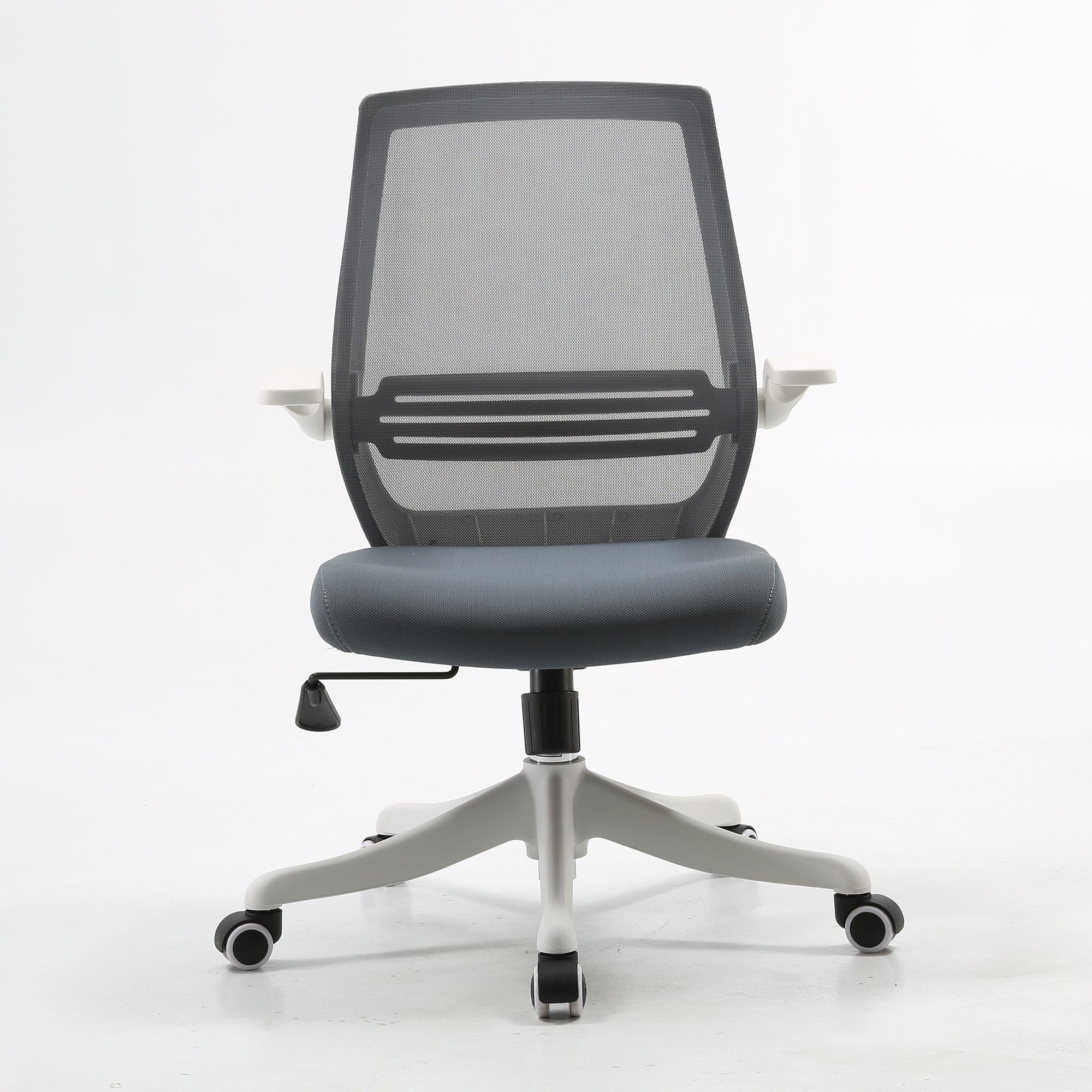
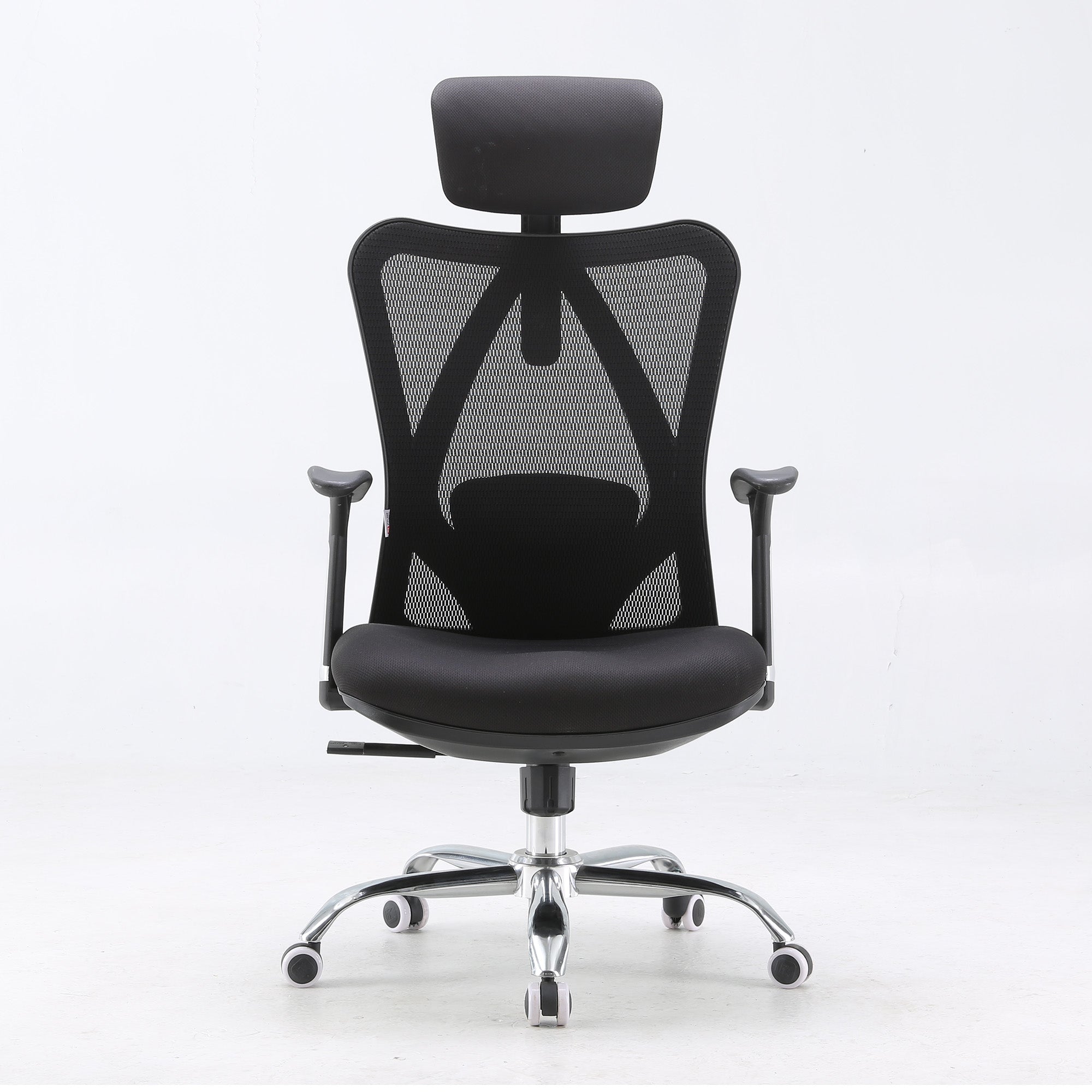
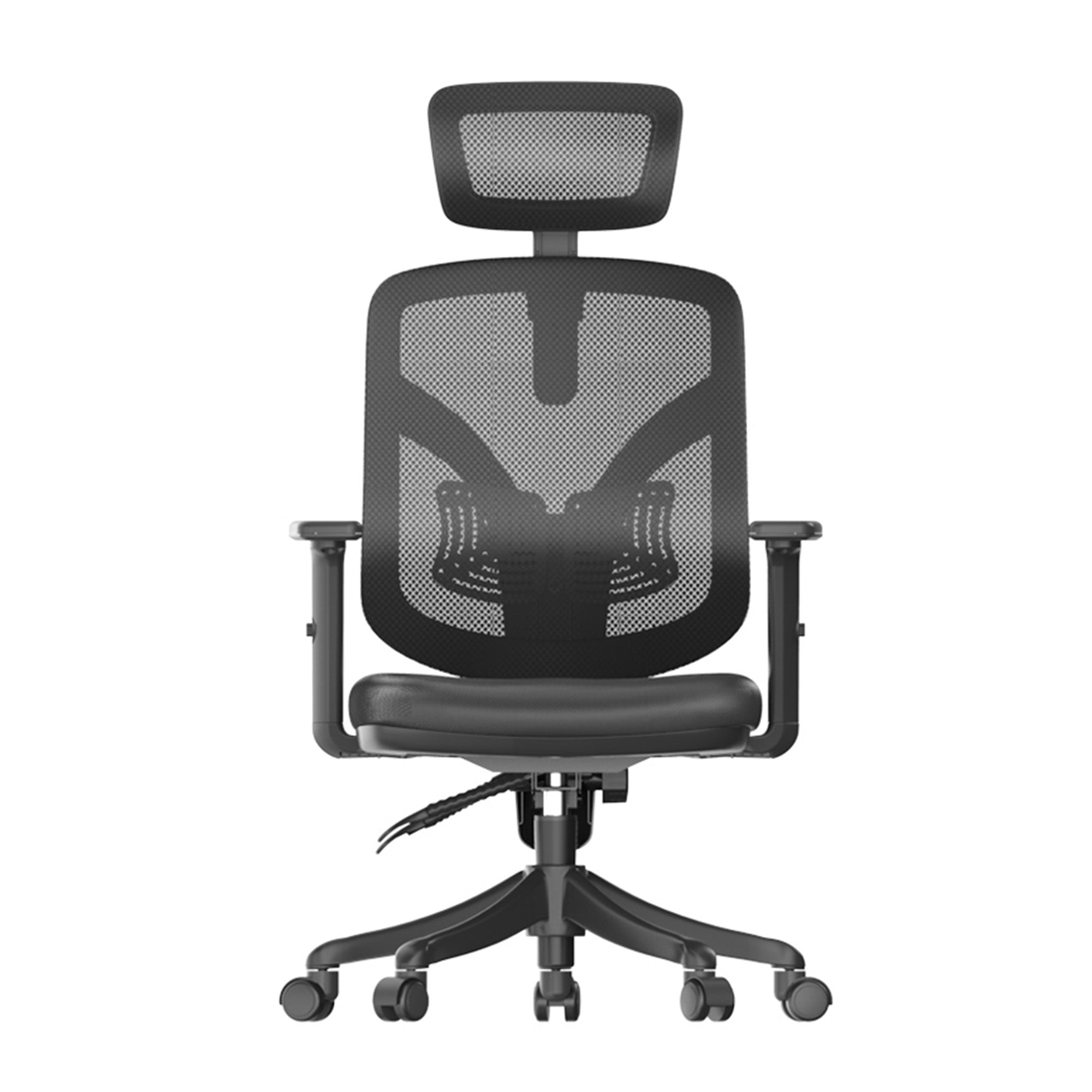

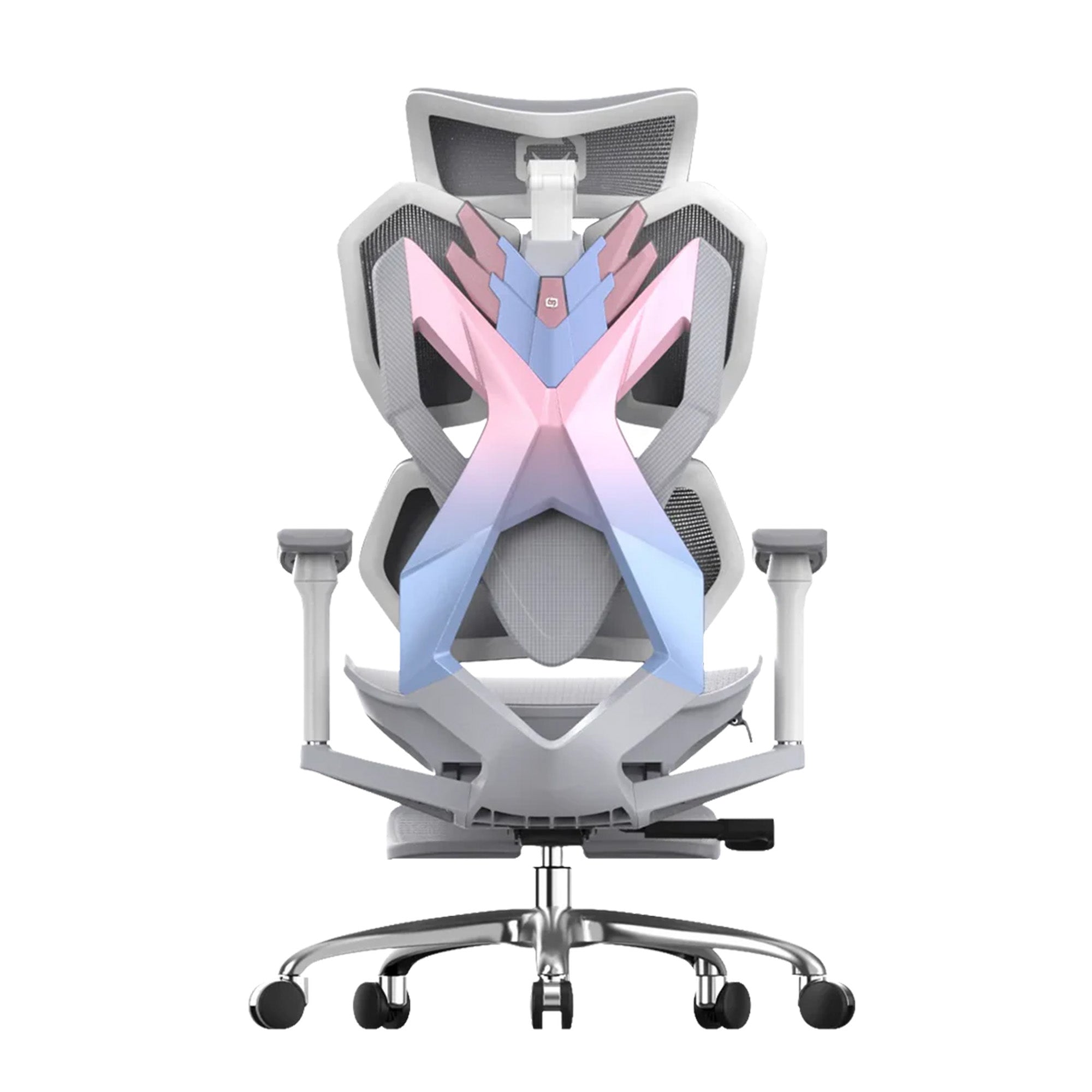
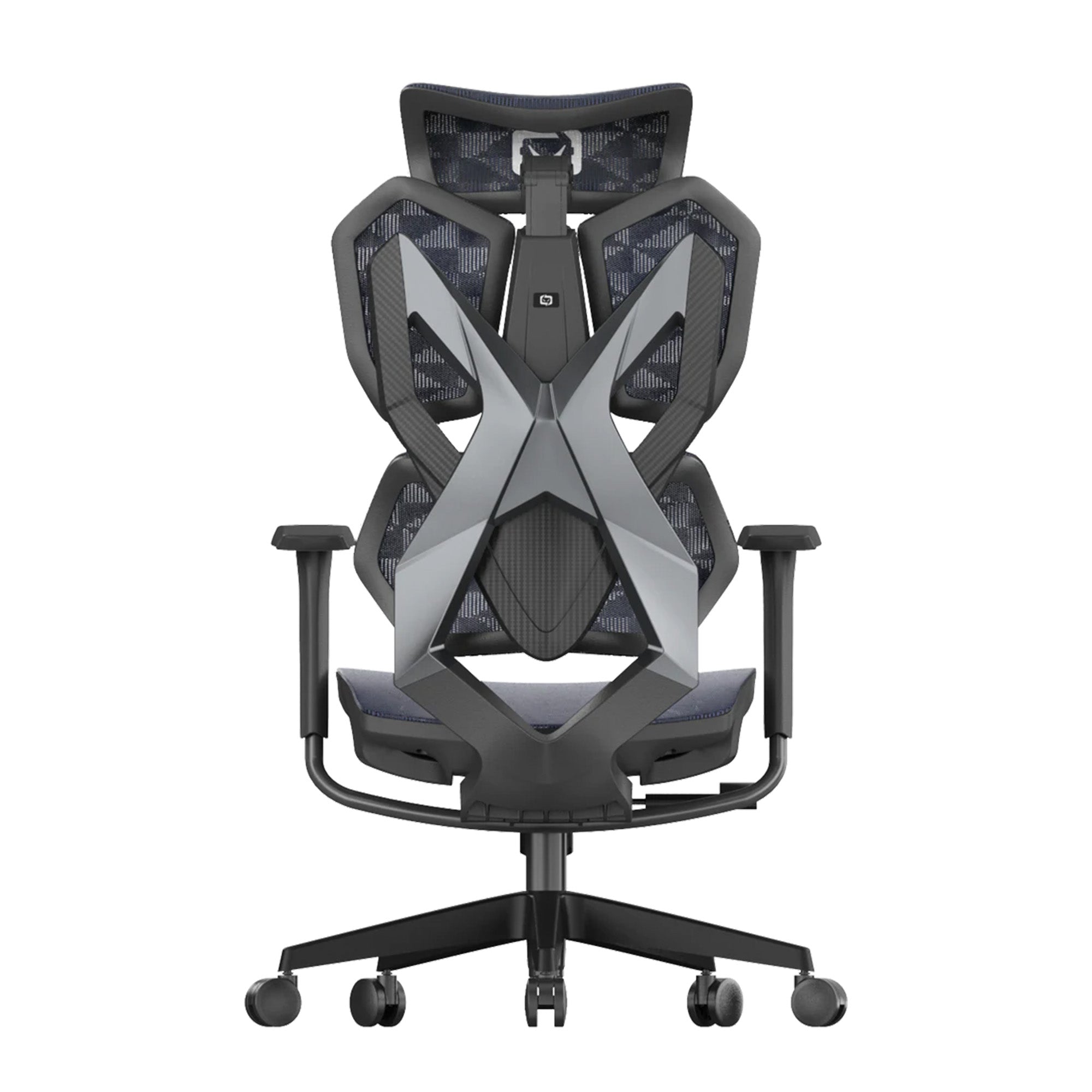
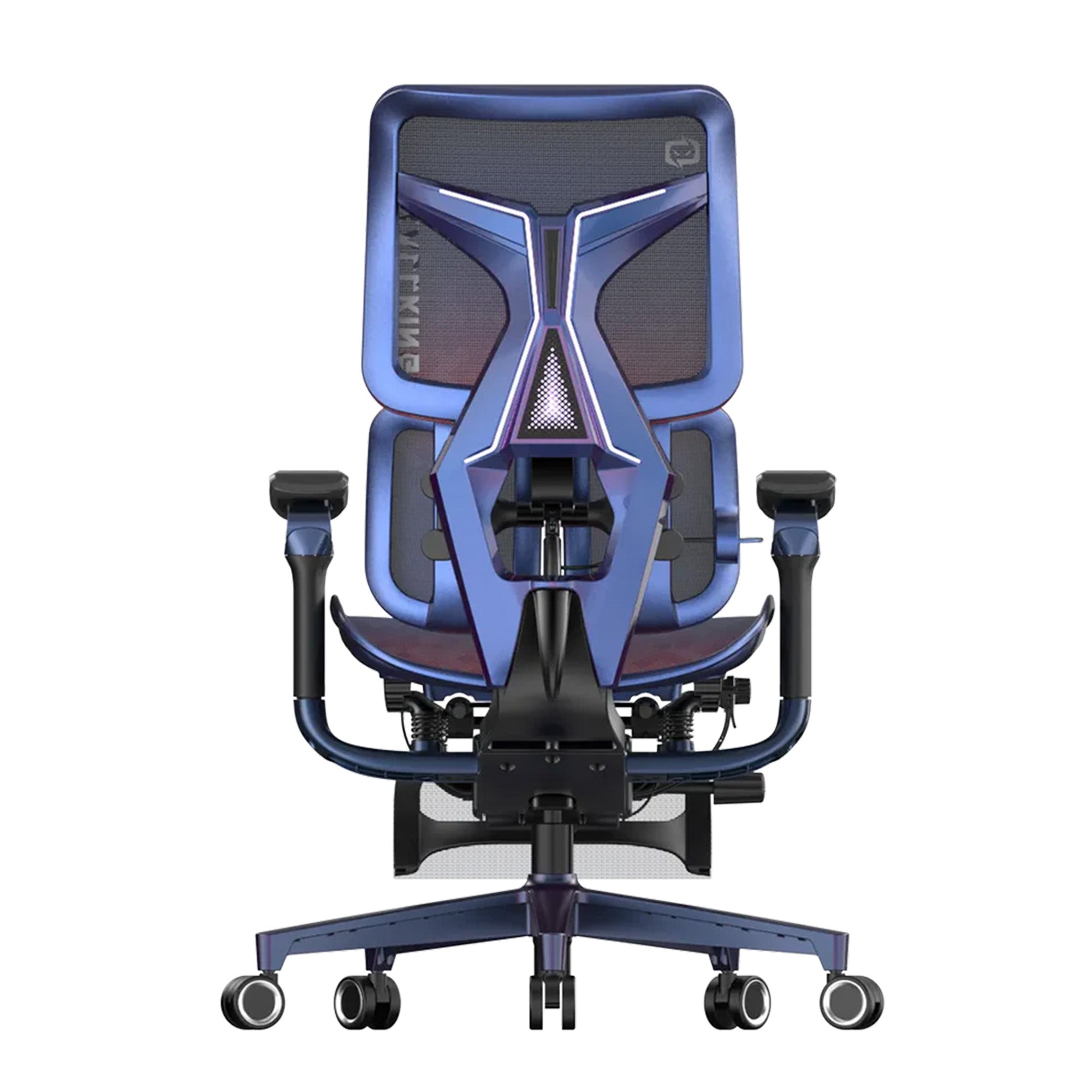

Late nights, glowing screens and endless adventures define gaming life. Yet beyond the pixels, another challenge emerges — posture and comfort during those sessions.
This guide explores how gamers sit, revealing how chairs, desks and clever accessories influence performance, comfort and long-term health. And if you're looking for comfortable seating, check out our ergonomic chairs in Australia.

Why Posture Shapes the Gaming Experience
Long hours of gaming demand focus, endurance and physical stability. Without proper posture, aches creep in, reflexes slow and immersion fades far too quickly.
Poor posture leads to tight necks, hunched backs and sore wrists. Over time, circulation suffers, energy dips and gaming enjoyment declines sharply.
Gamers thrive when their bodies feel balanced and supported. Positioning and equipment work together to enhance reaction speed, concentration and long-term health outcomes.
Chairs: The Backbone of Every Gaming Setup
Gaming Chairs
Modern gaming chairs take inspiration from racing seats. They boast high backs, striking colours and extra cushions for the spine and head.
Adjustable lumbar pillows keep the natural curve of the spine aligned. Reclining functions let gamers shift position or stretch during breaks.
Armrests that tilt and rise prevent shoulder strain. Combined, these features reduce fatigue during extended sessions while keeping posture more consistent.
Office Chairs
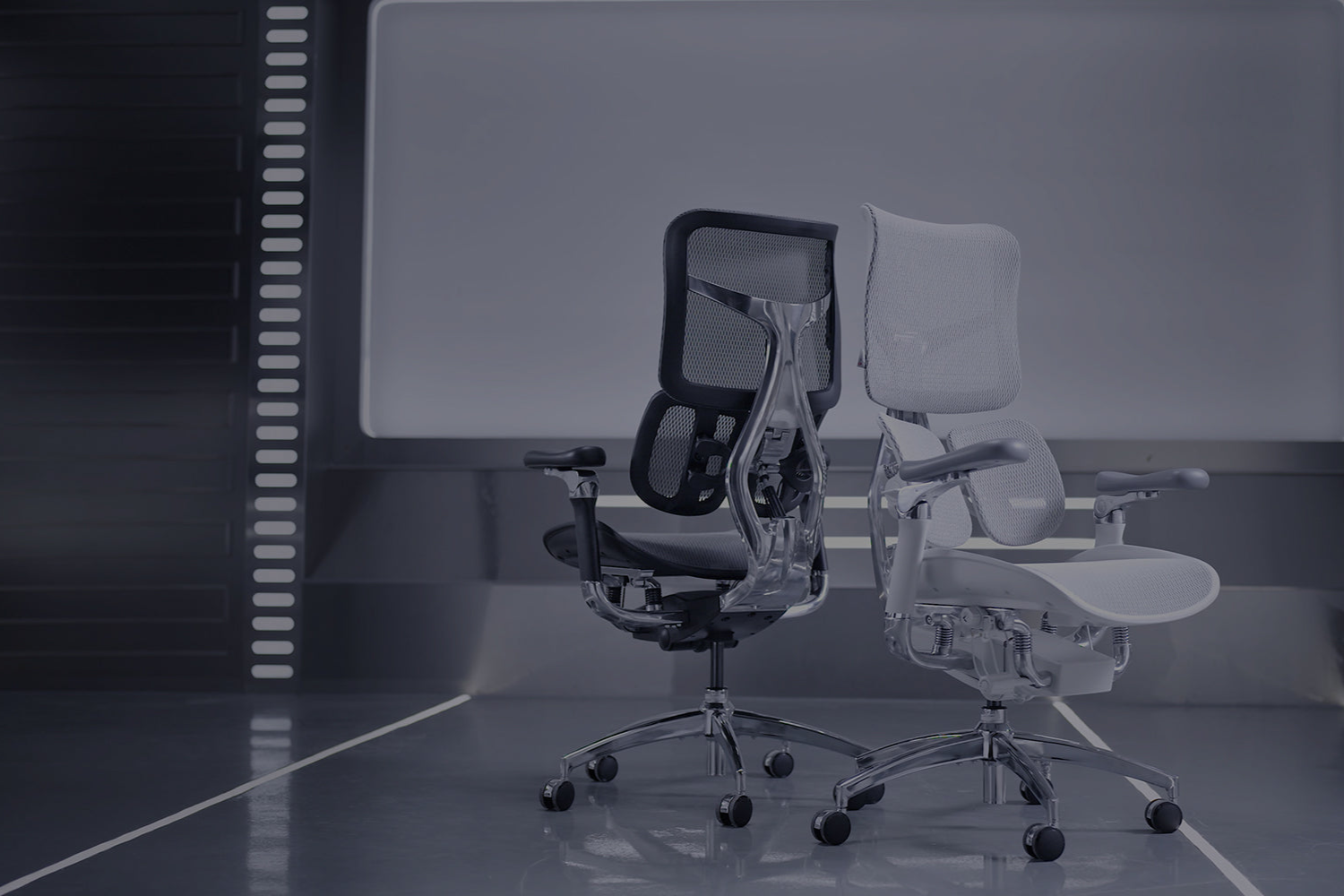
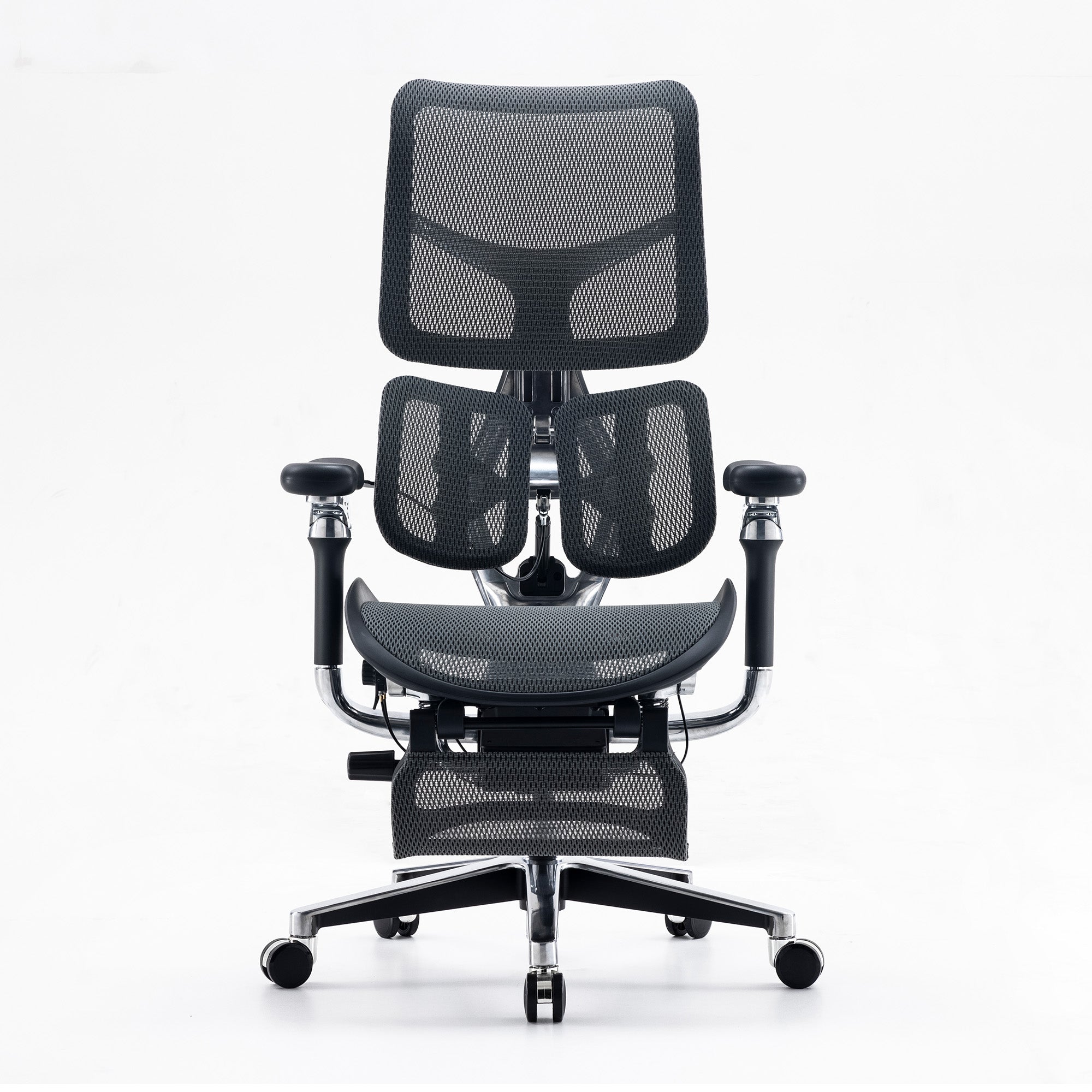
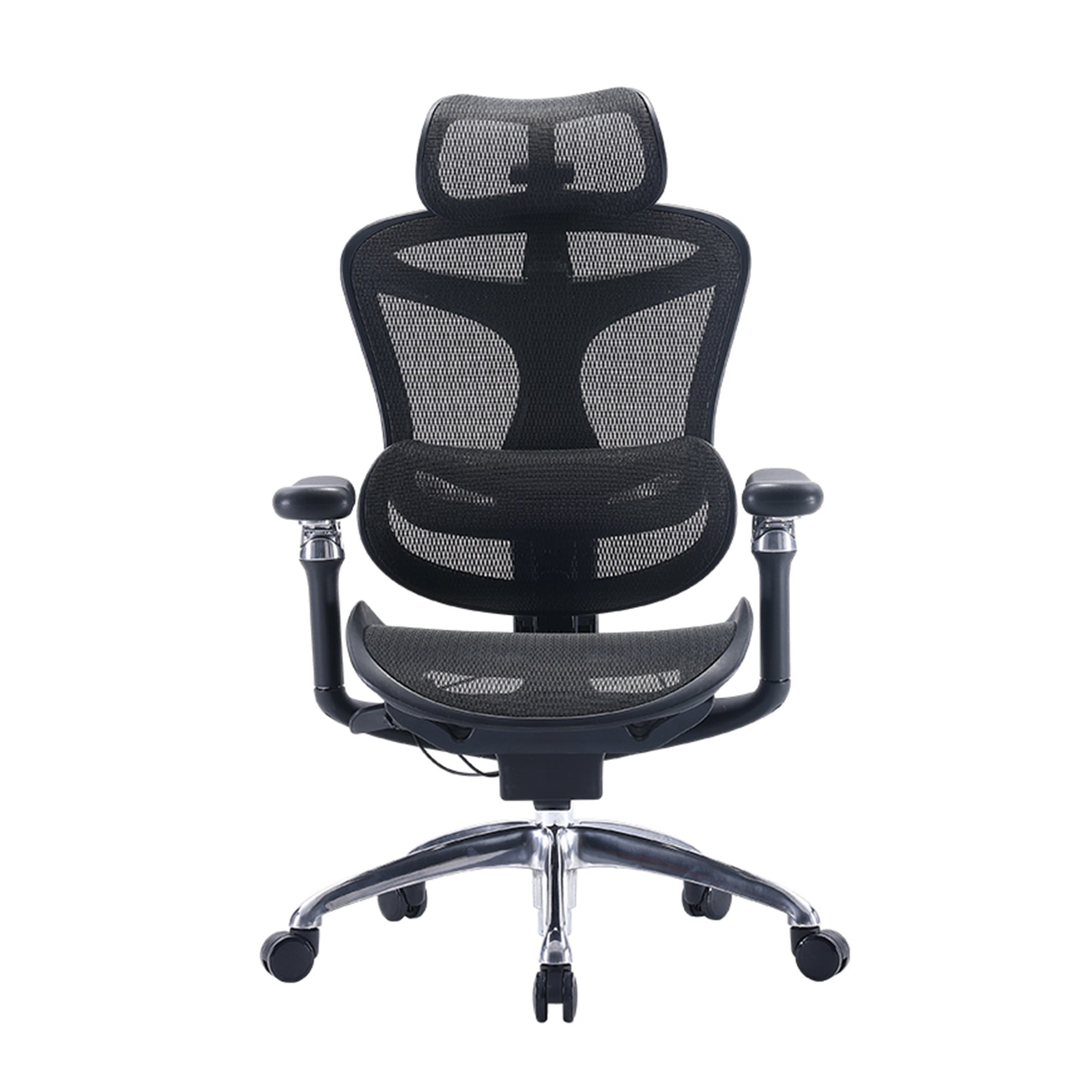
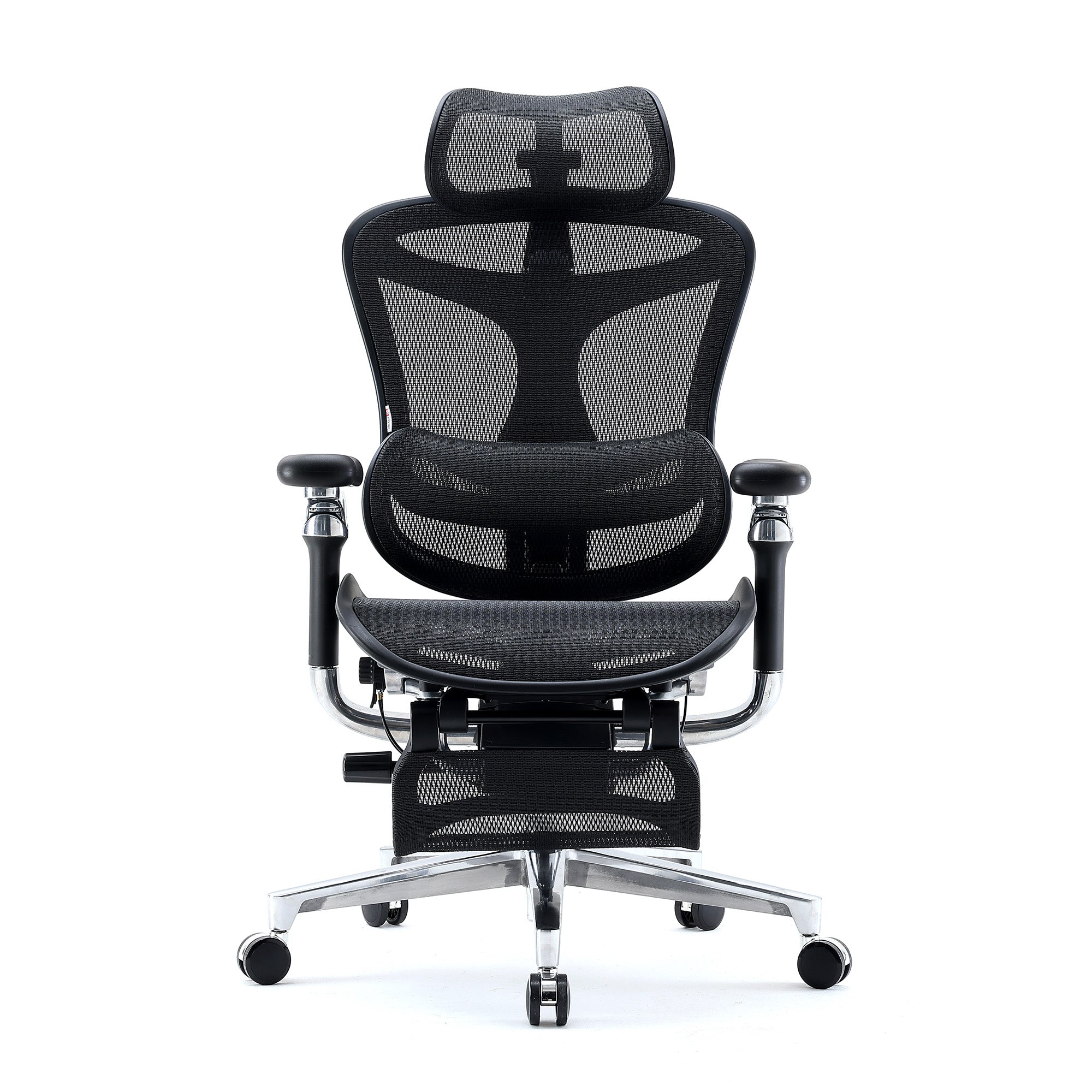
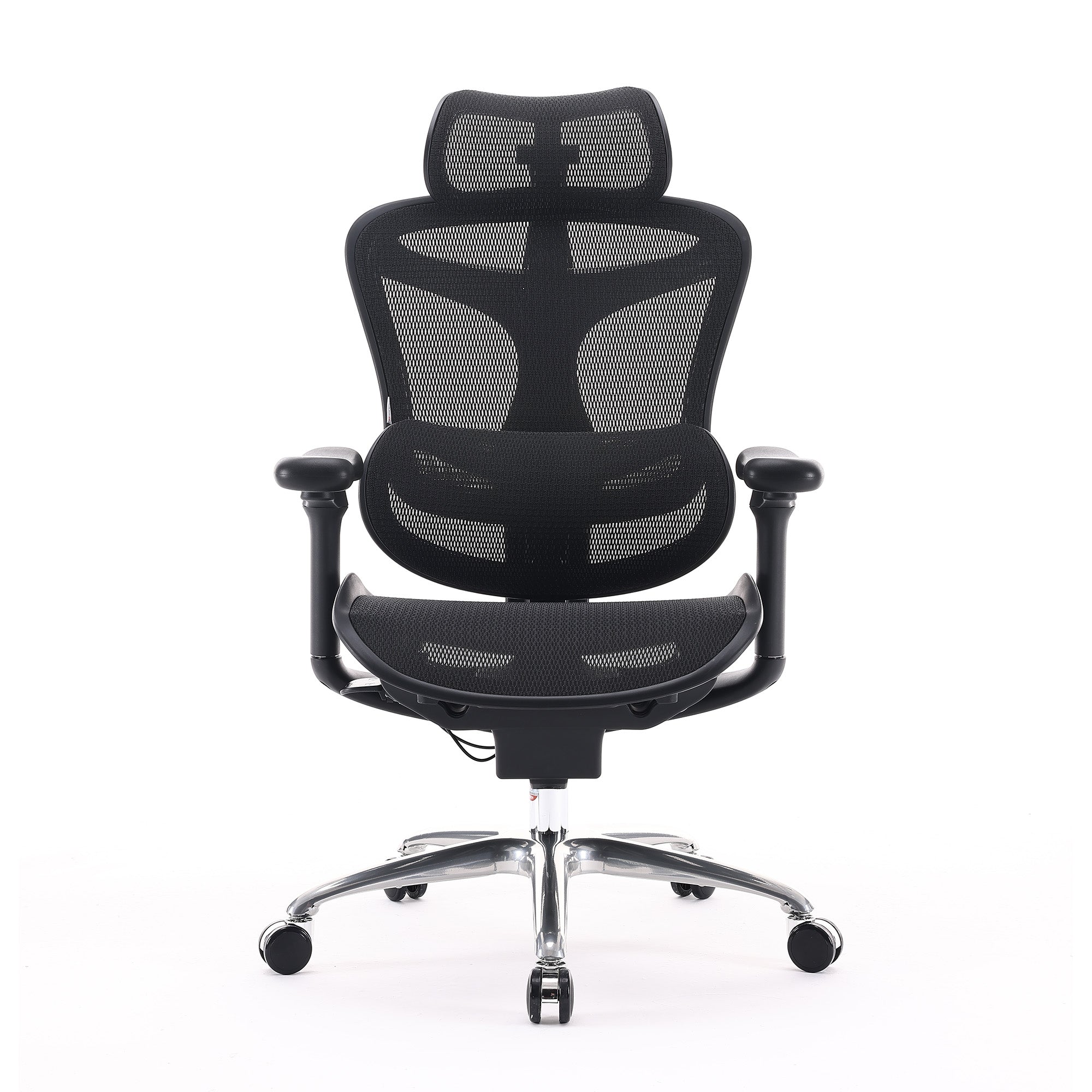
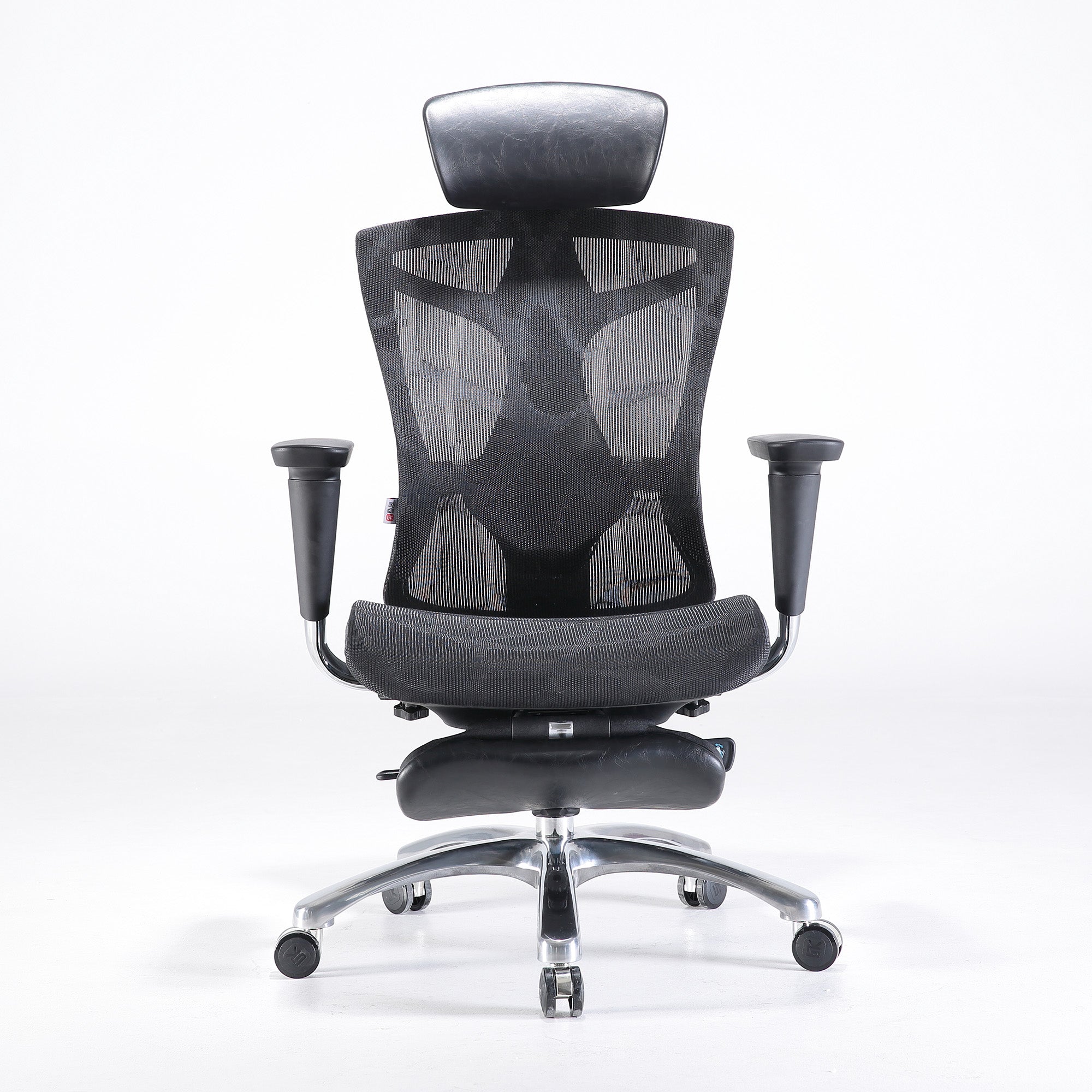
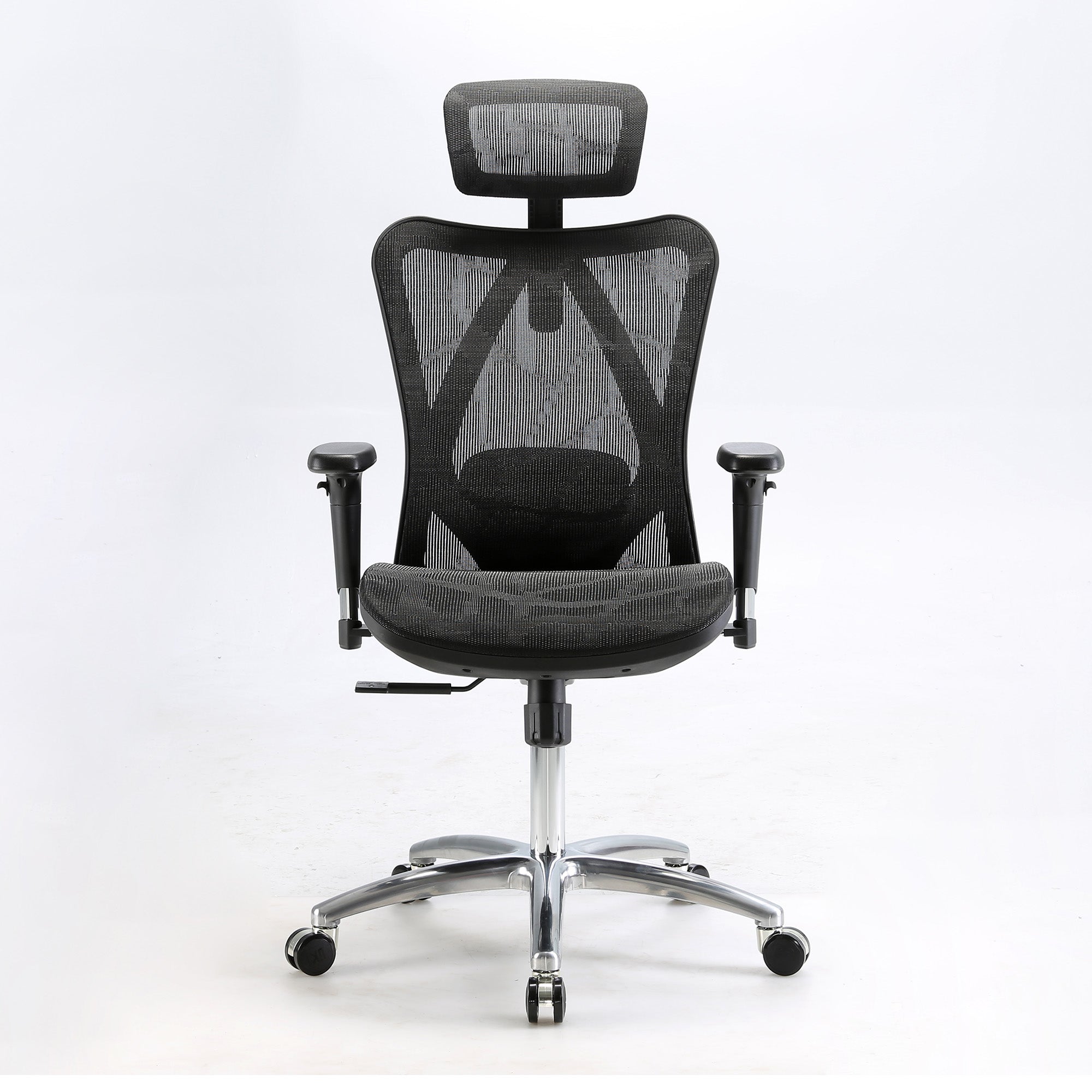
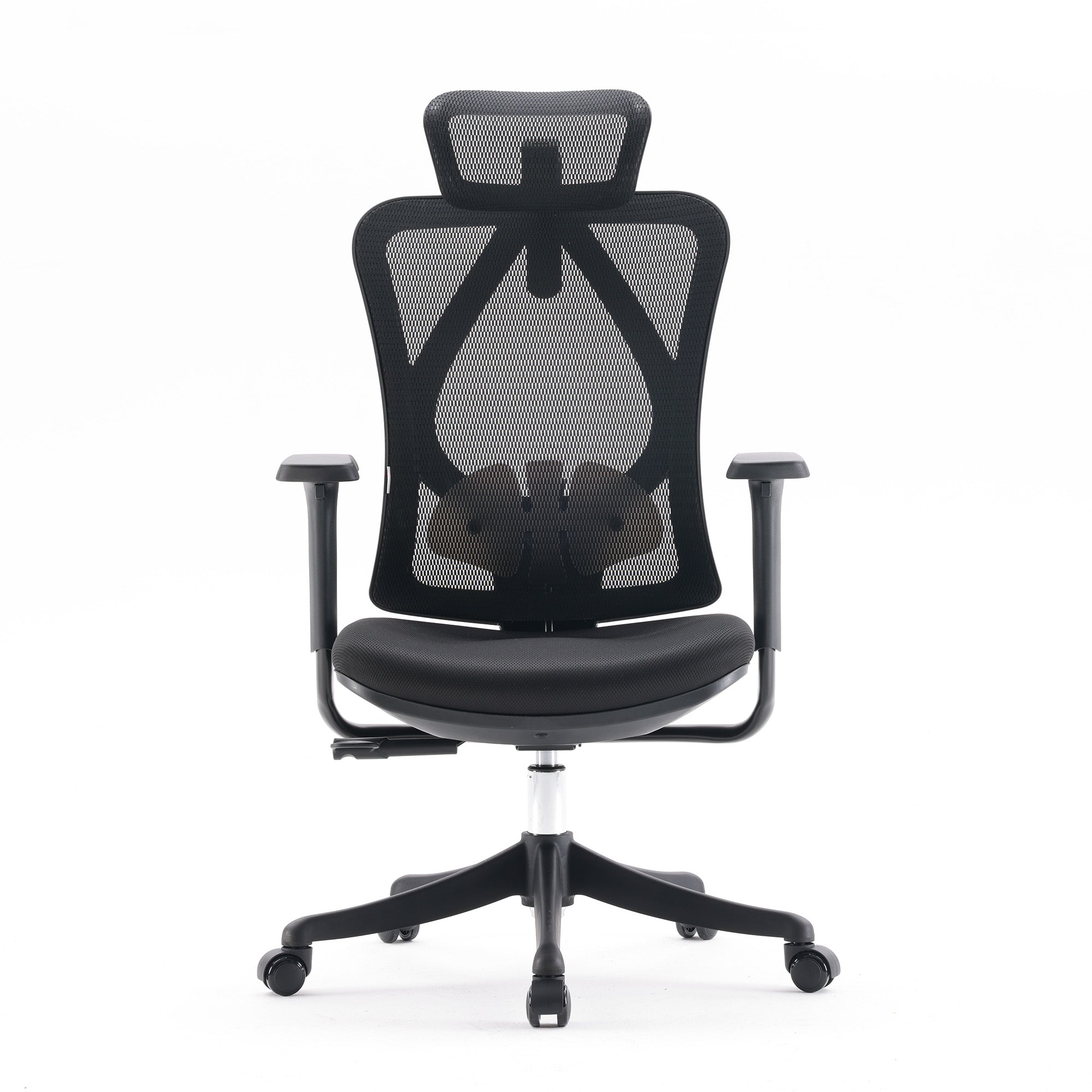
Many professionals prefer office chairs designed for intense workdays. They focus on subtle ergonomics rather than flashy aesthetics, prioritising breathability and adjustability.
Mesh backrests keep the body cool. Multi-directional armrests and synchronised tilt mechanisms adapt to countless play styles and keyboard heights.
Choosing between gaming chairs and office chairs depends on budget, taste and body shape. Ergonomics always matters more than decoration or branding.
SIHOO and the Rise of Ergonomics
Brands like SIHOO prove design and comfort can coexist. Their products blend style with thoughtful support, helping gamers maintain healthier posture throughout long marathons.
Investing in SIHOO products or similar designs ensures your body stays aligned. Proper support ultimately shapes gaming endurance and overall wellbeing.
Desks: Anchoring the Perfect Setup
The desk often dictates posture more than the chair. Its height, depth and stability can either protect or compromise the back, shoulders and neck.
Height
The ideal desk height keeps elbows bent near 90 degrees. Shoulders stay relaxed, wrists stay level and the spine remains upright and balanced.
If the desk sits too high, shoulders lift and neck strain builds. Too low, and a rounded back appears, compressing lungs and circulation.
Depth and Space
Deeper desks allow screens to rest at arm’s length. Adequate depth prevents craning forward, keeping eyes relaxed and shoulders square.
Extra width accommodates multiple monitors, controllers and accessories. A clutter-free surface encourages freer arm movement and more comfortable posture.
Adjustable and Standing Options
Adjustable desks enable effortless height shifts, letting gamers alternate between sitting and standing. Standing intermittently boosts circulation and reduces stiffness in hips and knees.
Pairing an adjustable desk with a supportive chair magnifies ergonomic benefits. Together, they adapt to changing play styles and reduce static strain.
Accessories: Small Changes, Big Benefits
Monitor Placement
Screens belong at eye level or slightly below. This prevents the head from tilting up or down, reducing neck and shoulder pressure dramatically.
Monitor arms or risers offer fine-tuned positioning. Quick adjustments keep displays aligned whether you’re playing, streaming or switching between games and work.
Keyboards and Mice
Ergonomic keyboards and lightweight mice reduce repetitive strain. Neutral wrist positions and gentle keystrokes protect tendons during marathon typing or rapid clicks.
Controller users also benefit from grips shaped to fit the hand naturally. Less tension means more precise movements and improved endurance.
Footrests
Footrests stabilise lower body posture. When chairs run tall or feet dangle, footrests restore proper knee and hip angles for better circulation.
Wrist Supports
Soft wrist supports on mousepads relieve pressure points. However, keeping wrists straight remains the real goal — avoid leaning too heavily on cushions.
Lighting and Audio
Balanced lighting prevents squinting and leaning. Eye comfort influences posture unconsciously. Likewise, comfortable headphones reduce neck twisting and improve overall body alignment.
Building a Posture-Friendly Gaming Space
Follow these essentials to support your body:
-
Feet flat on the floor or a footrest
-
Knees at 90 to 100 degrees
-
Back resting on lumbar support
-
Shoulders relaxed, elbows near 90 degrees
-
Wrists neutral, free of bends
-
Monitor an arm’s length away at eye level
These principles help create lasting habits. Over time, proper posture feels as natural as the games you play.
Movement: The Missing Piece
Even the best furniture won’t offset total stillness. Gamers benefit from moving, stretching and shifting weight frequently.
Neck rotations and shoulder rolls ease stiffness. Finger stretches and brief walks between matches boost circulation and refresh mental focus.
Micro-breaks every 45 to 60 minutes deliver noticeable relief. Combined with ergonomic chairs like the SIHOO Doro Series ergonomic chair and accessories, movement protects joints and prevents fatigue.
Habits Outweigh Hardware
Equipment matters, but habits decide the outcome. Leaning forward from tension or slumping during breaks undermines any ergonomic gaming setup.
Check posture regularly. Adjust chair and desk when switching from keyboard to controller play. Stay hydrated to encourage more breaks naturally.
Healthy posture emerges from consistent awareness. Technology helps, but discipline and mindfulness keep your body aligned during marathon sessions.
The Future of Gaming Ergonomics
Expect more gear that blends technology with posture science. Chairs with biometric sensors and adaptive desks could become normal within the next decade.
Manufacturers already explore wearable devices that nudge players to correct posture. Future accessories may track spinal alignment as naturally as frame rates.
As gaming evolves, ergonomic solutions will grow more personalised. Data-driven feedback could make slouching almost impossible to ignore.
A Sample Setup
Picture a room where every detail works for your body. Your chair hugs your back, while your desk sits perfectly at elbow level.
Your monitor floats on an arm aligned to your gaze. A footrest steadies your legs, and lighting creates a soft glow without glare.
This balanced environment allows focus and flow. Comfort, posture and style merge to support both performance and wellbeing.
How gamers sit defines more than style — it shapes performance, stamina and future health. Every element of a setup plays a role.
Chairs, desks and accessories aren’t indulgences; they’re investments in your body’s resilience. They protect focus, reaction time and physical comfort across countless hours.
By selecting ergonomic chairs, adjusting ergonomic gaming chairs, and fine-tuning your desk and accessories, you enhance your experience. Small upgrades now prevent big problems later.
Combine great gear with regular breaks and awareness. In doing so, you unlock stronger posture, sharper reflexes and a more enjoyable gaming journey.
Frequently Asked Questions
The 90-90-90 rule is a guideline for ideal sitting posture, designed to keep your body aligned and reduce strain during extended sitting. It means keeping your knees at 90 degrees with your feet flat on the floor or supported by a footrest, your hips at 90 degrees with your back fully supported by the chair, and your elbows at 90 degrees so your forearms remain parallel to the desk or keyboard. Following this rule helps maintain the natural curves of your spine, improves circulation, and supports comfort and focus, making it particularly useful for long gaming or work sessions.
Yes, gamer posture can be significantly improved with consistent effort, ergonomic adjustments, and mindful habits. Using a supportive chair with proper lumbar support, adjusting desk and monitor height to prevent slouching, and incorporating frequent micro-breaks to stretch and move are all key steps. Strengthening core and back muscles over time also helps maintain upright posture naturally. While old habits may take time to retrain, adopting these practices consistently can lead to long-term improvements in posture, comfort, and overall health.
The correct gaming posture involves sitting with your feet flat on the floor or supported by a footrest, knees and hips bent at roughly 90 degrees, and your back fully supported by a chair’s lumbar cushion. Shoulders should be relaxed, with elbows near 90 degrees and wrists held straight to prevent strain when using a keyboard, mouse, or controller. The monitor should be positioned at eye level and about an arm’s length away to prevent neck and eye fatigue. Maintaining this posture consistently helps reduce aches, fatigue, and long-term injury risk while improving focus and gaming performance.
Gamers should take micro-breaks every 45 to 60 minutes to maintain posture and reduce the risk of strain. During these breaks, it’s important to stand up, stretch, and move around to restore circulation and relieve tension in the neck, shoulders, back, and wrists. Even simple movements such as shoulder rolls, neck rotations, or finger stretches can make a noticeable difference in comfort. Regular breaks help refresh the body and mind, making it easier to maintain proper posture and concentration during longer gaming sessions.
Several accessories can play a major role in improving posture for gamers. A footrest can help maintain proper knee and hip angles and support circulation, while monitor arms or risers ensure screens stay at eye level to prevent neck strain. Ergonomic keyboards and mice promote neutral wrist alignment, and wrist rests relieve pressure points while keeping wrists straight. Adjustable desks allow gamers to alternate between sitting and standing, reducing stiffness and fatigue. When combined with a supportive chair, these accessories help create a posture-friendly setup that enhances comfort, endurance, and long-term spinal health.


