


By the Sihoo Australia team | Updated October 2026 | Sources checked 9 October 2026
Back pain keeps a timetable.
By ten, there is a low ache above the belt line. By two, the neck has joined in. By four, someone in a Melbourne spare room or a Brisbane open-plan office is standing at the printer just to stretch.
Quick answer: Fix the setup first: seat height, seat depth and lumbar position cost nothing to try. Then match the chair feature to where it hurts. If pain lasts beyond about six weeks, wakes you at night or comes with red-flag symptoms, see a doctor before you buy anything.
The timing matters because it points to the cause. Pain that builds through the morning, pain that arrives with a headache, and pain that spreads into a leg are three different problems. A chair can fix some of them and does nothing for the rest.
This guide matches each pain pattern to the part of an ergonomic office chair that helps, and to the free fix you should try first. It is written for anyone choosing ergonomic desk chairs for home and office in Australia. That might mean one chair for a spare room or twenty for a team. It also says plainly when the problem is not the chair. This is general information, not medical advice.
Match Your Back Pain Pattern to the Right Ergonomic Chair Feature
Read the table by where it hurts
Ask ten desk workers where it hurts and you will get ten answers. Because of that, the table below pairs the common patterns with a likely cause, a free fix and the chair feature worth looking for. The causes are our working rules of thumb, so treat them as a starting point, not a diagnosis, until a clinician says otherwise.
|
When and where it hurts |
Likely cause |
Free fix to try first |
Chair feature to look for |
Sihoo models to compare |
|---|---|---|---|---|
|
Lower back, building through the morning |
Backrest not meeting the lower back, or lumbar set in the wrong place |
Move the lumbar support to the hollow of your back |
Adjustable or adaptive lumbar support |
M57, Vito M90, Doro C300 Pro |
|
Upper back and shoulders by afternoon |
Screen too low, or armrests set too high |
Raise the monitor; drop your shoulders and reset the armrests |
Wide armrest range, adjustable backrest height |
Doro S300, Doro C500 |
|
Neck ache with an afternoon headache |
Screen height, or a head tipped back or forward |
Set the top of the screen at eye level or slightly below, depending on your glasses |
Adjustable headrest if you recline for calls |
M57 Pro, Doro C300 Pro |
|
Tailbone or sit-bone soreness |
Seat that is too hard for you, or sitting still too long |
Change position every 30 minutes; check seat height |
Shaped, cushioned seat |
M59AS |
|
Back of the thighs, knees or legs |
Seat too deep |
Leave two to three fingers of space behind the knee |
Adjustable seat depth |
V1, Doro C300 Pro, Doro C500, Doro S300 |
|
All-over tiredness by mid-afternoon |
Several small loads plus too little movement |
Work through the five settings below; add short walks |
Full adjustability |
See the buying section |
Pain that is not a chair problem
Leg weakness, numbness or changes in bladder or bowel control are not chair problems. We cover those warning signs in a later section.
Why a team rarely shares one cause
In a team, the same afternoon ache usually has several causes. That is why one chair model rarely suits every desk.

Free Fixes First: Set Up Your Ergonomic Chair Before Buying a New One
Most chairs never get adjusted
The chair arrived, but nobody adjusted it.
It is a familiar story with a chair that "didn't work". A chair left at its factory settings is a guess about your body, and the guess is often wrong. Work through these in order:
The five chair settings to check
-
Seat height: feet flat on the floor, with your elbows level with the desk so your shoulders can drop.
-
Seat depth, if your chair has it: two to three fingers of space behind the knee.
-
Lumbar support: the firmest part meets the hollow of your lower back.
-
Armrests: they hold your forearms so your shoulders can drop.
-
Recline tension: set so the backrest follows you without pushing you forward.
Backrest tilt and hip angle
Workplace Health and Safety Queensland (WHSQ, 2022) recommends a backrest tilt that gives a hip angle between 100 and 120 degrees. It also advises setting the backrest height so the lumbar support fits the curve of your lower back. Our step-by-step guide on how to properly adjust your ergonomic chair walks through each setting.
Desk habits that take pressure off your back
Then fix the rest of the desk, because the chair is only one part of it:
-
Sit all the way back so the backrest does the work. Perching on the seat edge stops it helping.
-
Keep your feet flat. If they do not reach the floor, use a stable footrest and set it so your hips and knees are level.
-
Put the top of the screen at eye level or slightly below, depending on your glasses. Keep the keyboard and mouse 10 to 15 cm from the desk edge.
-
Try the towel test: roll a hand towel, place it at the hollow of your back and sit on it for 20 minutes. If it helps, you know where lumbar support should sit. Our lumbar support guide explains the three types.
-
Change position every 30 minutes. Safe Work Australia lists sitting for longer than 30 minutes without a break as likely to be harmful.
-
Tie a posture check to something you already do, like the kettle boiling or a call connecting. It is a simple trick, not a treatment.
Use the fixes as a team onboarding step
For a team, the same fixes work as an onboarding step. A setup card at each desk costs almost nothing, and it shows who needs a different chair. Our office ergonomics checklist for businesses covers the full desk review.
Why Long Sitting Hurts Your Lower Back, and What Australian Data Shows
The back does not complain at 9am, but it does once 3pm arrives.
Sitting flattens the lower spine
Sitting changes the shape of the lower spine. Bae and colleagues (2012, Journal of Korean Neurosurgical Society) took radiographs of 30 healthy volunteers with an average age of about 30. The inward curve of the lower back fell from about 50 degrees standing to about 14 degrees in floor-sitting, mostly at the lowest two segments. That figure is for floor-sitting, not a chair, and the study did not test lumbar support. It shows the direction of travel, nothing more.
Trunk muscles tire during long sitting
Muscles tire too. A 2025 scoping review by Amiri, Behm and Zemkova describes one study (Saiklang and colleagues, 2022) of desk workers with chronic low back pain. In its control condition, trunk muscle fatigue appeared between the 15th and 25th minute of sitting. It is a single study, and it was not about chairs.
Sitting time adds up across the day
Time adds up across a day, because SafeWork NSW says Australian workers spend about 76 percent of their working time sitting, which is around five hours a day. Safe Work Australia says more than seven hours of sitting a day is too much. It adds that the risks remain even if you exercise every day. Healthdirect also notes that prolonged sitting or standing at work can contribute to back pain.
Diagnosis words belong to clinicians
Words like herniated disc and sciatica come up often online, but only a clinician can tell whether they apply to you. So we leave diagnosis out and focus on setup, movement and warning signs.
What the pattern looks like across an office
In an office, the pattern shows up as a 3pm slump in the same desks every week. When that happens, it is a signal to look at the workstation, not the people.
Best Lumbar Support for Lower Back Pain: Match the Type to How You Sit
If the ache builds through the morning, the backrest is the first place to look.
Adjustable, dynamic and fixed support in brief
There are three types: fixed support is a moulded curve that never changes, adjustable support slides up and down, and sometimes in and out. Adaptive or dynamic support moves with you through springs or a tracking system, and our lumbar guide compares them in full.
What the evidence does and does not show
The evidence is limited, so we say so plainly: we found no verified trial showing that a moving lumbar backrest beats a fixed one. In a small lab study of 35 people, Makhsous and colleagues (2009, BMC Musculoskeletal Disorders) had 25 people with chronic low back pain and 10 without sit for 60 minutes. Every 10 minutes they switched between a flat seat and a seat tilted down 20 degrees at the rear, with a protruding lumbar support. Lumbar muscle activity fell by 13 to 24 percent in the healthy group and 6 to 10 percent in the pain group, compared with the flat seat. It shows a mechanism, not a cure.
Choose by how you sit
So choose by how you sit. If you sit upright and still, adjustable support lets you set it once, but if you shift, recline or share the chair, adaptive support follows you without a setup step. The models in the buying section below list the lumbar type exactly as each product page states it.
Upper Back and Neck Pain Often Starts at the Screen, Not the Seat
The headache arrives when the afternoon emails do.
Fix the screen height first
Neck and shoulder strain often starts at the screen, not the seat. WHSQ advises setting the monitor at eye level or slightly below, depending on your glasses. If you use two monitors equally, place them side by side at the same level. Fix that first, since no chair can lift a screen.
Chair features that support the fix
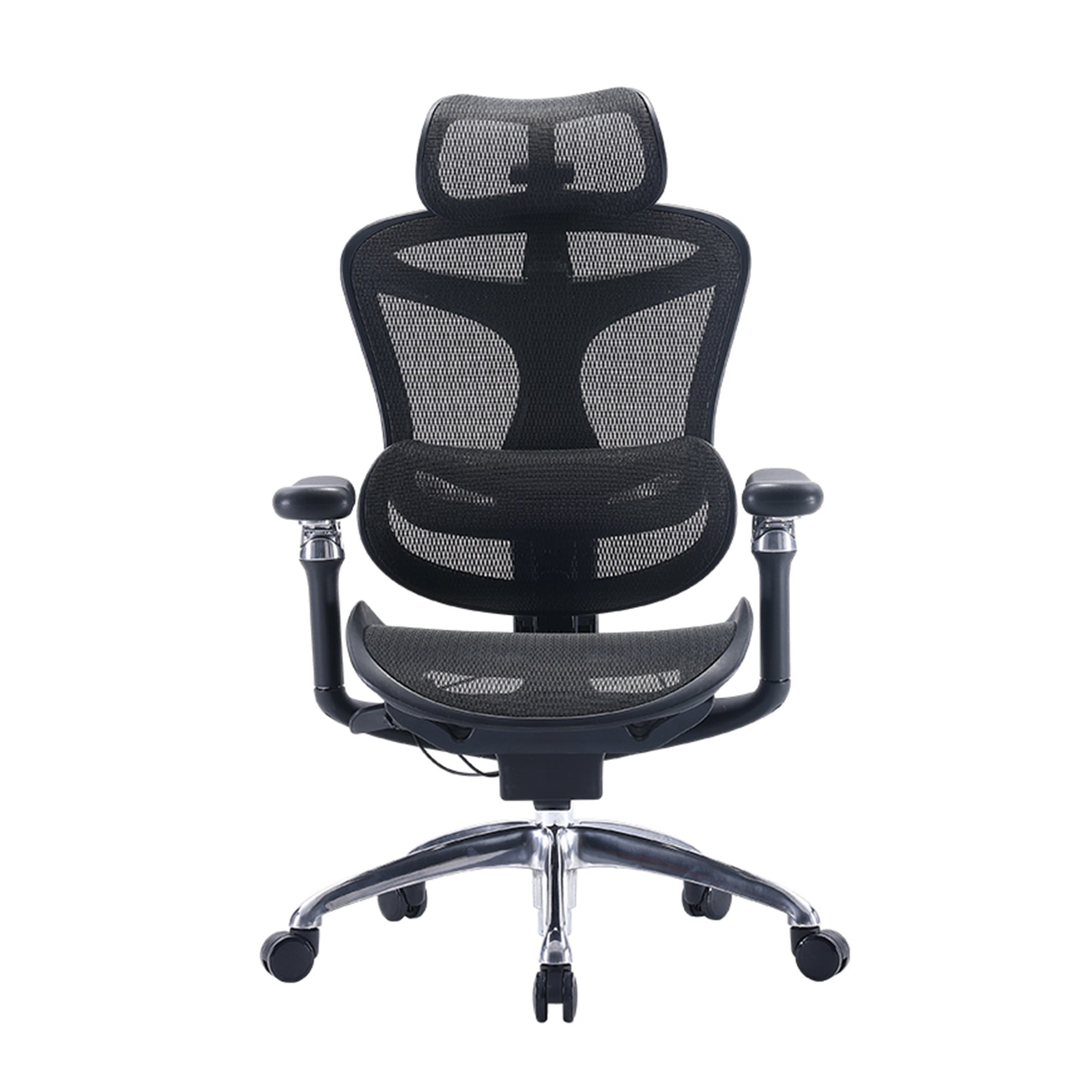
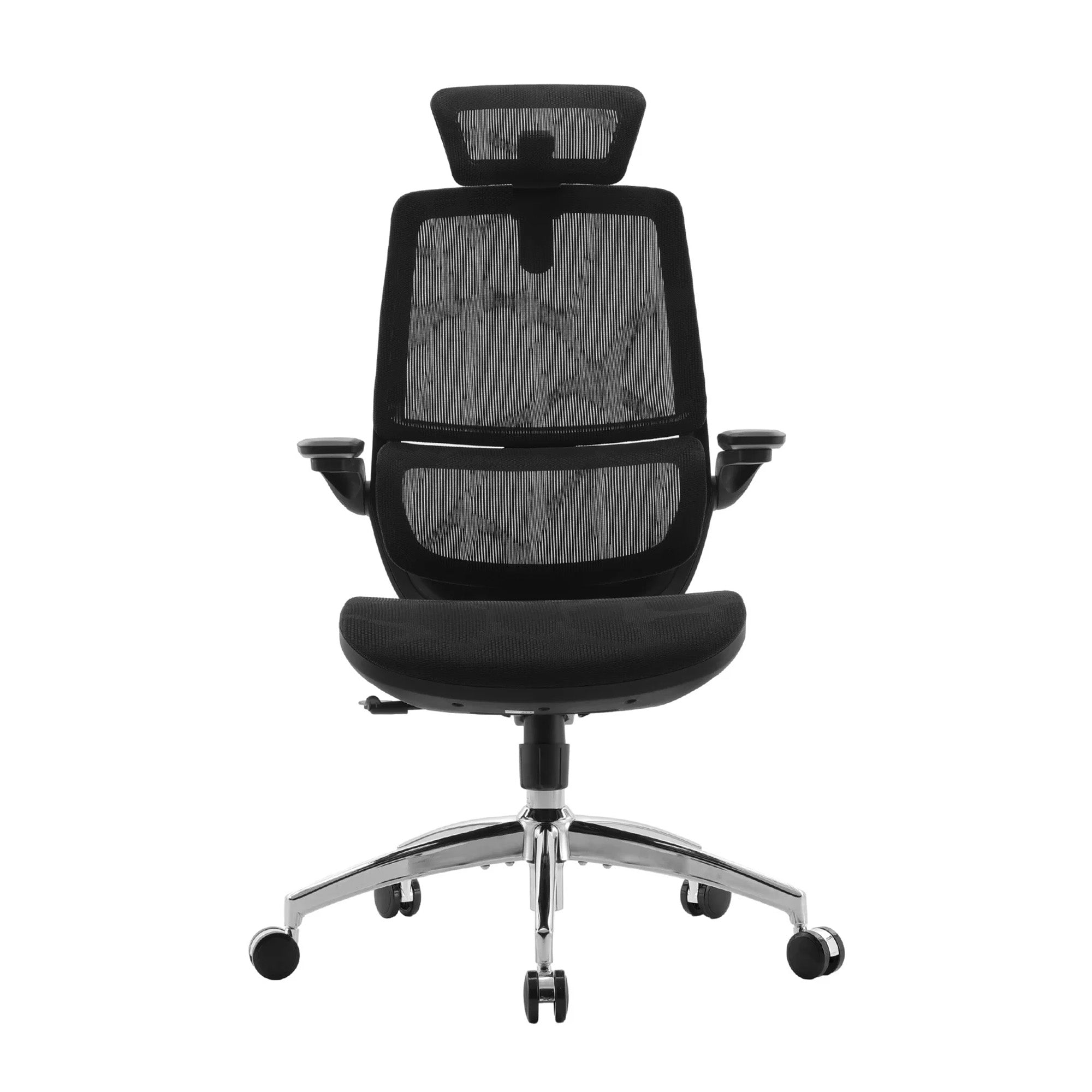
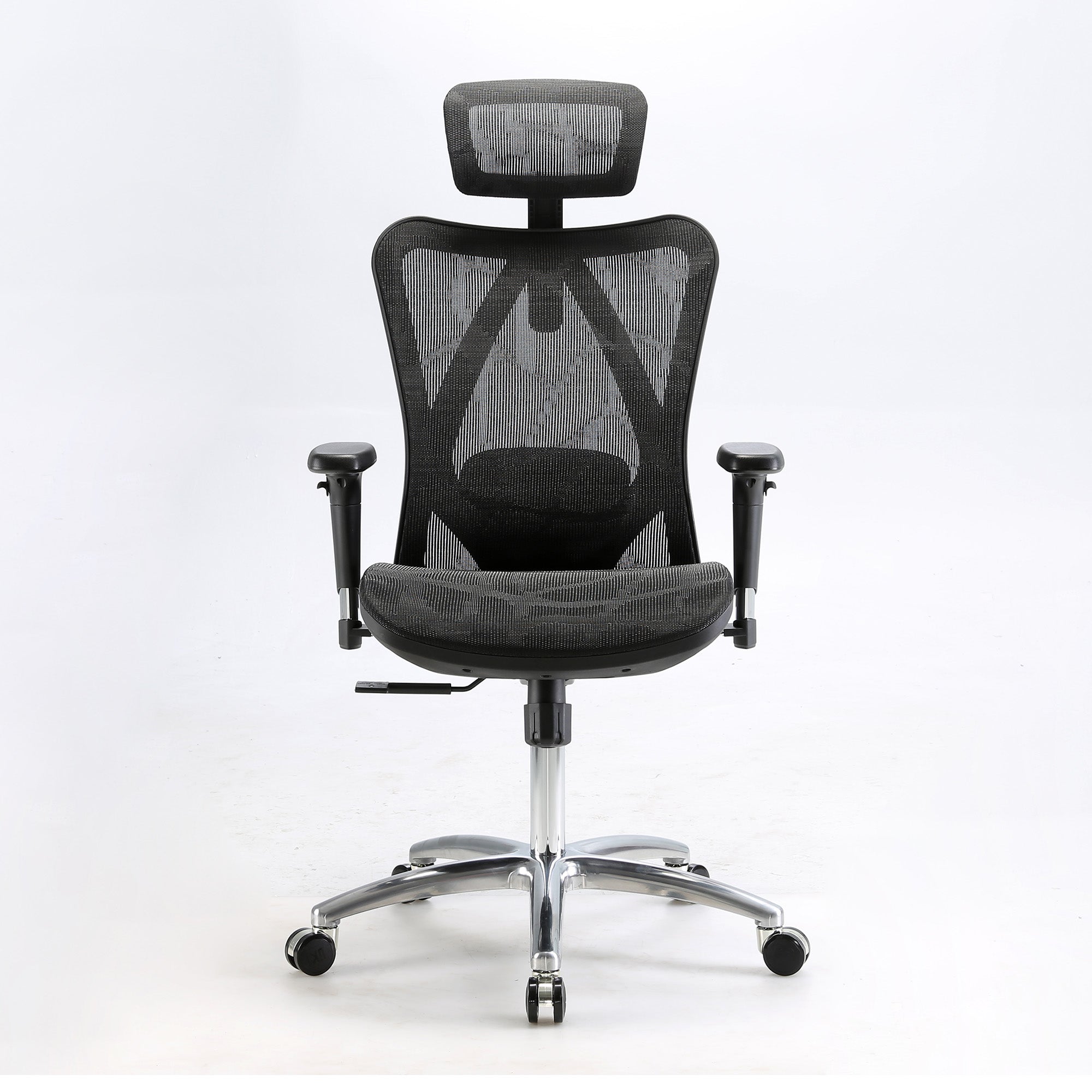
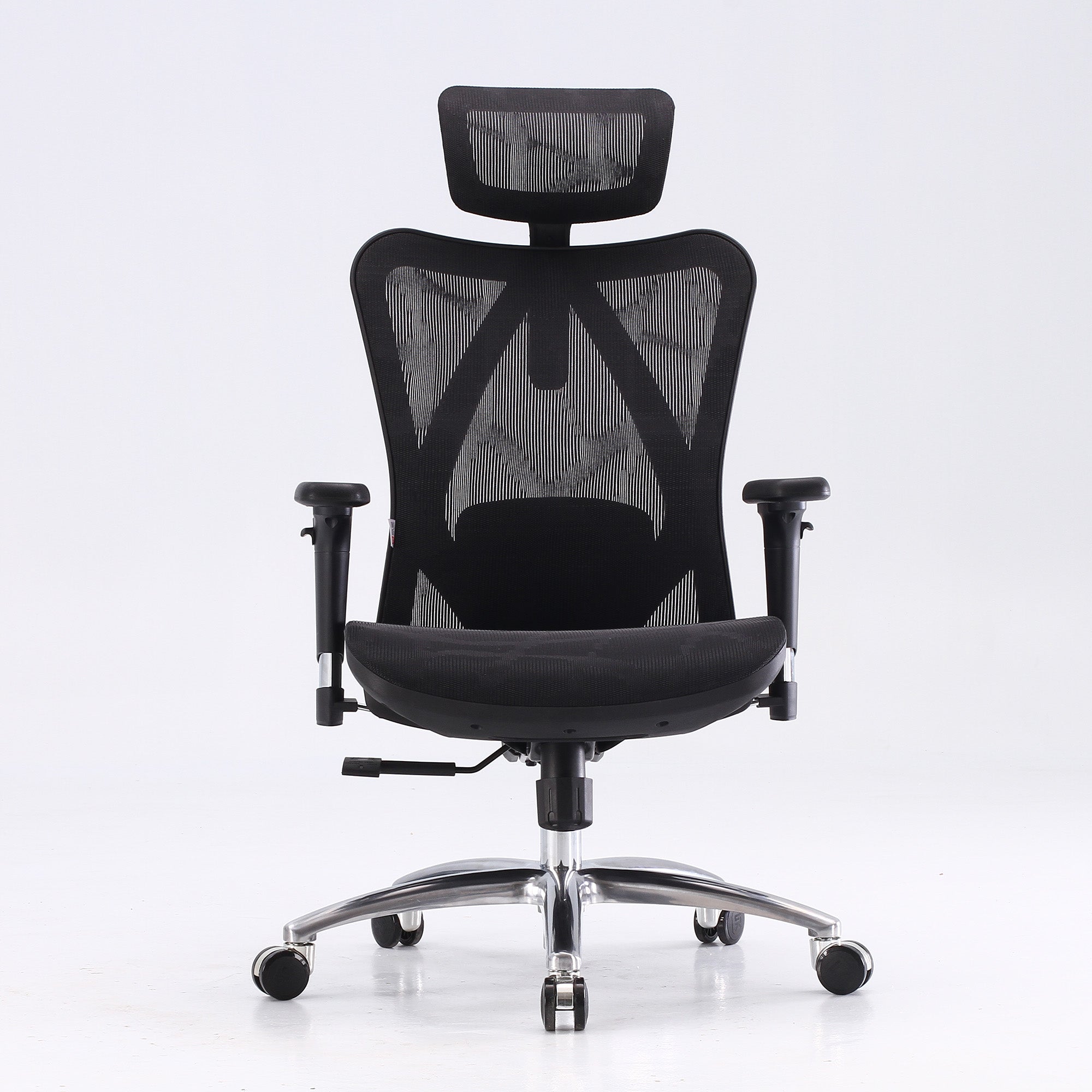
Once the screen is right, the chair can support the fix. The Doro S300 and Doro C500 adjust the upper backrest across five positions, which helps if your shoulders tense because the backrest ends too low. Armrests should hold your forearms so your shoulders can relax. A headrest helps only if you actually recline, for example on calls. If you type upright, your head will not touch it anyway.
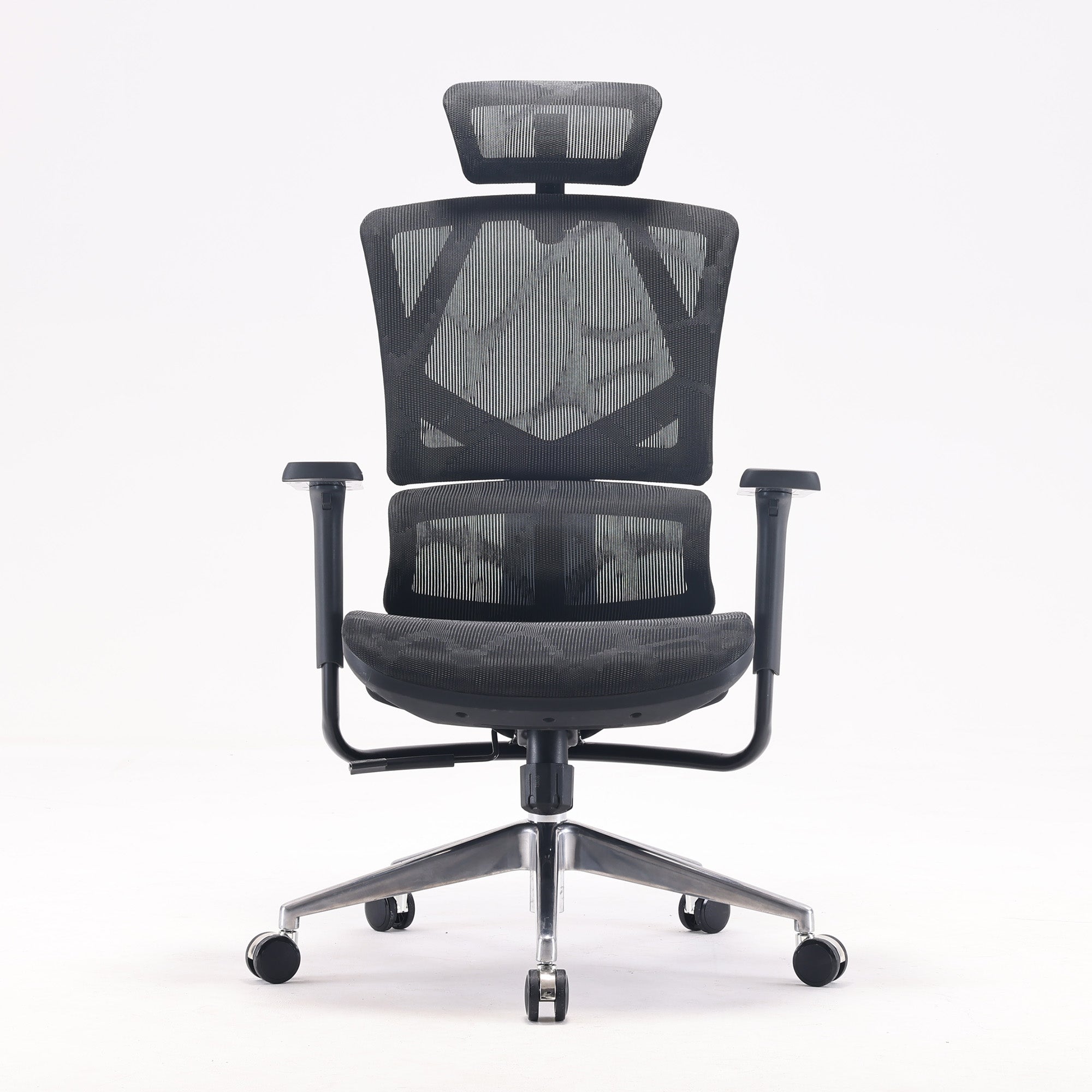
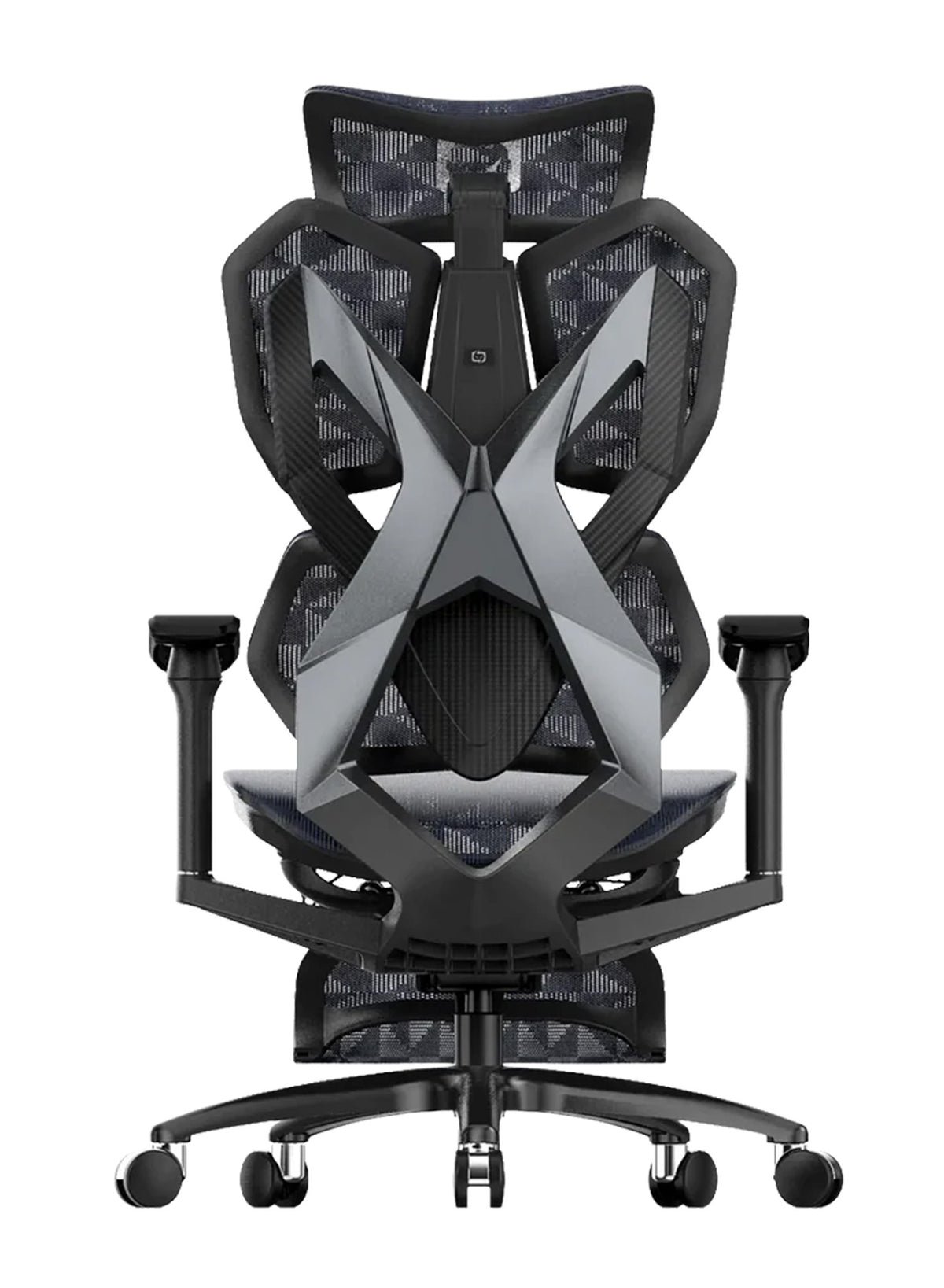
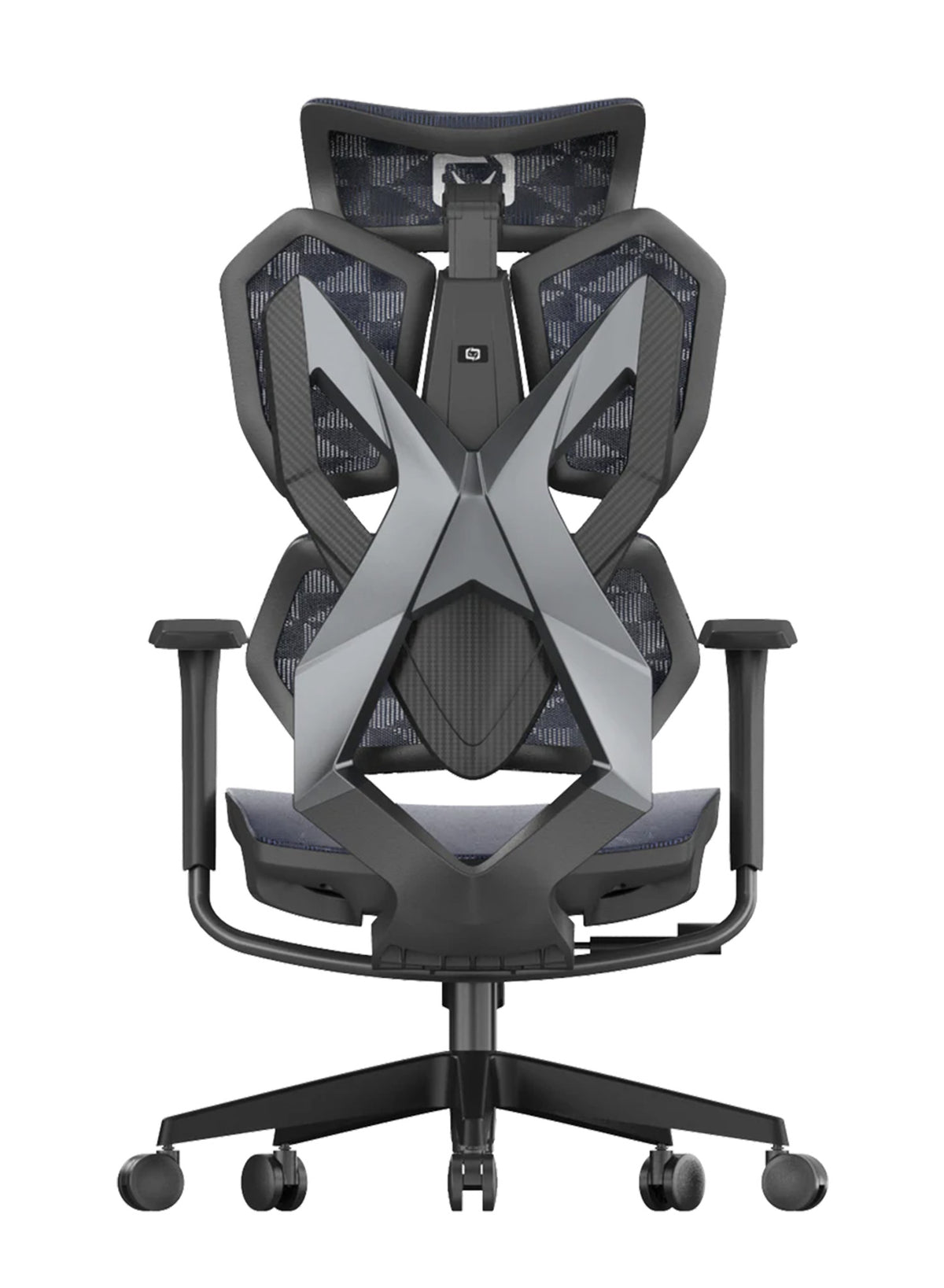
On our range, the M57 Pro has a double-joint 3D headrest. The Doro C300 Pro adds 5 cm of headrest height adjustment, 2.5 cm of forward and back movement and 35 degrees of rotation. The Doro C500 has a wide-angle 3D headrest, and the Doro S300 has an integrated headrest.
A screen audit for workplaces
For a workplace, a screen audit across a floor takes less time than a chair purchase, and it often fixes more complaints.

Tailbone, Hip and Leg Symptoms Can Come From Seat Depth
Tingling legs and numb feet are easy to blame on the back.
How a too-deep seat causes trouble
Sometimes the seat is the cause. A seat that is too deep makes it hard to use the backrest. Sydor and Hitka (2023, Biomimetics) also note that too much depth can affect blood flow to the legs. That paper models chair sizes from body measurements. It is not a clinical trial, so we use it to explain the idea, not to promise a result. WHSQ gives a simple check: leave two to three fingers of space between the seat edge and the back of your knee.
Which Sihoo chairs adjust seat depth
Seat depth adjustment is not on every chair. Here is what the product pages state:
-
Sliding seat depth: the V1 (44.5 to 49.5 cm), the Doro C300 Pro (up to 4 cm) and the Doro C500 (up to 4 cm). The Doro S300 also has a seat depth control, and its page gives no range.
-
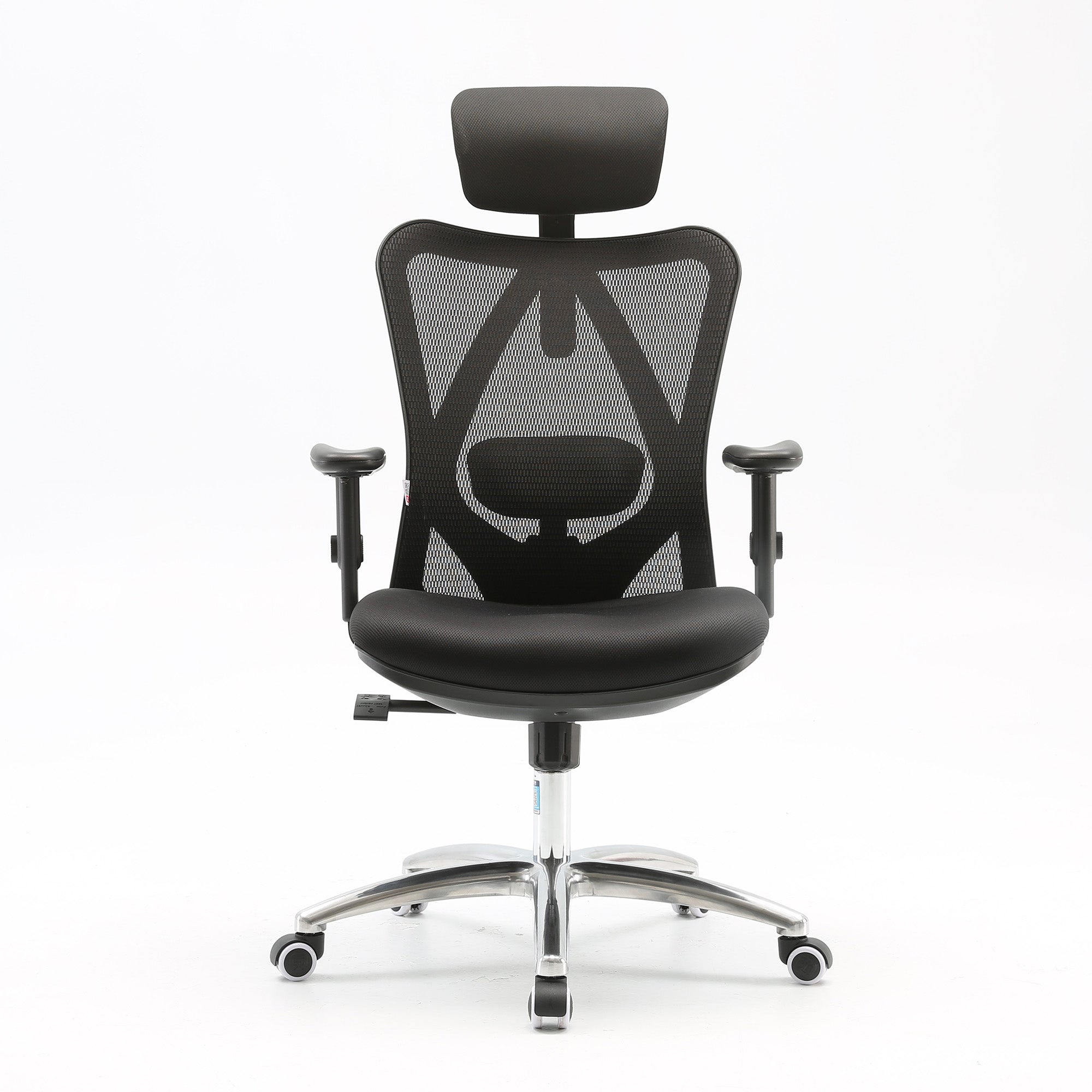
No seat depth adjustment stated: the M57, M57 Pro and Vito M90. The Vito M90 page lists a 46 cm seat, and the M59AS page lists 43.5 cm, with no adjustment stated for either.
Tailbone soreness and seat shape
For tailbone soreness, look at the seat shape and your sitting habits. The M59AS has a saddle-shaped seat cushion, but whatever the chair, changing position every 30 minutes does more than any cushion.
When leg symptoms need a doctor
Leg weakness, numbness or bladder and bowel changes need a doctor, not a new seat.
Choose an Ergonomic Chair for Your Body, Budget and Hours of Sitting
A 155 cm designer and a 188 cm developer can share a desk and need different chairs.
Start with fit
Start with fit. The Doro C300 Pro and V1 pages state a user height range of 150 to 190 cm. The Doro C500 and Doro S300 pages give 150 to 190 cm for the upper backrest adjustment. The Vito M90 is designed for 165 to 188 cm. Then check seat depth, backrest height and how much each part adjusts. We found no research that names an ideal seat firmness, so sit in a chair if you can, or use a retailer's trial and return window.
Compare Sihoo chairs by sitting hours and need
The table groups our range by how long you sit and what you need. The groups are our rule of thumb based on adjustability, not tested limits. Prices were checked on 9 October 2026, and sale prices change, so check the live page before you buy.
|
Your situation |
Start with |
Why |
Price (was) |
Honest limit |
|---|---|---|---|---|
|
Under about 4 hours, mild discomfort, tight budget |
M57 |
Dual-adjustable lumbar (vertical and horizontal), 150 kg rating |
$329 ($489) |
No seat depth adjustment stated |
|
4 to 6 hours, you recline for calls |
M57 Pro |
Adaptive lumbar, double-joint 3D headrest |
$399 ($499) |
No seat depth adjustment stated |
|
4 to 8 hours, you shift and recline |
Vito M90 |
Split backrest with adaptive spring lumbar, backrest height adjusts 6 cm |
$339 ($529) |
46 cm seat, no adjustment stated; designed for 165 to 188 cm |
|
Dynamic lumbar on a smaller budget |
M59AS |
Dynamic lumbar, saddle-shaped seat, double-joint headrest |
$349 ($499) |
43.5 cm seat depth, no adjustment stated |
|
6+ hours, or seat depth matters |
Doro C300 Pro |
Self-adaptive lumbar, seat depth up to 4 cm, recline locks at 105, 120 and 135 degrees |
$747 ($1,099) |
150 kg limit; the lumbar moves on its own |
|
Leg or thigh symptoms from seat depth |
V1 |
Adjustable lumbar height and depth, sliding seat depth, 90 to 140 degree recline |
$529 ($849); from $569 with leg rest |
136 kg limit |
|
8+ hours, or a back history |
Doro S300 |
Adjustable dual dynamic lumbar, seat depth control, anti-gravity recline, 6D armrests |
$949 ($1,599) |
Premium price; one of our highest-priced chairs |
|
Same needs, extended features |
Doro C500 |
Adaptive lumbar, seat depth up to 4 cm, wide-angle headrest |
$1,199 ($1,649) |
Premium price |
Warranty and value
The Doro C300 Pro, S300 and C500 pages state a 5-year warranty, while the other models above list 3 years. Read the product page for the terms that apply to your chair.
If no chair on this list fits, that is fine. A cheaper chair that you set up properly will beat a premium chair left at its factory settings.
Fit across a mixed team
For a team, the 150 to 190 cm range covers most staff, so a mixed team can often share two or three models. Teams buying in volume can look at wholesale office chairs and match one lumbar type to each work pattern.
Exercise, Heat, Sleep and Daily Habits Support Your Chair Setup
The chair is eight hours of your day, but the other sixteen count too.
Staying active comes first
Staying active is the best-supported advice, and Healthdirect says resting can often make pain worse, and that staying active can ease pain. The national Care Standard (2022) from the Australian Commission on Safety and Quality in Health Care says long bed rest is harmful. A 2025 Cochrane overview found moderate-certainty evidence that advice to stay active helps sudden back pain, although the effect is small.
Exercise helps pain that lasts
Exercise has solid support for pain that lasts. The same overview found that exercise probably eases long-lasting back pain and helps movement, with moderate certainty. The Care Standard favours active strategies and does not name one best exercise. Walking is the simplest start, but for stretches and strength work, ask a physiotherapist to set a plan that suits you.
Heat and medicines
Heat is a modest extra, and the Care Standard says heat packs may give short-term relief as an add-on to active management. The Cochrane overview found only low-certainty safety data, including mild skin pinkness with heated wraps.
Ask your doctor or pharmacist about medicines. Healthdirect says a doctor may prescribe anti-inflammatory medicine. It adds that paracetamol has not been shown to help back pain. We give no doses here, so please ask them.
Stress, weight and sleep
Healthdirect also says mindfulness can ease pain, a healthy weight lowers the load on your spine, and smoking raises the risk of back and neck pain.
Some habits come up often: drinking enough water, wearing supportive shoes, sleeping on your back or side, and avoiding sleeping on your stomach. We found no verified research tying these to desk back pain. They cost nothing to try, so treat them as comfort tips, not treatment.
Sit-stand desks add variety
A sit-stand desk can help you vary your posture. SafeWork NSW lists height-adjustable desks among the ways to reduce sitting. WHSQ adds that standing for long periods can cause problems too, so the goal is variety. At work, walk-and-talk meetings and lunch breaks away from the desk do the same job for a whole team.
Know When Back Pain Is Not a Chair Problem
A chair adjustment will not touch pain that wakes you at night.
When to see a doctor
Healthdirect says to see a doctor if back pain has not improved after about six weeks, or if it disturbs your sleep or daily life. The Care Standard notes that most people with acute low back pain feel much better or recover within two weeks. If yours does not, then get it checked.
Red flags that need urgent care
Call 000 or go to the nearest emergency department if you have any of these with back pain:
-
Loss of feeling or movement in your limbs, or trouble controlling your bladder or bowels.
-
Pain that came on very quickly and is severe.
-
Pain after a significant injury or accident.
-
Fever or feeling unwell along with the pain.
-
Being unable to walk or move because of the pain.
-
Leg weakness or numbness.
-
Unexplained weight loss.
Honest limits: Even good chairs do not cure back pain. Driessen and colleagues (2010) reviewed 10 randomised trials in Occupational and Environmental Medicine. The trials tested ergonomic changes to equipment and work routines for workers with low back and neck pain. The evidence was low to moderate in quality, and these interventions were not more effective than no intervention for low back pain. They tested workplace changes in general, not chairs alone. The exceptions were low-quality evidence that a curved or flat seat pan chair helped short-term neck pain and an arm board helped long-term neck pain. A chair reduces load. It does not replace assessment.
Check the rest of the desk
If your chair is set up well and the pain stays, check the rest of the desk. WHSQ lists a fixed sitting desk height of 680 to 720 mm, with the keyboard directly in front of you. After that, book a GP or physiotherapist visit.

Back Pain at Work: What Australian Employers Should Know About Chairs
For a manager, one sore back is a conversation, but six sore backs is a pattern.
WHS law asks employers to manage the risks of sitting
Safe Work Australia says a person conducting a business or undertaking must keep workers healthy and safe, as far as is reasonably practicable. For sitting, that means spotting the hazard, controlling the risk and setting up workstations so people can change posture. You must also consult workers affected, although the law does not name a specific chair. State rules differ, so check your own regulator and get advice for your workplace.
Check a chair is tested to AS/NZS 4438 and its AFRDI level
AS/NZS 4438 is the Australian and New Zealand standard for height adjustable swivel chairs. Testing covers loads, fatigue, impact, swivel and stability. AFRDI certification has four levels, numbered 3 to 6. Only Levels 4, 5 and 6 are considered suitable for commercial use. Level 6 is for extremely tough conditions, such as control rooms. A higher level does not mean a more comfortable chair. Ask any supplier, including us, for the test level and certificate before you buy.
Choose chairs for a team with different bodies
Look for a wide adjustment range, not a single "best" model. Measure your team's height and weight spread, then check them against the user height and load ratings on each product page.
Trial chairs with a small group before a bulk order
We suggest trialling two or three models with a small, mixed group for three to five working days. Give each person the same short setup card, then ask what changed.
Back pain costs a workplace more than a chair does
Docking and colleagues (2025, JAMA Network Open) estimate that long-term back problems in working-age Australians will cost about A$638 billion in lost GDP between 2024 and 2033. That is a 10-year total, or about $63.8 billion a year on our own arithmetic. In New South Wales, SafeWork NSW cites SIRA data in its Musculoskeletal Disorders Prevention Plan 2024-2026. It reports an average cost of $64,759 per serious musculoskeletal claim (one or more weeks off work) over 2018-19 to 2022-23, with about 20 weeks lost. These figures cover NSW only, and they count direct claim costs, not management time or temporary staff.
Plan separately for hot-desking, remote and hybrid staff
Shared chairs need quick, obvious controls and a visible guide card. Adaptive lumbar support helps because nobody has to reset a bar each morning. For people who work from home, agree a setup that suits their space, and read your state regulator's guidance on working from home. Safe Work Australia has sheets on working from home.
A business can claim a chair under ATO rules
The ATO's $20,000 instant asset write-off is now permanent from 1 July 2026 for small businesses with aggregated turnover under $10 million. It applies per asset to eligible assets first used or installed ready for use. Employees working from home can generally claim furniture separately from the fixed rate. The ATO says items costing $300 or less can be claimed in full in the year of purchase when used mainly for work. Items over $300 are claimed as a decline in value over their effective life. Rules change, so confirm with your accountant before you buy.
Conclusion
Back pain is not one thing, so the chair is not one answer.
Start free: set the chair up in order, fix the screen, move every 30 minutes and walk more. Then match the feature to the pain: lumbar support for the lower back, a screen fix and headrest for the neck, and seat depth for legs. Keep the honest limit in mind, because a chair lowers load but does not treat a condition.
If you have tried the free fixes and still need a chair, compare our range of the best ergonomic office chairs in Australia by lumbar type, seat depth and price. Match your hours and body to the table above. If pain lasts about six weeks, affects your sleep, or comes with any warning sign, see a doctor first.
Better Comfort Starts Now.
Sources Referenced
-
Bae JS, Jang JS, Lee SH, Kim JU (2012). Journal of Korean Neurosurgical Society 51(1). DOI: 10.3340/jkns.2012.51.1.20
-
Amiri B, Behm DG, Zemkova E (2025). On the role of core exercises in alleviating muscular fatigue induced by prolonged sitting: a scoping review. Sports Medicine Open 11:18. DOI: 10.1186/s40798-025-00816-x
-
Makhsous M, Lin F, Bankard J, Hendrix RW, Hepler M, Press J (2009). BMC Musculoskeletal Disorders 10:17. DOI: 10.1186/1471-2474-10-17
-
Sydor M, Hitka M (2023). Chair size design based on user height. Biomimetics 8(1):57. DOI: 10.3390/biomimetics8010057
-
Driessen MT, Proper KI, van Tulder MW, Anema JR, Bongers PM, van der Beek AJ (2010). Occupational and Environmental Medicine 67(4):277. oem.bmj.com/content/67/4/277
-
Docking SI et al. (2025). JAMA Network Open. DOI: 10.1001/jamanetworkopen.2025.27284
-
Australian Commission on Safety and Quality in Health Care (2022). Low Back Pain Clinical Care Standard. safetyandquality.gov.au
-
Cochrane (2025). Non-pharmacological and non-surgical treatments for low back pain in adults: an overview of Cochrane reviews. CD014691. cochrane.org
-
Healthdirect Australia. Back pain. healthdirect.gov.au/back-pain
-
Workplace Health and Safety Queensland (2022). Selecting and adjusting your chair; Setting up your workstation. worksafe.qld.gov.au
-
Safe Work Australia. Sitting and standing hazards; Working from home information sheets. safeworkaustralia.gov.au
-
SafeWork NSW. Sedentary work. safework.nsw.gov.au/hazards-a-z/sedentary-work
-
SafeWork NSW. Musculoskeletal Disorders Prevention Plan 2024-2026, citing SIRA (2023) claims data.
-
Furntech. Height adjustable swivel chairs: AS/NZS 4438 and AFRDI certification levels. furntech.org.au
-
Australian Taxation Office. $20,000 instant asset write-off; Fixed rate method for working from home expenses. ato.gov.au
-
Sihoo Australia product pages (M57, M57 Pro, Vito M90, M59AS, V1, Doro C300 Pro, Doro S300, Doro C500), specifications and prices checked 9 October 2026. sihoo.com.au
Frequently Asked Questions
There is no single best chair, so match the feature to your pain. For lower back pain that builds through the morning, look for adjustable or adaptive lumbar support. If you sit under about 4 hours a day, the M57 is our entry option. For 4 to 8 hours, the Vito M90 or Doro C300 Pro adds adaptive support. For 8 or more hours, or a back history, the Doro S300 is our top-range option. Fit and setup matter as much as the model.
Not on its own. A chair reduces load and lets you vary your position. However, a 2010 review of 10 randomised trials found that workplace ergonomic interventions were not more effective than no intervention for low back pain. So pair the chair with movement and see a doctor if pain lasts about six weeks.
It should meet the hollow of your lower back, usually around belt height. Sit right back first, then move the support until it feels like gentle pressure, not a push.
A seat that is too deep can be a cause. Check for two to three fingers of space behind your knee. If the tingling comes with leg weakness, numbness or bladder or bowel changes, see a doctor straight away.
It suits people who sit 8 or more hours or have a back history. That is because it adds seat depth control, dual dynamic lumbar pads and an anti-gravity recline. At around six hours a day, the Doro C300 Pro is usually enough. It is one of our highest-priced chairs, so try the free fixes first.
Stay active, because Healthdirect says resting can make pain worse. Walking is a safe start, and a physio can set stretches and strength work that suit you.
The WHS laws require employers to manage the risks of sitting so far as is reasonably practicable. They do not name a specific chair or model. Do a risk assessment, consult your workers, and check your state regulator's guidance.
Look for adaptive lumbar support, quick-reach controls and a visible setup guide. The Vito M90 and Doro C300 Pro adapt to the user without a manual lumbar step.
Prioritise the range of adjustment, and check ratings against your team. Several of our chairs state a user height range of 150 to 190 cm. Trial two or three models first, then decide.
Either can work. A standard chair keeps the setup consistent, while an allowance gives flexibility. Whichever you choose, check the setup with a short guide and review it if the person reports pain.
Often yes, but it depends on your business and how the chair is used. Under the ATO's rules, the instant asset write-off covers eligible assets under $20,000 for small businesses. So confirm with your accountant.
Shop products from this article


