


The ache arrives at four.
A hand drifts to the lower back, presses in, and stays there while the last email gets finished. In a Brisbane spare room or a Sydney open-plan office, the scene looks the same. Someone leans on one hip, or wedges a cushion behind them, because the backrest is not meeting their spine.
Sitting changes the shape of the lower back. Bae and colleagues (2012, Journal of Korean Neurosurgical Society) took radiographs of 30 healthy adults. The inward curve of the lower spine fell from about 50 degrees standing to about 14 degrees in floor-sitting. Most of the change was at the lowest two segments. That figure is for floor-sitting, not a chair, so treat it as a direction rather than a target. The point is simple: sitting flattens the curve, and the backrest is the one part of a chair that meets it.
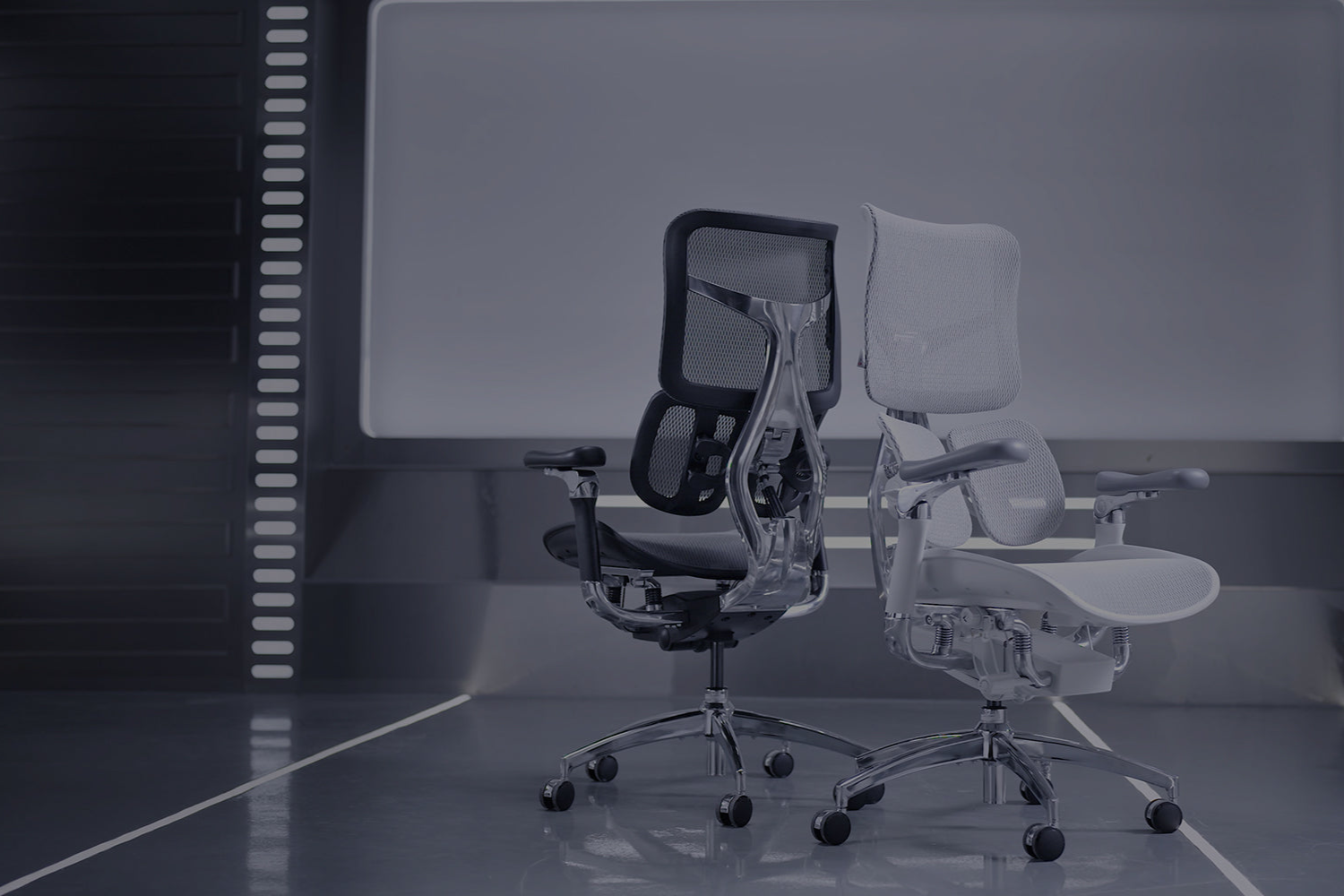
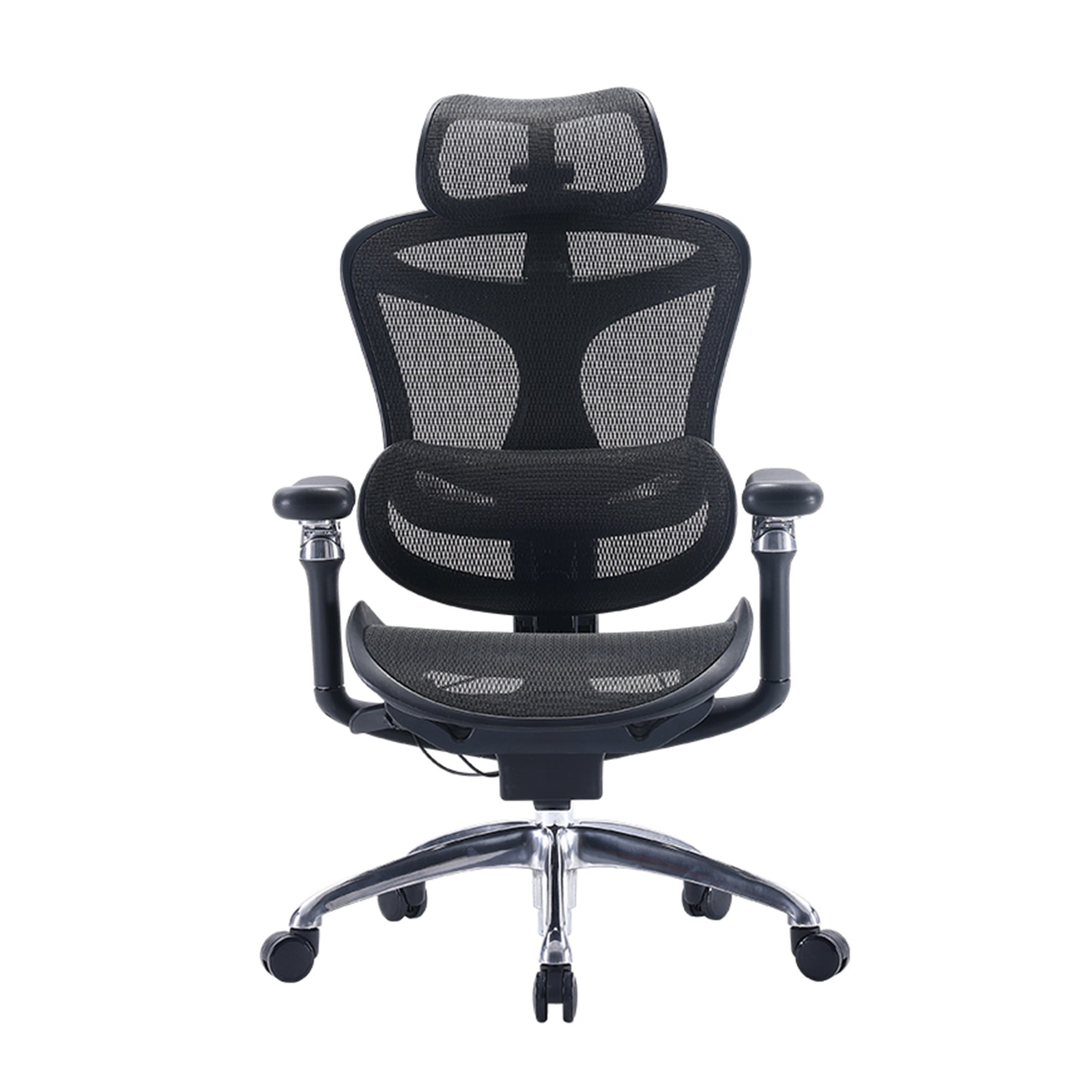
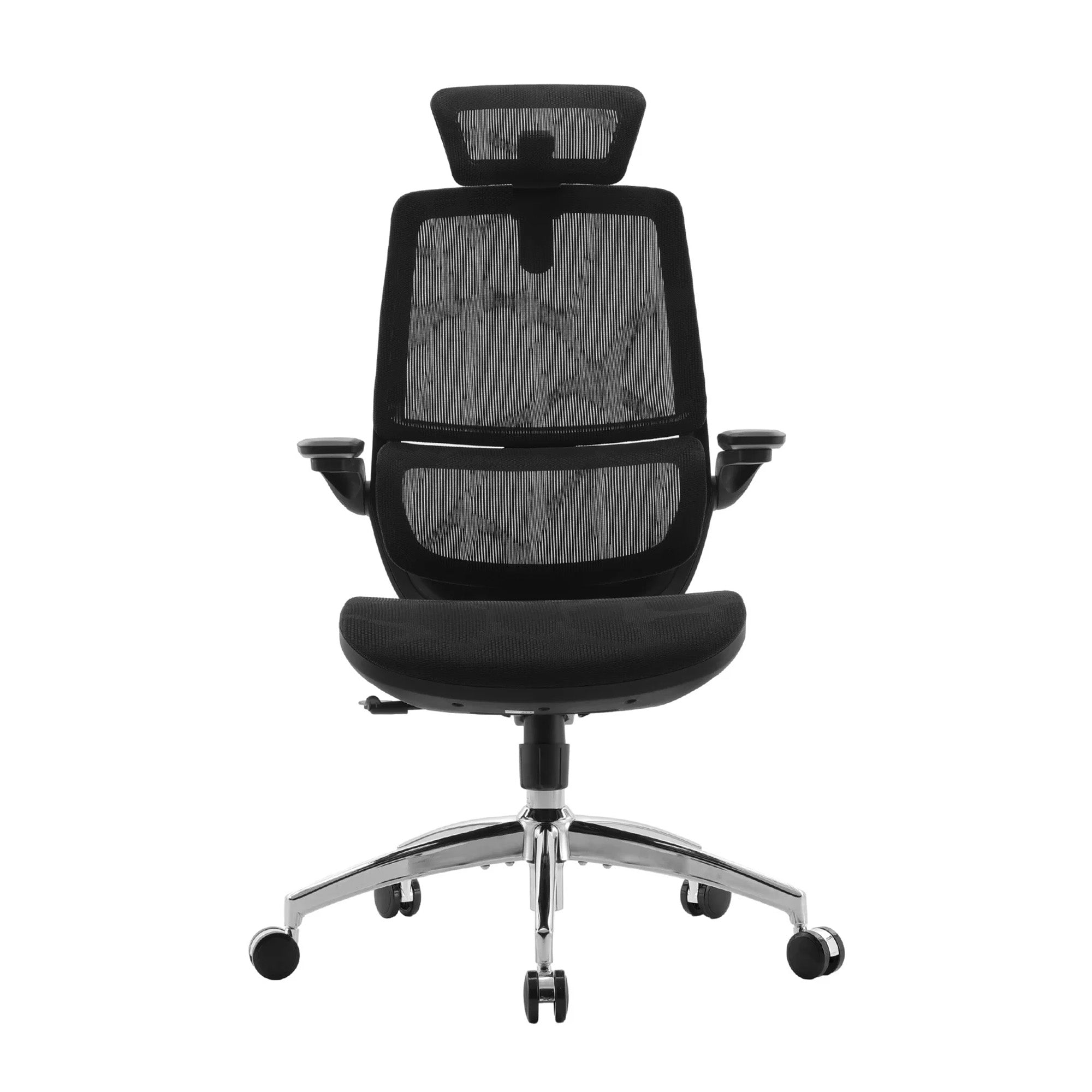
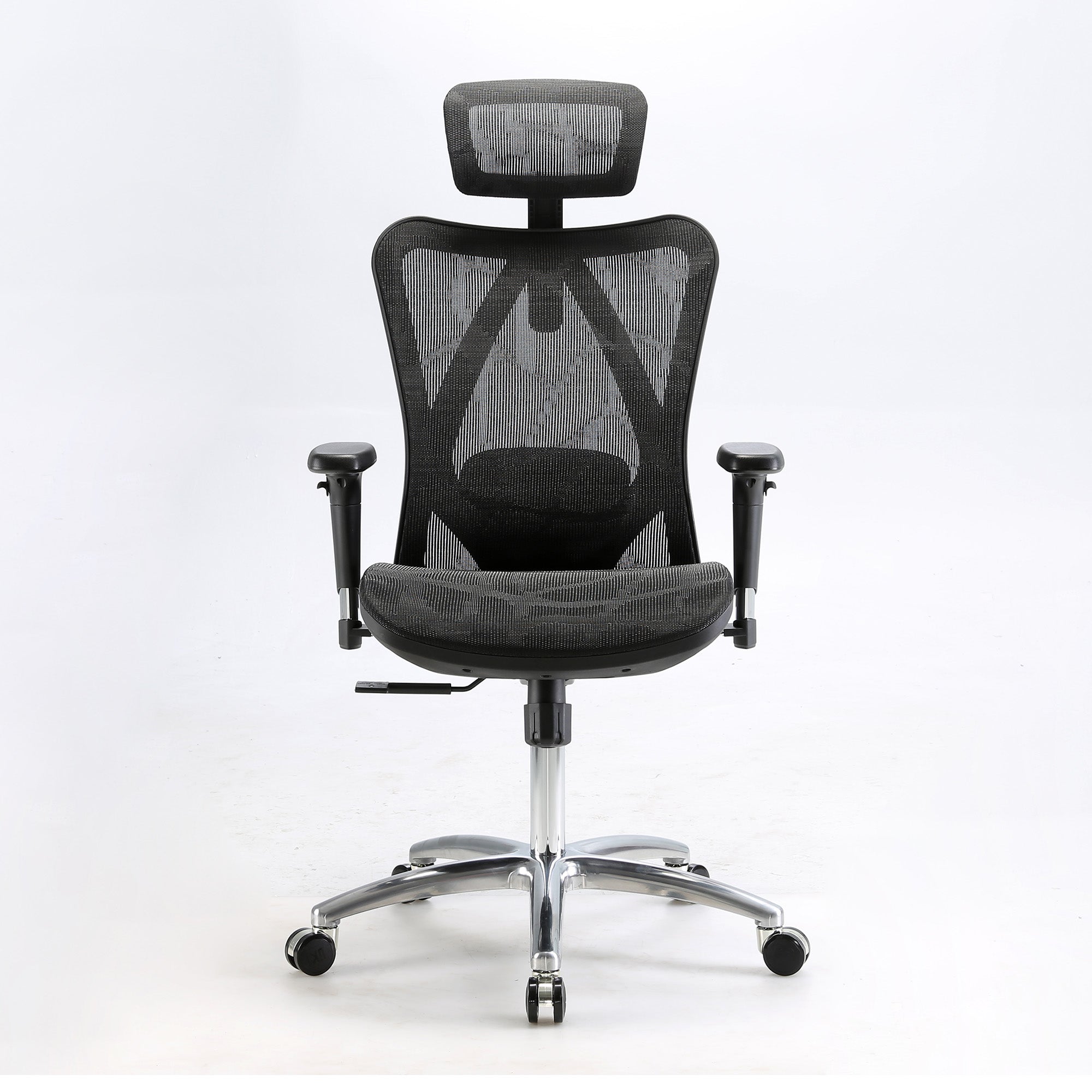
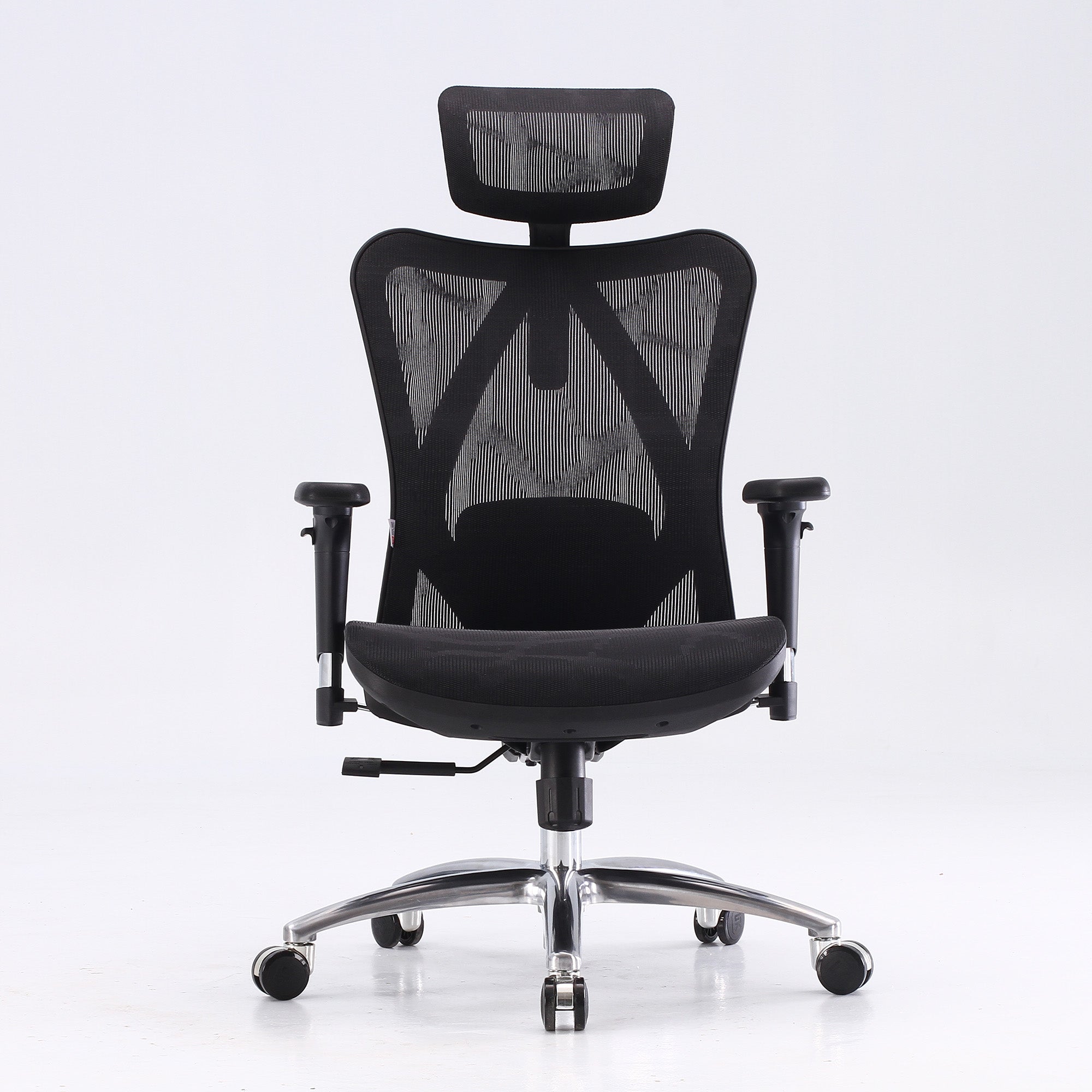
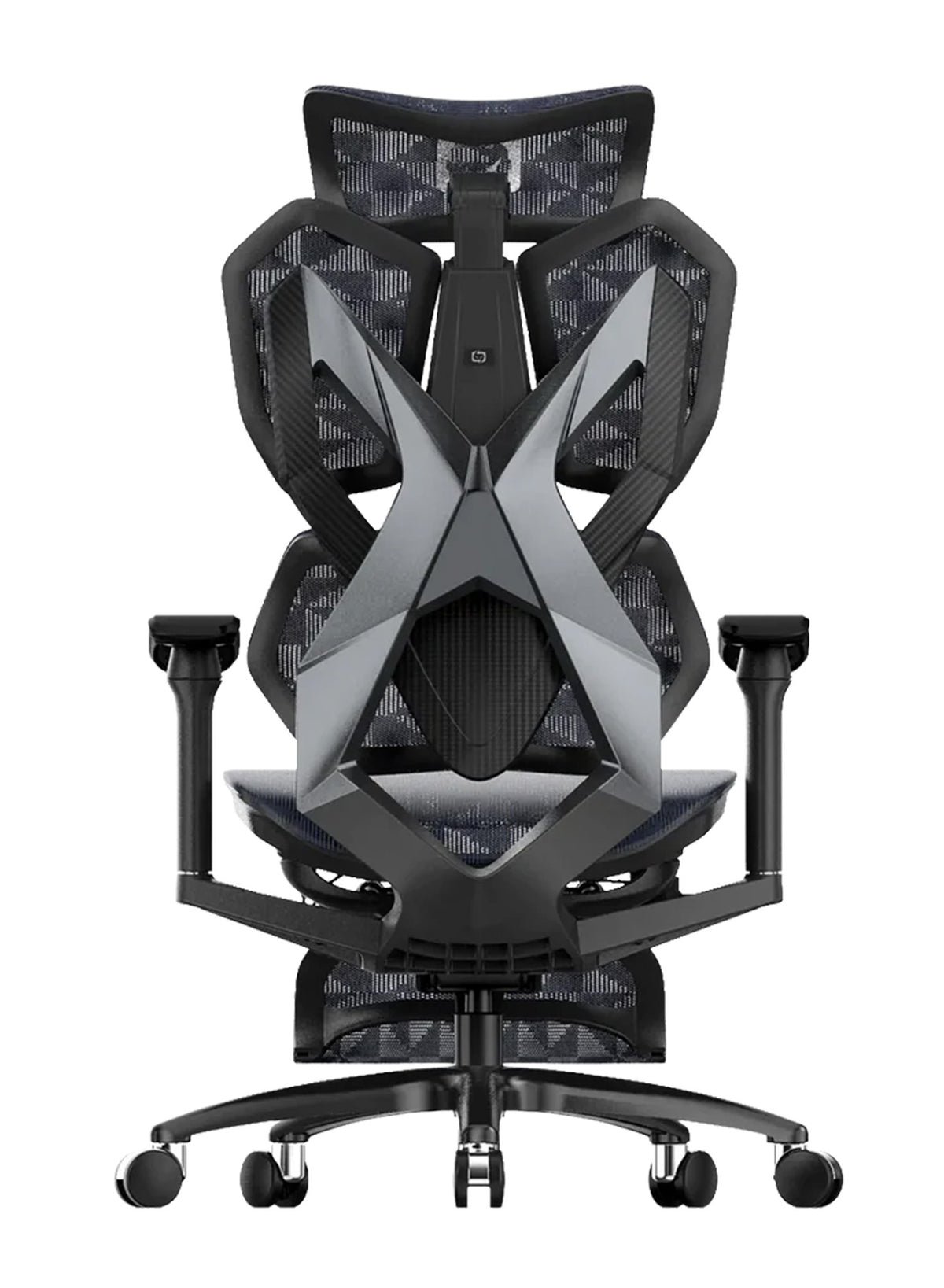
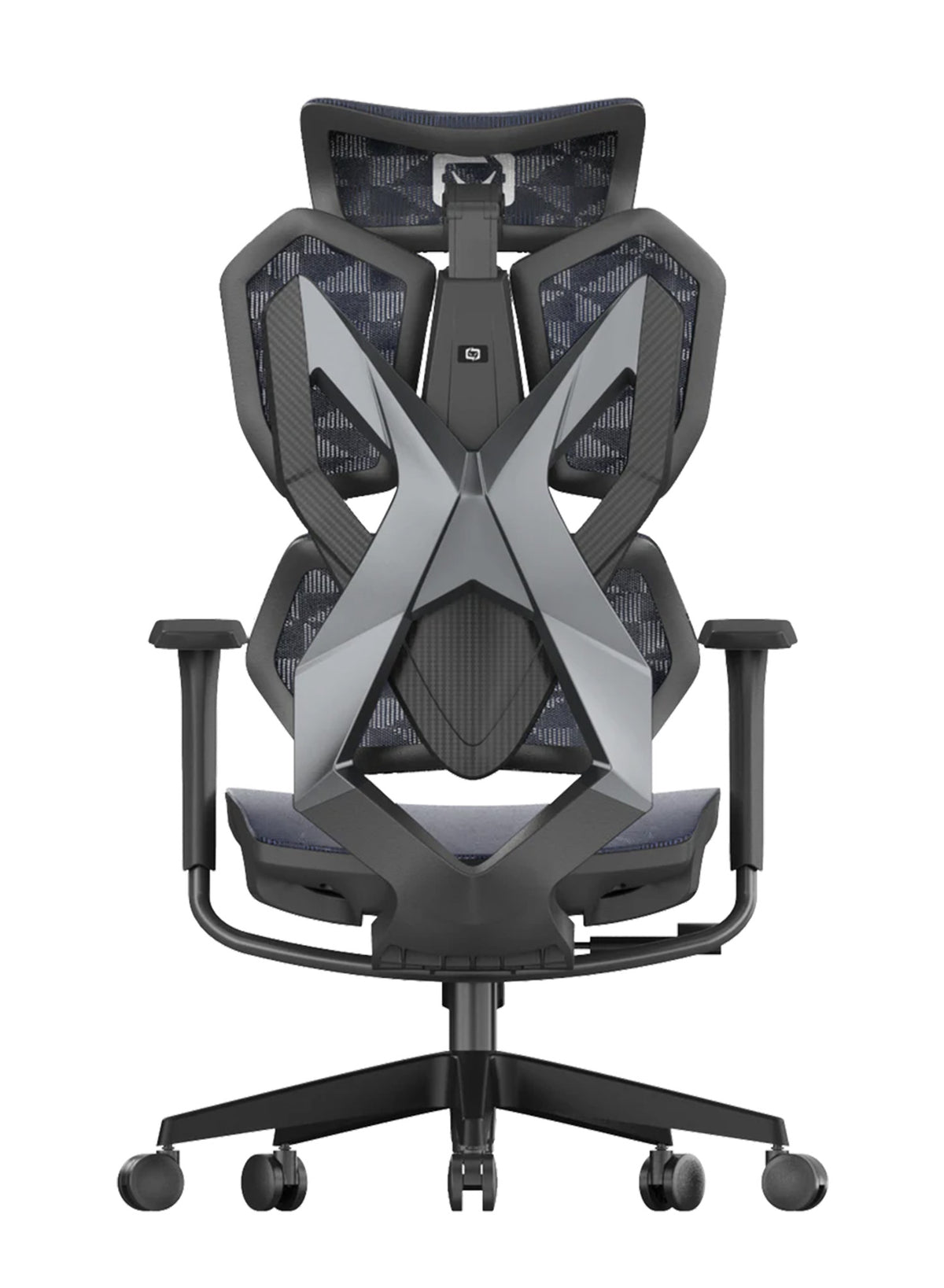
This guide helps you choose among Ergonomic Desk Chairs for Home and Office in Australia. It explains the three types of lumbar support found in an ergonomic office chair, which type suits which body, and when the chair is not the problem. It also lists the Sihoo models by lumbar type, so you can compare them with the chair you sit on now.
Lumbar Support Takes Load Off Your Spine, and Australian Guidance Expects It
By hour six, many of us stop sitting and start slumping. The trunk muscles that hold you upright get tired, and the body hands the job to the spine.
How a backrest takes work off tired trunk muscles
Lumbar support is a curved or padded part of the backrest that meets your lower back. Your trunk can then rest on it instead of holding itself up. A 2025 scoping review by Amiri, Behm and Zemkova (Sports Medicine Open) describes one study (Saiklang and colleagues, 2022) of desk workers with chronic low back pain. In its control condition, trunk muscle fatigue appeared between the 15th and 25th minute of sitting. It was not a lumbar support study, but it shows why long, unbroken sitting tires the trunk. A backrest that meets the lower back gives it something to rest on.
What Australian workplace guidance says about lumbar support
Australian guidance expects it. Workplace Health and Safety Queensland (2022) says to adjust the backrest height so the lumbar support fits the curve of your lower back. Safe Work Australia's Hazardous Manual Tasks Code of Practice also covers seated work. It lists a contoured backrest with a lumbar curve among the features of a seated workstation.
What lab studies show about muscle load
There is lab evidence that the right support reduces load. Makhsous and colleagues (2009, BMC Musculoskeletal Disorders) tested 35 people, 25 with chronic low back pain. They sat for 60 minutes and switched every 10 minutes between a flat seat and a seat tilted down 20 degrees at the rear, with a protruding lumbar support. Lumbar muscle activity fell by 13 to 24 percent in the pain-free group and 6 to 10 percent in the back pain group, compared with the flat seat. It was a small lab study, so it shows a mechanism, not a cure.
Why a team needs more than one sitting position
For a team, the same code says workers should not stay in a seated or static posture for long periods. A chair that suits only one sitting position is a weak fit for a whole floor of people.

Adjustable, Dynamic or Fixed Lumbar Support: Pick the Type by How You Sit
Three chairs can look alike in a showroom and feel completely different by the second hour. The difference is how the lumbar section behaves once you start moving.
Quick answer: Choose adjustable if you sit upright and still. Choose dynamic if you shift, recline or share the chair. Fixed support is fine for short sessions and one regular user.
|
Type |
How it works |
Best for |
Where it falls short |
Sihoo example |
|---|---|---|---|---|
|
Adjustable |
Pad or bar slides up and down, sometimes in and out |
One regular user, upright and still |
Digs in if set wrong; many people never touch it |
M56, M57, V1 |
|
Dynamic (adaptive) |
Spring or tracking section follows your posture |
People who shift, recline or hot-desk |
Nothing to set, so nothing to correct if it sits in the wrong place |
Vito M90, Doro C300 Pro |
|
Fixed |
Moulded curve in the backrest, no adjustment |
Short sessions, one user of average build |
One height and shape for everyone |
None confirmed in our range |
Adjustable lumbar support: set it once and it stays
You adjust the pad or bar until it meets the small of your back, and it stays there. It suits people who sit upright for long stretches and anyone well above or below average height.
The catch is the setting itself. A study of 123 office workers (Coleman and colleagues, 1998, Ergonomics) found the preferred lumbar height averaged 190 mm above the compressed seat. People with a higher BMI chose higher supports. People who linked recent back discomfort to their chair or office work set the support closer to the front of the seat. Preferences differ by body and by history, which is why one fixed height cannot suit everyone.
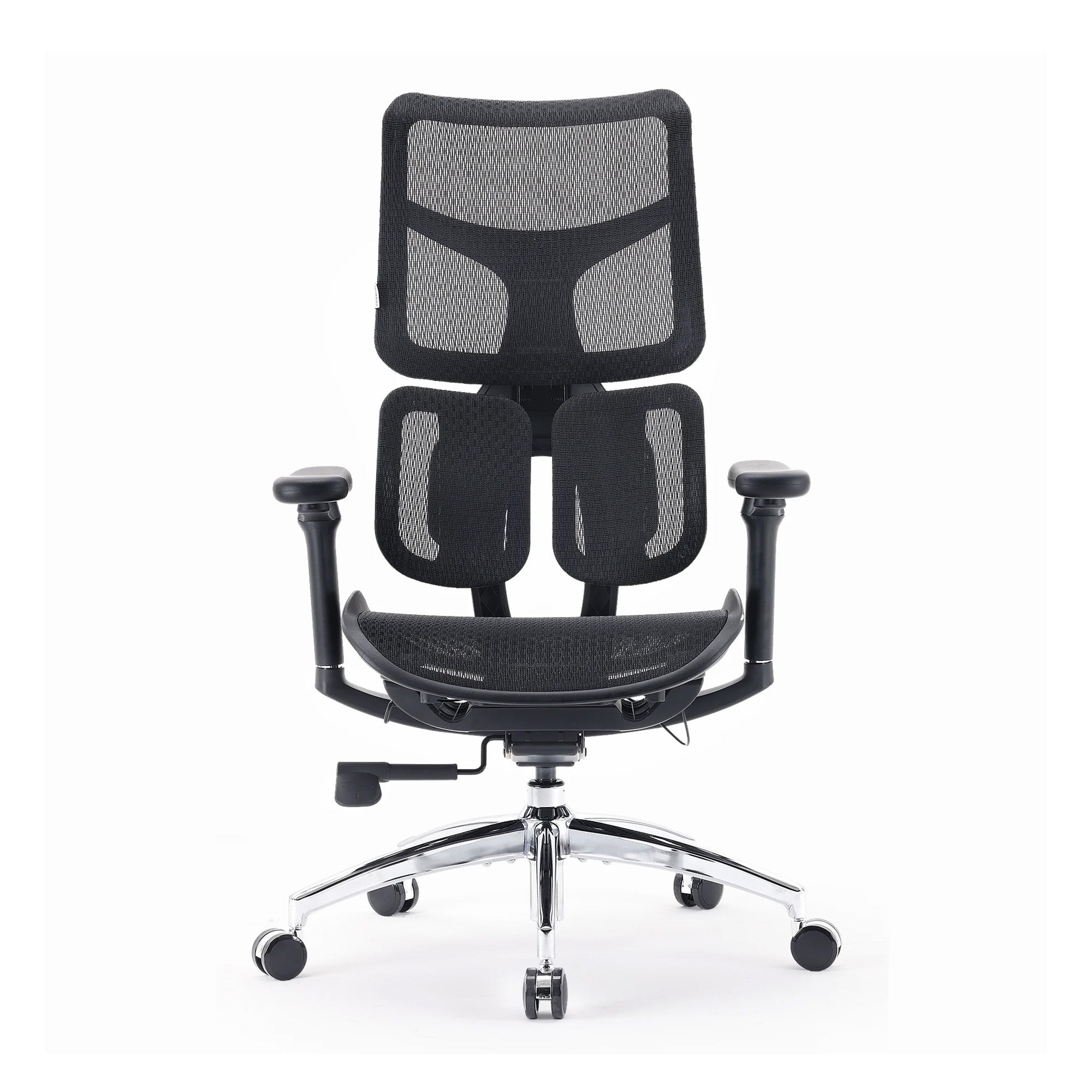
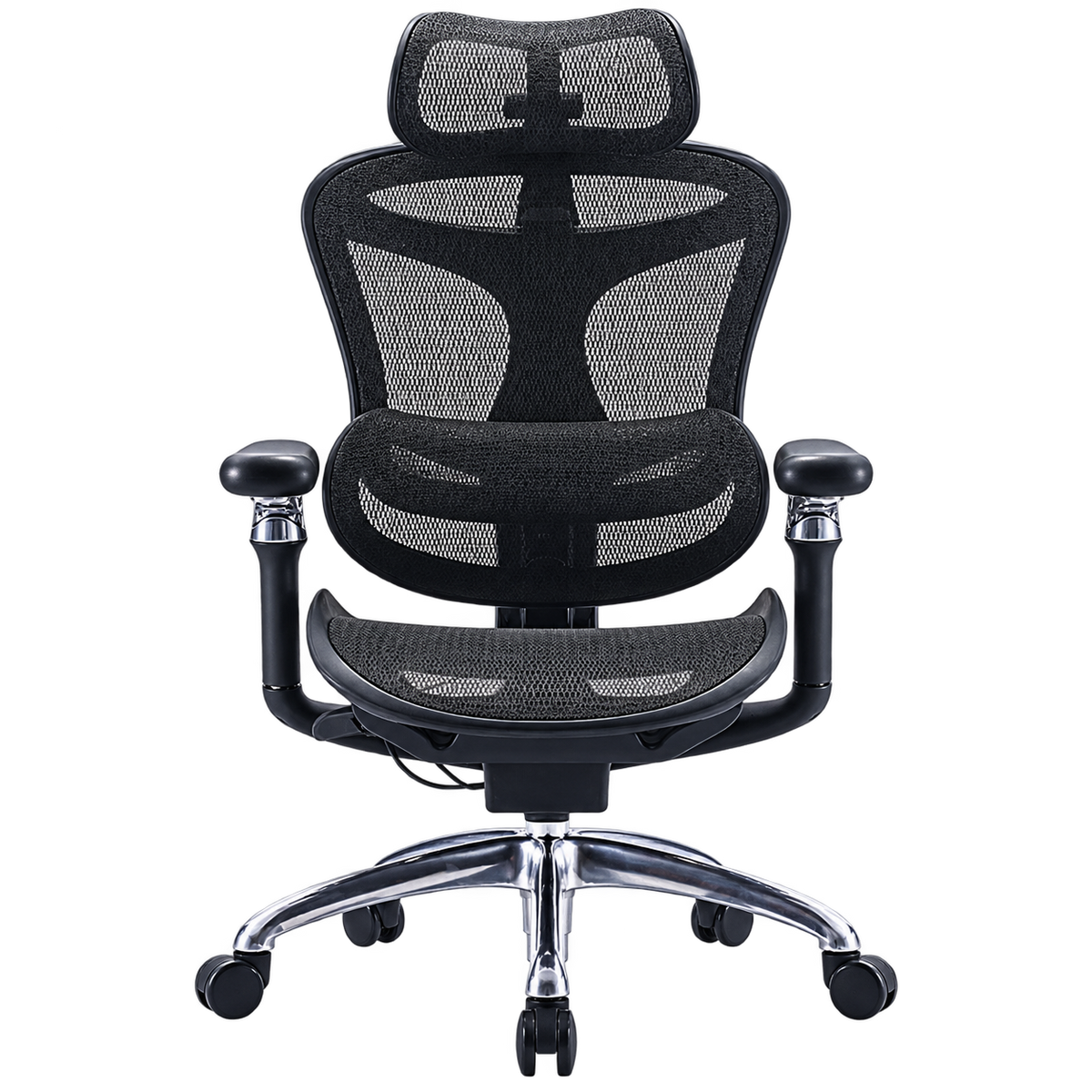
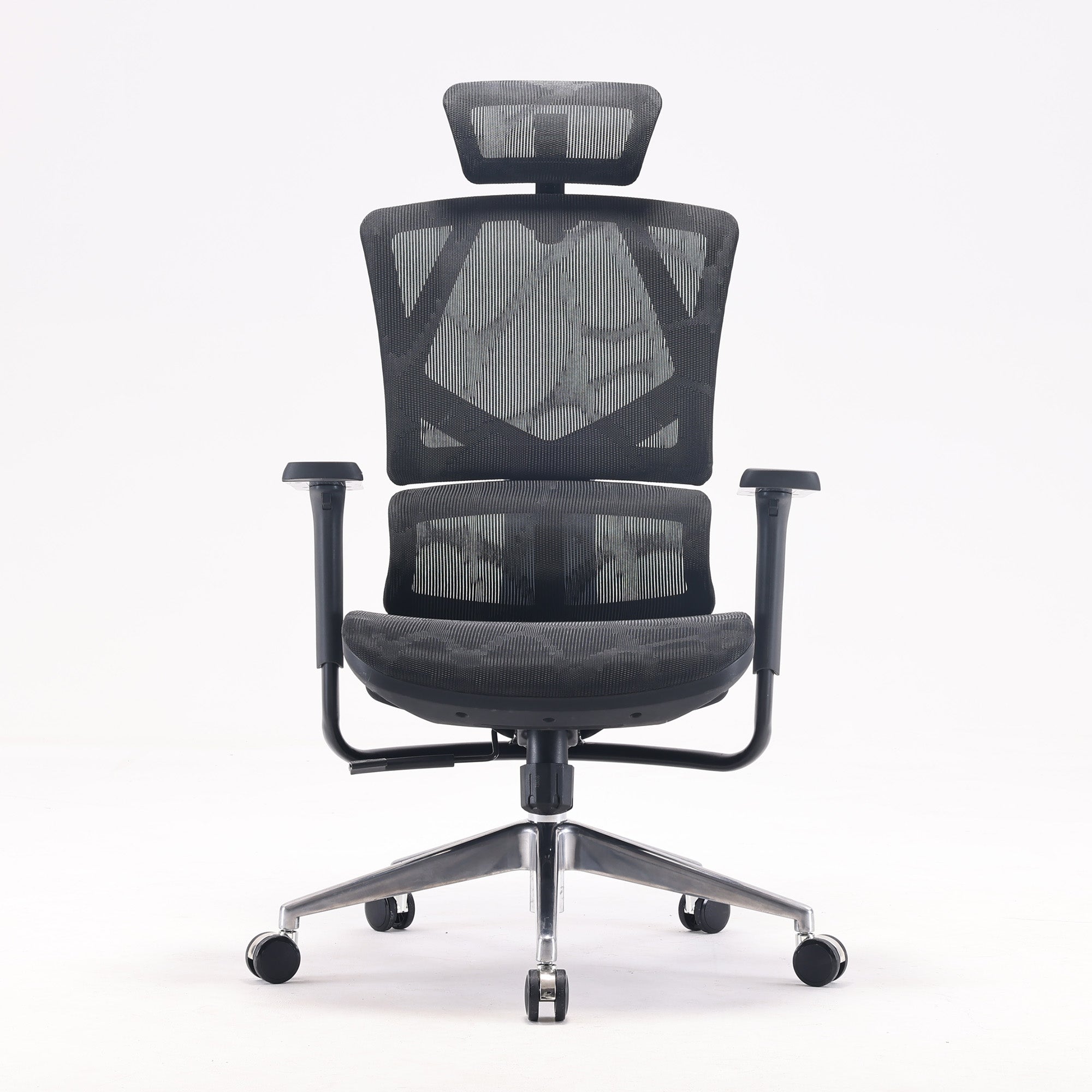
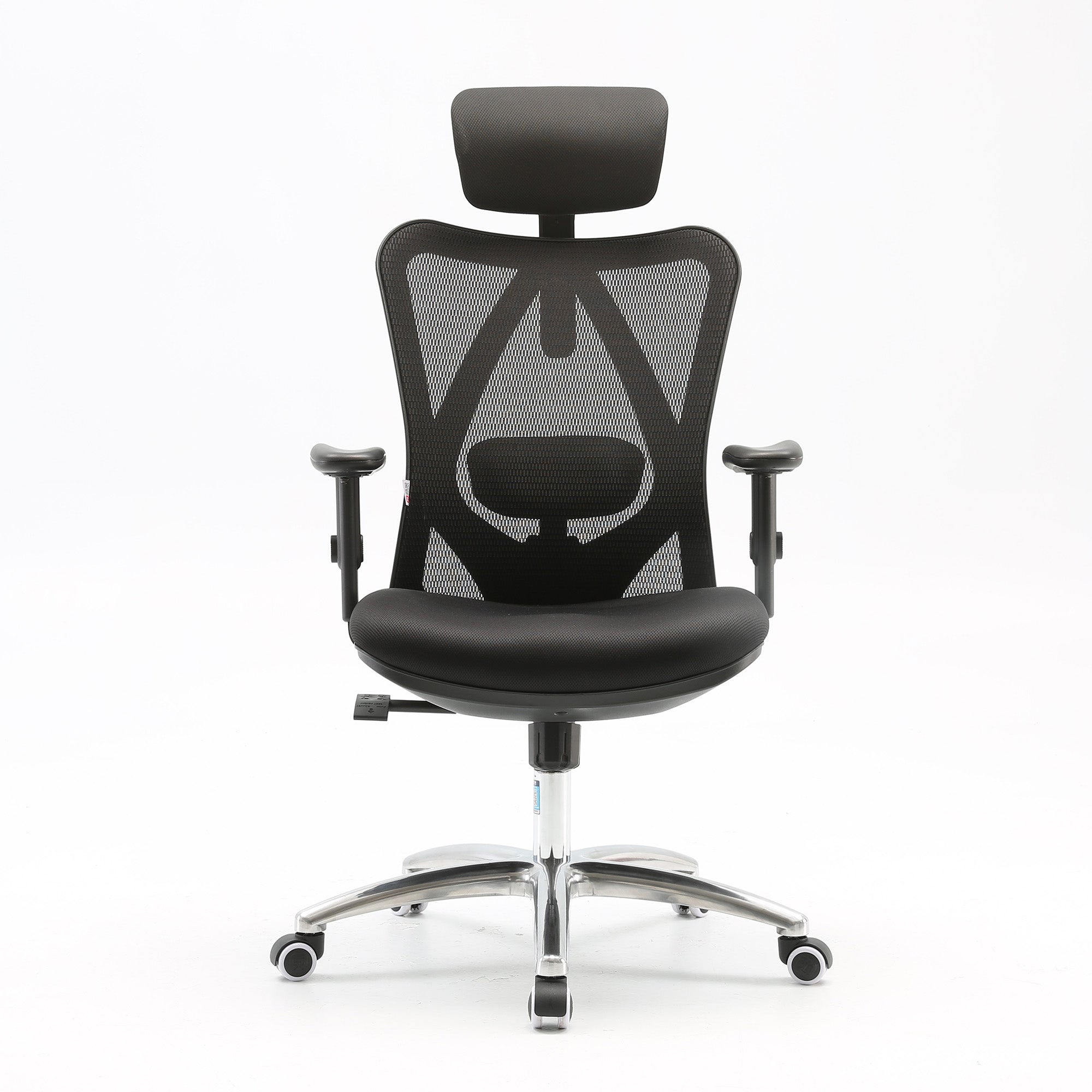
Among our chairs, the M56 slides its lumbar pad 3.5 cm up and down. The M57 adjusts both vertically and horizontally. The V1 adjusts height and depth.
Dynamic lumbar support: it moves with you
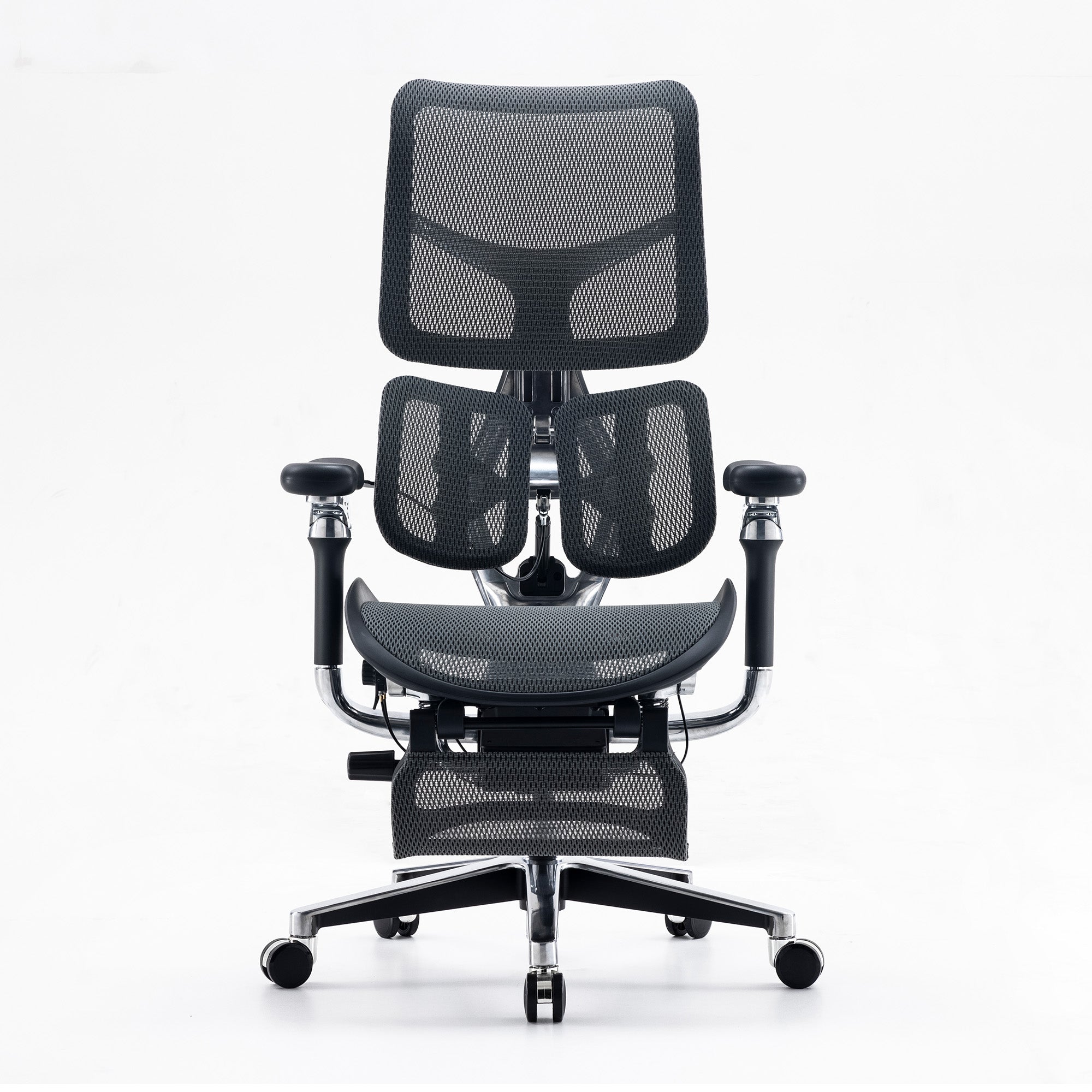
A dynamic or adaptive lumbar section sits on springs or a tracking mechanism, so it follows you as you lean, recline or shift. It suits people who change position often, and shared desks where several bodies use one chair.
The limit is evidence. We found no verified trial comparing moving lumbar backrests with fixed ones. A small trial by Tanoue and colleagues (2016, Journal of Physical Therapy Science) tested 17 healthy young adults for 30 minutes each. They reported significantly less lumbar fatigue on a dynamic sitting balance chair than on a standard chair with a fixed backrest. That tested a moving seat, not a moving backrest, so it is a hint rather than proof.
Fixed lumbar support: simple, but one shape for everyone
A fixed support is a moulded curve in the backrest with no adjustment. It works for short sessions or one regular user of average build. For anyone outside that range, the 123-worker study above shows the problem, because the curve can sit too high, too low or too firm. We have not confirmed a fixed-lumbar model in the Sihoo range, so we give no example here.
Which lumbar type suits assigned desks and shared desks
For an office with assigned seats, adjustable plus a quick setup works well. For hot-desking, a dynamic section saves every person from resetting the chair when they sit down.

Set Your Office Chair Lumbar Support in 60 Seconds
A new chair arrives and the lumbar bar stays at the factory height for three years. Nobody touches it, and then the chair gets the blame.
The 6-step setup
This setup takes about 60 seconds and costs nothing:
-
Sit right back so your hips touch the backrest.
-
Set the seat height so your feet rest flat and your elbows sit level with the desk.
-
Move the lumbar support until its firmest part meets the hollow of your lower back, around belt height.
-
Tilt the backrest so your hip angle sits between 100 and 120 degrees, the range Workplace Health and Safety Queensland recommends.
-
Check for two to three fingers of space behind your knee. A seat that is too deep makes the backrest hard to use, a problem described in a 2023 Biomimetics study of chair size and user height.
-
Work for an hour, then adjust one step at a time if you feel pressure.
The towel test before you spend anything
Try the towel test before you spend anything. First, roll a hand towel, place it at the hollow of your back, and sit for 20 minutes. If it feels better, you know where the support belongs, and you can shop with a clear target. If it feels worse, skip to the last section before buying anything. For the full seat, armrest and screen routine, see our guide on how to properly adjust your ergonomic chair.
A setup card for teams
In a team, a short setup card at each desk during onboarding does more than a new chair. It also shows who needs a different chair. That makes the later purchase easier to justify. Our office ergonomics checklist for businesses covers the full desk review.
Lumbar Support Research: Good for Comfort, Unproven as a Back Pain Cure
Most people assume the right chair prevents back pain. The evidence is more modest than that.
What ergonomic trials have found
Driessen and colleagues (2010) reviewed 10 randomised trials in Occupational and Environmental Medicine. The trials tested ergonomic changes to equipment and work routines for low back and neck pain. The evidence was low to moderate in quality. These changes were not more effective than no change for low back pain. The review looked at ergonomic changes in general, not lumbar support alone.
Honest limits: We found no verified evidence that lumbar support restores the natural curve of the lower spine. We also found no verified trial showing a moving lumbar backrest beats a fixed one. Treat lumbar support as a comfort and load-management tool, not a treatment.
What the evidence still supports
What the evidence does support is narrower and still useful. A backrest that meets the lower back can reduce muscle load in lab conditions, and it matches what Australian regulators expect. Moving often matters too. Safe Work Australia says sitting for more than seven hours a day is too much. It also lists sitting for more than 30 minutes without a break as likely to be harmful. No chair setting replaces that.
Sihoo Ergonomic Desk Chairs for Home and Office in Australia, Matched to Lumbar Type
Lumbar support by Sihoo model
Choosing from a list of models is hard when every page says "lumbar support". Here is what each product page states, checked on 9 October 2026. Prices change during sales, so check the live page before you buy.
|
Model |
Lumbar support (product page wording) |
Price |
Worth knowing |
|---|---|---|---|
|
M56 |
Adjustable, 3.5 cm up and down |
$249 (was $369) |
136 kg limit; the lowest price on this list; the black mesh version showed as sold out |
|
M57 |
Dual-adjustable, vertical and horizontal |
$329 (was $489) |
150 kg limit; seat depth adjustment is not listed on the product page |
|
V1 |
Adjustable height and depth |
$569 leg-rest version (was $849) |
136 kg limit; suits 150 to 190 cm |
|
Vito M90 |
Adaptive, spring-mounted lower section |
$339 (was $529) |
150 kg limit; responds to weight and sitting angle |
|
Doro C300 Pro |
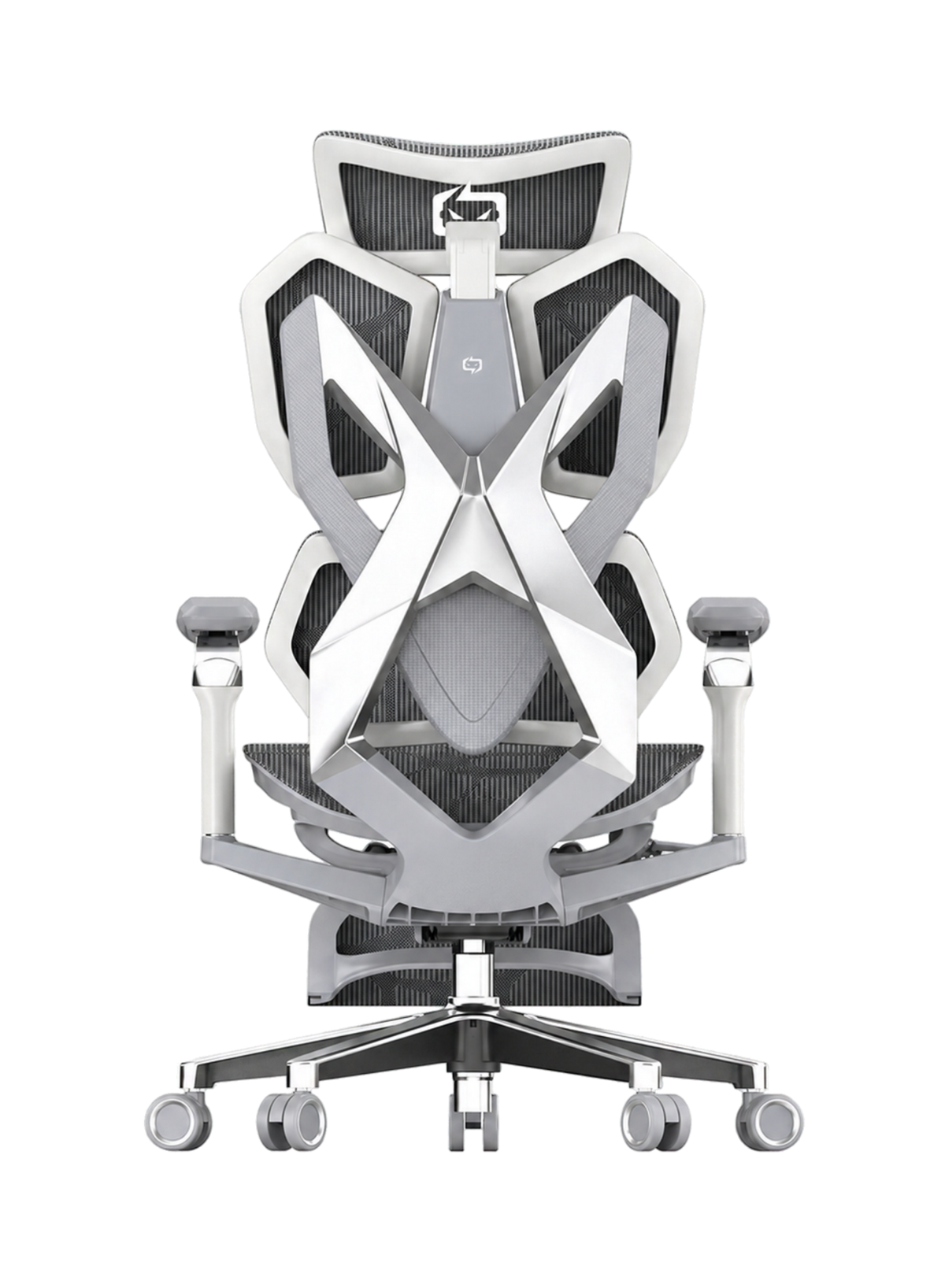
Self-adaptive dynamic lumbar |
$747 (was $1,099) |
150 kg limit; 5-year warranty on the product page; the lumbar moves on its own |
Which model fits how you sit
The other models above carry a 3-year warranty on their product pages. If you sit upright for hours and want control, the M57 is the budget pick that lets you set both height and depth. If you shift, recline or share a chair, the Vito M90 or Doro C300 Pro handles movement without a setup step. Are you under 150 cm or over 190 cm? Check the height range on the page first. No lumbar type fixes a chair that does not fit your frame.
Matching lumbar types across a team
Teams buying in volume can look at wholesale office chairs and match one lumbar type to each work pattern, adjustable for assigned desks and dynamic for shared ones.

Lumbar Support Will Not Fix Pain That Is Not a Chair Problem
Some back pain is a chair problem. Some is not, and a new chair will not touch it.
When to see a GP or physiotherapist
See a GP or physiotherapist if pain lasts about six weeks or more, or if it disrupts your sleep or daily activities. Healthdirect says to call 000 or go to an emergency department for sudden severe pain, pain after a significant injury, or a fever or feeling unwell with the pain. The list also includes trouble walking or moving, leg weakness or numbness, bladder or bowel changes, and unexplained weight loss. These are signs for a clinical check, not a chair adjustment.
When the cause sits outside the backrest
Even for ordinary desk pain, the answer is often outside the backrest. A seat that is too deep, a screen set too low, or seven unbroken hours of sitting will beat any lumbar setting. Fix those faults first, because they cause more pain than the backrest does. If your pain is already the main problem, start with our best ergonomic chair for lower back pain guide.
What employers should do
For employers, a staff member with ongoing pain needs your usual health and safety process, not just a chair swap. This guide is general information, not medical advice.
Conclusion
Lumbar support is not magic, and it is not marketing either. It is a small part of the chair that decides whether your trunk can rest or has to work all day.
The decision is easier than the showroom makes it look. If you sit upright and still, pick adjustable and set it properly. If you shift, recline or share a chair, pick dynamic. If pain lasts about six weeks or more, or comes with the warning signs above, see a health professional before you buy anything.
When you are ready to compare chairs, our range of the best ergonomic office chairs in Australia lists every model by price and feature. Use it to match the lumbar type to the way you sit.
Better Comfort Starts Now.
Sources Referenced
-
Bae JS, Jang JS, Lee SH, Kim JU (2012). Journal of Korean Neurosurgical Society 51(1). DOI: 10.3340/jkns.2012.51.1.20
-
Amiri B, Behm DG, Zemkova E (2025). On the role of core exercises in alleviating muscular fatigue induced by prolonged sitting: a scoping review. Sports Medicine Open 11:18. DOI: 10.1186/s40798-025-00816-x
-
Makhsous M, Lin F, Bankard J, Hendrix RW, Hepler M, Press J (2009). BMC Musculoskeletal Disorders 10:17. DOI: 10.1186/1471-2474-10-17
-
Tanoue H, Mitsuhashi T, Sako S, Goto R, Nakai T, Inaba R (2016). Effects of a dynamic chair on pelvic mobility, fatigue, and work efficiency during work performed while sitting. Journal of Physical Therapy Science 28:1759. DOI: 10.1589/jpts.28.1759
-
Driessen MT, Proper KI, van Tulder MW, Anema JR, Bongers PM, van der Beek AJ (2010). The effectiveness of physical and organisational ergonomic interventions on low back pain and neck pain: a systematic review. Occupational and Environmental Medicine 67(4):277. oem.bmj.com/content/67/4/277
-
Coleman N, Hull BP, Ellitt G (1998). An empirical study of preferred settings for lumbar support on adjustable office chairs. Ergonomics 41(4):401-419. DOI: 10.1080/001401398186900
-
Sydor M, Hitka M (2023). Chair size design based on user height. Biomimetics 8(1):57. DOI: 10.3390/biomimetics8010057
-
Workplace Health and Safety Queensland (2022). Selecting and adjusting your chair. worksafe.qld.gov.au
-
Safe Work Australia. Hazardous Manual Tasks Code of Practice (section 4.3, working position). safeworkaustralia.gov.au
-
Safe Work Australia. Sitting and Standing Hazards. safeworkaustralia.gov.au
-
Healthdirect Australia. Back pain. healthdirect.gov.au/back-pain
-
Sihoo Australia product pages (M56, M57, V1, Vito M90, Doro C300 Pro), prices and specifications checked 9 October 2026. sihoo.com.au
Frequently Asked Questions
It should meet the hollow of your lower back, usually around belt height. Sit right back first, then slide the support until it feels like gentle pressure rather than a push. If it sits too high, it can press on your mid back. If it sits too low, it can nudge your pelvis forward.
Neither wins for everyone. Adjustable support suits people who sit upright and still, and who will take 60 seconds to set it. Dynamic support suits people who shift and recline, because it follows them. We found no verified trial proving one beats the other, so choose by how you sit, not by the label.
It can help as a trial, but check two things. The cushion must sit at the hollow of your back, not above it. It must also not push your hips forward off the seat, because that stops the cushion doing its job. If a cushion helps, it tells you what height and depth to look for in a better chair.
The most common causes are a setting that is too high, too deep or both. Lower it, wind it back, and test again after a working session. A seat that is too deep can also push you forward so the support lands in the wrong place. If the pain stays, see a GP or physiotherapist.
A dynamic or adaptive lumbar section suits shared chairs best. Nobody has to reset a bar or pad at the start of each shift, and the support follows each person's posture. Pair it with a short seat height and backrest tilt guide at each desk.
The Safe Work Australia Hazardous Manual Tasks Code of Practice covers seated work. Duties differ by state and by task, so check your state's work health and safety rules and your own risk assessment. This is general information, not legal advice.
Run the 60-second setup on a sample of desks. Then ask each person two things: does the support land at the hollow of the back, and does the seat clear the back of the knee? Note who cannot reach a good setting, because those people need a different chair, not another adjustment.
Shop products from this article


SIHOO’s Pre-Black Friday Sale is now on! Save up to 49%, plus get an extra $15 off with code EARLY15. Pay in 4 interest-free instalments with Afterpay.
SHOP NOWRecommended Posts


