
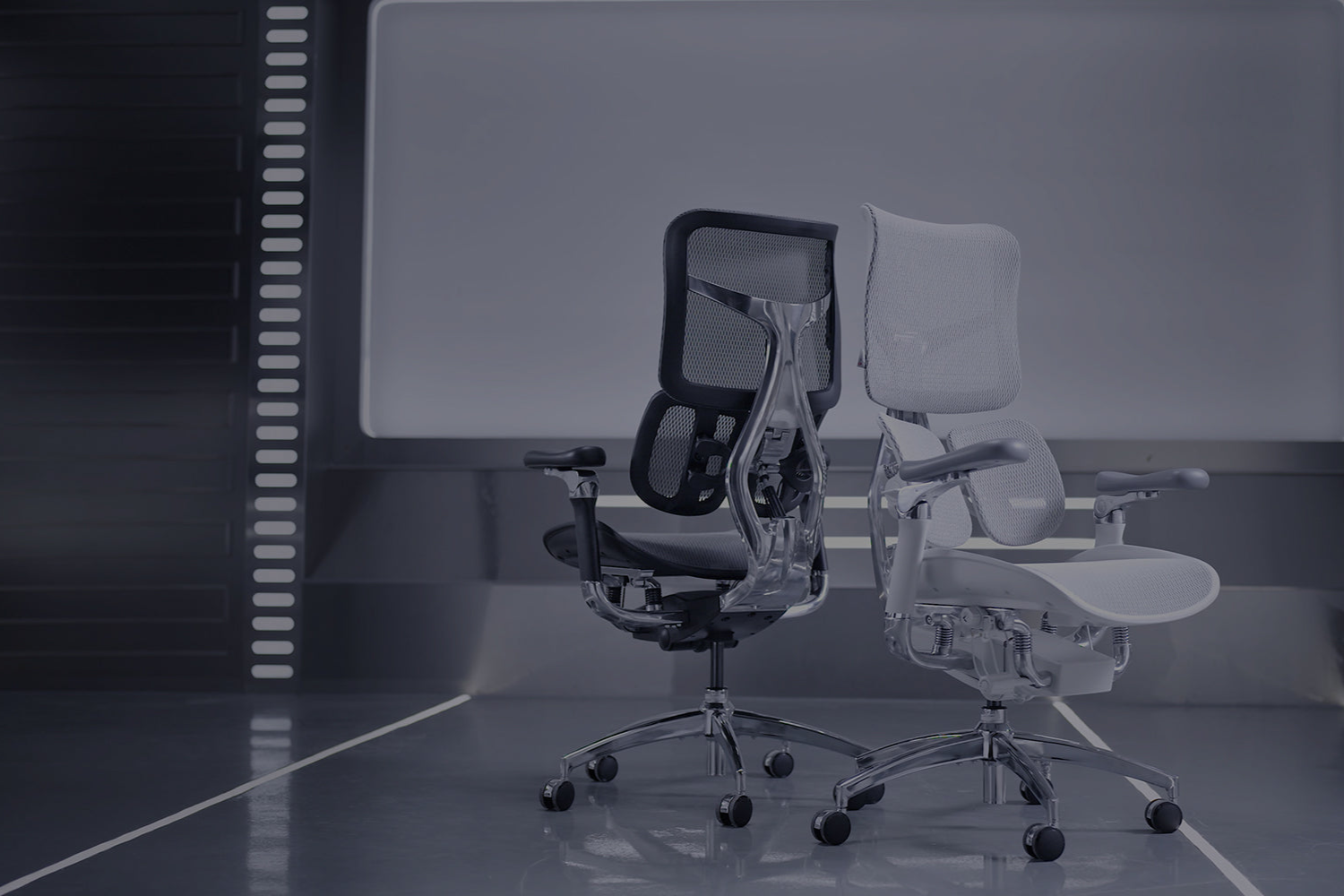
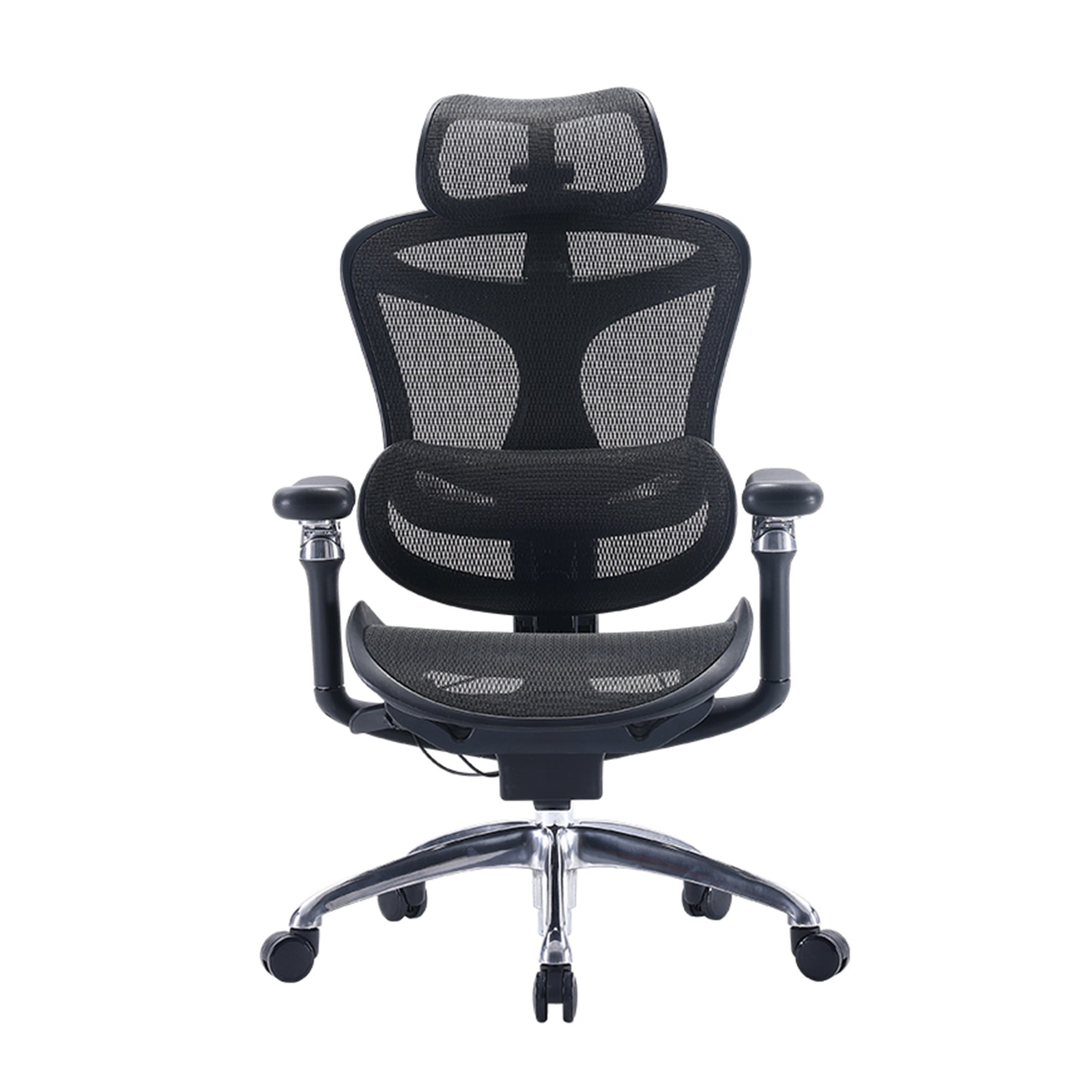
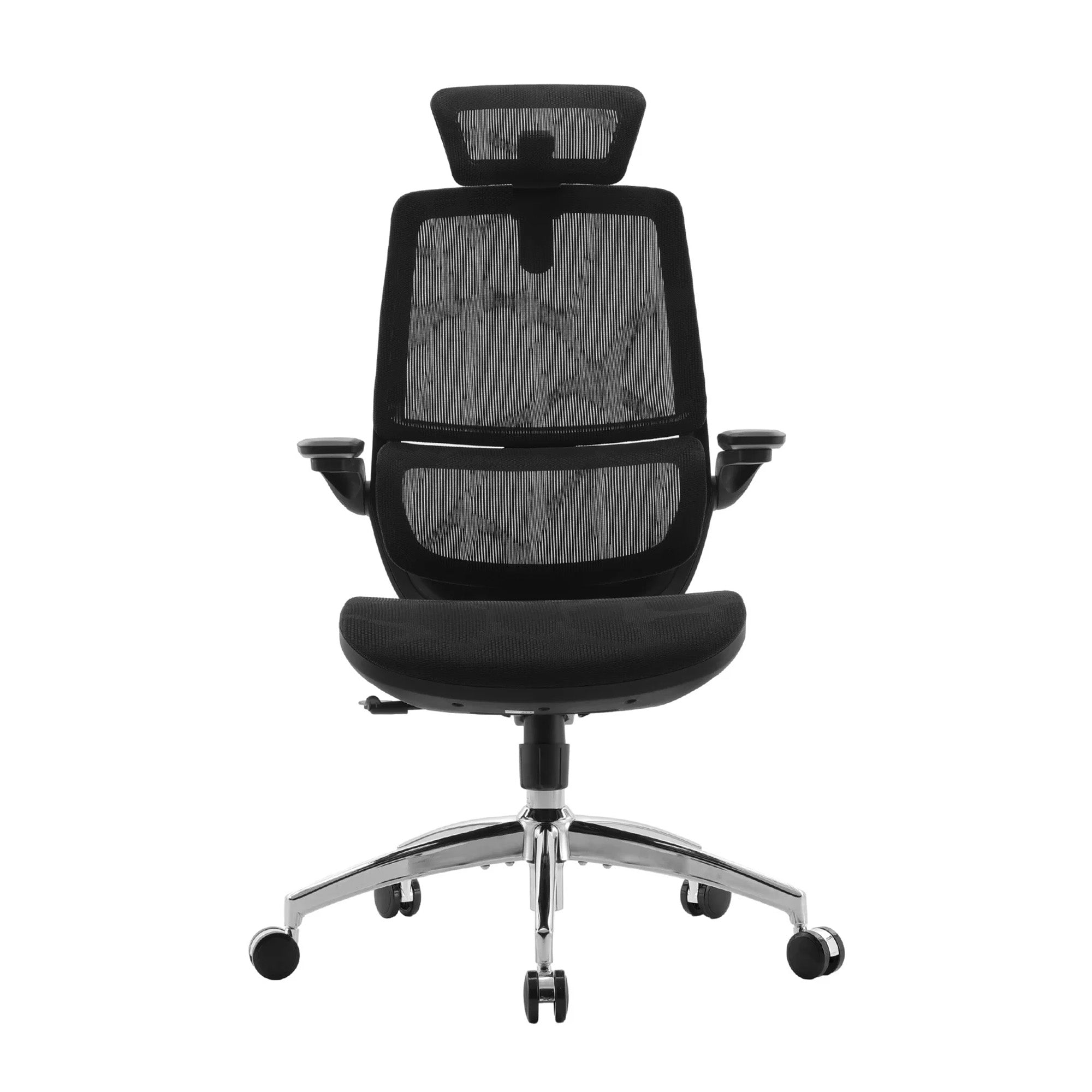
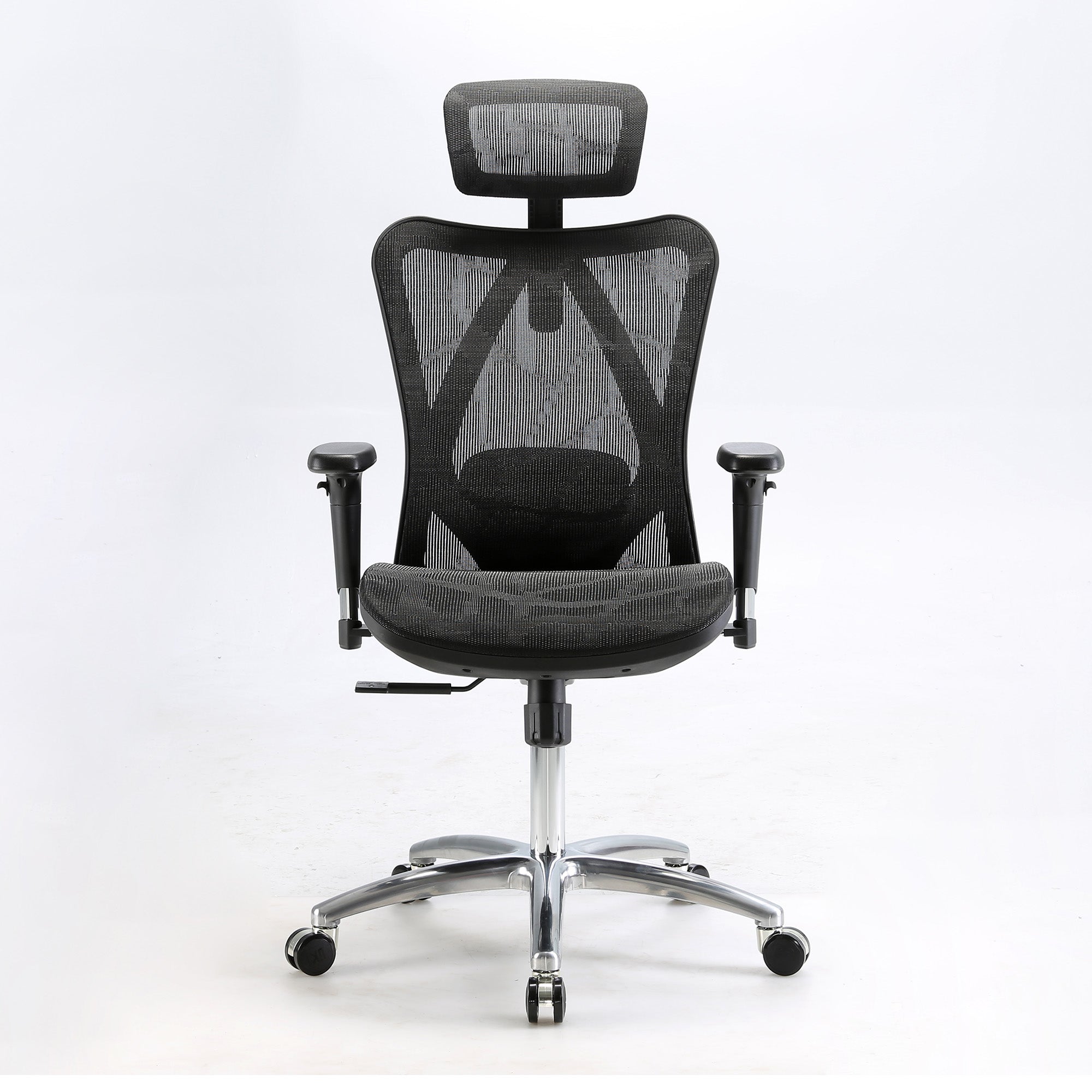
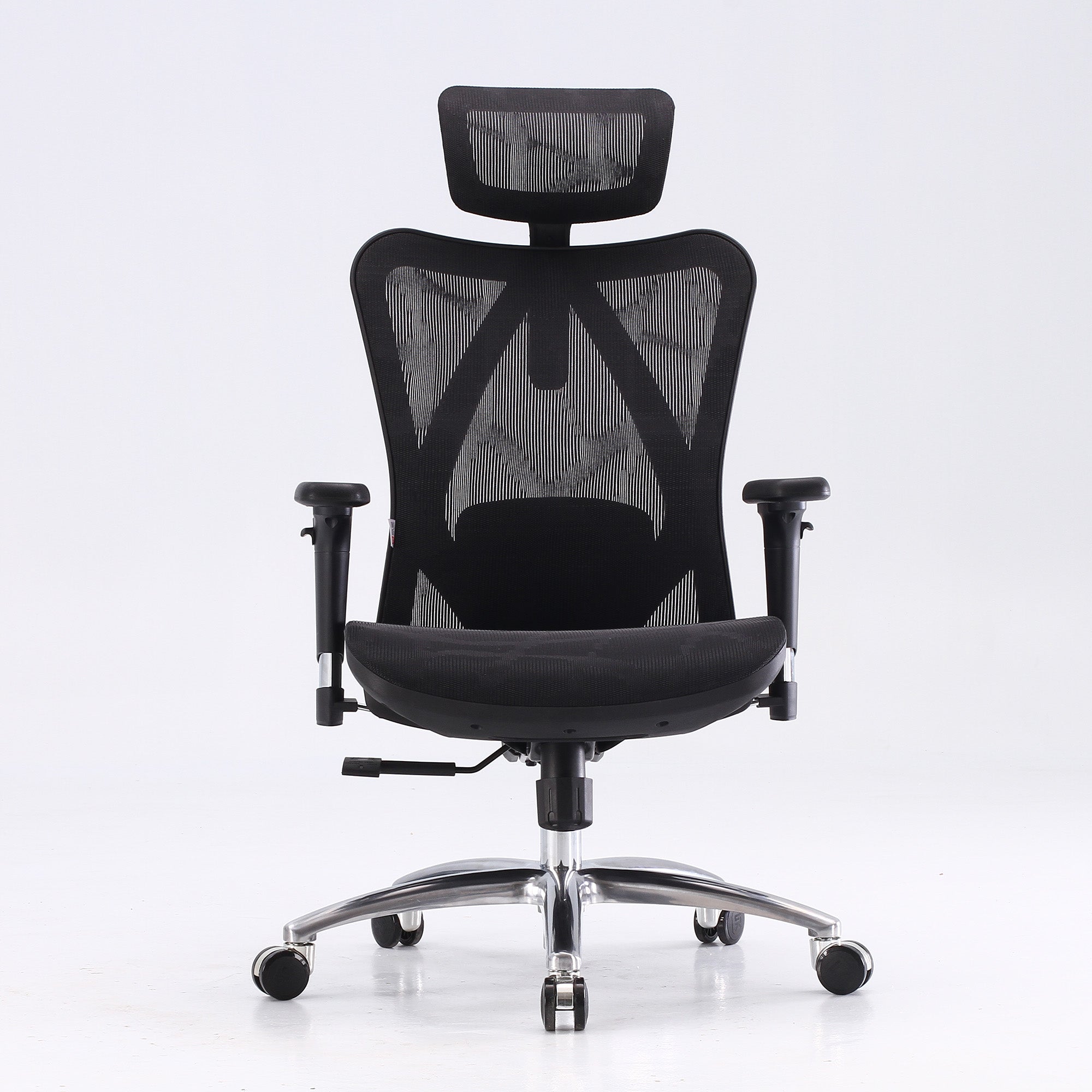
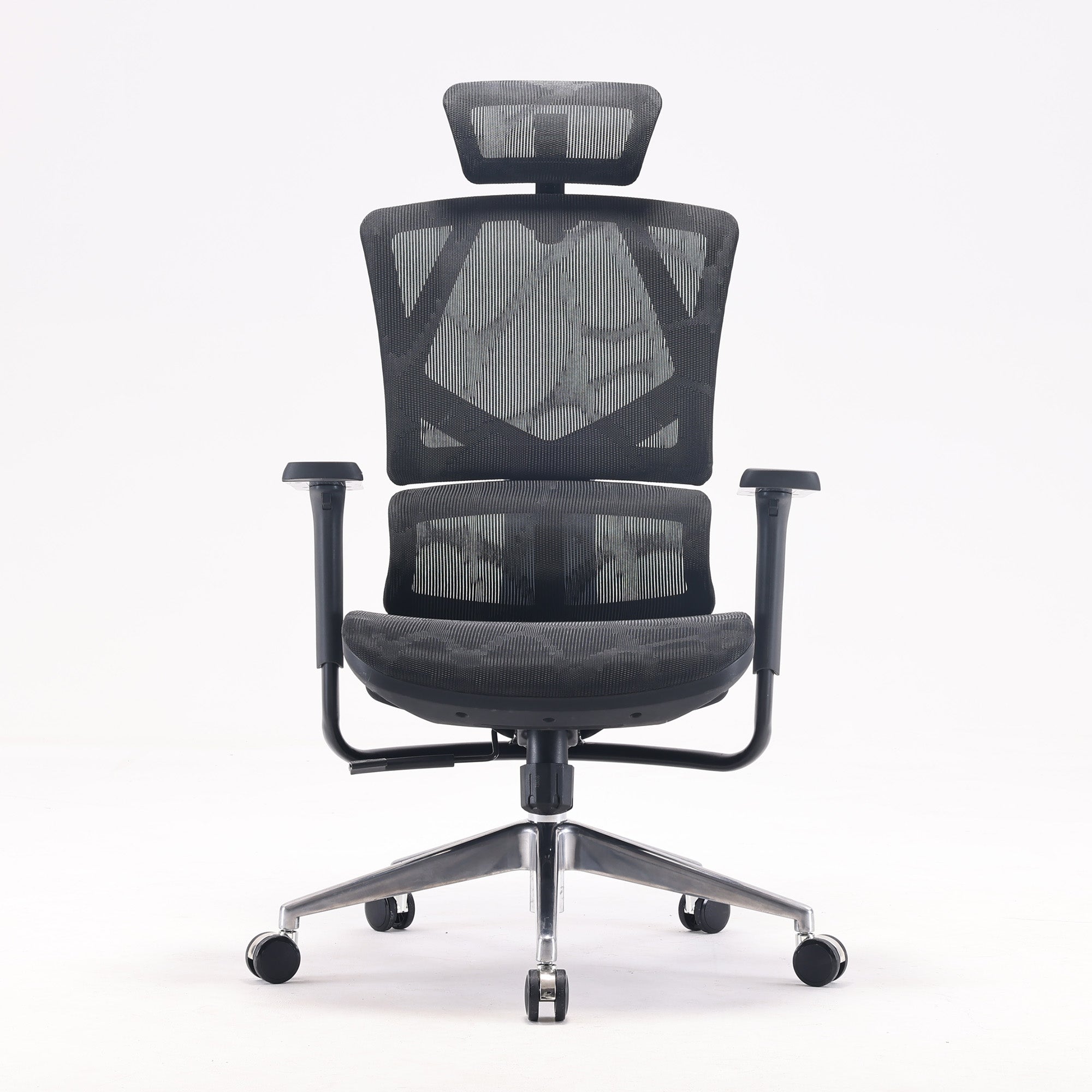
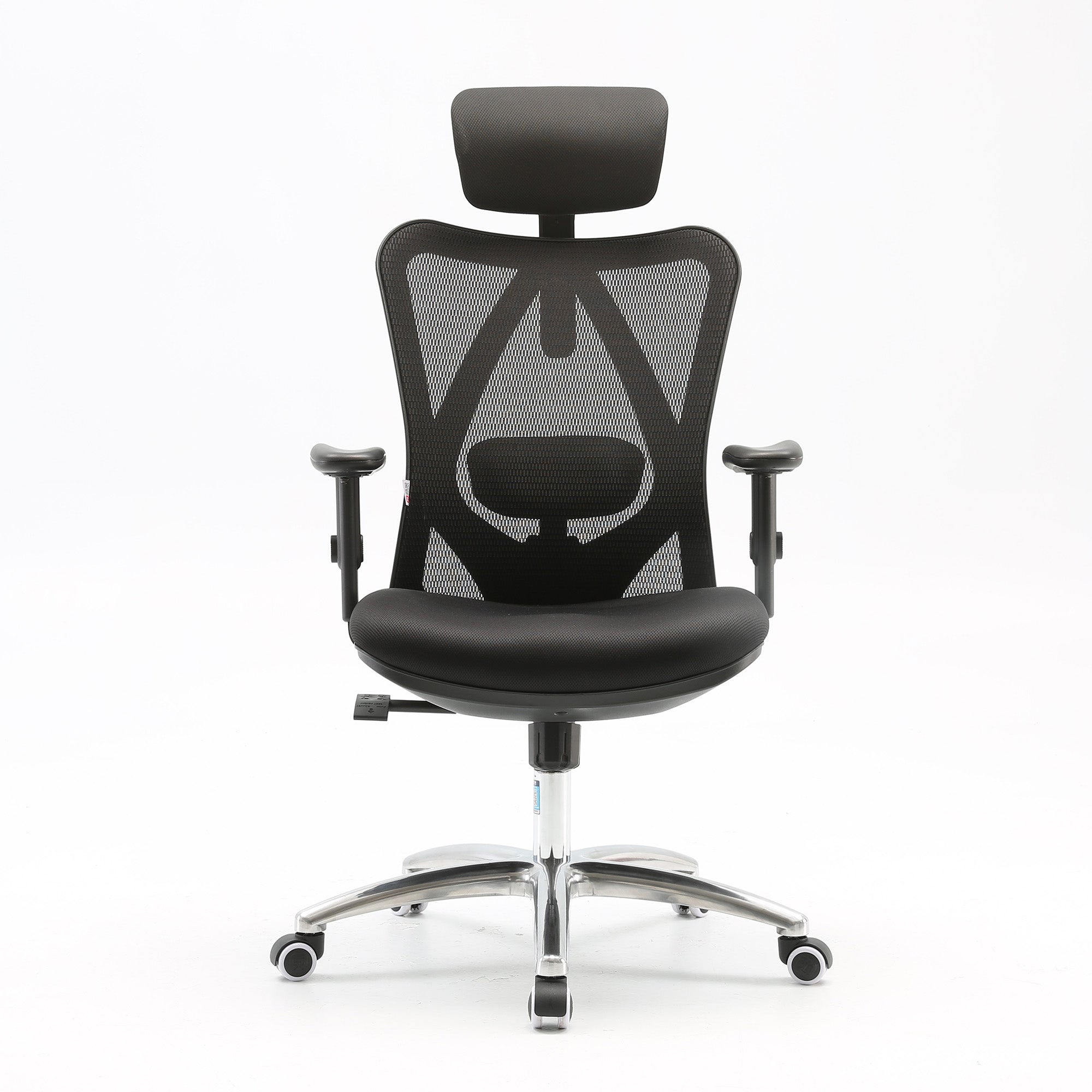
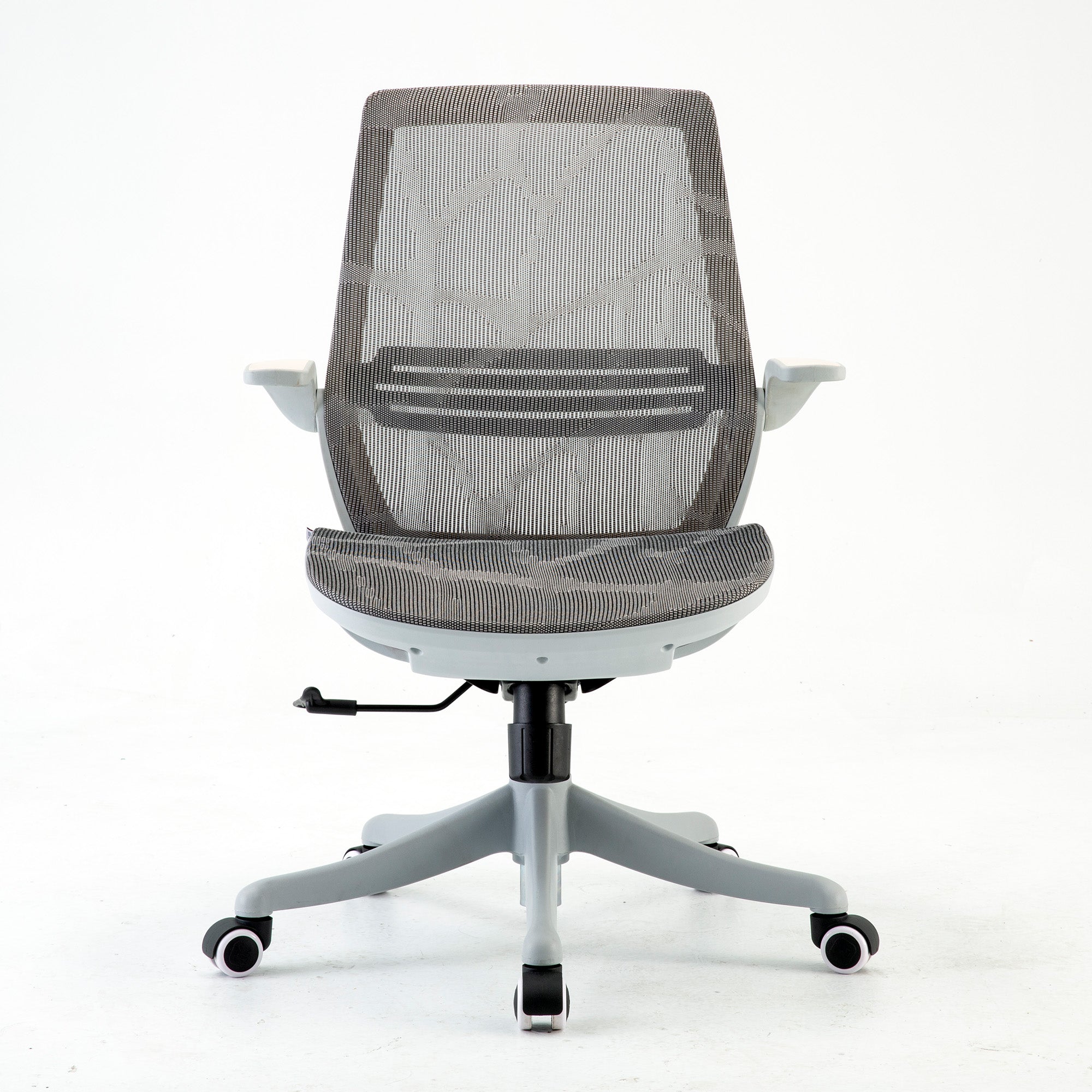
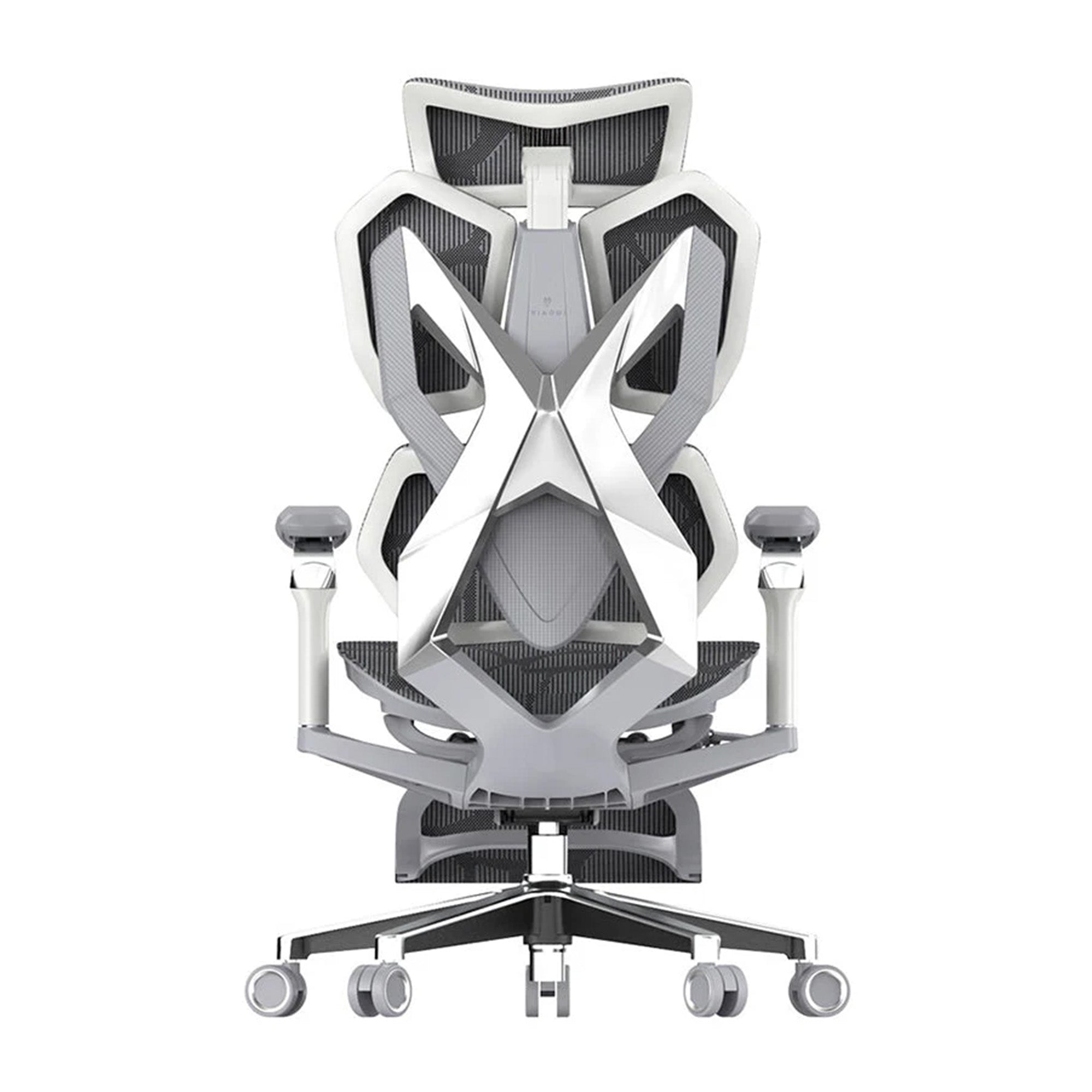

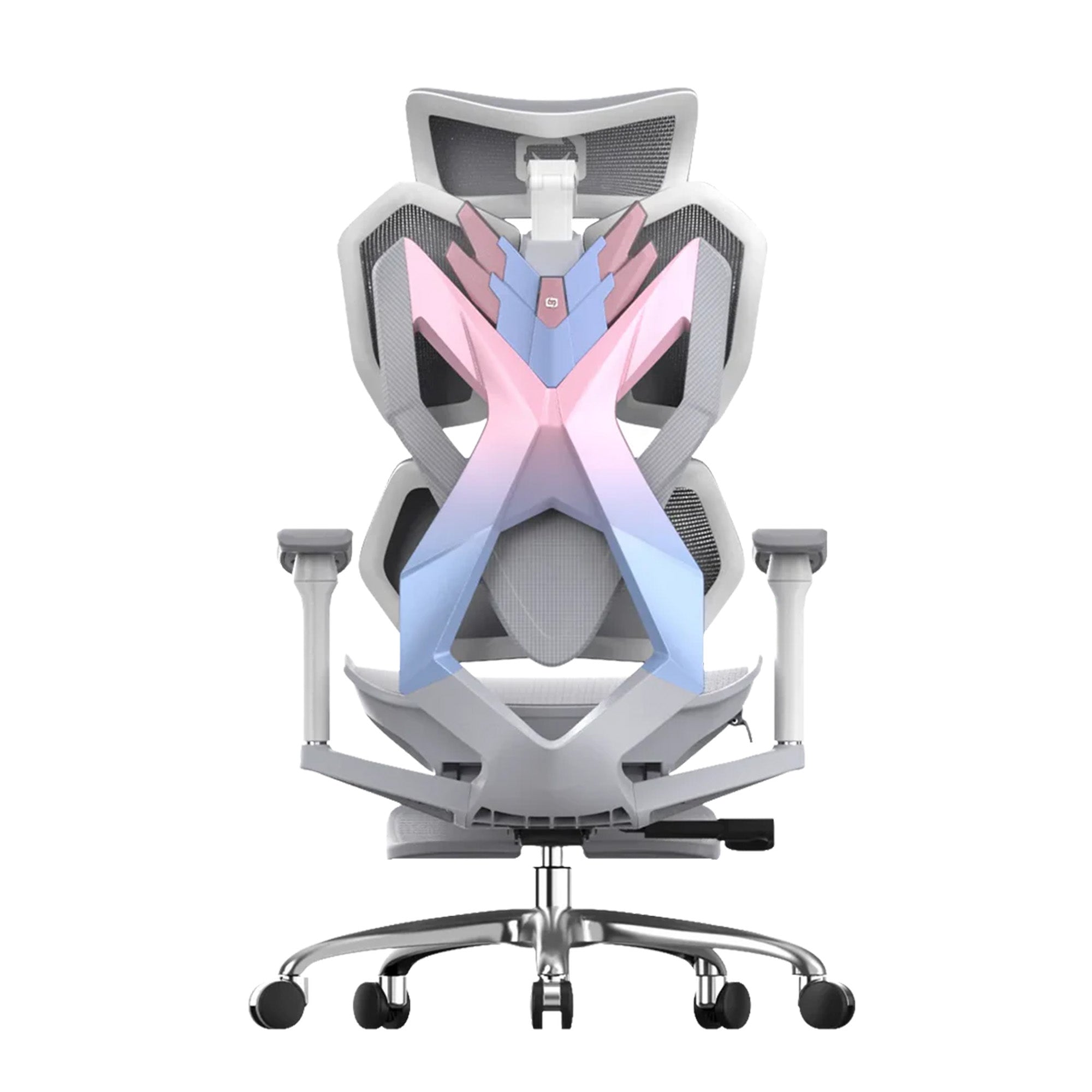
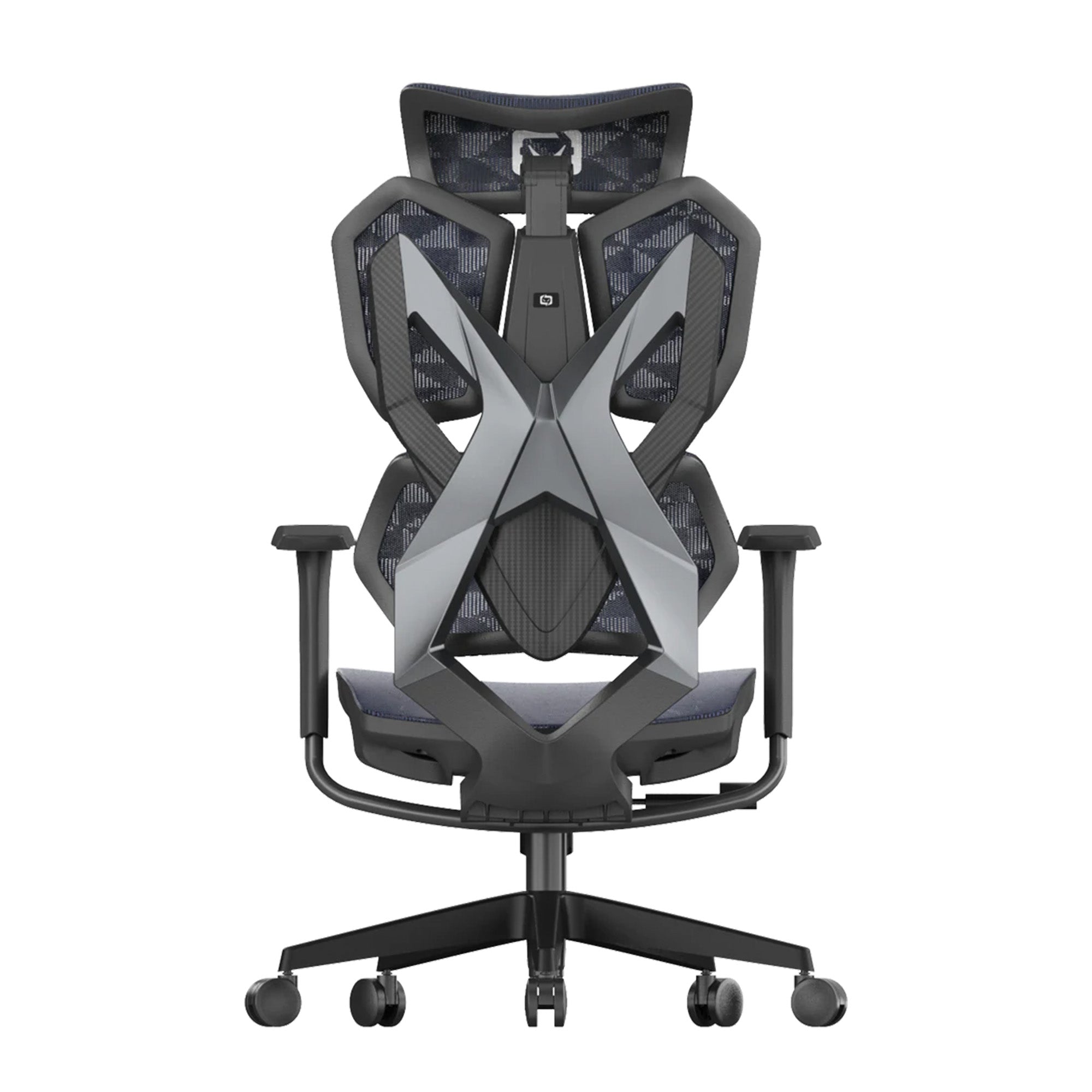

You have spent weeks scouring the internet for the ultimate workspace upgrade, meticulously researching the finest ergonomic chairs in Australia. Perhaps you finally took the plunge during a major commercial event like the recent EOFY sale this 2026, snapping up one of the premium ergonomic office chairs on sale with high expectations of immediate physical relief. You unbox your sleek new asset, assemble it carefully, sit down to tackle your day, and yet, within just a few hours, a familiar dull ache creeps back into your lower spine. Your neck feels tight, your shoulders are knotted, and you are left asking yourself a frustrating question: Why am I still uncomfortable in a chair that was explicitly designed to fix my posture?
We encounter this exact scenario on a daily basis. Consumers assume that an ergonomic label guarantees instant, effortless comfort from the very first second. The reality of biomechanics is far more intricate. Buying a high-quality seating system is only the initial step; understanding how your body interacts with that system, how to calibrate its complex adjustments, and how to overcome deep-seated muscular habits is what truly dictates your physical well-being. This comprehensive guide will answer exactly why your new setup is causing initial discomfort, how to accurately identify the culprit behind your persistent back or neck fatigue, and how to fine-tune your chair to unlock the peak productivity and health benefits you paid for.
Why does my new ergonomic chair still cause lower back pain?
The adjustment period: How long does your body take to adapt?
When you sit in an unsupportive, low-cost office chair or an old couch for months or years, your skeletal structure adapts to bad habits. Your core muscles go completely dormant, your pelvis tilts backwards into a dangerous posterior roll, and your spine assumes a harmful "C" shape rather than its natural, healthy "S" curve. This state is known as postural slumping memory.
When you transition to a scientifically structured seating system, such as a premium mesh chair from our team at Sihoo, the chair immediately forces your pelvis into a neutral position and restores your lumbar lordosis. This is objectively great for your long-term health, but it demands active engagement from paraspinal and deep abdominal muscles that may have been inactive for years. Based on our experience, this mechanical realignment causes mild, dull muscular fatigue—very similar to the soreness you experience after starting a new routine at the gym. Our customer feedback shows that this transition period typically lasts between 7 to 14 days. Your body is not being damaged; rather, it is actively unlearning years of poor positioning and rebuilding structural stamina.
Incorrect setup: Are you setting your seat height and tilt wrong?
An elite chair is only as effective as its physical calibration. The single most common mistake Australian professionals make when adjusting their ergonomic office chairs on sale is setting the absolute seat height relative to the desk rather than their own body morphology. If your chair is positioned too high, your feet dangle slightly, casting tremendous, continuous pressure on the underside of your thighs. This compresses the femoral artery and sciatic nerve, cutting off blood circulation and manifesting as a radiating, deep ache across your lower back and glutes.
Conversely, setting the seat too low forces your knees above your hip joints, which completely flattens the lumbar curve and causes your pelvis to roll backwards, pinching the lower lumbar discs. To fix this, your knees must maintain a precise 90-to-100-degree angle with both feet planted completely flat on the floor. Furthermore, if you lock your backrest in a rigid, perfectly vertical 90-degree angle, you are placing maximum intradiscal pressure on your lumbar spine. Modern ergonomics dictates that a slight tilt or dynamic recline tension between 100 and 110 degrees is mandatory to distribute your upper body weight effectively across the backrest, immediately reducing the burden on your lower spine.
The Golden Rule of Ergonomic Geometry: Always adjust your chair height to your body first (feet flat, knees at ~95°), and then modify your desk height or introduce a footrest to match your keyboard level. Never compromise your lower body mechanics just to reach an unadjustable desk surface.
Is an office chair designed for work actually suitable for long gaming sessions?
The difference between active working postures and relaxed gaming stances
A critical blind spot for many users is failing to recognise that working and gaming demand fundamentally distinct biomechanical postures. When you are working—typing documents, processing spreadsheets, or analysing data—you operate in an "active working posture". Your torso is upright, your forearms are extended forward parallel to the desk surface, and your gaze is fixed horizontally. A highly structured, firm office chair thrives in this environment because it keeps your skeleton balanced against gravity during intensive, focused tasks.
Gaming, however, quickly transitions into a "dynamic leisure posture". Whether you are holding a console controller or leaning back during a long digital campaign, your centre of gravity naturally shifts posteriorly. If you attempt to game for four hours in a rigid, traditional corporate chair without adapting the chair’s settings, your body will rebel. Gamers usually lean forward into a tense "hunchback" pose during high-intensity matches, placing immense strain on the cervical spine and thoracic muscles, which leads to severe shoulder knots and tension headaches.
Hybrid solutions: Finding a chair that transitions seamlessly
Knowing that your workspace is also your gaming space, our team engineers every chair to handle the best of both worlds. Ergonomic chairs must be capable of transforming instantly from a high-focus productivity platform into a responsive, supportive leisure seat. This requires a highly responsive sync-tilt mechanism and adjustable armrests that move along multiple axes.
When you are working, the armrests should be positioned to perfectly match your desk height to alleviate strain on your trapezius muscles. When you transition to gaming with a controller, the armrests should ideally tilt upward and inward to cradle your elbows closer to your body, keeping your shoulders entirely relaxed. This fluid versatility is precisely why affordable, multi-purpose ergonomic solutions like the Sihoo series have gained massive traction across Australia, eliminating the need to buy two separate, expensive pieces of furniture for work and play.
How do you know if your lumbar support is misplaced?
Fixed vs dynamic lumbar tracking: What your spine actually needs
The lumbar spine consists of five massive vertebrae (L1 to L5) designed to handle the weight of your upper torso. The structural strength of this region depends entirely on preserving its natural inward curve. Many cheap or poorly built chairs feature a rigid, non-adjustable plastic bulge right across the middle of the backrest. If this fixed support hits you too high—around the thoracic spine—it forces your upper back to bow forward, worsening your posture. If it sits too low, it presses uncomfortably into your sacrum, pushing your pelvis forward and creating a painful gap behind your lower back.
The human spine is inherently dynamic; it moves continuously with every breath you take, object you reach for, or time you recline. Therefore, modern spinal health requires adaptive or dynamic lumbar tracking. True dynamic support automatically adjusts its depth and angle based on the specific pressure your lower back exerts against it, filling the void completely whether you are leaning forward or reclining. This active counter-pressure prevents the micro-movements that lead to deep muscle fatigue and spasm over a long day.
| Lumbar Support Type | Spinal Impact Area | Pros | Cons |
|---|---|---|---|
| Fixed Plastic Bulge | Often incorrect static support | Very cheap to manufacture | Causes localised bruising and may restrict blood flow |
| Manual 2D Adjustable | Height and depth tailored by user | Good control over focal point | Requires manual reset when shifting positions |
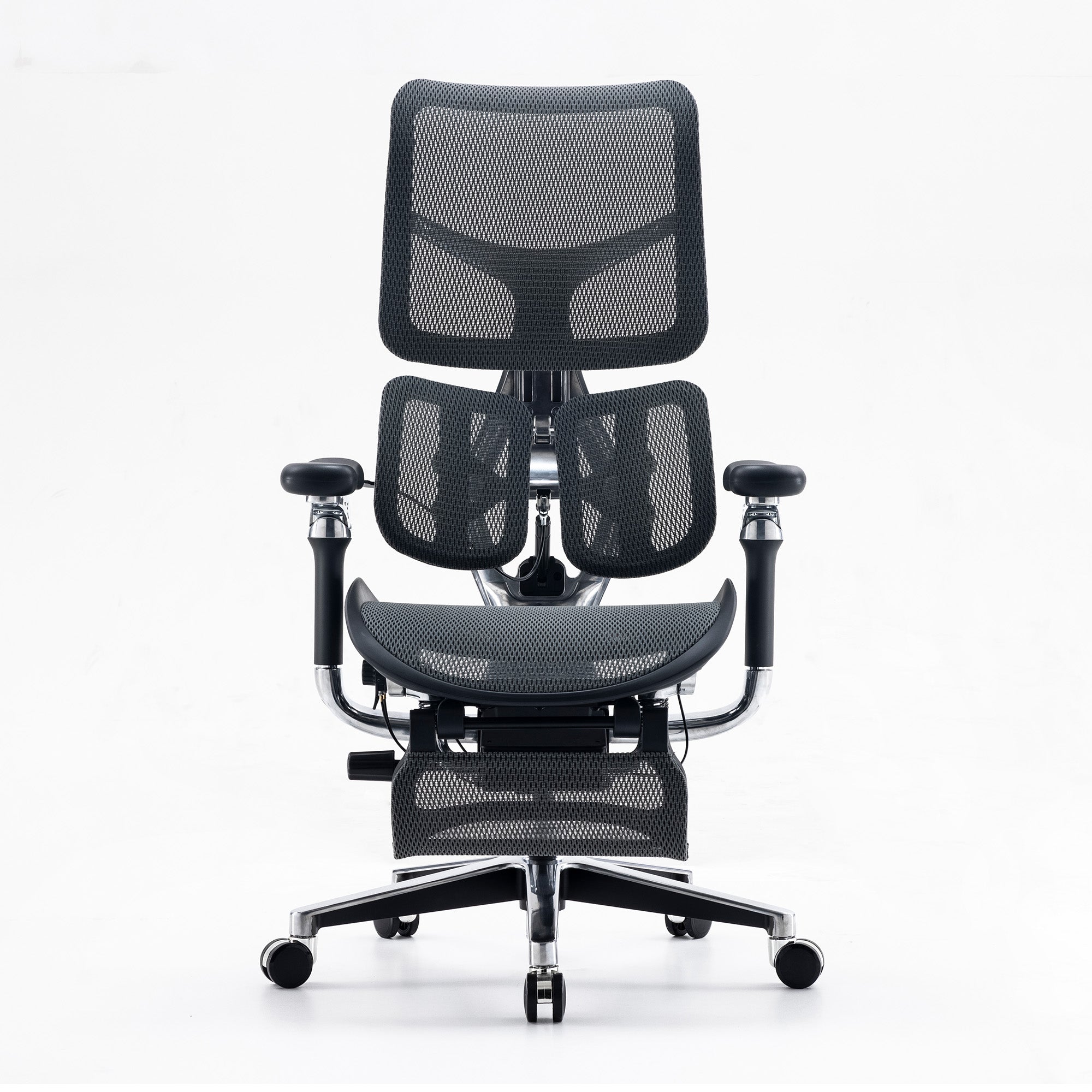
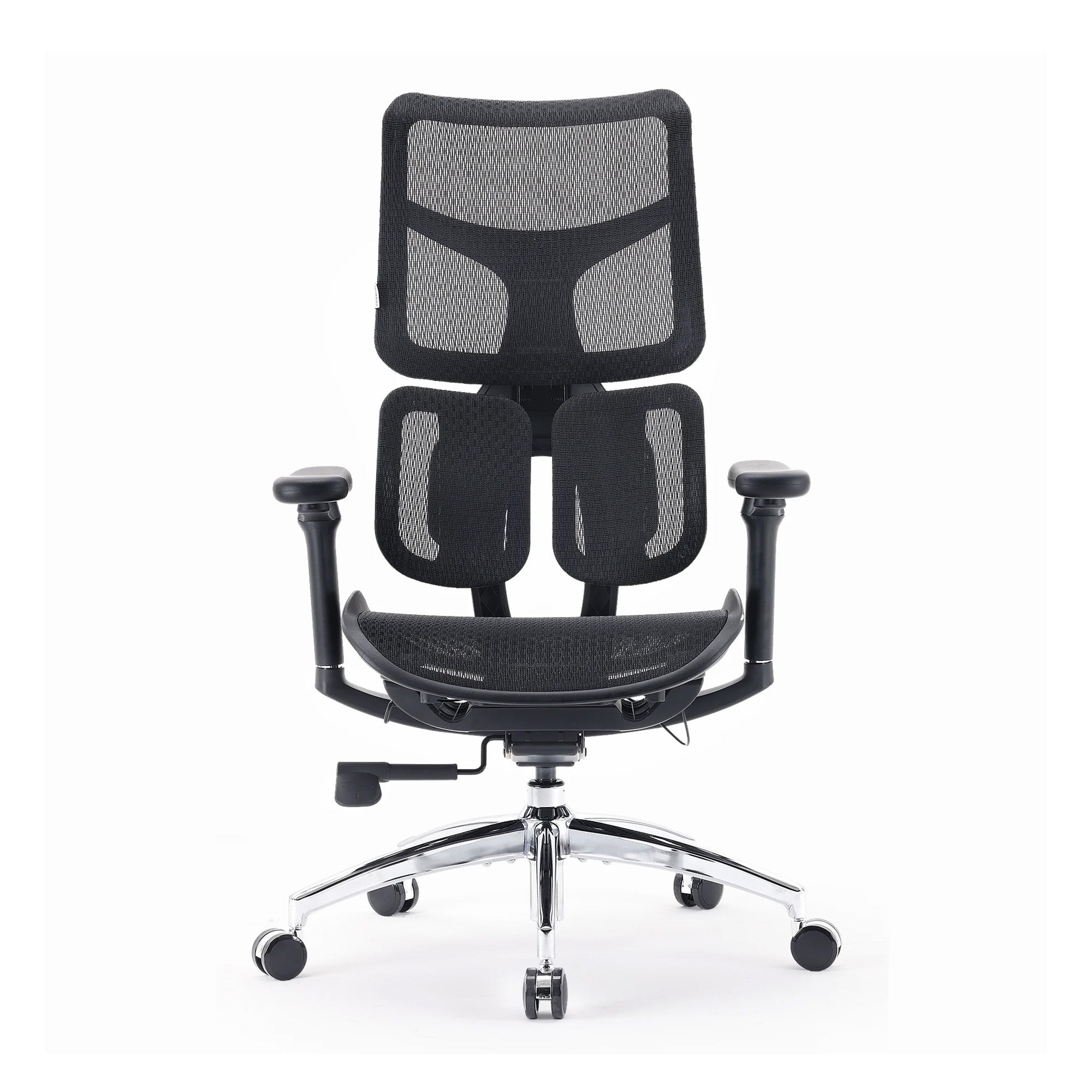
| Dynamic Tracking (e.g., Sihoo Doro) | Continuous L1-L5 adaptive coverage | Responds instantly to posture changes and supports comfort | Requires initial familiarity with automated tension |
A practical test to verify your lumbar alignment right now
To verify if your lumbar support is calibrated properly, perform this quick, three-step physical diagnostic right now in your chair:
-
Sit completely back in your chair so your glutes touch the rearmost edge of the seat cushion.
-
Let your shoulders drop and rest both hands flat on your thighs.
-
Have a family member or colleague attempt to slide a thin notebook flat between your lower back and the chair's lumbar pad.
If the notebook slides through effortlessly without touching anything, your lumbar support is completely disengaged, leaving your spinal muscles to hold up your torso unaided. If the notebook gets firmly jammed or you feel a hard, localised pressure point digging into your bones, the support is set too aggressively or too low. You should feel a firm, widespread, gentle cradling across the small of your back—specifically about three to five centimetres above your beltline. This is the optimal anatomical sweet spot for long-term comfort.
Why does the seat cushion feel too hard or too soft after a few hours?
High-density foam vs mesh: The breathability and support trade-off
The material composition of your seat cushion dictates how your body weight is distributed across your pelvic bones. Standard office chairs typically rely on low-density, soft foam cushioning. When you first sit down, it feels wonderfully soft and luxurious. However, within two to three hours, your body heat softens the cheap foam, causing you to bottom out directly against the hard plastic or wooden base plate below. This creates severe pressure concentration points on your ischial tuberosities (your "sit bones"), restricting localised capillary blood flow and causing that painful, restless numbness that makes you constantly squirm in your seat.
On the other end of the spectrum, high-tensile mesh seating operates on a suspension principle. Instead of compressing under your weight, a premium mesh matrix spreads your weight evenly across the entire surface area of the seat, eliminating focal pressure spikes. Additionally, the Australian climate presents a major comfort challenge: heat retention. Thick foam cushions trap body heat and humidity, raising your core skin temperature and causing subtle physical restlessness and fatigue. High-performance, breathable woven mesh allows constant thermal airflow, keeping your musculoskeletal system cool, calm, and focused during intense summer afternoons or long gaming sessions.
What Australian consumers say: feedback on seat comfort
Analysing extensive consumer reviews across the country reveals a clear pattern regarding seat comfort trends. Buyers who previously owned generic, over-padded executive chairs note that they flatten out inside of six months, leading to chronic hip and backaches. Conversely, users who switch to engineered mesh seating systems consistently highlight the transformative difference in structural longevity.
Based on customer feedback, a common theme emerges: "The first two days on the mesh felt distinctly firm, almost surprisingly so compared to my old worn-out foam chair. But by day four, I realised I hadn't stood up once from pelvic pain, and the chronic burning sensation in my tailbone was entirely gone." This feedback highlights an essential ergonomic reality: immediate, plush softness is almost always the enemy of enduring, healthy, long-term support.
What specific adjustments should I look for when upgrading during an EOFY sale?
The non-negotiable points of articulation for true ergonomic support
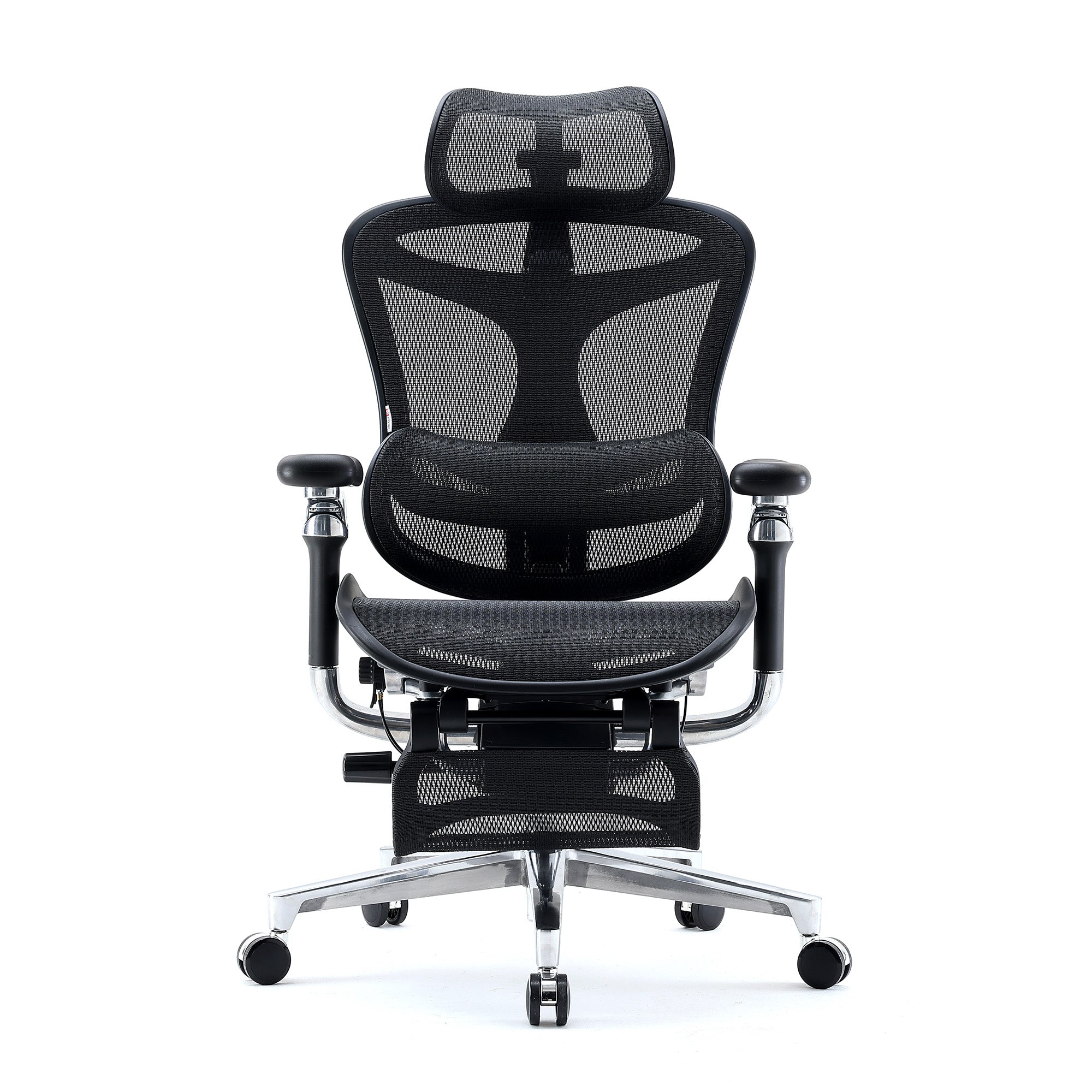
If you are planning to shop the next major shopping event or looking for high-quality ergonomic office chairs on sale, you must know how to separate true ergonomic engineering from deceptive marketing jargon. A truly ergonomic chair is not defined by its aesthetic design or a single lumbar cushion; it is defined by its points of customisable articulation. Our team has compiled the absolute non-negotiable adjustments you must verify before finalising your purchase:
-
Seat Depth Adjustment (Slider): This is paramount. A seat pan that is too long will press into the back of your knees, cutting off blood flow. A seat pan that is too short leaves your thighs entirely unsupported, overloading your pelvic base. You should always have a three-finger gap between the edge of the seat and the back of your knees.
-
Multi-Dimensional (3D/4D) Armrests: Your armrests must adjust not just up and down but also forward, backwards, and pivot inward to fully support your forearms whether you are typing on a keyboard or holding a peripheral controller close to your chest.
-
Independent Backrest Height Customisation: Because human torsos vary wildly in length, a fixed backrest cannot fit everyone. The ability to raise or lower the entire backrest ensures the built-in curves align precisely with your unique physical frame.
If you are looking for a chair with advanced features, we recommend our best-selling Doro Series collection.
Why an affordable high-performance chair like the Sihoo series beats premium price tags
For a long time, the commercial office market was polarised. Consumers were forced to choose between cheap, mass-produced office chairs that caused physical harm or spending upwards of $1,500 to $2,500 on elite designer chairs to protect their health. Our core mission at Sihoo Australia is to completely smash that compromise.
Based on our deep experience in engineering and manufacturing, we have proved that world-class ergonomic innovations—like independent dual-backrest structures, gravity-sensing auto-tuning mechanisms, and premium grade-A mesh—do not need to carry a luxury premium price tag. By focusing intently on direct-to-consumer value and rigorous, scientific testing, Sihoo delivers chairs like the Doro series that rival the physical support metrics of high-end corporate models at a fraction of the cost. This makes pro-level spinal health accessible to every single Australian remote worker, office professional, and dedicated gamer alike.
Transitioning from discomfort to complete ergonomic alignment
If you bought an office chair and still find yourself uncomfortable, remember that you are likely facing a completely solvable setup error or a natural physical adjustment period rather than a failed investment. Your musculoskeletal system requires time to unlearn poor habits, realign its core musculature, and adapt to a healthy, supported posture. Take the time today to sit down and systematically audit your chair's geometry: check your exact seat height, test your lumbar placement with the notebook diagnostic, unlock your backrest recline tension, and ensure your seat depth is fully supporting your thighs.
If your current chair lacks these critical points of articulation, it is physically impossible to calibrate it to your unique body type. If you are ready to stop fighting your furniture and make a lasting investment in your health, focus on upgrading your setup with a system engineered for the human body. Explore the full range of meticulously engineered, affordable seating options at Sihoo Australia today, and discover how genuine ergonomic design can transform your daily work, gaming, and physical well-being.
Frequently Asked Questions
Yes. Even if the chair size is suitable, discomfort can still happen if your desk height, monitor position, keyboard placement or sitting habits are not aligned with your chair. A good office chair works best when the full workstation setup supports your posture.
You should avoid staying in one fixed position for hours. Even with an ergonomic office chair, small posture changes, short standing breaks and light movement can help reduce stiffness and pressure build-up.
Yes, if your feet do not rest flat on the floor after adjusting your chair properly. A footrest can help support your legs and keep your sitting position more stable, especially if your desk height cannot be changed.
A standing desk can help reduce long sitting periods, but it does not fix poor chair setup on its own. The better approach is to combine a properly adjusted office chair with sitting, standing and movement throughout the day.
If you have adjusted the seat height, seat depth, recline, armrests and lumbar support properly but still feel consistent pain or pressure, the chair may not suit your body or work style. In that case, look for a chair with better adjustability rather than assuming one fixed design will work for everyone.
Shop products from this article


Save big on the Doro C300 Pro V2 during the Online Frenzy Sale. Pay in 4 interest-free instalments with Afterpay.
SHOP NOWRecommended Posts


Sihoo's Best-Selling Ergonomic Chairs Right Now
Jul 31, 2026

