


The desk faces a wall.
It sits in the spare room, tucked behind the ironing board. By noon the afternoon sun has crept across the screen, the fan is pushing warm air around, and a cable is wedged under one chair leg. Nothing here is broken. It was never planned, so the person working there leans in and squints.
Good home office ideas start with fixing that kind of room, not with a shopping list. This guide covers layout, lighting, summer heat, small spaces and hybrid setups for Australian homes. It also shows where Ergonomic Desk Chairs for Home and Office in Australia fit into the plan. A well-chosen ergonomic office chair helps, but only after the room works.
Quick answer: Fix the room in this order: window position, light, heat, clutter, then the chair. Turn the screen side-on to the window, add a soft task light, and block the afternoon sun on hot days. If pain or eye trouble lasts for weeks, see a doctor.
Home Office Ideas Start With the Room You Already Have
Most of us plan a home office by browsing for furniture, but a better start is a slow walk around the room at three times of day. The room will show you where the glare, the heat and the noise come from.
Choose the desk spot by light and noise first
Stand where the desk could go at 9am, noon and 4pm. Note where the sun lands and who walks past. A spot with soft daylight and few passers-by beats a spot that only looks good in photos.
If you rent, you have fewer options, so test two spots for a week each. Move the laptop instead of the furniture, and see which spot feels easier by Friday.
Match the layout to the space you have
Each room suits a different set-up. This table is a start.
|
Space |
Best desk idea |
Watch for |
|---|---|---|
|
Spare room |
Full desk, side-on to the window |
Heat in west-facing rooms |
|
Corner of the living room |
Narrow desk against a wall, with a bookshelf as a divider |
Noise and family traffic |
|
Bedroom |
Fold-down or wall-mounted desk |
Poor sleep if work stays in sight |
|
Kitchen bench |
Laptop riser and a separate keyboard |
Seat height, since stools are often too high |
|
Garage or granny flat |
Full desk with a heater or cooler |
Temperature swings |
For teams that let staff work from home, a one-page layout checklist like this one is easy to share, and it saves each person from guessing.

Lighting Is the Cheapest Fix in a Home Office
Most people notice poor light only when the day ends with sore eyes. Fixing light costs far less than replacing furniture. It often gives the fastest result.
The glare-contrast problem: why a window behind the screen hurts
OHSrep, an Australian workplace health and safety information site, explains the main issue clearly. A bright window behind a computer screen creates a stark contrast, so the eyes must keep adapting (OHSrep, "Lighting in the office", January 2025). We call this the glare-contrast problem, because your eyes keep switching between a bright window and a dim screen, and that takes effort.
The same page says to position screens side-on to the main light source, and WorkSafe Queensland agrees. It says to avoid windows in front of or behind you, and to avoid sitting directly under overhead lights (WorkSafe Queensland, "Visual comfort for computer work", updated October 2021).
Add a task light and test for reflections
A soft lamp beside the screen fills in shadows on the keyboard and notes, but WorkSafe Queensland says task lighting should not shine into your eyes or create glare.
To find reflections, hold a sheet of paper above the screen, or place a small mirror on the desk. The spot where you see a light source is the spot to fix. OHSrep suggests this test and notes that window light changes through the day and across the seasons, so a spot that is fine in winter may glare in summer.
What Australian standards and regulators say about light levels
WorkSafe Queensland says general work areas should be lit to 160 lux, and that finer tasks need more (WorkSafe Queensland, "Lighting", last modified March 2022). That page is general and does not target offices. The standard for office light is AS/NZS 1680. OHSrep points to part 1 for the levels. We could not read the paid standard, so we give no office figure here. If you manage a team, check the current standard or ask a lighting supplier for a measured plan.
Daylight still matters for how you sleep
A 2014 study by Boubekri and colleagues in the Journal of Clinical Sleep Medicine compared 49 day-shift office workers. Those with windows got more white light at work, and they slept an average of 46 minutes more per night than those without. The sample was small, and only 21 people wore activity monitors, so the study cannot prove that windows caused the difference. We read a Northwestern University summary, not the full paper.
So treat daylight as a good habit, not a cure. Put your desk where you can see the sky, but not where the sun hits the screen.
For a team, the lesson is the same. If you ask staff where their screen sits in relation to the window, one question can head off weeks of complaints.
Heat in an Australian Summer Changes How You Set Up
A desk that works in April may be hard to use in January. Many of us have felt the moment when the laptop gets hot, the chair sticks to the legs, and the afternoon drags on.
Cool the room before you try to cool yourself
NSW Health lists simple steps for hot days. Close curtains and blinds to keep sun out, stay in the coolest part of the home, and use stoves and ovens as little as possible. It also suggests opening windows once it cools outside (NSW Health, "Keep cool, stay hydrated", current as at December 2024).
If you can, move heavy tasks to the morning and save calls and email for the hot hours.
Know the limits of a fan
Sources differ on when fans stop helping. OHSrep says fans are ineffective at cooling air above 27 degrees Celsius, while NSW Health says fans are less effective at around 39 degrees and above. Both suggest that very hot rooms need real cooling, not just moving air. If your room reaches those temperatures often, consider moving the desk to a cooler room on the hottest days.
Aim for a comfortable range, not a perfect number
OHSrep says the Victorian Compliance Code gives 20 to 24 degrees Celsius as the best comfort range for desk work. The range shifts with season and clothing ("Heat: When is it too hot", amended August 2024). The page also says Victoria has no fixed legal limit for worker temperatures. Treat the range as a guide for your own space.
Safe Work Australia's working-from-home checklist asks if the space is well aired and kept at a comfortable temperature in all seasons. It lists no numbers. For employers, that makes a short written heat plan worth having.
Choose seat materials that breathe
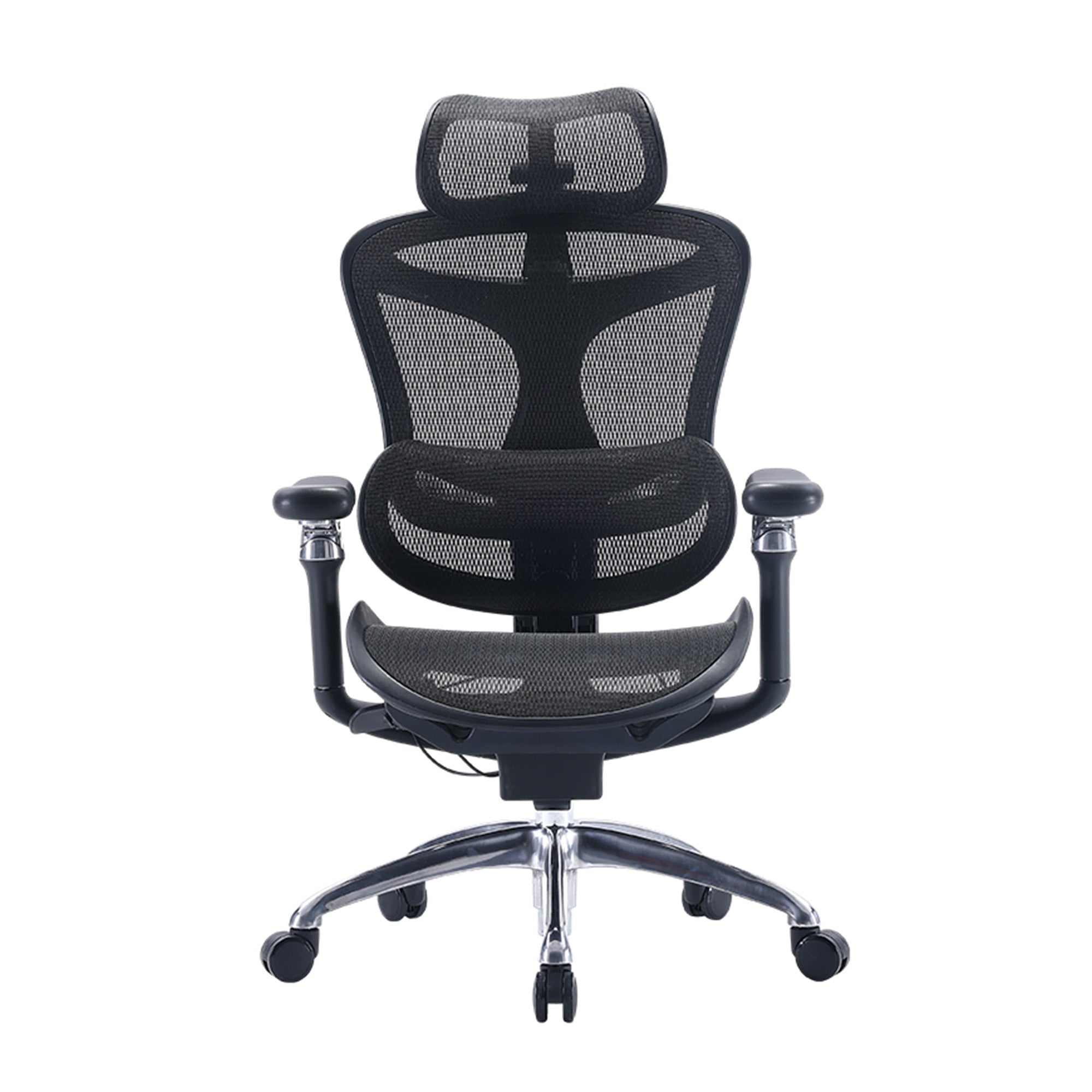
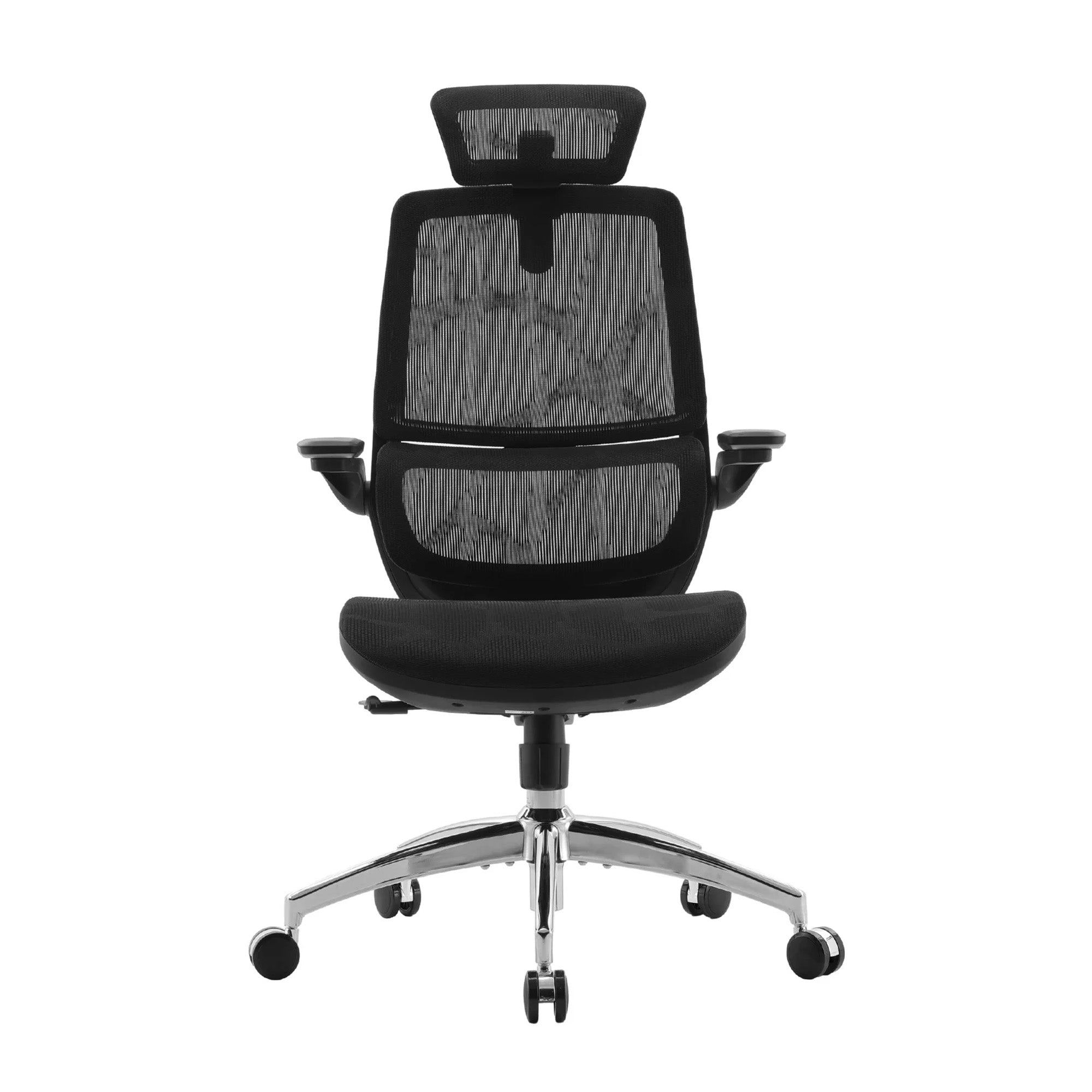
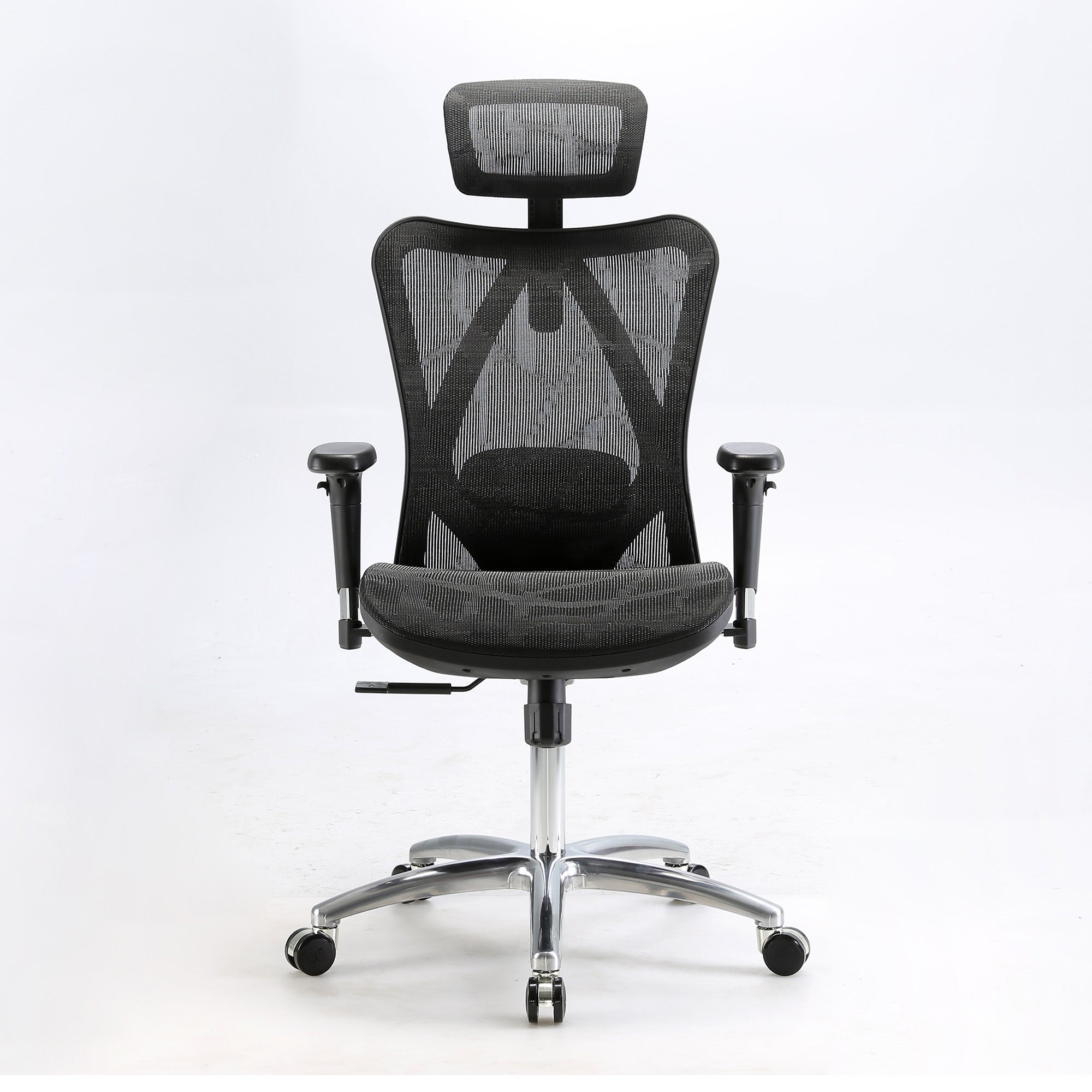
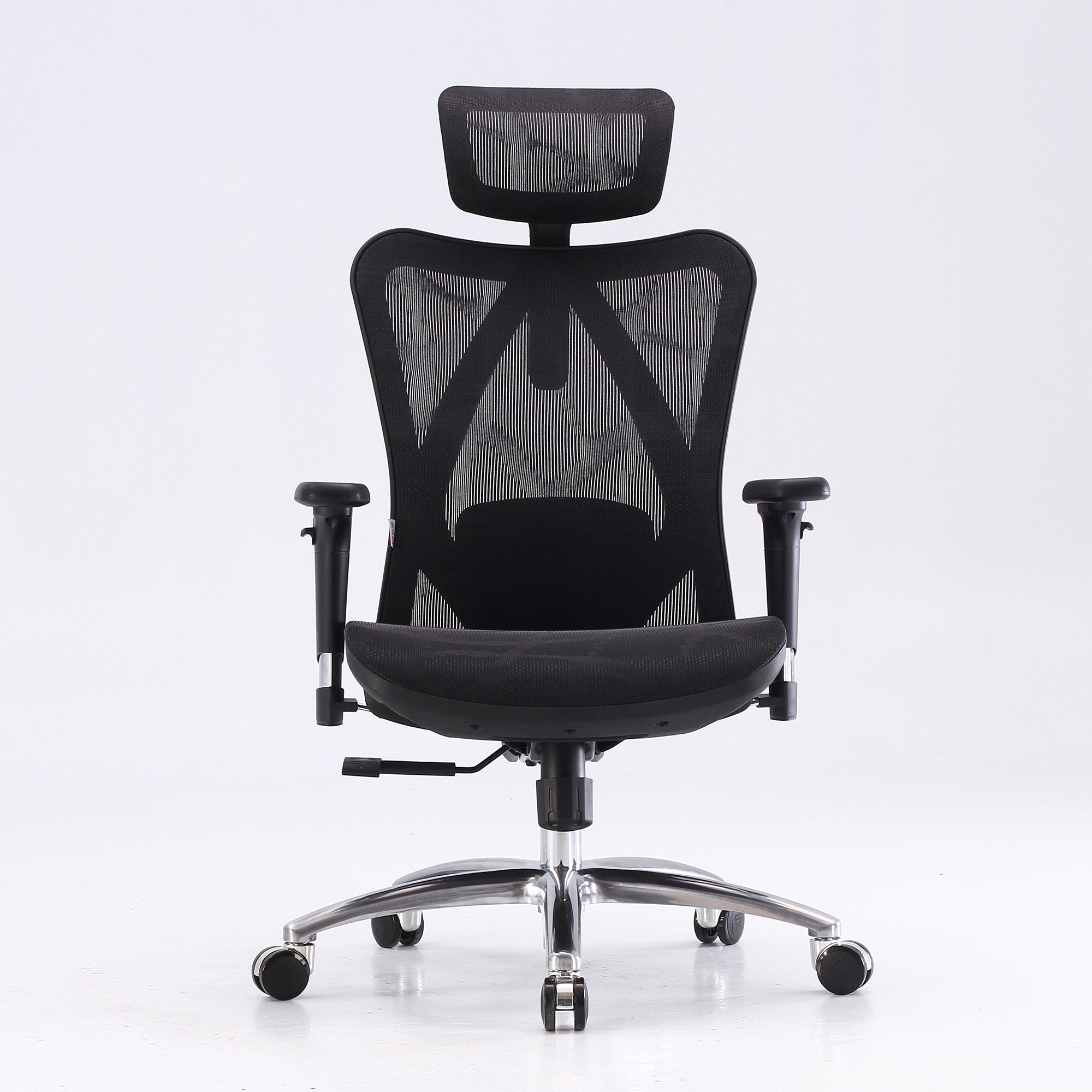
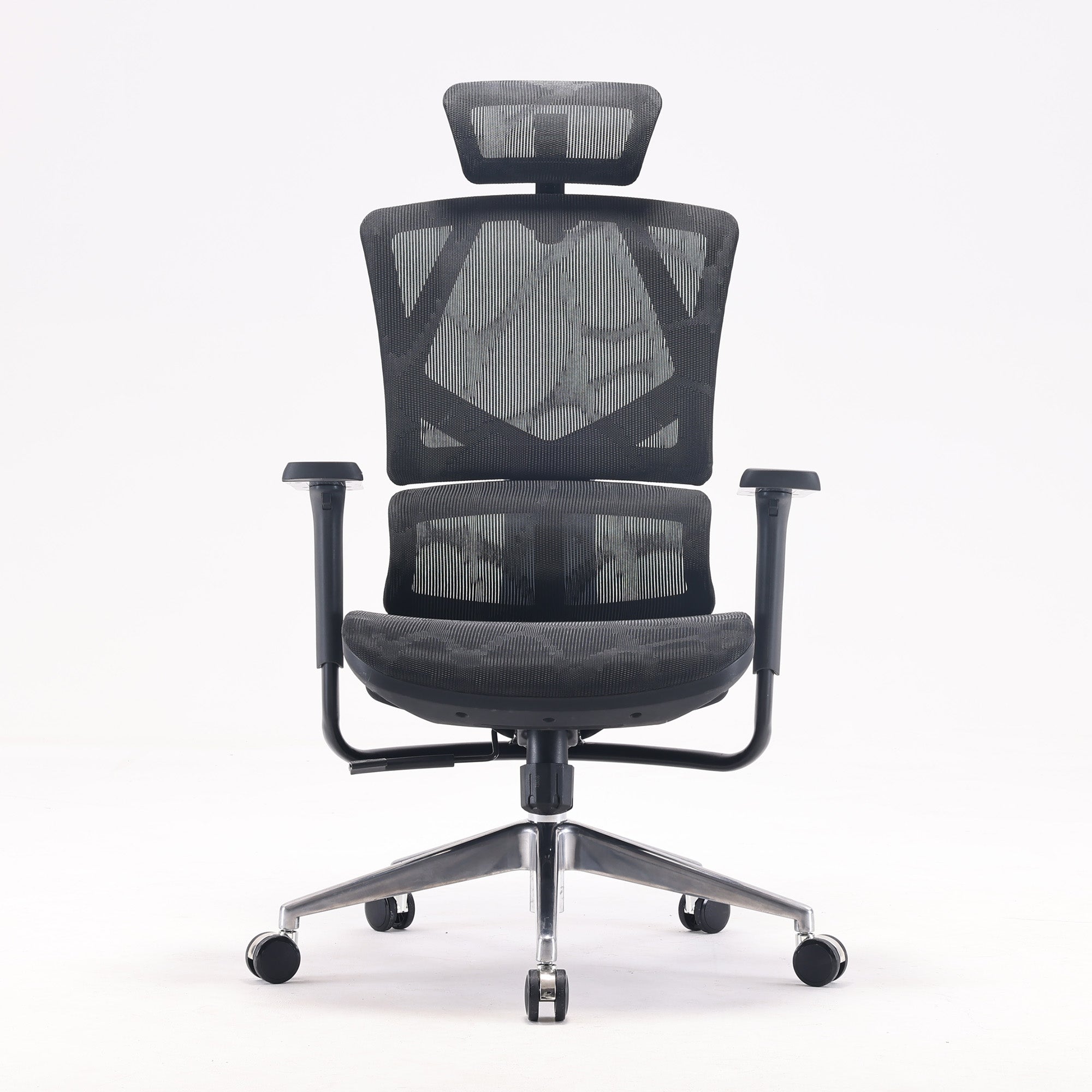
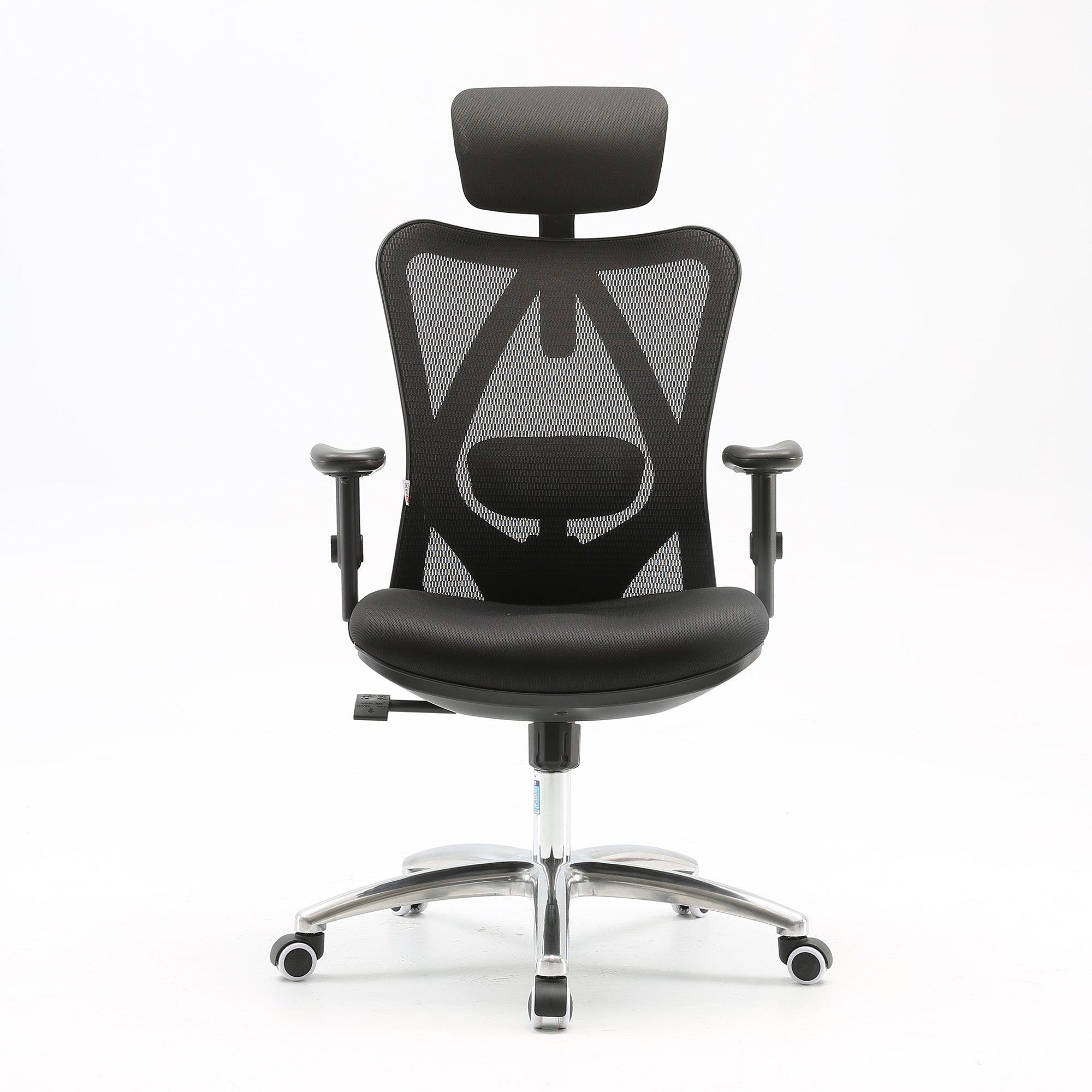
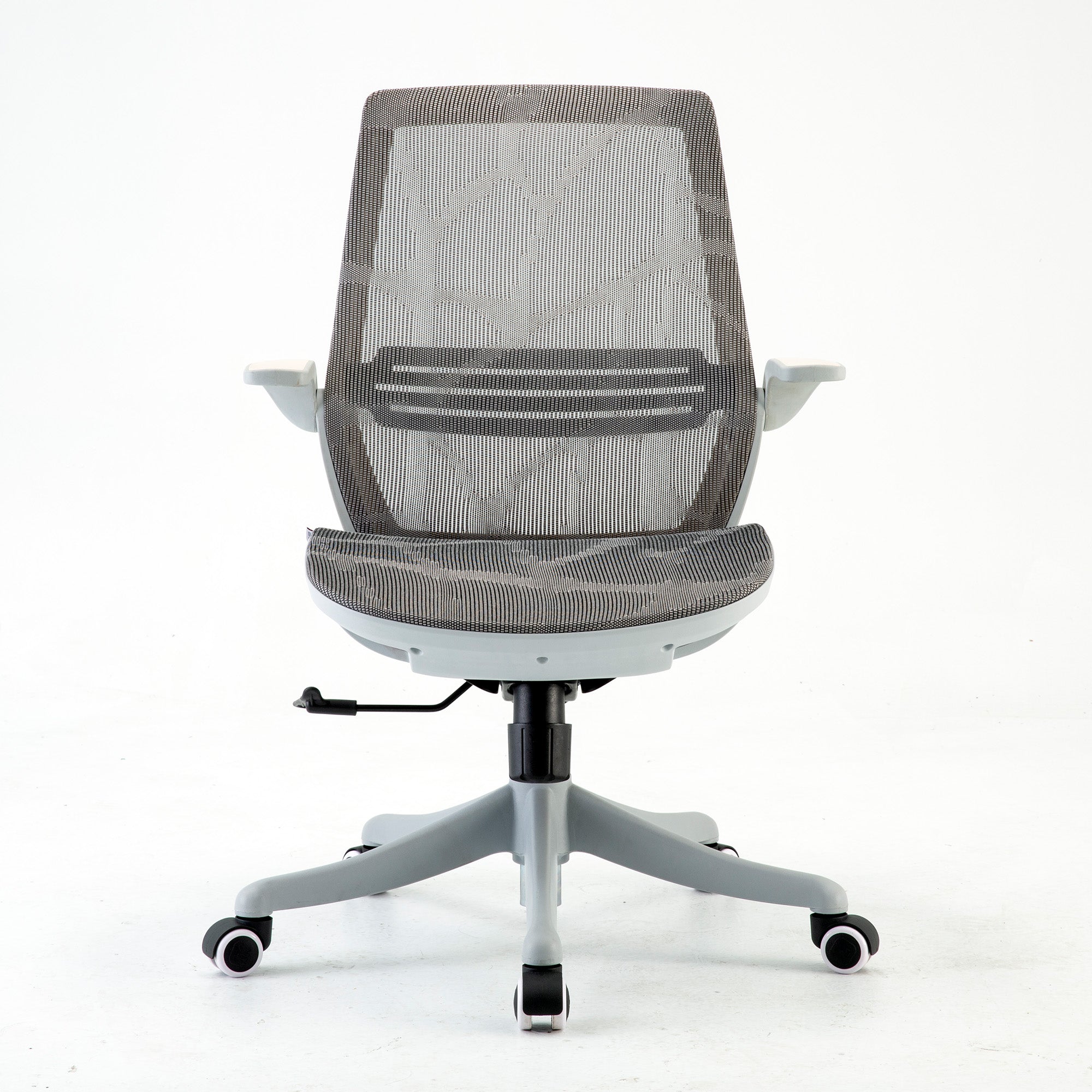
Sihoo's M57 page describes a fully breathable mesh back and seat. The Doro C300 Pro page describes a breathable mesh backrest and a waterfall mesh seat. Mesh does not cool the room, but it does let air reach your back and legs. Because we have not tested chairs in a heatwave, we cannot promise a set drop in body heat.
Small Space Home Office Ideas That Still Feel Calm
A small room feels crowded when everything has a place except the things you use daily, so the fix is usually less stuff on the desk, not a smaller desk.
Build in zones, even in one corner
Split the space into three jobs: screen work, paper work, and thinking. A different rug, lamp or chair position can mark each zone. It also helps to keep only three non-work items on the desk, such as one plant, one photo and one object you like.
Go vertical and keep cables tidy
Wall shelves, a pinboard and a slim filing rack free up the desk. Velcro ties and cable clips under the desk edge stop cords from tangling around the chair base. If you label your chargers, you will stop swapping plugs.
Try a ten-minute paper sort each week and a 15-minute reset on Friday. These are habits we suggest, not studies, and they work because small tasks are easy to repeat.
Use plants for mood, not for clean air
Plants soften a small room, and many people enjoy them, but the air claim is weaker. Cummings and Waring (2019, Journal of Exposure Science and Environmental Epidemiology) reviewed about a dozen studies and found that ventilation dilutes indoor pollutants far faster than potted plants remove them. They estimated that matching a building's air exchange would need 100 to 1,000 plants per square metre, and we read a Drexel University summary, not the full paper.
So pick plants because you like them, and open a window for air.
Borrow coastal and natural looks with a light touch
Soft whites, pale blues, warm beige and gentle greys can make a small room feel open, while timber, cane, linen and a jute rug add texture. These are style choices, so we offer them as ideas, not proven health fixes.
For renters, removable wallpaper, baskets and a floating shelf change a room without risking the bond. For a shared office, a neutral base lets each person add their own touch.

Hybrid Setups Need One Desk Rhythm, Not Two
Many Australians split their week between home and the office. The Australian Bureau of Statistics reports that 36% of employed people usually work from home. That figure comes from its Working arrangements release for August 2025, published in December 2025. The page gives no hybrid figure, so we do not claim one.
Make the dock the centre of the desk
Hybrid workers lose time on setup. If a laptop takes more than a few seconds to connect, the system works against you. A single-cable dock that carries power, display and data keeps the swap quick, and matching screen heights in both places means your neck does not need to adjust.
Match your peripherals in both places
A second mouse and keyboard at each desk cost little, and they stop the daily relearning of a different feel. A headset helps in noisy rooms, since a barking dog and an open-plan office both break focus.
Write down your chair settings
This idea is simple and often missed. Note your seat height, lumbar position and recline angle on your phone. Then set the same numbers at each desk. If you want to learn the full set-up, our guide to correct sitting posture in an ergonomic chair walks through it step by step.
For employers fitting out several homes or hot-desk floors, our wholesale office chairs page covers bulk enquiries.
Multi-Use Furniture Works When It Stays Out of the Way
Our earlier version of this guide also warned against using a dining chair or a sofa as your work seat. We agree, because a dining chair has a fixed height and a sofa has no back support. Both make slumping easy.
Folding desks, fold-out wall desks, storage ottomans and slim rolling carts all suit shared rooms. The test is whether you can clear the desk in two minutes. If packing up takes longer, you will leave it out and the room will feel messy.
Check these four things before you buy
-
The desk should hold your screen at eye level when you sit.
-
Your knees and feet should fit underneath without hitting a drawer.
-
The surface should be deep enough to keep the screen about an arm's length away.
-
The piece should be stable when you lean on it.
A folding desk with a wobble will annoy you within a week, so a slightly pricier fixed desk may cost less in the long run.
The Order of Fixes: A Five-Step Room Audit
We built this audit to show where money does the most good, so work from the top down and stop when the room feels right.
|
Step |
Fix |
Typical cost |
Why it comes first |
|---|---|---|---|
|
1 |
Turn the screen side-on to the window |
Free |
Removes the glare-contrast problem |
|
2 |
Add a soft task light |
Low |
Fills in shadows on keyboard and paper |
|
3 |
Block afternoon sun and set a heat plan |
Low to medium |
Keeps the room usable in summer |
|
4 |
Clear the desk and tidy cables |
Low |
Makes daily items easy to reach |
|
5 |
Review the chair |
Medium to high |
A good chair helps only if the room works |
Costs are our own broad bands, not quotes.
When a Chair Joins the Home Office Plan
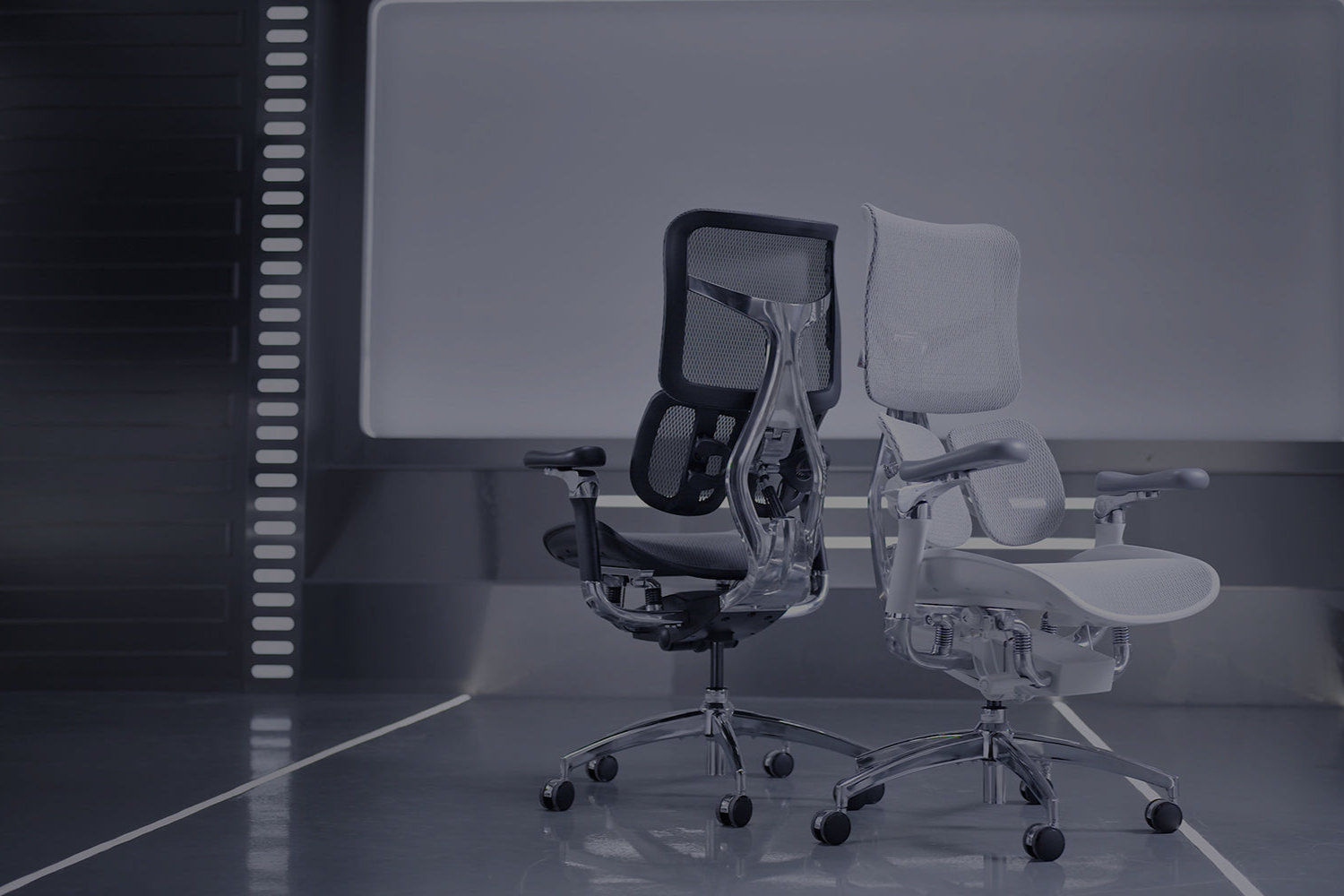
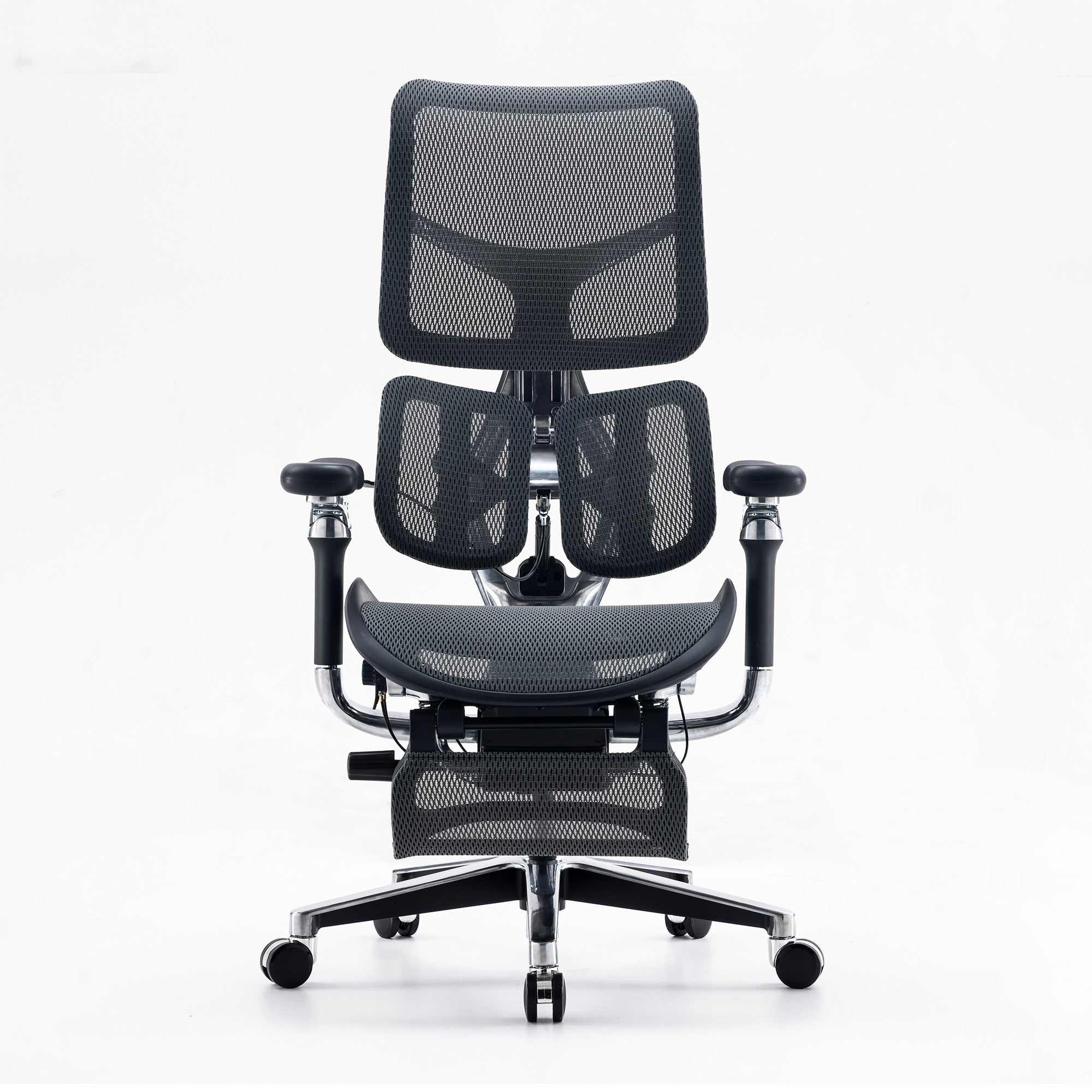
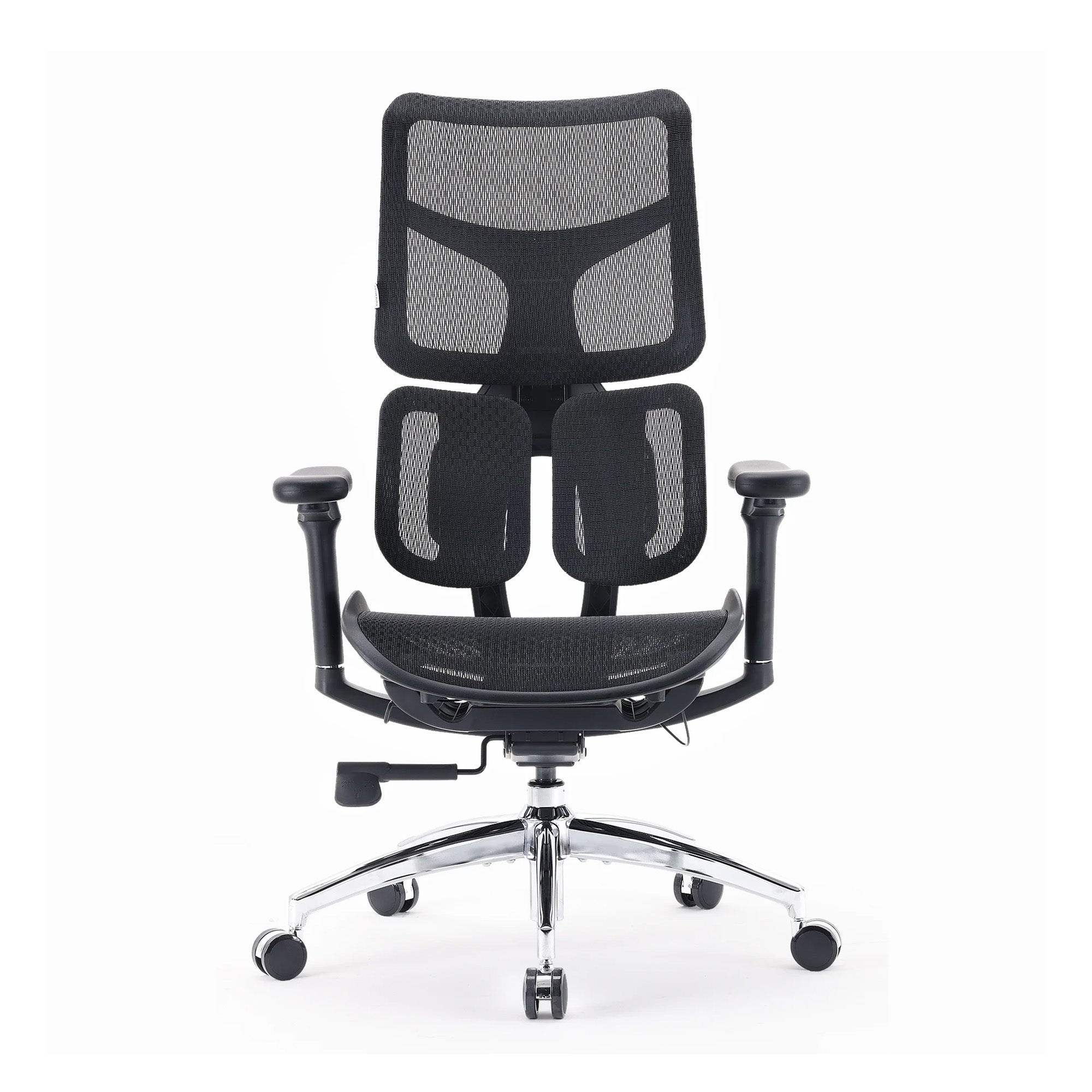
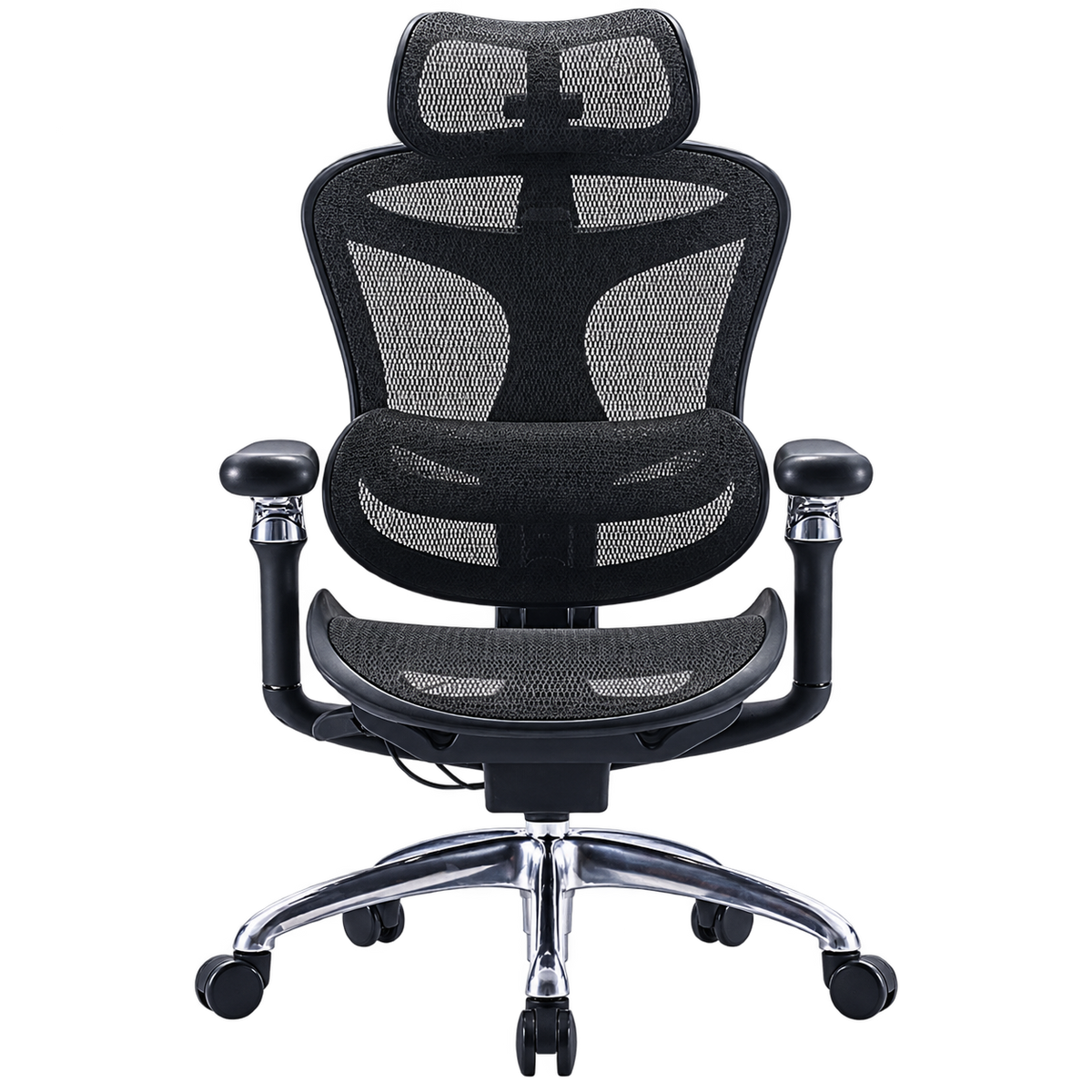
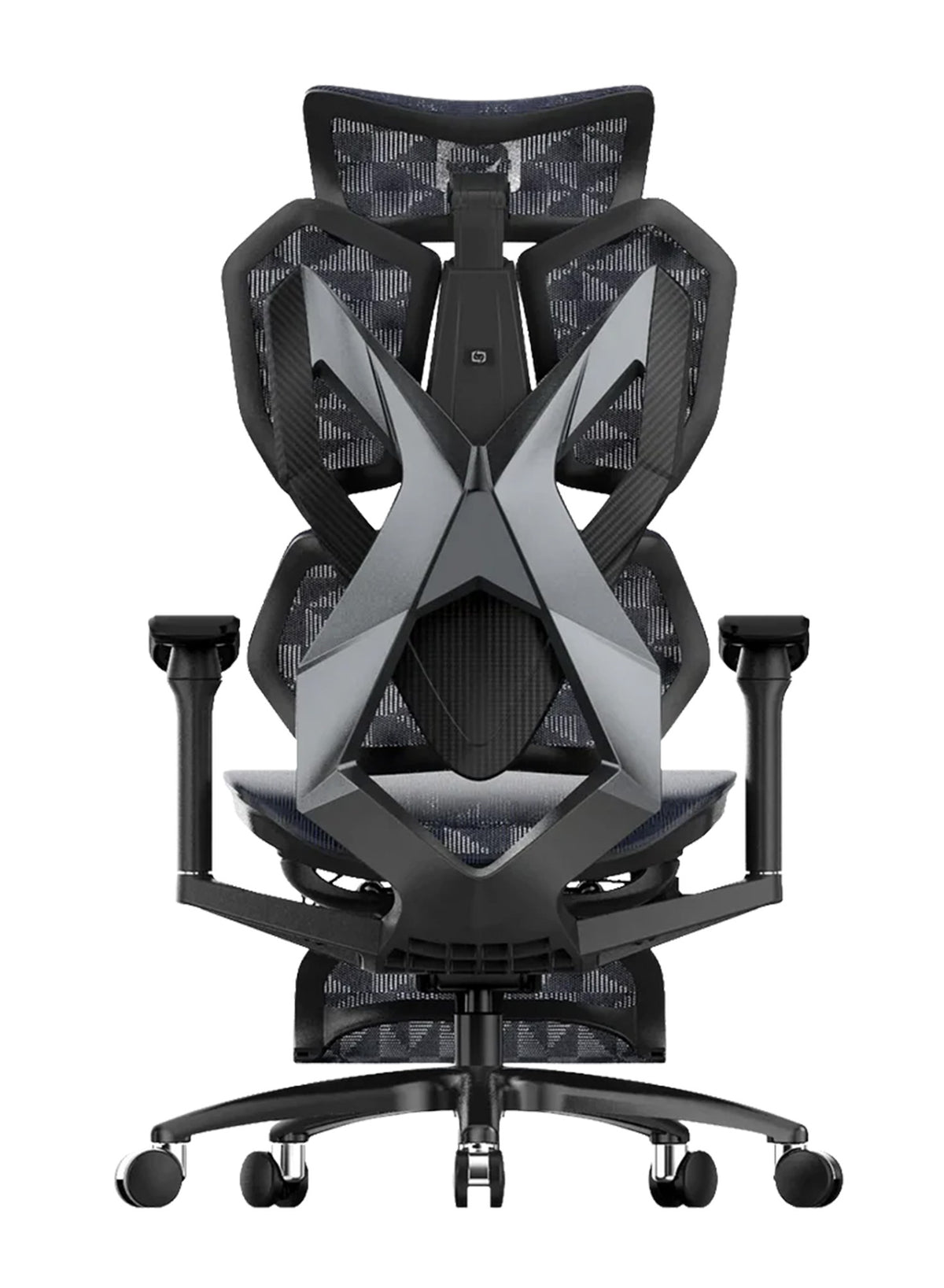
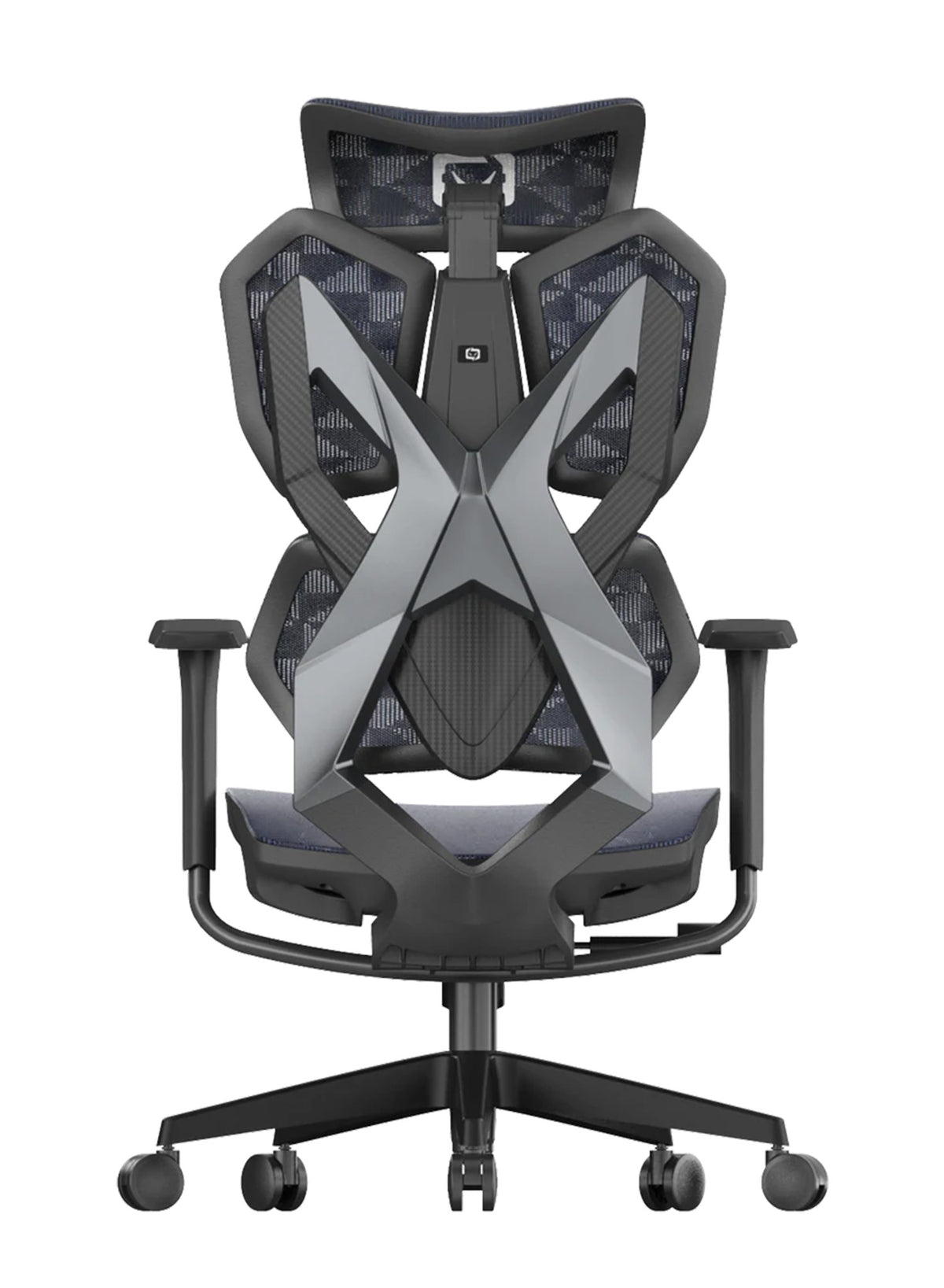
By step five, you know the room works, so if your back still aches or your chair has seen better days, a chair upgrade is fair to consider.
What the three Sihoo chairs offer, per their live pages
We checked these pages on 9 October 2026, and prices change, so confirm them before you buy.
|
Chair |
Price at time of checking |
Warranty |
Notes from the product page |
|---|---|---|---|
|
A$329 (listed as was A$489) |
3 years on parts |
Full mesh seat and back, dual-adjustable lumbar, 3D armrests, rated to 150 kg |
|
|
A$747 (listed as was A$1,099) |
5 years |
Mesh back and waterfall mesh seat, adaptive lumbar, adjustable headrest, three recline angles, rated to 150 kg |
|
|
A$949 (listed as was A$1,599) |
5 years |
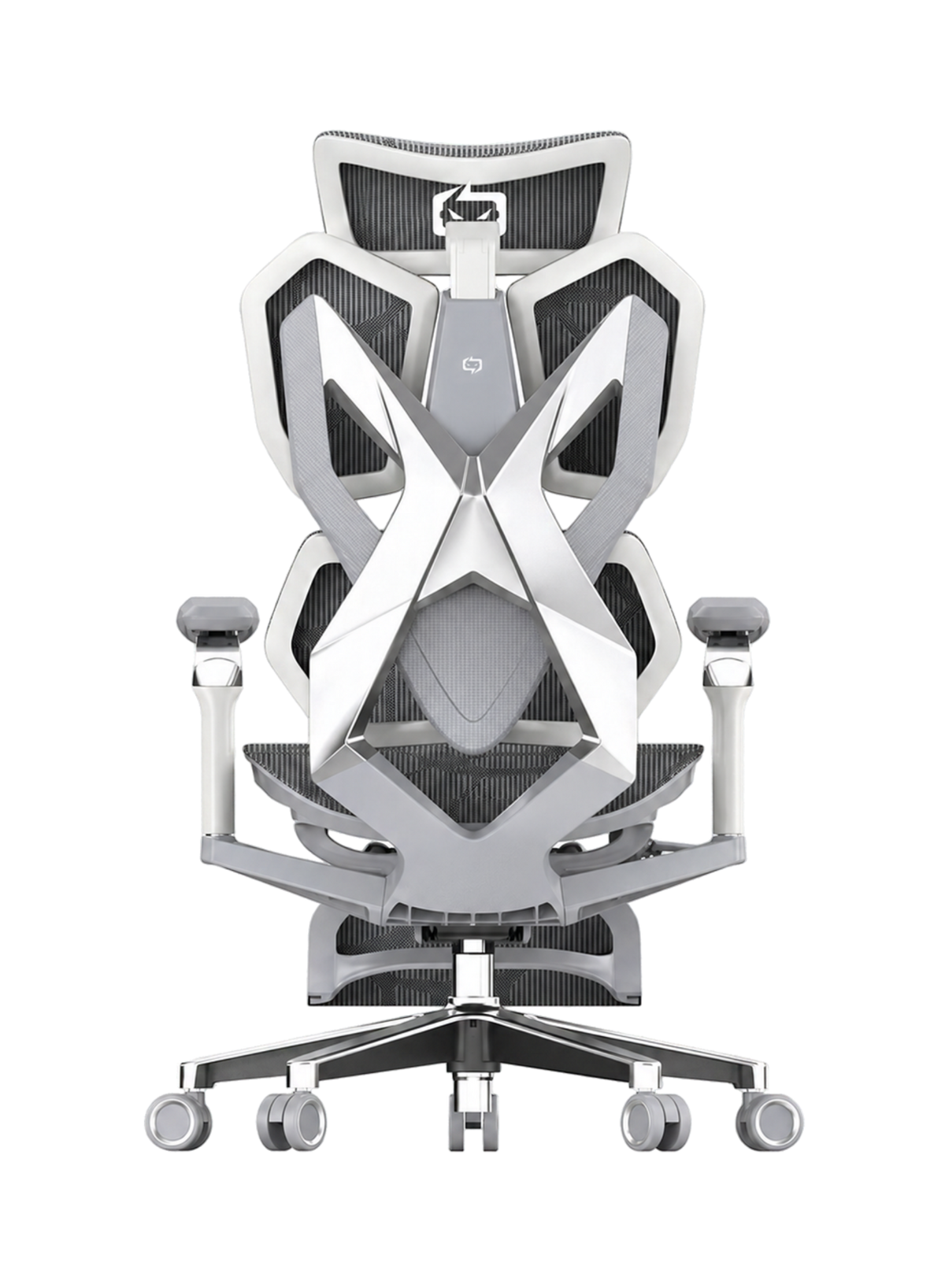
Dual dynamic lumbar pads, 6D armrests, five-position upper backrest, rated to 150 kg |
All three list 30-day returns, but the Doro C300 Pro page is inconsistent about its armrest type, so confirm that detail before you buy. For a wider price view, see our guide to Sihoo ergonomic chairs between $300 and $600.
Tax: the fixed rate does not cover your chair
The ATO's fixed rate method for 2025-26 is 70 cents per work hour, and it covers energy for heating, cooling and lighting, internet, phone, stationery and computer consumables. It does not cover furniture, which is claimed separately as a depreciating asset. You also need a record of actual hours worked, not an estimate (ATO, "Fixed rate method", updated June 2026). Ask a registered tax agent about your own case.
Where a Better Room Is Not the Answer
No desk layout fixes everything. If you have back pain that lasts more than a few weeks, numbness, or pain that wakes you at night, book a visit with a GP or physiotherapist. If eye strain does not ease with better light and regular breaks, get an eye test. Our guide on the best ergonomic chair for lower back pain explains what a chair can and cannot do.
A chair cannot fix a room that is too hot, too dim or too noisy, and it does not replace movement. WorkSafe Queensland advises regular breaks away from the screen, and we agree, so stand up, look out of the window, and move.
For teams, the risk is assuming a chair purchase ends the job, because workplaces still need a plan for lighting, heat and breaks.

Putting Your Home Office Plan Together
A good home office is a set of small choices made in the right order. Start with the window and the screen, add light, handle heat, tidy the desk, and then look at the chair. If you reach that last step, compare the best ergonomic office chairs in Australia against your budget and your body, not against a trend.
If you manage a team, share this order with staff, because it costs little and it saves arguments about gear.
Better Comfort Starts Now.
Sources Referenced
-
OHSrep (Australia). "Lighting in the office". Published January 2025. https://www.ohsrep.org.au/lighting_in_the_office
-
OHSrep (Australia). "Heat: When is it too hot". Last amended August 2024. https://www.ohsrep.org.au/heat_when_is_it_too_hot
-
WorkSafe Queensland. "Lighting". Published 2 December 2021, last modified 22 March 2022. https://www.worksafe.qld.gov.au/safety-and-prevention/hazards/workplace-hazards/dangers-in-your-workplace/lighting
-
WorkSafe Queensland. "Visual comfort for computer work". Published 11 September 2020, last updated 19 October 2021. https://www.worksafe.qld.gov.au/safety-and-prevention/hazards/hazardous-manual-tasks/working-with-computers/visual-comfort-for-computer-work
-
NSW Health. "Keep cool, stay hydrated". Current as at 18 December 2024. https://www.health.nsw.gov.au/environment/beattheheat/Pages/health-in-hot-weather.aspx
-
Safe Work Australia. "Working from home checklist". July 2023. https://www.safeworkaustralia.gov.au/sites/default/files/2023-07/working-from-home_checklist_july2023.pdf
-
Australian Taxation Office. "Fixed rate method" (working from home expenses). Updated 8 June 2026. https://www.ato.gov.au/individuals-and-families/income-deductions-offsets-and-records/deductions-you-can-claim/work-related-deductions/working-from-home-expenses/fixed-rate-method
-
Australian Bureau of Statistics. "Working arrangements", August 2025. Released 12 December 2025. https://www.abs.gov.au/statistics/labour/earnings-and-working-conditions/working-arrangements/aug-2025
-
Boubekri M, Cheung IN, Reid KJ, Wang C-H, Zee PC. "Impact of windows and daylight exposure on overall health and sleep quality of office workers." Journal of Clinical Sleep Medicine, 2014. Read via Northwestern University news summary (August 2014); full text not accessed.
-
Cummings BE, Waring MS. "Potted plants do not improve indoor air quality: a review and analysis of reported VOC removal efficiencies." Journal of Exposure Science and Environmental Epidemiology, 2019 (published online; press release 6 November 2019). Read via Drexel University summary; full text not accessed.
-
Standards Australia. AS/NZS 1680 series, Interior and workplace lighting. Referenced by OHSrep and WorkSafe Queensland; standard text not accessed.
-
Sihoo Australia product pages (M57, Doro C300 Pro, Doro S300), checked 9 October 2026.
Frequently Asked Questions
Put it side-on to the main window, and avoid having a window directly behind or in front of the screen. WorkSafe Queensland and OHSrep both give this advice.
WorkSafe Queensland says general work areas should be lit to 160 lux, with more for fine tasks. AS/NZS 1680 covers office levels, and we could not read it. A lamp that avoids glare matters as much as the number.
Close curtains and blinds early, avoid using the oven, and move to the coolest room if needed, then open windows once it cools outside. These steps come from NSW Health.
Not enough to matter, because a 2019 review by Cummings and Waring found that ventilation does far more. Keep plants for looks and mood.
Use a narrow desk or a wall-mounted fold-out desk, add wall shelves and a cable clip, and keep only a few items on top.
Possibly, as a depreciating asset if you use it for work, but the ATO fixed rate does not cover furniture. Ask a registered tax agent.
Safe Work Australia's checklist asks if the space is well lit, well ventilated and kept at a comfortable temperature, and if the workstation is set up safely.
OHSrep says Victoria has no fixed legal limit, though employers have a general duty of care, and rules differ by state, so check your own regulator.
Match screen height and peripherals at both places, and ask staff to note their chair settings and repeat them.
Rarely, because people differ in size. Sihoo lists a weight rating for each chair, and some pages list a recommended user height, so check those against your staff and see our commercial page for bulk questions.
WorkSafe Queensland advises regular breaks away from the screen so eyes can refocus. It gives no set interval, so agree a simple team habit rather than a strict rule.
Shop products from this article


SIHOO’s Pre-Black Friday Sale is now on! Save up to 49%, plus get an extra $15 off with code EARLY15. Pay in 4 interest-free instalments with Afterpay.
SHOP NOWRecommended Posts


Home Office Expenses Tips When You Work From Home
Jun 05, 2025