


It's easy to feel like the "New Year" spark has faded as we say goodbye to the first quarter of the year. You are not the only one whose desk is a mess of half-empty coffee mugs and sticky notes from January. But here's the deal: Q2 is usually the "execution quarter." It's when the plans we made in the summer start to pay off.
To keep that momentum, you need more than just a fresh To-Do list. You need a workspace reset.
A cluttered environment leads to a cluttered mind. By taking the time for a seasonal workspace reset, you’re not just cleaning; you’re performing a strategic audit of your physical and digital tools to ensure they align with your April-to-June goals.
The Ultimate Work-From-Home Setup Guide for Q2
Whether you’re in a corporate office in Sydney or a spare bedroom in Melbourne, your environment dictates your output. Use this seasonal transition to move from "survival mode" to "high-performance mode."
1. The Physical Declutter (The "Clean Slate" Method)
Start by stripping your desk back to the bare essentials. Q1 often leaves behind "residue"—documents from finished projects or gadgets you thought you’d use but didn't.
-
The "Prime Real Estate" Rule: Only items you use daily (laptop, mouse, notebook) should be within arm's reach.
-
Paper Management: Shred outdated Q1 briefs. If you need them for tax or records, file them away in a drawer—not on your desktop.
2. Digital Hygiene and Asset Management
Your digital "desk" is just as important. Spend 30 minutes on these actions to improve performance at work:
-
Inbox Triage: Archive Q1 threads. If a project is closed, move it out of your primary view.
-
Desktop Purge: Delete those "Final_v2_NEW.pdf" files that are cluttering your screen.
-
Software Updates: Ensure your project management tools (like Asana or Monday.com) reflect Q2 milestones, not January’s leftovers.
Investing in Your Health: Office Ergonomics Checklist
You can’t perform at your peak if you’re nursing a sore lower back or a stiff neck. As part of your workspace reset ideas, evaluate your furniture. Australians spend an average of 9 hours a day sitting - if that chair isn't supporting you, Q2 is going to feel like a slog.
Why an Ergonomic Chair in Australia is a Game-Changer
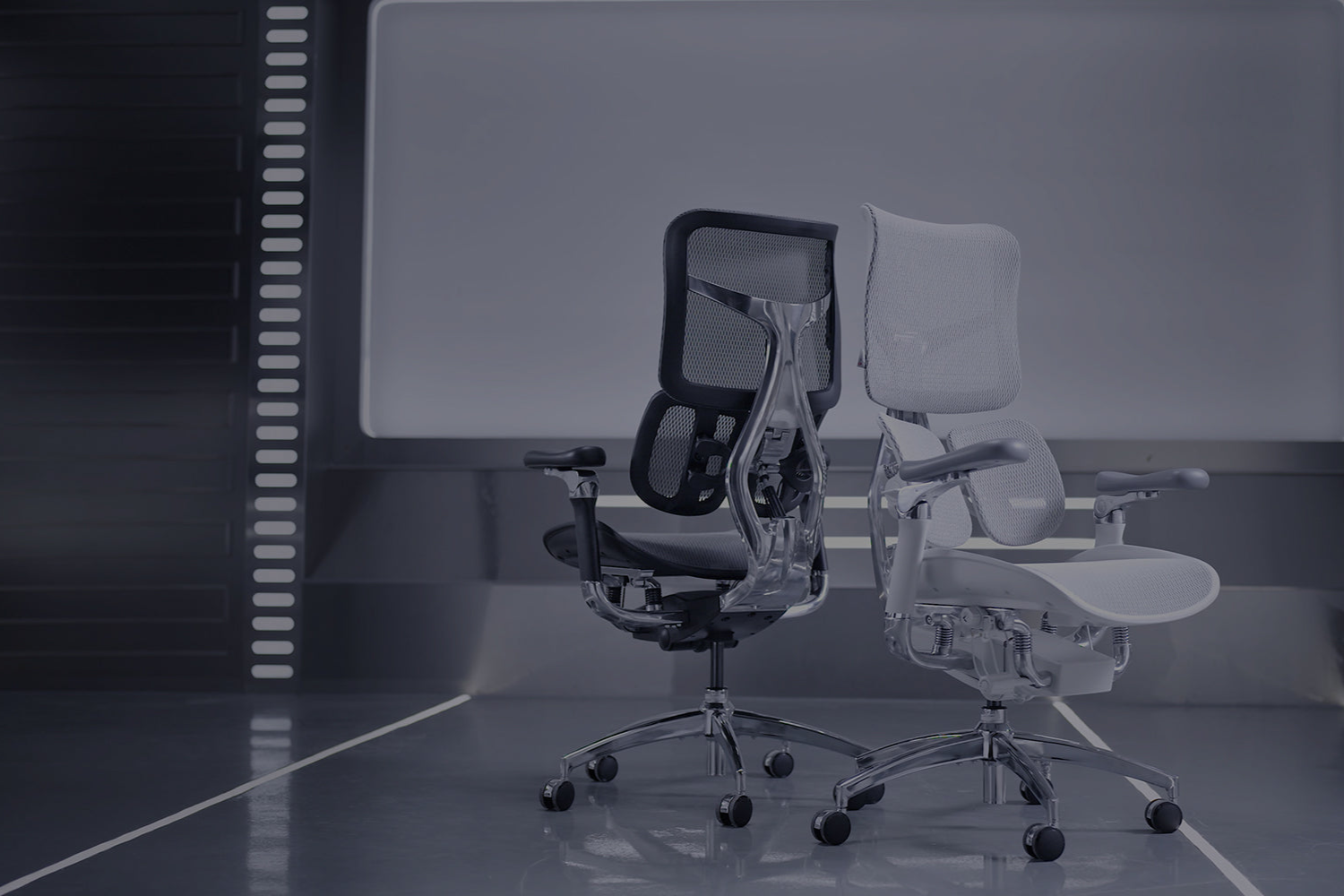
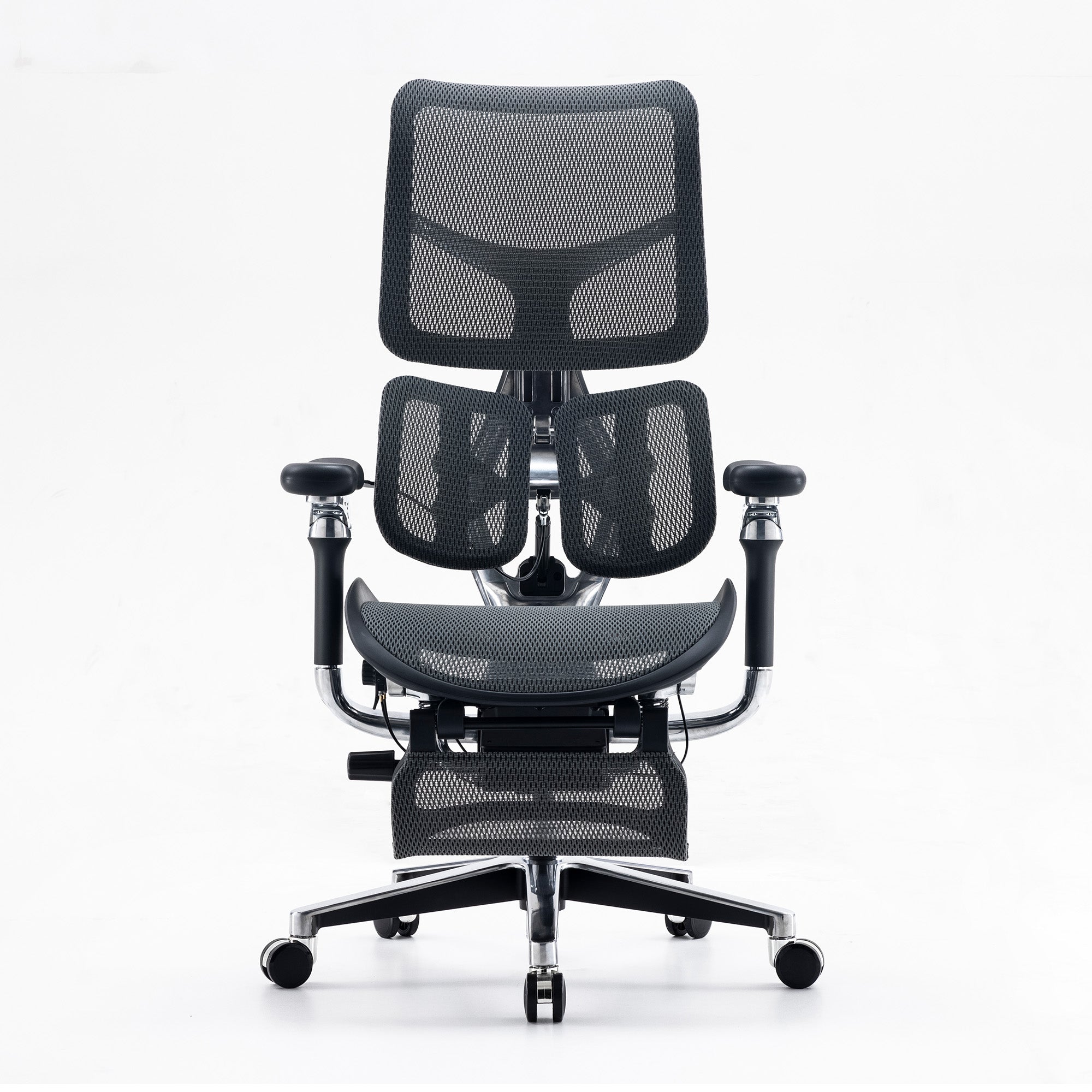
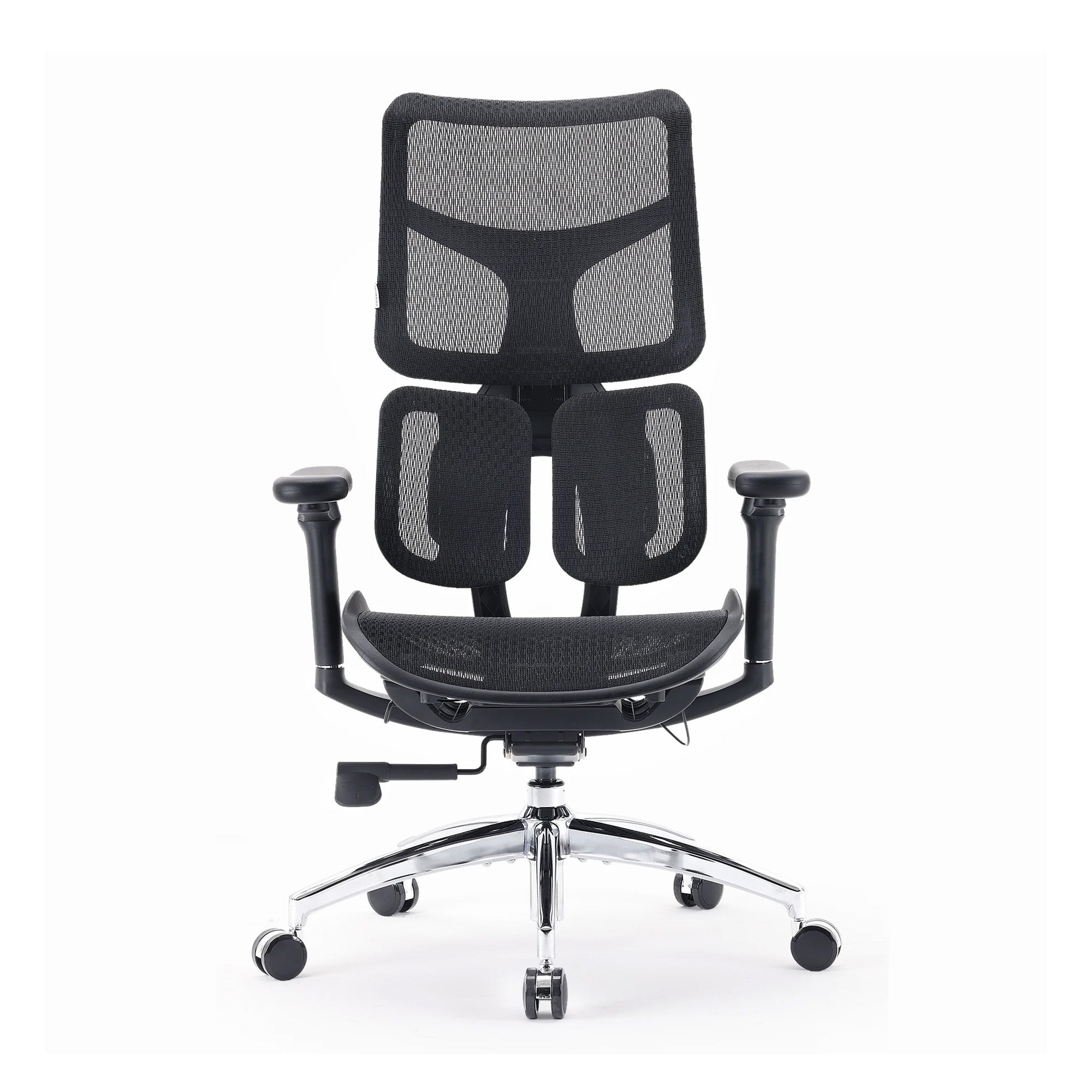
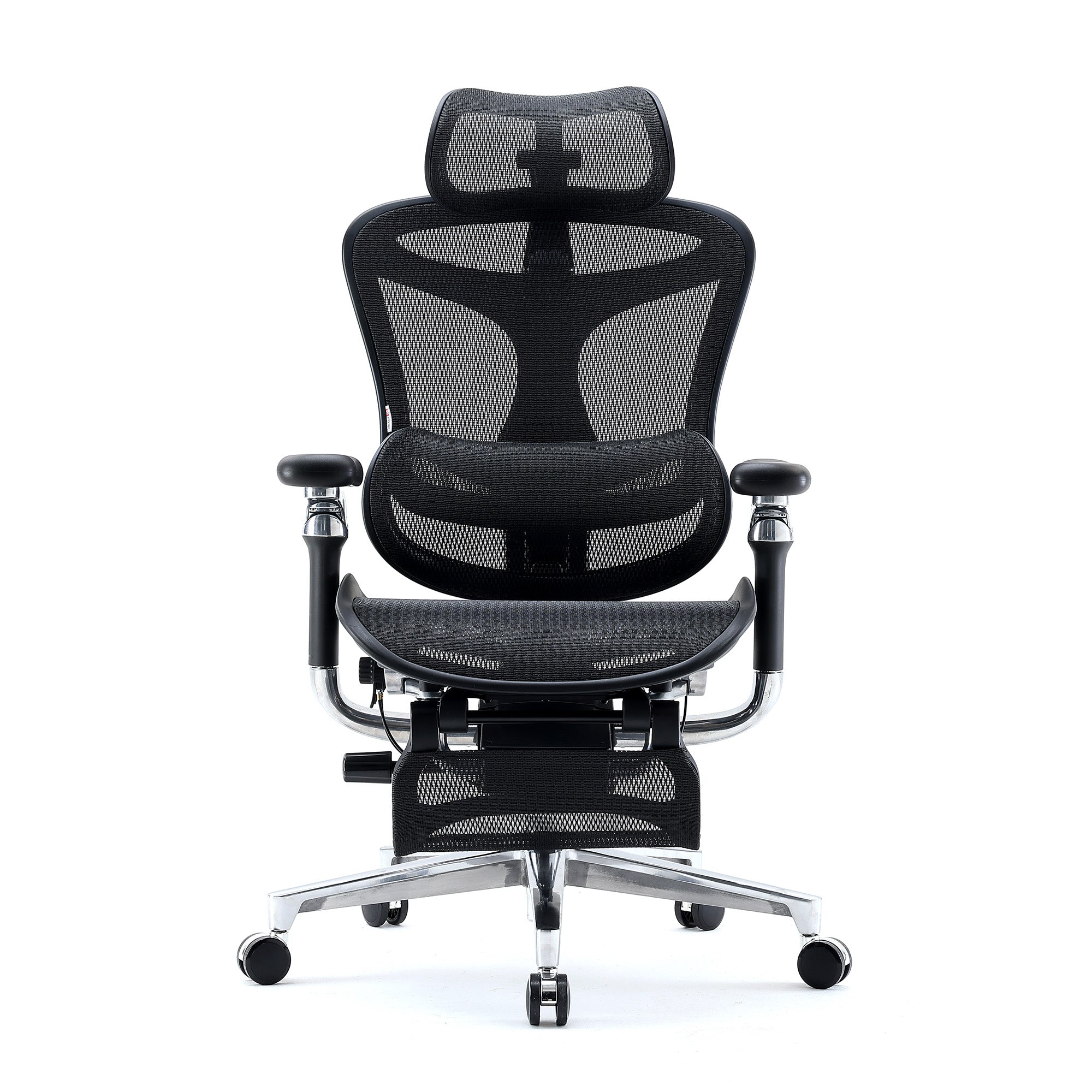
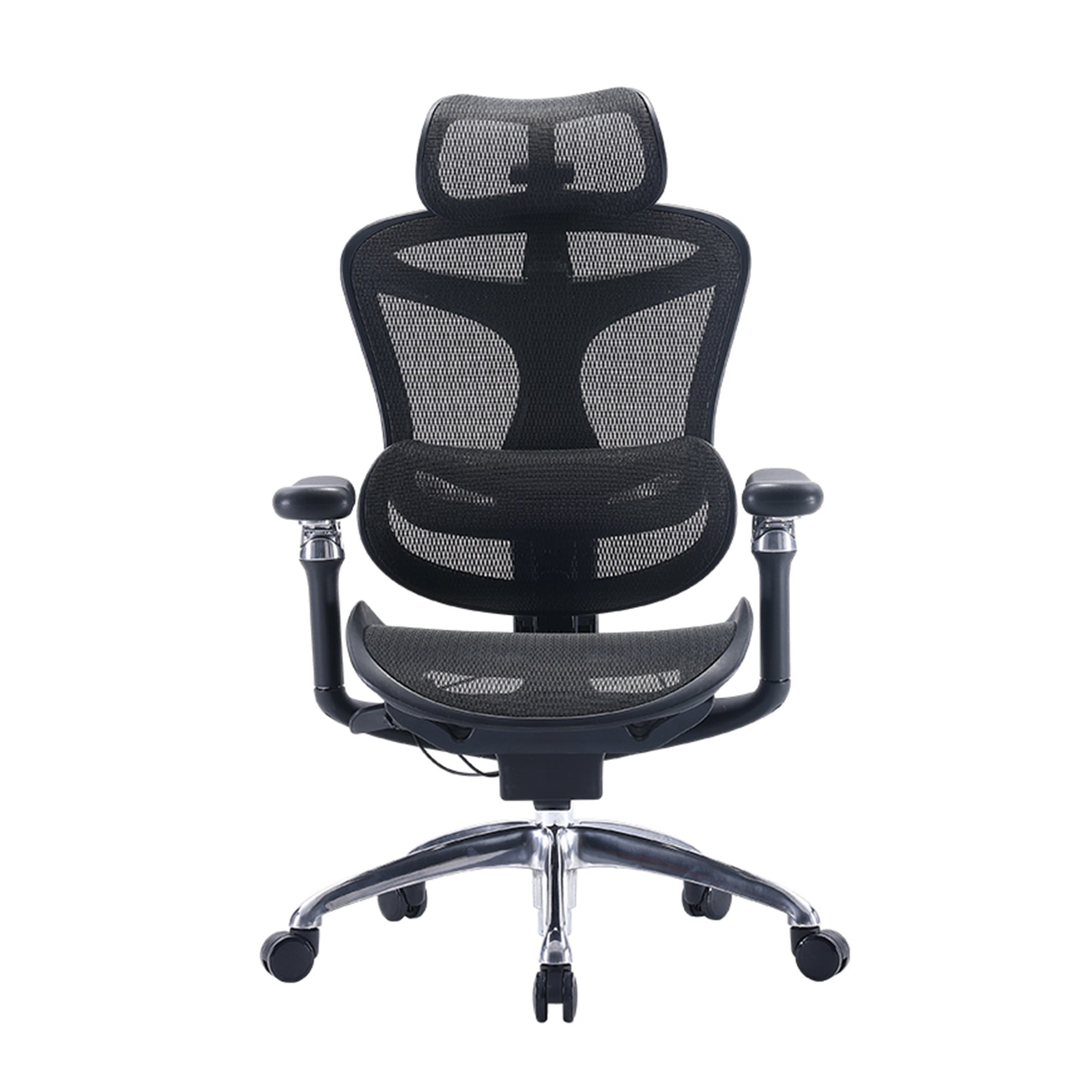
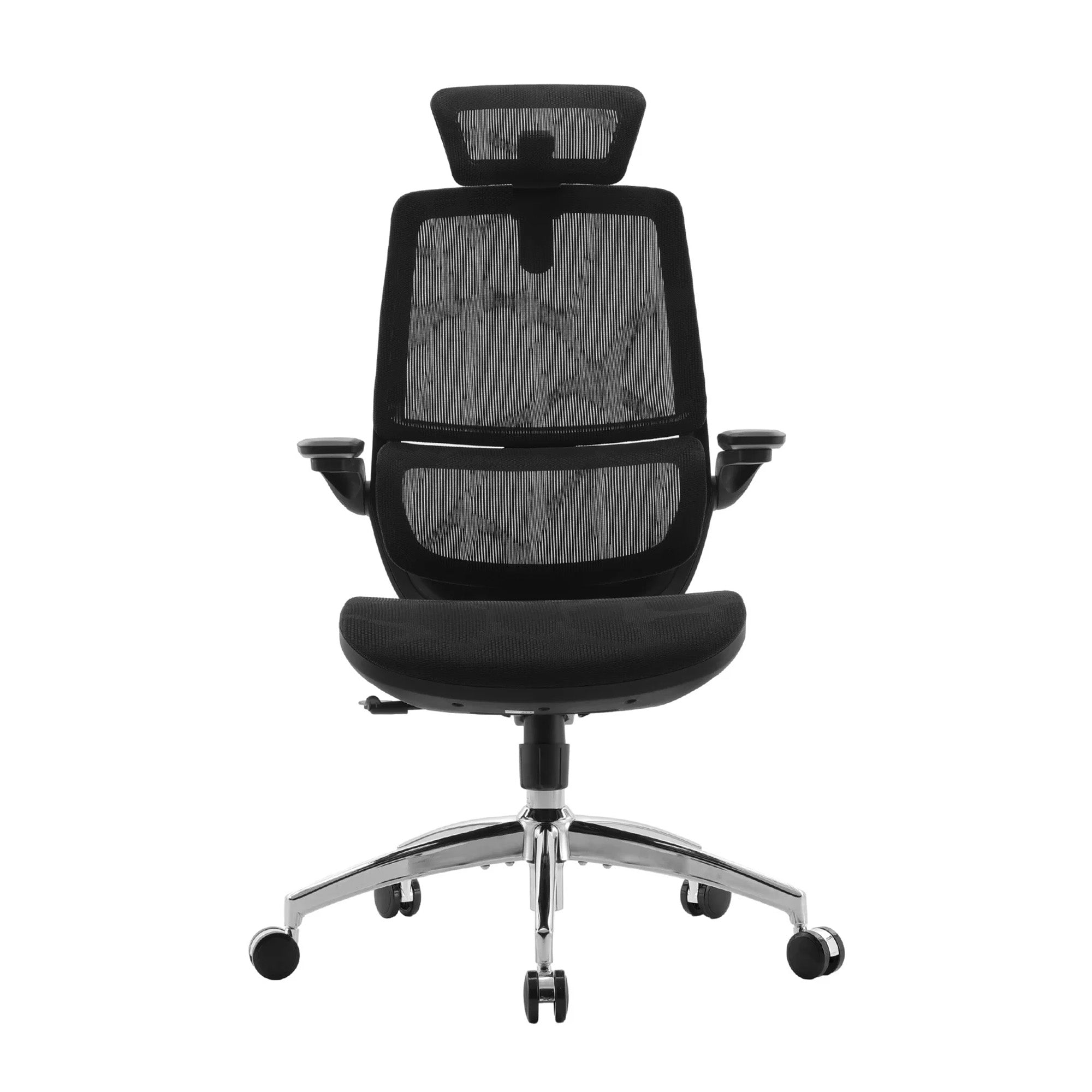
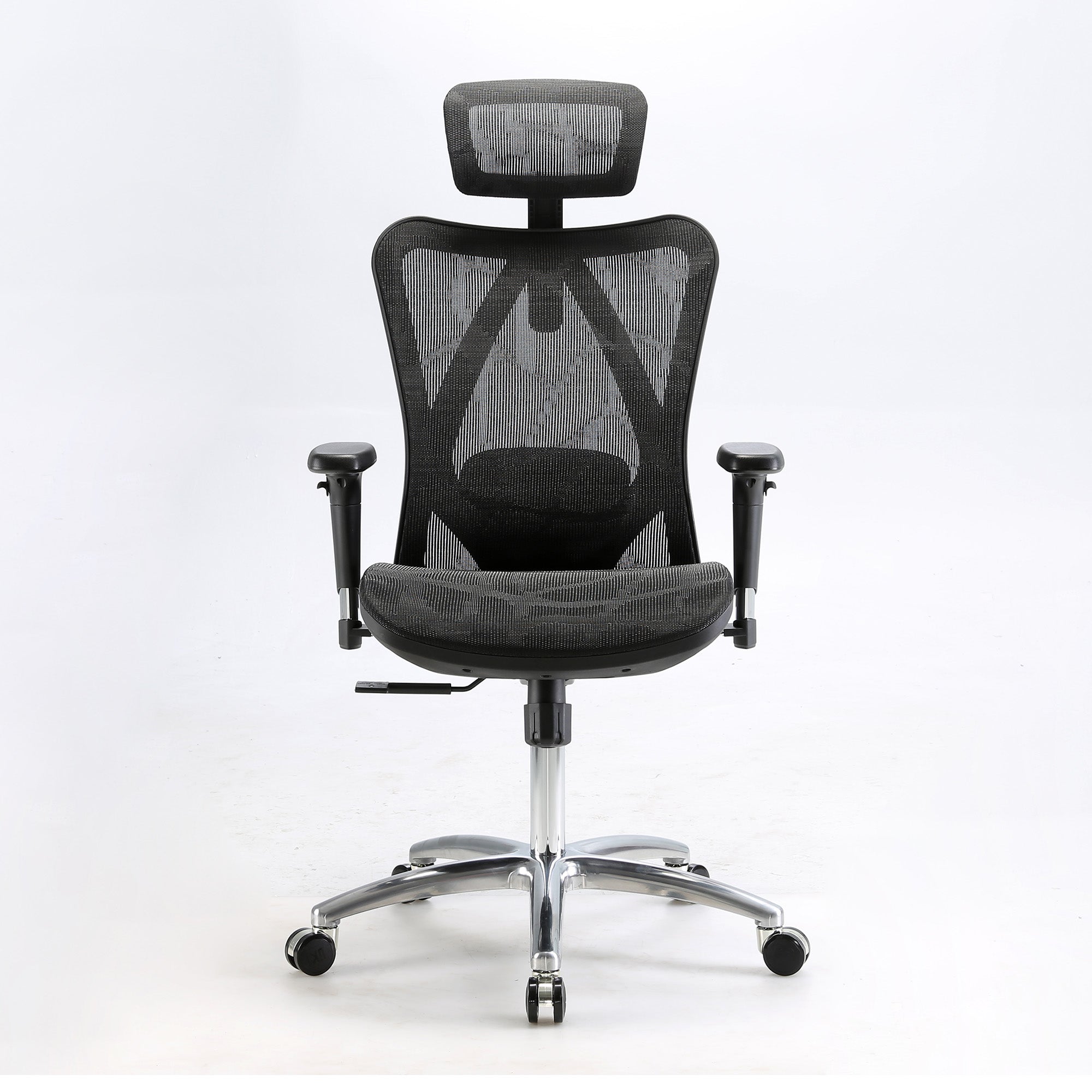
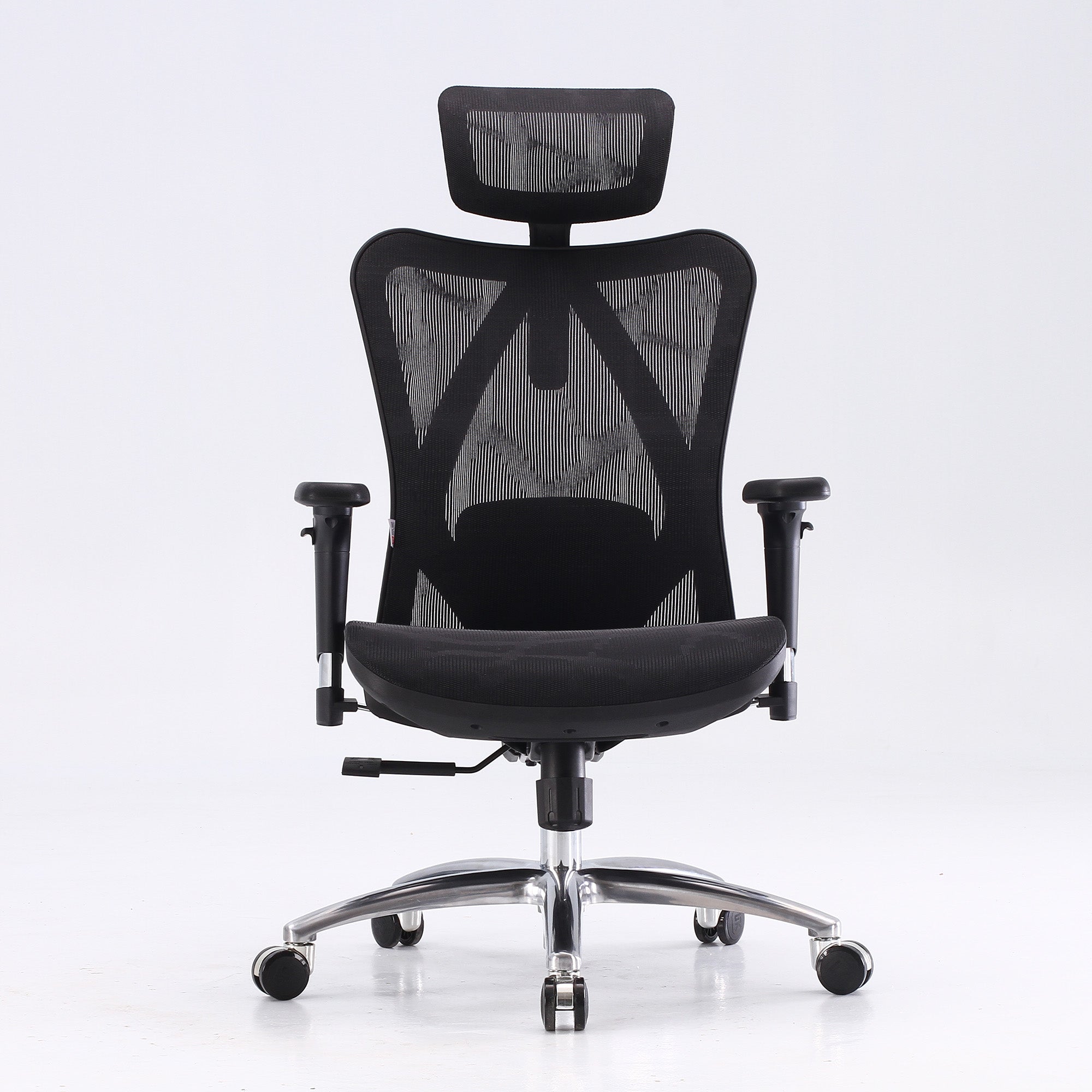
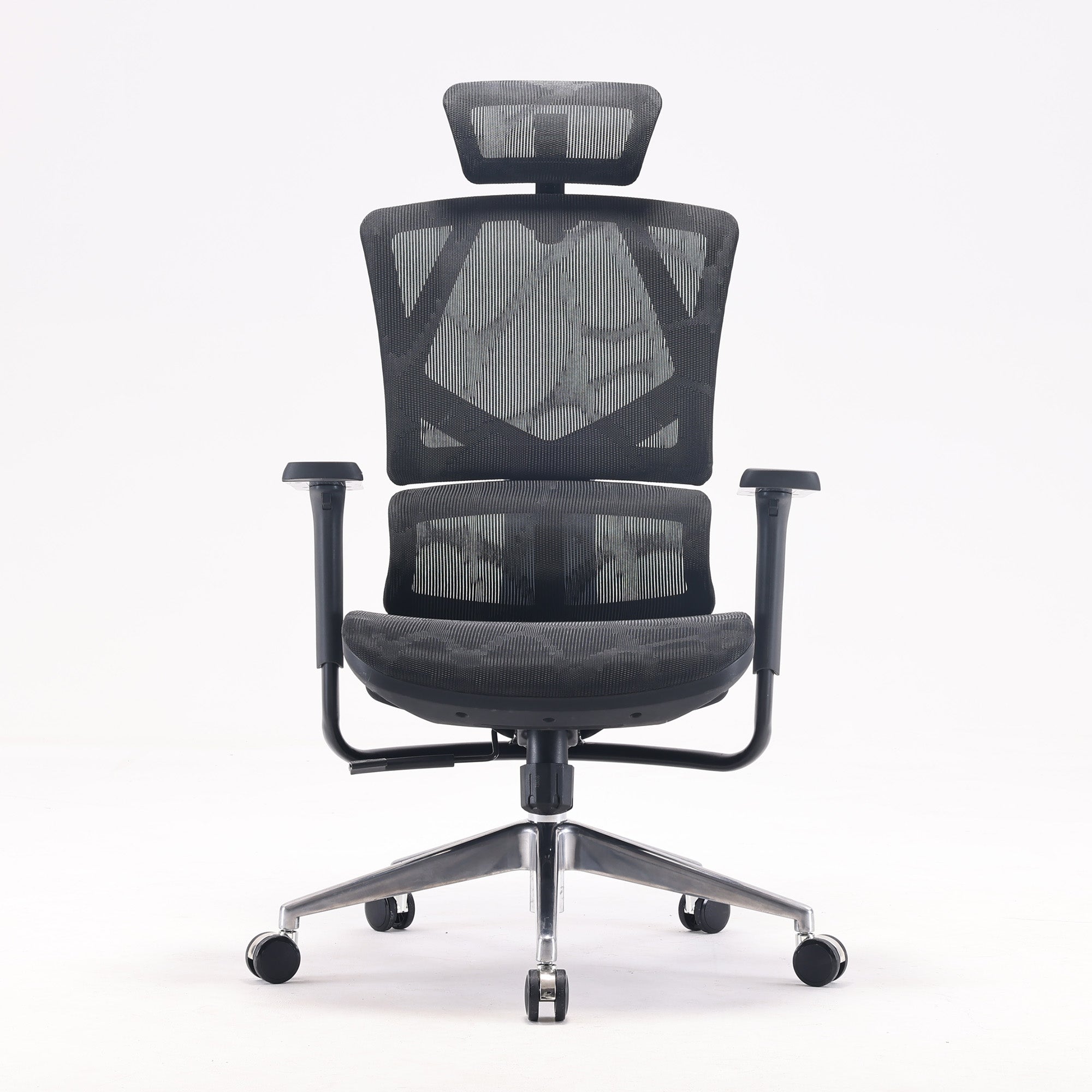
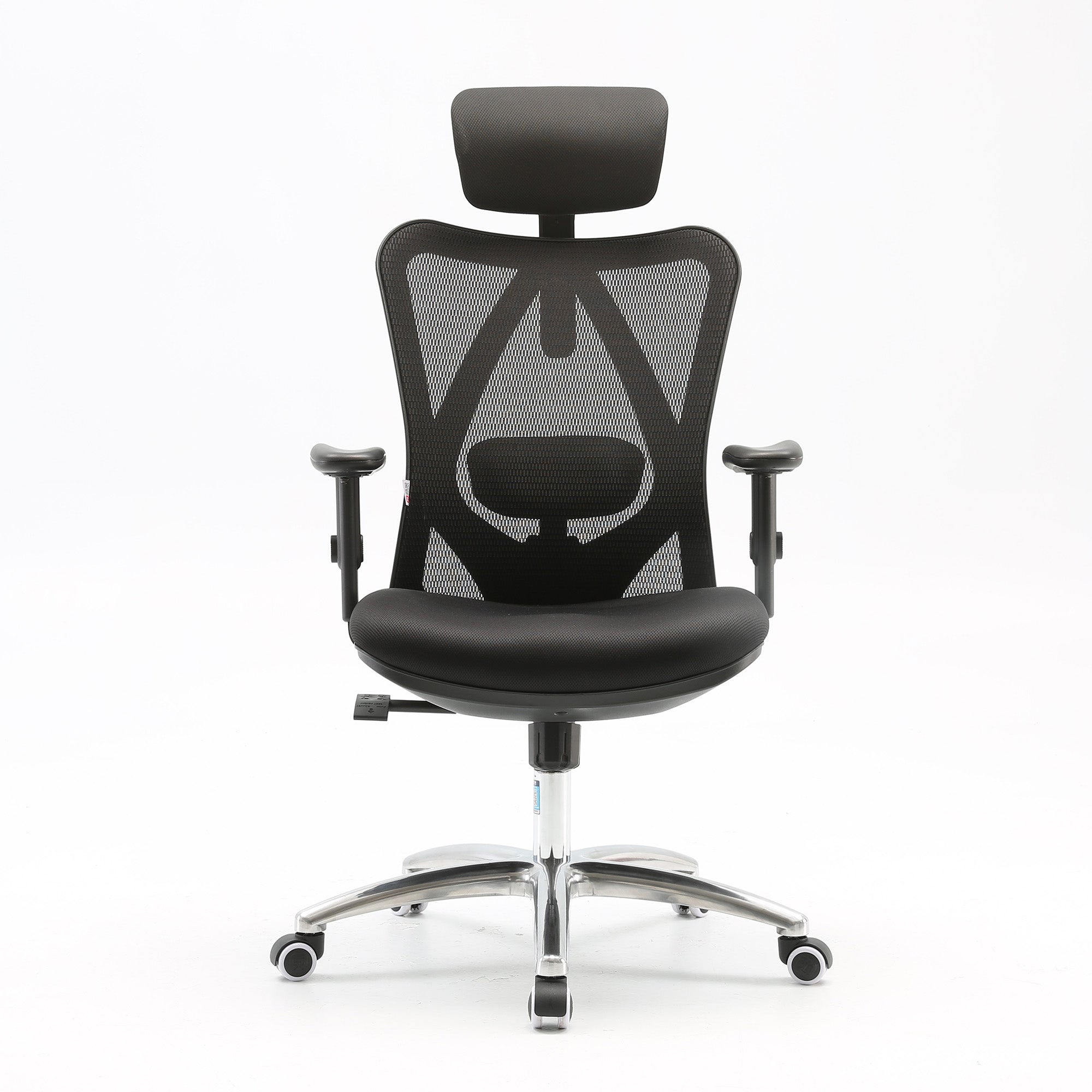
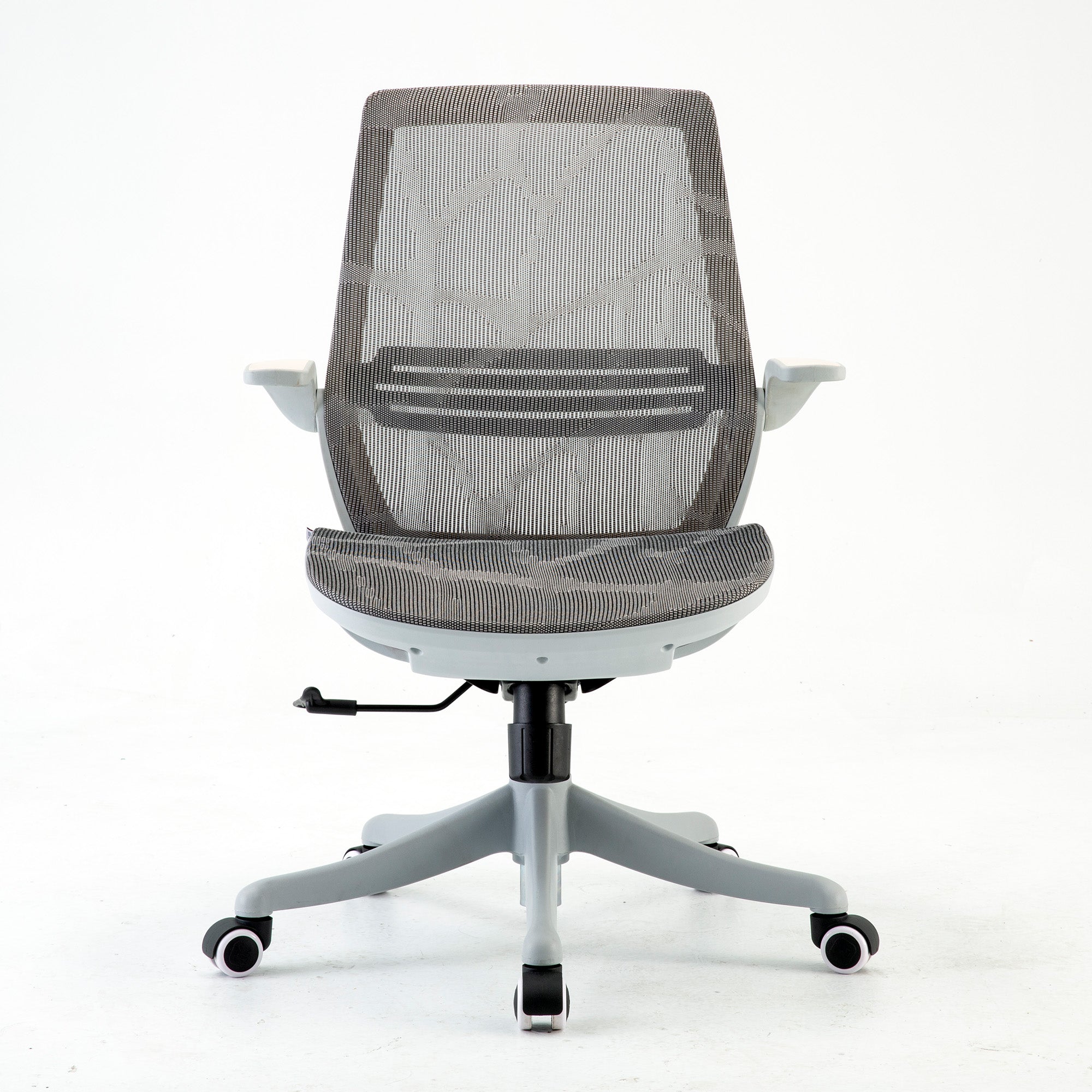
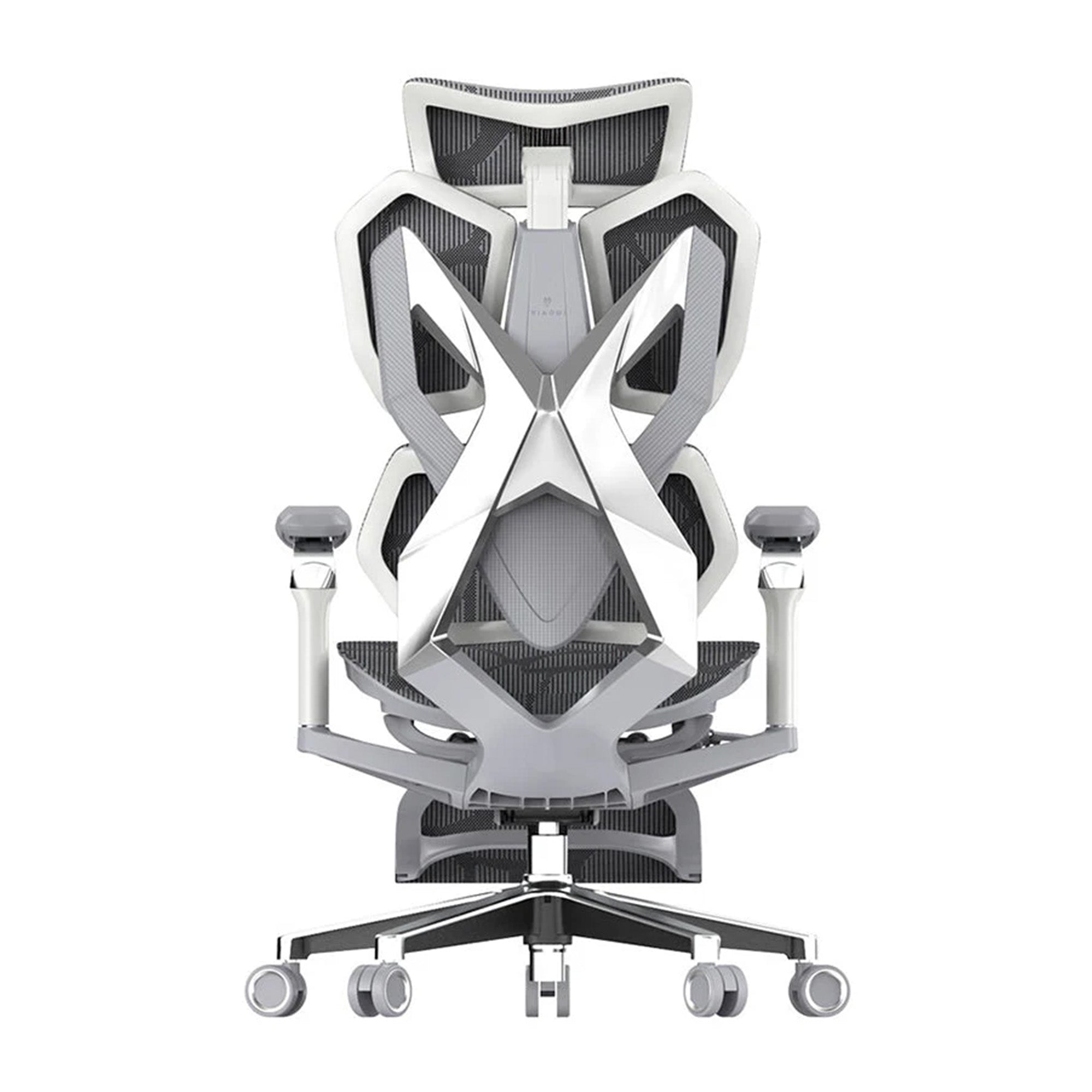
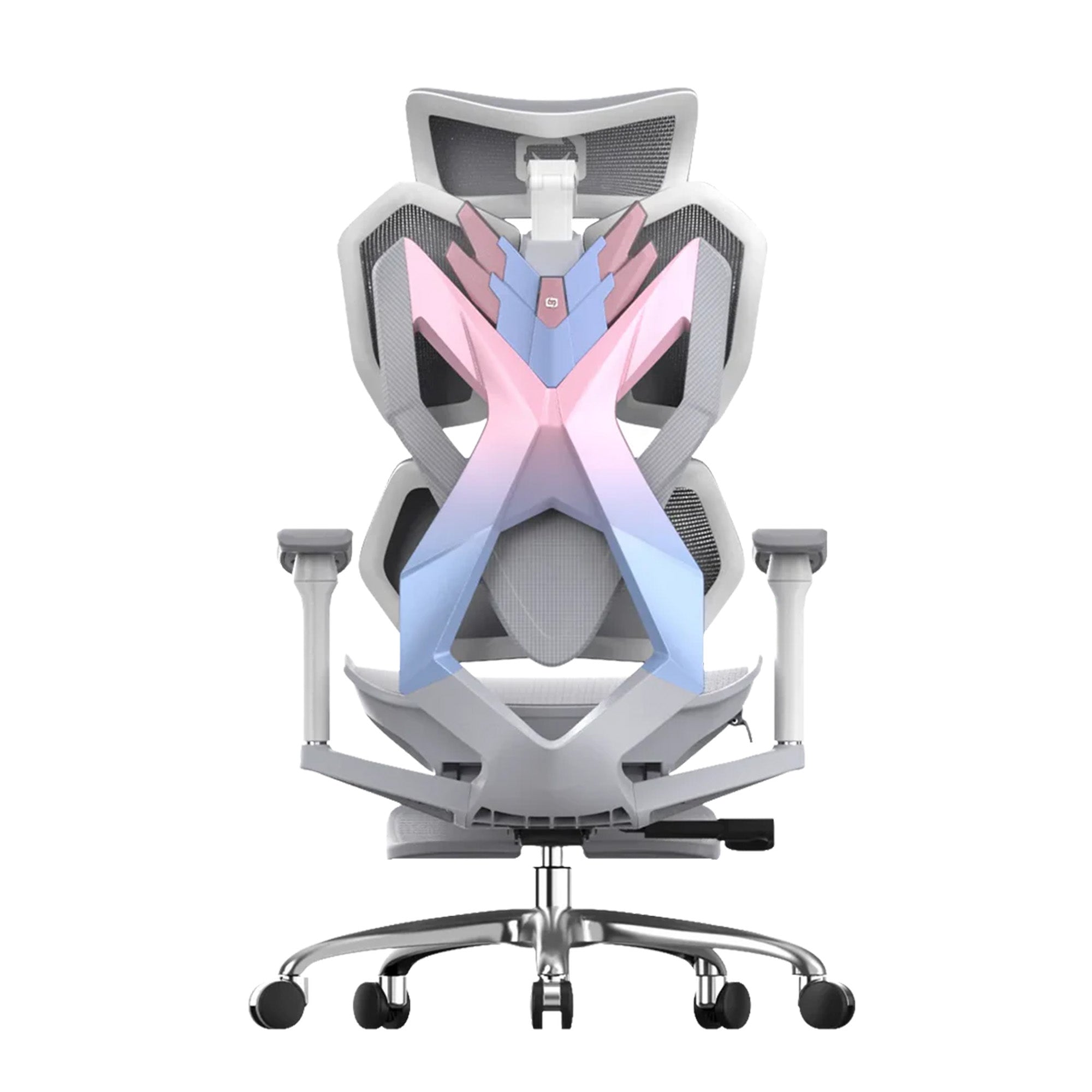
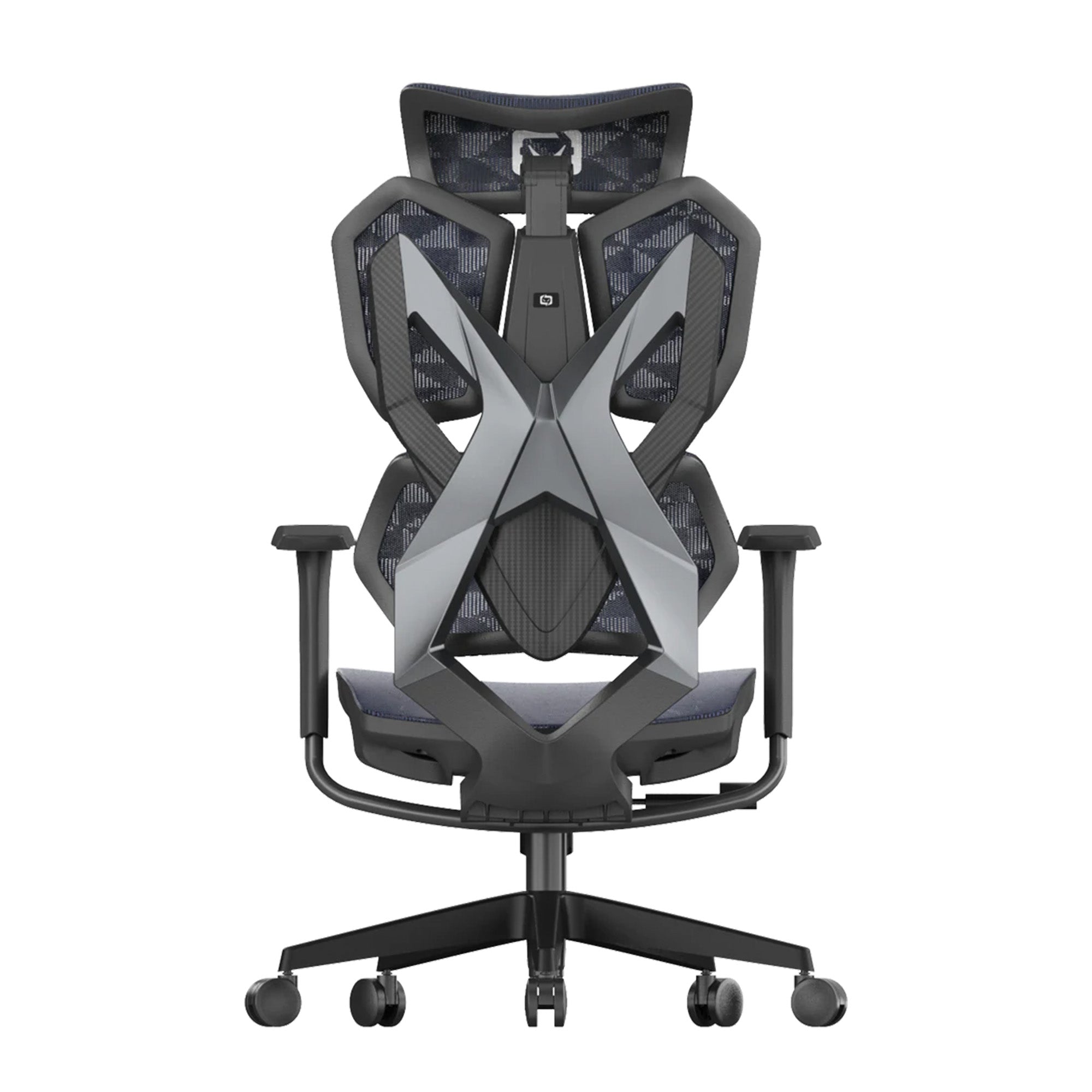
If you’re still using a dining chair or a basic, stiff office seat, it’s time for an upgrade. Ergonomic chairs in Australia, like those from Sihoo, have become incredibly popular because they strike the perfect balance between affordability and orthopaedic support.
Check your current setup against this standard Australian ergonomics checklist:
-
Eye Level: The top third of your monitor should be at eye level to prevent neck strain.
-
The 90-Degree Rule: Your elbows should be at 90 degrees, resting lightly on the armrests or desk.
-
Lumbar Support: Does your chair follow the natural S-curve of your spine? The Sihoo Doro series, for example, features dynamic lumbar support that moves with you—essential for those long deep-work sessions.
-
Feet Placement: Your feet should be flat on the floor. If they aren’t, grab a footrest.
Strategy: Actions to Improve Performance at Work
A reset isn't just about furniture; it's about your internal operating system. Q2 requires a different energy than Q1. Use these three strategies to hit the ground running in April:
1. Reset Your Visual Cues
Humans are visual creatures. If your whiteboard still has January’s KPIs on it, your brain is subconsciously stuck in the past. Wipe it clean and write down your Top 3 Q2 Outcomes. Make them big, bold, and impossible to ignore.
2. Optimise for Natural Light
In Australia, as we head into the cooler months, natural light becomes a precious commodity. Re-position your desk to catch the morning sun. This helps regulate your circadian rhythm, keeping you alert during the day and helping you sleep better at night—a natural performance booster.
3. Implement the "Shutdown Ritual"
Avoid the "blur" between home and work life. At the end of each day, spend 5 minutes clearing your desk and writing your "Frogs" (the most difficult tasks) for the next morning. This allows you to mentally "check out" and recharge for the next day's sprint.
A workspace reset is a small investment of time that pays massive dividends in focus. By combining a digital purge with high-quality physical tools like the C300 ergonomic chair, you remove the friction that leads to burnout.
Don’t miss out on Sihoo’s March Comfort Madness Sale, where you can snag premium ergonomic chairs at specially discounted prices to kickstart your Q2 reset!
Frequently Asked Questions
A workspace reset helps clear the physical and mental clutter that often builds up during the first quarter of the year. By organising your desk, files, and tools, you create an environment that supports better focus and clearer thinking. This makes it easier to shift from planning mode into execution. Starting Q2 with a clean workspace can help you stay organised and more productive.
Your work-from-home setup plays a big role in how well you concentrate and manage tasks during the day. A clean desk, good lighting, and supportive furniture can make long work sessions much more comfortable. When your environment is organised and easy to work in, you spend less time dealing with distractions. This helps you maintain focus and complete tasks more efficiently.
Start by clearing your desk and removing items that you no longer use. Organise documents, tidy cables, and keep only the tools you use every day within reach. It is also a good time to clean up your digital workspace by archiving old emails and deleting unnecessary files. These small steps can make your workspace feel calmer and easier to manage.
Ergonomic furniture helps support your body during long hours of sitting, which is common in many modern workplaces. A good ergonomic chair encourages proper posture and reduces strain on the back, neck, and shoulders. When you are physically comfortable, it becomes much easier to stay focused on your work. Over time, this can improve both productivity and overall wellbeing.
Start by checking that your monitor is positioned at eye level so you do not strain your neck. Your elbows should sit comfortably at about a 90 degree angle while typing or using a mouse. Make sure your chair supports the natural curve of your lower back and that your feet rest flat on the floor. Small adjustments like these can make a big difference to comfort during the workday.
Shop products from this article


Save up to 49% this Click Frenzy Sale. Pay in 4 interest-free instalments with Afterpay.
SHOP NOWRecommended Posts


