


Every modern workplace should be designed with people in mind. Knowing how can ergonomics be applied in the workplace helps reduce discomfort, enhance employee satisfaction and productivity, and prevent workplace injuries. From proper furniture to task-specific setup, ergonomics focuses on making the work environment safer and more efficient for everyone.
What Is Ergonomics? A Practical Definition for the Modern Workplace
At its core, ergonomics means designing tasks, tools, and spaces to fit the worker. It considers human factors like size, movement, and capability. By matching workplace design to the people using it, businesses can improve comfort, reduce physical strain, and support healthier workplace environments.
Ergonomics also focuses on reducing the risk of musculoskeletal disorders by preventing awkward postures and repetitive movements. This field isn't limited to offices. From warehouses to clinics, ergonomics is essential wherever people work. It enhances employee well-being while also cutting costs from injuries and illnesses.
Why Is Ergonomics Important in the Workplace?
Ergonomics is important in the workplace because it directly supports employee health and productivity. Poor ergonomics often leads to back pain, fatigue and discomfort, or even carpal tunnel syndrome. Over time, these issues increase workers' compensation claims and reduce performance.
Fortunately, implementing ergonomic improvements can help employees stay focused, alert, and motivated. Investing in ergonomic design signals that workplace health matters. It also contributes to employee satisfaction and productivity across teams.
Understanding Workplace Ergonomics Across Different Roles
Workplace ergonomics applies to all industries, not just desk jobs. For instance, manufacturing roles benefit from adjustable workstations that reduce awkward postures. Healthcare staff need tools that minimise bending and lifting to avoid physical strain.
Meanwhile, remote and office workers require supportive chairs, monitor arms, and ergonomic keyboards. Regardless of role, the goal remains the same: create ergonomic equipment and layouts that promote safe work and minimise ergonomic hazard.
Identifying Common Ergonomic Hazards in the Work Environment
Common workplace ergonomic hazards include repetitive motion, poor posture, and lack of movement. These risk factors often lead to musculoskeletal disorders like back pain or carpal tunnel syndrome. Additionally, inadequate lighting and noise can increase fatigue.
To identify ergonomic hazards in the workplace, begin with an ergonomic assessment. Look for signs of fatigue, discomfort, and awkward movement. Once spotted, employers can act fast to implement ergonomic solutions and reduce the risk of injury.
Ergonomics and Safety: Minimising Risk Factors at Work
Ergonomics and safety go hand in hand. When organisations manage ergonomic risk factors, they reduce the chance of work-related injuries. Ergonomics safety in the workplace is an essential element of every health and safety strategy.
By following proper ergonomic principles, workplaces can avoid msds and promote a safe, comfortable environment. Ergonomic improvements don't just meet compliance; they build a culture of care that values workers' wellbeing.
Office Ergonomics: Creating a Healthier Desk Setup
Office ergonomics is vital for desk-based roles. A good ergonomic workstation includes a supportive chair, monitor at eye level, and ergonomic keyboard and mouse. This setup improves posture and helps reduce strain on the body.
To create a healthier workplace, regularly assess desk layouts. Encourage sitting and standing intervals to minimise physical strain. Even small changes can improve the health and wellbeing of your team.
The Role of Workstations in Supporting Ergonomic Health
Every ergonomic workstation should be tailored to its user. From desk height to chair adjustability, each component should support natural posture. A well-designed workstation helps prevent msds and enhances comfort.
Moreover, good ergonomics will create a positive flow in the workspace. Employees are more engaged when their environment fits their needs. Ultimately, ergonomic workstations support both safety and productivity.
Implementing Ergonomic Solutions in the Workplace
To implement ergonomic solutions, start by identifying problem areas. Conduct an ergonomic assessment to evaluate posture, equipment, and task setup. Then, introduce changes based on the most urgent needs.
Consider using adjustable chairs, keyboard trays, or monitor risers. Training and feedback are key to ensuring proper ergonomic use. Together, these actions improve the workplace health and safety.
How to Promote Ergonomics Safety in the Workplace Culture
Promoting ergonomics safety requires consistent communication. Share ergonomic tips via posters, emails, and staff briefings. Encourage team leaders to model good ergonomic practices.
Additionally, provide ergonomic training as part of the onboarding process. Empowering staff with knowledge helps prevent workplace injuries. When safety and health are a shared responsibility, everyone benefits.
Ergonomics Programs: How to Design and Sustain Them
A successful ergonomics program begins with leadership support. Assign champions to monitor ergonomic practices and workplace hazards. Regularly review feedback and adjust strategies as needed.
Include ergonomic risk assessments and update equipment when necessary. A comprehensive ergonomic program ensures long-term safety, performance, and employee satisfaction. Continuous improvement is essential for effectiveness.
Human Factors That Influence Ergonomic Success
Human factors play a major role in ergonomics at work. Factors like fatigue, attention, and perception can affect safety and efficiency. Understanding the importance of ergonomics means designing tasks that match human capabilities.
Well-structured tasks and supportive tools prevent burnout and enhance employee focus. The better the fit between human and task, the greater the safety and performance outcomes.
Ergonomically Designed Tools That Support Safe Work
Ergonomically designed tools include adjustable chairs, monitor stands, and keyboard trays. These items reduce physical strain and improve comfort during long hours of work. Proper ergonomics can help prevent fatigue and injury.
Using ergonomic equipment supports safe work across industries. Whether in offices or warehouses, investing in good ergonomics reduces long-term costs and boosts employee morale.
Reducing Strain and Fatigue Through Ergonomic Interventions
Fatigue and discomfort are common results of poor ergonomics. Fortunately, proper ergonomic design can reduce strain by supporting natural movement. Frequent breaks and posture adjustments also help.
Introduce reminders for staff to stretch or shift position. Even small ergonomic improvements can greatly impact workplace health. Reducing strain increases comfort and long-term job satisfaction.
Creating a Productive Workspace Through Ergonomics
A well-designed workspace improves productivity. Good ergonomic practices minimise distractions caused by pain or discomfort. With better posture and proper tools, employees can focus more easily.
Additionally, ergonomic setups reduce the time spent adjusting equipment or recovering from aches. The right workspace helps employees do their best work without unnecessary strain.
The Connection Between Ergonomics, Health, and Productivity
There's a clear link between ergonomics, health and productivity. When staff feel physically supported, they perform better. Ergonomics also reduces the frequency of work-related injuries.
Businesses that prioritise ergonomics improve the health of their workforce. As a result, they enjoy fewer sick days, lower costs, and greater output. It's a win-win situation.
Why Ergonomics Should Be a Priority in Every Work Environment
In every work environment, ergonomics is essential to safety and efficiency. It should never be an afterthought. With ergonomic risk factors present in every industry, prevention is key.
Proper ergonomics creates a healthier, more inclusive workspace. From hospitality to IT, ergonomics will create better outcomes for workers and employers alike. It supports long-term wellbeing and success.
Enhance Your Workplace Ergonomics with SIHOO Australia
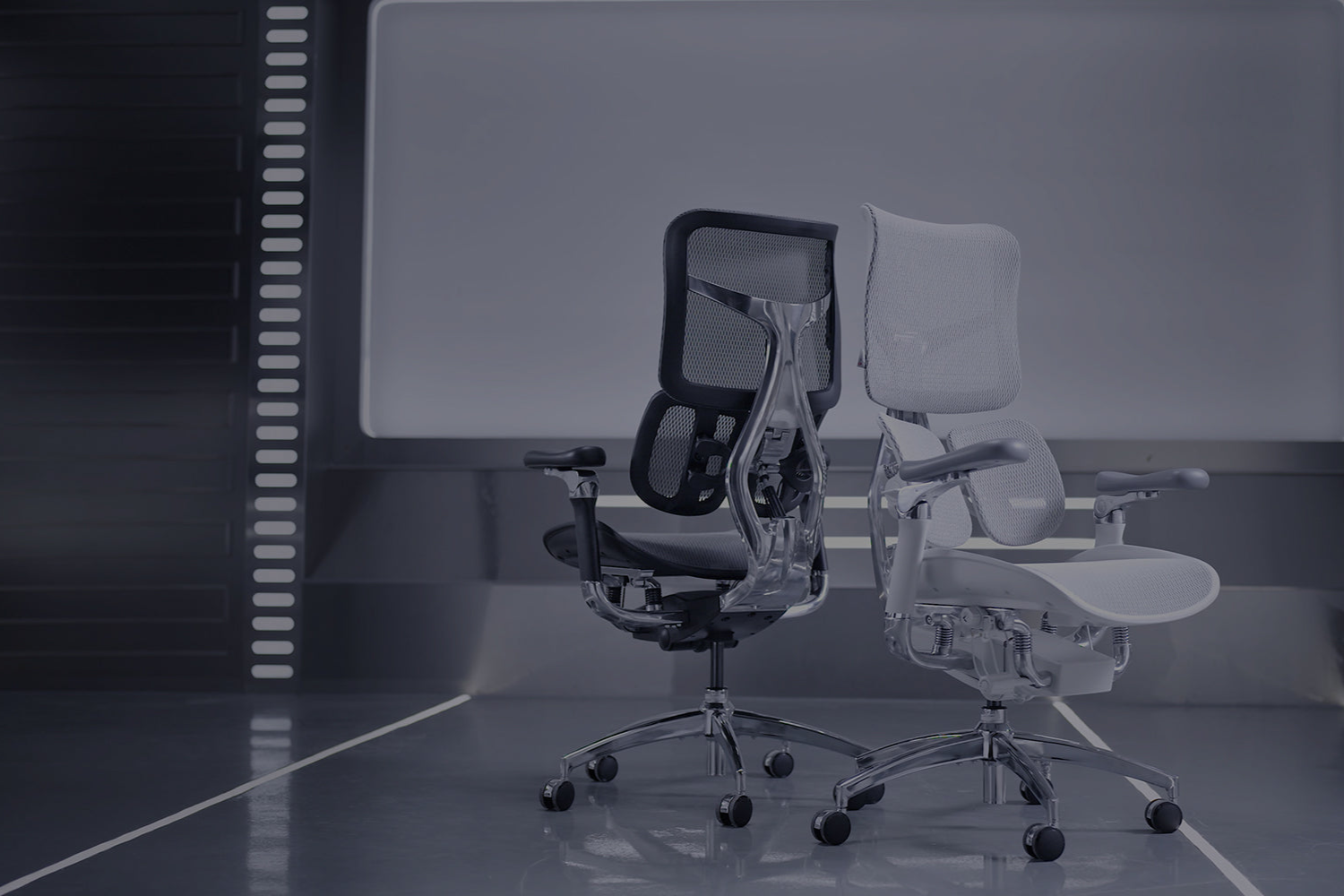
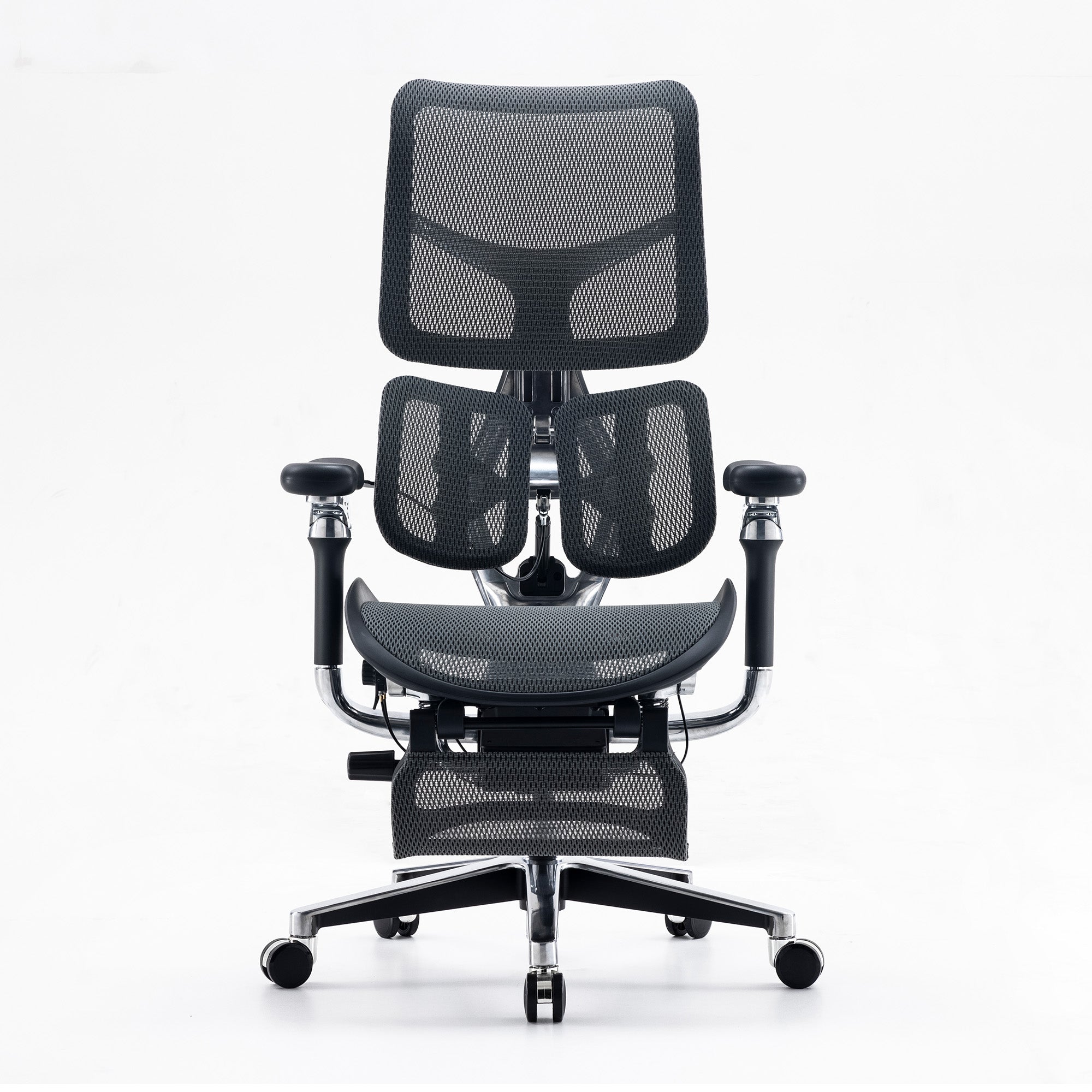
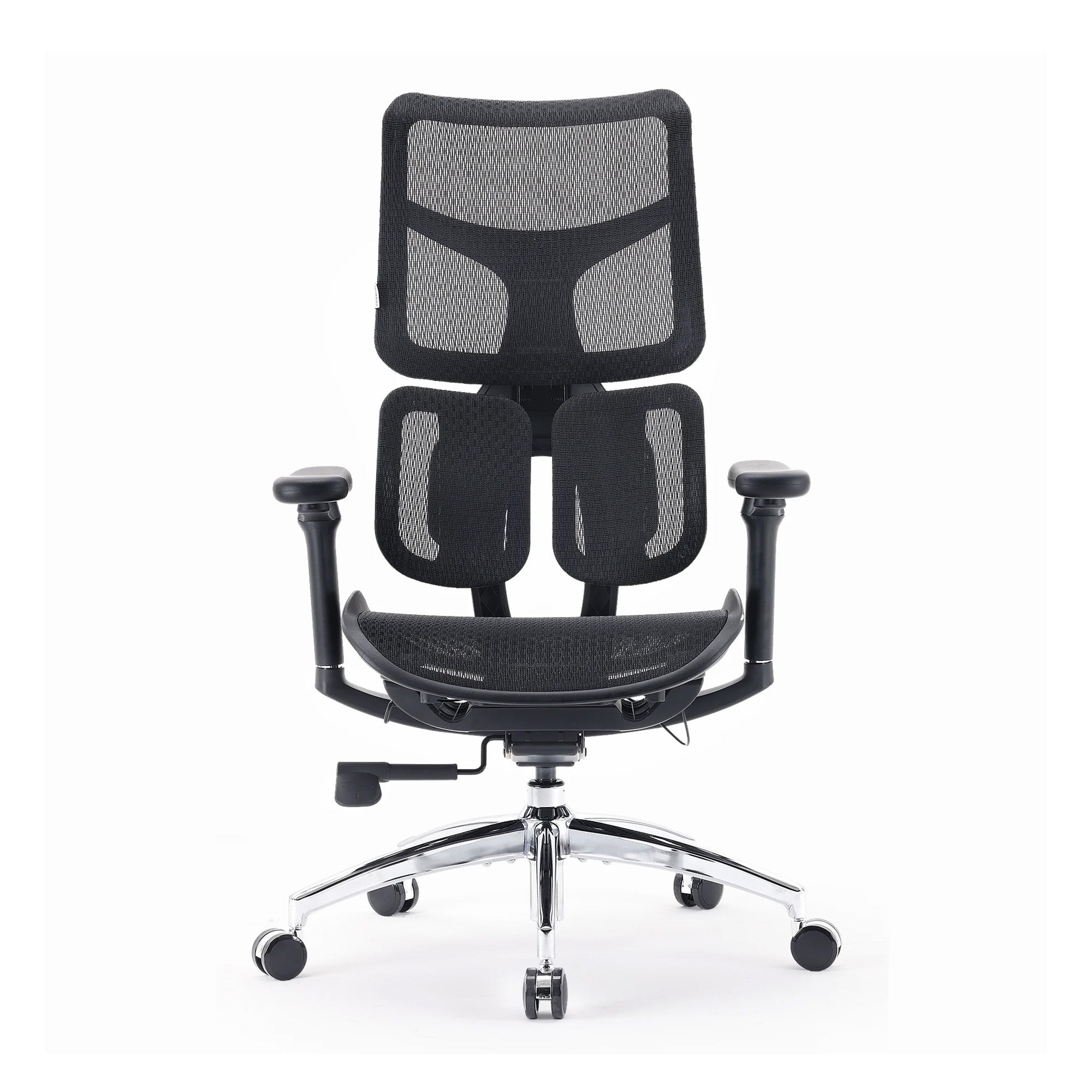
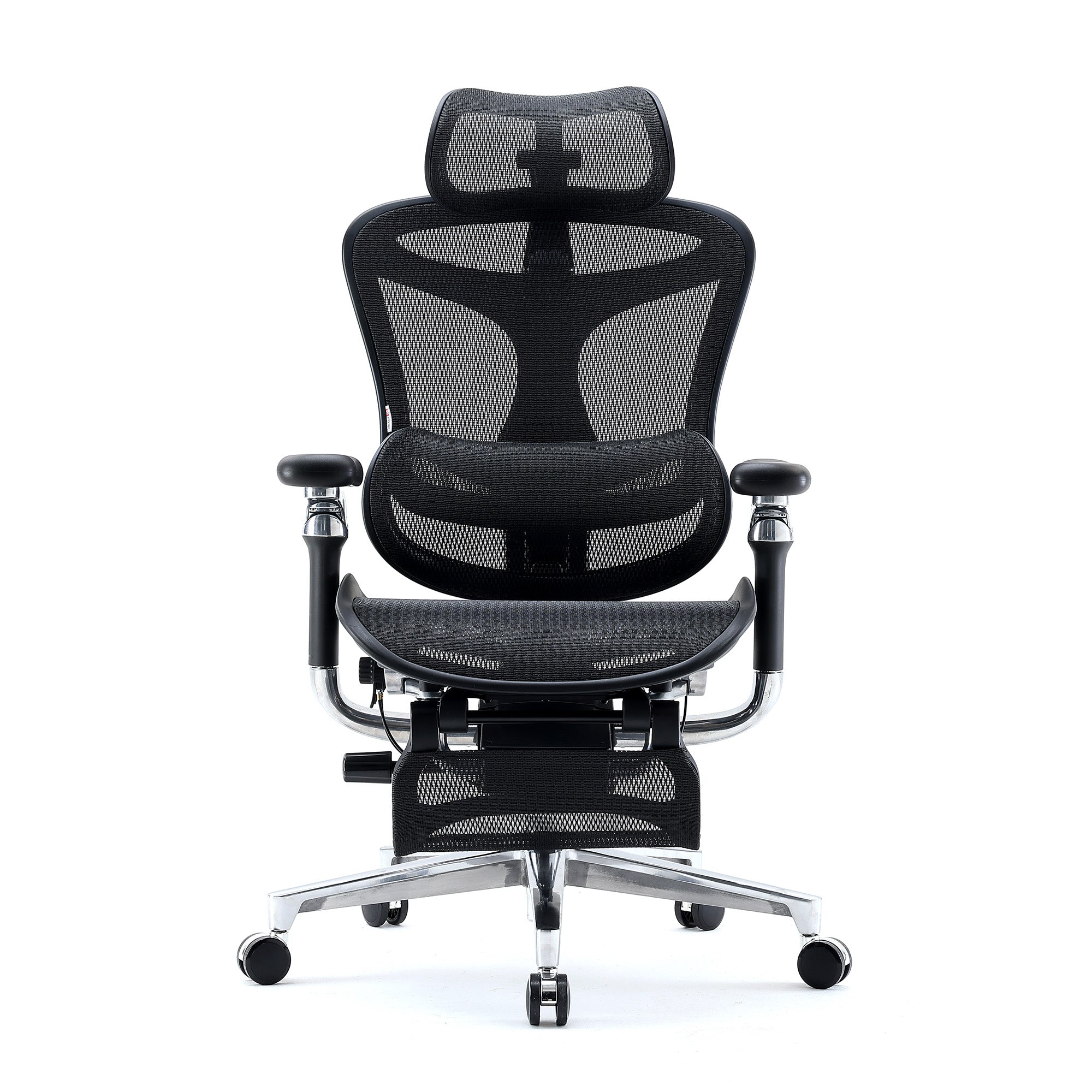
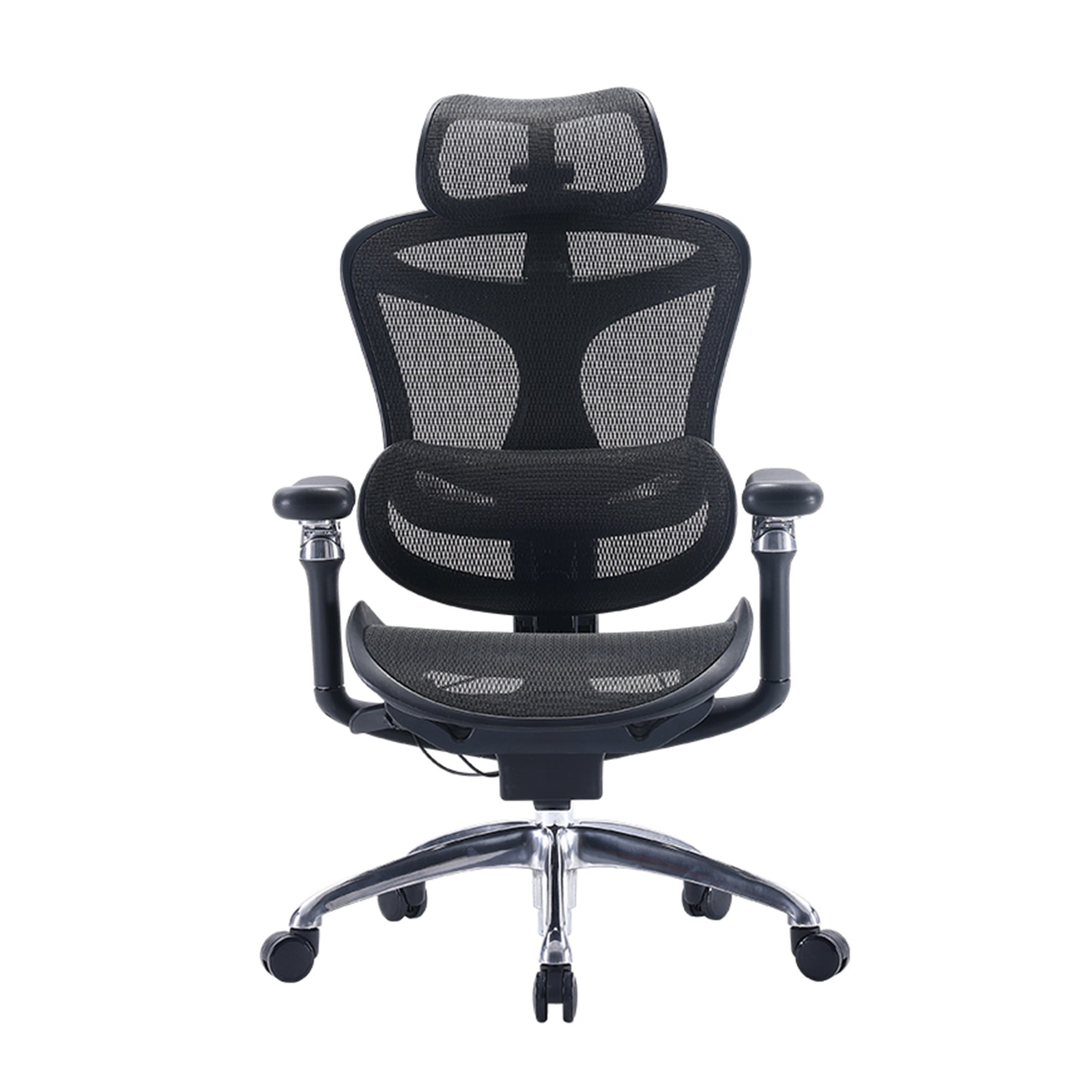
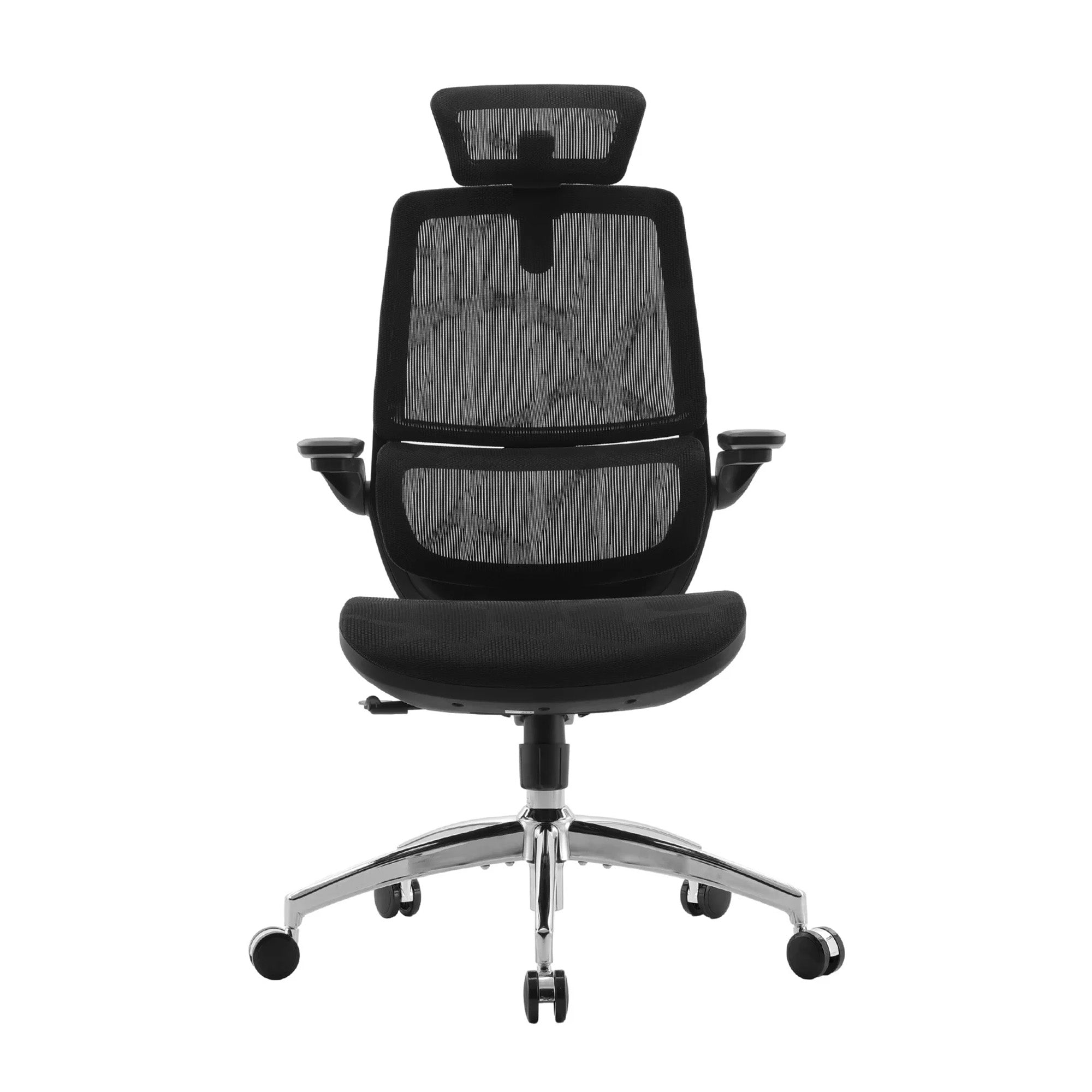
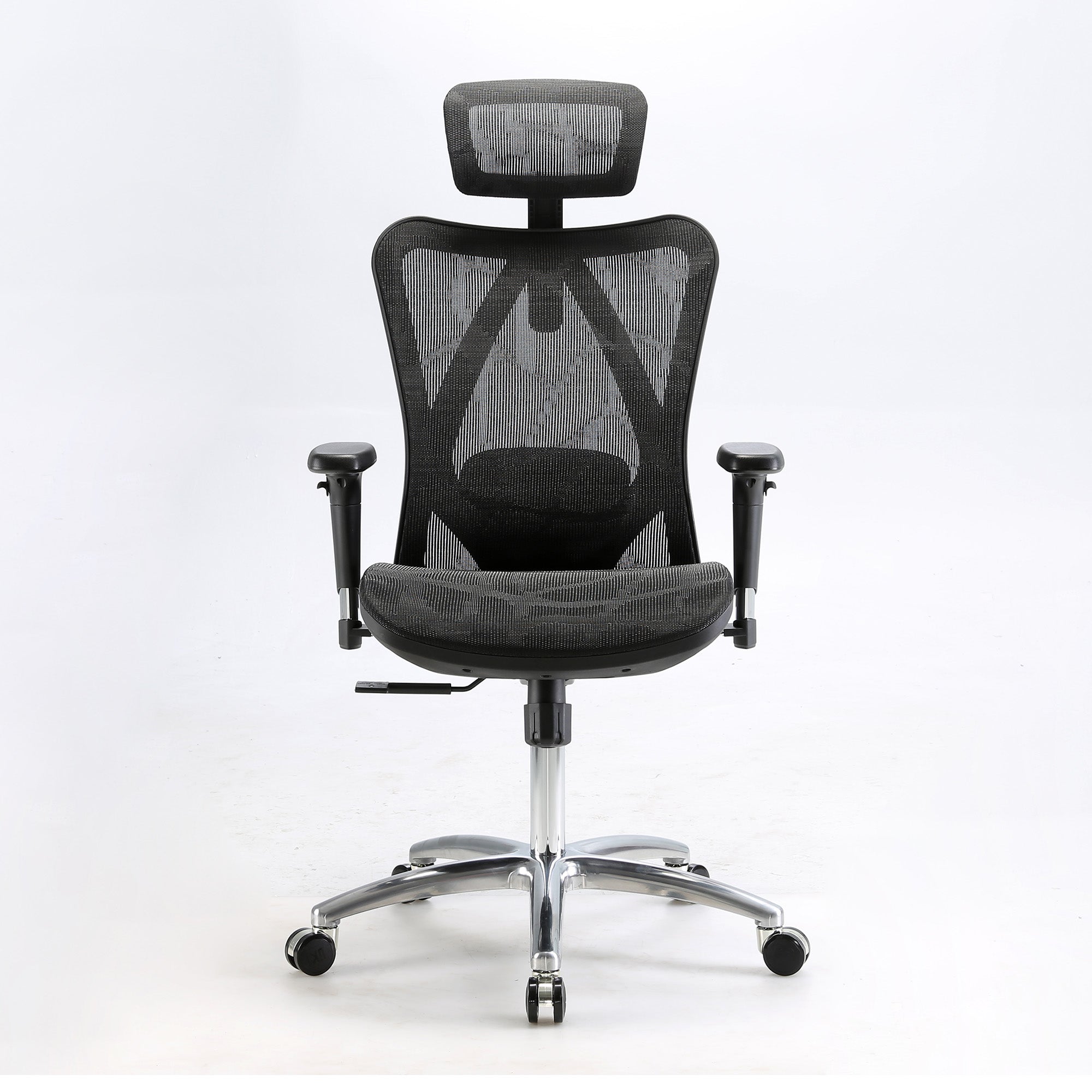
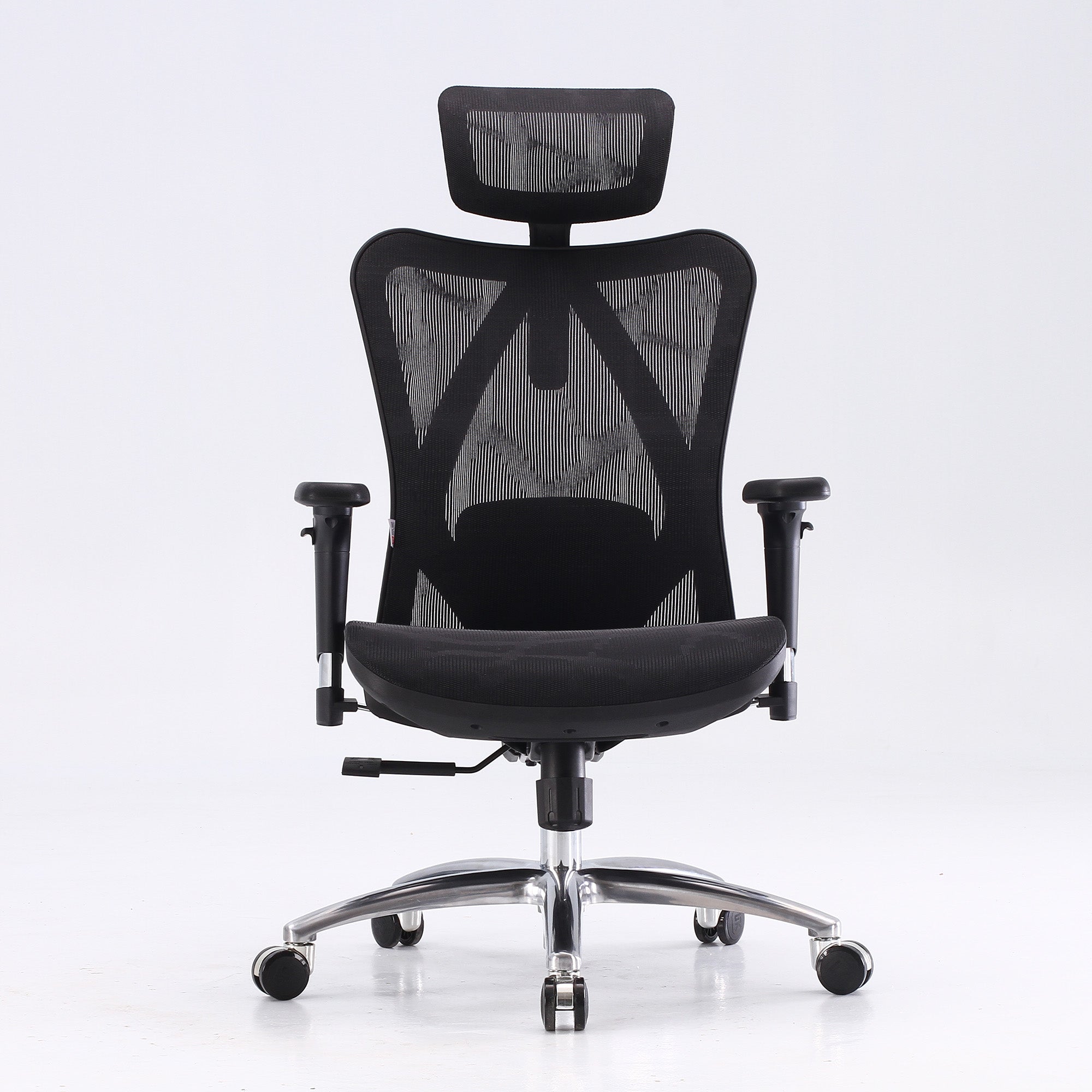
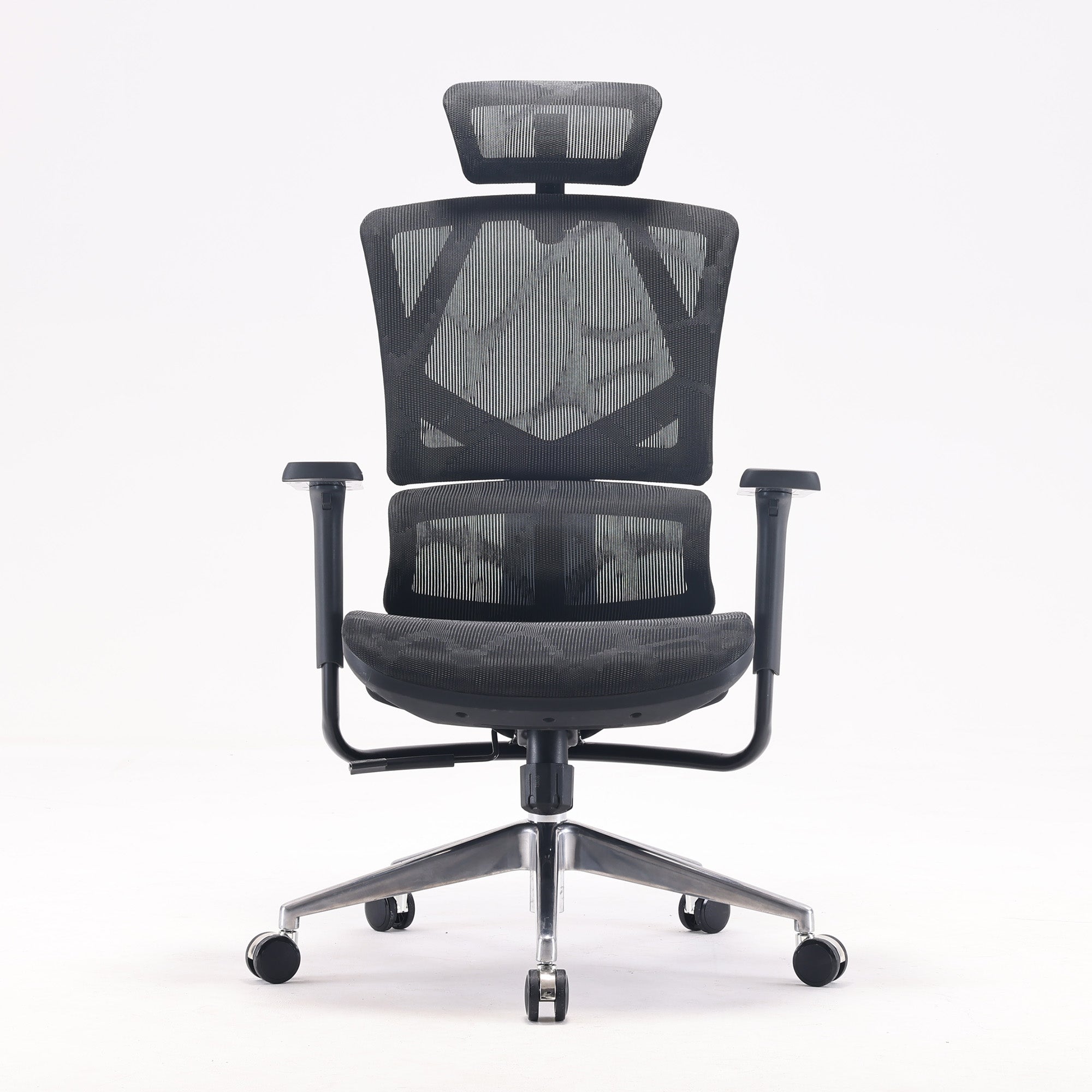
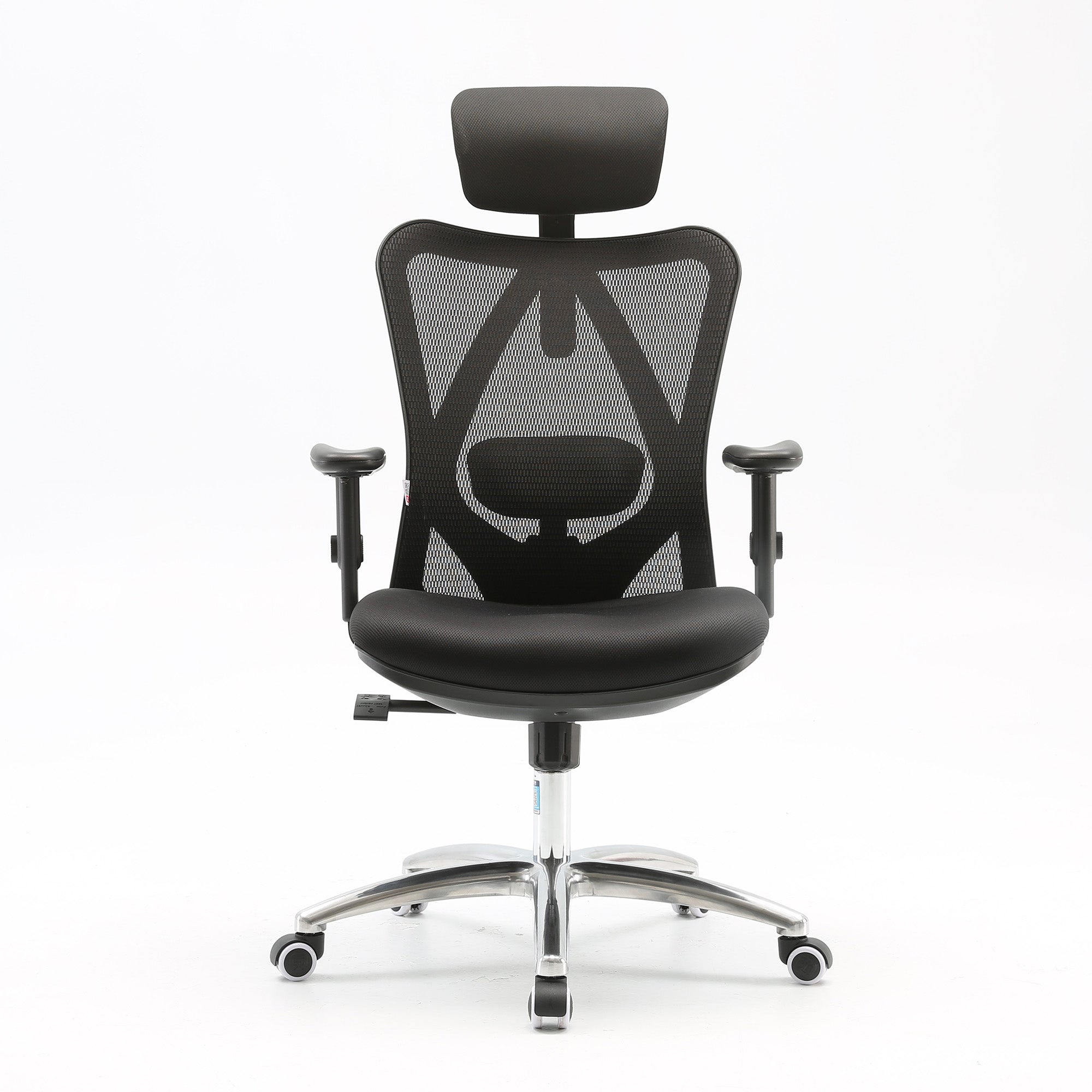
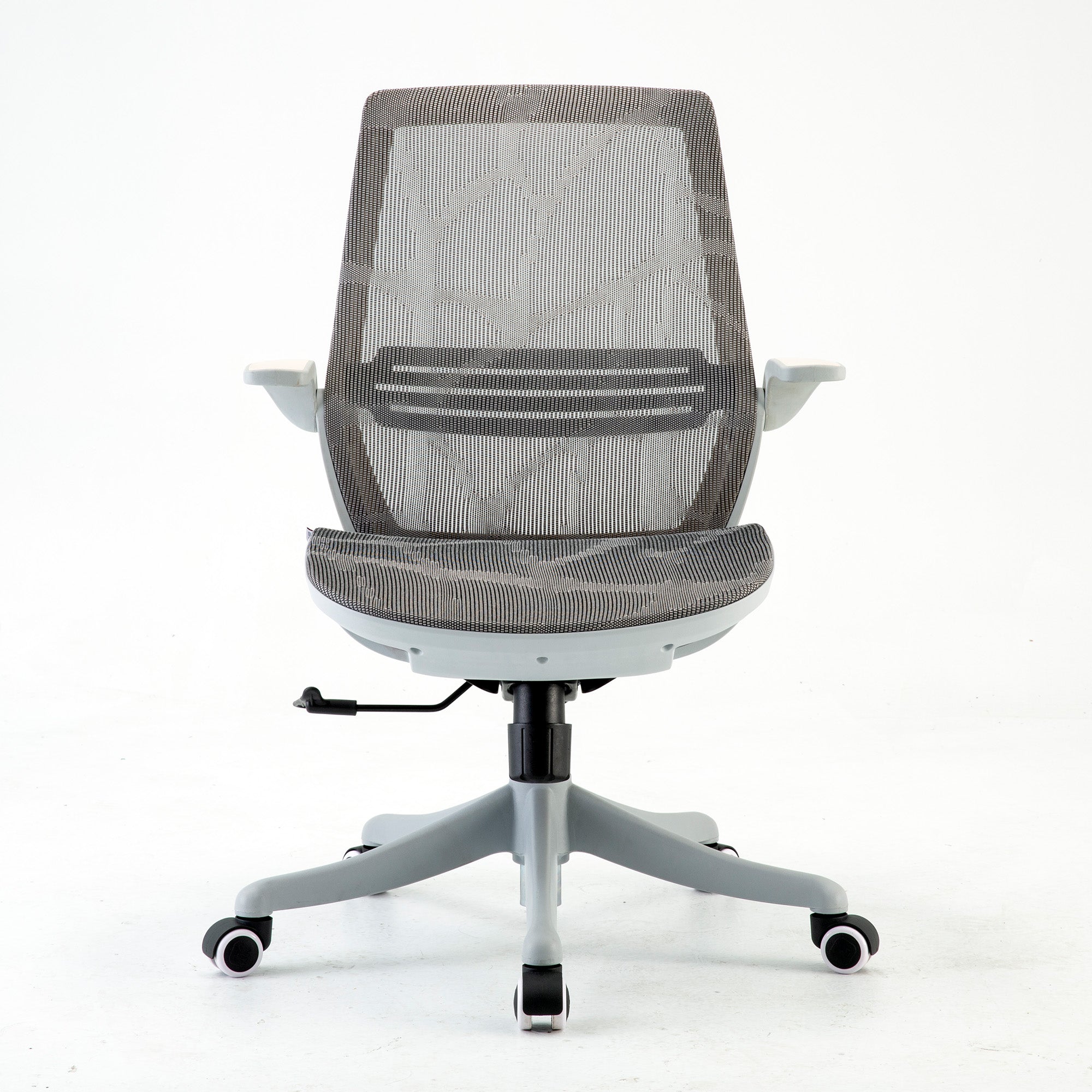
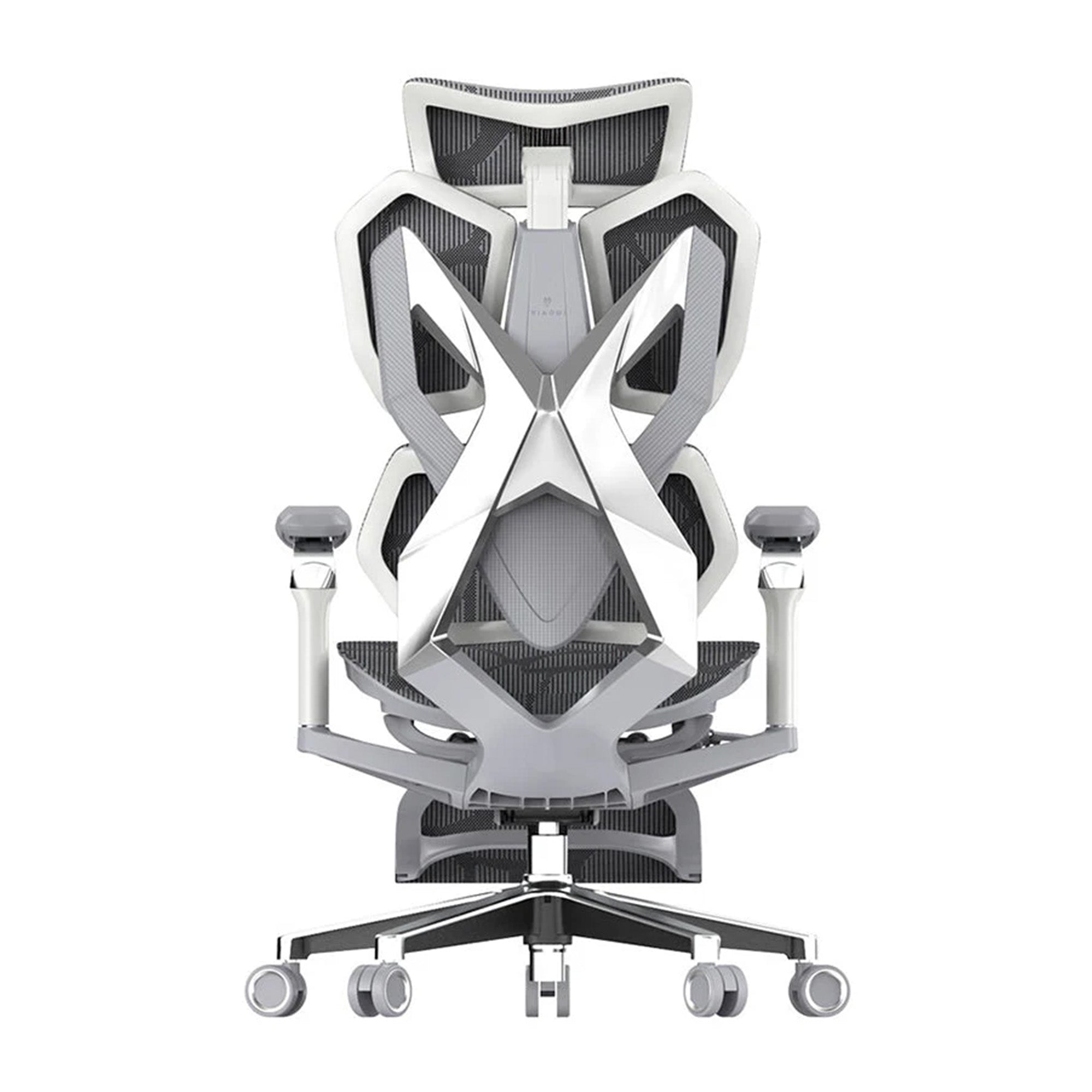
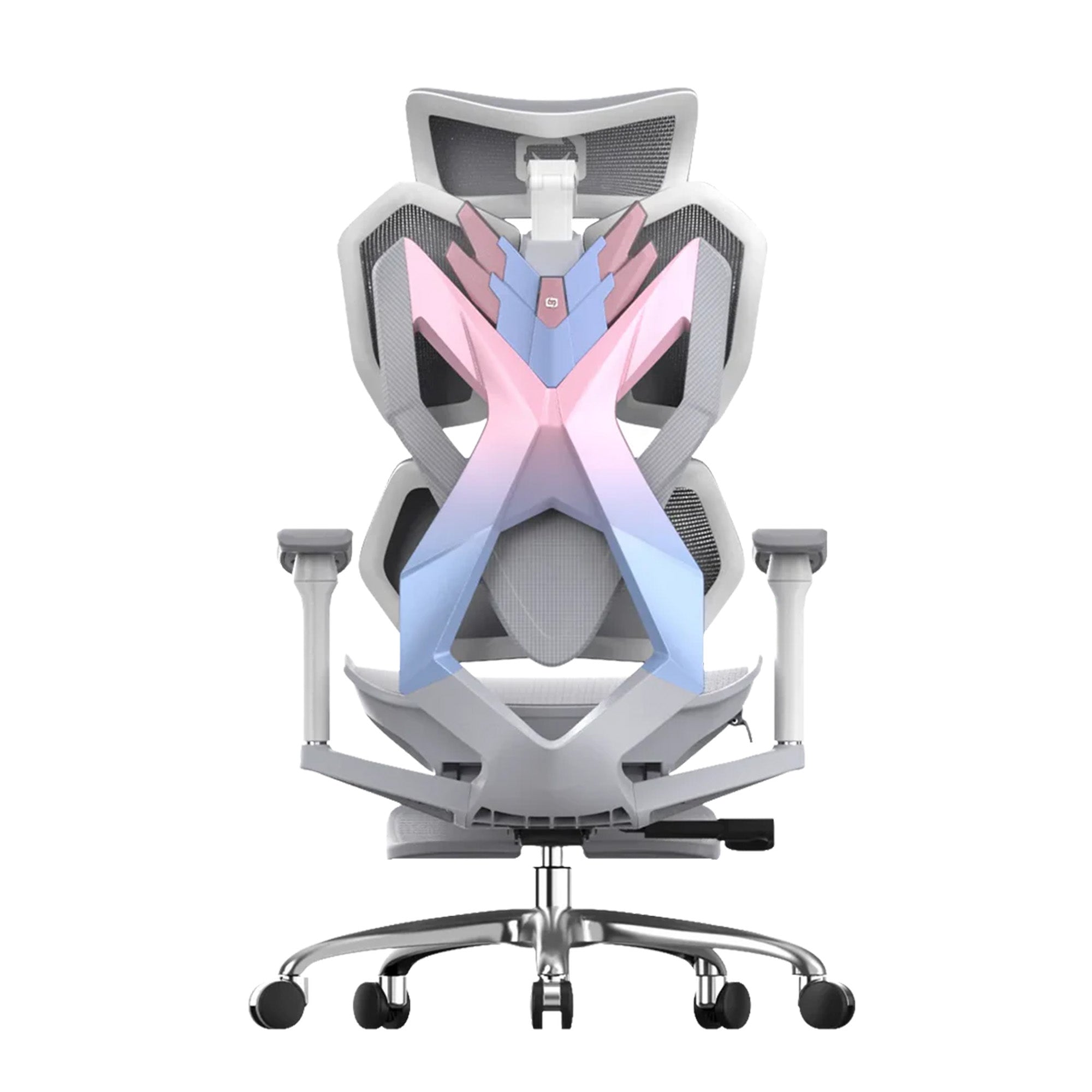
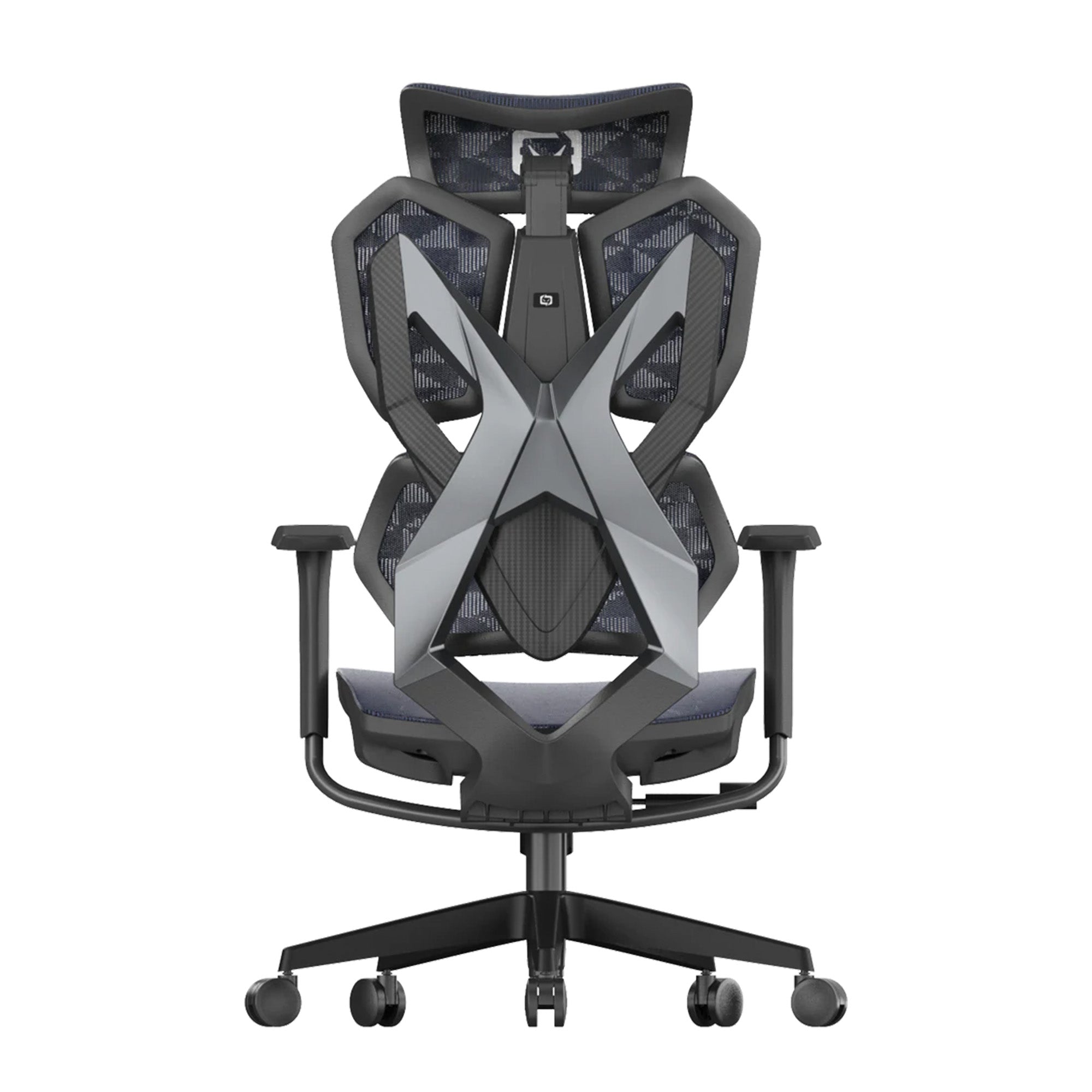
SIHOO Australia delivers expertly designed ergonomic chairs to improve posture, reduce strain, and enhance employee performance. Our ergonomic office chairs and gaming chairs feature adjustable lumbar support and breathable materials for all-day comfort.
Backed by BIFMA-certified engineering and sustainable practices, SIHOO seating supports the modern workplace. Whether for work, study, or play, SIHOO's ergonomic chair in Australia solutions promote workplace health and comfort. Discover how ergonomics can help you build a better workspace with SIHOO today.
Frequently Asked Questions
Workplace ergonomics is the practice of designing tasks, workstations, and tools to fit the people who use them. It considers human factors such as body size, posture, movement, and strength to reduce strain, fatigue, and injury. Proper ergonomics ensures employees can work safely, efficiently, and comfortably while maintaining long-term health.
Ergonomics is crucial because poor workstation design can lead to musculoskeletal disorders, back pain, repetitive strain injuries, and fatigue. Applying ergonomic principles improves employee wellbeing, productivity, and focus. It also reduces absenteeism, workers’ compensation claims, and healthcare costs while fostering a healthier, safer, and more satisfied workforce.
Common ergonomic hazards include poor posture, awkward movements, repetitive tasks, inadequate seating, poorly positioned monitors, and insufficient lighting. To identify hazards, conduct workplace assessments, observe staff during daily tasks, and ask for feedback on discomfort or fatigue. Once identified, hazards can be addressed through furniture adjustments, ergonomic tools, and workflow redesign.
Ergonomic chairs enhance productivity by providing consistent postural support and reducing strain on the back, neck, and shoulders. With customizable features like adjustable lumbar support and seat height, users can tailor the chair to their body’s needs, which helps prevent fatigue and discomfort. When your body is well-supported, you can focus more effectively on tasks without the distraction of aches or poor posture. Additionally, breathable materials and high-quality padding contribute to long-lasting comfort, allowing for sustained attention and efficiency during work hours.
Start by assessing current workstations and identifying problem areas. Provide adjustable furniture and ergonomic tools where needed. Educate employees on posture, safe lifting, and equipment use. Encourage regular movement and breaks, and assign ergonomic champions to monitor practices. Continuously gather feedback and update the program to ensure long-term success.
Shop products from this article


Save up to 49% this Click Frenzy Sale. Pay in 4 interest-free instalments with Afterpay.
SHOP NOWRecommended Posts


