
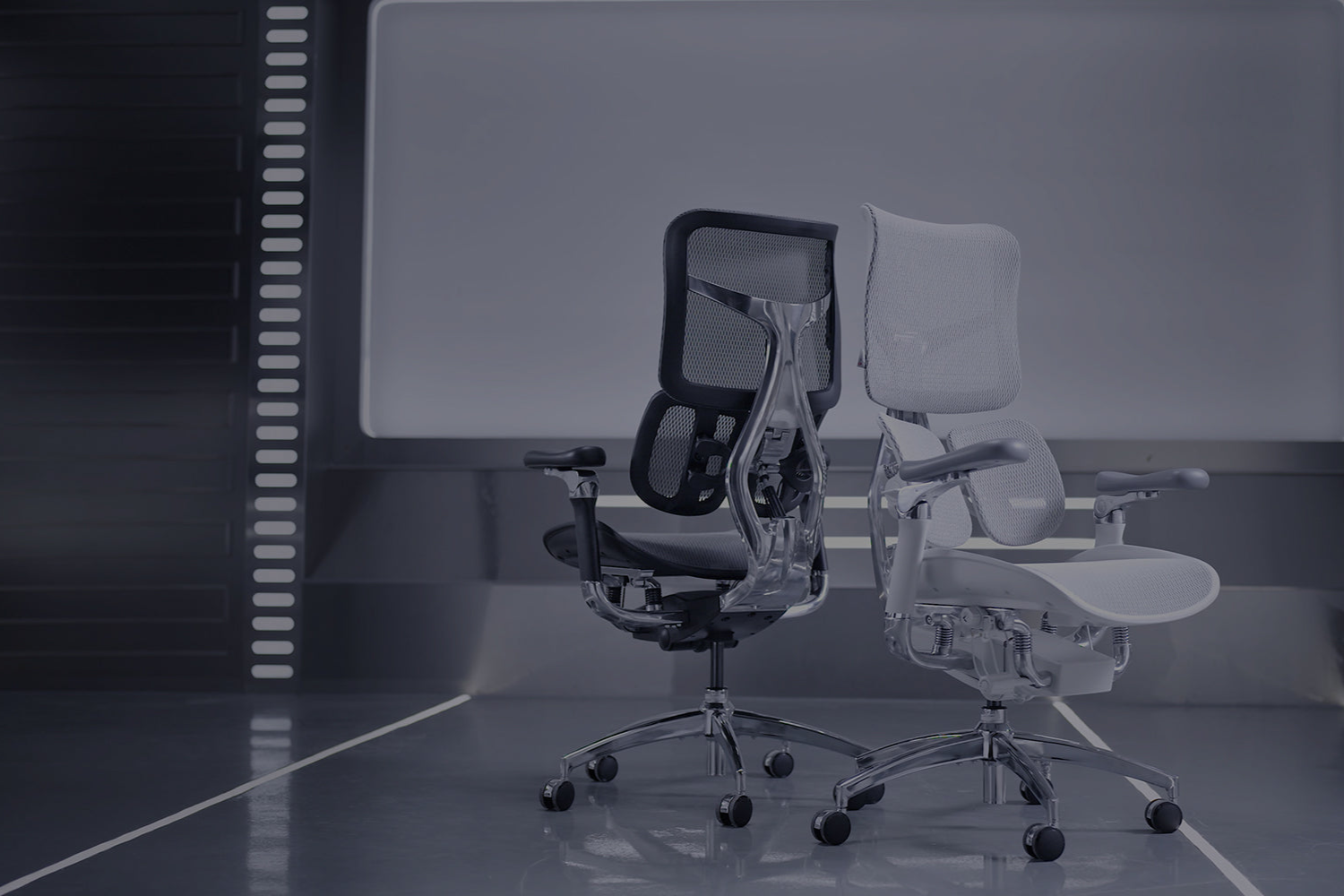
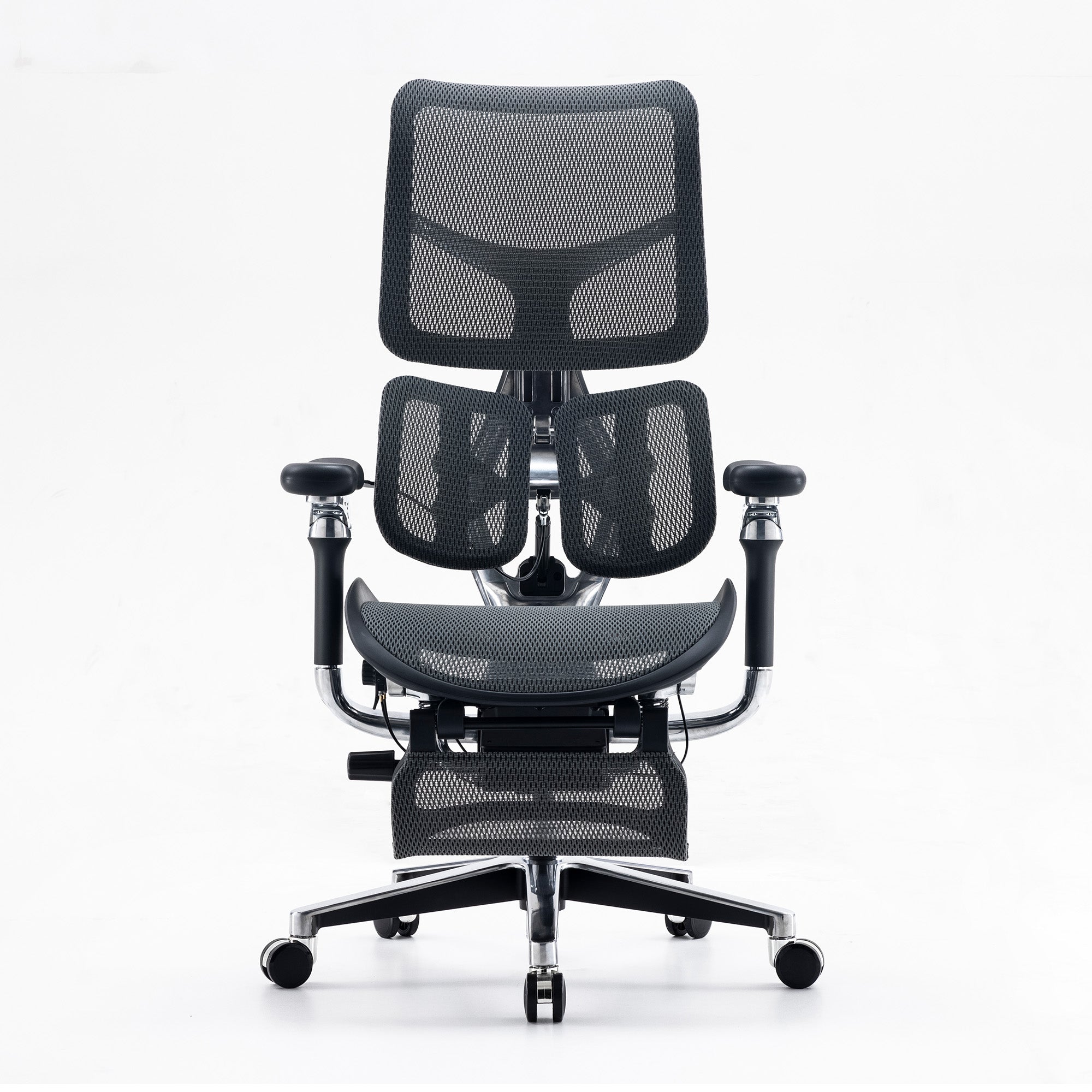
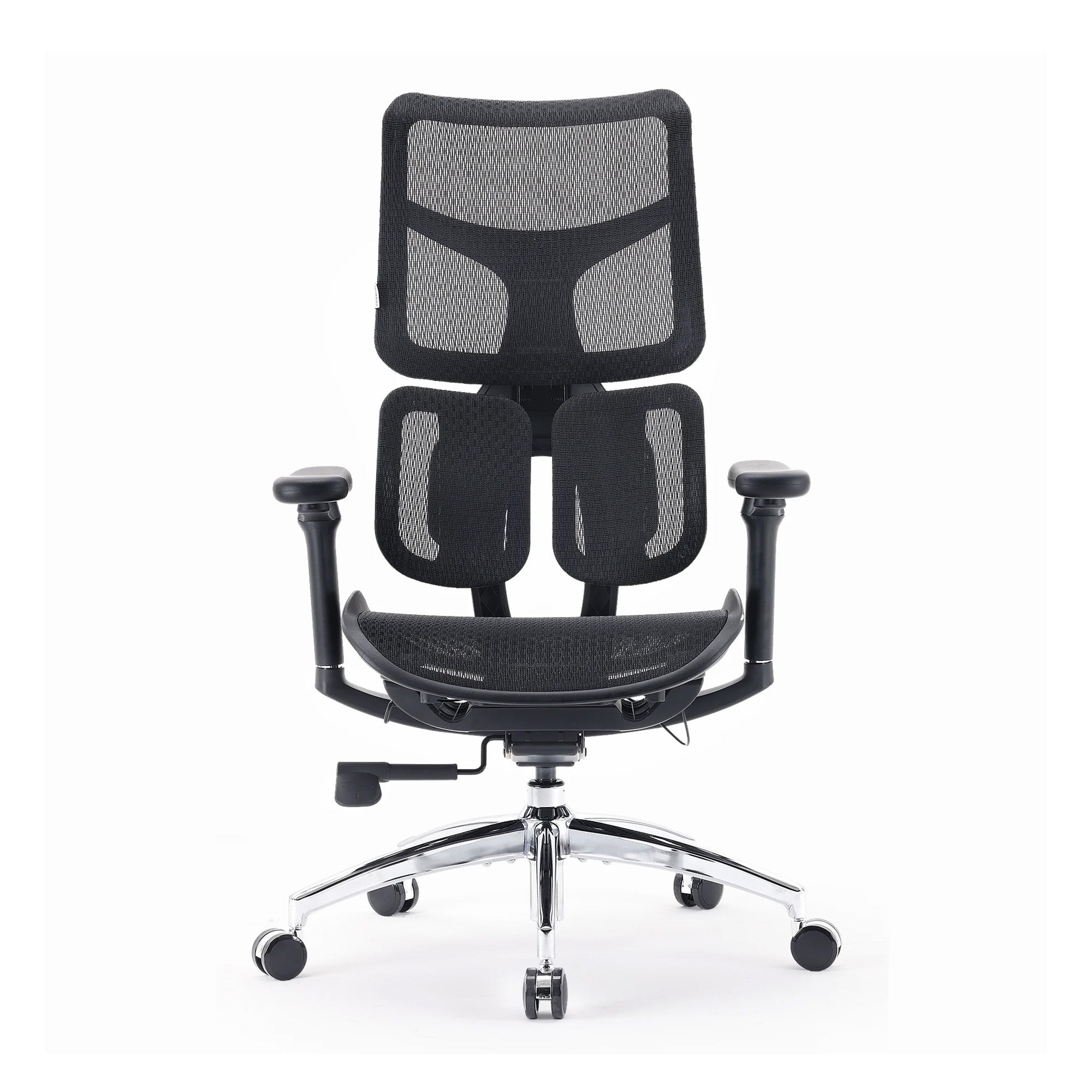
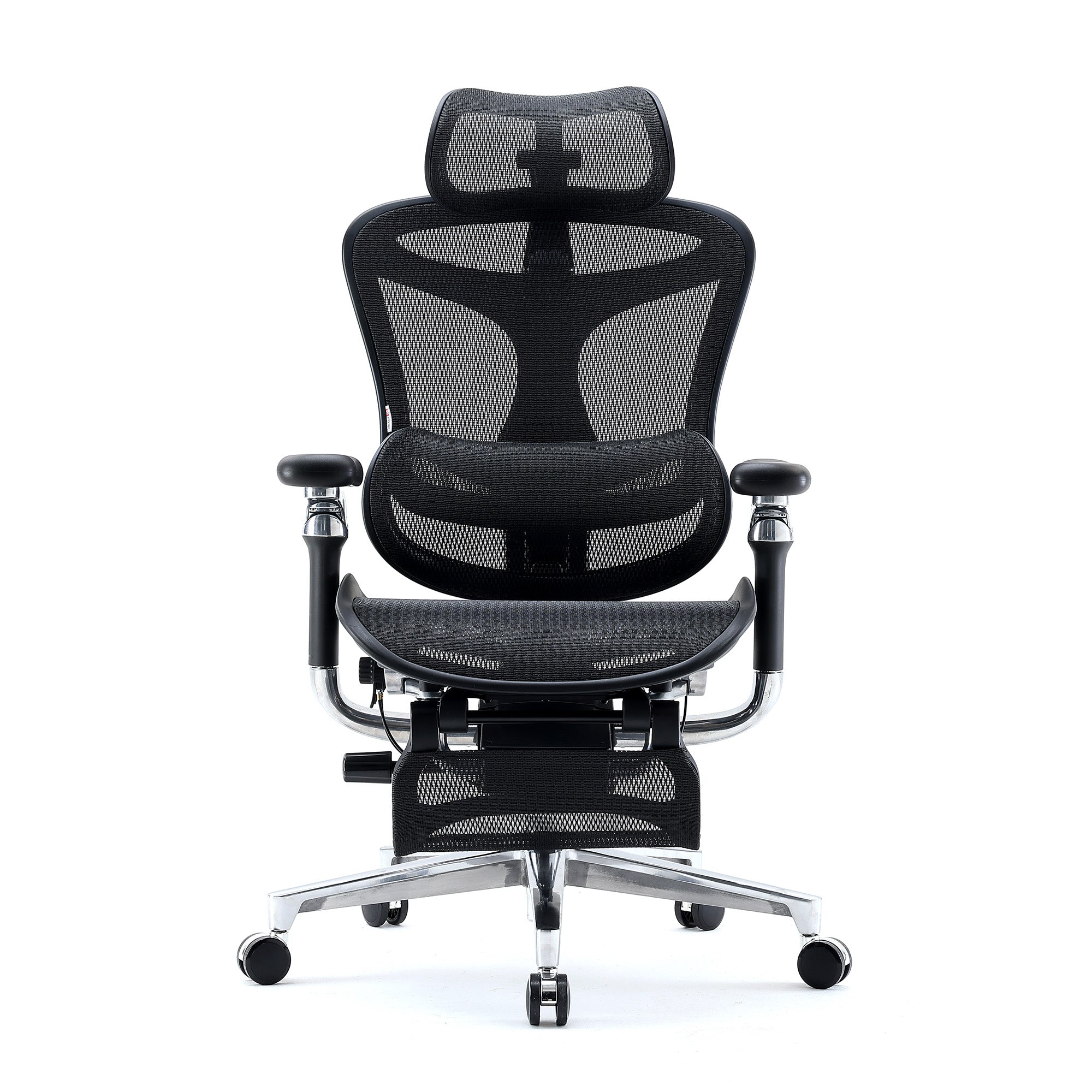

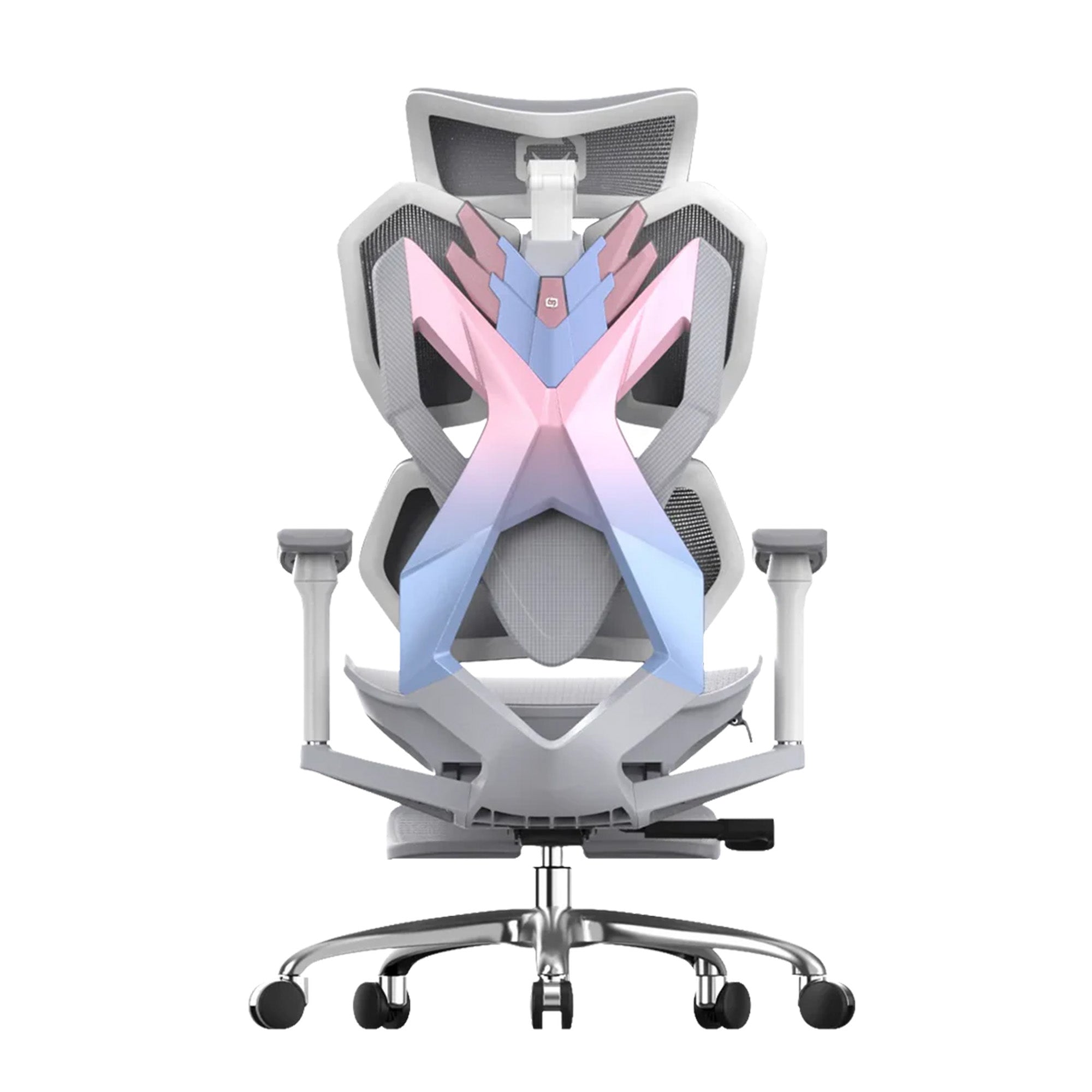
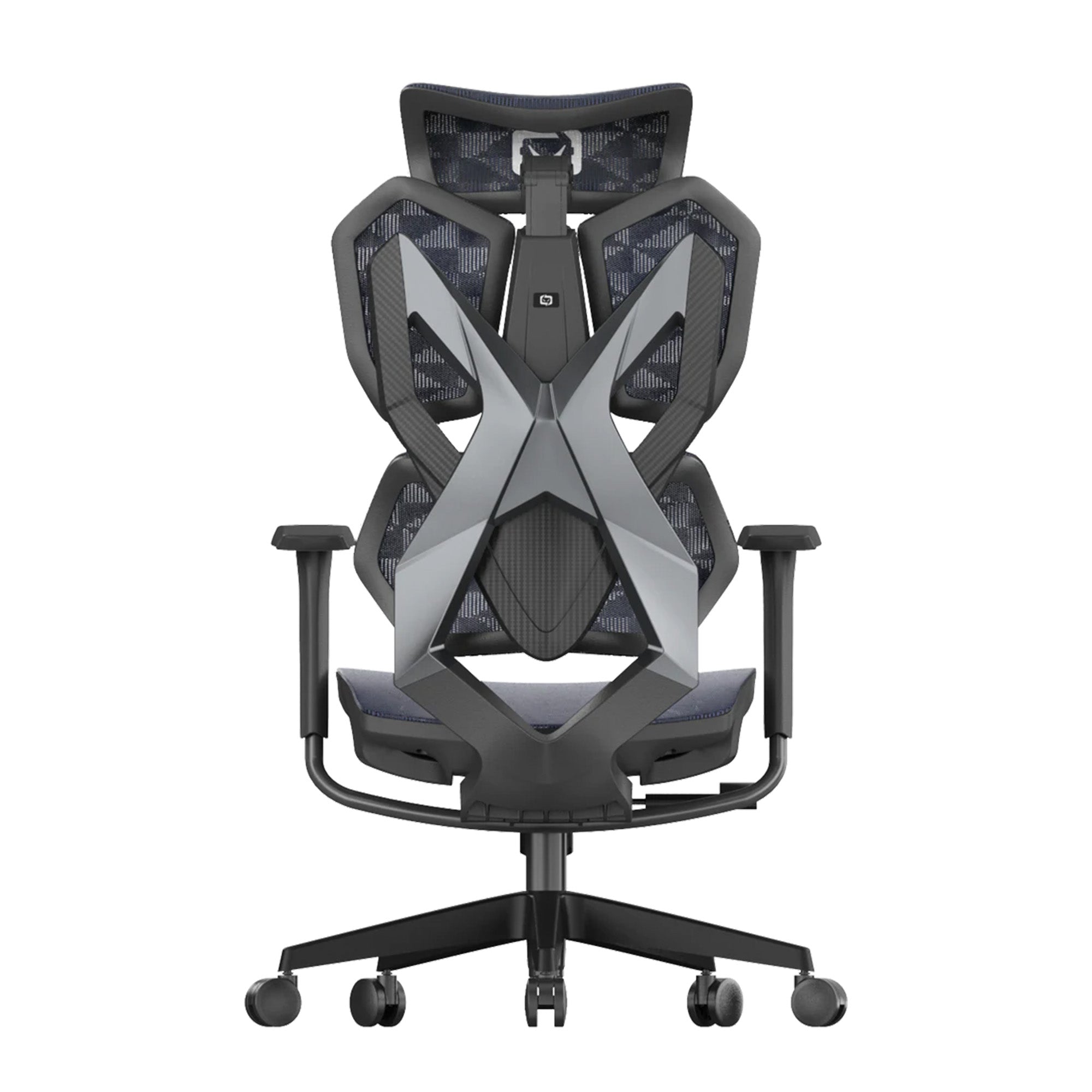

Nothing looks wrong here.
The desk is clear. There is a plant. The light is good, the colours are soft, and the whole setup would photograph well. An ergonomic office chair sits behind it, chosen carefully and rarely touched since. Yet somewhere around eleven in the morning the focus starts sliding, and by mid-afternoon you are up and down from the desk without quite knowing why. The room is calm. The experience of sitting in it is not.
That gap is the thing most advice on building a zen workspace misses. Calm gets treated as a styling problem, solved with decluttering and neutral tones. In practice, a zen workspace feels calm when nothing in it is quietly interrupting you, and an ergonomic office chair set to factory defaults is one of the most common sources of that interruption. Visual clutter is one source. Low-grade physical discomfort is a much bigger one, and it is far harder to notice, because the body reports it as restlessness rather than pain.
This guide takes the physical route. It covers a thirty minute self-audit that shows you what is actually breaking your concentration, the free fixes that resolve most of it, and the point at which the chair itself becomes the limiting factor. It also translates the standard zen workspace advice into what each element is doing mechanically. All prices confirmed from sihoo.com.au as of July 2026.
What a Calm Workspace Actually Is
Calm Is a Physical State Before It Is a Visual One
Think about the last time you lost an hour without noticing. You were not thinking about the room. You were not thinking about your body either. That is the actual definition of a workspace that works: nothing in it is asking for your attention.
Attention is finite, and it gets spent on whatever is currently unresolved. A stack of paperwork in your side vision is unresolved. So is a shoulder held half a centimetre higher than it should be, or a lower back that has been doing support work since nine in the morning. The difference is that you can see the paperwork. The shoulder registers as a vague sense of not being able to settle, and most people file that under tiredness or a lack of discipline.
This matters more in shared offices than in home setups, because the physical sources of interruption tend to be standardised across a floor while the bodies using them are not. One desk height, one chair configuration, and thirty different people. The room can be beautifully designed and still be quietly costly to sit in.
|
THE ONE THING TO UNDERSTAND: A calm workspace is not the one with the least in it. It is the one with the least unresolved in it. Decluttering removes visual interruption. Correct chair configuration removes physical interruption. Most people do the first and skip the second, then wonder why a tidy desk still produces a restless afternoon. |
The Restlessness Audit: Thirty Minutes That Tell You What Is Wrong
Count the Shifts Instead of Guessing at the Cause
Here is the part you can do today. Set a timer for thirty minutes during ordinary work, and each time you change position in the chair, make a mark on a piece of paper. Do not change how you sit. Just count.
Position changes are the body's response to a load it cannot sustain. A supported body settles and stays settled for long stretches. An unsupported one keeps hunting for a configuration that works, and because that configuration is not available at the current settings, it never finds one. The frequency of the shifts, and the direction they take, points directly at the cause.
|
What you do in the thirty minutes |
What it usually means |
Where to look first |
|---|---|---|
|
Fewer than three position changes |
The setup is working. Restlessness, if present, is more likely cognitive than physical. |
Nothing to fix in the chair. Look at task structure and break timing instead. |
|
Frequent small movements that feel automatic, not uncomfortable, such as rocking, tapping a foot, or shifting for no clear reason |
This is not always a chair problem. For some people, especially those with ADHD, small constant movement supports focus rather than disrupting it, and research on adults with ADHD has linked this kind of fidgeting to better sustained attention. |
If the movement feels neutral or helpful rather than like an escape from discomfort, a chair that allows some motion, rather than one that eliminates it, may serve you better than a fully static setup. |
|
You slide forward to the front edge of the seat repeatedly |
The seat is too deep for your leg length, or the lumbar sits too low. Sitting forward is how the body escapes both. |
Seat depth first. Check for two finger-widths of clearance behind the knees when seated fully back. |
|
You keep rolling or lifting your shoulders |
Armrests are too high, holding the shoulders in slight elevation across the whole session. |
Lower the armrests until the shoulders drop on their own. This is usually the fastest single fix available. |
|
You cross and uncross your legs often, or tuck a foot underneath |
Seat height is wrong for your desk, so the feet have no stable base and the body improvises one. |
Set seat height from the feet upward, not from the desk down. Feet flat, knees near level with the hips. |
|
You arch or press your lower back against the backrest |
Lumbar support is absent, or positioned above or below the inward curve of your lower spine. |
Lumbar height and depth. If it cannot be moved to meet the curve, the chair is the constraint. |
|
You lean into one elbow or sit on an angle |
The screen is off centre or too low, and the torso is rotating to compensate. |
Monitor position and height before anything else. This one is not a chair problem. |
Mechanism basis: Amiri, Behm and Zemkova (Sports Medicine Open, February 2025, DOI: 10.1186/s40798-025-00816-x) on deep trunk muscle fatigue onset between 15 and 25 minutes of unsupported sitting; PMC Biomimetics (February 2023, DOI: 10.3390/biomimetics8010057) on posterior thigh compression from seat depth mismatch. The distinction between discomfort-driven and focus-driven movement draws on published research on fidgeting and sustained attention in adults with ADHD. The audit itself is an observational method, not a clinical or diagnostic test.
Run this once and the vague complaint turns into a specific one. That is the whole point. You cannot fix restlessness. You can fix an armrest.
Office managers can run the same count across a team in a single afternoon and get a rough map of which workstations are actually costing something. It is considerably cheaper than an ergonomic assessment and it identifies the desks worth assessing properly.
The Free Fixes That Come Before Any Purchase
Four Changes That Cost Nothing and Resolve Most of It
Start here. Not with a shopping list.
Each of these takes under a minute, and together they resolve the majority of what the audit above tends to surface. None of them are compromises. They are the highest-return changes available in almost any desk setup.
-
Drop the armrests. Lower them until your shoulders release and sit down of their own accord. That release is the correct height. Most chairs arrive with armrests near maximum, and most people never move them, which holds the trapezius under low-grade load from the first minute of the day.
-
Set seat height from your feet. Feet flat on the floor, knees at roughly ninety degrees or slightly below the hips. Adjust upward from the feet rather than down from the desk. If the correct seat height leaves your forearms too high for the desk, the desk is the problem, not the chair.
-
Raise the screen. The top of the monitor belongs at or just below eye level. A laptop on a desk sits roughly 25 to 30 centimetres below that. A stand and a separate keyboard cost less than any chair and fix more neck tension than any chair can.
-
Clear one thing from your side vision. Not the whole desk. One item that you keep half-noticing. Decluttering as a project rarely survives the week. Removing the single most distracting object usually sticks.
Give these two weeks before spending anything. If the audit count drops and the afternoons hold together better, the chair was never the issue. If the count stays high with all four in place, the chair specification is now the relevant variable.
Zen Workspace Advice Translated Into What It Actually Does
Five Pieces of Standard Advice and the Mechanism Underneath Each
Most of the usual advice is sound. It is just rarely explained, which makes it easy to follow badly. The table below gives the function behind each recommendation, so you can tell when you have satisfied it and when you have only decorated around it.
|
The usual advice |
What it actually does |
How to tell you have done it properly |
|---|---|---|
|
Declutter your workspace |
Reduces the number of unresolved items competing for attention in peripheral vision. The effect is about visual noise, not tidiness as a virtue. |
You stop glancing at the same spot. A drawer that hides clutter works as well as throwing it out. |
|
Add plants and natural elements |
Introduces a low-demand visual resting point, which gives the eyes somewhere to go during breaks that is not another screen. |
You actually look at it during a pause. A plant behind you does nothing at all. |
|
Use natural light |
Supports circadian signalling and reduces the eye strain that comes from a bright screen against a dark surround. |
The screen is not the brightest object in the room. Light comes from the side, not behind the screen or behind you. |
|
Choose calming colours |
Lowers overall visual contrast in the field of view, so nothing pulls focus. The specific colour matters far less than the contrast level. |
Nothing in your peripheral vision is noticeably brighter or more saturated than everything else. |
|
Invest in ergonomic furniture |
Removes the physical support work from your muscles and gives it to the chair, so the deep trunk muscles are not fatiguing through the session. |
Your position change count drops. That is the measurable version of this advice. |
Interpretations drawn from published ergonomics and workplace design literature and Safe Work Australia workstation guidance. Presented as functional explanation rather than as clinical claims.
When the Chair Is What Is Breaking the Calm
Three Cases Where Configuration Cannot Solve It
Sometimes the settings run out. If the free fixes are in place and the audit count is still high after two weeks, one of three things is usually true.
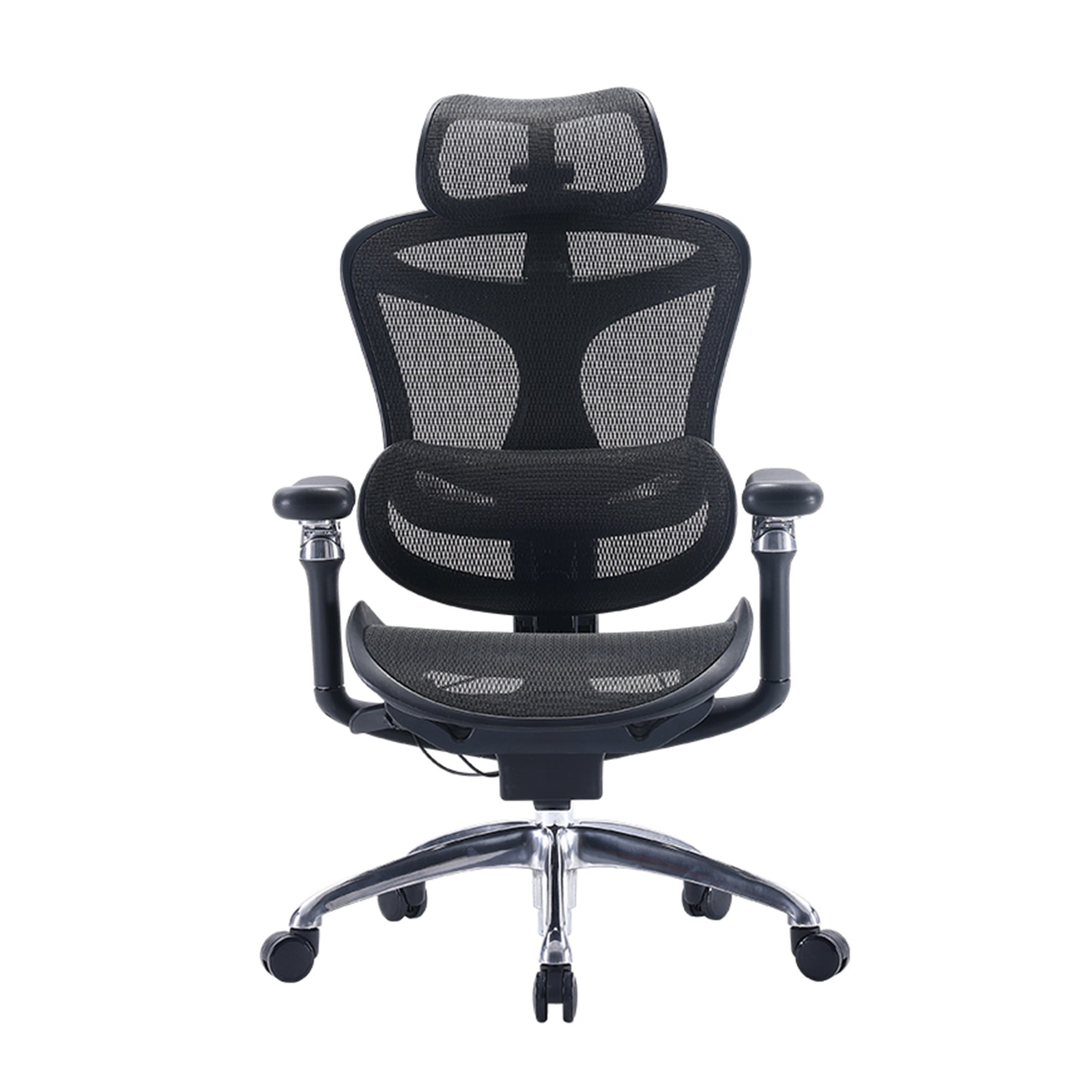
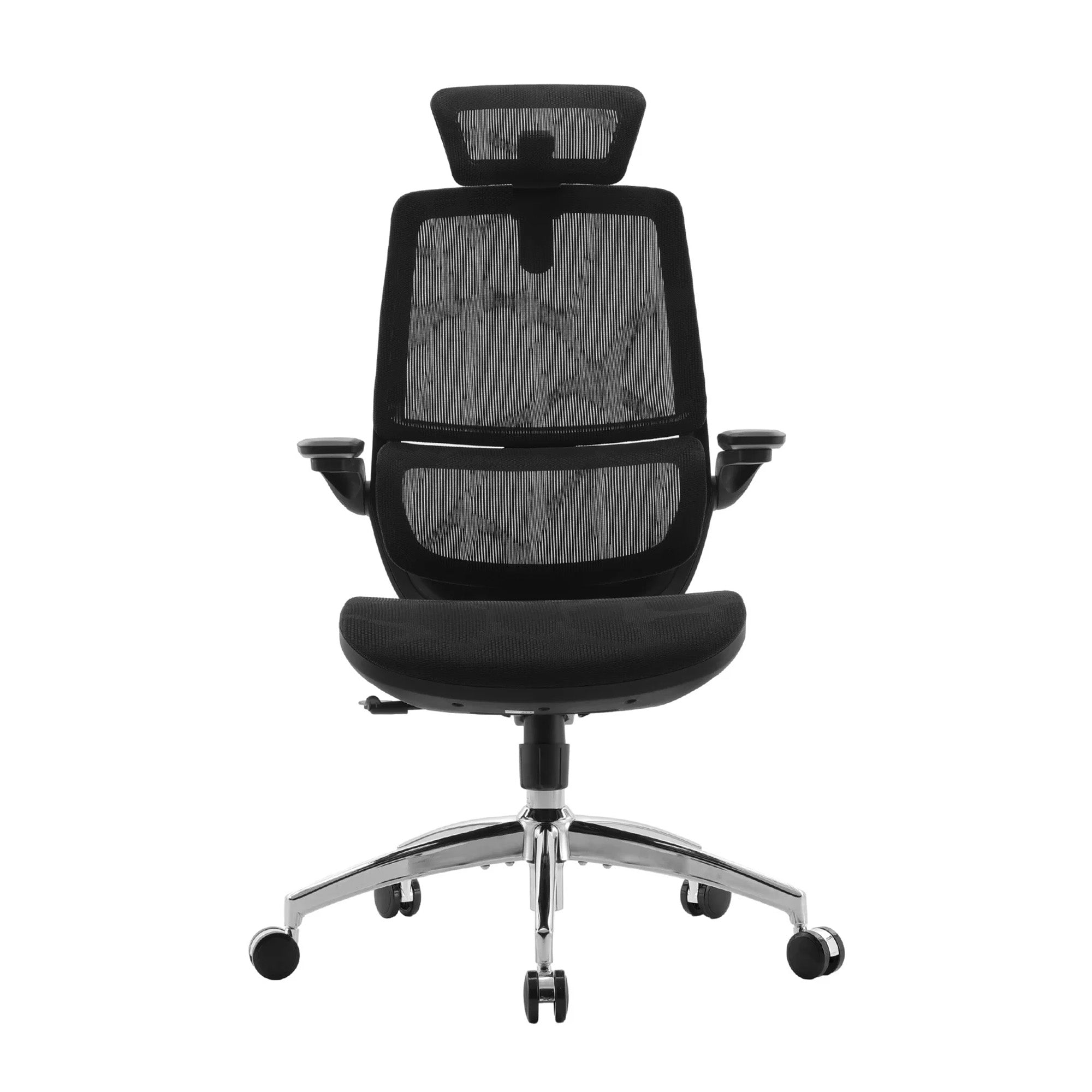
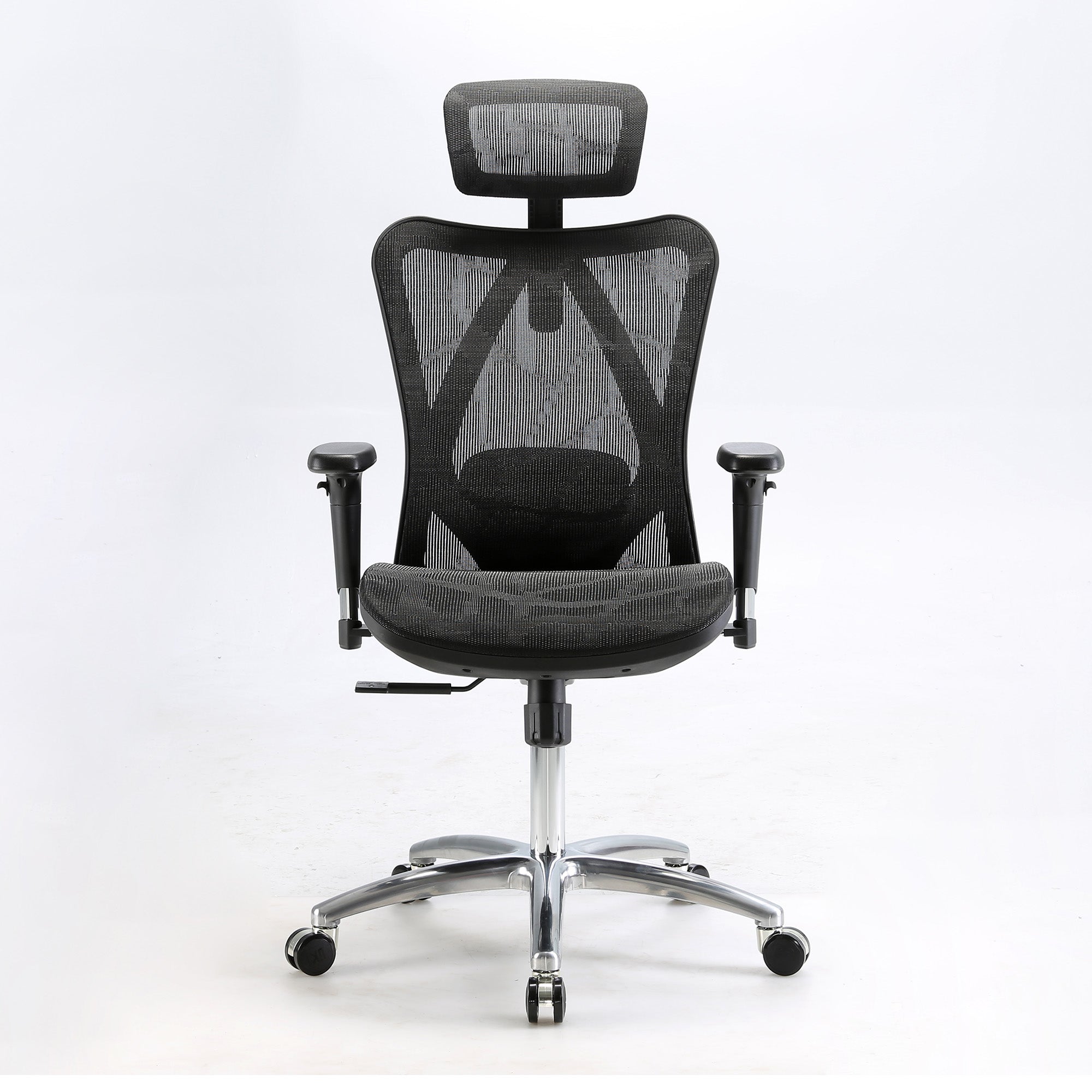
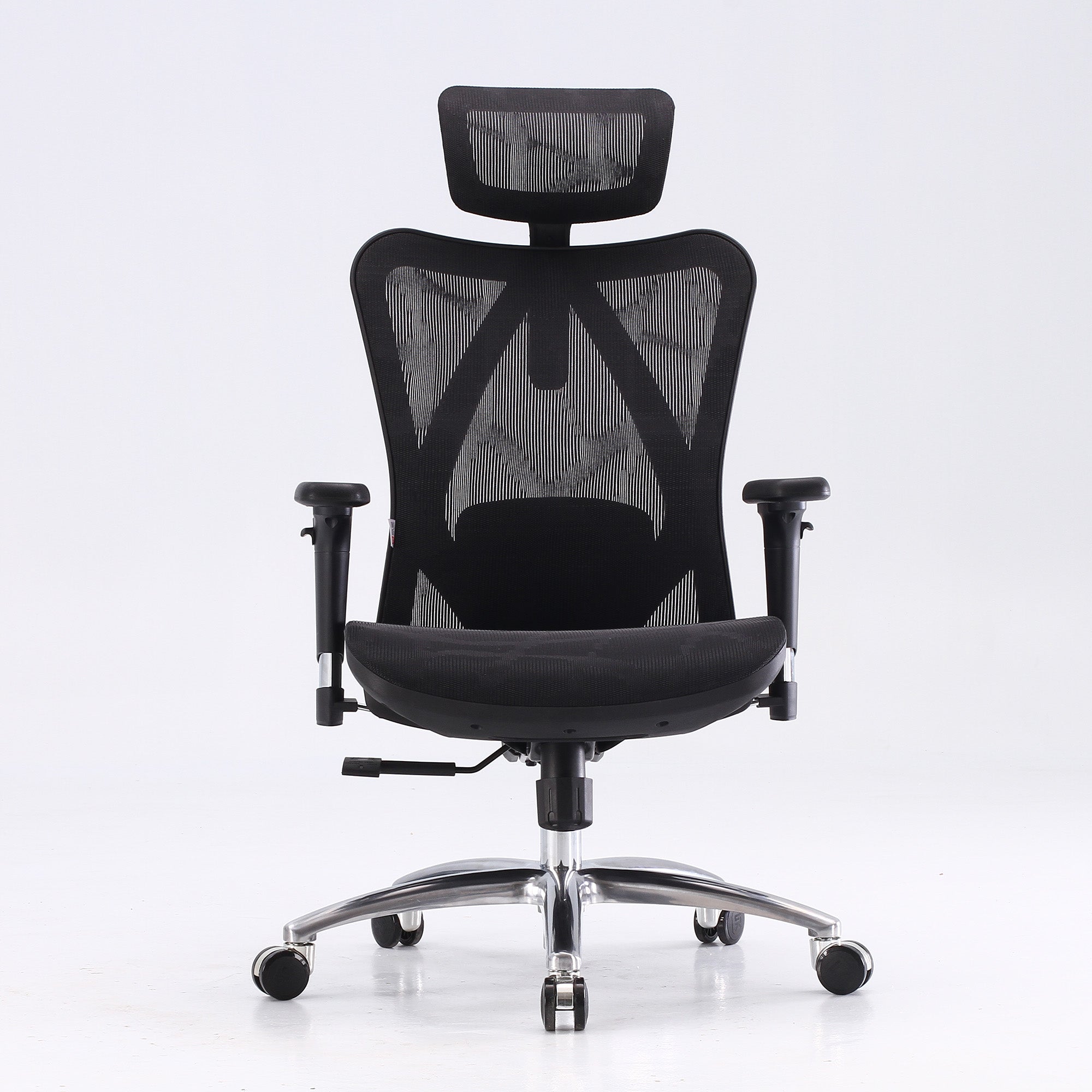
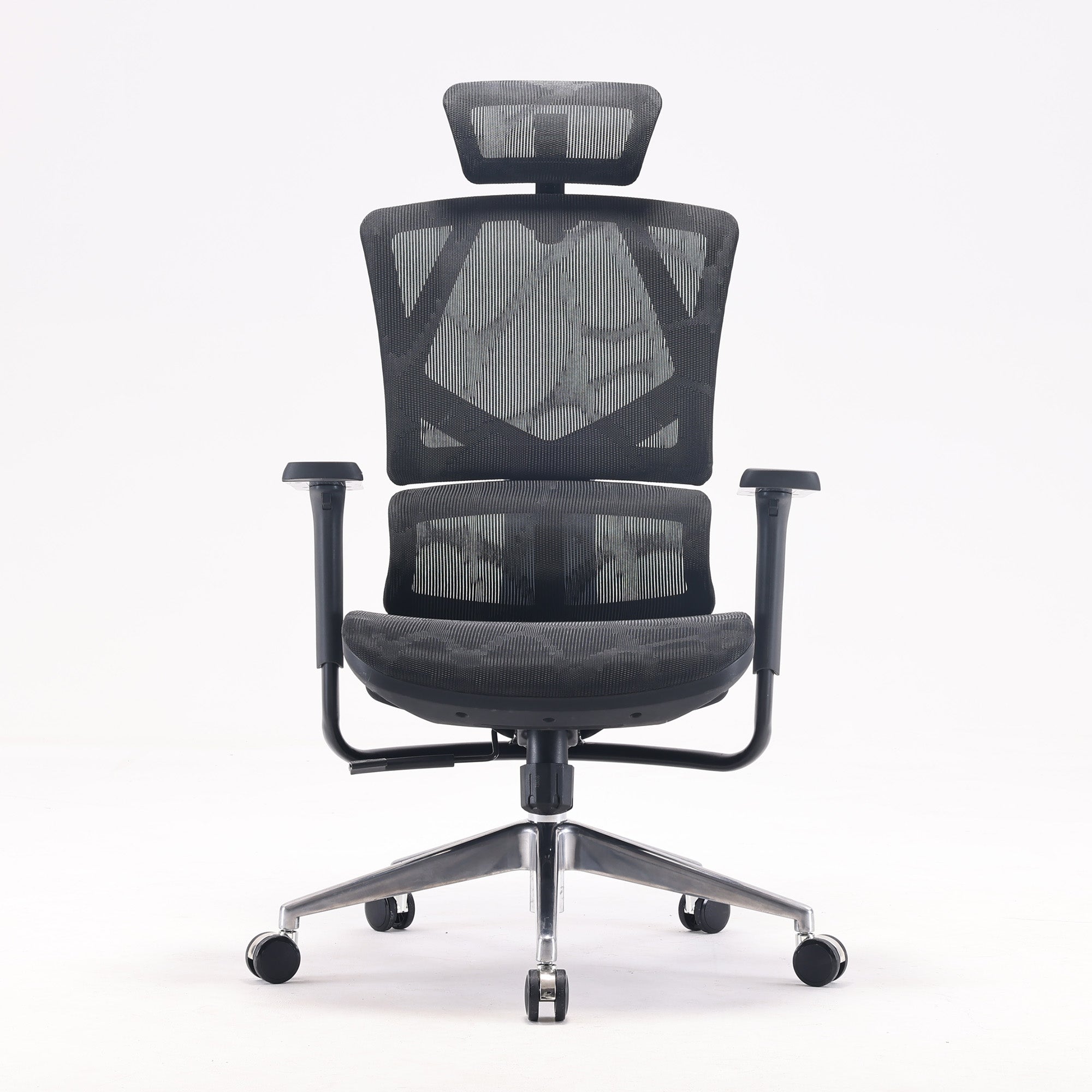
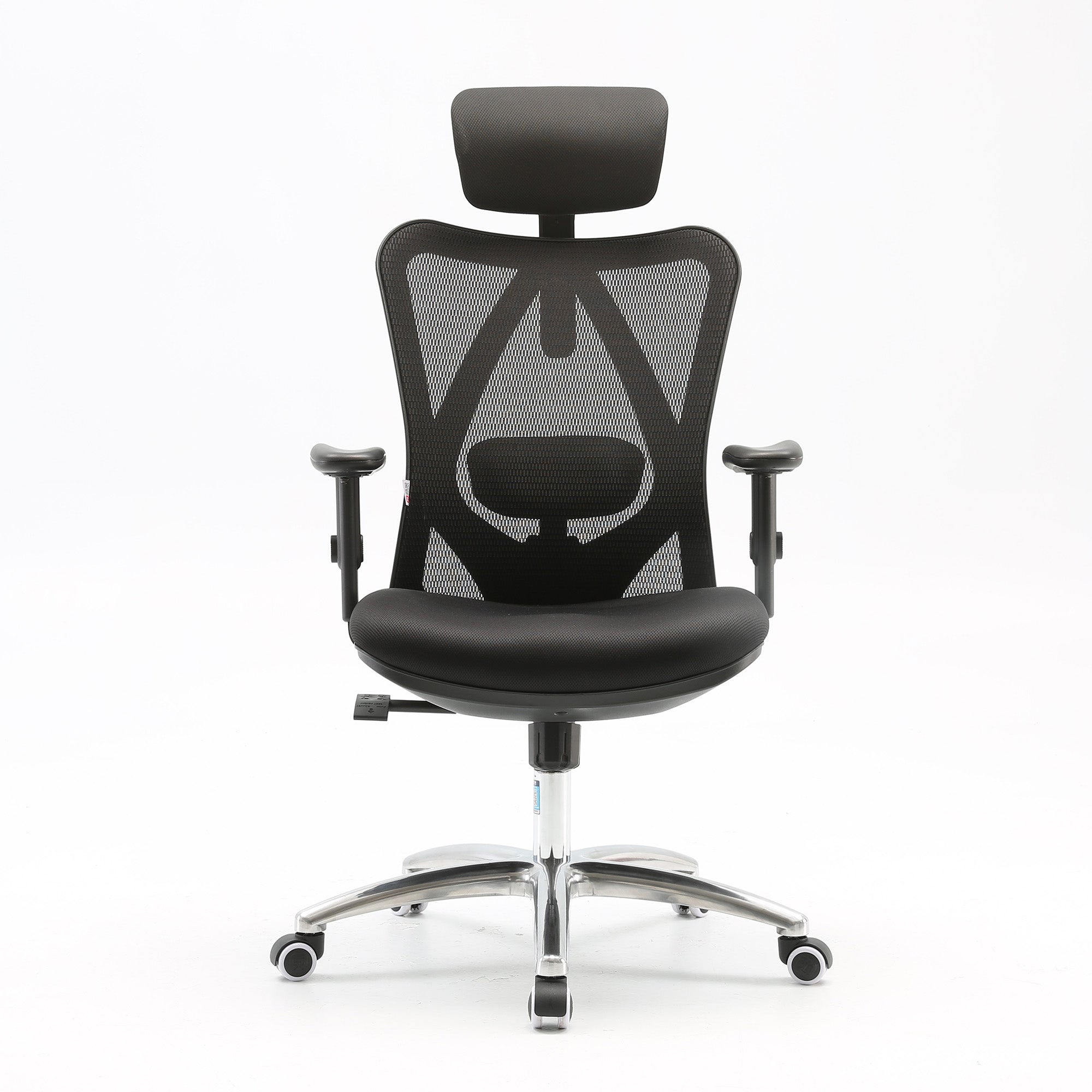
The lumbar cannot reach your spine. If the support cannot be raised or lowered to meet the inward curve of your lower back, it is not supporting anything, regardless of how the mechanism is described on the spec sheet. Adaptive systems avoid this by tracking position as you move. The Sihoo Vito M90 at $339 and the Doro C300 at $679 both use this approach.
The seat is too deep for your legs. If you cannot get two finger-widths of clearance behind the knees while sitting fully back, you will keep sliding forward and losing lumbar contact, which makes the rest of the chair irrelevant. This shows up most in users under about 165cm. Seat depth adjustment is the specific feature to look for, and it is worth checking before anything else on the spec sheet.
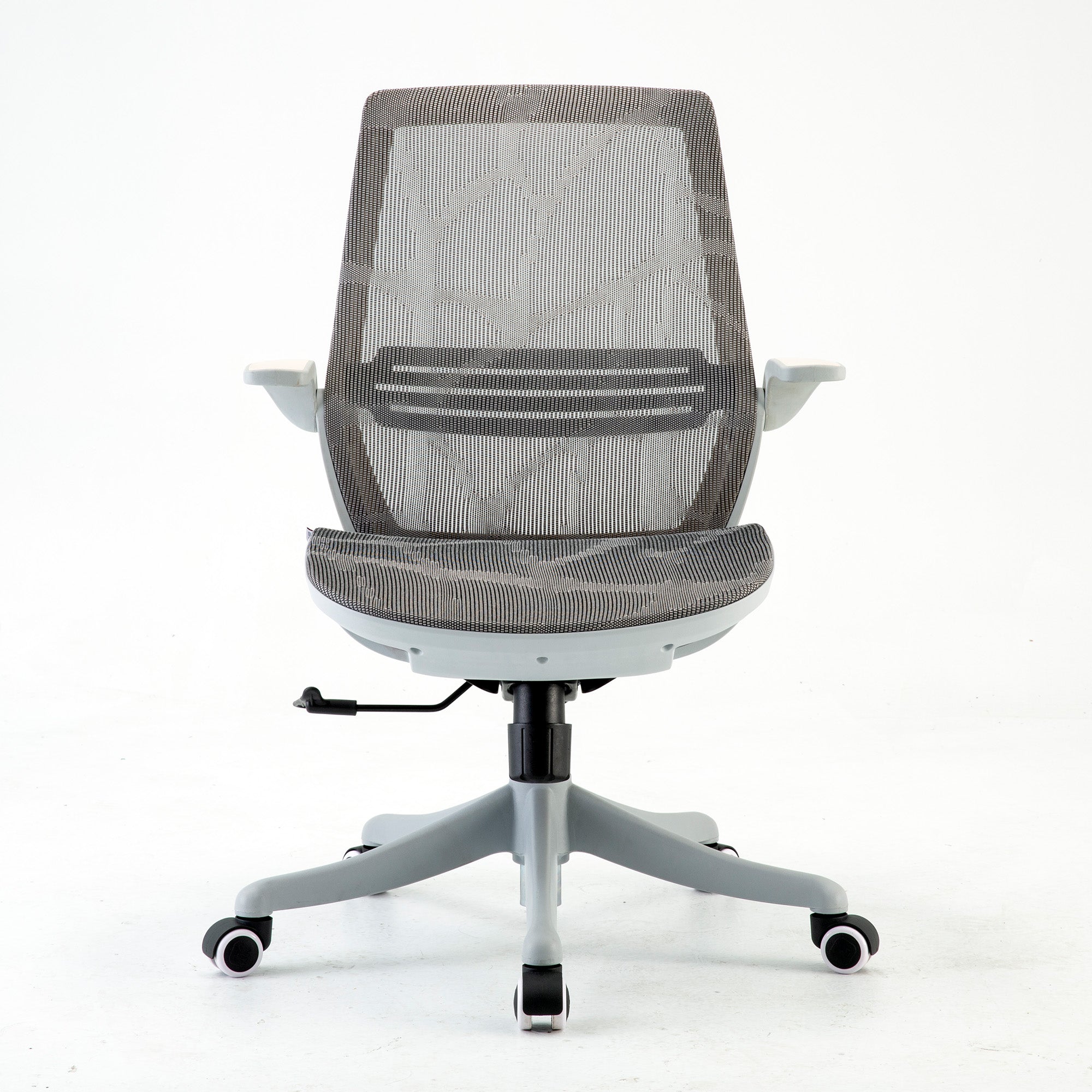
You are sitting for six or more hours with existing back history. At that intensity the difference between adequate and well-matched support compounds across the week rather than the day. The Doro S100 at $499 and the Doro S300 at $949 are built for that use pattern. For shorter days, the M18 at $279 or the M57 at $329 covers the requirement without paying for capacity you will not use.
For the full setting-by-setting method, how to properly adjust your ergonomic chair covers each adjustment and the physical signal that confirms you have it right. For the symptom side, what your body is telling you about your chair maps six common physical signals to their mechanical causes.
What Changes When the Setup Is Right
In the Order You Will Notice Them
The change is quieter than expected.
-
Within two or three days: shoulder and neck tension by mid-afternoon eases, once the armrests are down and the screen is up. The trapezius responds quickly once sustained elevation is removed.
-
Within a week: the lower back stops tightening across the morning, as the deep trunk muscles hand the load back to the chair and begin recovering between sessions.
-
Almost immediately: leg numbness during long sitting resolves once seat depth is corrected, because the compression causing it is purely mechanical.
-
After roughly two weeks: the afternoon fog lifts noticeably. This one takes longest to see, because judging it requires comparing two Friday afternoons rather than two hours.
What you end up with is not a dramatic improvement. It is an absence. The low-grade physical noise that was running under the working day stops, and the attention it was consuming goes back to the work. That is what a calm workspace actually is, and it is why the styled photograph and the lived experience so often disagree.
If the room itself is also part of the project, home office design ideas covers the layout and light side of the setup.
For Workplaces: Why Calm Offices Are Configured, Not Decorated
Where the Fit-Out Budget Usually Goes Wrong
Office refurbishments tend to spend on what is visible. Lighting, planting, acoustic panels, and colour all land in the brief, and all of them do genuine work. The part that reliably gets missed is the fifteen minutes per person needed to configure the chairs after they arrive.
A team of twenty in correctly adjusted chairs gets twenty times the individual benefit. The same twenty in the same chairs at factory defaults gets very little, because factory defaults are set for an imagined user of roughly 170 to 175cm with average proportions. Most of a team falls outside that. The capital has been spent either way. Only one version converts it into an outcome.
The practical version is a configuration session on delivery day. One trained person, twenty to thirty minutes per workstation, running each team member through seat height, seat depth, lumbar position, armrest height and recline tension at their own desk with their own screen. Australian cost context supports the case: Safe Work Australia data puts roughly 76 percent of work hours in a seated position, and SIRA NSW figures put the average serious musculoskeletal disorder claim at $64,759 in direct compensation alone, before replacement or lost output.
For volume orders and mixed-model delivery, Sihoo Australia's wholesale office chairs programme handles bulk pricing and coordination.
Conclusion
Calm is not a look.
A workspace feels calm when nothing in it is quietly asking for attention. Some of that is visual, and the standard advice about clutter, light and colour holds up well once you know what each element is actually doing. Most of it is physical, and that half gets skipped, because the body reports it as restlessness rather than as a problem with a location.
The audit is the way in. Thirty minutes, a count of position changes, and the vague complaint becomes a specific one you can act on. From there, most of what turns up is free to fix. Lower the armrests. Raise the screen. Set the seat height from your feet. Give it two weeks before spending anything.
When those are in place and the count stays high, the chair specification becomes the variable that matters, and the right choice depends on your daily hours, your leg length and your back history rather than on price alone. A correctly adjusted chair at $329 will outperform a poorly adjusted one at three times that.
Browse the full range of best ergonomic office chairs in Australia, and start with the free fixes first.
Better Comfort Starts Now.
Frequently Asked Questions
Safe Work Australia data puts roughly 76 percent of work hours in a seated position, so the exposure is continuous rather than occasional. SIRA NSW figures put the average serious musculoskeletal disorder claim at $64,759 in direct compensation alone, before replacement cost or lost output. Against that, a configuration session on delivery day is a small and easily justified line item.
Run the position change count across the floor. Thirty minutes per person, counting how often each person shifts in their chair during ordinary work. It costs nothing, needs no specialist, and gives you a rough map of where the physical load sits. Use it to decide which desks justify a proper ergonomic assessment rather than assessing everyone at once.
Chair configuration after delivery. Lighting, planting and acoustics all make the brief because they are visible. The fifteen minutes per person needed to set each chair to the individual using it rarely does, and without it a chair rollout produces results close to no rollout at all. Factory defaults are set for an imagined average user, and most of a team sits outside that range.
Often not. Check whether your current chair has three things: lumbar support you can position at the inward curve of your lower back, armrests that lower far enough for your shoulders to drop, and enough seat depth clearance for two finger-widths behind your knees. If it has all three and you have set them correctly, it is doing its job. If one is missing or fixed in the wrong place, that is where the daily cost accumulates.
Shoulder and neck tension usually eases within two to three working days. Lower back tightening across the morning takes about five to seven days. Leg numbness from seat depth resolves almost immediately. Afternoon mental fatigue takes roughly two weeks to judge fairly, because you need to compare across multiple sessions rather than hours.
Partly, and for a specific reason. Reducing visual clutter reduces the number of unresolved items competing for attention in your peripheral vision. That is a real effect. It is also a smaller effect than removing physical discomfort, which consumes attention continuously rather than intermittently. Minimalism helps. It is not the main lever.
Position changes are the body's response to a load it cannot sustain. When the chair is not supporting you properly, the muscles doing that work fatigue, and the body starts hunting for a position that relieves them. Because the right position is not available at the current settings, it never finds one. Frequent shifting is an early signal that arrives well before pain does.
Deal with the physical sources of interruption before the visual ones. Lower your armrests until your shoulders drop, raise your screen so the top sits at eye level, and set your seat height so your feet are flat on the floor. Then remove the single item in your side vision that you keep half-noticing. Most people do the decluttering and skip the first three, which is why a tidy desk can still produce a restless afternoon.
Shop products from this article


Save up to 49% this Clearance Sale. Pay in 4 interest-free instalments with Afterpay.
SHOP NOWRecommended Posts


Best Office Chair for Tall People in Australia
Aug 19, 2026