
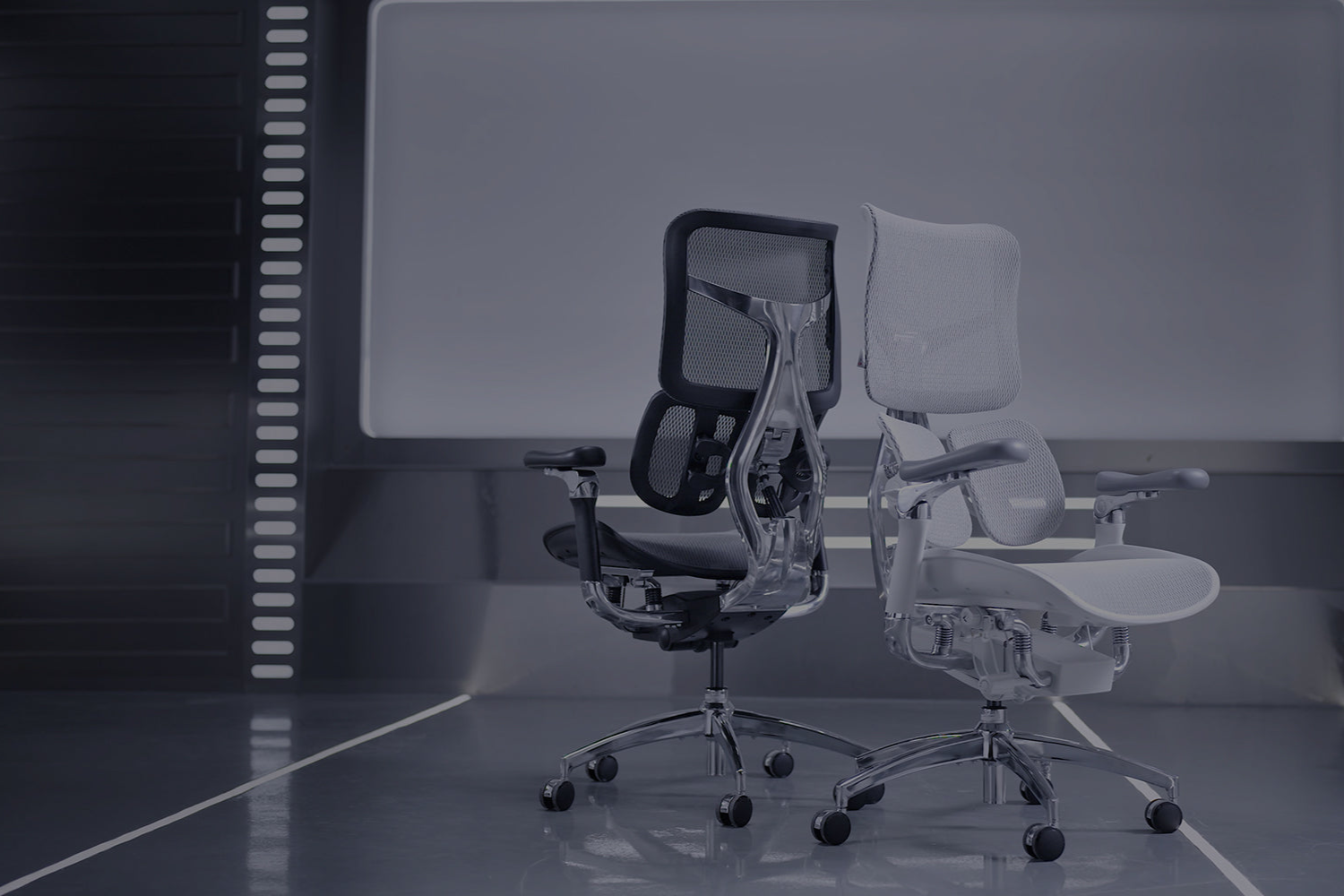
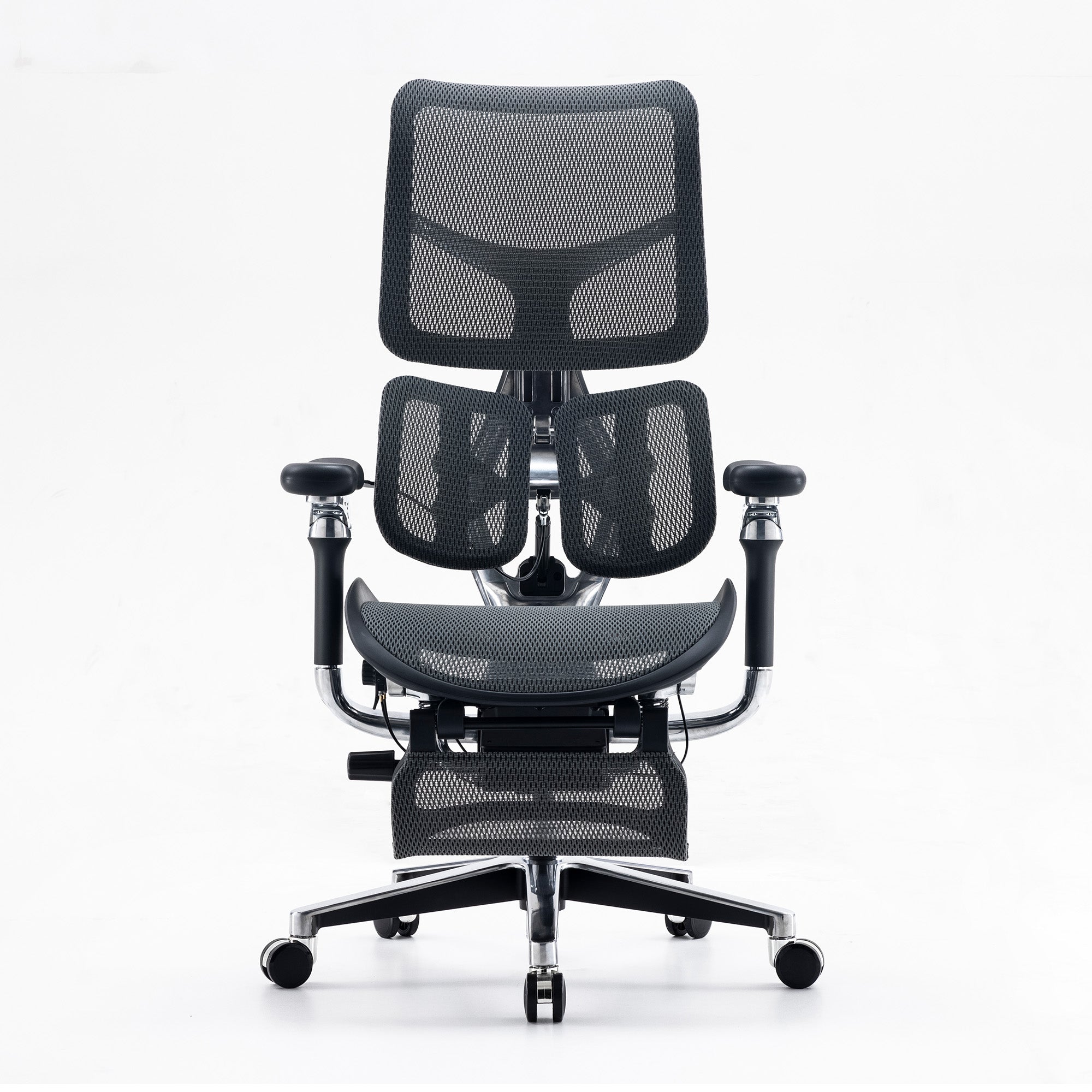
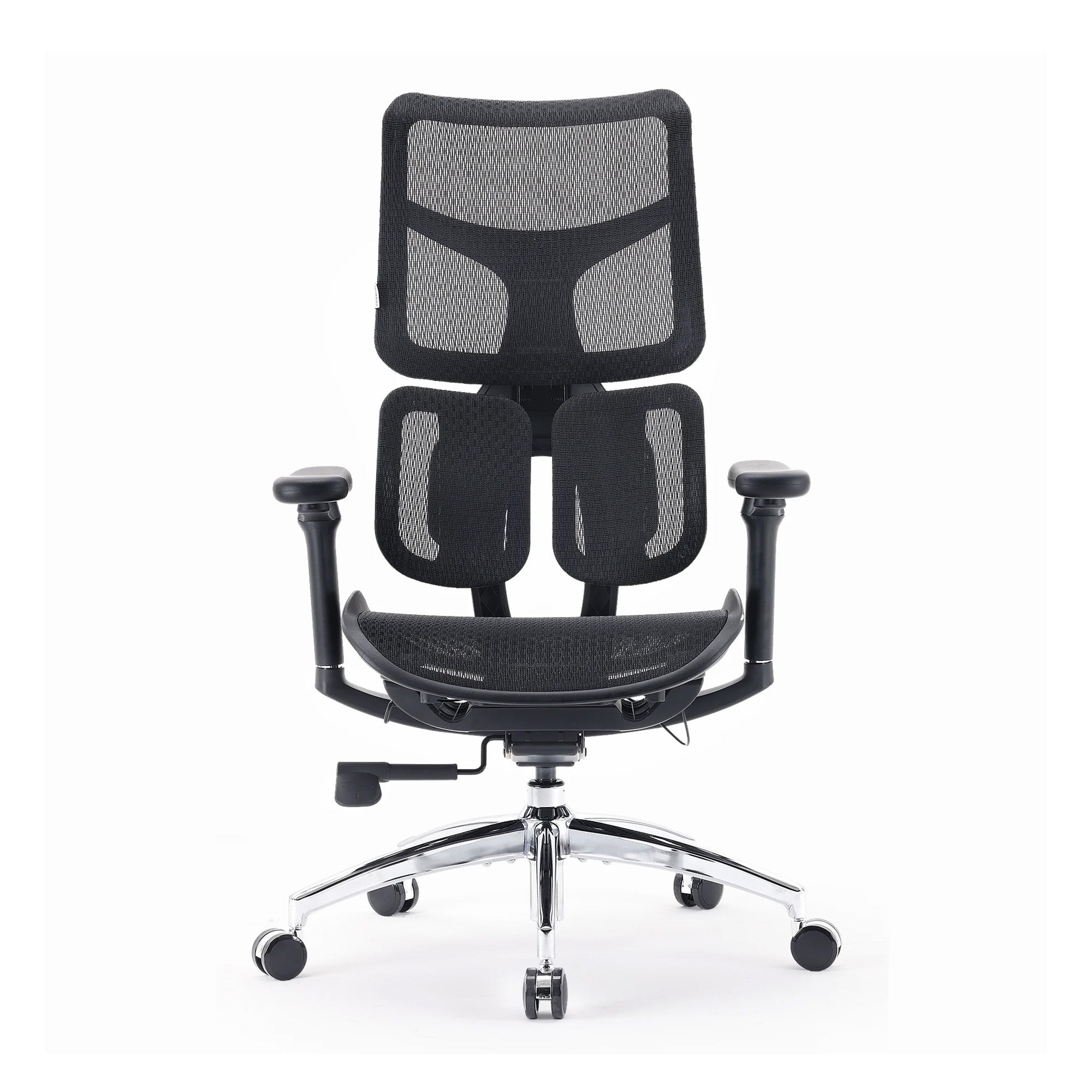
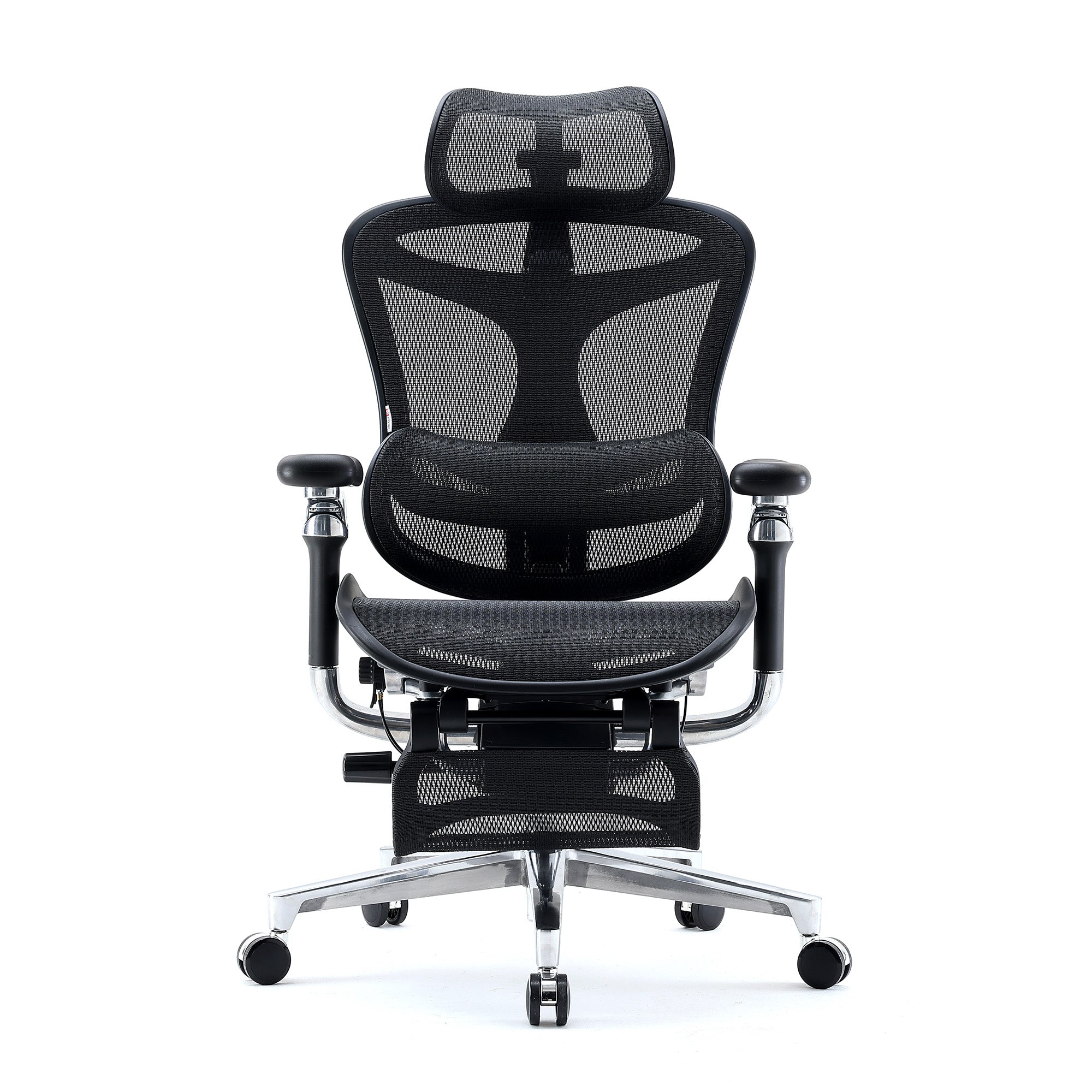
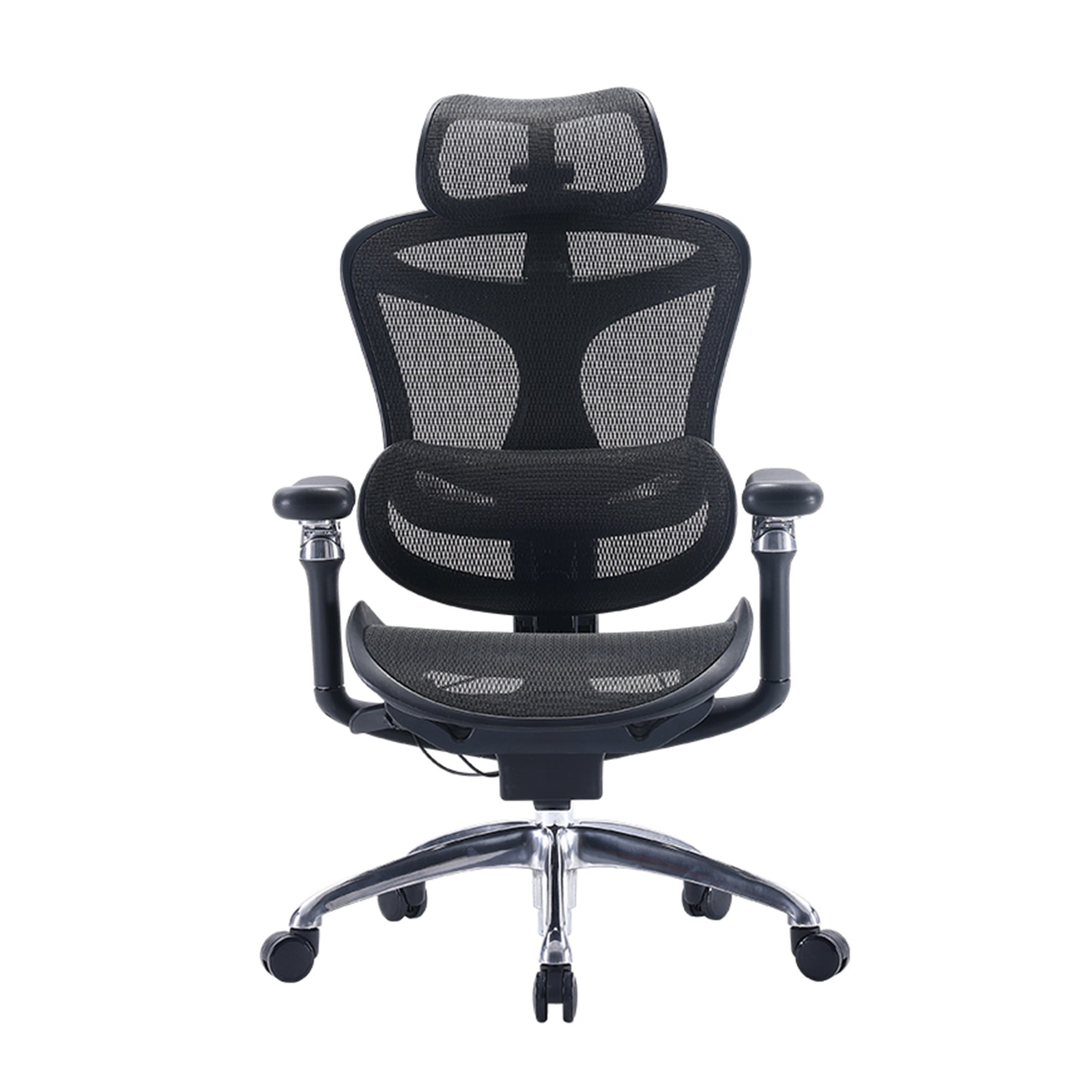
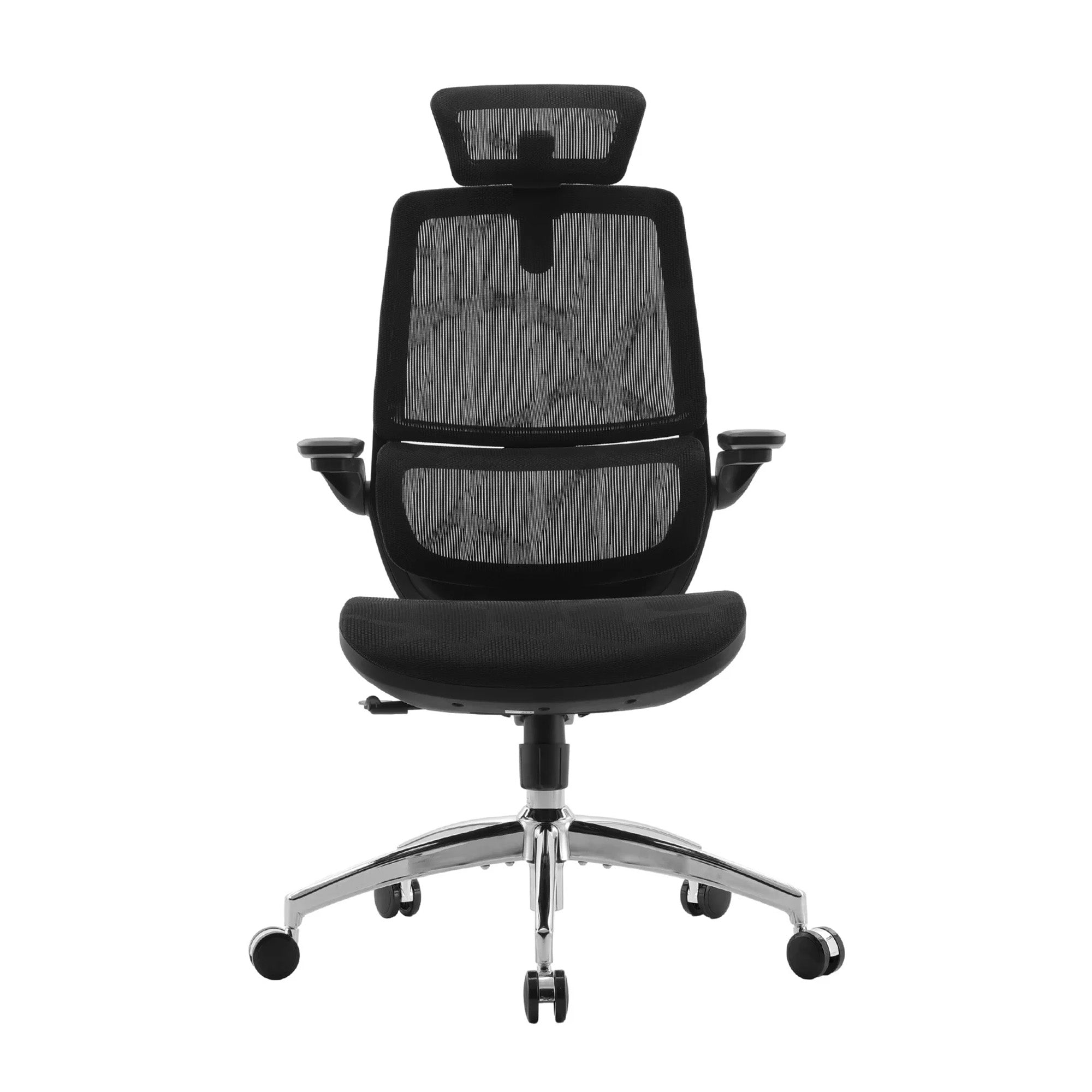
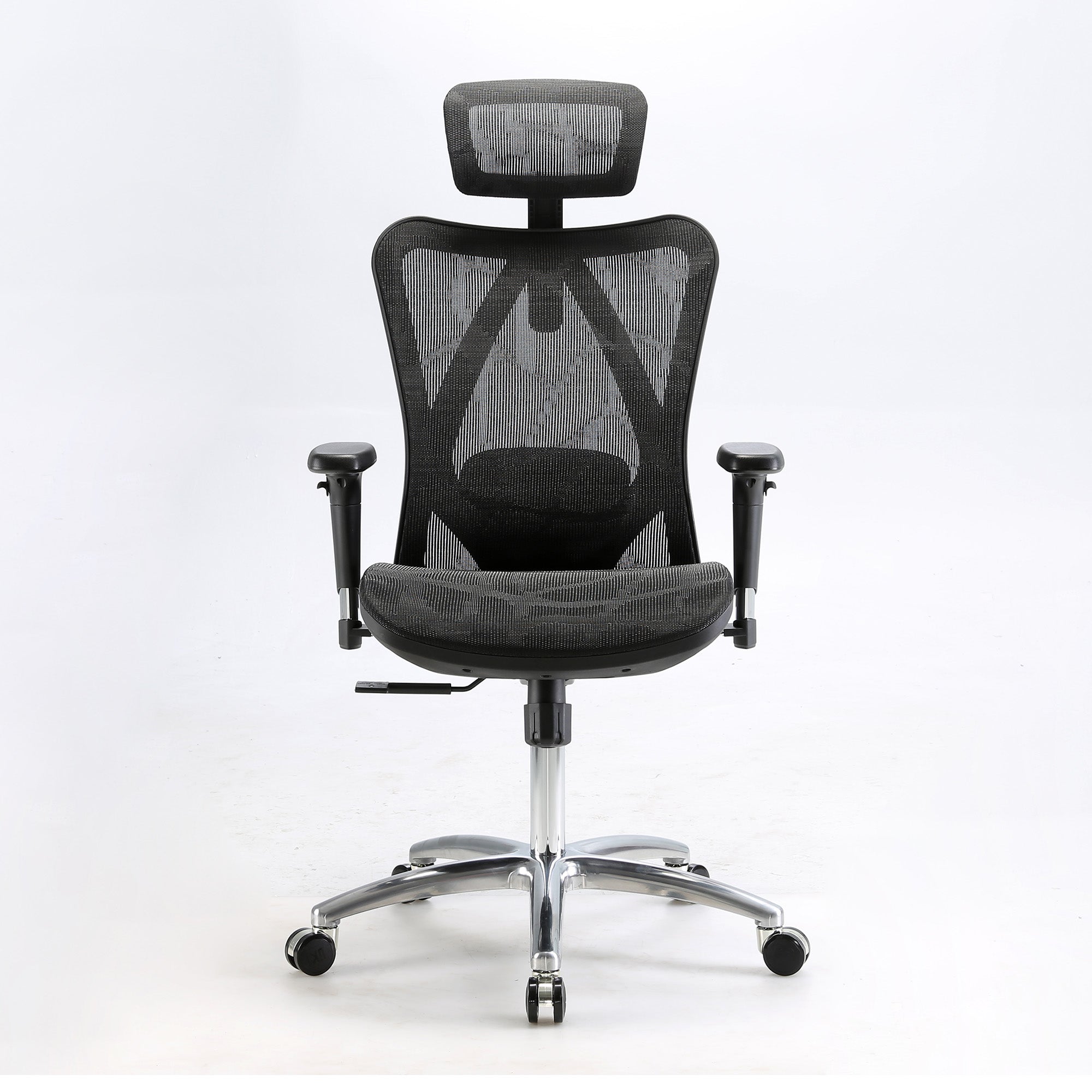
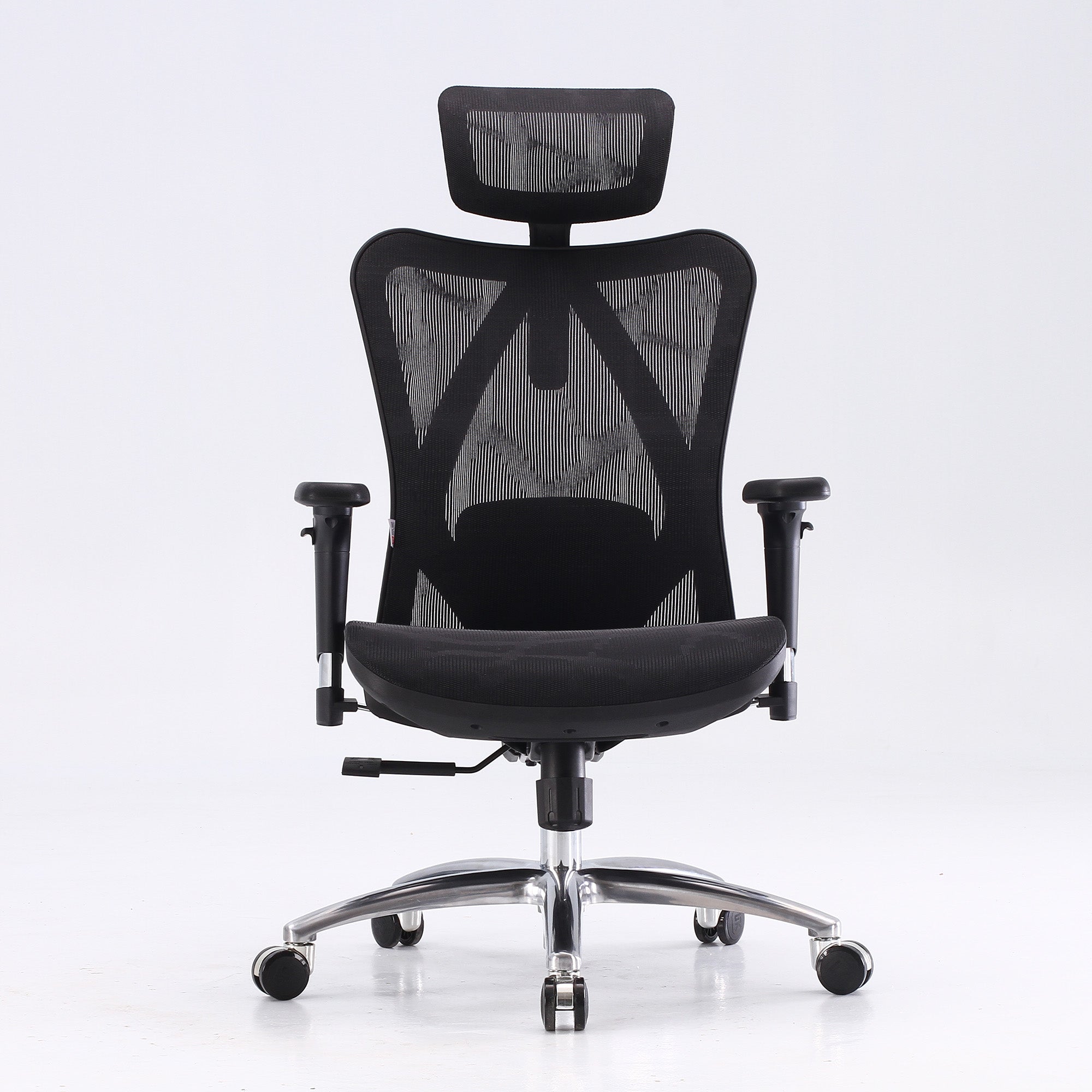


Your body knows before you do.
The lower back that tightens somewhere around eleven in the morning. The neck that is fine until lunch and tense by two. The legs that go slightly numb after an hour in the same position. Most desk workers notice these things and attribute them to working hard, sitting too long, or getting older. The actual cause, in most cases, is sitting on the wrong chair or sitting on the right chair that has never been configured correctly.
Ergonomics has a jargon problem. Words like "adaptive lumbar," "synchronised tilt," and "popliteal clearance" make the field sound complicated. It is not. At its core, ergonomics is the study of how the human body interacts with the things it uses every day. For the desk worker, the chair is the thing that matters most, because it is the surface in direct contact with the body for six to eight hours of every working day. Getting this right is the difference between a body that recovers overnight and one that arrives Monday morning already behind.
This guide covers six specific physical signals that tell you your chair is wrong, what each one means mechanically, and what fixes it. It also translates the most common ergonomic chair terms from marketing language into plain descriptions of what they actually do. All prices confirmed from sihoo.com.au as of July 2026.
What Ergonomics Actually Is — Without the Jargon
One Sentence, Then We Move On
Ergonomics is the study of how to design and arrange the things people use so that using them causes as little physical harm as possible.
For a desk worker, this means: the chair should not require the body to work to maintain a sitting position. The body should be supported so that the muscles which control spinal stability can stay at rest rather than holding the body upright against an unsuitable surface. The chair does the physical work. The person does the cognitive work.
That is it. Every piece of jargon in the ergonomics industry is a specification of how a particular chair does or does not achieve this. The terms are not complicated once you know what problem they are solving.
THE ONE THING TO UNDERSTAND: A chair does not need to be expensive to be ergonomic. It needs to be correctly adjusted for the specific body using it. A $329 chair correctly adjusted for your body is more ergonomic than a $1,500 chair set to factory defaults. The adjustment is the intervention. The price is the quality of the mechanism that enables it.
What Your Body Is Telling You: Six Signals and What They Mean
The Symptom-to-Cause-to-Fix Framework
The table below maps six common physical signals that desk workers experience to their actual mechanical cause and the specific fix. In most cases, the fix is a chair adjustment rather than a chair replacement. Where the chair is genuinely the problem, the relevant Sihoo specification is noted.
|
What you feel |
When it typically appears |
What is actually causing it |
The chair fix — and what else to check |
|
Lower back tightening or ache |
Builds across the morning, worst by 2pm, eases when you stand and move |
Lumbar support not in contact with the inward curve of your lower spine. Deep trunk muscles (transversus abdominis, multifidus) begin to fatigue from 15-25 minutes of unsupported sitting and transfer load to larger superficial muscles. Eight hours of this accumulates. |
Adjust lumbar height and depth until it contacts the inward curve. If your chair has no lumbar or it is fixed in the wrong position, that is the root problem. Also check desk height — a desk too high forces shoulder elevation that compounds lower back loading. |
|
Neck pain and shoulder tension by mid-afternoon |
Begins around 11am, escalates after lunch, sometimes produces a tension headache by 3pm |
Forward head posture from a monitor at the wrong height, sustained across the session. At 15 degrees of neck tilt, effective muscular load on the neck and upper back rises from approximately 5kg to 12kg. The chair is often blamed but the monitor is the primary cause. |
First fix: raise the monitor top to eye level. A laptop stand plus external keyboard is the most effective intervention for laptop users. Second fix: lower the armrests until the shoulders completely drop. Elevated shoulders load the trapezius continuously from the first minute. |
|
Leg numbness or tingling during sitting |
Appears in the thighs or calves after 45-90 minutes of sitting, sometimes accompanied by a feeling of the legs "waking up" when you stand |
Posterior thigh compression from a seat too deep for your leg length. When the seat is too long, the front edge presses on the soft tissue behind the knees, compressing the blood vessels and nerves running through the popliteal area. |
Sit all the way back. Check whether there are at least two finger-widths of clearance between the front seat edge and the back of your knees. If not, the seat is too deep. The Sihoo V1's sliding seat depth mechanism is the specific fix for users whose leg length does not match standard seat depths. |
|
Restlessness and inability to settle in the chair |
Constant shifting, moving forward to the edge of the seat, never finding a comfortable position that lasts more than 20 minutes |
The chair is not configured for the body using it. A chair at factory defaults is set for an imagined average user. If your height, torso length, or leg length differ from that average, no amount of shifting will find the correct position because it is not available at the current settings. |
Run through all five adjustment settings: seat height, seat depth, lumbar position, armrest height, recline tension. Do this in order. Most restlessness in a new or unadjusted chair disappears within two sessions once correctly configured. |
|
Tail bone or coccyx discomfort |
Pressure at the base of the spine when sitting, worse on hard seats, sometimes accompanied by a sense of sitting "on" the chair rather than "in" it |
Seat angle tilting the pelvis backward, loading the coccyx instead of distributing weight across the thighs. Also possible: seat height too low, placing the hips below the knees and shifting weight onto the coccyx. |
Raise the seat height until the hips are level with or slightly above the knees. Check whether a seat tilt adjustment is available and set it to neutral or very slightly forward-tilted. A waterfall seat edge (which reduces pressure behind the knees) also helps. |
|
Fatigue and loss of focus from approximately 2pm onward |
Not sleepiness from the afternoon, but a specific inability to concentrate that feels physically driven rather than mentally driven |
Physical discomfort generates cognitive load. Research published in Scientific Reports in 2024 confirmed that physical and mental fatigue mutually reinforce each other. The low-grade pain from an unsupported back is not noticed consciously but draws attentional resources throughout the session. |
The fix is the chair configuration, not a coffee. Physical fatigue from poor seating driving cognitive fatigue is a mechanism, not a personal failing. Correct the chair, give it two weeks, and compare afternoon focus before and after. |
Mechanism sources: Amiri, Behm, Zemkova (Sports Medicine Open, February 2025, DOI: 10.1186/s40798-025-00816-x) — 15-25 minute fatigue onset; PMC Biomimetics (February 2023, DOI: 10.3390/biomimetics8010057) — posterior thigh compression; Scientific Reports (2024) — physical and mental fatigue mutual reinforcement; Cornell University Ergonomics Web — neck load at forward head tilt angles. Desk and monitor variables from Safe Work Australia workstation guidance.
The Free Fixes That Should Come Before Any Chair Purchase
What Costs Nothing and Often Solves Most of the Problem
Before buying a new chair, three adjustments cost nothing and often produce the most significant immediate improvement. These are not ergonomic compromises. They are the highest-return interventions available in most desk setups.
• Monitor height: The top of the monitor should be at or slightly below eye level when correctly seated. For a laptop on a desk, the screen is typically 25 to 30 centimetres below this. A laptop stand raises the screen to the correct position. A laptop stand costs $30 to $80. An external keyboard and mouse cost $50 to $150. Combined, they solve neck and upper back pain more effectively than any chair upgrade for a laptop user.
• Chair seat height: Adjust until feet are flat on the floor and knees are at approximately 90 degrees. Do not adjust from the desk height. Adjust from the feet upward. If the seat at its correct position leaves the forearms too high for the desk, the desk needs to be lowered or a keyboard tray added. This adjustment takes 30 seconds and is skipped in most home offices.
• Armrest height: Lower the armrests until the shoulders drop completely. The moment the shoulders release their held tension is the correct height. Most chairs arrive with armrests at maximum height. Most people leave them there. At maximum height, the armrests force shoulder elevation throughout the session, generating the upper back and neck tension that is mistakenly attributed to the desk or the chair.
These three adjustments resolve the majority of desk-related physical complaints in a standard ergonomic chair. If all three are correctly set and physical pain persists across a two-week period, the chair specification itself may be the issue.
Ergonomic Jargon Translated: What the Terms Actually Mean
Six Terms That Appear on Every Chair Specification Sheet
Chair specifications use technical language that sounds meaningful but often obscures what the feature actually does. The table below translates the six most common terms from marketing language to practical descriptions.
|
The term |
What the marketing says |
What it actually means |
|
Lumbar support |
"Ergonomically engineered lumbar support for spinal alignment" |
A protrusion or mechanism that pushes against the inward curve of your lower back. The important questions: can you move it to the right height for your torso? Can you adjust how far it pushes in? On cheaper chairs it is fixed and at the wrong position for most users. |
|
Adaptive lumbar |
"Auto-adaptive lumbar that responds to your movements" |
The lumbar mechanism moves with the user when they shift posture rather than staying fixed. When the user reclines, it follows the spine rather than losing contact. On the Sihoo Vito M90 and Doro series, this works via an elastic spring mechanism that compresses and releases with body weight and sitting angle. |
|
4D armrests |
"4D adjustable armrests for customised arm support" |
Four directions of adjustment: up/down, forward/back, sideways pivot, and rotation. The number tells you how many axes of movement the armrest covers. 2D is height only. 4D adds forward/back and pivot. 6D adds rotation and tilt. The practical question is whether the direction you need is included. |
|
Seat depth adjustment |
"Adjustable seat depth for personalised fit" |
The seat pan slides forward or backward. This matters for shorter users who cannot achieve the two-finger clearance behind the knees with a fixed standard-depth seat. Without this adjustment, shorter users are forced to sit forward and lose lumbar contact, making the entire lumbar system ineffective regardless of quality. |
|
BIFMA certified |
"BIFMA certified for commercial quality assurance" |
The Business and Institutional Furniture Manufacturers Association tests chairs for structural durability, stability, and performance under simulated commercial daily use. It is the relevant standard for shared office environments where chairs are used at higher intensity than residential use. Not all ergonomic chairs carry it — only those tested to commercial specifications. |
|
Weight-sensing recline |
"Intelligent weight-sensing mechanism for effortless reclining" |
The recline tension calibrates to the user's body weight rather than requiring manual tension knob adjustment. Heavier users need more recline resistance to avoid the chair dipping back involuntarily. Lighter users need less resistance to be able to recline with normal body weight. A weight-sensing mechanism sets this automatically. |
Definitions based on published ergonomics literature and confirmed Sihoo AU product specifications (July 2026). BIFMA definition from bifma.org.
When the Chair Is Genuinely the Problem
The Three Cases Where a Chair Replacement Is the Right Answer
Correctly adjusting the current chair and fixing the monitor height first is the right sequence. If those interventions have been made and pain persists after two weeks, the chair itself may be wrong for the specific user. Three specific cases:
• Seat depth cannot be adjusted for your leg length: If you cannot achieve two finger-widths of clearance behind the knees when sitting all the way back, the seat is too deep for your leg length. Most chairs have a fixed seat depth. The Sihoo V1 at $529 is the Sihoo model with a sliding seat depth mechanism. For users below 165cm in particular, this is often the specific reason a standard chair never feels comfortable.
• Lumbar adjustment range does not reach your spinal height: If the lumbar cannot be raised or lowered to contact the inward curve of your specific lower back, it cannot provide mechanical support regardless of how advanced the mechanism is. Adaptive lumbar systems on the Vito M90 and Doro series remove this constraint by tracking the position automatically.
• Six or more daily hours with existing back history: At this intensity, the gap between a standard adjustable lumbar and a true adaptive system becomes significant across the working week. The cumulative benefit of a lumbar that maintains contact through all posture changes is not immediately noticeable on day one. It is noticeable after two weeks when comparing Friday afternoon physical state before and after the upgrade.
For a detailed guide to which Sihoo model matches which pain type and daily use profile, the guide to the best office chair for back pain in Australia matched to your pain type covers six specific pain presentations with the mechanism and the chair feature that addresses each one.
The Adjustment Session: Why Most Ergonomic Chairs Fail to Deliver
The Gap Between Purchase and Result
The single most common reason an ergonomic chair produces no noticeable improvement is that it was never adjusted. Research consistently shows that fewer than one in five office workers receive any instruction on how to configure their chair. The chair arrives, the user sits in it at factory defaults, finds it reasonably comfortable, and starts working. Six weeks later they are back searching for a better option.
A chair at factory defaults is not an ergonomic chair. It is a chair with adjustment mechanisms that have not been engaged. The factory defaults are set for an imagined average user of approximately 170 to 175cm with average torso and leg proportions. For the majority of users, one or more settings are wrong, and the benefit that the chair was purchased to provide is unavailable until the settings are corrected.
The five settings, run in order on the day the chair arrives, take approximately 15 minutes:
• Seat height: feet flat, knees at 90 degrees
• Seat depth: two finger-widths clearance behind the knees
• Lumbar: contact the inward curve of the lower back specifically
• Armrests: shoulders drop completely at the correct height
• Recline tension: moderate consistent resistance when pushed back
The full adjustment guide for each setting is at how to properly adjust your ergonomic chair. The guide covers the specific technique for each adjustment and the physical signal that confirms correct positioning.
What Actually Changes When the Chair Works Correctly
The Specific Differences That Are Worth Knowing About
The original title of this page promised to explain how a Sihoo chair can transform your work life. That framing is promotional. The more useful question is what specifically changes when a chair is correctly configured and suited to the person using it.
The changes that most people notice, in order of how quickly they appear:
• Shoulder and neck tension by mid-afternoon: reduces within two to three sessions once armrests are at the correct height and monitor is at eye level. This is the fastest signal because the trapezius responds immediately to the removal of sustained shoulder elevation.
• Lower back tightening across the morning: reduces within five to seven working days once lumbar is correctly positioned. The deep trunk muscles that have been substituting for the absent lumbar support begin to recover as the load is transferred back to the chair.
• Leg numbness during extended sitting: resolves almost immediately once seat depth is corrected. The posterior thigh compression that causes it is mechanical. Remove the compression, remove the numbness.
• Afternoon cognitive fatigue: takes approximately two weeks to notice as an improvement because the comparison requires experiencing two Friday afternoons. Research published in Scientific Reports in 2024 confirmed that physical and mental fatigue mutually reinforce each other. The physical reduction in discomfort produces a proportional reduction in the cognitive drag it generates.
The ACA's 2024 national survey found that 86.7 percent of Australian workers had experienced a musculoskeletal disorder at or because of their work environment. For most desk workers, the chair is the primary contributing factor and the primary intervention point. The transformation is not dramatic. It is the absence of something that was present before: the low-grade physical noise that was running underneath the working day and drawing attention away from the actual work.
For Workplaces: Why Chair Configuration Matters More Than Chair Specification
The Business Case for Getting It Right
Organisations that provide ergonomic chairs and then fail to ensure they are configured for the individuals using them produce a result very similar to organisations that provide no ergonomic chairs at all. The physical benefit lives in the adjustment, not the product. A team of twenty people each sitting in a correctly adjusted chair produces twenty times the individual benefit. A team of twenty people each sitting in an unadjusted ergonomic chair at factory defaults produces very little.
The practical intervention for a team-wide chair rollout is a configuration session on the delivery day. One trained person, 20 to 30 minutes per workstation, running through the five adjustment settings for each team member at their specific desk with their specific monitor at their specific sitting height. This session converts the capital spend into the health and productivity outcome the purchase was intended to produce.
SafeWork NSW research found an average presenteeism cost of $1,680 per employee per year from physical discomfort. For a team of twenty, this is $33,600 per year in preventable productivity loss. The cost of one configuration session against this return is straightforward to justify in a business case.
For more on the team procurement process and the business case for ergonomic chairs, the guide to how to write a business case for an ergonomic office upgrade that actually gets approved covers the calculation framework and the language that gets this type of proposal through approval. For volume orders, Sihoo Australia's wholesale office chairs programme handles bulk pricing and mixed-model delivery coordination.
Conclusion
Ergonomics is not complicated.
The lower back tightens because the lumbar support is not in the right place. The neck tenses because the monitor is too low and the armrests are too high. The legs go numb because the seat is too deep for the leg length. The afternoon fog arrives because the body has been managing low-grade physical discomfort since morning. Each of these has a specific mechanical cause and a specific fix.
Most of those fixes are free. Lower the armrests until the shoulders drop. Raise the laptop on a stand until the screen is at eye level. Adjust the seat height until the feet are flat. These three changes, made today, produce the most immediate and significant improvement available to a desk worker who has not yet made them.
When those free fixes are in place and the physical load still accumulates, the chair specification becomes the relevant variable. The right chair for the specific daily hours, body type, and working style is what the buying guides on this site are designed to help find.
Browse the full range of best ergonomic office chairs in Australia and start with the free fixes first.
Better Comfort Starts Now.
Frequently Asked Questions
Ergonomics is the study of how to design and arrange the things people use so that using them causes as little physical strain as possible. In a desk context, it means a chair that supports the body so that the muscles responsible for spinal stability can stay at rest rather than working to hold the body upright against an unsuitable surface. Every ergonomic chair feature is a specification of how well the chair achieves this for the specific body using it.
Your current chair may be fine. The question is whether it has three things: adjustable lumbar support that can be positioned at the inward curve of your lower back specifically, armrests that can be lowered until your shoulders drop completely, and a seat depth that allows two finger-widths of clearance behind the knees when you sit all the way back. If your current chair has all three and you have configured them correctly, it is doing its job. If one or more are absent or misconfigured, that is where the daily physical cost accumulates.
Lower back pain from sitting is typically caused by one of three things. First, the lumbar support is not in contact with the inward curve of your lower spine, which means your deep trunk muscles are doing the support work that the chair should be doing, and they fatigue within 15 to 25 minutes. Second, the seat is too deep for your leg length, forcing you to sit forward and lose lumbar contact entirely. Third, the monitor is at the wrong height, producing neck and upper back tension that migrates into the lower back. Check these three in order before concluding anything about the chair.
If the chair is correctly adjusted on the day it arrives: shoulder and neck tension typically reduces within two to three working days. Lower back pain from lumbar load typically reduces within five to seven working days. Leg numbness resolves within the first session if seat depth is corrected. The afternoon cognitive fog from accumulated physical discomfort takes approximately two weeks to clearly notice as an improvement, because noticing the absence of something requires comparing before and after across multiple sessions.
No. A $329 chair correctly adjusted for your body is more ergonomic than a $1,500 chair at factory defaults. The adjustment is the most important variable. After that, daily hours determine whether a more sophisticated chair specification produces a meaningful return. For four to six daily hours without existing back conditions, the Sihoo M57 at $329 or Vito M90 at $379 covers the requirement. For eight-plus daily hours with back history, the Doro S300 specification is appropriate. The price determines the quality of the mechanism. The adjustment determines whether any mechanism is in the correct position to work.
Configuration. Most organisations purchase ergonomic chairs, distribute them, and assume the benefit will materialise. Research consistently shows that fewer than one in five workers receive any instruction on how to adjust their chair, and most use chairs at factory default settings indefinitely. The configuration session on the delivery day, where each team member runs through the five settings for their specific body at their specific workstation, is the step that converts the capital investment into the health and productivity outcome. Without it, an ergonomic chair rollout produces results very similar to no ergonomic chair rollout.
The business case rests on three numbers. SafeWork NSW research found an average presenteeism cost of $1,680 per employee per year from physical discomfort. SIRA/SafeWork NSW calculated an average cost of $64,759 per serious musculoskeletal disorder claim in NSW. Safe Work Australia recorded 34.5 percent of all serious workers compensation claims as body stressing. Against these figures, a Sihoo M57 at $329 per seat or Doro C300 at $679 per seat produces a payback period from presenteeism reduction alone of well under 12 months at team scale. The full business case framework is at the guide to writing a business case for an ergonomic office upgrade.
Shop products from this article


