

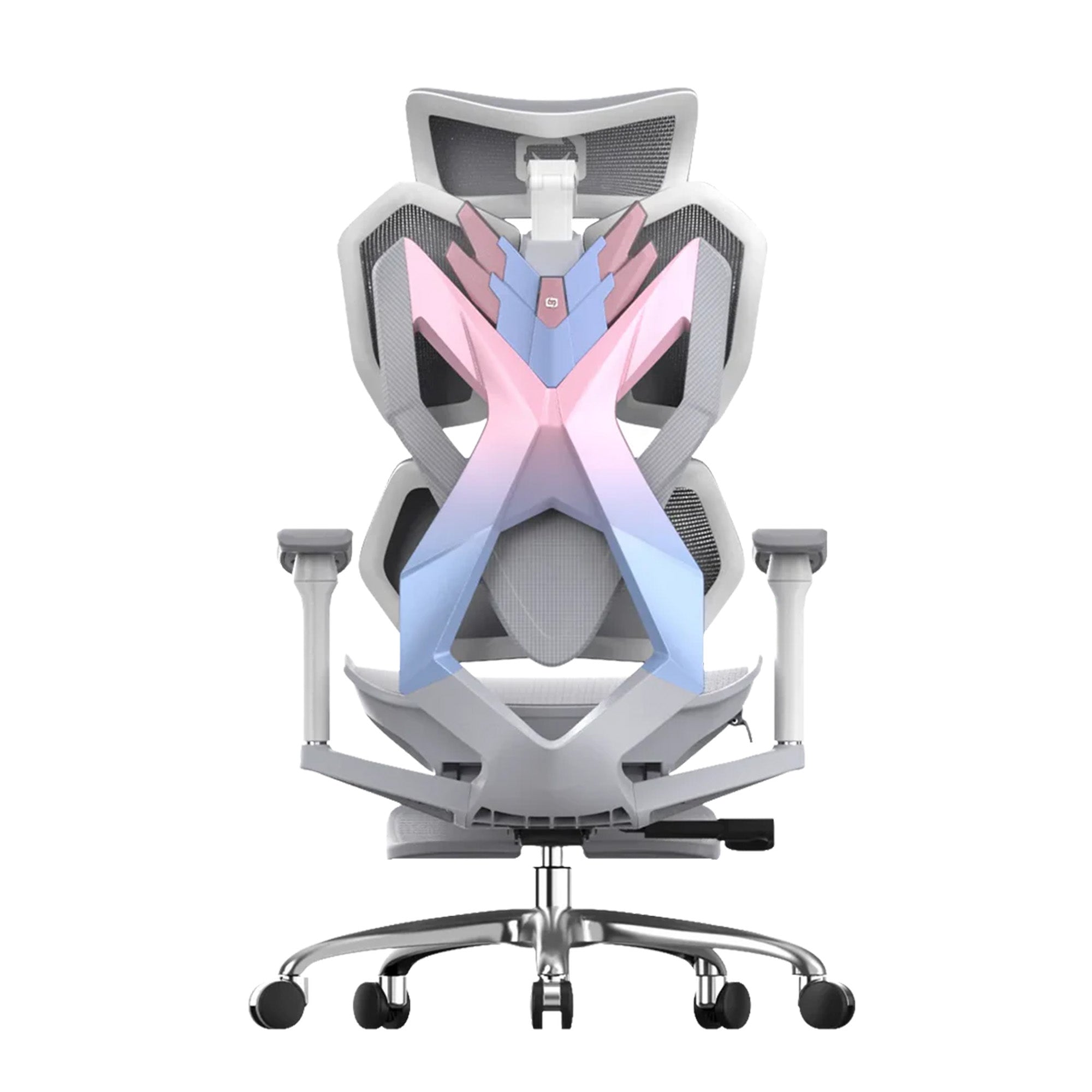
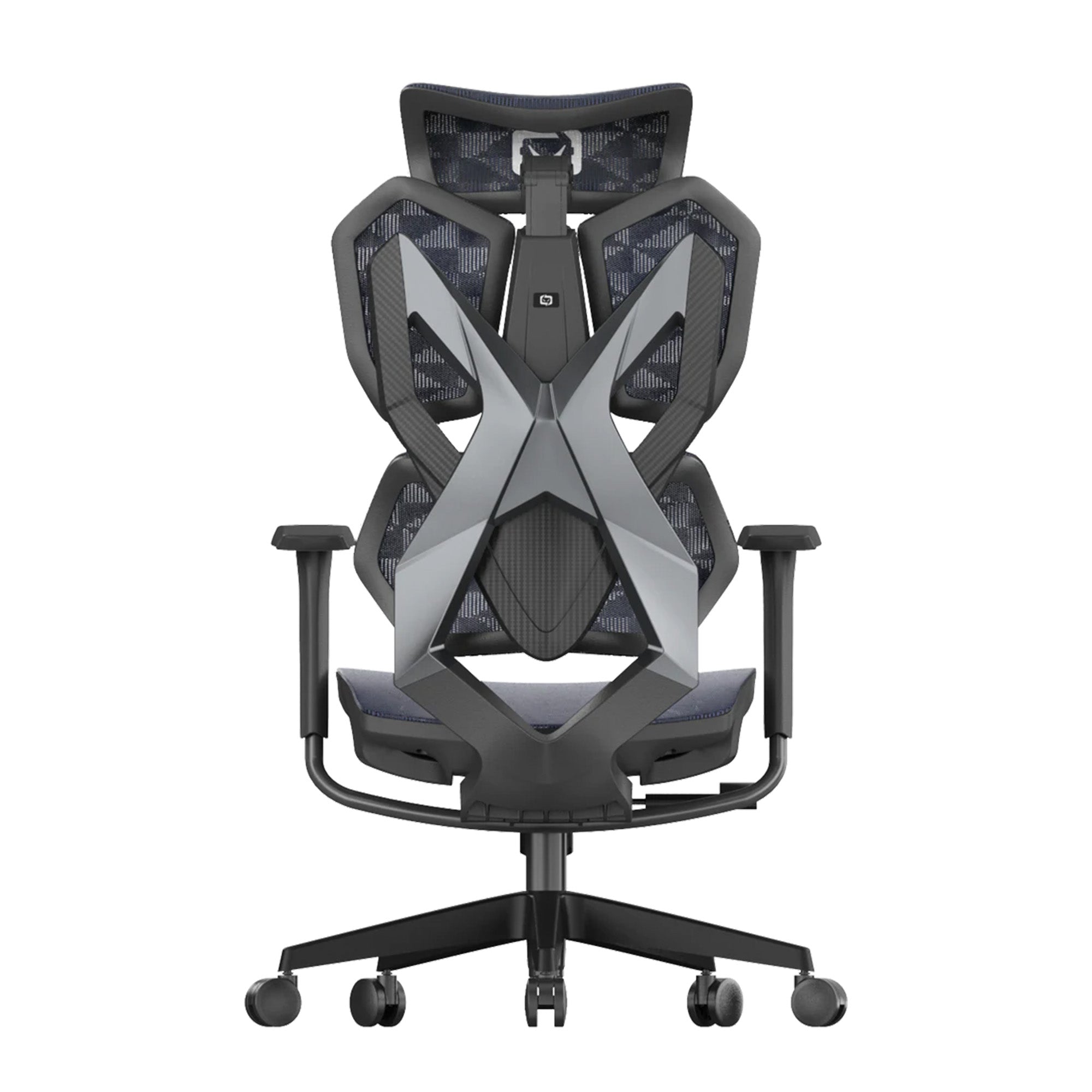

Back pain is not one thing.
The person with lower back pain that builds across the morning has a different problem from the person with neck tension that arrives as a headache by 3pm. Both have a problem from their chair. But the chair feature that fixes one is not the feature that fixes the other. Buying an ergonomic office chair because it ranks well in a general review, without connecting its specific features to the specific pain you're experiencing, is the reason most people buy one and notice very little change.
A note before the recommendations: chair selection addresses one cause of back pain from sitting. Where pain is severe, persistent, or has a history of acute onset, a physiotherapist or GP assessment is the appropriate first step alongside any ergonomic intervention.
Why Where and When Your Pain Happens Changes the Answer
Two questions narrow the field before any chair gets considered.
Where is the pain? Lower back, upper back, neck, tailbone, or radiating into the legs? Lower back pain that builds across the morning is almost always a lumbar support failure. Neck pain that arrives as a 3pm headache is almost always a monitor height problem. Tailbone pain is typically a seat angle or cushion issue. Leg numbness or sciatica-like symptoms during sitting are almost always seat depth pressing behind the knees.
When does it start? Pain present from the first hour points to a chair fundamentally wrong for your body. Pain that builds gradually points to accumulated load a better-specified chair would reduce. Pain that only shows up in the afternoon points to physical fatigue compounding with the natural circadian energy dip. These are different problems with different fixes.
|
THE KEY INSIGHT: Most back pain from sitting isn't caused by bad posture. It's caused by a chair that makes correct posture mechanically impossible for that specific person, through wrong seat depth, wrong lumbar position, or wrong armrest height. |
Pain Type to Chair Feature: The Quick Reference
|
Pain type |
Primary cause in chair |
Feature that fixes it |
Best Sihoo match |
|---|---|---|---|
|
Lower back pain |
Lumbar wrong position or absent, deep trunk muscles fatigue within 15 to 25 minutes |
Adjustable or adaptive lumbar contacting the inward spinal curve |
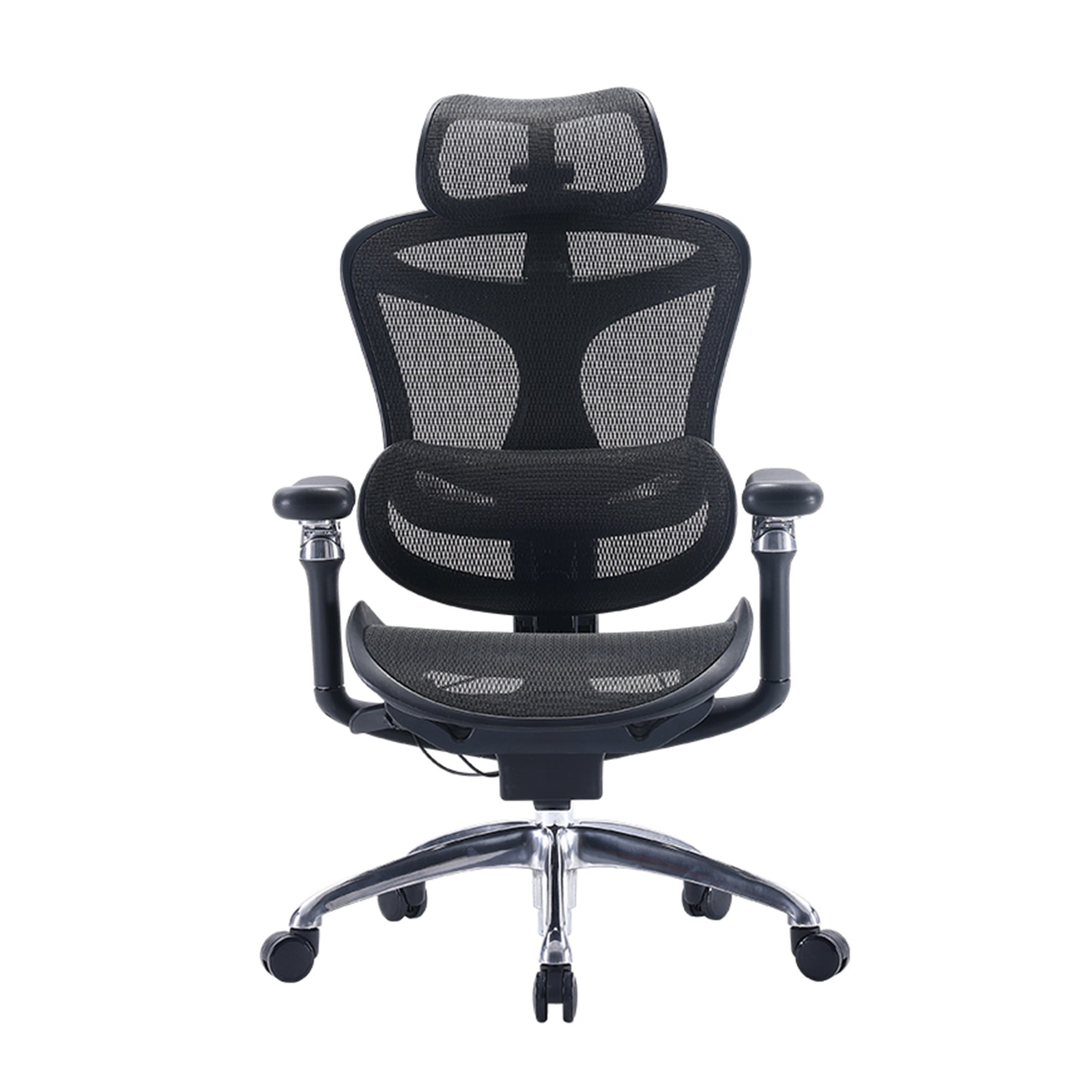
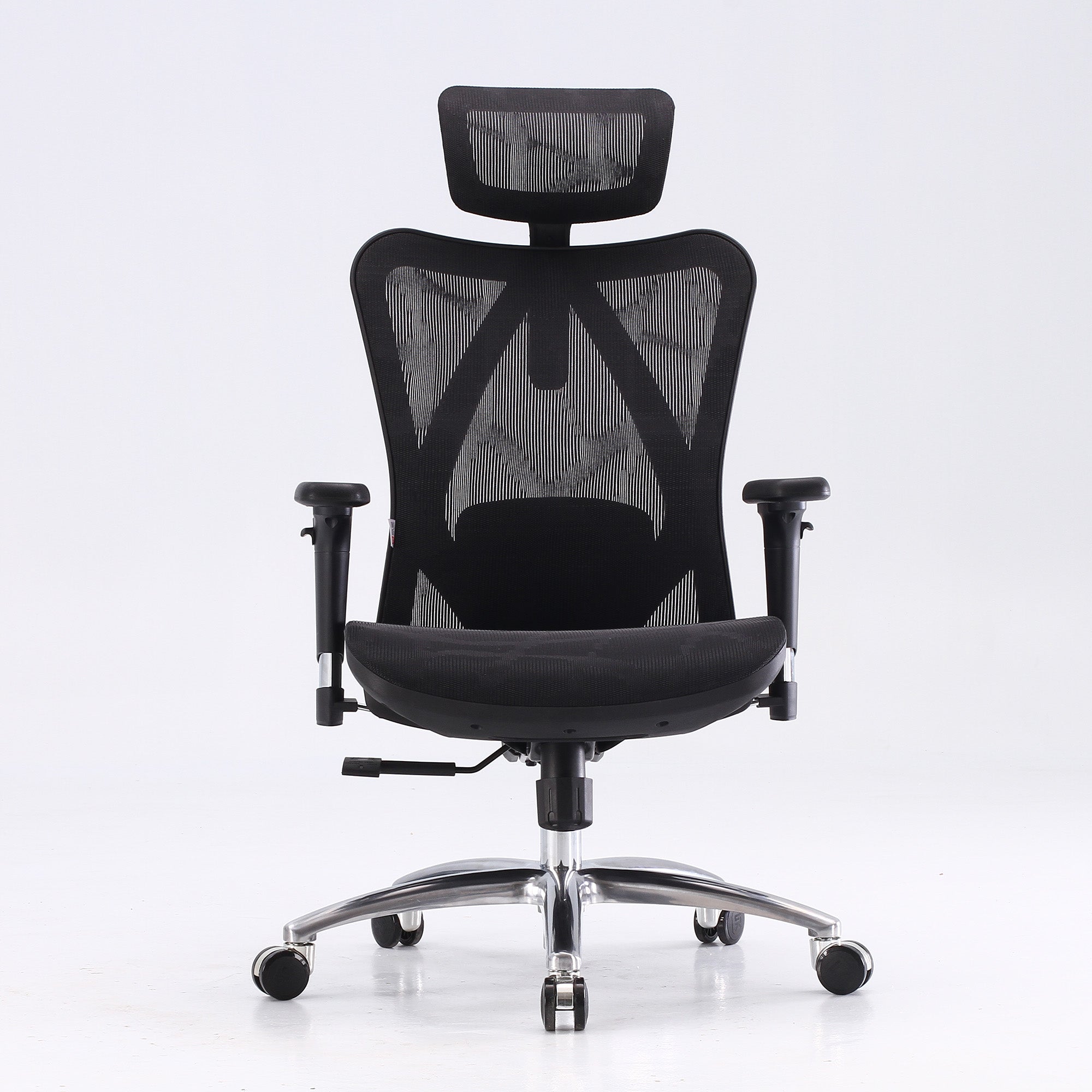
Vito M90, Doro C300, Doro S300 |
|
Upper back and shoulder tension |
Monitor too low or high, sustained neck tilt multiplies effective head load |
Correct monitor height plus high backrest coverage |
Doro C300, Doro C500, Doro S300 |
|
Neck pain and headaches |
Forward head posture from screen too low, or backward tilt from screen too high |
Monitor repositioning plus headrest for recline support |
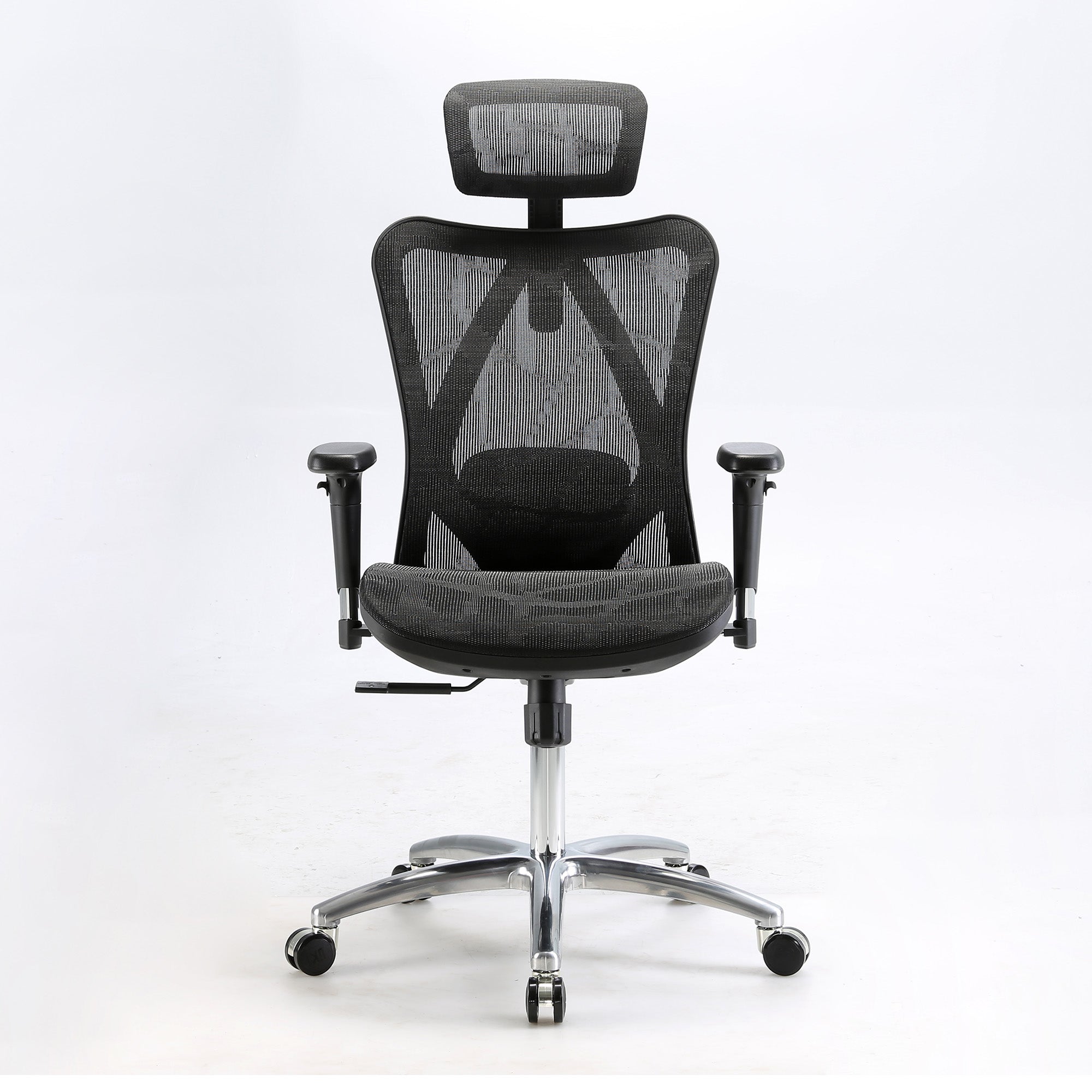
M57 Pro, Doro S300 |
|
Tailbone and hip pain |
Seat too hard or wrong angle, loading the coccyx |
Adequate cushioning, correct seat angle, seat height at popliteal height |
M59AS, V1 |
|
Sciatica and leg numbness |
Seat too deep, pressing behind the knees, restricting blood flow |
Seat depth adjustment, critical under 165cm or with sciatic symptoms |
V1 |
|
General fatigue worsening through the day |
Multiple sources compounding: lumbar, armrests, static posture |
Full ergonomic adjustment plus movement structure |
Vito M90 or Doro C300 for 6+ hours daily |
Sihoo model matches based on published specifications as of this session. Individual results depend on correct chair adjustment and other workstation factors.

Lower Back Pain: The Most Common and Most Misunderstood
Lower back pain that builds across a sitting session is rarely one moment of strain. It's the accumulated output of deep trunk muscles being placed under continuous load without adequate support.
Amiri, Behm and Zemkova, in Sports Medicine Open (February 2025), found prolonged sitting fatigues the transversus abdominis and multifidus, the deep trunk muscles responsible for spinal stability, beginning between the 15th and 25th minute without adequate lumbar support. As these muscles fatigue, the body shifts load to superficial muscles never designed to hold it. The lumbar feature that helps: support positioned at the natural inward curve specifically, not the mid-back, not the upper back. A lumbar support in the wrong position provides no meaningful benefit regardless of how well-specified the rest of the chair is.
Three lumbar types exist, and they're not interchangeable. Fixed lumbar suits whoever's torso happens to match the factory position, and almost nobody else. Manually adjustable is correct when set properly, then quietly drifts out of use, since most people never readjust it after the first week. Adaptive or dynamic lumbar responds automatically to sitting angle and posture shift, which is why it holds up better across a genuinely long day.
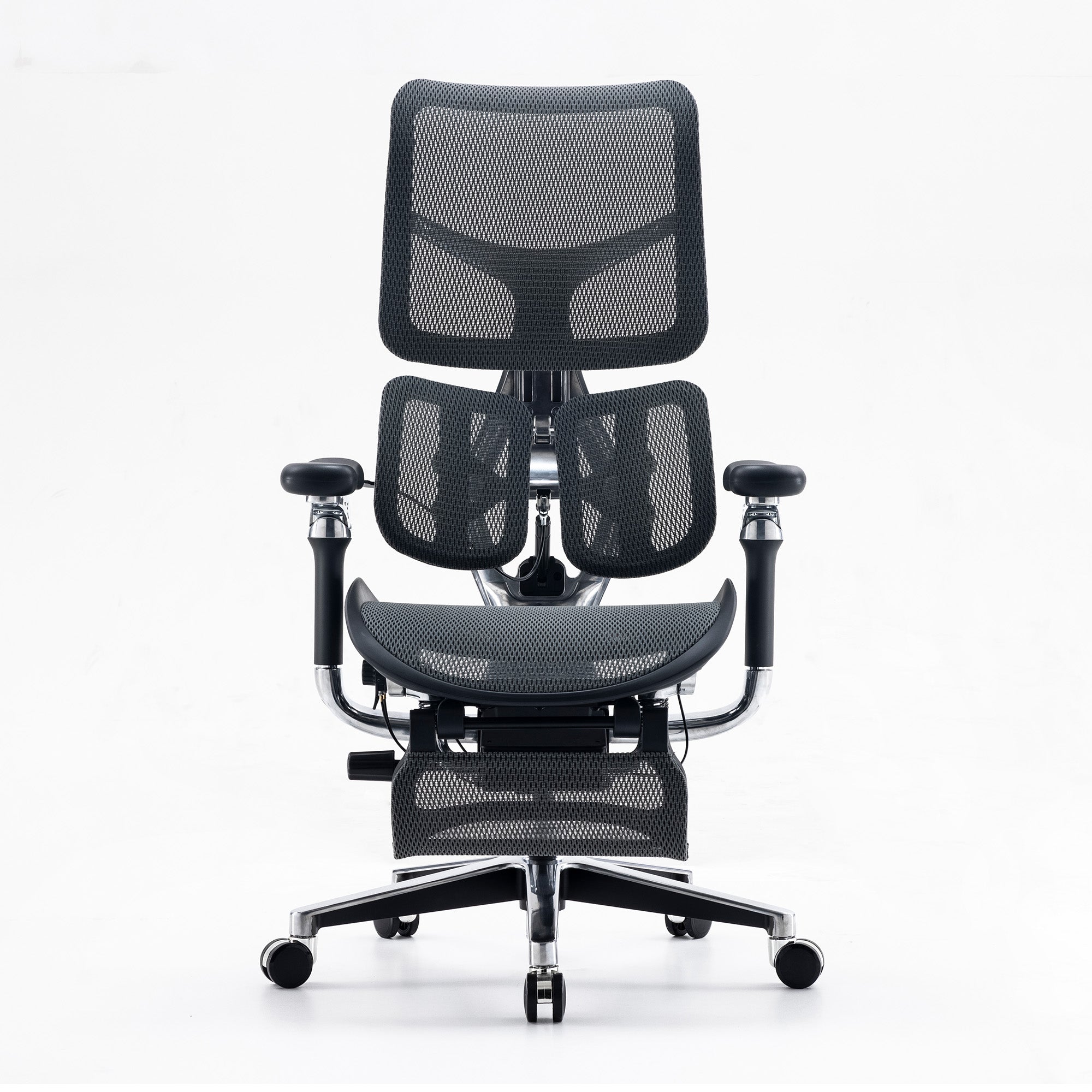
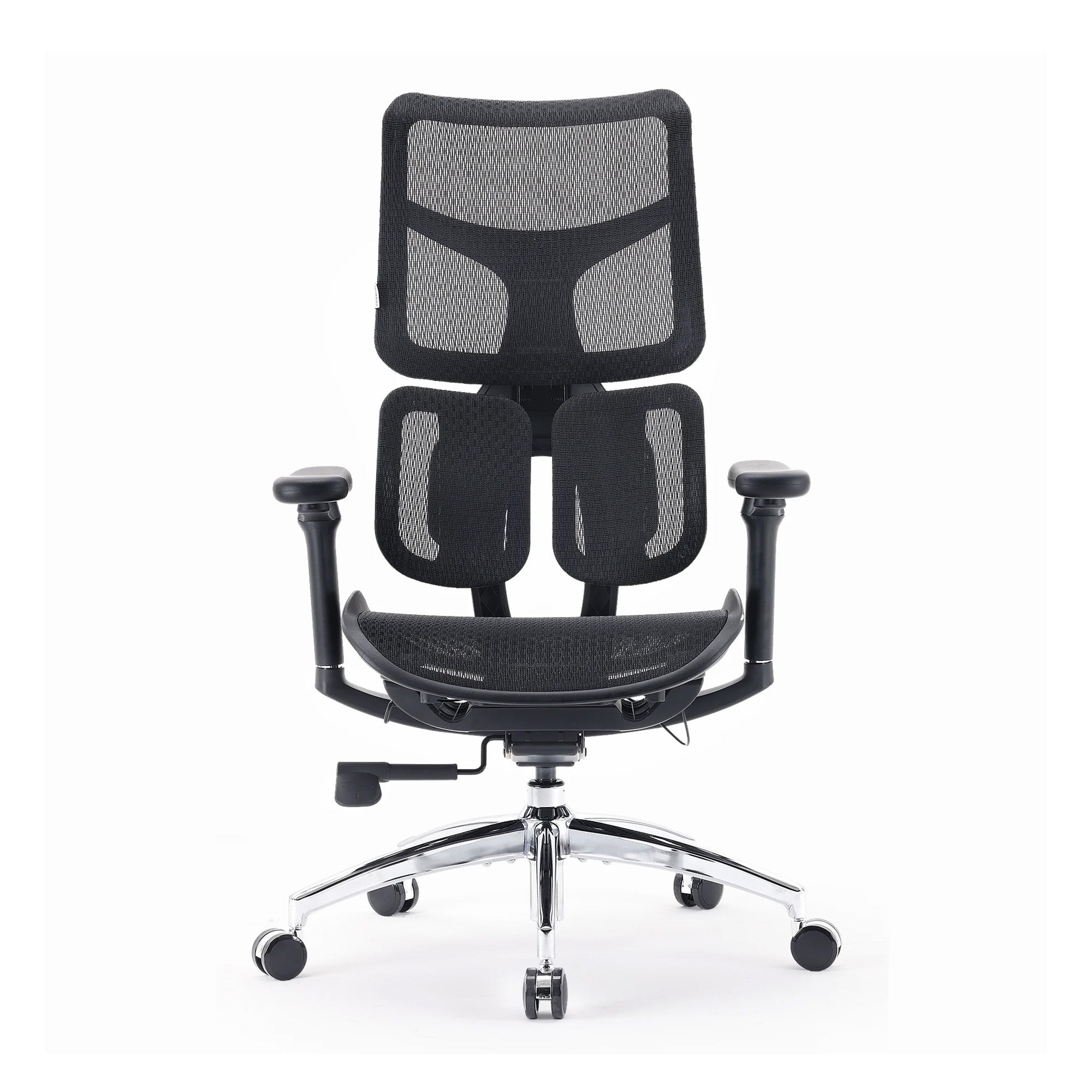
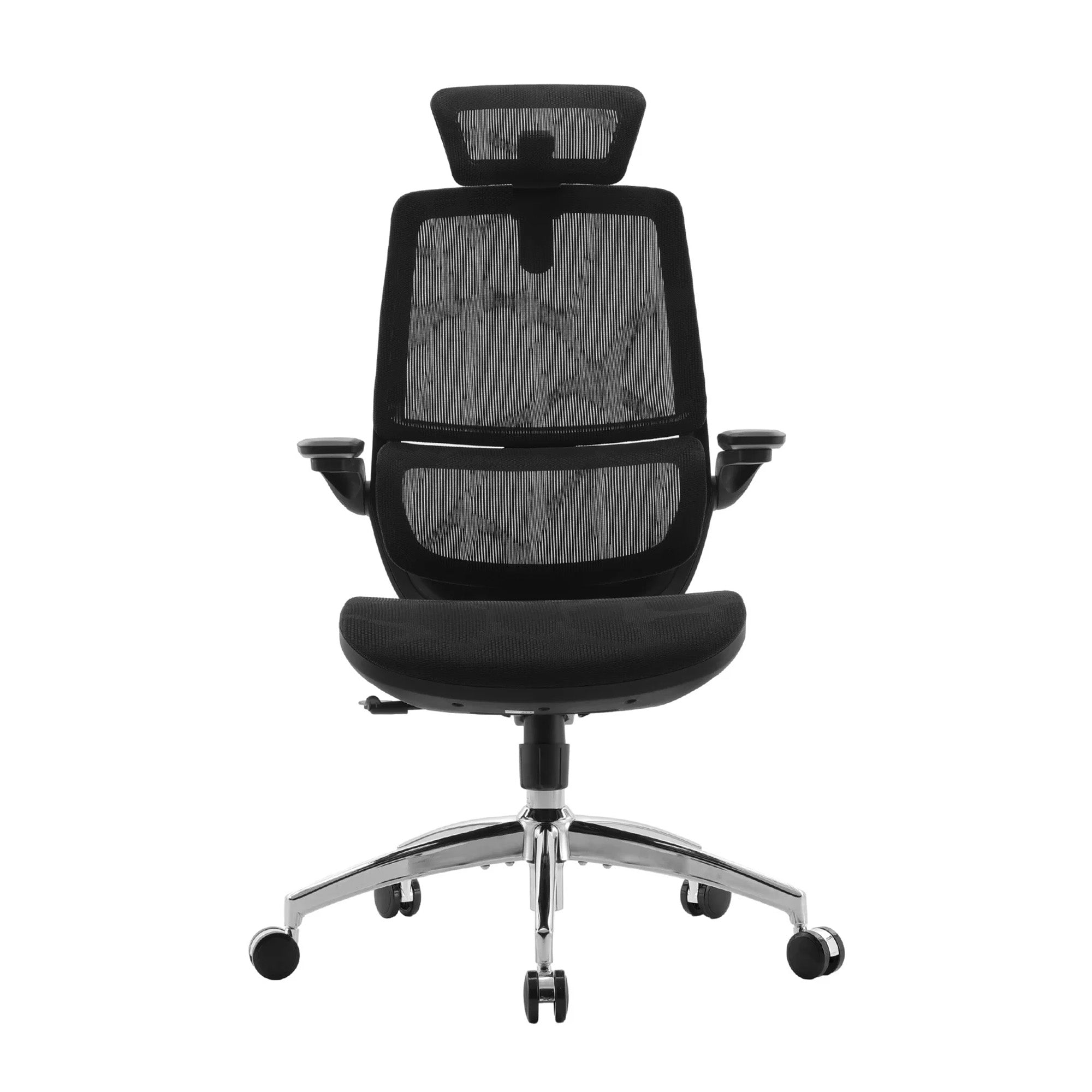
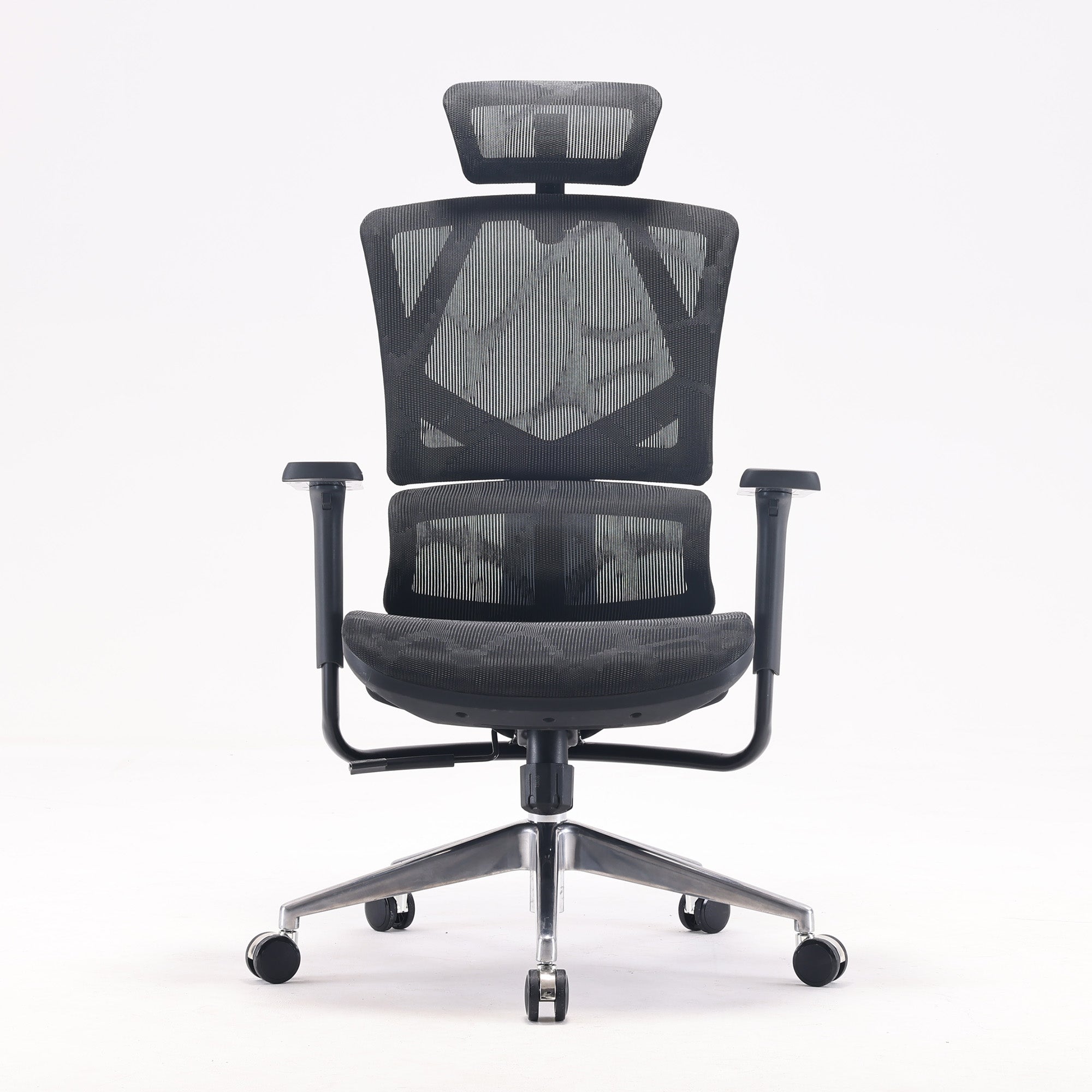
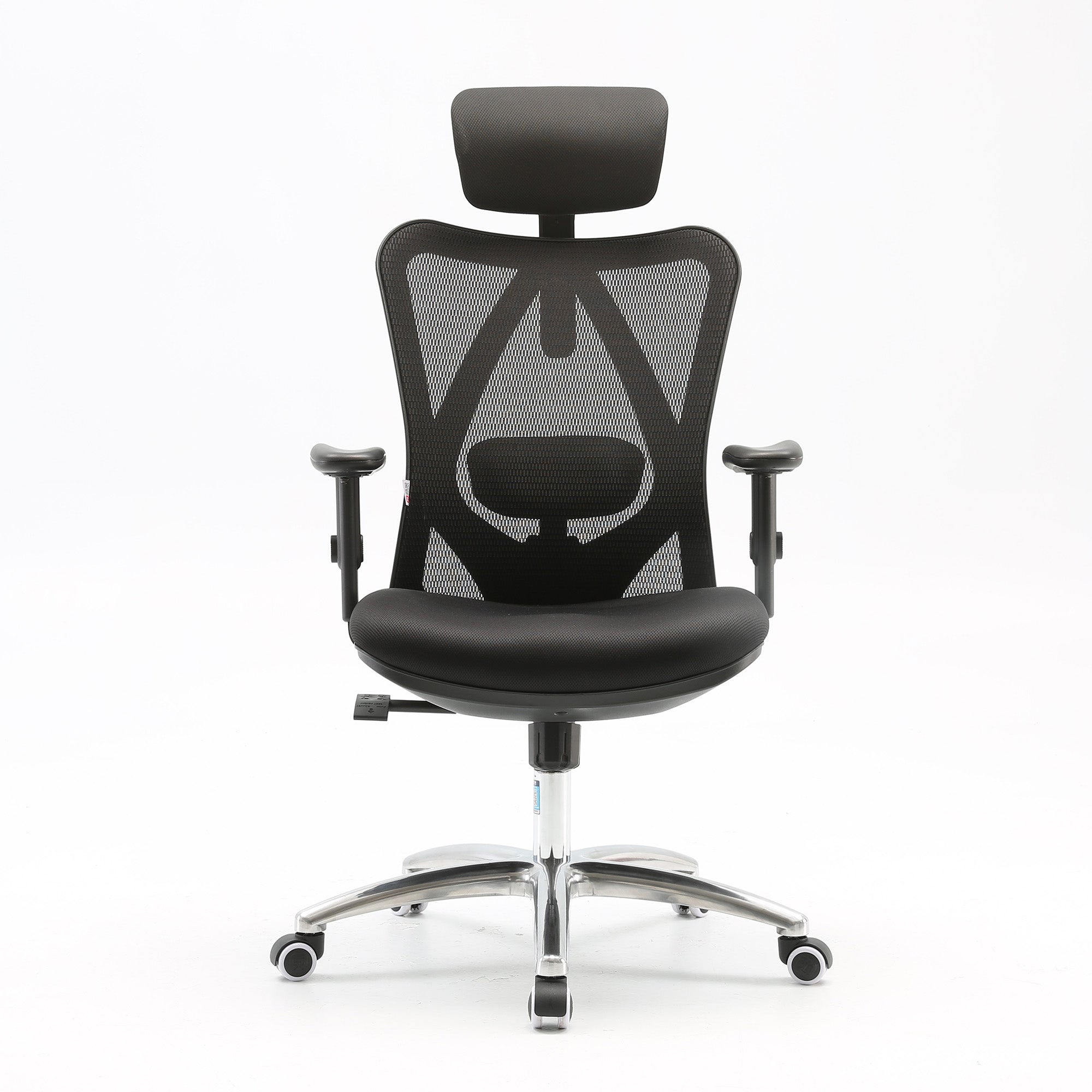
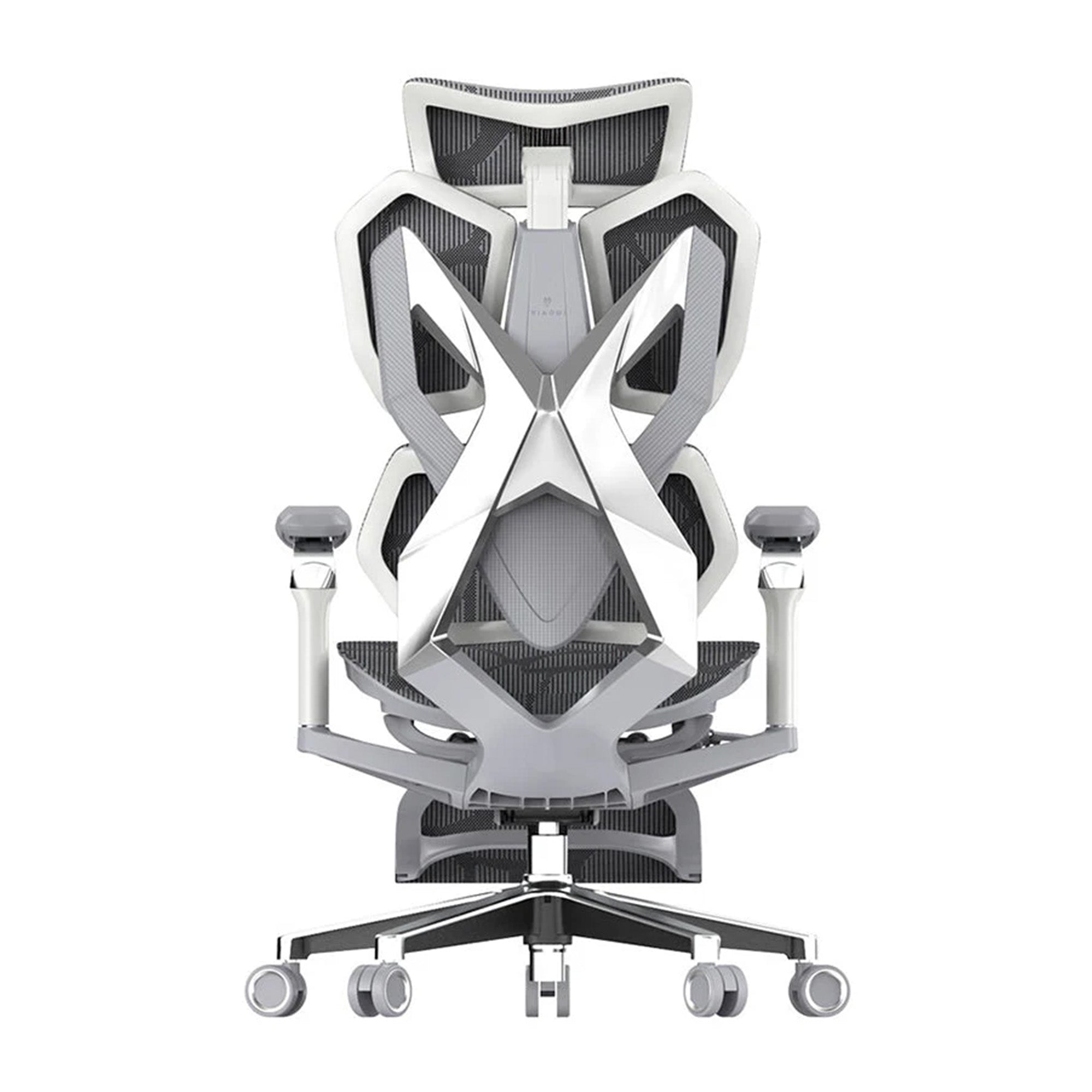
For mild to moderate discomfort, four to six hours daily: the Sihoo M57 at $329 provides manually adjustable lumbar with height and depth control, a reasonable starting point for moderate hours. For persistent pain at six or more hours daily: the Vito M90 at $339 adds an adaptive lumbar mechanism that responds to sitting angle without manual repositioning. For chronic issues or high daily hours: the Doro C300 at $679 delivers independent upper and lower back support through a split backrest, and the Doro S300 at $949 tracks spinal movement dynamically across the full range of working postures.
Upper Back, Neck, and the Screen You're Not Looking At Properly
This one surprises people: upper back and shoulder tension from sitting is almost always a monitor height problem, not a chair problem.
The average adult head weighs 4.5 to 5.5 kilograms. At a neutral position, the neck manages this efficiently. At 15 degrees of tilt, forward or back, the effective muscular load climbs to roughly 12 kilograms. At 30 degrees, around 18 kilograms. Anyone working at a laptop flat on a desk, or looking up at a monitor mounted too high, carries that multiplied load from the first minute of the day.
Neck pain that arrives as a headache specifically in the early afternoon follows the same mechanism. The load has been accumulating since 9am, and by the time the natural circadian energy dip arrives, the two compound into the headache most people blame on stress. If the pain shows up on office days but not WFH days, or the reverse, the difference is almost certainly monitor height in one environment versus the other.
-
Step one, free: reposition the monitor. Top of screen at or slightly below eye level when seated correctly. For laptop users, a stand plus external keyboard is the actual fix, not a new chair.
-
Step two, free: check armrest height. Shoulders should be fully relaxed with forearms resting on them. Even slight elevation means the armrests are loading the trapezius continuously.
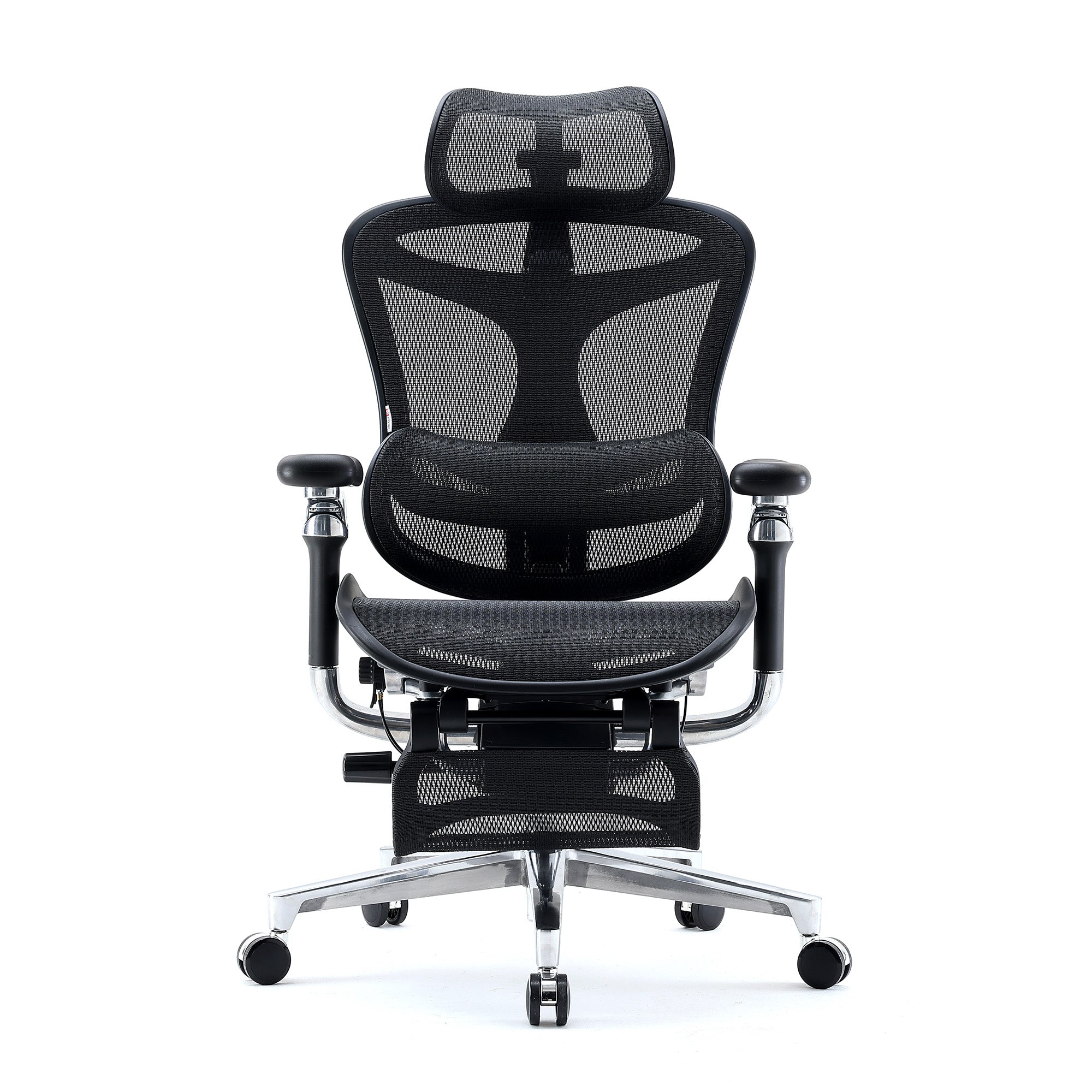
For users above 175cm needing full upper back coverage: the Doro C300, Doro C500, and Doro S300 all extend backrest height for shoulder-blade-level support. For reclined work or call-heavy roles, a headrest matters more: the M57 Pro adds one at an accessible price point.
Tailbone, Hip Pain, and Sciatica: The Seat Itself
Tailbone pain, sometimes called coccydynia when persistent, usually comes from a seat that's too hard, angled wrong, or set too high relative to the knees. Hip pain often traces to hip flexor tightening from sustained 90-degree flexion, made worse by a seat that won't allow the natural posterior pelvic tilt that provides relief.
For seat hardness or angle: the M59AS offers seat tilt adjustment to shift weight away from the coccyx. For hip flexor tightness, postural variety matters more than any single feature. A recline mechanism that opens the hip angle beyond 90 degrees, like the Doro C300 or S300's recline to 135 degrees, lets the hip flexors lengthen during lower-demand stretches.
Sciatica and leg numbness during sitting have a direct, specific relationship to seat depth. PMC Biomimetics (February 2023) found a seat too deep makes it impossible to use the backrest while maintaining clearance behind the knees, compressing the posterior thigh and popliteal area. That compression restricts blood flow and, in users with existing sciatic sensitivity, presses on the nerve's proximal pathway.
This is the most commonly misdiagnosed chair problem in office environments. Someone stretches, changes position, walks around, feels better briefly, sits back down, and the symptoms return, because the seat depth never changed.
|
HOW TO CHECK IT YOURSELF: Sit all the way back, back against the backrest. Less than two finger-widths of clearance behind your knees means the seat is too deep for your legs. Sitting forward loses lumbar contact. Sitting back means compression. Neither is correct. |
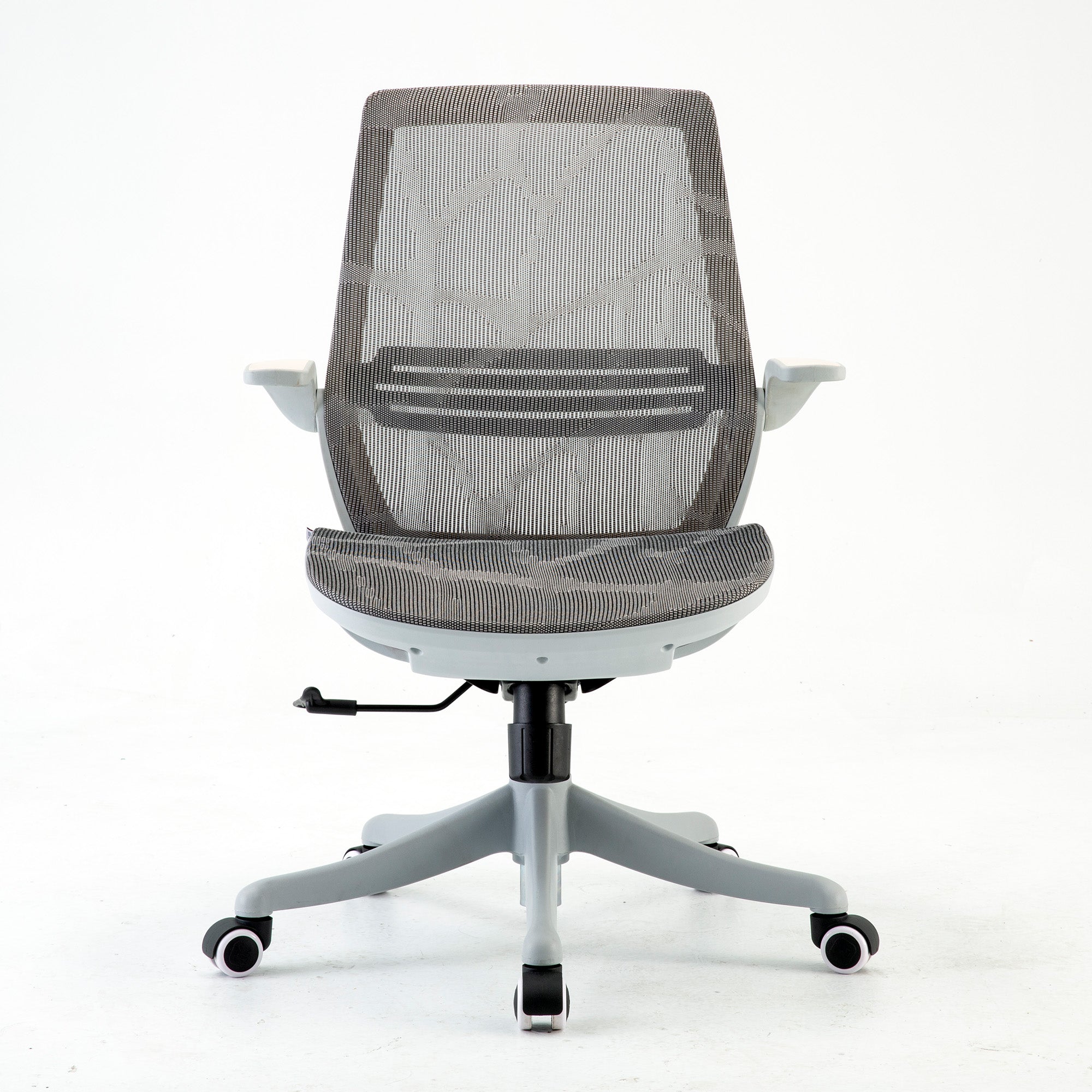
The specific fix: the Sihoo V1 at $529 is the only chair in the range with a sliding seat depth mechanism, shortening the seat pan for shorter legs without sacrificing lumbar contact. Rated to 120kg. For heavier users needing seat depth adjustment, contact Sihoo Australia directly to discuss options.

General Fatigue That Worsens Through the Day
Diffuse tiredness with no specific pain location, reliably worse by early afternoon, is rarely one cause. A 2024 study in Scientific Reports on office workers found physical and mental fatigue reinforce each other in both directions, physical fatigue impairs cognition, cognitive fatigue reduces the capacity to manage physical discomfort. The full breakdown of fatigue sources and the order to address them lives in the guide to reducing workplace fatigue. The chair is one input among several, monitor height, lighting, and movement structure contribute equally.
The Adjustment That Matters as Much as the Model
Every recommendation above assumes correct adjustment. A Doro S300 left at factory defaults offers almost no more benefit than a $99 task chair for someone whose body doesn't match those settings.
Five adjustments, in order: seat height until feet sit flat with knees near 90 degrees, seat depth until two to three finger-widths clear the back of the knees, lumbar positioned at the natural inward curve specifically, armrests lowered until shoulders fully relax, and recline tension set so the backrest responds to your weight without requiring real effort to push back.
If pain has persisted for weeks despite an ergonomic chair, the first question is whether it's actually been adjusted correctly. In most cases it hasn't. The full sequence with technique for each setting is at how to properly adjust your ergonomic chair. Run through it before concluding the model is wrong.
When It's Not the Chair
A correctly adjusted chair reduces load from seating itself. It doesn't touch load from elsewhere in the workstation. If pain persists after correct chair and monitor setup, three other variables are worth checking: keyboard and mouse position (too far forward rounds the shoulders), desk height (too high creates the same shoulder-loading problem as high armrests), and movement frequency (Safe Work Australia recommends sedentary bouts no longer than 20 to 30 minutes before a postural change).
The full workstation assessment framework is in the office ergonomics checklist, written for businesses but equally useful for individual setups.
A chair change is an ergonomic intervention, not a medical one. See a GP or physiotherapist alongside any chair adjustment if pain is severe, acute, or sudden rather than gradual, radiates below the knee, involves numbness or weakness rather than mild tingling, is present before you've sat down at all, or doesn't change after adjusting the chair. These suggest a clinical cause that needs assessment first.
For Australian Businesses: What You're Actually Required to Provide
Chair procurement for a team isn't just a comfort decision. Under the Work Health and Safety Act, adopted across most Australian states and territories, employers have a legal duty to provide a safe working environment, which includes assessing and controlling risks from prolonged sitting and workstation design. The legislation doesn't name specific chair models, but it does require the risk assessment.
[CONFIRM: whether Sihoo AU chairs currently hold AFRDI Level 6 or AS/NZS 4438 certification before publishing. If not confirmed, this section should stay general procurement guidance and must not imply Sihoo products carry a certification that hasn't been verified.]
The relevant Australian standard is AS/NZS 4438:1997, covering height-adjustable swivel chairs. AFRDI Level 6 certification, issued by the Australasian Furnishing Research and Development Institute, is widely regarded as the benchmark for commercial-grade seating in Australia, tested for strength, stability, durability and ergonomic fit. For businesses procuring at scale, checking supplier compliance with these standards is considered best practice and reduces WHS liability exposure. If a worker sustains a musculoskeletal injury and an employer can't demonstrate appropriate seating was in place, the organisation may face workers' compensation claims and WHS enforcement action.
Choosing Chairs Across a Team With Different Bodies
Adjustability range matters more than any single spec. A chair configurable across a meaningful spread of heights, seat depths, lumbar positions, and armrest widths serves most of a team regardless of individual size. If your staff vary significantly in height or weight, audit that range before purchasing rather than after, and confirm shortlisted chairs are rated appropriately for anyone at the upper end.
Trialling Before a Bulk Order
Two to three models across a representative sample of your team, staff varying in height and current comfort level, using each as their primary seat for three to five full working days, is enough for an informed decision. Ten-minute first impressions aren't reliable. Ask specific questions rather than open ones: does the lumbar reach the right part of your back, can you sit with feet flat and no pressure under the thighs, do the armrests let your shoulders stay down.
The Cost Case, Beyond the Chair Price
Safe Work Australia data puts roughly 76 percent of work hours in a seated position. Docking et al., JAMA Network Open (2025), found long-term back problems are projected to cost the Australian economy over $638 billion in lost productivity between 2024 and 2033, cumulative, not annual. Reducing incidence at the workstation level contributes to both absenteeism and the less visible cost of presenteeism, staff present but performing below capacity due to discomfort. For volume orders, Sihoo's wholesale office chairs programme handles bulk pricing and delivery coordination.
Hot-Desking and Shared Seating
Shared chairs introduce a specific problem: different bodies, same seat, often without anyone readjusting between sessions. Intuitive controls matter more here than in single-user setups. A single-lever pneumatic height adjustment and an easily reached lumbar adjuster both increase the odds someone actually uses them rather than sitting in whatever position the last person left. A short visible guide posted at each hot-desk showing the key adjustments meaningfully improves whether people actually get the support the chair is built to provide.
Remote and Hybrid Workers
WHS duty of care extends to home-based work environments, meaning employers are expected to take reasonable steps to ensure remote staff have safe, ergonomically appropriate setups, including seating. In practice this is usually handled through a home office equipment allowance letting staff choose a chair within a defined budget, or a centralised standardised chair from a preferred supplier. Either approach demonstrates due diligence and reduces exposure to claims linked to home workstation injuries.
Tax Treatment
Ergonomic chairs purchased for business use are generally tax-deductible as depreciable business assets in Australia. For home-based workers, the ATO allows deductions for home office equipment including chairs, proportional to work-related use. Depreciation rates and thresholds change, so confirm current treatment with your accountant rather than relying on a general guide.
Conclusion
Match the fix to the pain, not the other way around.
Lower back pain that builds through the morning needs adaptive or adjustable lumbar at the correct spinal position. Upper back and shoulder tension needs monitor height fixed first. Neck pain and afternoon headaches need the same fix, since it's the same mechanism arriving later in the day. Tailbone pain needs seat angle and cushion review. Sciatica and leg numbness need seat depth adjustment, and for most people that means a sliding seat mechanism specifically. General fatigue needs the whole environment reviewed, not one chair feature in isolation.
Most people searching for the best chair for back pain don't have a generic back pain problem. They have a specific pain in a specific place that gets worse at a specific time. If you're still unsure after reading this: under four hours daily with mild discomfort, the M57. Four to eight hours with persistent lower back pain, the Vito M90 or Doro C300. Eight or more hours or existing back history, the Doro S300. Leg numbness or sciatic symptoms, the V1 regardless of hours.
Browse the best ergonomic office chairs in Australia and match the model to your pain type, not the price point.
Better Comfort Starts Now.

Sources Referenced
-
Amiri B, Behm DG, Zemkova E (2025): Core Exercises in Alleviating Muscular Fatigue from Prolonged Sitting. Sports Medicine Open, February 2025. DOI: 10.1186/s40798-025-00816-x.
-
PMC/NIH: Chair Size Design Based on User Height. Biomimetics, February 2023. DOI: 10.3390/biomimetics8010057.
-
Scientific Reports (2024): Unraveling the interplay between mental workload, occupational fatigue, physiological responses and cognitive performance in office workers.
-
Docking SI et al. (2025): Productivity Losses Due to Long-Term Back Problems in Working-Age Australians. JAMA Network Open. DOI: 10.1001/jamanetworkopen.2025.27284. Figure cited as cumulative 2024 to 2033, not annual.
-
Safe Work Australia: Sitting and Standing Hazards, 20 to 30 minute sedentary bout recommendations, approximately 76 percent of work hours seated.
-
AS/NZS 4438:1997 Height Adjustable Swivel Chairs, and AFRDI Level 6 certification standard, Australasian Furnishing Research and Development Institute.
-
This piece merges and replaces /blogs/all-about-ergonomic-chair/best-office-chair-for-back-pain-in-australia-2026-matched-to-your-pain-type, whose diagnostic content forms the backbone of this piece. Several claims from the prior hero blog version (a 39 percent 'pain developers' figure, a derived '3.2 million Australians by 2033' projection, an uncited BMC systematic review, and an APA quality-of-life report) could not be independently verified during this rewrite and have been removed rather than carried forward unconfirmed.
Frequently Asked Questions
WHS duty of care extends to home-based work, so employers are expected to take reasonable steps to ensure safe, ergonomically appropriate home setups. Common approaches are a home office equipment allowance within a defined budget, or a centralised standardised chair from a preferred supplier. Either demonstrates due diligence under WHS obligations.
Generally yes, as depreciable business assets. For home-based and remote workers, the ATO allows proportional deductions for home office equipment including chairs. Depreciation rates and thresholds change, so confirm current treatment with your accountant.
Intuitive, fast-to-operate controls matter more than in single-user setups, since most people won't readjust a shared chair properly between sessions. Single-lever pneumatic height adjustment and an easily reached lumbar control both increase actual usage. A short visible adjustment guide at each desk improves this further.
Reduced absenteeism is the most tangible measure, back pain is a leading cause of sick leave, and Docking et al. (JAMA Network Open, 2025) put the cumulative cost of long-term back problems to the Australian economy at over $638 billion in lost productivity between 2024 and 2033. Less visible is reduced presenteeism, staff physically present but underperforming due to discomfort.
Prioritise adjustability range over a single spec. A chair configurable across a meaningful spread of heights, seat depths, lumbar positions, and armrest widths serves most of a team regardless of size. Audit your team's height and weight range before shortlisting, particularly if anyone sits well outside average.
The WHS Act requires employers to provide a safe working environment, which includes assessing and controlling risks from prolonged sitting and workstation design. It doesn't name specific models, but does require the risk assessment. AS/NZS 4438 is the relevant chair standard, and AFRDI Level 6 certification is widely regarded as the commercial benchmark. If a worker sustains a musculoskeletal injury and appropriate seating can't be demonstrated, the organisation may face compensation claims and WHS enforcement action.
Yes, but pain from sitting in a well-adjusted ergonomic chair is substantially less severe and develops more slowly than in a poorly configured one. Even the best chair can't eliminate the physiological effects of sustained sedentary posture. Safe Work Australia recommends sedentary bouts no longer than 20 to 30 minutes before a postural change or brief movement. A quality chair reduces the rate load accumulates. It doesn't remove the need for postural variety.
Seat depth is the primary variable. Posterior thigh and popliteal compression from a seat too deep for your leg length compresses the pathway the sciatic nerve travels. In the Sihoo range, the V1 is the model with sliding seat depth adjustment that addresses this directly. If sciatic symptoms include radiation below the knee, weakness, or severe acute pain, physiotherapy assessment should come first.
For eight or more hours daily, or an existing back condition, the S300's dynamic lumbar arm, tracking spinal movement across the full range of postures, provides a meaningful advantage over manually adjustable systems. For six-hour daily use with moderate discomfort, the Doro C300 is usually sufficient. The gap between the two is worth it specifically at higher daily hours or with back history, not as a general upgrade.
Lumbar position first. Sit fully back and find the natural inward curve of your lower back, the support should contact that exact point, not your mid-back. Second, seat depth: less than two finger-widths of clearance behind the knees means the seat is pressing on them, forcing you forward off the lumbar support. Third, monitor height, the top of your screen should sit at or slightly below eye level.
A chair can significantly reduce back pain caused by sustained unsupported sitting. It can't fix pain with a clinical cause independent of posture. Pain that builds gradually and eases with movement is consistent with an ergonomic cause. Pain present before sitting, severe or acute, or radiating below the knee needs physiotherapy or GP assessment first. Often the right answer is both, clinical assessment for the underlying condition and an ergonomic fix to reduce the load that aggravates it.
Shop products from this article


