


It is 3pm on a Tuesday.
Half the team is still at their desks. The work is still coming in. But something has shifted. The emails are shorter than they were at 10am. The responses take a little longer. Someone has their chin resting on their hand. Someone else is on their third coffee. A manager looking at the room would probably think: people are just tired today.
They are. But not in the way that sleep fixes.
The fatigue that settles over an office in the mid-to-late afternoon is not random. It is not a motivation problem or a culture problem. A significant portion of it is physical, predictable, and directly connected to the environment people have been sitting in since 9am. Change the environment and the fatigue pattern changes with it.
This guide covers six specific sources of workplace fatigue that come from office setup, not from the people, the work, or the industry. Each one has a mechanism, a research basis, and a fix. Most of the fixes cost nothing.
Fatigue Is Not Tiredness. The Distinction Matters.
Why the Language Matters for Diagnosis
Tiredness is a signal from the body that sleep debt has accumulated. Rest resolves it. Fatigue in the occupational health sense is different. It is a measurable reduction in physical and cognitive capacity that accumulates during the working day, independent of how well rested the person is. An employee who slept eight hours and arrives at work fresh can still be experiencing significant physical fatigue by 2pm if the environment they have been sitting in since morning has been generating it continuously.
Safe Work Australia describes prolonged sedentary behaviour as a hazard that causes workers to report feeling tired and less productive. Crucially, their guidance notes that exercise performed outside work hours does not negate the health risks of prolonged sitting. The person who runs every morning is not protected from the fatigue that accumulates in an unadjusted chair across a six-hour seated work session.
This distinction changes how the problem is managed. If the 3pm energy drop is tiredness, the solution is personal: sleep more, manage stress, eat better. If it is environmental fatigue, the solution is structural: fix the chair, fix the lighting, build movement into the workday. One set of solutions is free and immediate. The other requires employees to change their private lives.
The Two-Way Fatigue Loop
A 2024 study published in Scientific Reports on office workers found that physical and mental fatigue do not operate independently. Physical fatigue impairs cognitive function, slows reaction time, limits short-term memory, and disrupts judgment. Mental fatigue, in turn, reduces the capacity to manage physical discomfort. The two reinforce each other.
The practical consequence is that physical discomfort from a poorly set-up workstation is not just uncomfortable. It is cognitively expensive. The employee managing low-level back pain from an unsupported chair is not simply uncomfortable. They are diverting cognitive resources toward managing that discomfort, resources that are no longer available for the work.
THE KEY DISTINCTION: Fatigue from a poorly configured office environment is not tiredness. It is a measurable physiological state with specific environmental causes. Fixing those causes reduces the fatigue. No changes to the employee required. Source: Safe Work Australia; Scientific Reports 2024.

Fatigue Source 1: Sitting Without Adequate Lumbar Support
What Happens Inside the Body
Most people think of back fatigue as something that happens over years. Research published in Sports Medicine Open in February 2025 by Amiri, Behm, and Zemková shows it starts much earlier than that.
The scoping review found that prolonged sitting induces fatigue in the deep trunk muscles, specifically the transversus abdominis and multifidus, which are the muscles responsible for spinal stability. As these deep muscles fatigue, the body shifts the load to the superficial muscles. Those muscles were not designed to carry spinal load across a working day. They tire faster, and as they tire, spinal stress increases.
One study referenced in the review found that without lumbar support, muscle fatigue in the relevant stabilising muscles occurred between the 15th and 25th minute of sitting. Not hours in. Fifteen to twenty-five minutes. The employee sitting in an unadjusted chair with the lumbar support in the wrong position is experiencing measurable deep muscle fatigue within the first half-hour of the working day, and that fatigue compounds for every hour that follows.
What Correct Lumbar Support Changes
Lumbar support in the right position, meaning in the natural inward curve of the lower back rather than in the mid or upper back, reduces the load on the stabilising muscles by maintaining the natural spinal curve without requiring active muscular effort to hold it. The spine is supported by the chair rather than by continuous muscle contraction.
The fatigue reduction is not cosmetic. It is the difference between a set of muscles working continuously under load from 9am and those same muscles working intermittently as needed. Across an eight-hour day, the accumulated load difference is substantial.
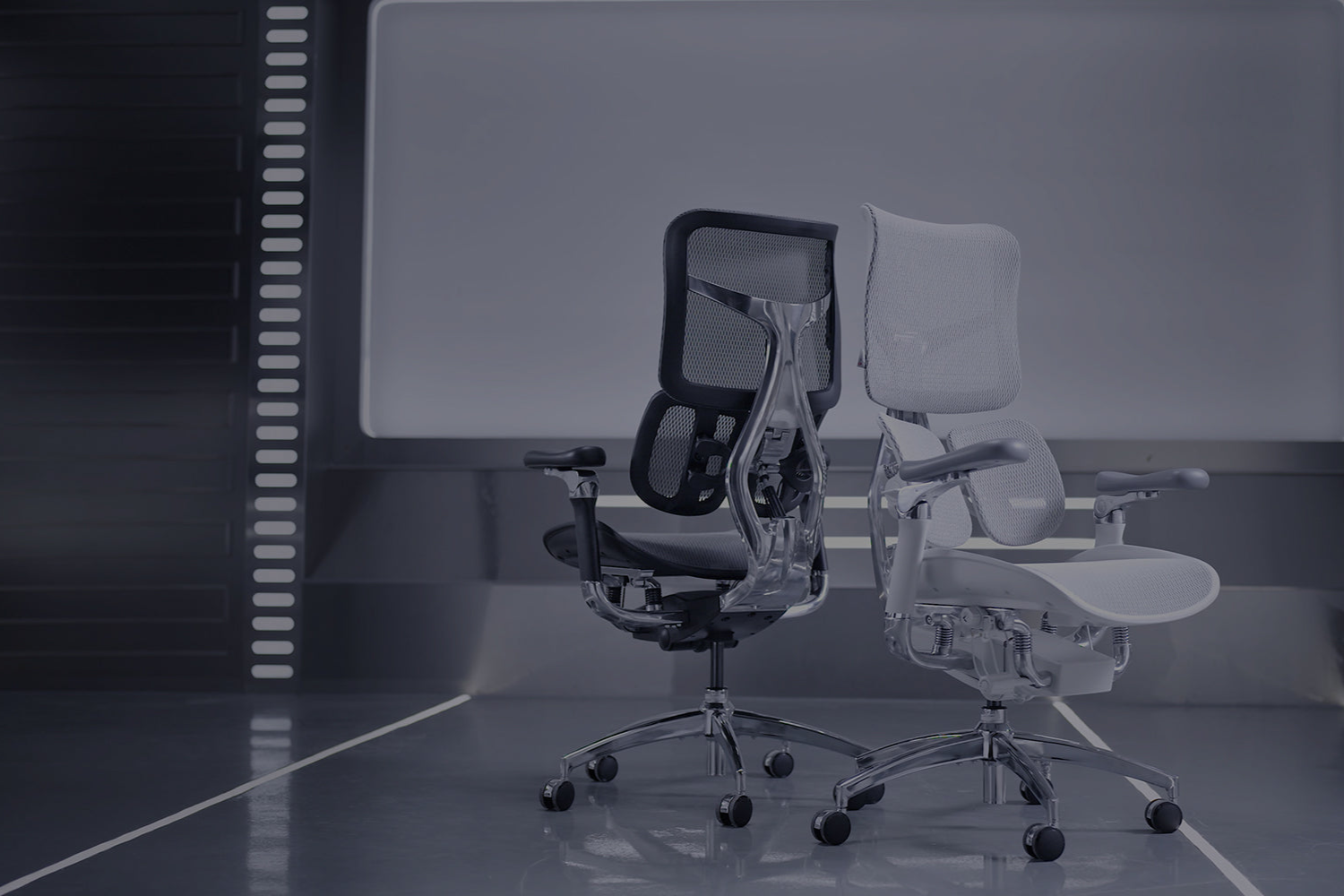
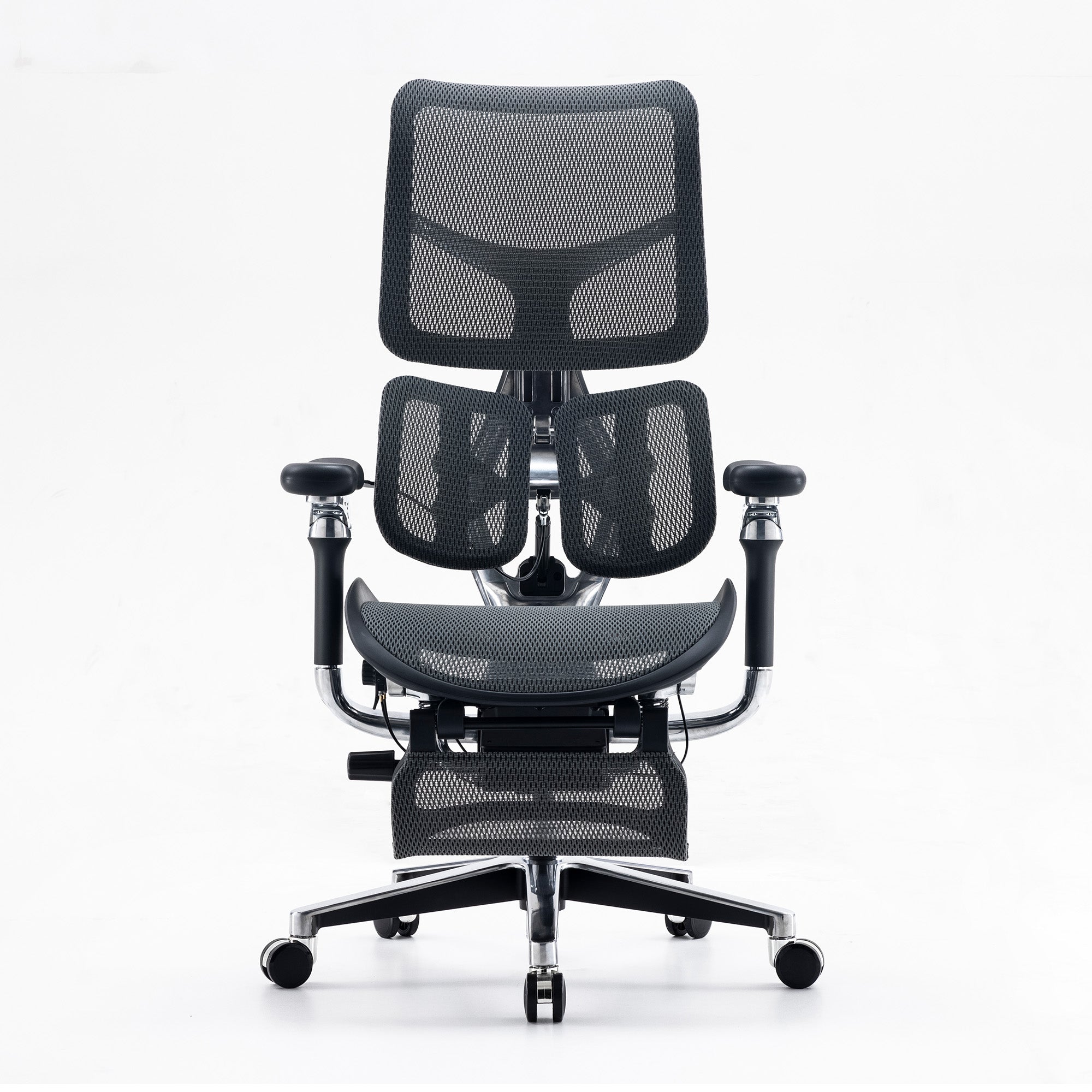
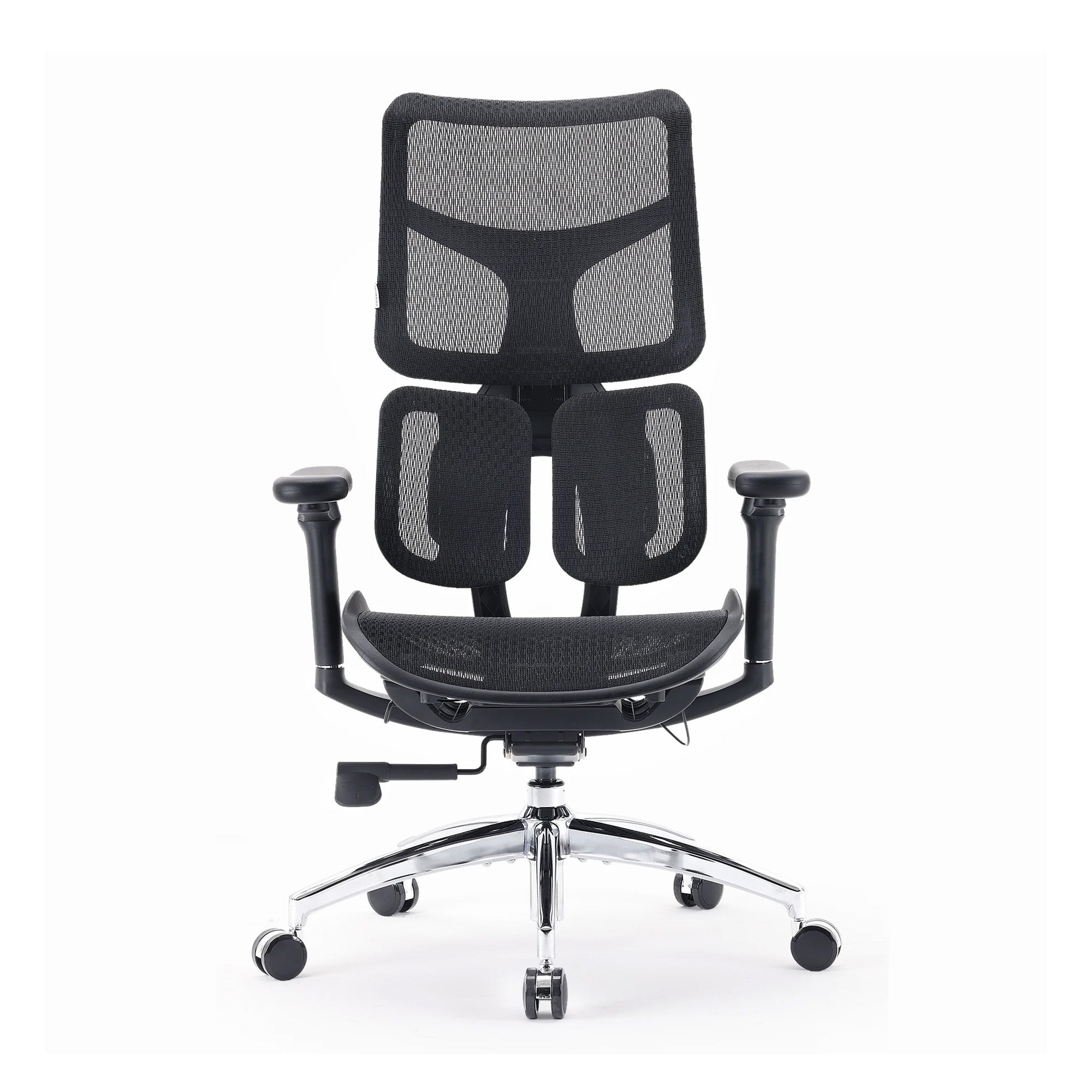
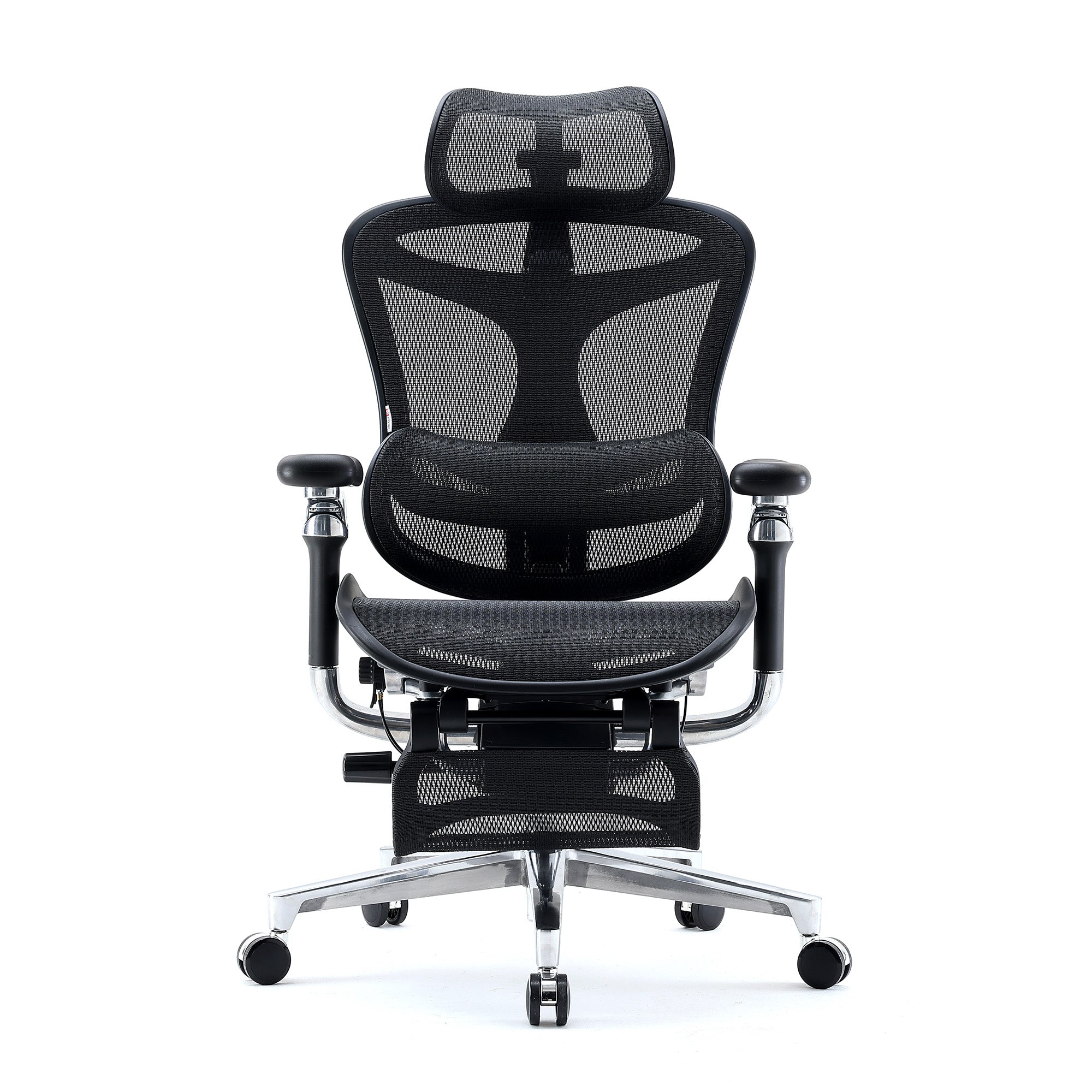
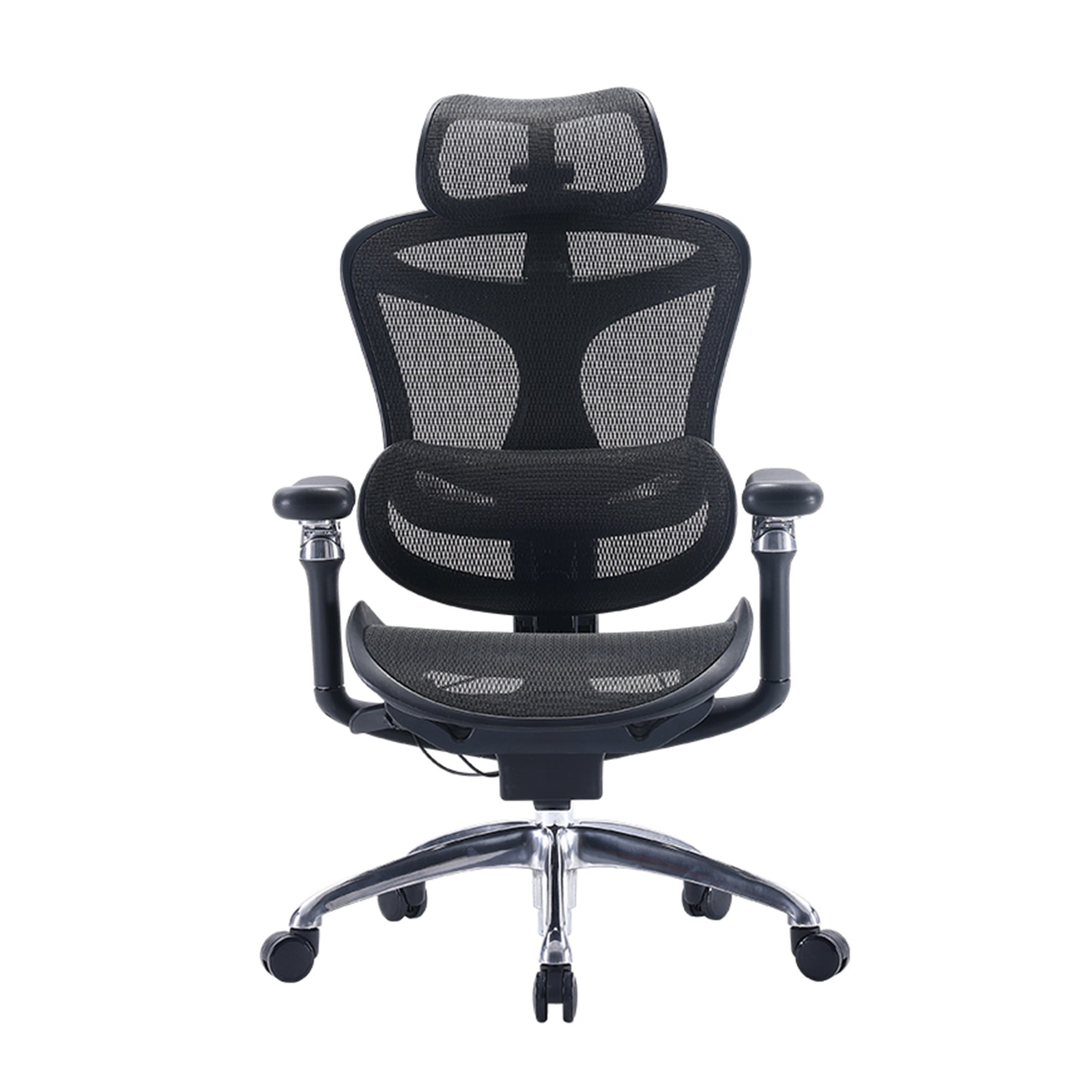
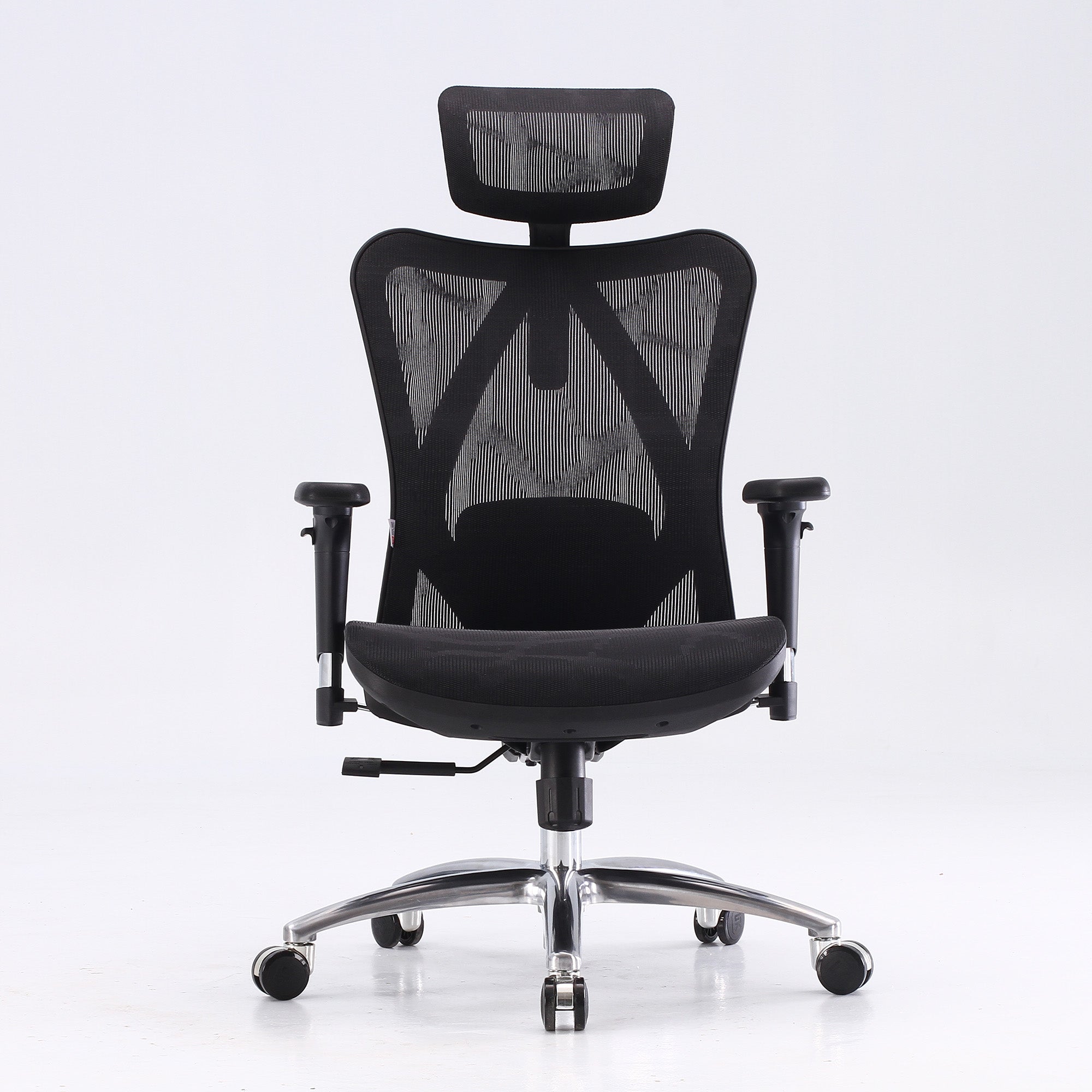
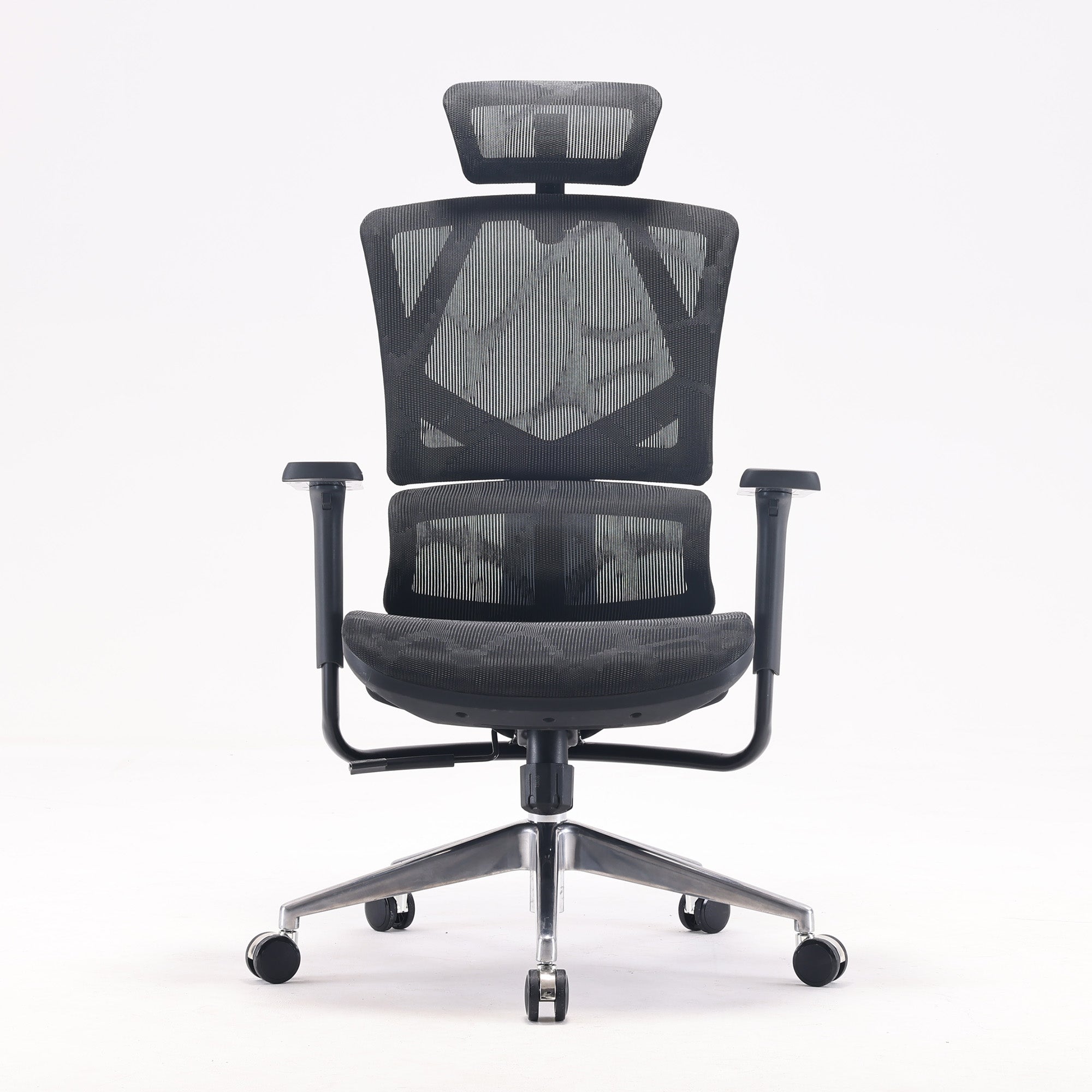
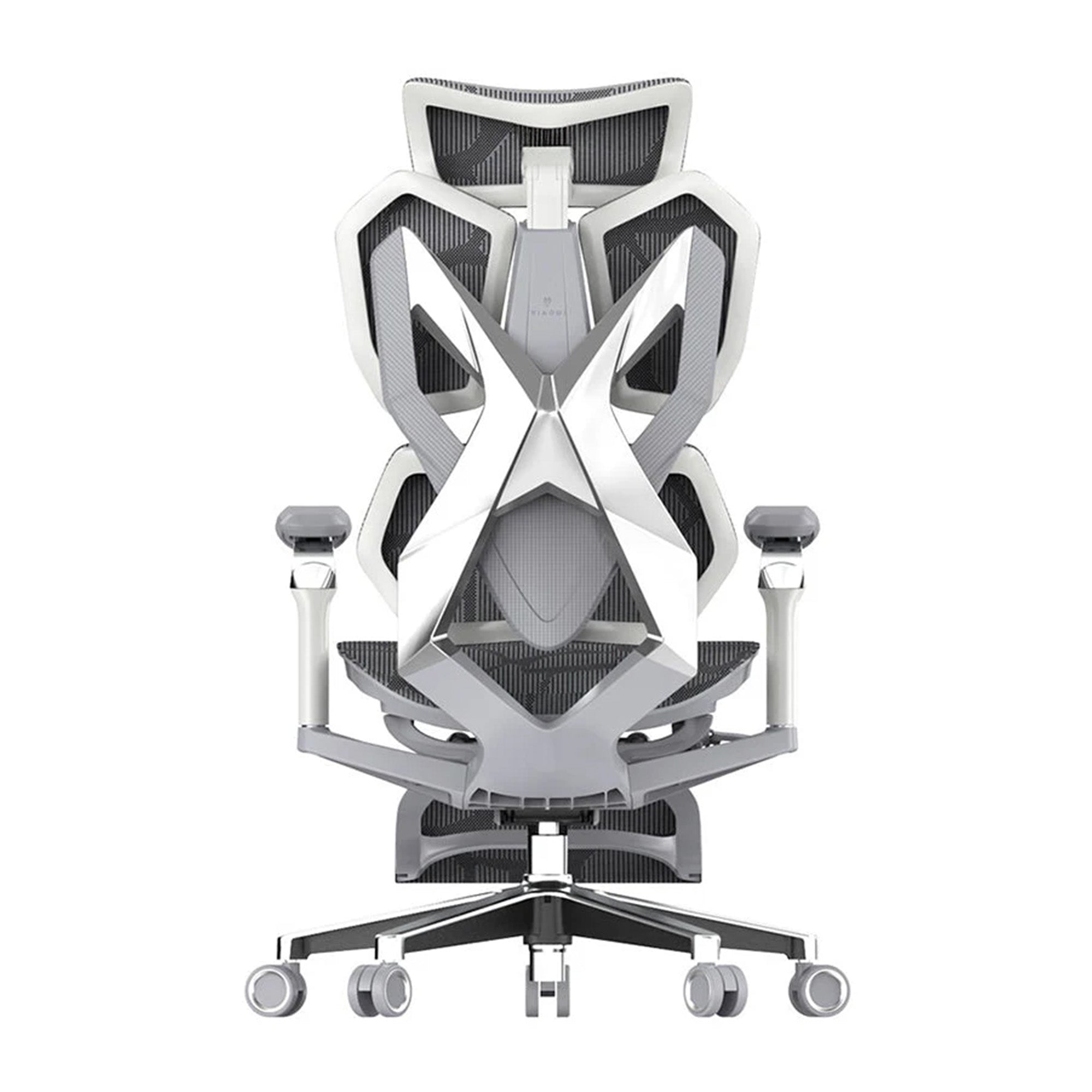
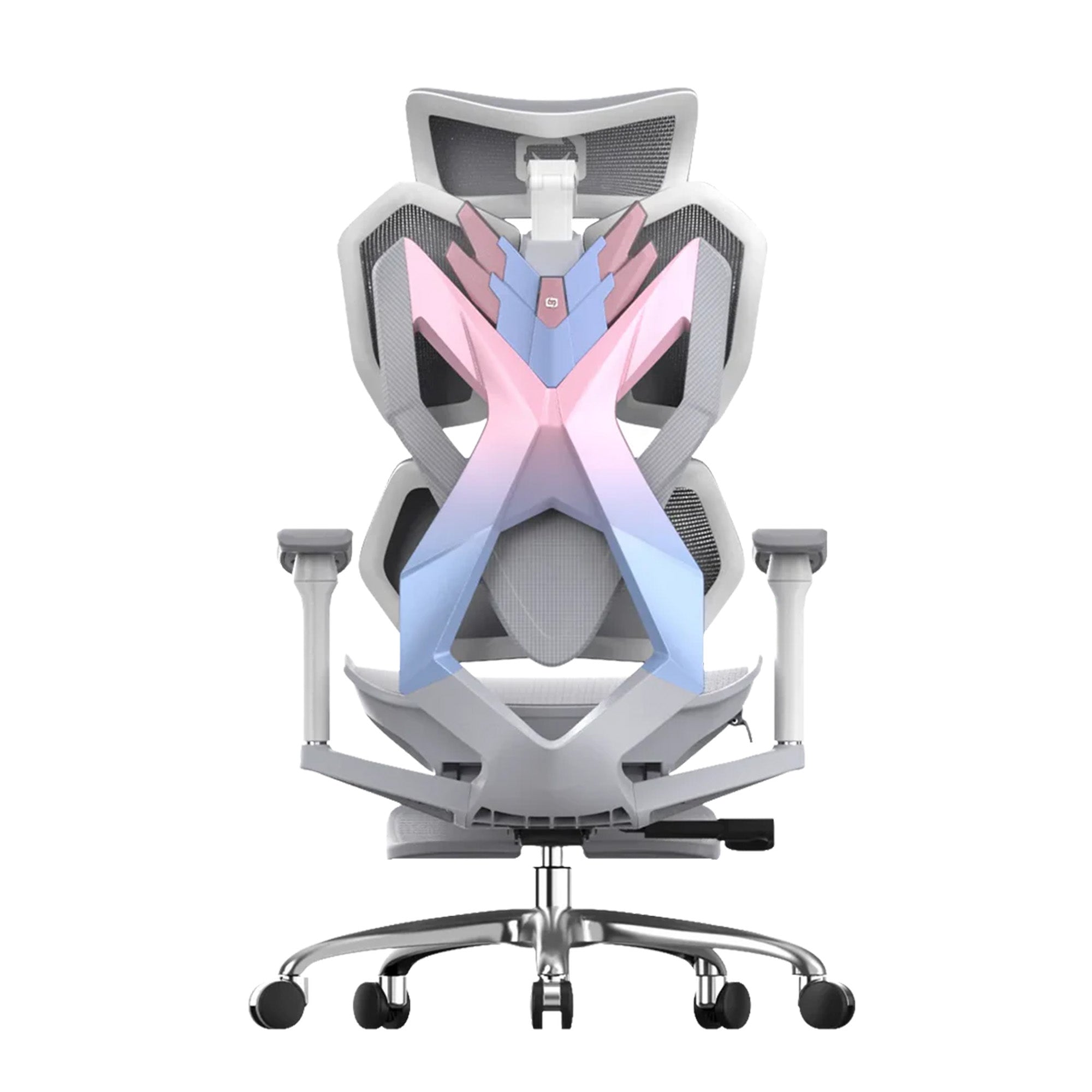
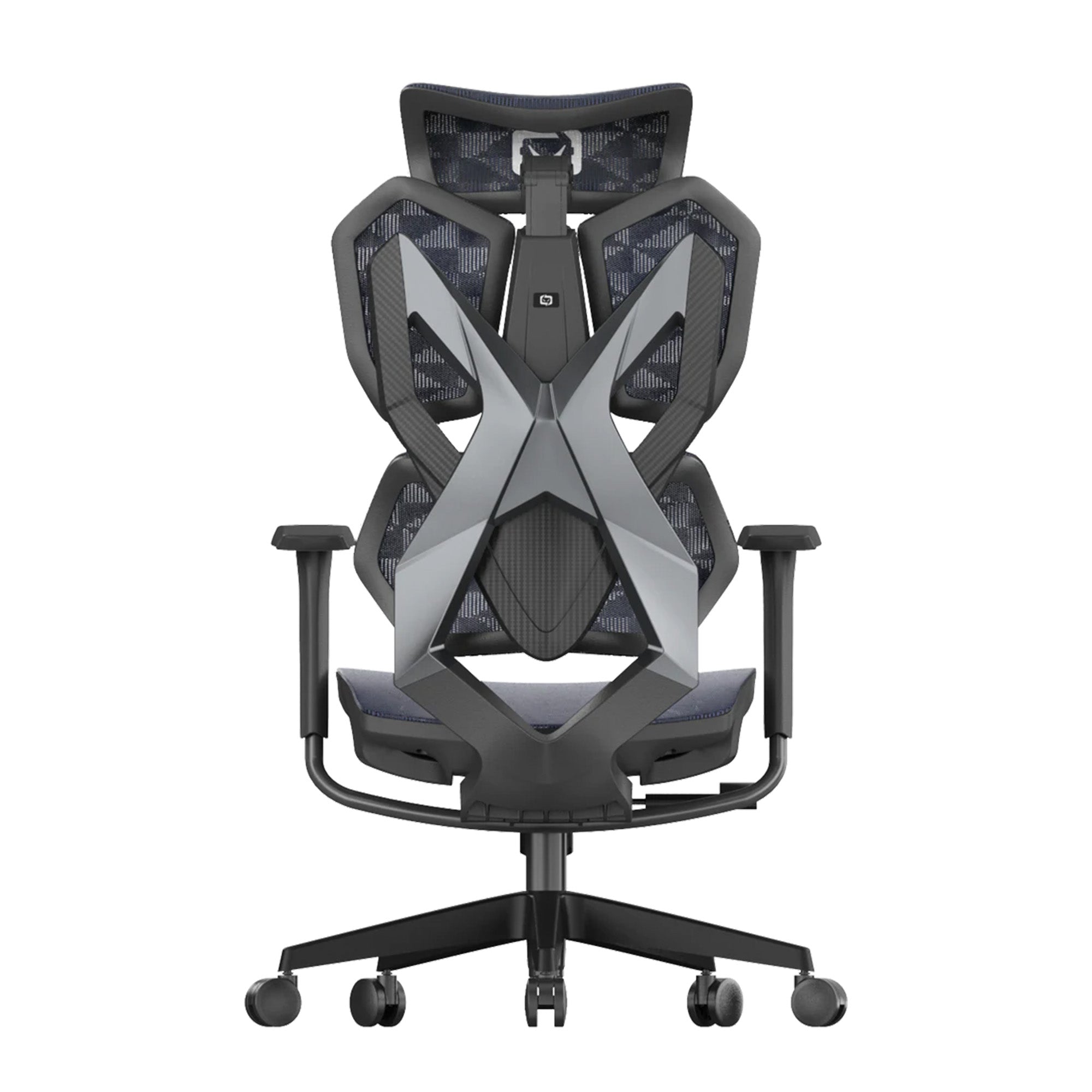
For chairs with adaptive lumbar systems, this benefit is maintained automatically as posture shifts across the day. The Sihoo Vito M90 uses an elastic adaptive mechanism that responds to sitting angle and body weight, maintaining lumbar contact without manual repositioning. For employees with more variable posture or greater sensitivity to lumbar position, the Sihoo Doro S300 offers a dynamic lumbar arm that tracks spinal movement across a full range of working postures.
Setting up the lumbar support correctly is the single highest-return adjustment available on any ergonomic chair. The full sequence of adjustments in order is covered at how to properly adjust your ergonomic chair, including how to verify that the lumbar support is actually contacting the right area of the spine rather than sitting above or below it.

Fatigue Source 2: The Head Weight Problem Nobody Talks About
The Biomechanics of an Incorrectly Positioned Screen
The average adult head weighs between 4.5 and 5.5 kilograms. At a neutral position, the cervical spine manages this load efficiently and the surrounding muscles contribute minimally. At 15 degrees of forward or backward tilt, the effective load on the neck and upper back muscles increases to approximately 12 kilograms. At 30 degrees, it reaches around 18 kilograms. These are not estimates. They are measured values from biomechanics research.
Now consider how most Australian office screens are positioned. A desktop computer tower sitting on the desk with the monitor on top places the screen above eye level for most users. The employee spends the day in a slightly tilted-back head position, managing an effective neck load of 12 to 15 kilograms from the first minute of the day. A laptop flat on a desk goes in the opposite direction: screen 25 to 30 centimetres below eye level, head tilted forward at 30 to 45 degrees, neck and upper back managing 18 to 22 kilograms across every hour of screen time.
Neither of these looks dramatic. Neither of these hurts immediately. Both of them produce progressive upper back and neck muscle fatigue that arrives as the dull headache or shoulder tension that the employee attributes to stress or screen time, not to the position of the screen they have been looking at since 9am.
The 3pm Headache Is Not Random
The timing is not coincidental. Fatigue from sustained incorrect head position accumulates gradually across the morning, reaching a threshold in the early to mid afternoon that coincides with the natural post-lunch energy dip. The two sources of fatigue compound each other. The circadian trough lands on a body that is already managing hours of accumulated neck and upper back load. The result is the energy collapse that most people explain as a post-lunch slump but is at least partly a physical load problem.
The fix is straightforward and cheap. The top of the monitor should be at or slightly below the employee's eye level when seated correctly. A monitor arm costs $40 to $120. A monitor riser costs $20 to $50. For laptop users, a laptop stand combined with an external keyboard and mouse, with a combined cost typically under $150, corrects the problem entirely.

Fatigue Source 3: Lighting That Works Against Your Team
The Standard Most Offices Are Not Meeting
AS/NZS 1680, the Australian and New Zealand standard for interior workplace lighting, recommends 320 to 400 lux at the work surface for general office tasks. Many commercial tenancies in Australia, particularly older buildings with fixed overhead fluorescent systems, deliver this inconsistently. Desks near windows may receive significantly more. Interior workstations may receive significantly less. Most organisations have never measured their office lux levels.
But the lux level is only one part of the lighting fatigue story. The other part is glare.
How Glare Creates Physical Fatigue
A monitor positioned facing a window, or with a window directly behind it, creates screen reflections that force the employee to shift their seated position to see the screen clearly. This is not a minor inconvenience. It is a sustained postural load. The employee who spends the day slightly turned to one side, or leaning forward to peer past a reflection, is adding a rotational or forward-lean component to the neck and upper back fatigue they are already accumulating from the monitor height.
Glare also triggers sustained visual effort. The eyes work harder to maintain focus on a screen with competing light sources behind it. This contributes to the eye strain and concentration fatigue that accumulates through the afternoon.
The Circadian Dimension
Research on circadian lighting published in 2023 and 2024 shows that light colour temperature affects cortisol and melatonin regulation throughout the working day. Fixed cool-white fluorescent systems provide reasonable alertness in the morning but contribute to the afternoon energy trough rather than countering it. Blue-enriched lighting maintains alertness during the post-lunch period when cognitive performance typically dips.
Replacing office lighting infrastructure is a capital project. Repositioning screens so they sit at a right angle to windows costs nothing. Adding a task lamp to a workstation receiving insufficient general illumination costs under $50. These are the fixes most offices need before any infrastructure conversation is warranted.

Fatigue Source 4: The Afternoon Trough Is Real, and Setup Makes It Worse
The Physiological Basis
Every person experiences a period of reduced alertness in the early to mid afternoon. This is a circadian rhythm effect, not a product of what was eaten for lunch or how well the person slept. The circadian trough is universal. What varies is its depth and duration.
Research by Herve et al., published through the IZA Institute of Labor Economics in 2024, examined the cognitive effects of postprandial somnolence, the physiological response to eating commonly known as the food coma. Their study found that cognitive performance drops measurably in the period after eating, with test scores reduced by 8 percent on language and reasoning tasks, and 16 percent on complex reasoning tasks, in the hour following a meal. While the study focused on adolescents rather than adult office workers, the underlying mechanism, digestive processes diverting physiological resources from cognitive function, applies broadly.
The circadian trough and the post-lunch digestive response arrive at roughly the same time in the early afternoon. When they compound with accumulated physical fatigue from a poorly configured workstation, the result is the pronounced cognitive dip that most managers observe but few diagnose correctly.
What Setup Has to Do With It
The circadian trough cannot be eliminated by fixing the office. It is a biological constant. But its severity in a given office depends on the accumulated physical fatigue the employee is already carrying when it arrives.
An employee who has been sitting in a correctly adjusted chair since 9am, at a screen that does not require sustained neck tension to view, in lighting that supports rather than fights their circadian rhythm, arrives at the afternoon trough with significantly less accumulated physical load than an employee in a poorly configured environment. The trough still comes. It is noticeably shallower.
This is the environmental leverage point. The office cannot override the circadian rhythm. It can reduce the physical burden the body is already carrying when the rhythm dips.

Fatigue Source 5: Staying Still for Too Long
The Seven-Hour Threshold
Safe Work Australia's guidance on sitting and standing hazards identifies over seven hours of sedentary behaviour per day as a high-risk threshold for Australian workers. Their guidance notes that this threshold is associated with feelings of tiredness and reduced productivity, and that health problems from prolonged sitting remain even in workers who exercise vigorously outside work hours.
The average Australian adult sits for approximately nine hours per day across work and leisure, according to data from the Baker Heart and Diabetes Institute. For a knowledge worker in a standard office role, the majority of those hours are compressed into the working day. Most are unbroken.
Safe Work Australia recommends that sedentary task bouts be no longer than 20 to 30 minutes before a postural change or brief movement. The standard Australian office workday involves almost none of this.
Why Telling People to Move Is Not Enough
Organisations that address this install a standing desk. The standing desk gets used for the first few weeks and then gradually lowered back to sitting position because nobody followed through on establishing a protocol for actually using it. The desk becomes expensive furniture.
The movement habits that sustain over time are the ones attached to existing work rhythms. Standing to take a call. Walking to speak to a colleague rather than messaging. Starting a document review standing before sitting to write. These are not wellness initiatives. They are structural changes to how work is performed that happen to involve movement. The chair supports this or it does not. A chair that requires re-setup when the employee sits back down creates friction that discourages returning to seated work. A chair that holds its settings and returns to the correct position makes the transition effortless.

Fatigue Source 6: The Compound Load Most Offices Are Running All Day
What the Accumulation Looks Like
None of the five sources above is catastrophic on its own. That is why they persist unaddressed. A slightly wrong lumbar position does not cause immediate pain. A monitor two centimetres too high is not noticeable at 9am. The post-lunch trough on its own is manageable.
Together, they create a compounding load that runs continuously from the start of the working day. The deep trunk muscles start fatiguing within twenty-five minutes of sitting without adequate lumbar support. The neck and upper back begin accumulating load from the first time the employee looks at the screen. The lighting contributes to visual fatigue through the morning. By the time the post-lunch circadian trough arrives in the early afternoon, the employee is not experiencing one problem. They are experiencing the sum of five loads that have been running simultaneously since 9am.
The 2024 Scientific Reports study established this compounding relationship directly: physical fatigue degrades cognitive performance, and cognitive fatigue reduces the capacity to manage physical discomfort. The loop runs both ways, continuously, and it amplifies as the day progresses. The flat, distracted, low-output afternoon that managers observe is not primarily about motivation. It is the accumulated output of an environment that has been generating fatigue all day.
What the Research Says About the Cost
The Washington State Department of Labor and Industries study of office ergonomics, referenced in Cornell University's ROI Estimator, found a median productivity improvement of 12 percent following an ergonomic intervention. The Monash University research published in JAMA Network Open in August 2025 projects $638 billion in lost Australian GDP from long-term back problems in the working-age population over 2024 to 2033.
Australia's Productivity Commission has stated clearly that sustainable productivity growth requires working smarter rather than working longer or harder. An office environment that generates compounding physical fatigue across every working hour is the operational definition of working harder for diminishing returns.
The seven specific setup mistakes that create this compounding load are documented with costs and fixes in common office setup mistakes that reduce efficiency. The two guides work as a pair: this one explains the fatigue mechanism, that one provides the diagnostic framework.
How to Reduce Workplace Fatigue Through Setup: The Priority Order
Fix the Chair First
Of all the environmental fatigue sources, unsupported sitting has the earliest onset and the longest duration. Deep trunk muscle fatigue begins within fifteen to twenty-five minutes. It runs for the rest of the day. Everything else compounds on top of it.
The chair adjustment takes ten minutes per person. It costs nothing. It should be the first thing done in any workplace fatigue reduction effort, before any other equipment is considered, and before any wellness programme is launched.
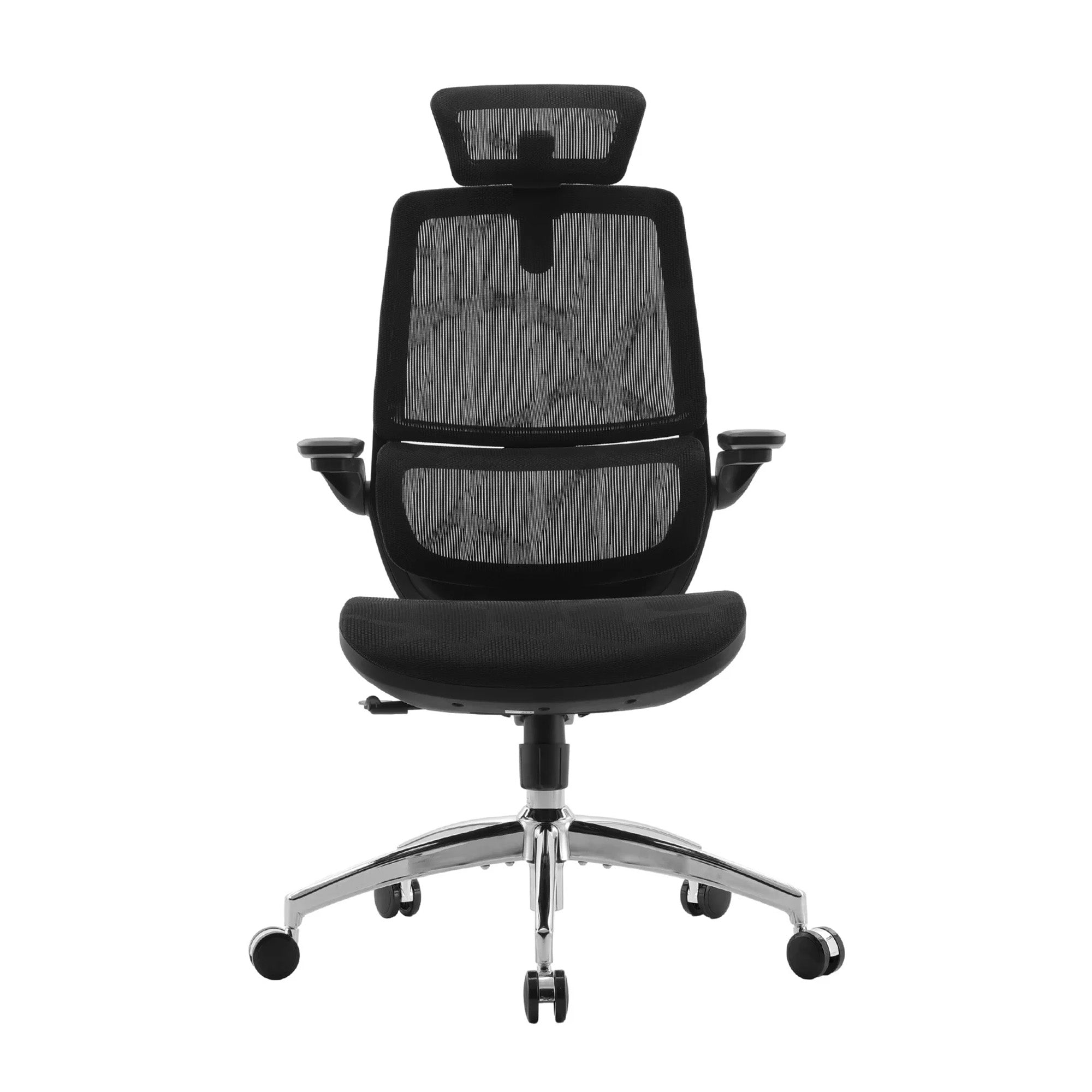
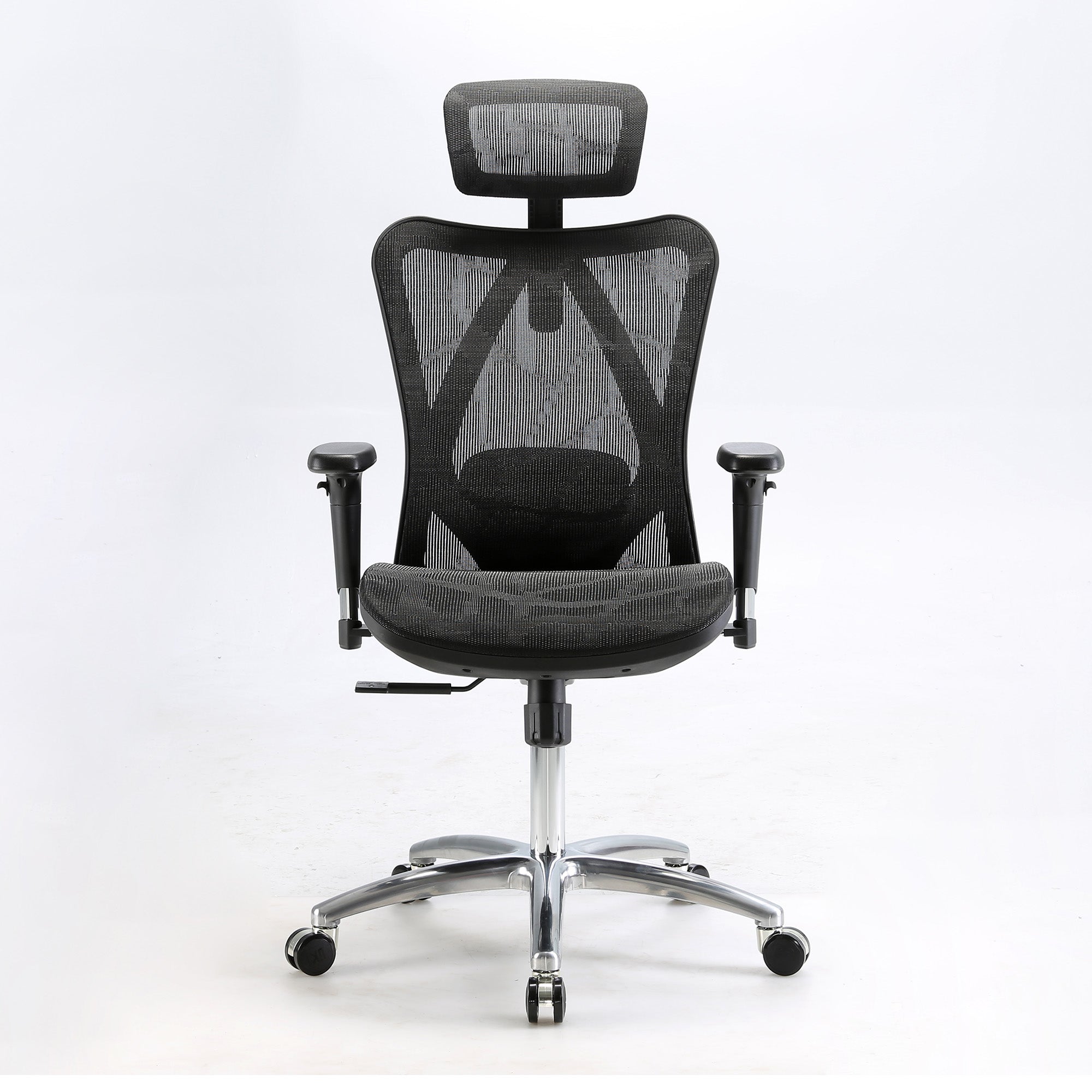
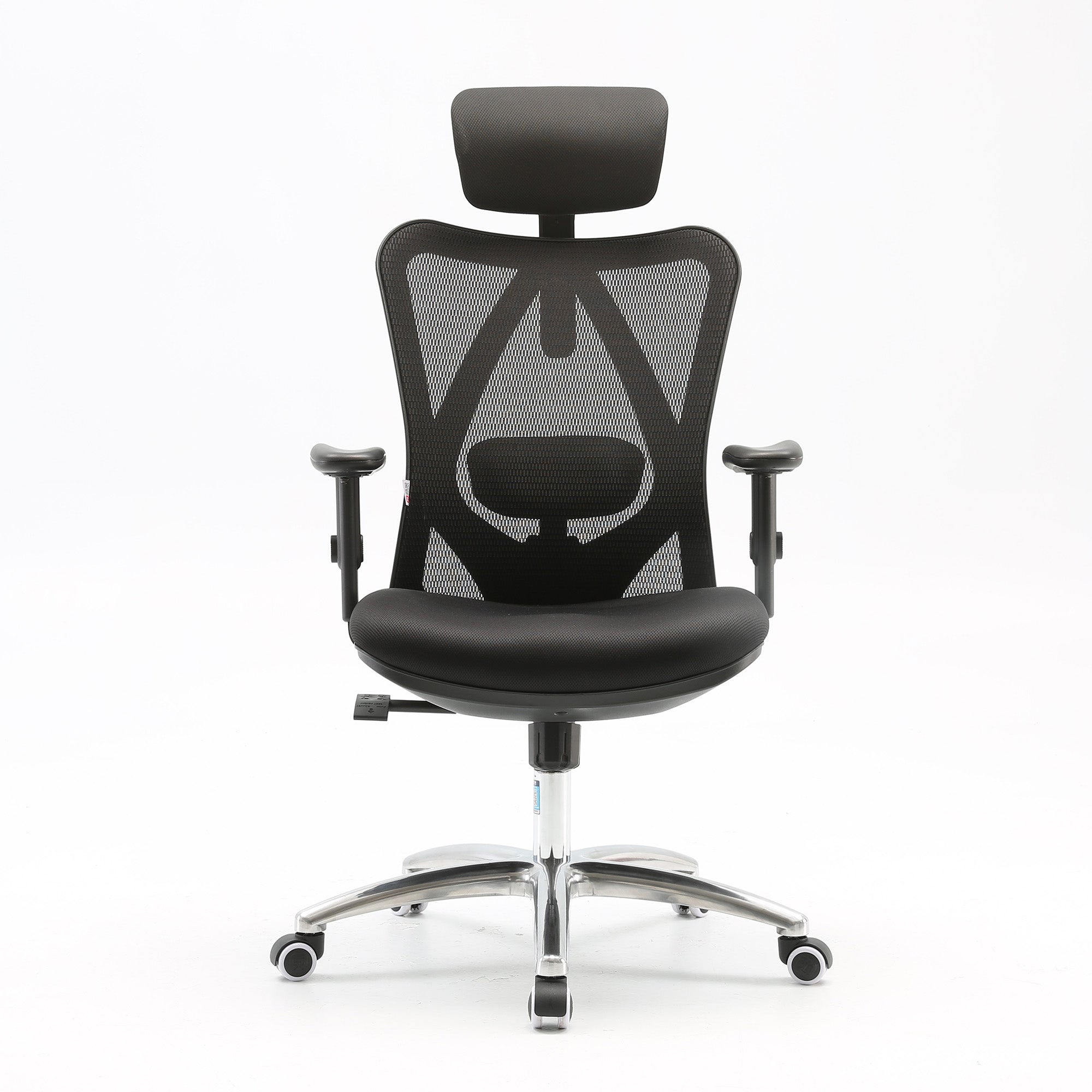
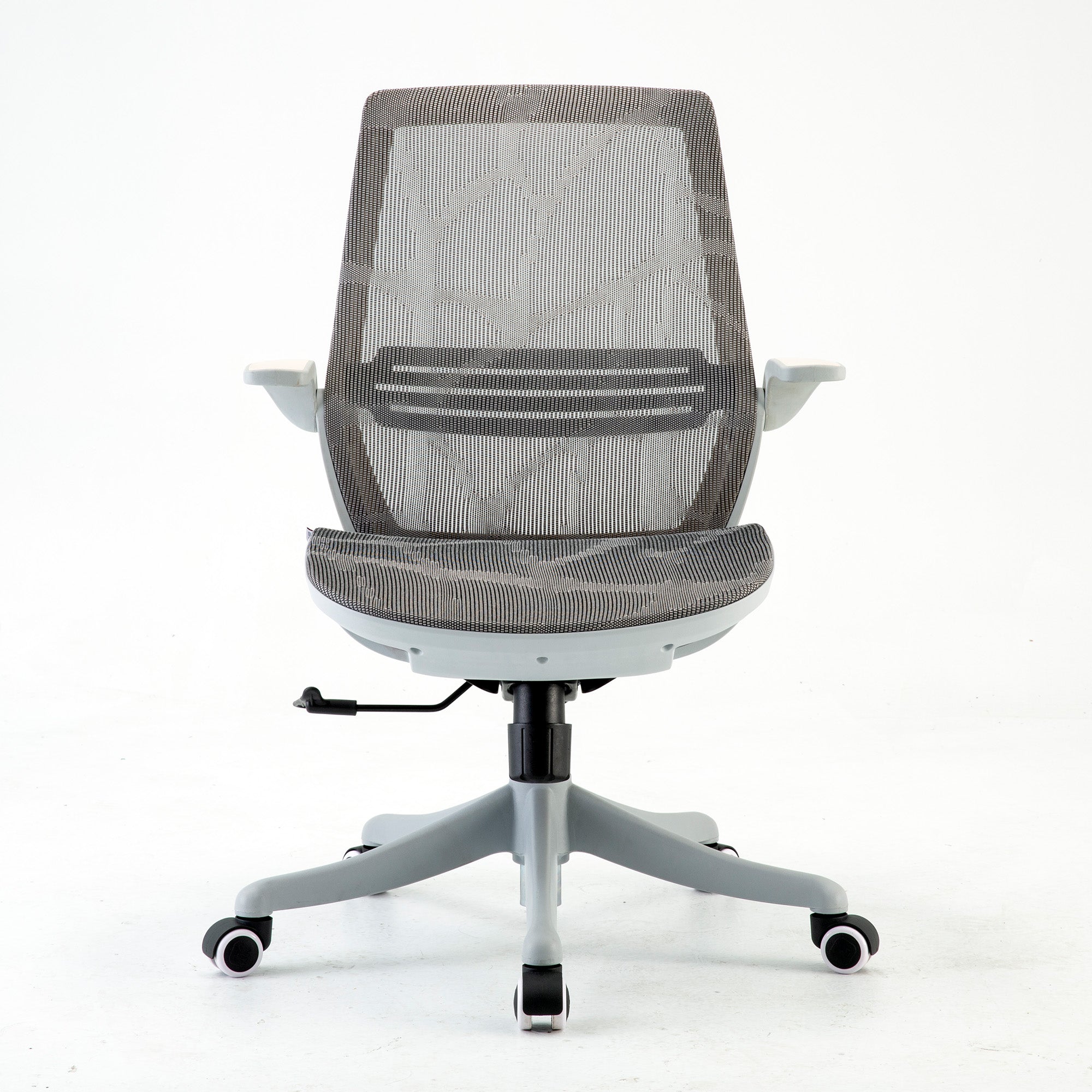
For offices where the current chairs cannot be adjusted to correct lumbar support for a meaningful proportion of the team, the upgrade conversation becomes straightforward. A chair providing correct lumbar support costs $329 at the entry point of the Sihoo range. The Sihoo M57 covers the fundamentals for standard workstations. The Sihoo Doro C100 steps up the lumbar coverage for employees with greater sensitivity or longer daily sitting hours. For environments with significant variation in body proportions across the team, the Sihoo M59AS offers a broad adjustment range at $389 that accommodates a wider range of users than most chairs at a similar price.
Fix the Monitors Second
After the chair, the monitor is the fastest and cheapest environmental fatigue fix available. The head weight loading from an incorrectly positioned screen starts from minute one and compounds across every working hour. A monitor arm or riser costs $40 to $120. The fatigue reduction it delivers is immediate and ongoing.
For laptop users, a laptop stand and external keyboard should be treated as standard issue equipment rather than optional accessories. This is the single most impactful ergonomic upgrade for hybrid workers who use a laptop at a desk, whether at the office or at home.
Address Lighting and Movement Together
Lighting and movement are the two sources of fatigue most commonly addressed by wellness initiatives rather than structural changes, which is why they are the two sources most commonly not fixed. A poster reminding people to stand up every thirty minutes is not a movement strategy. A task structure that embeds postural change into the natural rhythm of the workday is.
On lighting: reposition screens that face windows or have windows behind them. Check the lux level at interior workstations. Add task lighting where needed. These changes require an afternoon, not a facilities project.
Build the Afternoon Trough Into the Schedule
The circadian dip is not fixable. It is schedulable. The most cognitively demanding tasks, those requiring deep concentration, complex reasoning, or careful written communication, should be front-loaded into the morning hours where possible. The early afternoon window, roughly 1pm to 3pm, is better suited to meetings, calls, administrative tasks, and work that benefits from interaction rather than sustained solitary focus.
This is not about working less. It is about matching task type to physiological state. The same work gets done. The quality of the output in the critical tasks is higher because those tasks are scheduled for the windows where the body and mind are best positioned to perform them.
Reducing Fatigue Across a Team or Whole Office
The Audit Approach
A fatigue reduction programme for a team does not need to be a formal project. It needs a structured one-day audit that walks through the five sources above for every workstation, documents what is generating fatigue, and implements the no-cost and low-cost fixes on the day.
Start with every chair that has never been adjusted. Then check every monitor position. Then walk the office with a lux meter or a lux measurement app and identify the workstations receiving significantly less than the recommended 320 to 400 lux. Note the screens facing windows. Document what needs accessory fixes versus what needs equipment review.
The office ergonomics checklist for businesses provides the complete structured walkthrough for this audit, covering every workstation element in the order that matters.
The Onboarding Integration
Every new employee who inherits an unadjusted workstation starts accumulating environmental fatigue from day one. A fifteen-minute workstation setup session built into the standard onboarding process eliminates this. Chair adjustment, monitor height, keyboard position. Done once, correctly, on the first day.
This is described in detail in the teams setup guide, but the fatigue reduction value of it is worth naming explicitly here. The first three months of a new role are the period where the employee is working hardest to demonstrate competence. That is the period where environmental fatigue is most likely to go unreported, and therefore most likely to compound unchecked.
For organisations planning a structured fit-out that addresses fatigue at scale, how to build an ergonomic office setup for teams covers the three-phase framework that produces sustained results rather than a one-time improvement.
Volume Purchasing and Commercial Orders
For businesses looking to address environmental fatigue across a full team through a coordinated seating upgrade, Sihoo Australia works with offices of all sizes on bulk orders and commercial fit-outs. The range covers standard workstation roles through to senior and high-use positions, with options across the M-series and Doro series suited to different usage profiles and budget tiers.
Pricing, delivery coordination, and fit-out support for larger orders are available through Sihoo's commercial programme. Contact the team at support@sihoo.com.au or 1300 002 580 to discuss your requirements.
Six Fatigue Sources at a Glance
The table below summarises each fatigue source, its mechanism, the research that supports it, when it typically begins, and the category of fix required.
|
Fatigue source |
Mechanism |
Research basis |
Onset window |
Fix category |
|
Unsupported sitting |
Deep trunk muscles fatigue, superficial muscles compensate, spinal stress increases |
Amiri et al., Sports Medicine Open, Feb 2025 |
15 to 25 minutes into sitting |
Chair adjustment or replacement |
|
Incorrect monitor height |
Head tilt multiplies effective neck load up to 4x, sustained muscular tension |
Biomechanics research, multiple studies |
Accumulates from first hour |
Monitor arm or riser, $40 to $120 |
|
Poor or glare-causing lighting |
Circadian disruption, eye strain, awkward postures adopted to avoid glare |
AS/NZS 1680, circadian lighting research 2023-24 |
Compounds through afternoon |
Reposition screens, task lighting, $0 to $80 |
|
Postprandial somnolence (afternoon trough) |
Digestive fatigue diverts physiological resources from cognitive function |
Herve et al., IZA Institute, 2024 |
12 to 60 mins after lunch |
Scheduling, movement, lighting |
|
Sustained static posture, no movement |
Reduced circulation, muscle load accumulation, cognitive performance degradation |
Baker Institute; Safe Work Australia 7-hour threshold |
Builds from 30 mins of unbroken sitting |
Posture variety protocol, $0 |
|
Physical and cognitive fatigue loop |
Physical fatigue impairs cognition; cognitive fatigue reduces capacity to manage physical discomfort |
Scientific Reports, 2024 |
Compounds from mid-morning onward |
Address physical sources first |
Onset windows are approximate and based on the research cited. Individual variation applies. Multiple sources running simultaneously will produce earlier and more pronounced effects than any single source in isolation.
Conclusion
The 3pm slump is not a character flaw. It is not a sign that the team lacks drive or that the work is too demanding. For most Australian offices, it is a predictable output of an environment that has been generating physical fatigue since the morning began.
Six specific sources. Each one measurable. Each one fixable. Most of them fixable for free, this week, without waiting for a budget conversation or a facilities project. The chair adjustment costs nothing. Moving a monitor costs nothing. Changing which tasks get scheduled in the afternoon costs nothing.
The equipment upgrades, where they are needed, are cheap relative to what they recover. A monitor arm at $80 reduces a fatigue source that has been running every working day since the workstation was set up. A chair that provides correct lumbar support from the first hour of the day changes the entire fatigue trajectory for the person sitting in it.
An office that takes environmental fatigue seriously is not doing wellness. It is doing operations. The distinction matters because wellness initiatives require employees to change their behaviour. Operations changes remove the conditions that were generating the problem in the first place.
Better Comfort Starts Now.
Sources Referenced
-
Amiri B, Behm DG, Zemkova E: On the Role of Core Exercises in Alleviating Muscular Fatigue Induced by Prolonged Sitting, Sports Medicine Open, February 2025. DOI: 10.1186/s40798-025-00816-x
-
Scientific Reports 2024: Unraveling the interplay between mental workload, occupational fatigue, physiological responses and cognitive performance in office workers — nature.com/articles/s41598-024-68889-4
-
Safe Work Australia: Sitting and Standing Hazards — safeworkaustralia.gov.au/safety-topic/hazards/sitting-and-standing
-
SafeWork NSW: Sedentary Work guidance — safework.nsw.gov.au/hazards-a-z/sedentary-work
-
Herve J, Mani S, Behrman J, Laxminarayan R, Nandi A: Food Coma Is Real, IZA Discussion Paper No. 16909, 2024 — iza.org/publications/dp/16909
-
Baker Heart and Diabetes Institute: average Australian adult sedentary time approximately 9 hours per day across work and leisure
-
Docking SI et al.: Productivity Losses Due to Long-Term Back Problems in Working-Age Australians, JAMA Network Open, August 2025. DOI: 10.1001/jamanetworkopen.2025.27284
-
Productivity Commission, Annual Productivity Bulletin 2024 — pc.gov.au: "Productivity growth is about working smarter, not working harder or longer"
-
Washington State Department of Labor and Industries, Cost-Benefit Analysis of Ergonomics Programs; Cornell University ROI Estimator — ergo.human.cornell.edu
-
Gloria Mark, The Cost of Interrupted Work, University of California Irvine — 23 minutes and 15 seconds to return to a task after interruption
-
Frontiers in Psychology 2023: Circadian Rhythms and Cognitive Performance — frontiersin.org/articles/10.3389/fpsyg.2023.1114561
-
Australian Standard AS/NZS 1680: Interior and Workplace Lighting; AS/NZS 4438: Height-Adjustable Swivel Chairs
Frequently Asked Questions
This is exactly the presentation described in this guide. Fatigue from a poorly configured workstation accumulates independently of sleep and nutrition. If the chair is not supporting your lumbar spine correctly, the deep muscles responsible for spinal stability begin fatiguing within twenty-five minutes of sitting. That fatigue runs all day. Combined with a screen that requires neck tension to view, and a natural circadian dip in the early afternoon, the result is pronounced fatigue that has nothing to do with how well you slept. Check your chair adjustment first, then your monitor height. Both are covered in the adjustment guide linked throughout this article.
Adjust your lumbar support. Sit back fully into your chair and check that the lumbar support is contacting the natural inward curve of your lower back specifically, not the mid or upper back. If it is not, adjust it until it is. This takes two minutes and addresses the fatigue source with the earliest onset and the longest duration in the working day. If your chair's lumbar support cannot be positioned correctly for your spine, that is information worth acting on.
Quite possibly. The most common cause of work-specific afternoon headaches that do not occur at weekends is sustained neck and upper back loading from an incorrectly positioned screen. Check whether your monitor requires you to look upward or sit with your head tilted back to view it clearly. If the top of the screen is above your eye level, the monitor is too high. Check also whether glare from a nearby window is causing you to lean or turn to see the screen. Both of these create the sustained muscular tension that refers to the head as an afternoon headache. Fixing the monitor position is cheap and immediate.
Yes, significantly for anyone sitting six or more hours per day. The research on ergonomic interventions consistently finds productivity improvements in the range of 12 percent following correct ergonomic setup. The subjective experience is that the fatigue curve across the day is flatter in a correctly adjusted chair with adequate lumbar support than in a chair that forces the stabilising muscles to work continuously. For guidance on what to look for when evaluating your current chair or considering an upgrade, how ergonomics improves employee productivity covers the research in detail.
Yes. The WHS duty of care extends to home-based workers in Australia, and the physiological fatigue from a poorly configured home setup is identical to what occurs in the office. If your home setup involves a laptop flat on a kitchen table with no stand, you are accumulating the neck and upper back load described above on every home working day. Given that hybrid workers typically alternate between setups, the inconsistency itself adds a layer of postural adjustment demand that compounds the fatigue from either environment alone. Fix both. The home setup fixes are the same and they are cheap.
Present it as an operational diagnosis rather than a wellbeing request. The Monash University research published in JAMA Network Open projects $638 billion in lost Australian GDP from back pain in the working-age population over the next decade. The Washington State study found a median 12 percent productivity improvement following ergonomic intervention. The Productivity Commission states that Australian productivity growth requires working smarter rather than harder. The afternoon productivity drop your team experiences is a measurable output of a specific set of environmental conditions, most of which can be fixed for free this week. Frame it in those terms and the conversation is operational, not pastoral.
Start with a one-day fatigue audit. Walk every workstation and check for the six sources in this guide: lumbar support position, monitor height, lighting adequacy and glare sources, laptop use without stands, absence of movement structure, and unadjusted inherited workstations. Document findings, implement no-cost fixes on the day, order low-cost accessories within the week, and identify the chairs that need replacing. The no-cost fixes alone, if implemented consistently across a large office, produce an immediately observable change in how the space feels by mid-afternoon.
For standard workstations involving four to six hours of daily seated work, a chair with adjustable lumbar support, seat height adjustment, and 3D armrests addresses the primary fatigue source at the lowest cost per seat. The Sihoo M57 at $329 covers these specifications. For roles involving six or more hours daily, or for employees already reporting back discomfort, an adaptive lumbar system significantly reduces the fatigue that accumulates from manual adjustment being neglected across the day. The Sihoo Vito M90 at $379 covers this profile. For senior roles or high-use positions, the Doro C300 and Doro S300 provide the highest level of dynamic lumbar support in the Sihoo range.
Safe Work Australia classifies prolonged sedentary behaviour as a recognised hazard and identifies over seven hours of sitting per day as a high-risk threshold. The Work Health and Safety Act 2011 requires employers to eliminate or minimise ergonomic hazards so far as is reasonably practicable. An office where the seating has never been adjusted to fit the people using it, where monitors are consistently at the wrong height, and where no movement structure exists, presents multiple addressable ergonomic hazards that a documented audit and intervention programme would address. The audit also creates the due diligence record that matters if a claim is ever investigated.
Yes. Sihoo Australia supports commercial orders for offices of all sizes, with pricing, delivery coordination, and fit-out support available for larger orders. The range covers the full spectrum from standard workstation chairs through to senior and high-use options across the M-series and Doro series. For organisations wanting to address team-wide fatigue through a coordinated seating programme, volume pricing is available through Sihoo's commercial programme. Contact support@sihoo.com.au or 1300 002 580 to discuss your requirements.
Shop products from this article


Save up to 49% this Click Frenzy Sale. Pay in 4 interest-free instalments with Afterpay.
SHOP NOWRecommended Posts


