


Walk the floor of almost any Australian office and you will find the same things.
Someone has wedged a ream of A4 paper under their monitor because the screen is too low. Two desks away, a person is sitting with their jacket rolled up behind their lower back because the chair has never been adjusted since it arrived. Near the window, a laptop sits flat on a desk with no stand, no external keyboard, the screen at chest height and the employee curved forward like they are reading a menu.
None of these people have complained. None of these setups are in any WHS report. And none of them are unusual. They are the standard condition of the average Australian office, and they are costing more than most managers realise.
The seven office setup mistakes in this guide are not the result of negligence. They are the result of decisions that made sense at the time and were never revisited. Even something as fundamental as choosing the right ergonomic chair gets decided once, during the fit-out, and rarely looked at again. Understanding what each mistake costs, and why the costs are larger than they appear, is the starting point for fixing them.
The Setup Was Decided Once and Never Revisited
The Original Decision Made Sense at the Time
Most office fit-outs follow a predictable sequence. A lease is signed, a fit-out budget is approved, a furniture supplier is chosen, and chairs and desks are ordered. The selection is made under time and cost pressure by someone whose job is to get the office functional, not to optimise it for the specific bodies and working patterns of the people who will use it for the next five years.
That is not a criticism. It is a description of how fit-outs work. The problem is not the original decision. The problem is the assumption, usually unspoken, that the decision only needs to be made once.
What Acceptable Actually Costs
In August 2025, researchers at Monash University published a study in JAMA Network Open projecting the productivity cost of long-term back problems in working-age Australians. The figure was $638 billion in lost GDP over the decade from 2024 to 2033, driven by early retirement, absenteeism, and reduced output in people who are present at work but physically compromised.
That number deserves to be read carefully. It is not the cost of injuries sustained in physically demanding roles. It is the cost of back pain in the general working-age population, a condition with a direct and well-documented relationship to how people sit, for how long, and in what kind of chair.
THE COST IN PLAIN TERMS: A new study from Monash University published in JAMA Network Open (August 2025) projects $638 billion in lost Australian GDP from long-term back problems over 2024 to 2033. Reducing prevalence by just 10 percent would recover $41.4 billion of that. Source: Docking et al., DOI: 10.1001/jamanetworkopen.2025.27284
Why Nobody Fixed It
Here is the honest answer to why most office setups stay the way they are: nobody owns the physical environment once the fit-out is complete.
Facilities manages the lease and the building. HR manages the people. Line managers manage the work. The chair that was never adjusted for the person sitting in it does not belong to any of these categories clearly enough for anyone to feel responsible for it. So it stays wrong.
This is not a people problem. It is a governance problem. The organisations that fix it are the ones that assign someone, even informally, the responsibility of asking once a year: is the physical environment still working?

Mistake 1: Chairs That Were Never Adjusted for the Person Sitting in Them
What This Looks Like
Most Australian offices have at least one person doing this. They are perched forward on the edge of their seat, the lumbar support of their ergonomic chair contacting nothing, feet barely reaching the floor. That person has sat like that for eight months. The chair is not broken. It was never adjusted.
The factory default height on most office chairs is set to approximately mid-range, which suits nobody in particular. The lumbar support is positioned for an assumed average spine. The armrests are at a height that assumes an average torso. The whole chair, in its out-of-box state, is a compromise designed for a person who does not actually exist.
What It Costs
A 2018 laboratory study published in PMC followed office workers through two hours of seated computer work and measured what happened to their bodies and their cognitive performance over that period. Discomfort increased in all body areas, reaching clinically meaningful levels in the lower back and hip region. Creative problem solving errors increased. Mental state deteriorated.
That was two hours. Most Australian knowledge workers sit for six to eight.
A 2024 study published in Scientific Reports on office workers found that physical fatigue impairs cognitive function, slows reaction time, limits short-term memory, and disrupts judgment and decision-making. The relationship runs both ways: physical fatigue degrades mental performance, and mental fatigue reduces the capacity to manage physical discomfort. The person in the badly adjusted chair is not just uncomfortable. Their afternoon output is measurably different from what it would be in a chair that fits them.
The Fix
Five settings. Ten minutes. Seat height until feet are flat and knees are at 90 degrees. Seat depth until two to three fingers fit between the front edge and the back of the knees. Lumbar support positioned in the natural inward curve of the lower back. Armrests lowered until the shoulders are completely relaxed. Backrest reclined slightly to 100 to 110 degrees.
The full adjustment sequence with photographs and precise instructions is available at how to properly adjust your ergonomic chair. Worth printing and placing at each workstation the week new chairs arrive.
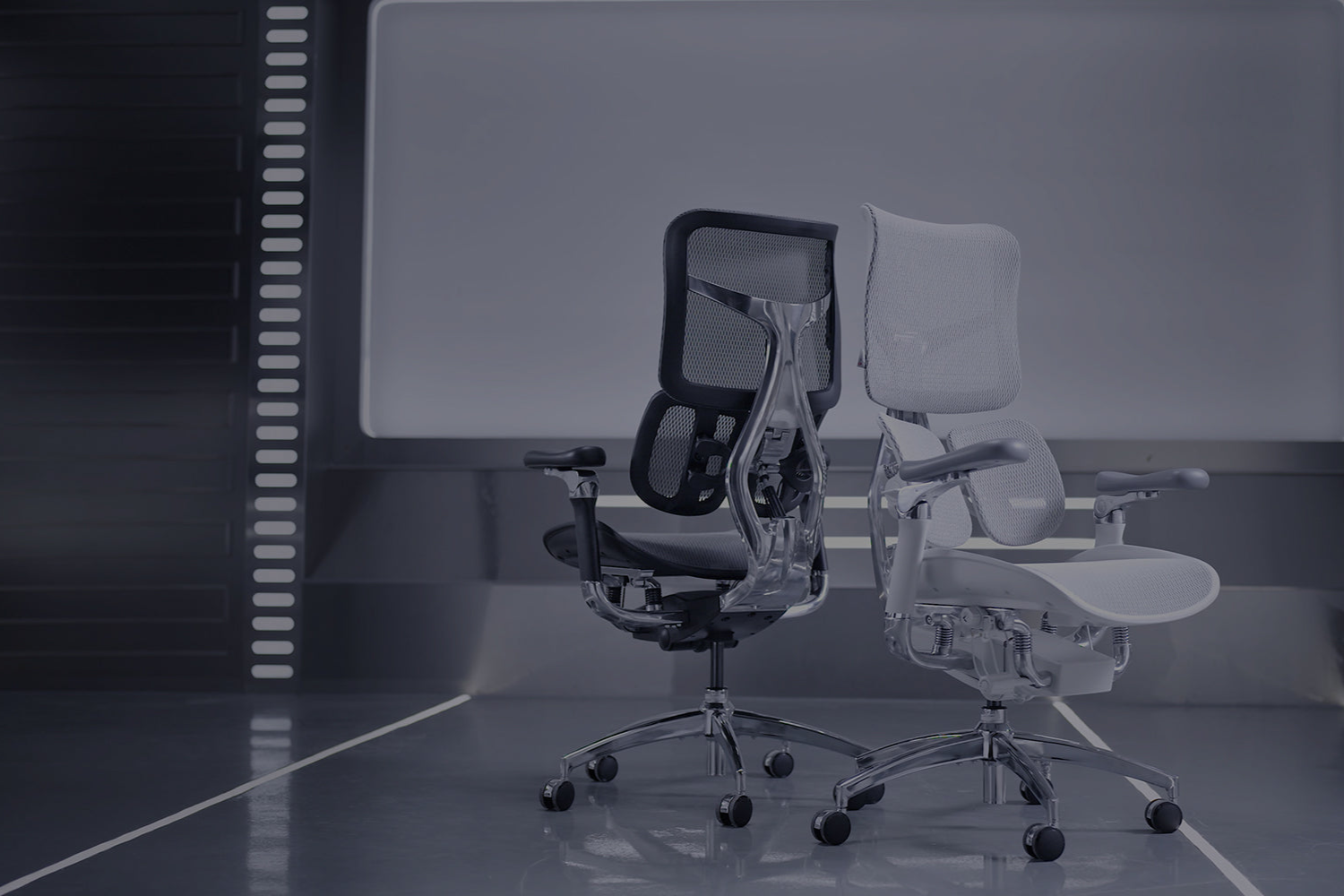
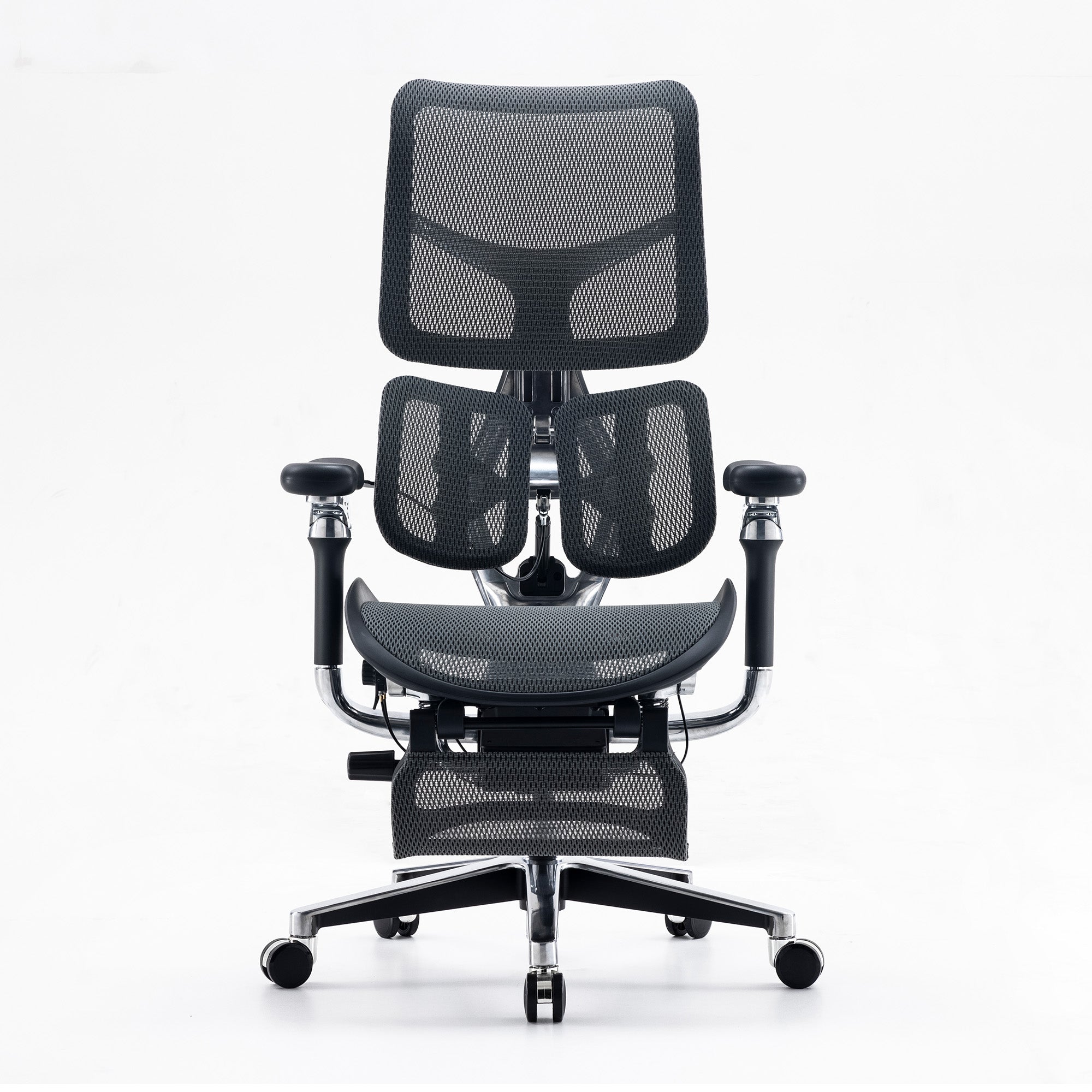
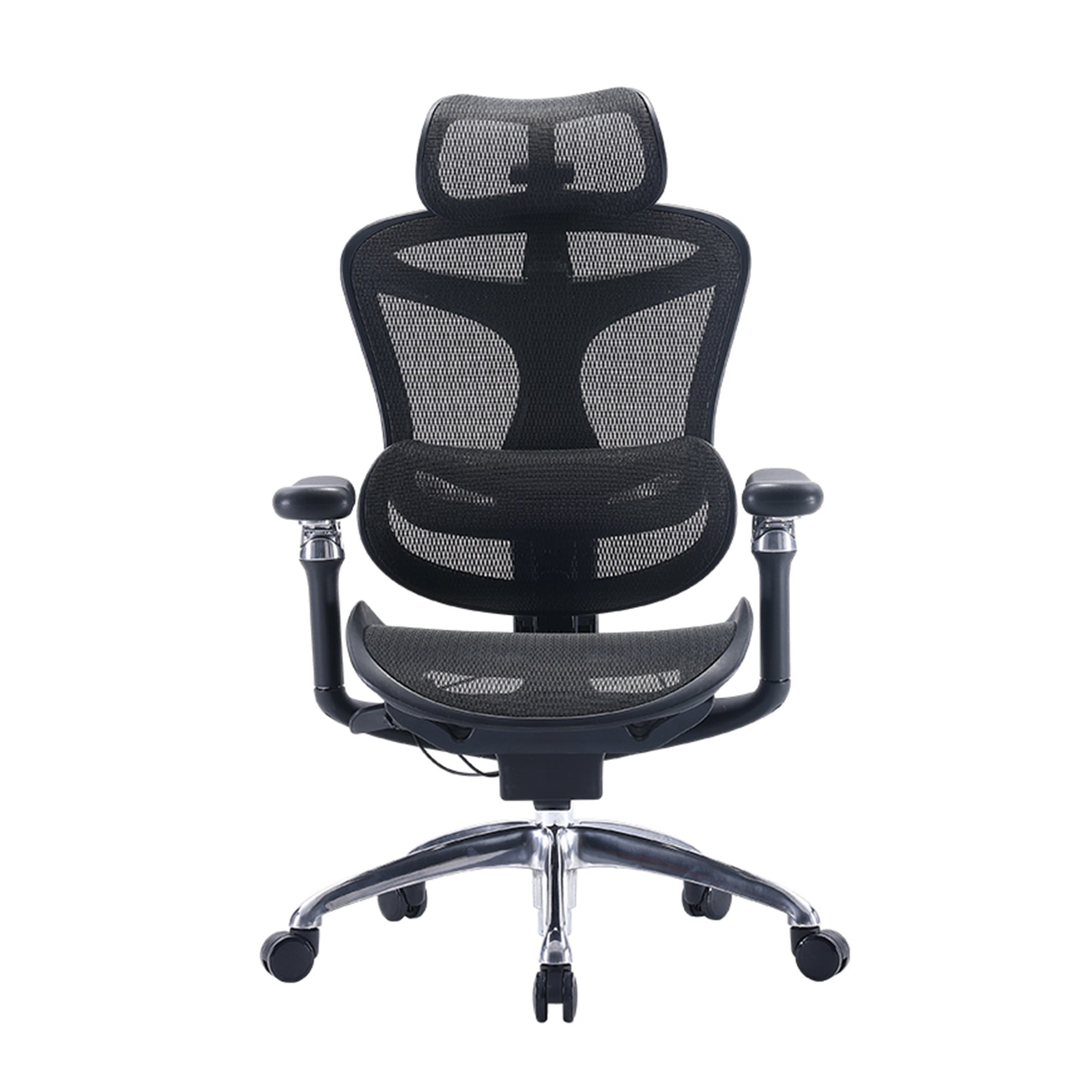
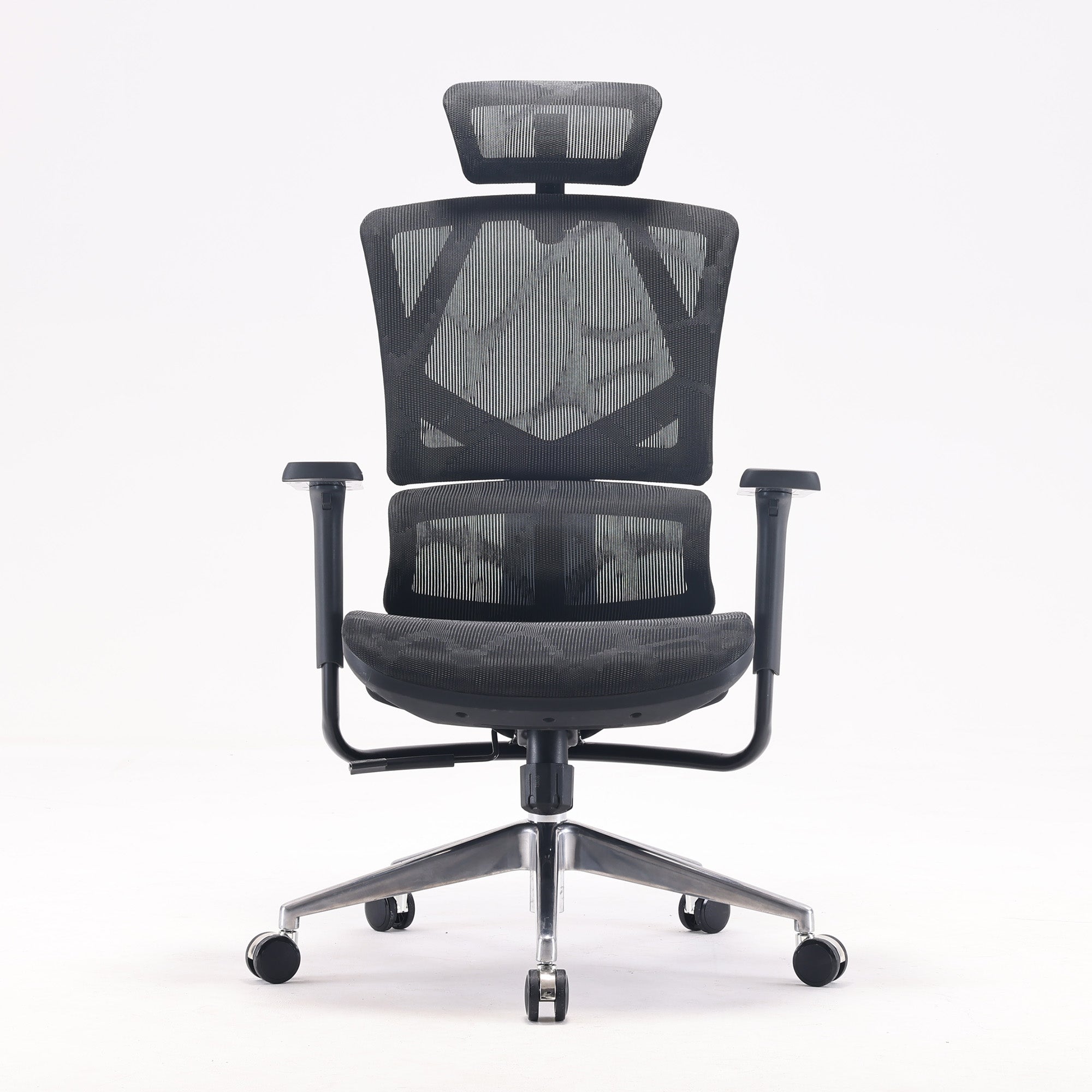
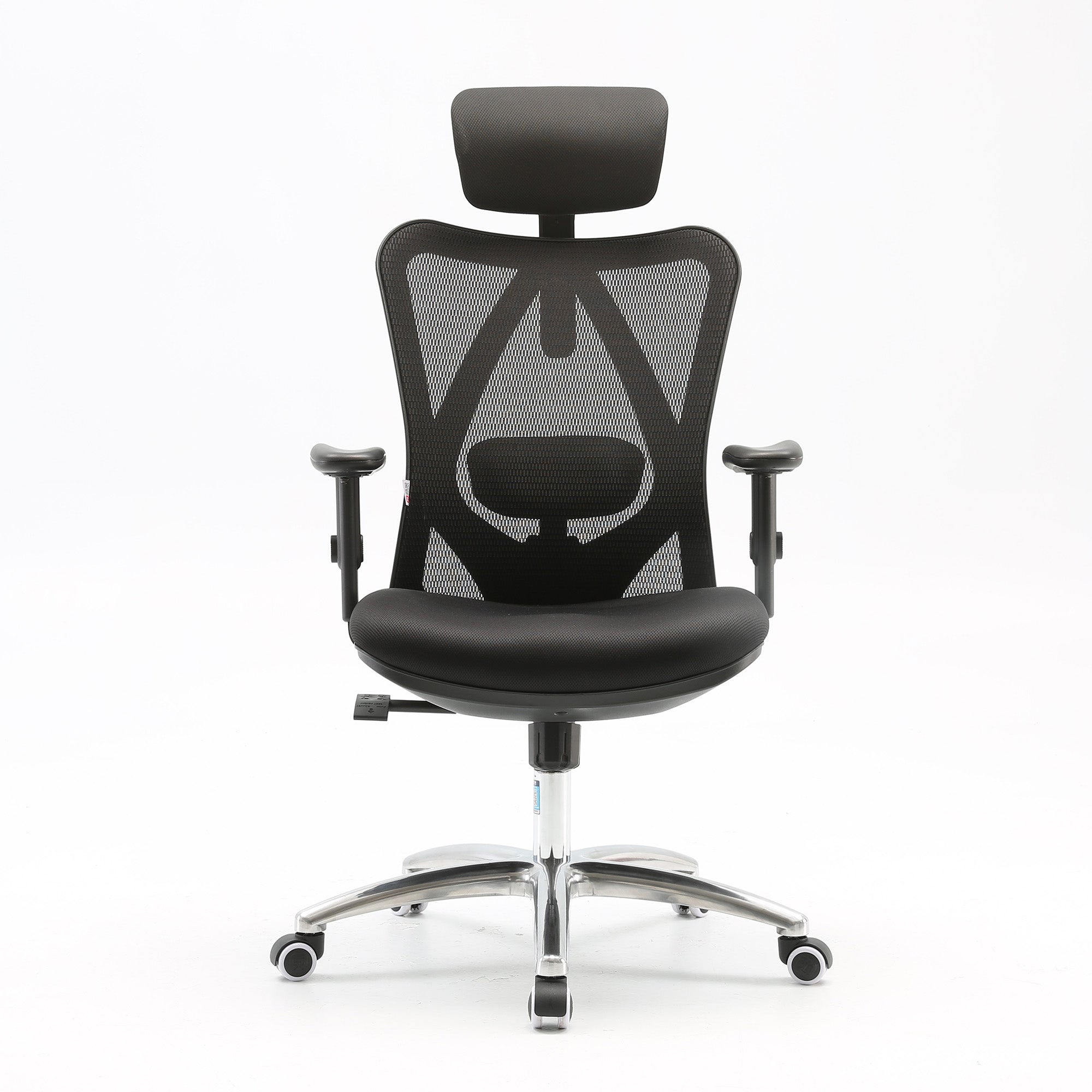
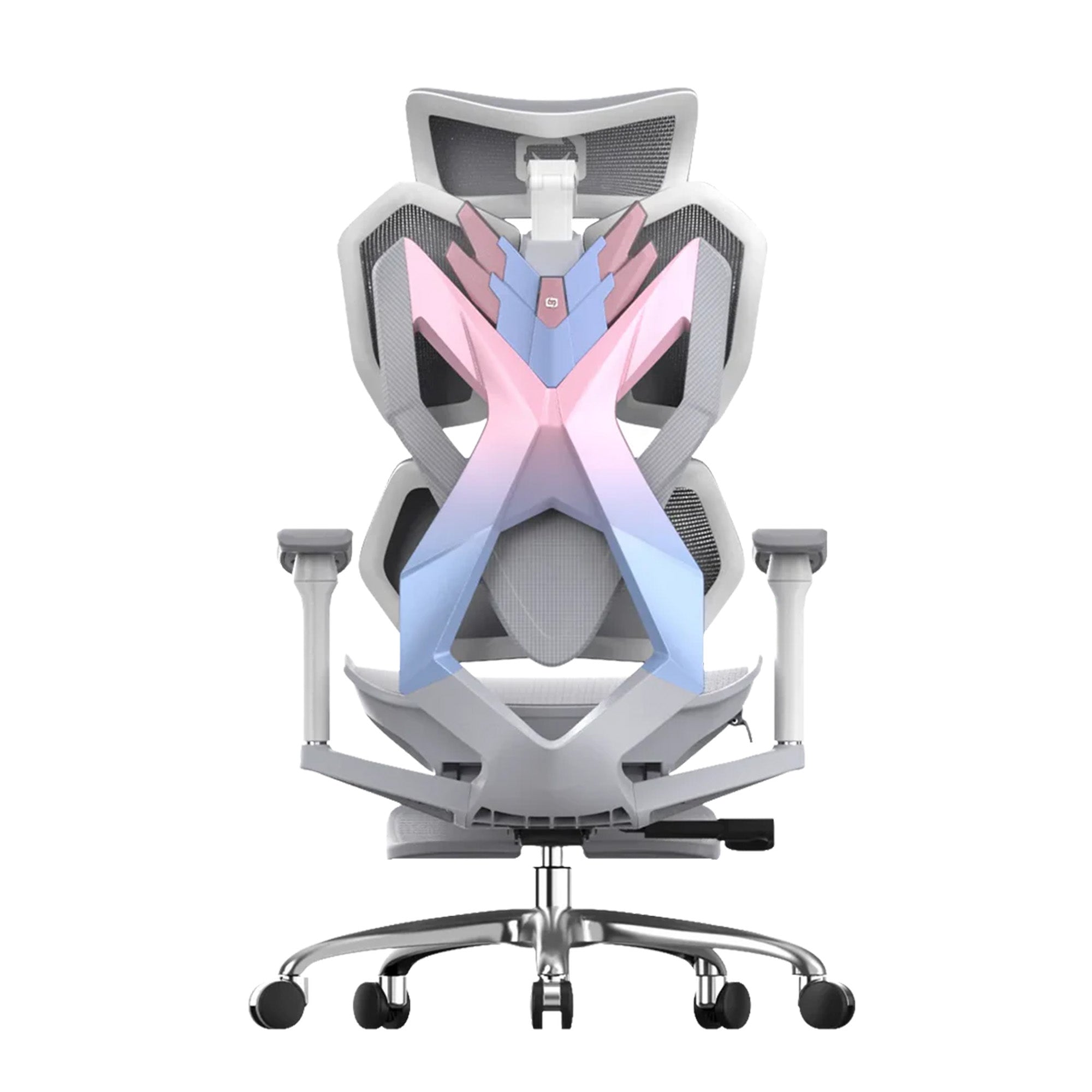
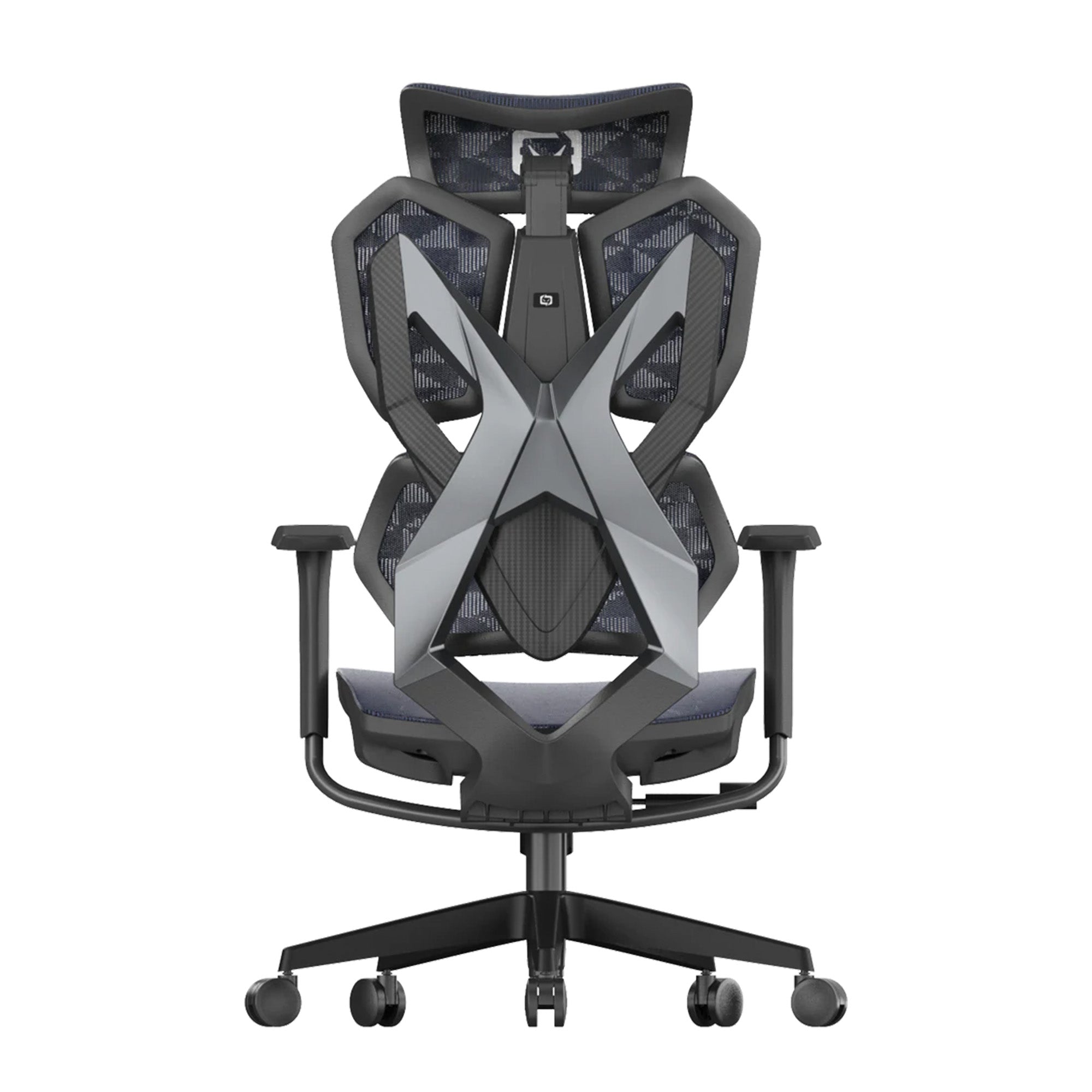
For environments where multiple people use the same chair across a week, an adaptive lumbar system removes the need for manual repositioning entirely. The Sihoo Vito M90 uses an elastic lumbar mechanism that responds automatically to sitting angle and body weight. The Sihoo Doro C300 offers a 4D adjustable lumbar that covers a wider range of spine positions for employees who need more precise configuration.

Mistake 2: Hot-Desking Without an Adjustment Protocol
The Numbers Behind the Shift
More than 60 percent of global employees now have unassigned seating, up from 38 percent in 2020 according to Leesman, the workplace experience research firm. In Australia, the shift has been accelerated by hybrid work patterns and the real estate pressure to reduce desk-to-employee ratios in commercial office space.
A 2024 scoping review by La Trobe University found that hot-desking in Australian workplaces contributed to lower morale, increased distractions, and reduced communication between teams. A separate 2024 Leesman study found that in offices with unassigned seating and no variety of workspace types, only 41 percent of workers felt they could be productive.
The Ergonomics Problem Nobody Planned For
The organisation saved money on desk space. Nobody planned for the ergonomics.
Every person who sits at a shared desk needs to adjust five chair settings before they can work in a posture that supports them properly. In the absence of a two-minute adjustment protocol, they do not do this. They sit in whatever position the previous occupant left. By 11am they are uncomfortable, by 3pm they are fatigued, and the connection to the chair they never adjusted is invisible to everyone including themselves.
Gensler's 2026 Global Workplace Survey measured the focus support gap directly. In assigned seating environments, 80 percent of employees said the office effectively supported deep focused work. In unassigned environments, that figure dropped to 67 percent. That 13-point gap is not explained by the desks or the screens. It is explained by the accumulated small discomforts that come from working in a space that was never configured for you.
The financial case for closing that gap is made in detail in the guide to how ergonomics improves employee productivity, including the $3 to $6 return on every dollar invested in ergonomic interventions from Washington State Department of Labor and Industries research.
The Fix
Not reassigning desks. A two-minute protocol posted at every shared workstation that walks the user through the five key chair adjustments before they start work. Laminated card on the desk. QR code on the monitor stand linking to the video walkthrough. The investment is negligible. The benefit is the difference between 40 percent and 80 percent of employees feeling the space supports their focus.
For organisations specifying chairs for shared environments, prioritise the widest available adjustment range. The Sihoo Doro C500 offers broad adjustability across height, lumbar, and armrest settings, making it practical for workstations rotating between users of different body proportions. The Vito M90's adaptive lumbar system is similarly suited to shared use because it requires no individual configuration to provide meaningful lower back support.

Mistake 3: Monitors at the Wrong Height
What This Looks Like
The monitor stack is one of the most reliable indicators of an office that has never been ergonomically reviewed. A desktop tower sits on the desk. The monitor sits on top of the tower. The screen is at approximately shoulder height for most users, which means it is above eye level for everyone. Employees spend their day in a slightly tilted-back head position that nobody notices because it does not look dramatic.
In offices that have transitioned to laptops, the problem reverses. The screen is now 25 to 30 centimetres below eye level for most seated adults. The employee curves forward to read it. The net effect on the neck and upper back is the same: sustained load in a position the spine was not designed to hold for six hours.
The Physical Mechanism
The average adult head weighs between 4.5 and 5.5 kilograms. At a neutral position, the cervical spine distributes this load efficiently. At 15 degrees of forward tilt, the effective load on the neck and upper back increases to approximately 12 kilograms. At 30 degrees, it reaches around 18 kilograms. These are measured values from biomechanics research, not estimates.
An employee working at a laptop flat on a desk holds their head at roughly 30 to 45 degrees of forward tilt for the duration of their screen time. Their neck is managing a load of 18 to 22 kilograms across a working day. The headache that arrives at 3pm is not from stress. It is from a sustained mechanical load that has been running since 9am.
The Fix
The top of the monitor should be at or slightly below the employee's eye level when seated correctly. The screen should be approximately arm's length away, roughly 50 to 70 centimetres. A monitor arm is the most flexible long-term solution and costs between $40 and $120. A monitor riser or stand is sufficient when the desk configuration allows repositioning. For laptop users, a laptop stand combined with an external keyboard and mouse corrects both problems simultaneously.

Mistake 4: Lighting Designed for the Building, Not the Work
The Standard Most Offices Are Not Meeting
AS/NZS 1680, the Australian and New Zealand standard for interior and workplace lighting, recommends 320 to 400 lux at the work surface for general office tasks. Many commercial tenancies, particularly older buildings with fixed overhead fluorescent systems, deliver uneven illumination across desk surfaces. Workstations near windows may receive significantly more than the standard. Workstations in the interior of an open-plan floor may receive significantly less.
Most organisations have never measured their office lux levels. Most have also never asked whether the lighting installed by the building owner during the original fit-out is appropriate for the specific tasks their employees perform at their specific workstations.
The Circadian Dimension
Research on circadian lighting published between 2023 and 2024 shows that light colour temperature affects cortisol and melatonin regulation throughout the working day. Fixed cool-white fluorescent systems provide reasonable alertness during morning hours but contribute to the afternoon energy trough rather than countering it. Newer blue-enriched lighting technologies are being used specifically to maintain alertness during the post-lunch period, the window where cognitive performance typically dips and where the cumulative fatigue from physical discomfort has its largest effect.
This does not require a full lighting replacement. It requires an assessment. The practical questions are: are there screens positioned so that window glare creates reflections that force employees to adopt awkward postures to see clearly? Are there desks in low-lux areas where employees are straining to read documents? Has anyone checked whether the overhead system still delivers the recommended levels after years of lamp degradation?
What This Means Practically
Repositioning screens so they sit at a right angle to windows rather than facing them costs nothing. Adding a task lamp to a workstation receiving insufficient general illumination costs under $50. These are the fixes that most offices need before any infrastructure conversation is warranted.

Mistake 5: Laptop Use Without a Stand and External Keyboard
The Hybrid Work Legacy Problem
Hybrid work settled at approximately 36 percent of the Australian workforce as of 2025. The laptop is now the primary work device for a significant portion of knowledge workers in Australian offices. The problem is that most office workstations were designed for fixed desktop setups, and the transition to laptops happened without any corresponding adjustment to how those workstations are configured.
The result is widespread: employees arrive at the office, open their laptop on the desk, and work in a posture that would not pass any ergonomic assessment. The screen is too low. The keyboard is built into the screen, so raising the screen means raising the keyboard. There is no position in which a flat laptop on a desk delivers both correct screen height and correct keyboard position. There is simply no version of this that works.
The Mechanical Cost
Every hour of flat laptop use at a desk involves sustained forward head posture and elevated shoulder load. The neck and upper back carry a load that increases proportionally with the degree of forward tilt, as described in the previous section. For an employee using a laptop for four hours in the office and three at home each day, the cumulative physical load across a working week is substantial.
The headaches, the upper back tightness, and the shoulder tension that hybrid workers frequently report are not random occurrences. They are the predictable output of a setup that places the screen at the wrong height for every person using it.
The Fix
A laptop stand raises the screen to eye level. An external keyboard and mouse, connected via USB or Bluetooth, restore the correct keyboard position at desk height. The combined cost is typically under $150. For employees who move between multiple workstations or work partially at home, a portable laptop stand folds flat in a bag.
This is the fastest ergonomic improvement available per dollar spent in most post-pandemic Australian offices. The investment is minimal. The correction is immediate.

Mistake 6: No Structured Movement in the Workday
The Sitting Data
Research from the Baker Heart and Diabetes Institute found that the average Australian adult now sits for approximately nine hours per day across work and leisure. Safe Work Australia data shows that 76 percent of work hours are spent sitting. Prolonged sedentary behaviour has been identified by researchers as the fourth leading cause of death from non-communicable diseases globally.
The physical consequences of sustained sitting are well documented. But the cognitive consequences are less widely understood. The 2018 PMC study cited earlier found that after just two hours of seated computer work, creative problem solving errors increased and mental state deteriorated. The mechanism is not mysterious. Reduced blood flow from prolonged static posture contributes to the physical fatigue that degrades cognitive performance. Moving changes that.
Why Movement Programmes Fail
Most workplace movement initiatives follow the same arc. An awareness campaign launches. Standing desks are installed for willing participants. A wellness newsletter recommends stretching. Three months later, the standing desks are in the lowered position and the newsletter is unread.
The reason is not employee apathy. It is that the initiative was added on top of existing work demands rather than built into them. Standing up requires interrupting a task. Stretching requires leaving the desk. If the physical act of moving feels like a cost to productivity rather than a contribution to it, most people will not do it consistently.
What Actually Works
The most durable movement habits in office environments are the ones that attach to existing work rhythms rather than requiring new ones. Taking a call standing up. Walking to speak to a colleague rather than messaging. Standing for the first five minutes of a document review before sitting to write. These are not wellness initiatives. They are small structural changes to how work is performed that happen to involve movement.
The physical environment supports this or it does not. A chair that requires re-setup every time an employee sits back down creates a friction cost that discourages the return to seated work. A chair that maintains its settings and returns to the correct position reliably makes the standing and sitting transition effortless.

Mistake 7: New Starters Inherit Unadjusted Workstations
How It Happens
An employee leaves. HR processes the departure. IT wipes the laptop. Facilities updates the access card. A new employee joins the following month and is shown to their desk. The desk is the previous occupant's desk. The chair is the previous occupant's chair, in the previous occupant's settings, which were themselves probably wrong.
Nobody adjusted it because nobody thought to. The onboarding checklist covers the systems, the role, the team introductions, the compliance training. The chair is furniture. It is assumed to be fine.
The Compounding Cost
The threshold for raising a physical complaint in a new job is higher than most organisations realise. A new employee who finds their chair uncomfortable within the first week is very unlikely to mention it. They are trying to demonstrate competence and commitment. Asking for the chair to be adjusted feels like a minor inconvenience that they should manage themselves. So they adapt. They perch forward. They shift around. They find a position that reduces the discomfort enough to get through the day.
By the time the discomfort is significant enough to mention, three to six months have passed. The physical load has been accumulating the entire time. What could have been resolved in ten minutes on day one is now a conversation about a recurring back problem.
The office ergonomics checklist for businesses covers the full workstation setup process, but the onboarding version is simpler: five adjustments, fifteen minutes, done before the new starter's first task. This is the lowest-cost ergonomic intervention available to any organisation and the most commonly skipped.
The Fix
Add a workstation setup step to the standard onboarding checklist. Walk the new starter through the five chair adjustments on their first day. Check the monitor height. Move the keyboard to the correct position. This is not a health and safety lecture. It is a practical welcome: here is your workspace, here is how it works for you specifically.
Organisations that do this consistently report fewer early-tenure discomfort complaints and higher seat satisfaction scores in workplace wellbeing surveys. The cost is fifteen minutes of someone's time. Once.
What the Compounding Effect Looks Like Across a Full Day
The Individual Cost
Take a knowledge worker who arrives at the office at 9am. Their chair has never been adjusted. The monitor is slightly too high. They are using a laptop without a stand for part of the afternoon. The lighting over their desk is below the AS/NZS 1680 recommended lux level.
None of these is catastrophic on its own. Combined, they create a physical environment that is working against the employee from the first hour. The unadjusted chair creates a low-level lumbar load that builds across the morning. The high monitor adds neck tension that compounds with the lumbar load by mid-morning. The laptop session in the afternoon adds forward head posture to the upper back tension already present.
By 3pm, the employee is managing accumulated physical fatigue from three simultaneous sources that have been running since 9am. The 2024 Scientific Reports study established that physical and mental fatigue mutually reinforce each other. The afternoon cognitive performance drop is not motivation. It is physiology.
The Team Cost
The Washington State Department of Labor and Industries study of office ergonomics, referenced in Cornell University's ROI Estimator, found a median productivity improvement of 12 percent following an ergonomic intervention. If 12 people in a team of 20 are operating in some version of the compounding setup described above, the aggregate output effect across a year is not a rounding error.
For a team of 20 at an average salary of $75,000, recovering 12 percent of effective output across the team represents $180,000 in additional productive capacity annually. The cost of addressing the seven mistakes in this blog for 20 people, most of which cost nothing, is a fraction of that figure.
Note: This calculation uses a measured productivity improvement figure from a published ergonomic intervention study as its reference point. Actual results vary by team composition, role type, implementation quality, and which of the seven mistakes apply to a given office. The figure is presented as a transparent illustration of scale, not a guaranteed outcome.
The seven mistakes at a glance:
|
Mistake |
Cost signal |
Source |
Fix |
Fix cost (approx) |
|
Chair never adjusted |
Cognitive errors increase, mental state deteriorates |
PMC 2018 office worker study |
5 adjustments, 10 minutes per person |
$0 |
|
Hot-desking, no protocol |
13-point drop in focus support vs assigned seating |
Gensler 2026 Global Workplace Survey |
Adjustment training + adjustment checklist at each desk |
$0 to $50 |
|
Monitor wrong height |
Neck load multiplies up to 4x at 30 degrees of tilt |
Biomechanics research, multiple studies |
Monitor arm or riser to reach correct eye level |
$30 to $150 |
|
Lighting not assessed |
Glare forces awkward posture, circadian disruption |
AS/NZS 1680, circadian lighting research 2023-24 |
Reposition screens, check lux levels, task lighting |
$0 to $80 |
|
Laptop flat on desk |
Simultaneous screen and keyboard compromise |
Biomechanics, forward head posture research |
Laptop stand + external keyboard and mouse |
$80 to $150 |
|
No movement structure |
Average Australian adult sits 9 hours/day across work and leisure |
Baker Heart and Diabetes Institute |
One stand task per hour built into work rhythm |
$0 |
|
New starter inherits unadjusted workstation |
Discomfort accumulates unchecked for months before reported |
Occupational health research, participatory ergonomics literature |
15-minute setup on week one as standard onboarding step |
$0 |
Fix costs are approximate per workstation. Laptop stand and external keyboard pricing based on standard Australian retail as of 2026. Monitor arm pricing varies by model and mounting type.
Where to Start
The No-Cost Fixes Available Today
Walk the office this week. Look for the specific things described in this guide. The monitor that is sitting on top of a tower at the wrong height. The person perched on the front edge of their seat. The laptop without a stand. The new starter who started three months ago and whose chair has never been touched.
Adjust every chair that has never been adjusted. Move every monitor that is at the wrong height. These cost nothing except attention and time. In most offices, this one pass produces an immediate and visible improvement in how the workspace feels.
The Low-Cost Fixes for This Week
Laptop stands and external keyboards for hybrid workers using laptops flat on desks. Monitor arms or risers for screens that cannot be repositioned using existing stands. Footrests for shorter team members at fixed-height desks. Task lamps for workstations receiving insufficient general illumination. The per-workstation cost for all of these combined is typically under $200.
The Equipment Review
Which chairs in the office cannot be adjusted to fit the person using them? These are the chairs worth replacing. Not all chairs at once. Not a full fit-out. The specific chairs that are functionally failing the employee they are supposed to serve, because the height range does not cover their leg length, the lumbar support is fixed in the wrong position, or the mechanisms have worn to the point where settings do not hold.
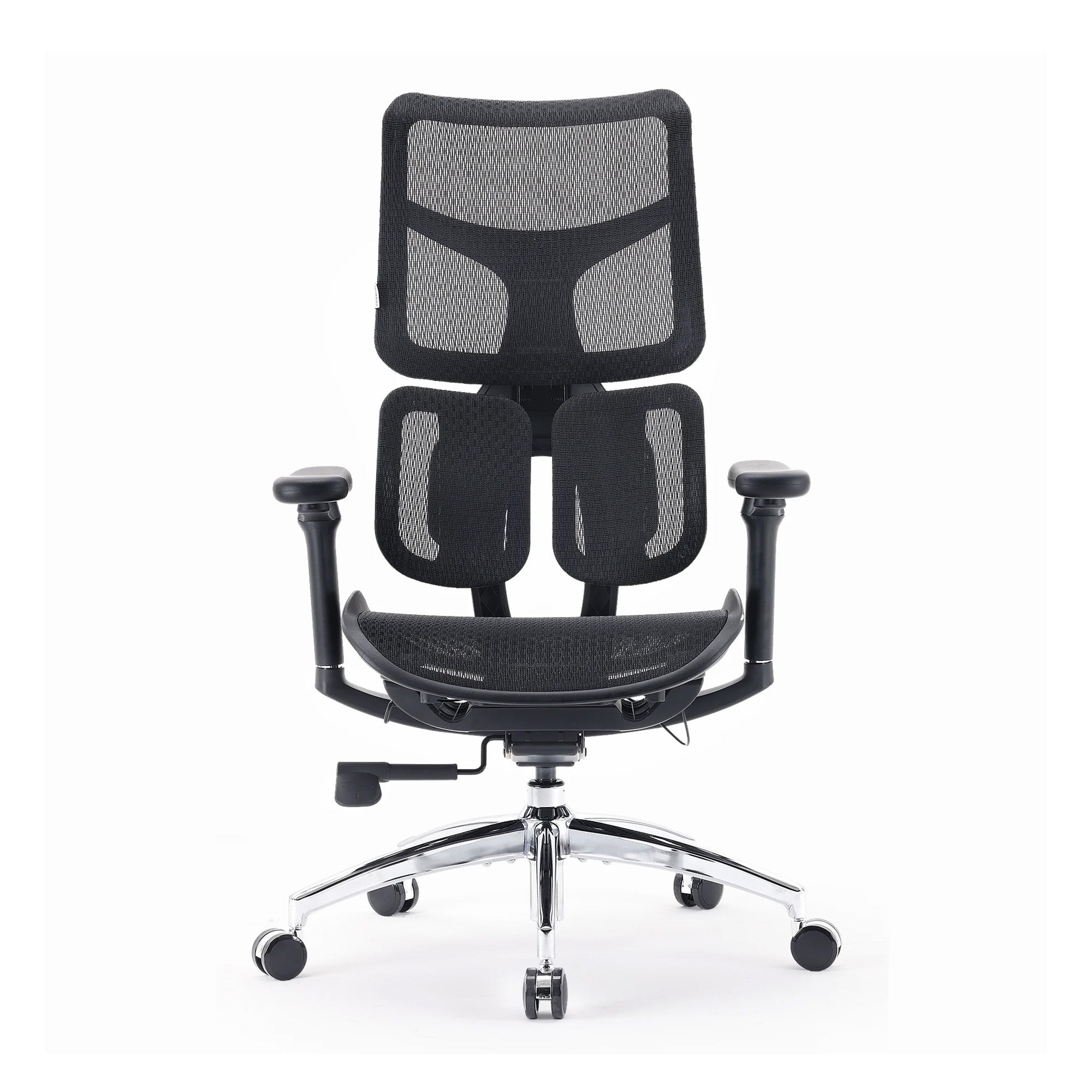
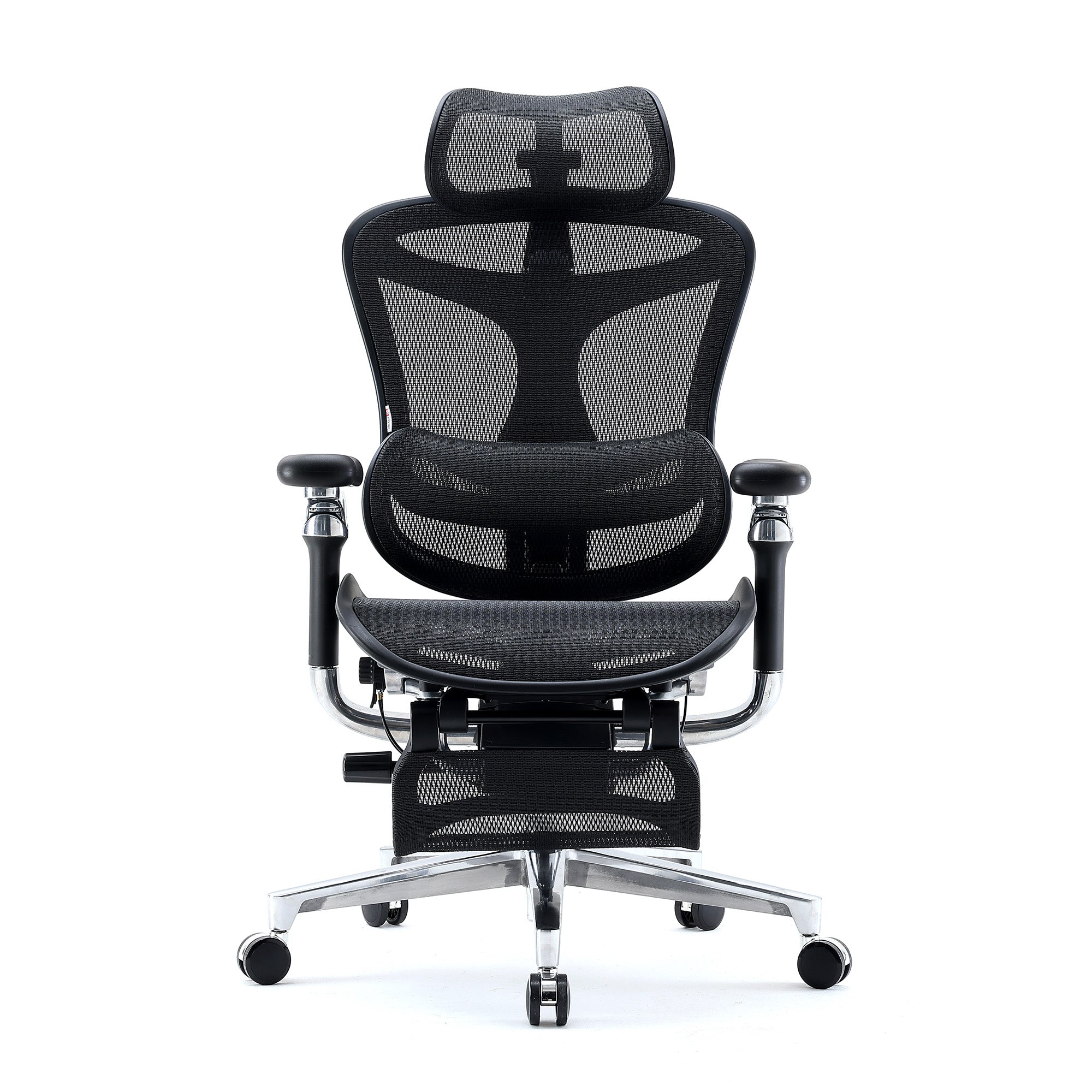
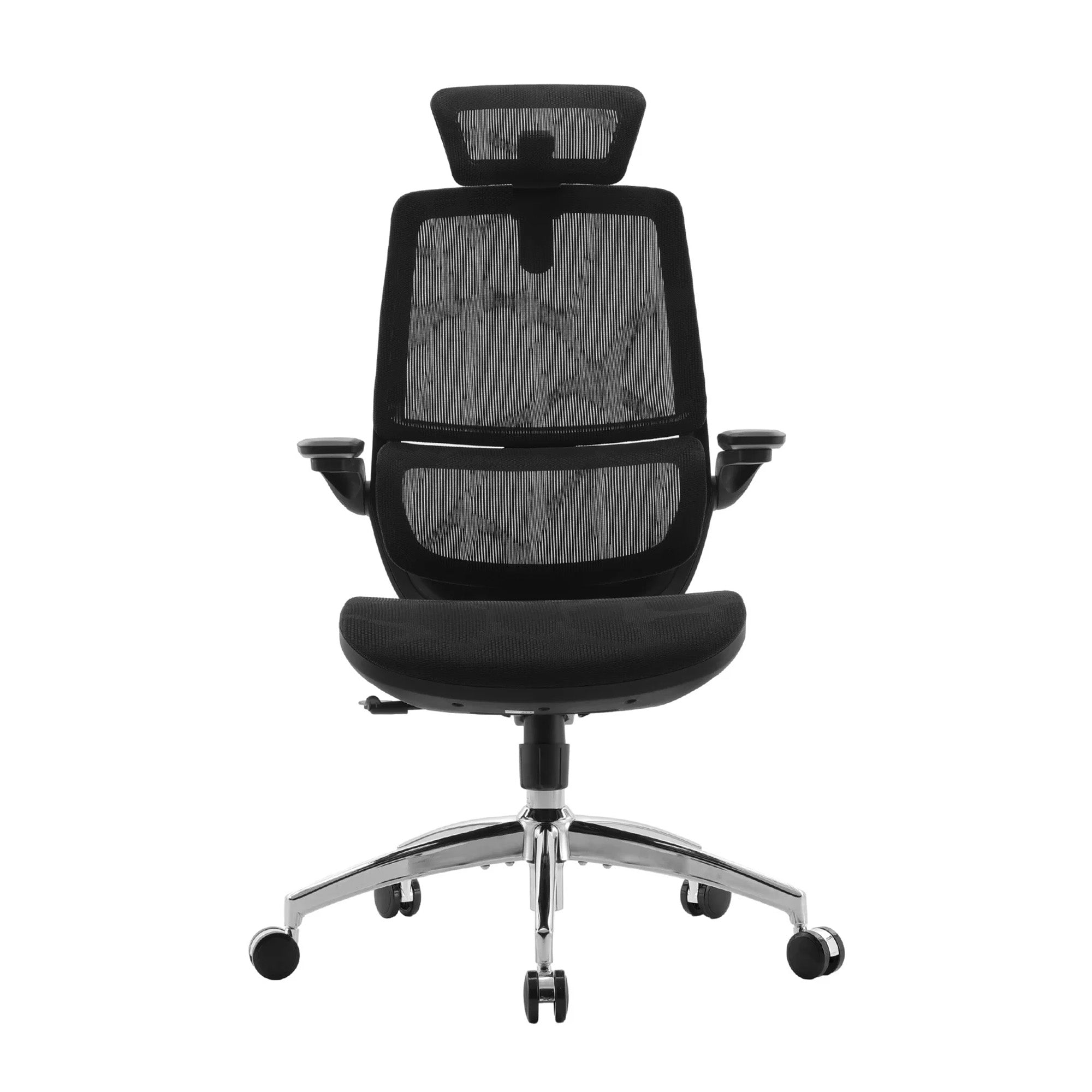
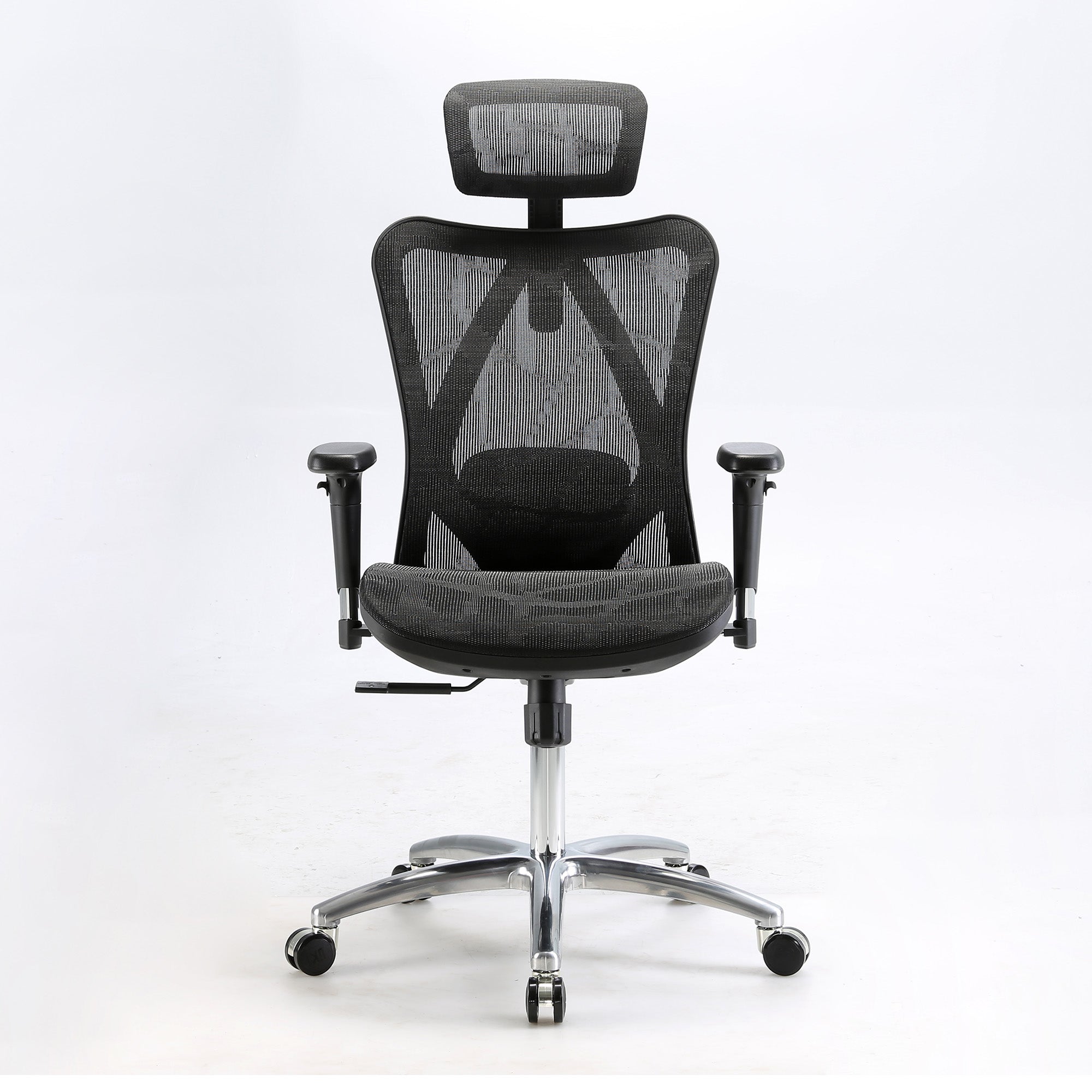
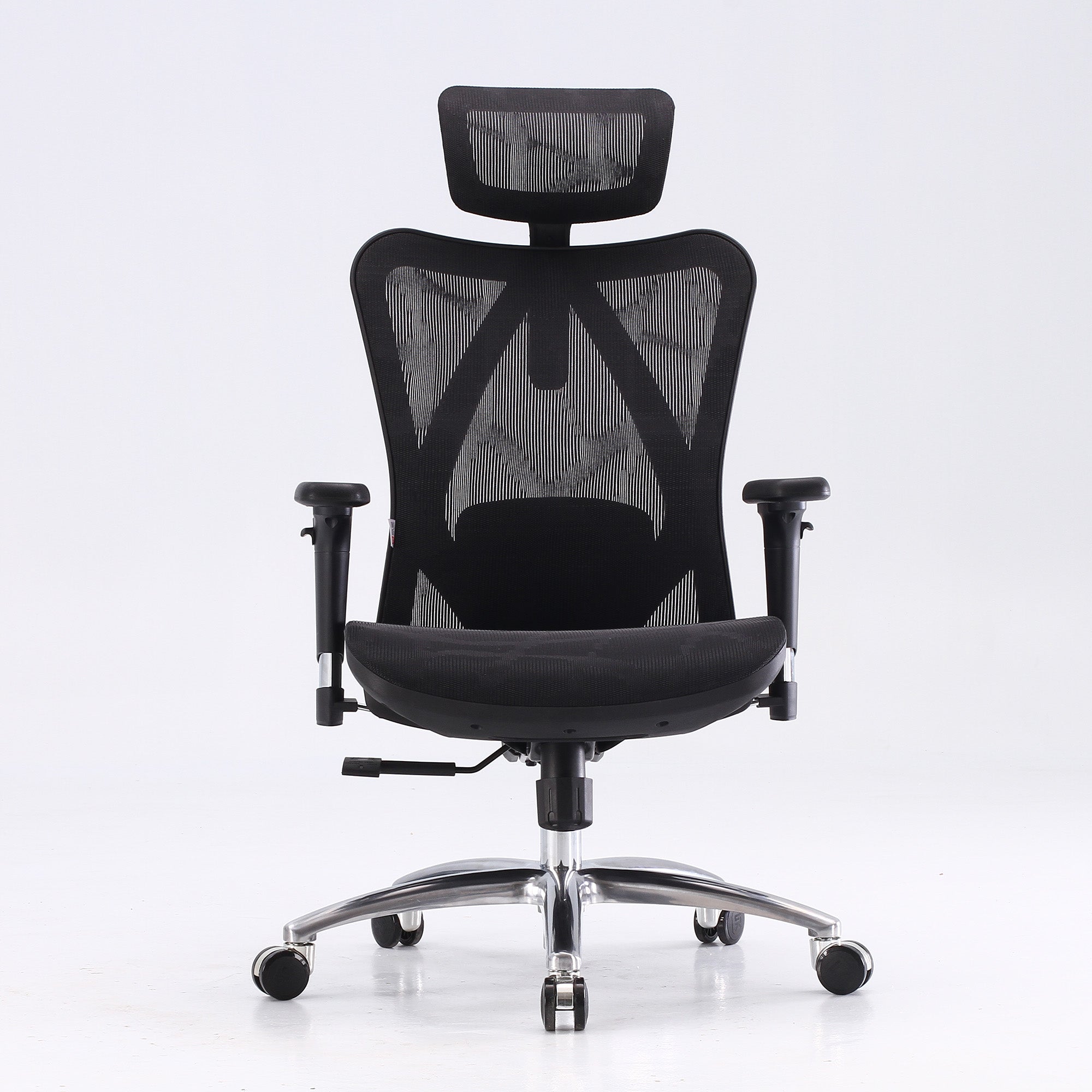
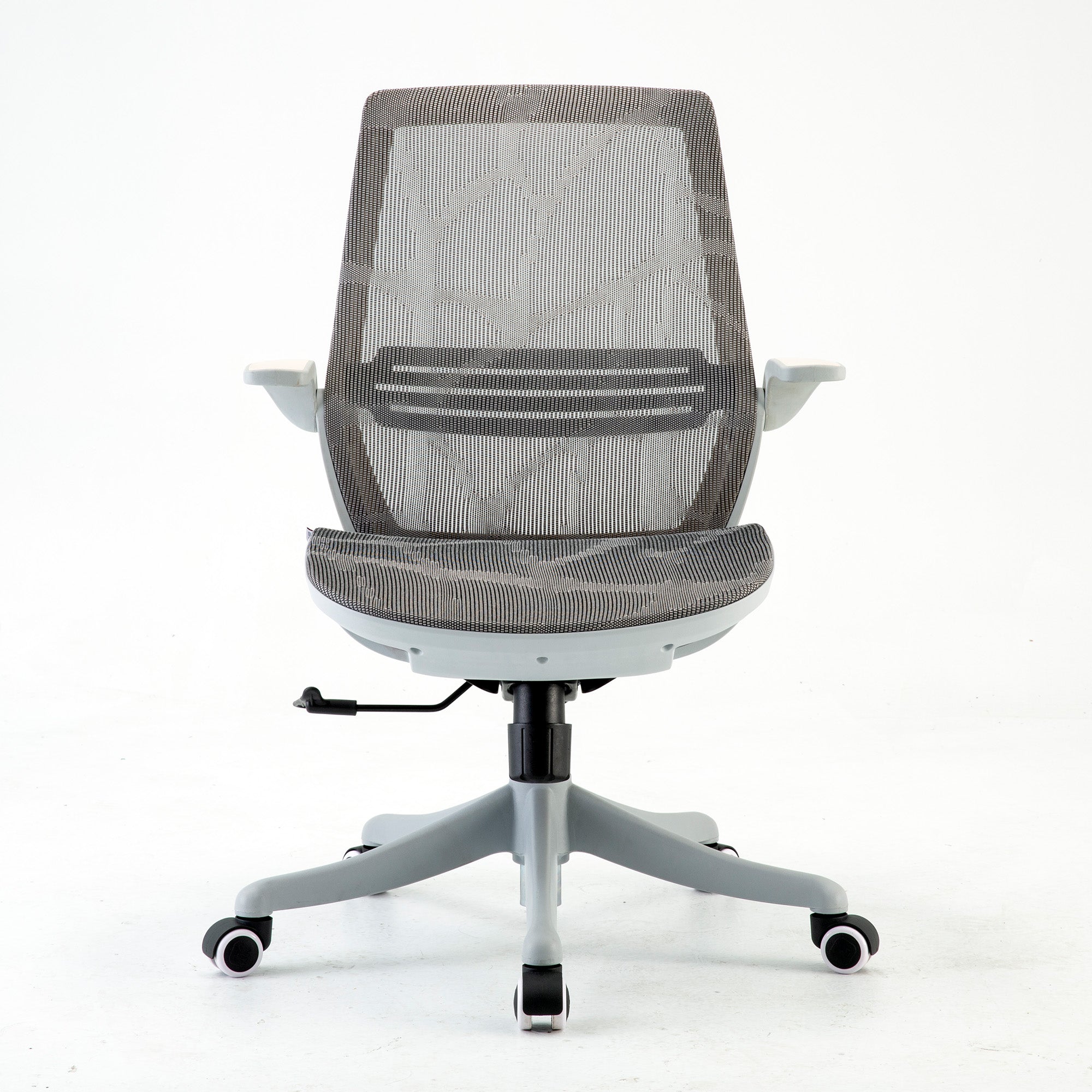
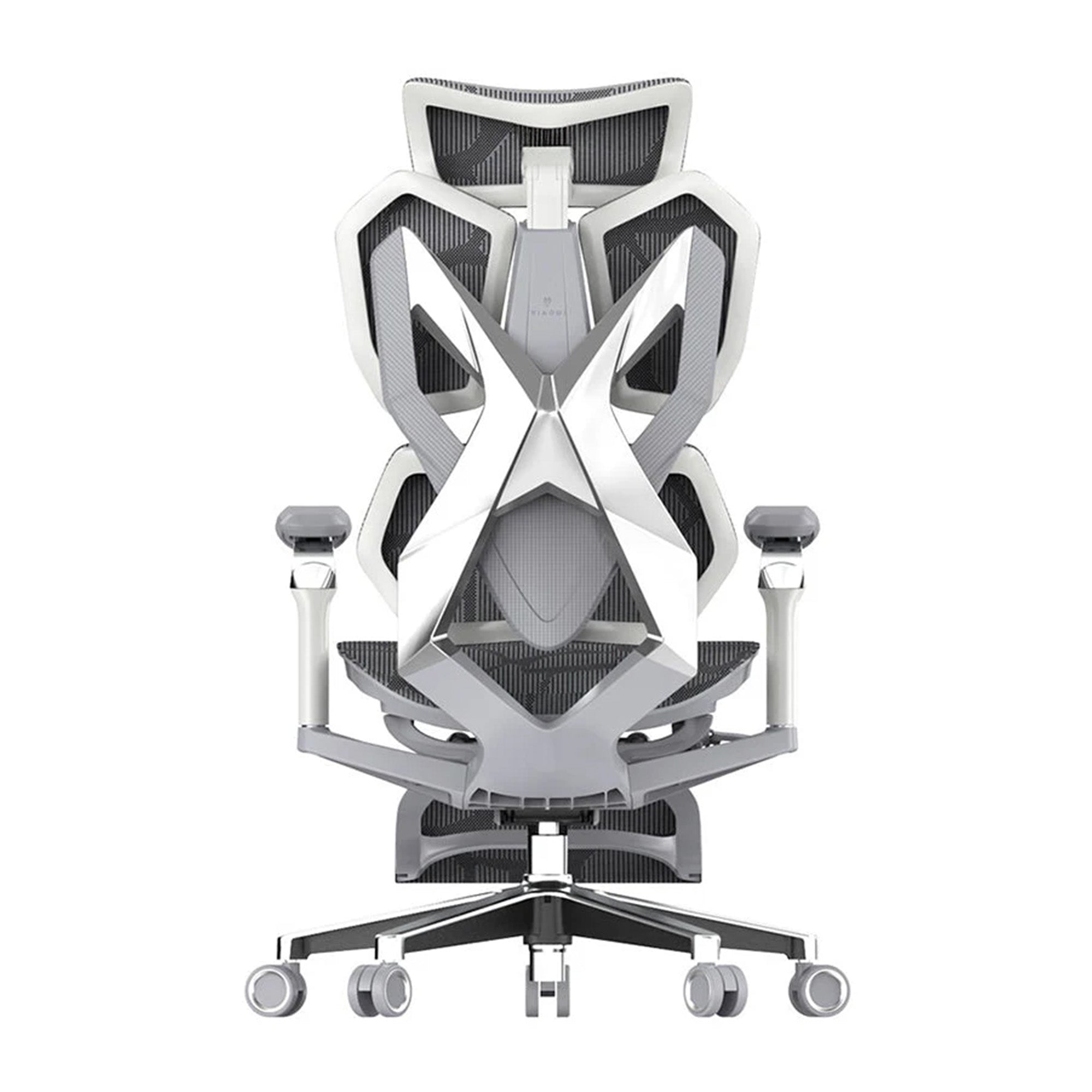
When replacing chairs, prioritise the features that matter for the roles using them. Standard workstations used for four to six hours daily: adjustable lumbar, 3D armrests, full mesh construction for Australian conditions. The Sihoo M57 at $329 covers these specifications. Roles involving six or more hours of daily seated work: an adaptive lumbar system makes a meaningful difference. The M59 and Vito M90 both fit this profile. Senior roles or employees with existing back history: the Doro S300 offers a dynamic lumbar arm that moves with the spine across a full range of postures, making it the most adaptive option in the Sihoo range for sustained daily use.
For organisations approaching this as a structured programme rather than a reactive fix, how to build an ergonomic office setup for teams covers the three-phase framework that sustains results rather than producing a one-time improvement that erodes over the following year.
Conclusion
The seven mistakes in this guide are not the result of bad management or careless decisions. They are the result of decisions that made sense at the time and were never revisited, in an environment where nobody was assigned responsibility for the physical workspace after the fit-out was complete.
The research is clear on what these mistakes cost. The Monash University data puts $638 billion in lost productivity against the broader failure to address back pain in the Australian workforce. The Gensler data puts a 13-point drop in focus support against the failure to configure shared workstations. The PMC and Scientific Reports data puts measurable cognitive degradation against the failure to adjust a chair. None of these costs show up on a P and L. They show up as a team that is slightly less sharp in the afternoon than it should be, every day, for years.
If only one thing gets done after reading this, adjust the chairs. Walk the office, spend ten minutes per workstation, and configure each chair for the person actually sitting in it. It costs nothing. It produces an immediate change in how the office feels. And it is the foundation on which every other ergonomic improvement sits.
The monitors, the lighting, the laptop stands, the movement habits: all of these matter. But a well-adjusted chair under a badly positioned monitor outperforms a poorly adjusted chair under a perfectly placed screen. Start with what the person is sitting on. Everything else builds from there.
Better Comfort Starts Now.
Sources Referenced
• Docking SI et al., Productivity Losses Due to Long-Term Back Problems in Working-Age Australians, JAMA Network Open, August 2025. DOI: 10.1001/jamanetworkopen.2025.27284 — Monash University
• Safe Work Australia, Key Work Health and Safety Statistics Australia 2025 — safeworkaustralia.gov.au
• Washington State Department of Labor and Industries, Cost-Benefit Analysis of Ergonomics Programs; Cornell University ROI Estimator — ergo.human.cornell.edu
• Gloria Mark, The Cost of Interrupted Work, University of California Irvine — 23 minutes and 15 seconds to refocus after interruption
• Sophie Leroy, Why Is It So Hard to Do My Work? Organizational Behavior and Human Decision Processes, 2009 — attention residue mechanism
• PMC 2018: The Short Term Musculoskeletal and Cognitive Effects of Prolonged Sitting During Office Computer Work — pmc.ncbi.nlm.nih.gov/articles/PMC6122014
• Scientific Reports 2024: Unraveling the interplay between mental workload, occupational fatigue, physiological responses and cognitive performance in office workers — nature.com/articles/s41598-024-68889-4
• Leesman Index 2024: The Desk Dilemma — productivity in hot-desk vs variety office environments
• Gensler 2026 Global Workplace Survey — assigned vs unassigned seating and focus support
• La Trobe University 2024: Hot desking in Australian workplaces — morale, distraction, and team communication scoping review
• Baker Heart and Diabetes Institute: average Australian adult sedentary time, approximately 9 hours per day
• Circadian lighting research 2023-24: cognitive performance and circadian rhythm regulation in office environments
• HR Daily Advisor: 18 minutes per day lost searching for a desk in hot-desk environments (global figure)
• Australian Standard AS/NZS 1680: Interior and Workplace Lighting; AS/NZS 4438: Height-Adjustable Swivel Chairs
Frequently Asked Questions
For most small to medium Australian offices, an internal review is sufficient. The office ergonomics checklist for businesses provides a structured walkthrough of every workstation element in order. A manager or designated WHS officer can run through each workstation in 30 to 45 minutes per person, document the findings, and implement the no-cost and low-cost fixes immediately. The only scenario that warrants an external ergonomist is where an employee has an existing injury or complex physical condition that requires specialist assessment beyond the scope of a standard workstation review.
The Work Health and Safety Act 2011 requires employers to eliminate or minimise ergonomic risks so far as is reasonably practicable. For a sedentary office workforce, this means providing seating that can be adjusted to fit the individual user, ensuring workstations can be configured to support a neutral posture, and demonstrating through documentation that these obligations are actively managed. A documented annual workstation review process, combined with a standard onboarding workstation setup for new starters, is the practical minimum. SafeWork NSW and WorkSafe WA both publish guidance on what a compliant workstation assessment process looks like.
For a shared environment, the single most important specification is adjustment range. The chair needs to cover the height distribution of your team, which in a typical Australian office spans approximately 155 to 195 centimetres. This means seat height range, lumbar adjustment, and ideally seat depth adjustment all need to be wide enough to serve the full spread. Specify AS/NZS 4438 compliance as a minimum. For high-rotation environments, AFRDI Level 6 certification is the relevant higher benchmark. An adaptive lumbar system, like the one in the Sihoo Vito M90, is particularly valuable in shared environments because it adjusts automatically to whoever sits down rather than requiring manual repositioning.
Use three numbers. The Washington State study of office ergonomics found a median 12 percent productivity improvement following an ergonomic intervention. For a team member at $75,000 per year, 12 percent is $9,000 in recovered productive capacity annually. For a team of ten, that is $90,000 per year. Set that against the cost of addressing the setup mistakes in this blog, most of which are free, and the cost of replacing chairs that are functionally failing their users. The payback period is typically measured in weeks. If you want a more conservative calculation, use five percent rather than 12. The conclusion does not change materially.
Very possibly. The most common causes of work-specific afternoon headaches that do not occur at weekends are: a monitor positioned too high, causing sustained backward head tilt and neck tension across the morning that triggers referred pain by the afternoon; a laptop used without a stand, creating forward head posture and upper back load; and insufficient lighting at the work surface, causing eye strain from sustained effort to focus in suboptimal conditions. Rule out each of these before attributing the headache to stress or screen time in the abstract. The specific cause usually has a specific fix.
Adjust your chair. Sit back fully into it, feet flat on the floor, and work through the five settings in order: height, depth, lumbar, armrests, recline. This takes ten minutes. If you have never done it, the difference will be noticeable within the first hour. If you have a laptop, add a stand. If the monitor is above eye level, lower it or raise your chair until it is not. These three things address the majority of the physical load that accumulates in a typical office day. None of them cost money. All of them are available right now.
Test it against four questions. Can you adjust the seat height to a position where your feet are flat on the floor and your knees are at 90 degrees? Can you position the lumbar support in the natural inward curve of your lower back specifically, not just somewhere on your back? Can you lower the armrests enough for your shoulders to be completely relaxed? Does the recline hold its position without drifting? If any of these are no, the chair needs replacing rather than adjusting. For guidance on what to look for when choosing a replacement, the guide to the best office chairs for long hours of sitting covers the features that matter most for extended daily use.
Learn the five key chair adjustments and practice doing them in under two minutes: seat height, seat depth, lumbar position, armrest height, recline angle. Make this the first thing you do when you sit down, every time. Bring your own laptop stand if the workstation does not have one. Most fold flat and fit in a bag. If monitors are fixed at the wrong height, report it as a WHS issue to your manager rather than adapting around it. One documented report creates a record. A hundred unreported adaptations create nothing.
Start with specifics rather than general concerns. Document the exact issue at your workstation: the chair setting that cannot be adjusted to your height, the monitor position that requires you to look upward, the laptop you are using without a stand. Present these as WHS issues rather than personal comfort preferences. The Work Health and Safety Act 2011 requires employers to address ergonomic hazards so far as is reasonably practicable. A chair that cannot be adjusted to fit the person using it is a documented ergonomic hazard. Frame it in those terms, in writing, and the conversation changes.
Shop products from this article


Save up to 49% this Click Frenzy Sale. Pay in 4 interest-free instalments with Afterpay.
SHOP NOWRecommended Posts


