
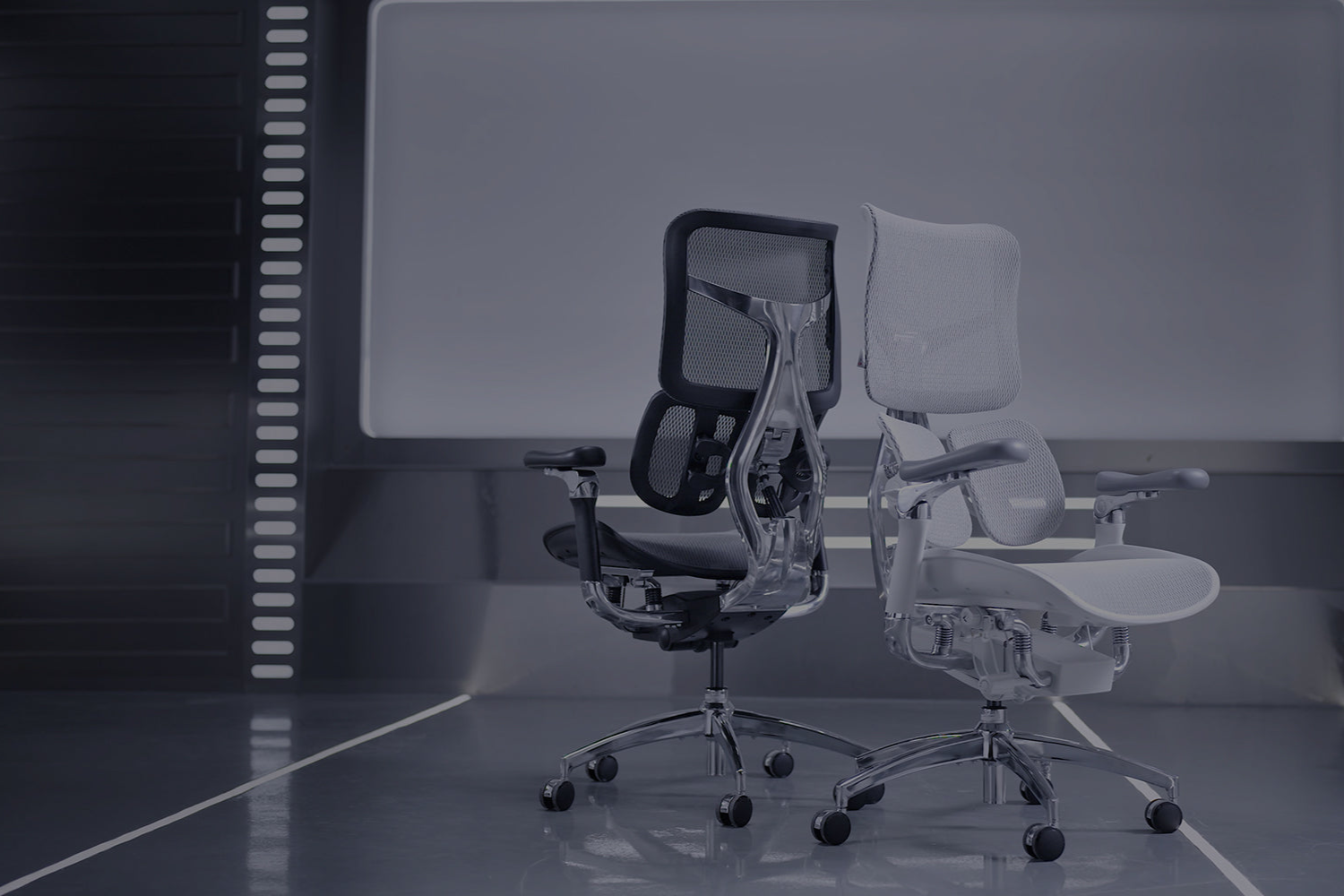
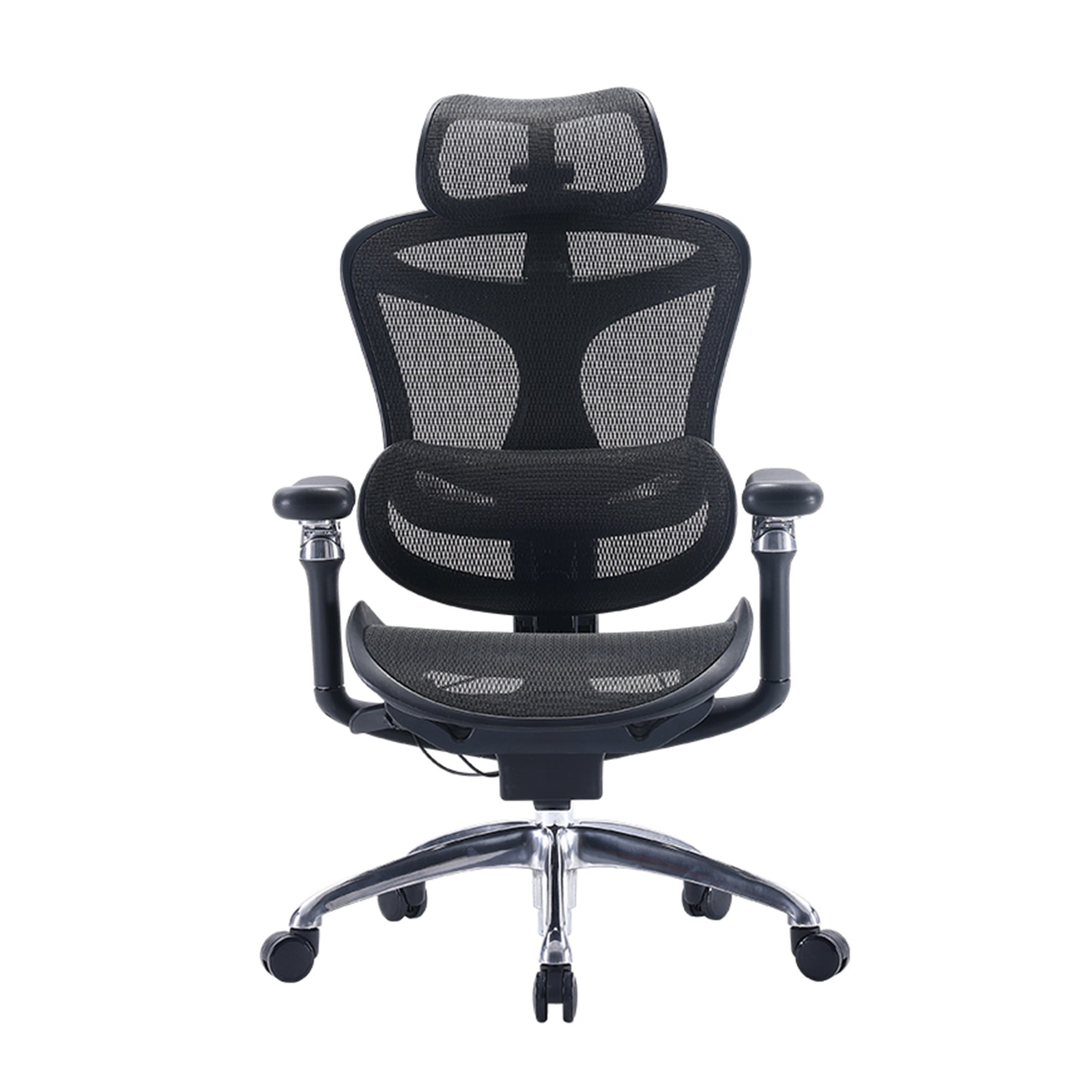
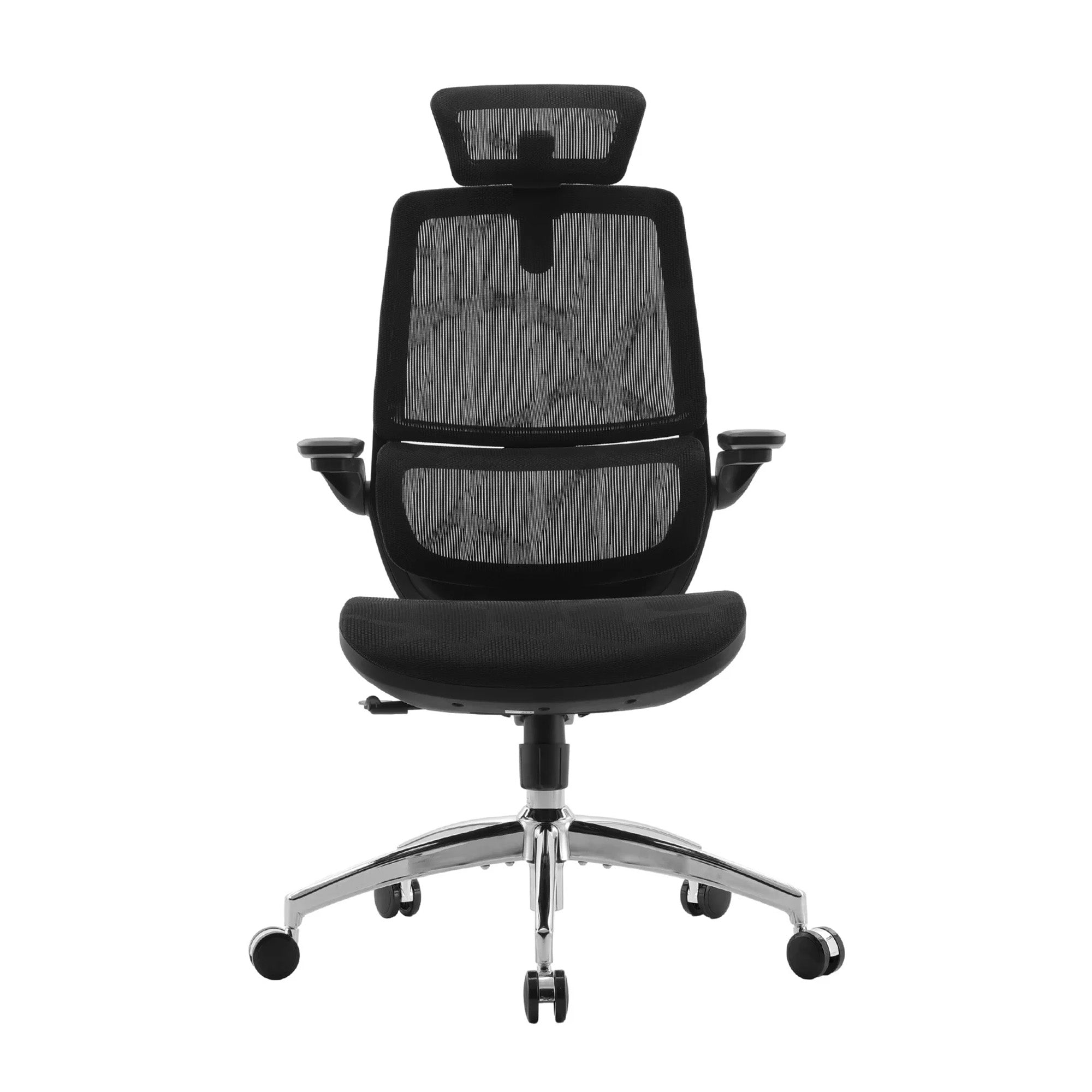
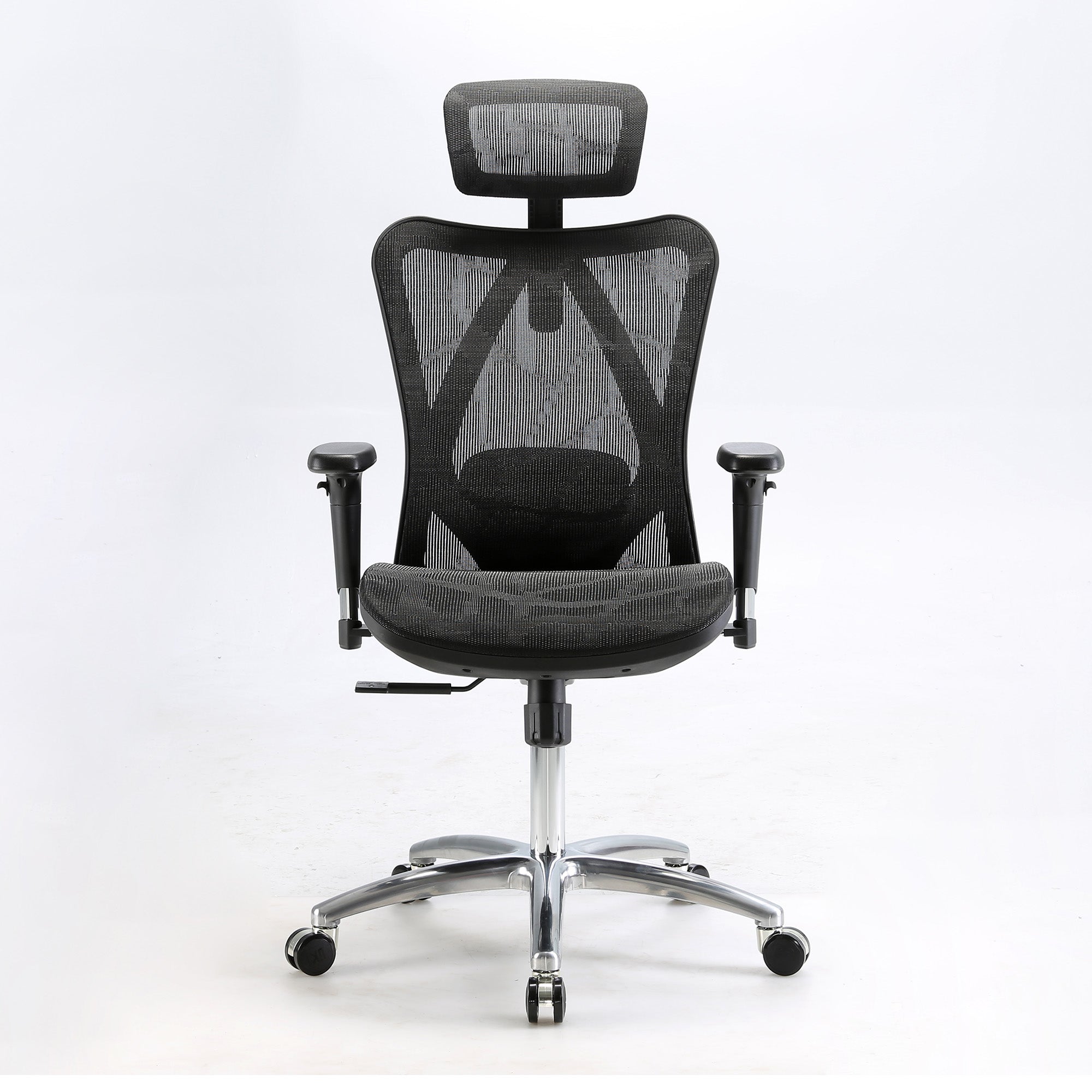
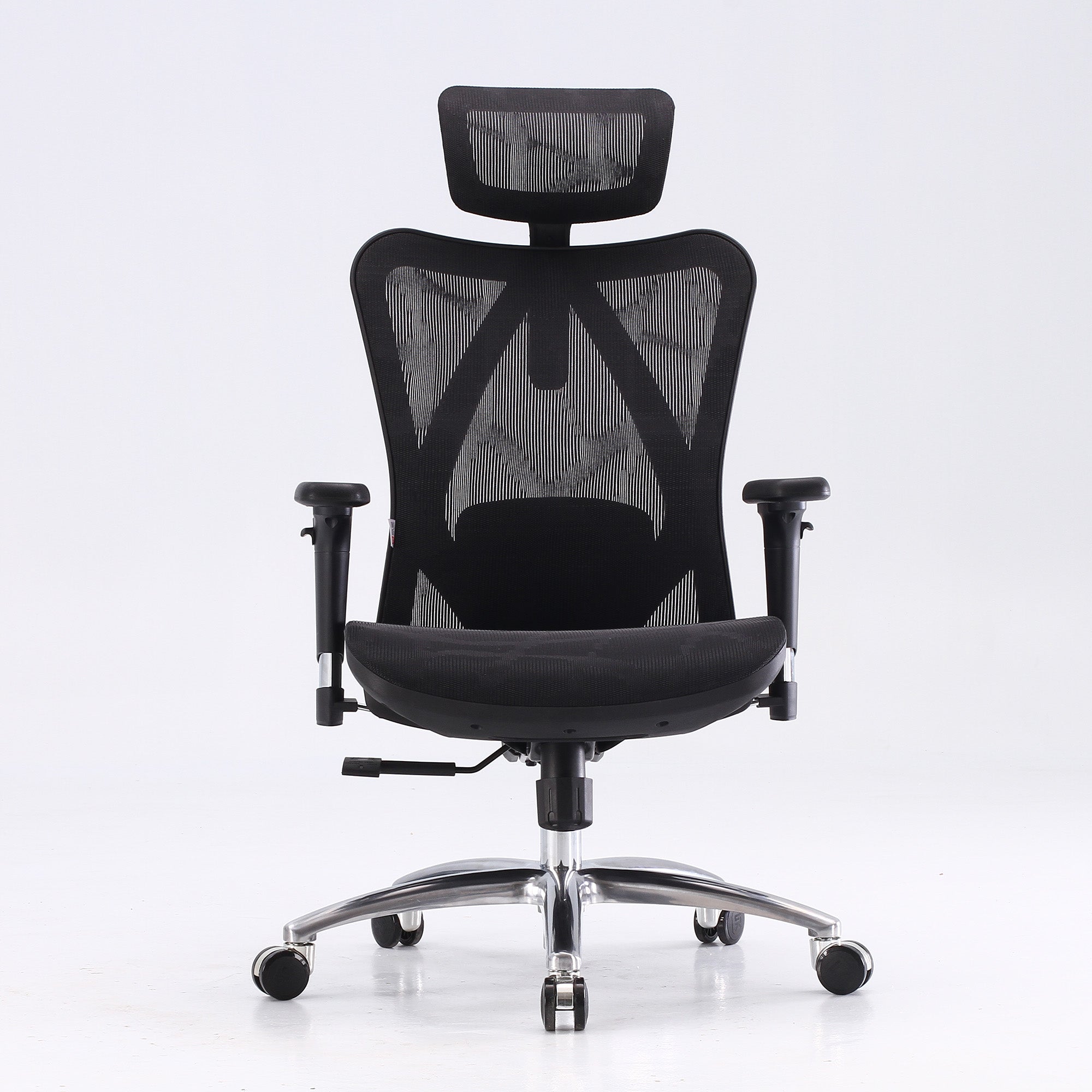
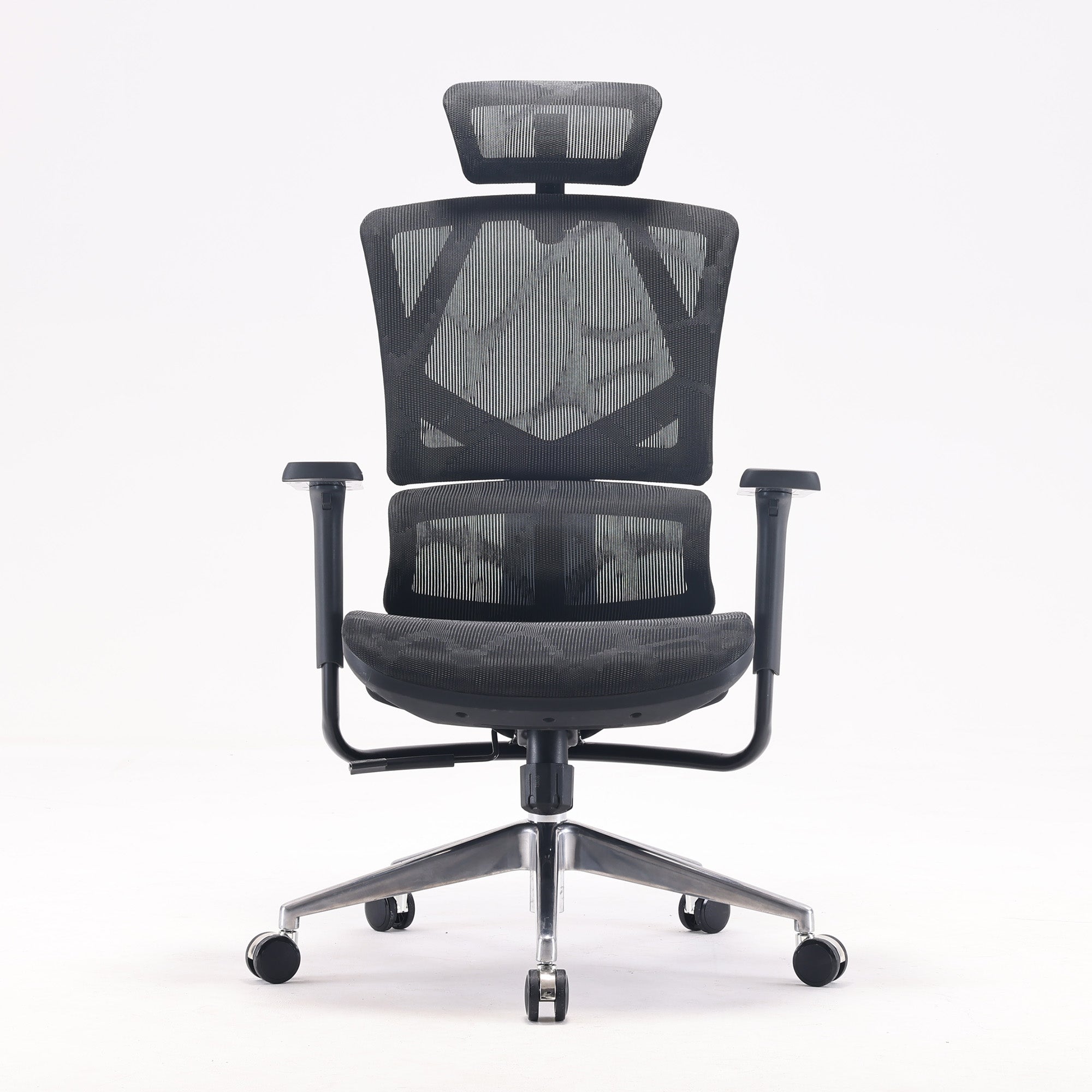
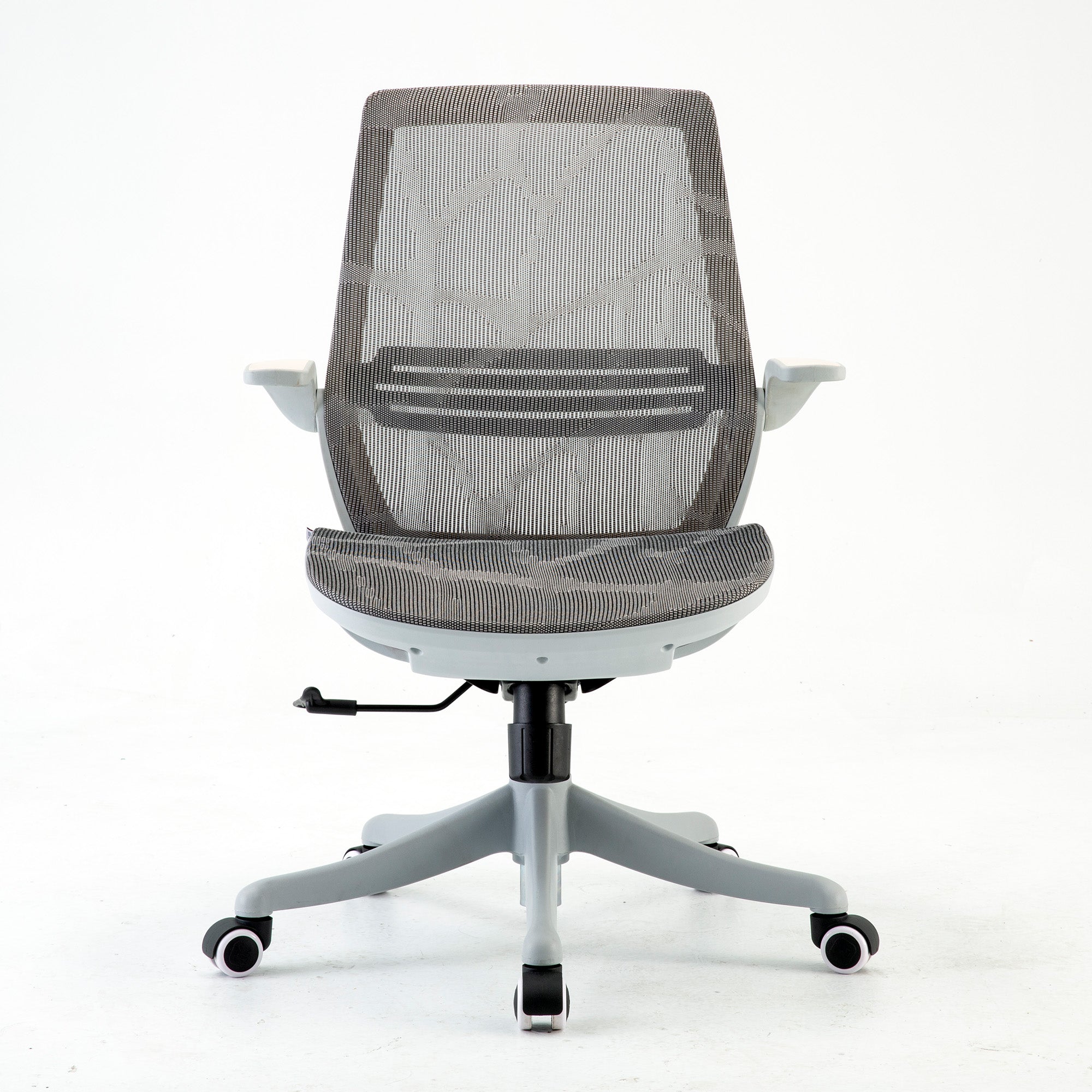
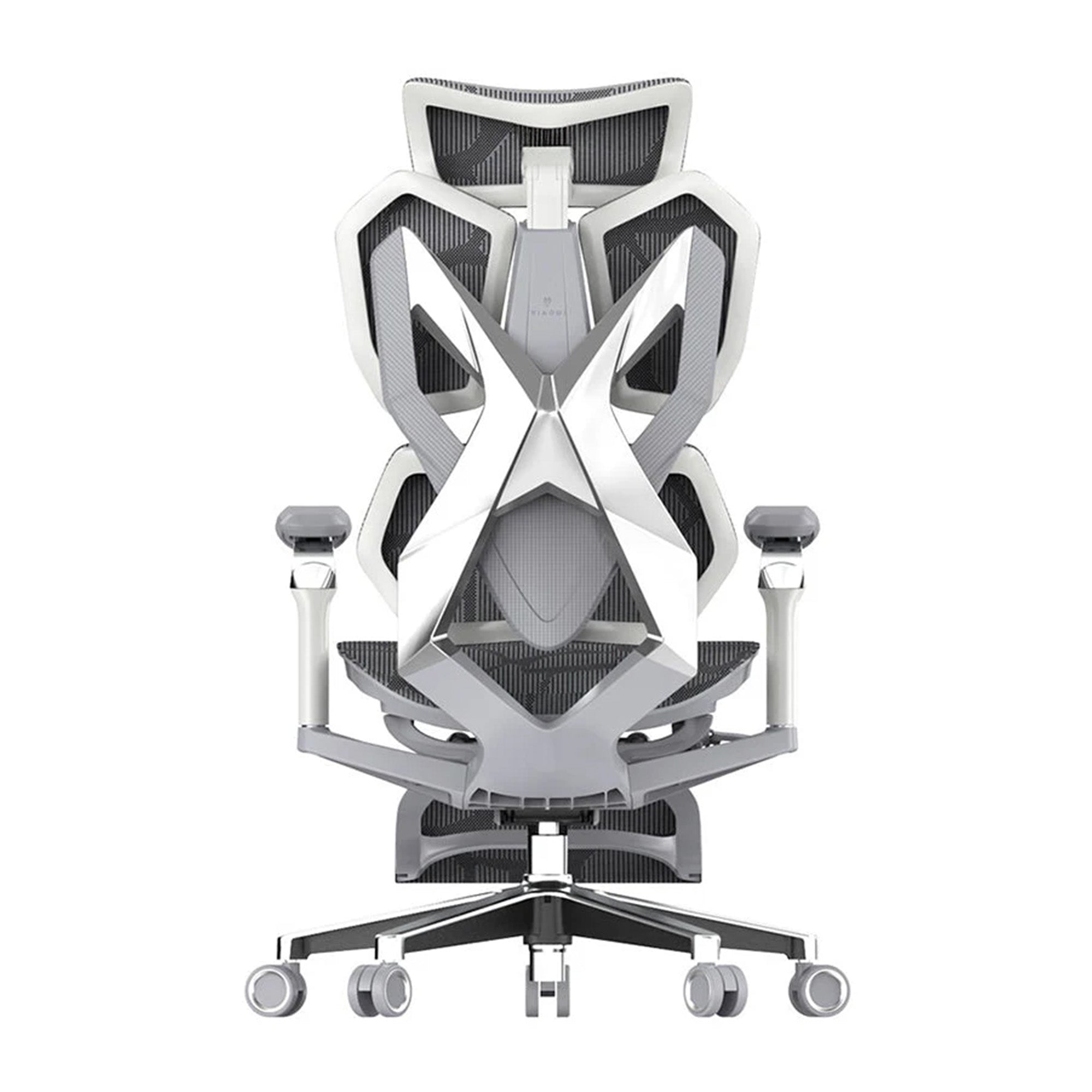


Most chair guides start with the same question: what is the best chair?
It is the wrong question. The best ergonomic office chair for someone who sits six hours a day at a home desk is not the best chair for someone who hot-desks three days a week, games in the evenings, or is 158cm tall. The same chair that works brilliantly for one person produces no benefit for another, not because the chair is bad but because it was specified for the wrong situation.
This guide does not rank chairs by price. It starts with use case: how long you sit, what you are trying to fix, your height, your daily pattern. The research behind each recommendation is named. The honest limitations of each model are stated. And where a cheaper chair is genuinely the right answer for a specific situation, that is what this guide says.
All prices in this guide are confirmed live prices from sihoo.com.au as of June 2026. Models that appear in the EOFY sale may be discounted below these figures.
How to Use This Guide
Two Questions That Replace Dozens
Before looking at any model, answer two questions.
How many hours per day do you sit in this chair? This is the single most important variable. The features that produce meaningful results at six hours per day are different from those that matter at four hours. Below four hours, most mid-range chairs with adjustable lumbar will serve you adequately. Above six hours, the type of lumbar system, the seat depth, and the recline mechanism begin to produce meaningfully different outcomes across the working day. Above eight hours, the difference between manual and adaptive lumbar is no longer a preference. It is a functional specification.
What is the primary problem you are trying to solve? Lower back pain points to lumbar support quality. Neck and upper back pain points to monitor height first and backrest coverage second. Leg numbness points to seat depth adjustment. General afternoon fatigue points to the compounding of multiple sources. Knowing which problem you are solving narrows the field from eight models to two or three.
THE HONEST FILTER: If you sit fewer than four hours daily in this chair, any adjustable chair from the Sihoo range will serve you. The features that differentiate the range matter most above six hours. Below four, spend your money on the monitor arm and the keyboard position before upgrading the chair.
The Quick Reference: All Use Cases at a Glance
Use the table below to find your use case, then go to the detailed section for the full explanation and what to watch for.
|
Use case |
Price |
Lumbar type |
Seat depth adjust |
Daily hours |
Why this model |
|
First ergonomic upgrade, 4-6 hrs daily |
$329 |
Manual adjustable |
No |
4 to 6 hrs |
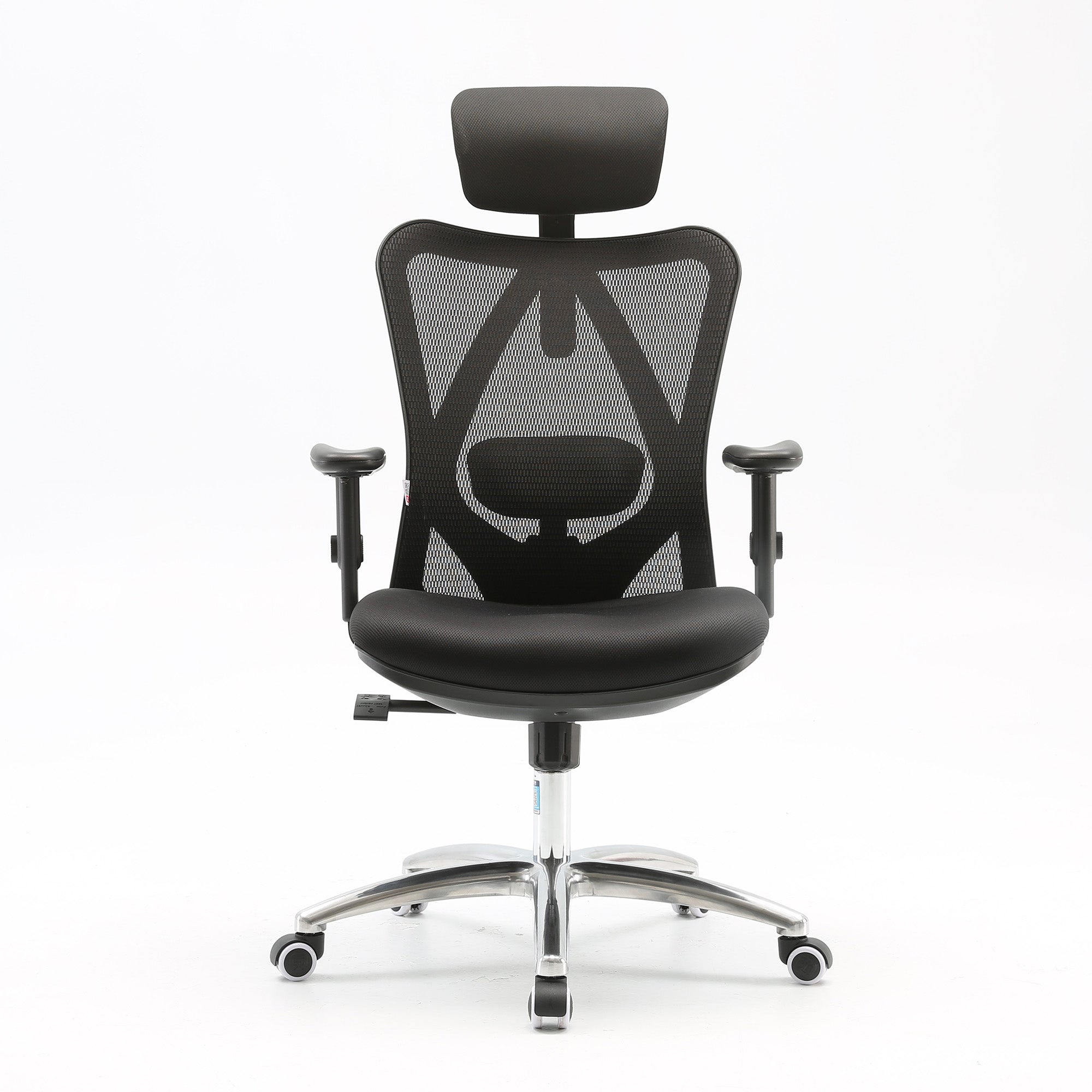
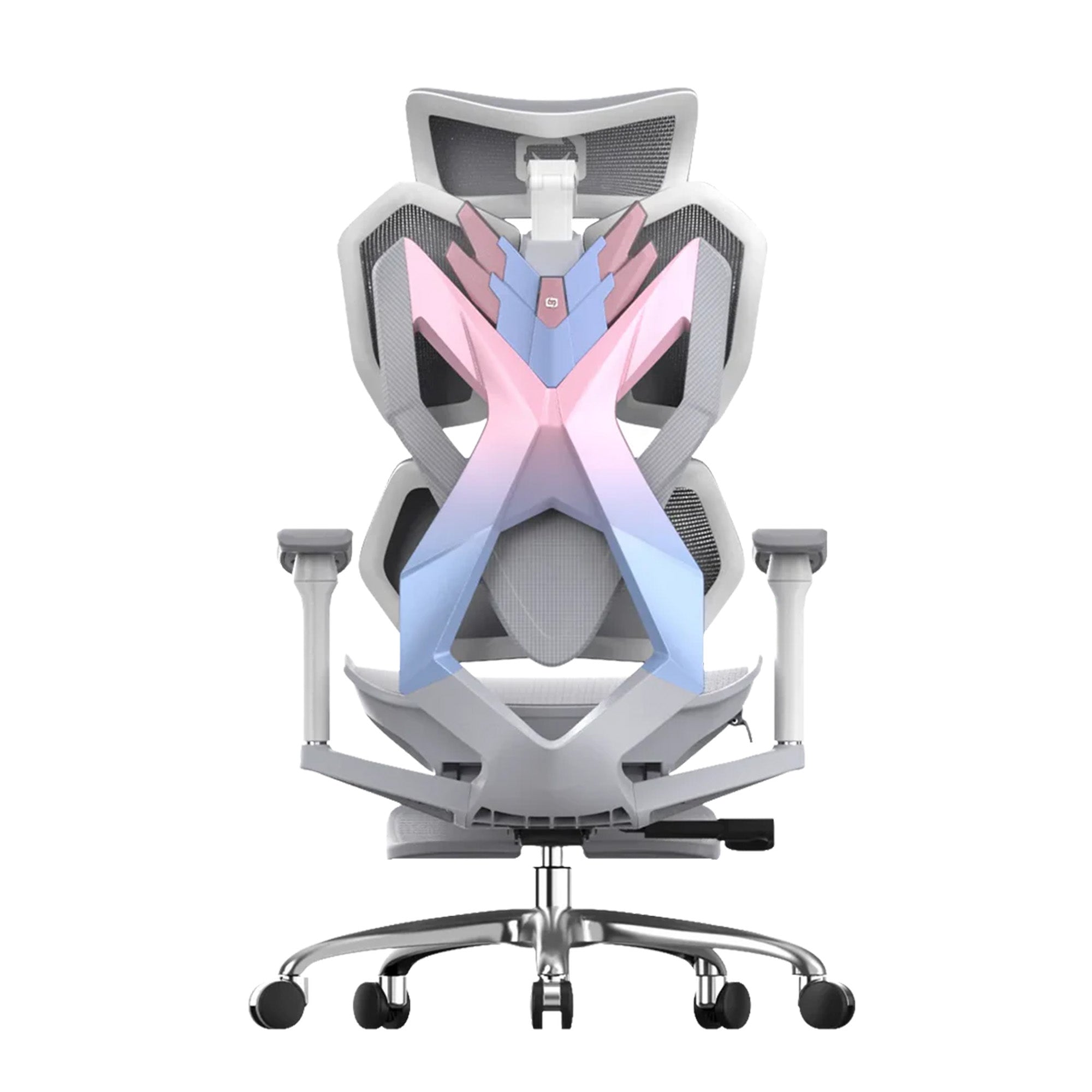
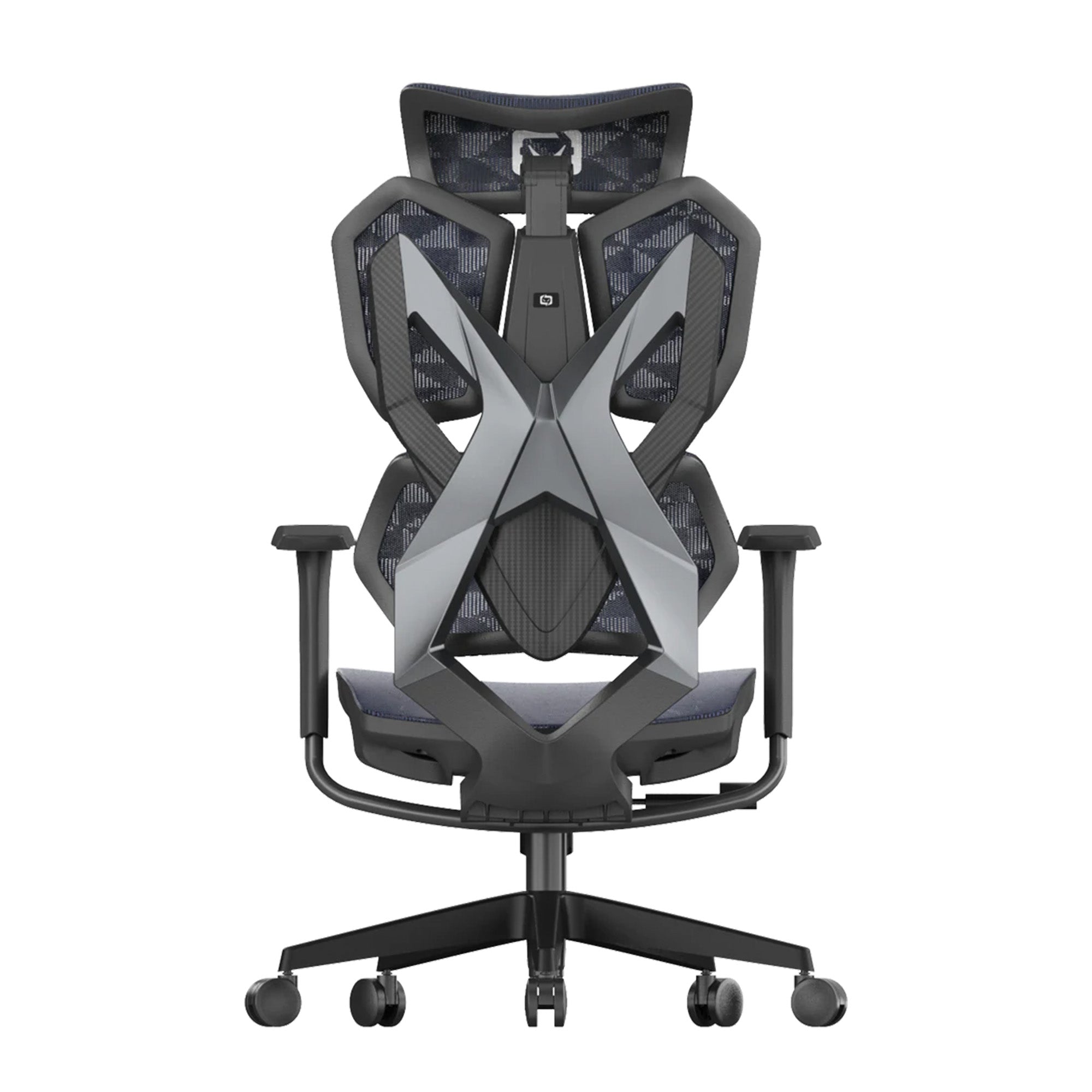
Sihoo M57 — full mesh, adjustable lumbar, 3D armrests, 150kg capacity. The most complete entry-level ergonomic specification in the Sihoo range. |
|
Shorter users (under 165cm), any daily hours |
$529 |
4D adjustable |
Yes — sliding mechanism |
Any |
Sihoo V1 — the only Sihoo model with sliding seat depth. Shorter users cannot use the backrest of a standard-depth chair without seat compression behind the knees. |
|
6+ hours daily, existing lower back sensitivity |
$379 |
Adaptive (elastic) |
No |
6+ hrs |
Sihoo Vito M90 — adaptive lumbar responds to posture without manual adjustment. Correct when upright, correct when leaning back. 150kg capacity. |
|
Work and gaming, dual-purpose home setup |
$399 |
Manual adjustable + headrest |
No |
4 to 8 hrs |
Sihoo M57 Pro — adds a 3D adjustable headrest for reclined gaming sessions. Retains all M57 ergonomic features. Full mesh for Australian summer conditions. |
|
Tall users (185cm+), extended daily hours |
$679 |
Split backrest, 4D lumbar |
No |
6 to 8 hrs |
Sihoo Doro C300 — extended backrest height covers shoulder blades for taller users. Domino Stereoscopic Lumbar supports upper and lower back independently. |
|
Hot-desking, shared workstations, wide height spread |
$1,199 |
Adaptive + wide adjustment |
Yes |
Any |
Sihoo Doro C500 — widest adjustment range in the Sihoo range across all dimensions. Adaptive lumbar eliminates manual repositioning between users. |
|
8+ hours daily, existing back history, senior roles |
$949 |
Dynamic lumbar arm (tracks movement) |
Yes |
8+ hrs |
Sihoo Doro S300 — dynamic lumbar arm tracks spinal movement continuously. The most adaptive lumbar system in the Sihoo range. 6D armrests, 135-degree recline. |
|
Budget-first, 4 hrs or less daily |
$279 |
Manual adjustable |
No |
Up to 4 hrs |
Sihoo M18 — adjustable lumbar, 3D armrests at the lowest price point in the range. 8,310 impressions in search data confirms high search demand at this price tier. |
Prices confirmed on sihoo.com.au as of June 2026. EOFY sale pricing may differ. Specifications based on published Sihoo AU product data. All model recommendations assume correct adjustment on delivery — see the adjustment guide linked throughout.
Use Case 1: Your First Proper Ergonomic Chair (4 to 6 Hours Daily)
Who This Is For
You are upgrading from a dining chair, a basic task chair, or a chair that has never been adjusted. You sit for four to six hours per day on average. You do not have a history of serious back problems. Your primary goal is to stop the end-of-day stiffness and improve your working position.

Why the M57 Is the Answer
The Sihoo M57 at $329 covers the four functional specifications that determine whether a chair produces ergonomic benefit: adjustable lumbar with height and depth movement, seat height adjustment across a range that covers most adult heights, 3D armrests that can be lowered until the shoulders are completely relaxed, and a weight capacity of 150kg. Full mesh construction keeps it comfortable in Australian summer conditions without needing consistent air conditioning.
For a first ergonomic upgrade at four to six daily hours, the performance gap between the M57 and the Vito M90 or Doro C300 is real but modest. The M90's adaptive lumbar produces meaningfully better results than the M57's manual system above six daily hours. Below that threshold, with correct initial adjustment, the M57 delivers the improvement a first ergonomic buyer is looking for at a price that is difficult to justify exceeding for the incremental gain.
What to watch for: The M57's manual lumbar needs to be correctly positioned on delivery. It will not find the right position by itself. Run through the full adjustment sequence on the day it arrives. The lumbar should contact the natural inward curve of the lower back, not the mid or upper back. This single step determines whether the chair produces the benefit it was designed to provide.
Also consider: The Sihoo M57 Pro at $399 adds a 3D adjustable headrest. If your setup involves video calls or extended periods with your back reclined, the headrest is worth the $70 difference. For purely upright desk work, the standard M57 is sufficient.
Use Case 2: You Are Under 165cm and Most Chairs Do Not Fit
The Problem That Price Does Not Solve
This is the use case most chair guides ignore entirely. A shorter user in a standard-depth chair cannot simultaneously sit with their back against the backrest and maintain clearance behind the knees. The front edge of the seat presses into the posterior thigh before the back reaches the support. The user slides forward. The lumbar support contacts nothing. The chair, regardless of how good its lumbar system is, provides no spinal support for this person.
Research published in the Biomimetics journal (PMC, February 2023) confirmed this mechanism: a seat too deep makes it physically impossible to use the backrest while maintaining correct knee clearance. The result is posterior thigh compression that restricts blood flow and, in users with existing sensitivity, aggravates sciatic symptoms. This is not a comfort preference. It is a mechanical failure of the chair for a user whose leg length does not match the seat depth.
No amount of lumbar adjustment fixes a seat depth problem. The only solution is a chair with a sliding seat depth mechanism.

Why the V1 Is the Specific Answer
The Sihoo V1 at $529 is the only model in the Sihoo range with a sliding seat depth mechanism. This allows the seat pan to be shortened so that a shorter user can sit back against the backrest while maintaining the two to three finger-widths of clearance behind the knees that correct ergonomic positioning requires.
For any user below 165cm, the V1 is the recommendation regardless of daily hours, pain history, or budget preference. The seat depth problem is the most common ergonomic failure for shorter users and the most commonly unaddressed one. A $679 Doro C300 provides no lumbar benefit to a 158cm user who cannot reach the backrest.
What to watch for: The V1 is rated to 120kg, compared to 150kg for the M57, M90, and Doro series. Confirm the weight capacity before purchasing. For users above 120kg who also need seat depth adjustment, contact Sihoo Australia to discuss options.
Use Case 3: Six or More Hours Daily With Lower Back Sensitivity
When Manual Lumbar Is Not Enough
A manually adjustable lumbar support is correct when the user adjusts it and stays correct until the user shifts posture significantly. The problem is that posture shifts continuously across a working day. When the user leans forward to read a document, the lumbar support loses contact. When they lean back for a call, it loses contact again. Each time, the user would need to consciously readjust the support to maintain correct positioning. Research consistently shows that most employees do not do this in practice.
For users at four to six daily hours with no existing back history, this matters but is manageable with good initial setup. For users at six or more hours with existing lower back sensitivity, the accumulated time spent without lumbar contact across an eight-hour day is the mechanism producing the end-of-day pain that brings them to this guide.

Why the Vito M90 Changes the Equation
The Sihoo Vito M90 at $379 uses an elastic adaptive lumbar mechanism that responds to sitting angle and body weight. When the user sits upright, the lumbar provides forward support. When they lean back, it follows. When they shift to one side, it adjusts. The support is continuous rather than episodic. For a user with existing lower back sensitivity who spends six or more hours daily in the chair, the difference between the M57's manual system and the M90's adaptive one is noticeable within the first week.
For the additional $50 over the M57, the M90 delivers a meaningfully different outcome for the specific user profile of six-plus hours with lower back sensitivity. For users below six daily hours with no existing sensitivity, the M57 at $329 is sufficient. The use case, not the price tier, determines which model is the right answer.
What to watch for: The M90 does not have seat depth adjustment, which means the same limitation as the M57 applies for shorter users. If you are below 165cm and also need adaptive lumbar for extended daily hours, this is a specification gap. The V1 has adjustable lumbar but not an adaptive system. For shorter users with high daily hours and existing back sensitivity, the Doro C500 with its sliding seat depth and wide adjustment range is the relevant specification, at a higher price point.
Use Case 4: Work During the Day, Gaming in the Evening
The One-Chair Case for a Dual-Purpose Setup
A significant proportion of Australians with home offices use the same chair for work and leisure. The question is whether a single chair can serve both purposes well enough that two chairs are not needed.
The answer is yes, with a specific consideration. Standard gaming chairs, designed around motorsport bucket-seat aesthetics, frequently sacrifice active lumbar adjustment for visual impact. The result is a chair that looks purposeful but concentrates pressure on the tailbone during long sessions and provides no meaningful dynamic spinal support. For a person sitting in the same chair for eight hours of knowledge work and two hours of gaming, the working posture requirements are more demanding than the gaming ones. The ergonomic chair wins.

Why the M57 Pro Handles Both
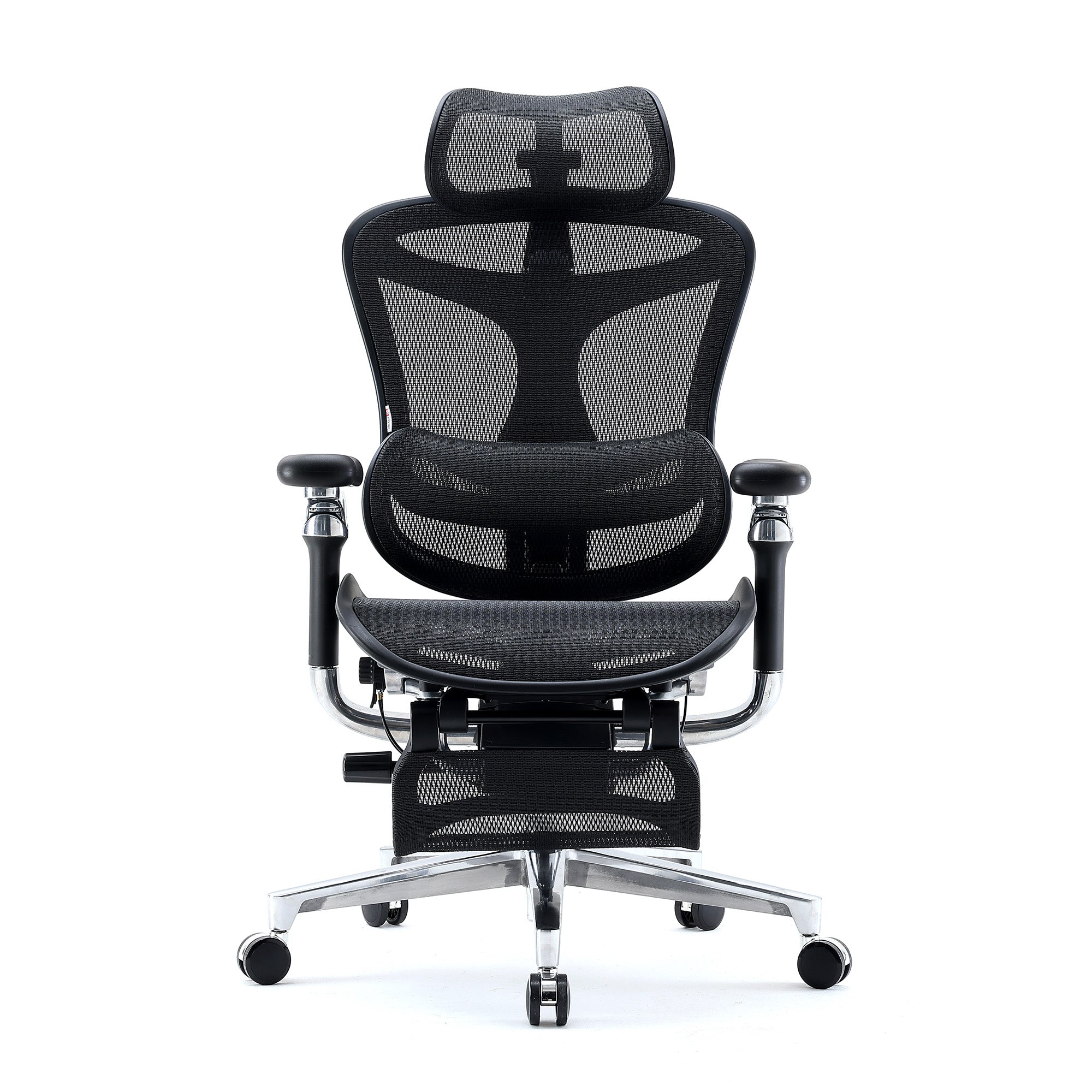
The Sihoo M57 Pro at $399 retains all the ergonomic specifications of the M57 and adds a 3D adjustable headrest. The headrest is the feature that changes the gaming experience: it supports the head during reclined viewing positions, which gaming involves more than office work does. Without a headrest, a reclining chair produces neck and upper back load as the head is unsupported during the recline.
For work, the M57 Pro is adjusted the same way as the standard M57. For gaming, the headrest is positioned to support the base of the skull during the reclined angle. The chair does not need to be changed between sessions.
Full mesh construction is specifically relevant for dual-purpose users. A person who games after a full working day in the same chair needs the thermal comfort that mesh provides across extended sessions. Foam or PU leather chairs generate sustained heat and moisture during long sits in Australian summer conditions. This is a functional specification for Australian climate, not an aesthetic preference.
Use Case 5: You Are Above 185cm and Standard Chairs Leave Your Upper Back Unsupported
The Backrest Height Problem
Standard office chairs are designed for users in the 165 to 185cm range. For users above 185cm, two specifications fail simultaneously: the backrest ends below the shoulder blades, leaving the upper spine and shoulder region unsupported, and the lumbar support sits too low relative to the user's actual lumbar position.
The consequence is the same upper back and shoulder loading described in the back pain guide: sustained muscular effort to maintain upper spinal alignment because the chair is not providing it. For a 190cm user in a standard chair, the effective backrest is the section up to the mid-back. The upper half of the back is providing its own support throughout the working day.

Why the Doro C300 Is the Starting Point for Tall Users
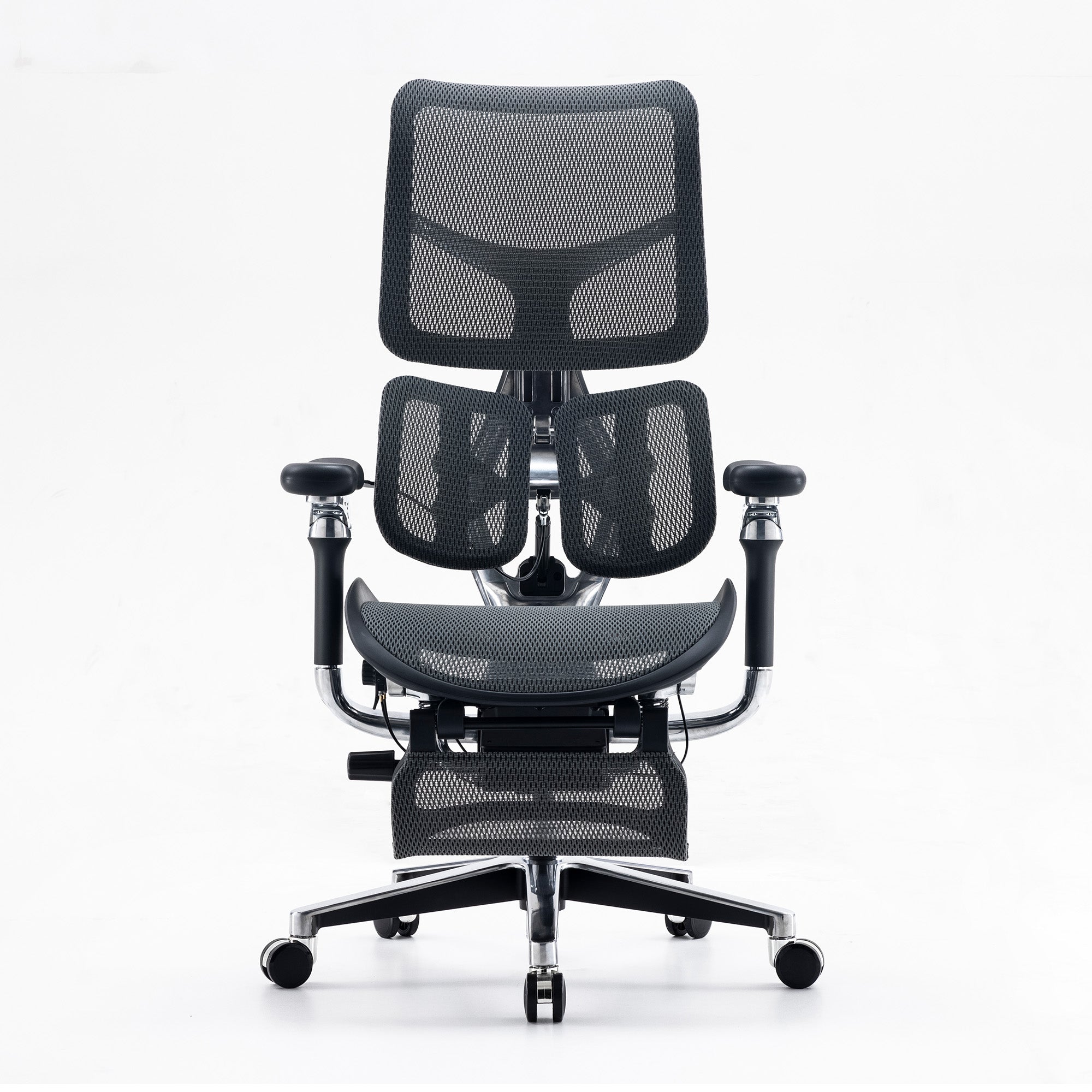
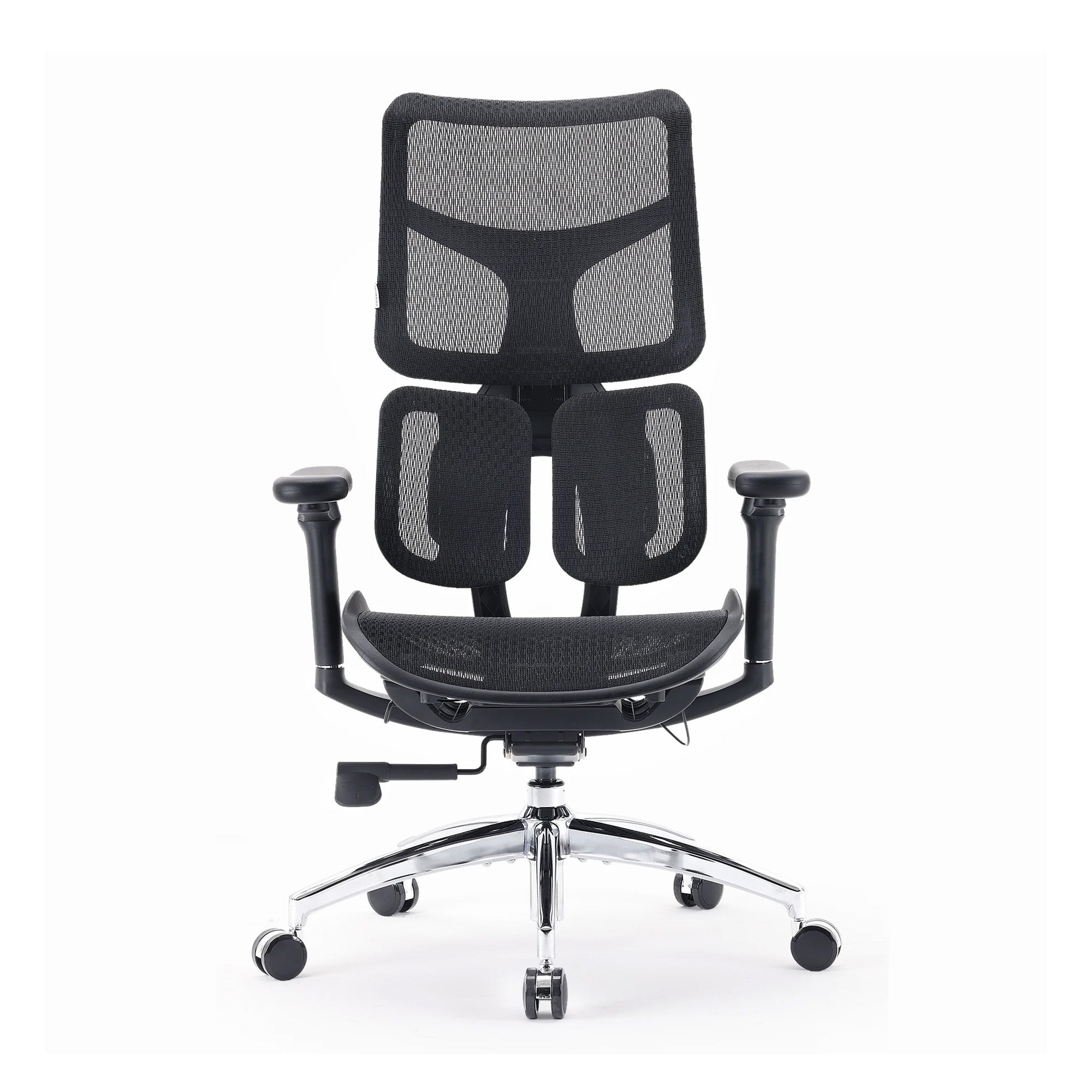
The Sihoo Doro C300 at $679 provides an extended backrest with the Domino Stereoscopic Lumbar System, which supports the upper and lower back independently through a split backrest design. For tall users, the backrest height covers the shoulder blade region that standard chairs leave unsupported, and the lumbar system reaches the correct spinal position for a taller frame.
For users above 190cm, the Sihoo Doro S300 at $949 provides the most complete coverage. Its dynamic lumbar arm tracks spinal movement continuously and its seat height ceiling and backrest height are the highest in the Sihoo range. For a 193cm daily user, the S300 is the specification that provides functional ergonomic support at that frame size.
Also relevant for tall users: Monitor height matters more for tall users than for shorter ones because standard desk setups place the screen below the natural eye level of a taller person. The chair improvement will be compounded significantly by a monitor arm that raises the screen to the correct eye level. For a tall user whose upper back pain persists after a chair upgrade, monitor height is the next variable to address.
Use Case 6: Hot-Desking or Shared Workstations
When the Chair Must Serve Everyone
Hot-desking creates an ergonomic problem that individual chair selection cannot solve: multiple users of different heights and proportions rotating through the same chair across the week, with almost none of them adjusting it before sitting down.
Research from Gensler's 2026 Global Workplace Survey found that in unassigned seating environments, 67 percent of employees said the office supported deep focused work, compared to 80 percent in assigned seating. The 13-point gap is not explained by the desks or screens. It is the accumulated small discomforts of working in a space that was never configured for the specific person using it on a given day.
The chair specification for a hot-desk environment has two requirements above all others: the widest possible adjustment range across all dimensions, and a lumbar system that provides benefit without requiring individual manual repositioning.

Why the Doro C500 Is the Hot-Desk Specification
The Sihoo Doro C500 at $1,199 provides the widest adjustment range in the Sihoo range: height, lumbar, seat depth, and armrests across a span that covers the full height distribution of most mixed-gender Australian teams. The adaptive lumbar system adjusts automatically to whoever sits down, without requiring the user to find the manual adjustment lever they have never been shown how to use.
For organisations specifying chairs for hot-desk environments, the Doro C500 paired with a two-minute adjustment protocol posted at each workstation covers the seat height, armrest, and recline settings that matter most across a rotating team. The lumbar is handled by the chair itself.
For a full framework on specifying chairs for mixed teams including height distribution calculations and a specification matching table, the guide to choosing ergonomic chairs for teams with different body types covers every dimension of the procurement decision.
Use Case 7: Eight or More Hours Daily or Existing Back History
When the Chair Specification Has to Be Right
For users at eight or more hours of daily seated work, or with an existing diagnosis or history of lower back conditions, the chair specification is not a preference. It is the difference between managing the working day with acceptable comfort and ending it in a state that requires recovery time.
Research published in Sports Medicine Open in February 2025 by Amiri, Behm, and Zemkova found that without adequate lumbar support, deep trunk muscle fatigue begins between the 15th and 25th minute of sitting. For an eight-hour working day, that is seven and a half hours of accumulated spinal load after the initial fatigue onset. The chair that continues providing correct lumbar support throughout that accumulation is not the same chair as one that provides it correctly only when stationary.

Why the Doro S300 Is the Eight-Hour Specification
The Sihoo Doro S300 at $949 provides a dynamic lumbar arm that tracks spinal movement continuously across the full range of working postures: upright for focused work, slightly reclined during calls, leaning forward to read, shifting between positions across the day. The lumbar contact is maintained across all of these positions without manual adjustment.
The 6D armrests adjust in every direction including tilt. For extended daily use, the armrest tilt allows the forearms to be positioned precisely for keyboard, mouse, phone, and document work without the shoulder elevation that standard armrests produce when the work surface angle changes across the day.
The five-year warranty is the commercial signal of the durability specification. Budget chairs in commercial use last one to three years. The Doro S300 at $949 over seven or more years of daily use costs approximately the same per year as a budget chair over two years. For eight-hour daily roles, the useful life argument is part of the cost model, not just the comfort one.
For businesses specifying for high-use roles: The Doro S300 is the appropriate specification for legal, financial services, software development, and contact centre roles where eight or more hours of daily seated work is standard. The per-seat cost is higher upfront and lower across the full useful life. For the case to make to a finance team, the full cost model for a team of twenty shows the calculation with all sources cited.
Use Case 8: Budget-First, Under Four Hours Daily

When the M18 Is the Honest Answer
Not every buyer needs a $679 chair. For a person who works from a home office for three to four hours daily, with no existing back problems and no previous ergonomic setup at all, the meaningful improvement is not from the chair model. It is from any chair with adjustable lumbar support compared to a dining chair or a basic task chair with no adjustment at all.
The Sihoo M18 at $279 provides adjustable lumbar, 3D armrests, and seat height adjustment at the lowest price point in the Sihoo range. For a user below four hours daily with no existing back history, this chair combined with correct adjustment produces the improvement they are looking for. The M18 generates significant search demand in the Sihoo data, which reflects the real need for an entry-level ergonomic chair at an accessible price.
The honest caveat: The M18 is rated for lighter commercial use. For users above four to five daily hours, the M57 at $329 is worth the additional $50. The M18 at three hours daily is the right recommendation. The M18 at seven hours daily is not.
What the Chair Alone Cannot Fix
The Three Variables That Sit Outside the Chair
Every use case in this guide assumes the chair is one component in a correctly configured workstation. There are three variables outside the chair that determine whether the ergonomic benefit actually arrives.
Monitor height: The neck and upper back load from an incorrectly positioned screen runs from the first minute of the working day and compounds across it. A correctly adjusted chair in front of a monitor that requires sustained neck tilt produces less benefit than a cheaper chair in front of a correctly positioned screen. Monitor height is the highest-return free fix available to most people. The top of the screen should be at or slightly below eye level. For laptop users, a laptop stand plus external keyboard resolves the problem entirely at a cost under $150.
Movement frequency: Safe Work Australia recommends that sedentary task bouts be no longer than 20 to 30 minutes before a postural change. Even the Doro S300 cannot fully offset the physiological effects of sustained static posture. One standing task per hour, standing to take calls, or walking to speak to a colleague rather than messaging adds the postural variety that reduces the accumulated load no chair can prevent entirely.
Correct adjustment: Mentioned throughout this guide but worth stating once more at the close. A chair adjusted to factory defaults for the average user produces minimal benefit for any specific person. The adjustment session on delivery day is the implementation step that determines whether the purchase was a chair upgrade or an expensive furniture delivery.
The complete five-setting adjustment sequence, with the specific technique for each, is at how to properly adjust your ergonomic chair. Ten minutes on delivery day. It is the highest-return implementation step available for any chair in any price range.
Conclusion
There is no single best ergonomic chair in Australia.
There is a best chair for your daily hours, your height, your pain history, and your budget. The M57 for a first upgrade. The V1 for anyone below 165cm. The Vito M90 for six-plus hours with lower back sensitivity. The M57 Pro for a dual-purpose work and gaming setup. The Doro C300 for taller users with extended daily hours. The Doro C500 for hot-desking environments. The Doro S300 for eight-plus hours or existing back history. The M18 for under four hours on a tight budget.
What they all have in common is that they produce their intended benefit only when they are correctly adjusted for the person using them. The chair is the tool. The adjustment is the implementation. Buy the right tool for your use case and use it correctly. That combination produces the result.
Browse the full range of best ergonomic office chairs in Australia and use your daily hours and primary problem as your filter, not the price tier.
Better Comfort Starts Now.
Sources Referenced
- Amiri B, Behm DG, Zemkova E (2025): Core Exercises in Alleviating Muscular Fatigue from Prolonged Sitting. Sports Medicine Open, February 2025. DOI: 10.1186/s40798-025-00816-x
- PMC/NIH: Chair Size Design Based on User Height. Biomimetics, February 2023. DOI: 10.3390/biomimetics8010057 — seat depth, lumbar contact, posterior thigh compression
- Scientific Reports (2024): Physical and mental fatigue mutually reinforce each other in office workers — nature.com/articles/s41598-024-68889-4
- Gensler 2026 Global Workplace Survey: 80% vs 67% focus support in assigned vs unassigned seating environments
- Safe Work Australia: Sitting and Standing Hazards — 20-30 minute sedentary bout recommendations — safeworkaustralia.gov.au
- ABS National Health Survey 2011-12: average Australian male 175.6cm, female 161.8cm — abs.gov.au
- Cornell University Ergonomics Web: seat depth 14 to 18.5 inches for adjustable seats — ergo.human.cornell.edu
- Sihoo AU product specifications confirmed at sihoo.com.au as of June 2026 — prices subject to EOFY sale adjustment
Shop products from this article


