

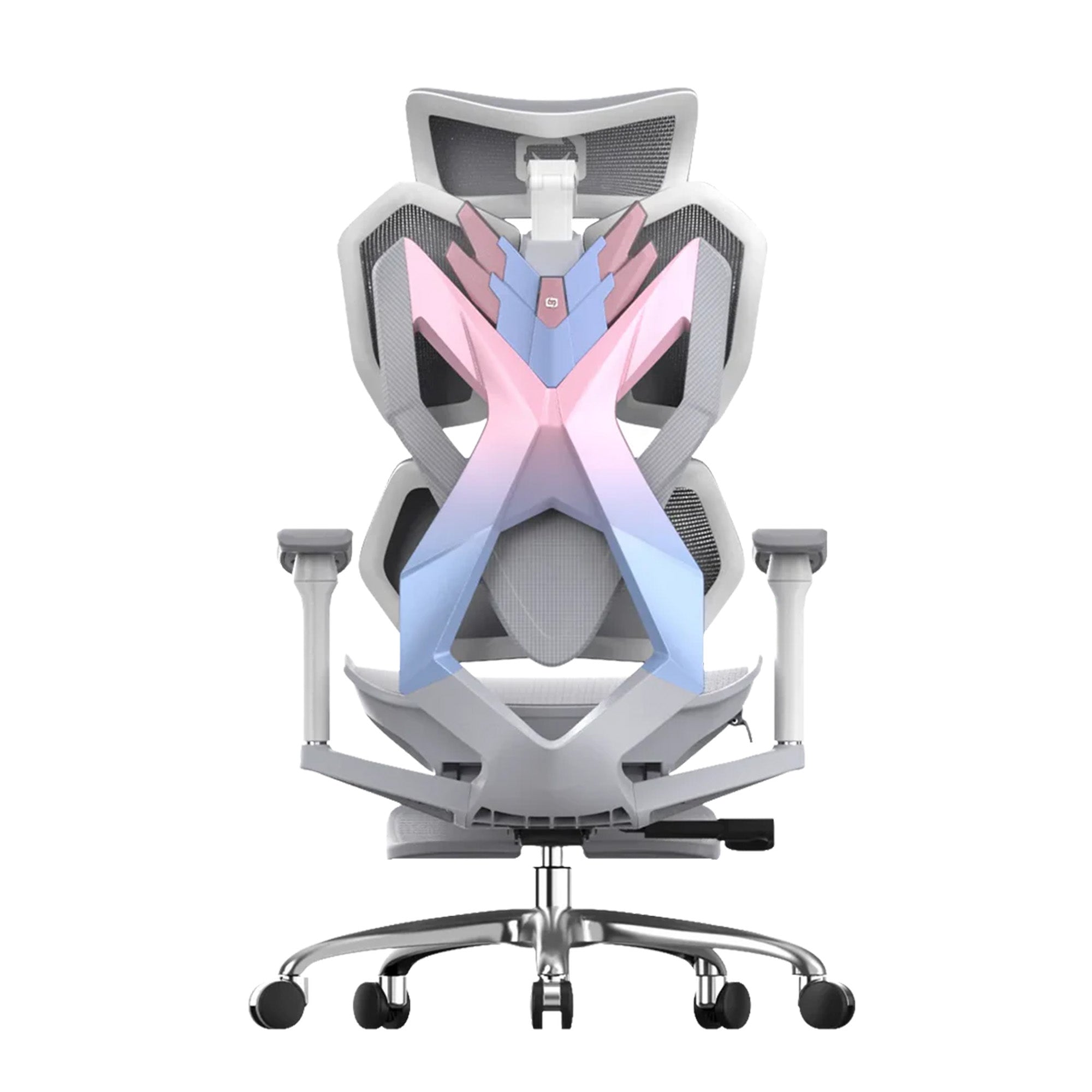
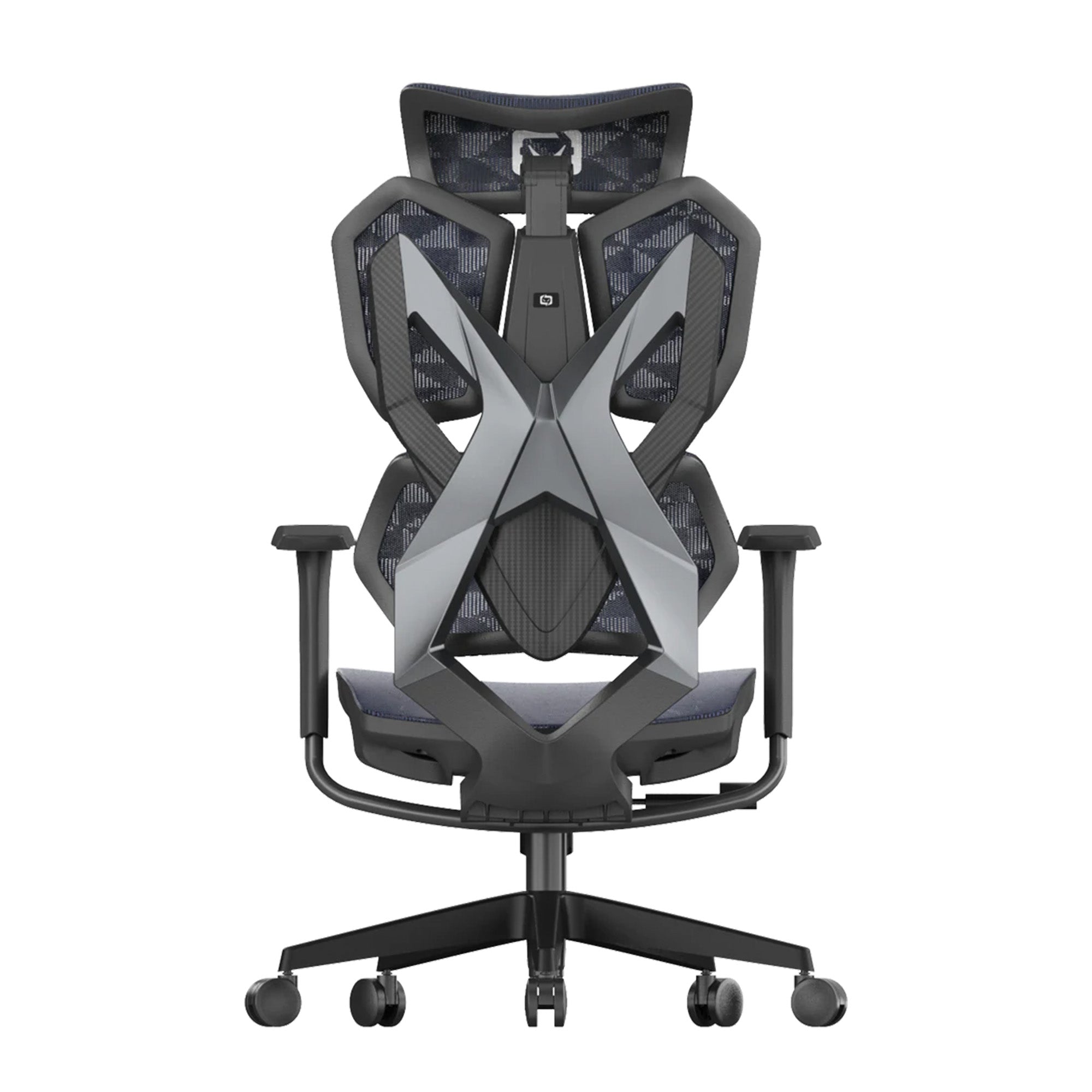

Buying an ergonomic chair for Dad sounds straightforward until you start comparing prices. You might find one for around $200, another for $500 and premium models closer to $800. So, how much should I spend on an office chair if the goal is to give Dad something genuinely useful this Father's Day?
The answer depends less on the price tag and more on how Dad uses his chair.
Someone who spends an hour or two at a computer each day may not need an expensive ergonomic chair with dozens of adjustments. Someone who works from home full-time, games at night and spends most of the day at a desk could benefit considerably from a more advanced model.
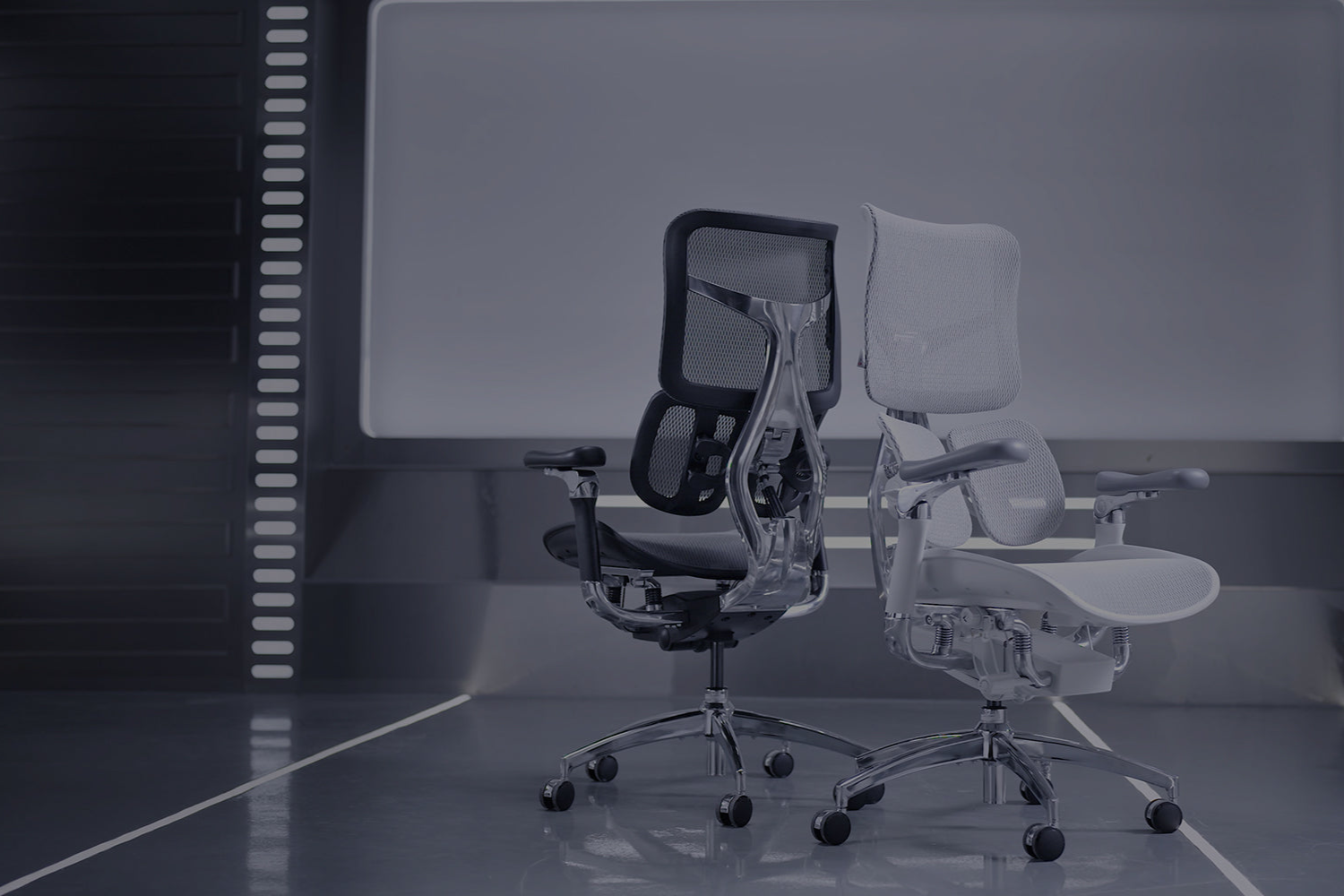
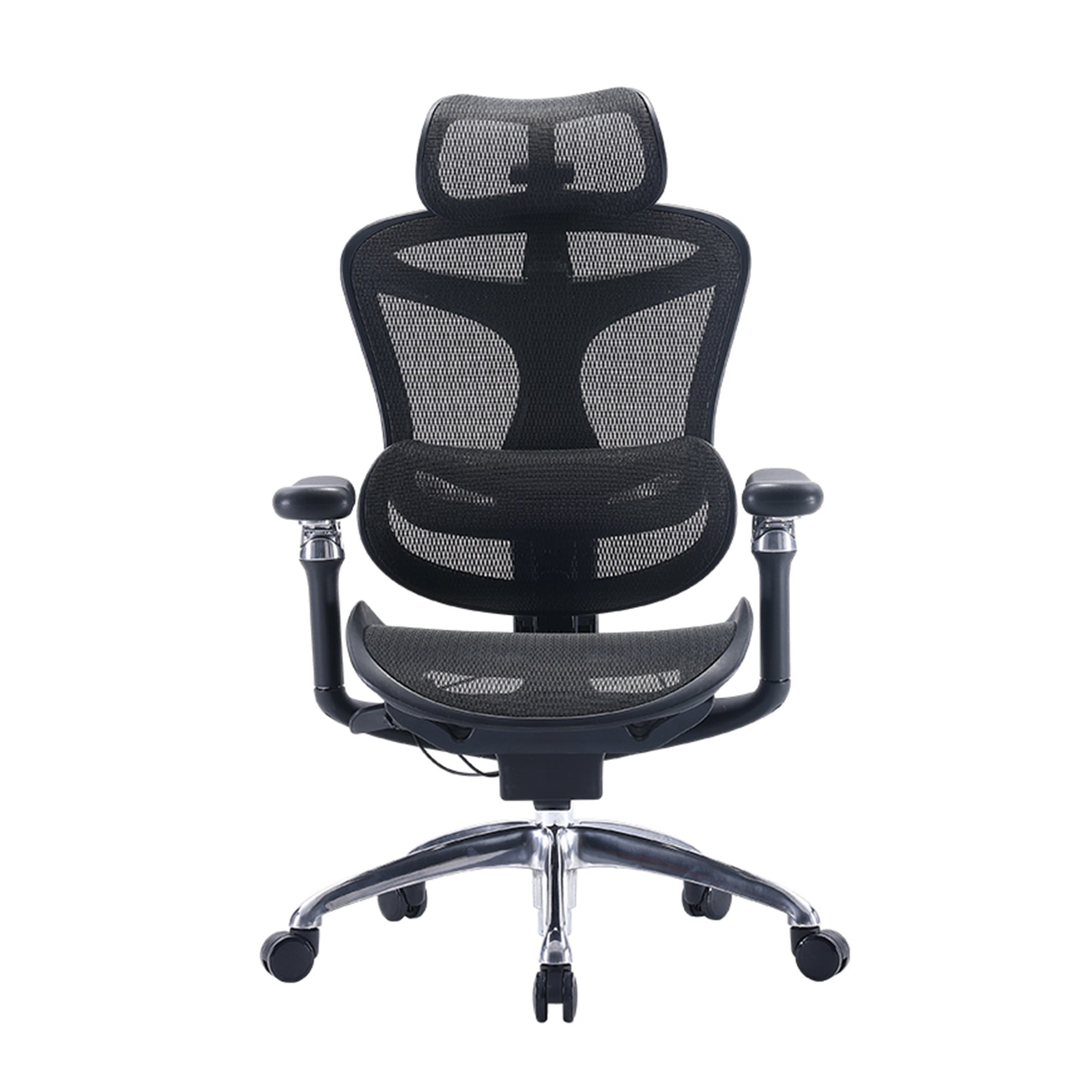
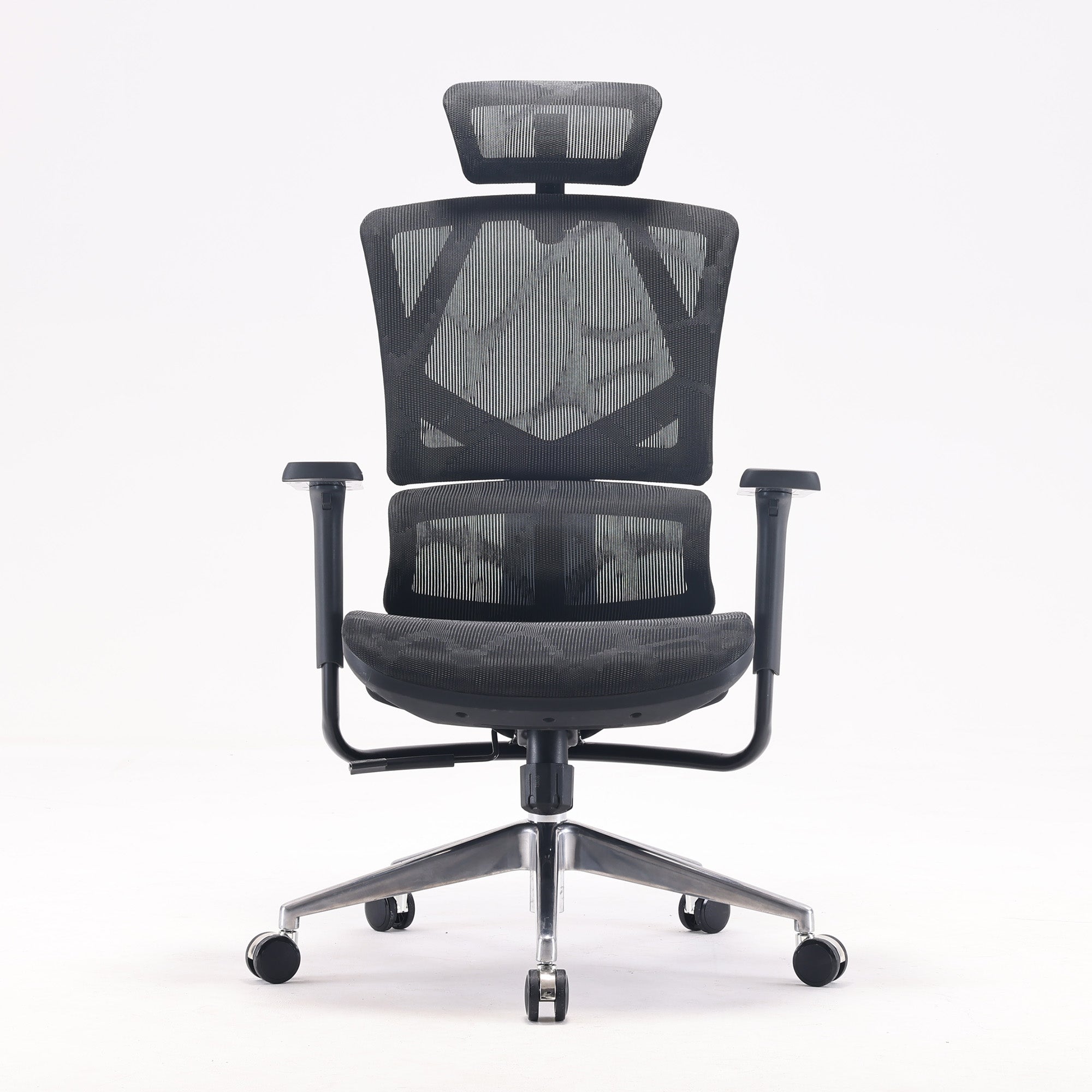
This ergonomic chair buying guide breaks down what you can reasonably expect at different price levels, what you are actually paying more for and when a premium chair such as the SIHOO Doro C300 Pro V2 makes sense.
The goal is simple: choose the chair that matches Dad's routine, rather than automatically choosing the cheapest or most expensive option.
How much should I spend on an office chair?
There is no single price that guarantees a good ergonomic chair.
Instead, think of the market in three broad ranges:
-
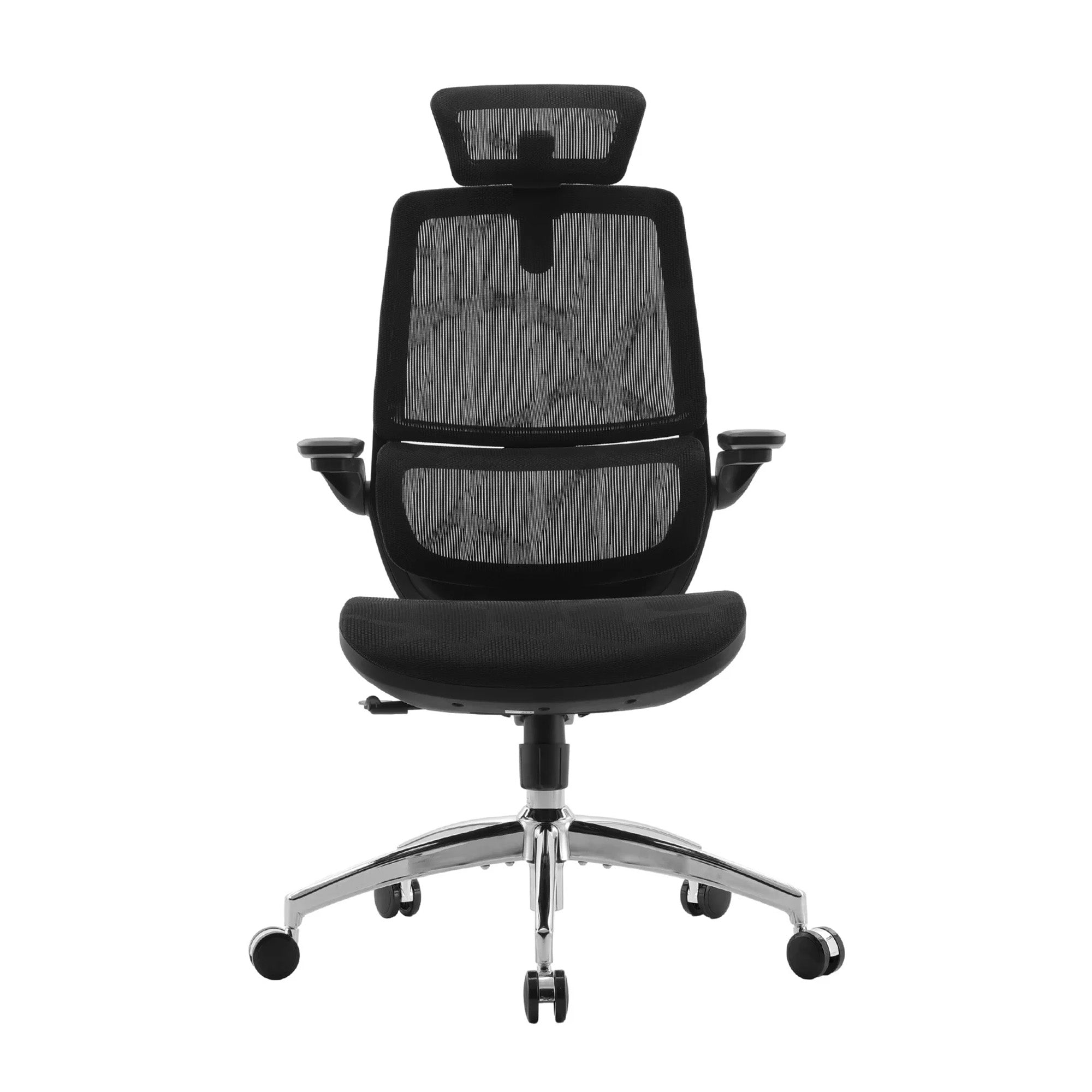
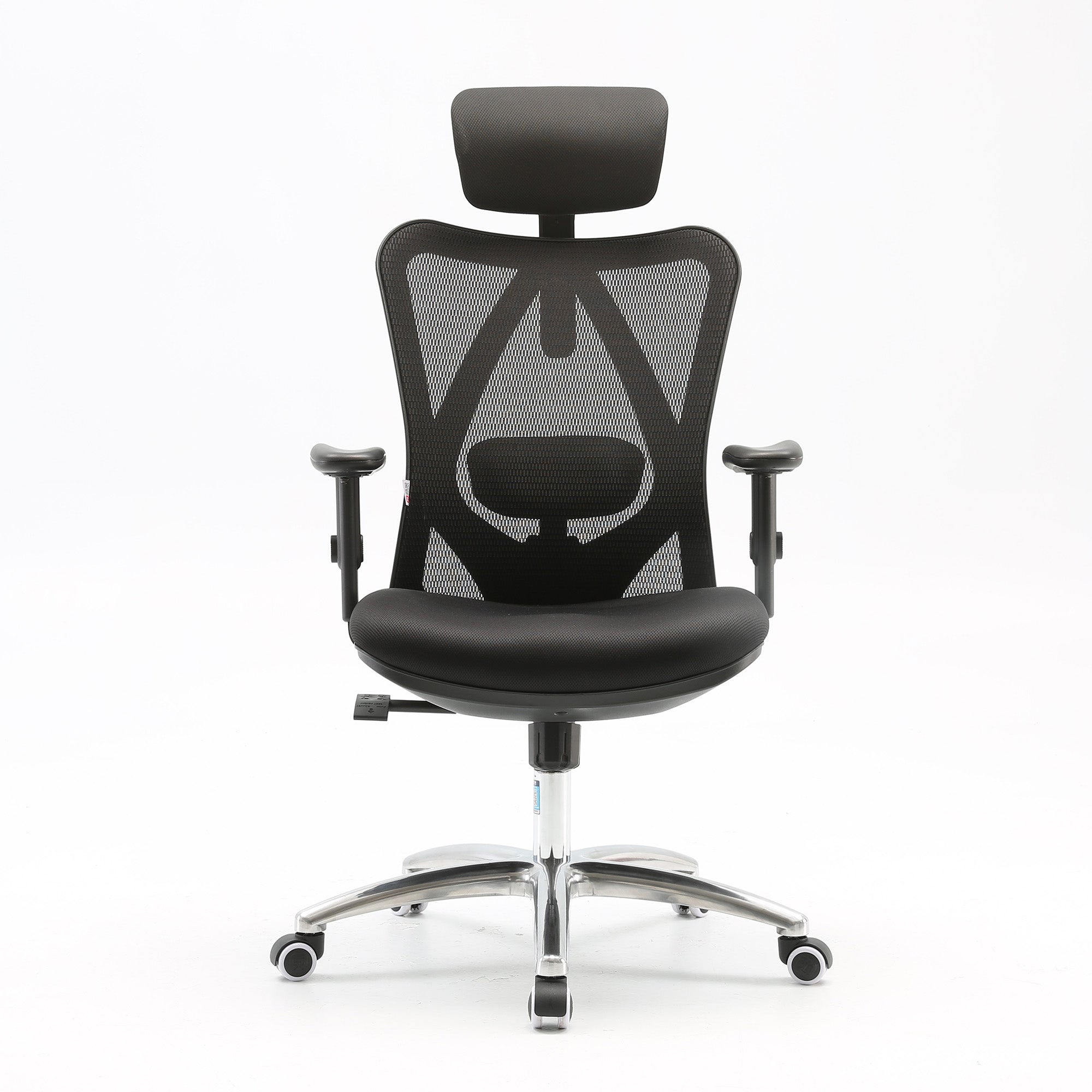
Around $200–$300: The essentials for occasional or shorter periods of computer use
-
Around $400–$500: More adjustability for regular, longer desk sessions
-
Around $700–$800: More advanced and coordinated support for people who spend much of their day in a chair
These are not strict price categories. Prices can vary between brands, models and promotions, and a chair's value ultimately depends on whether its features are useful to the person sitting in it.
When considering the ergonomic chair price in Australia, it is worth asking what additional capability you get as you move up the range.
The important question is not, "Which chair costs the most?"
It is:
"Which features will Dad actually use?"
What should every ergonomic chair provide?
Before worrying about the budget, make sure the chair gets the fundamentals right.
Even a relatively affordable ergonomic chair should provide a suitable seat height, appropriate seat dimensions, lumbar support, basic arm support and some form of recline or tilt.
Breathable materials can also be valuable, particularly if Dad spends longer periods sitting.
Fit is just as important as features. A $250 chair that fits Dad properly may be a better choice than an $800 model with advanced functions he never uses.
As you move towards more expensive chairs, you are generally paying for greater adjustment range, flexibility and coordination between different parts of the chair.
That distinction is important when comparing a cheap vs expensive ergonomic chair.
The difference is not necessarily that the expensive chair is automatically "better". It may simply be better suited to someone who needs more control over how they sit.
Around $200–$300: Get the fundamentals right
An ergonomic chair in the $200–$300 range can be a sensible choice for Dad if he uses his computer occasionally or for shorter periods.
This budget can also make sense if Dad simply needs an upgrade from a basic task chair or dining chair.
At this level, look for:
-
Proper seat-height adjustment
-
Suitable seat dimensions
-
Lumbar support
-
Basic arm support
-
Recline or tilt functionality
-
Breathable materials where appropriate
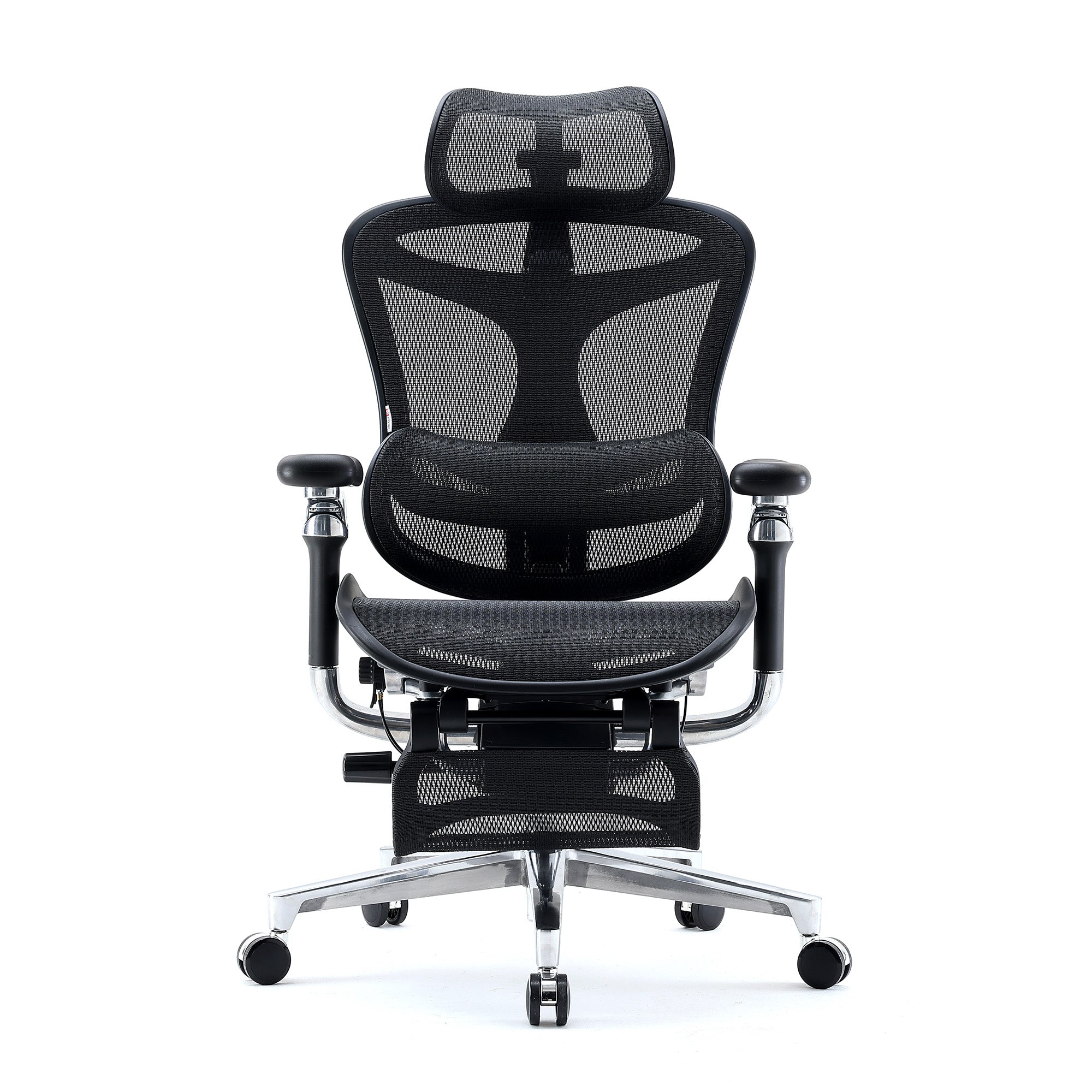
SIHOO offers several chairs in this more accessible range, giving shoppers options for basic ergonomic support without moving immediately into premium pricing.
Who is a $200–$300 chair best for?
Think about Dad's typical computer use.
If he mainly checks emails, browses the internet, watches videos or spends an hour or two at his desk, he may not need extensive adjustment options.
For this type of user, getting the fundamentals right can provide more value than paying for features that rarely get used.
The takeaway: You do not need to spend heavily if Dad mainly needs basic ergonomic support and the chair fits him properly.
Around $400–$500: More adjustability, better fit
The jump into the $400–$500 range is where additional adjustability can become much more valuable.
This price level can suit Dad if he works from home regularly, spends several hours at his desk or frequently changes his sitting position throughout the day.
Instead of simply providing the basics, chairs in this range can offer more ways to fine-tune the fit.
Useful features can include:
-
Adjustable lumbar support
-
Seat-depth adjustment
-
More versatile armrests
-
More controlled recline
-
Greater adjustment range
-
More responsive back support
Consider seat depth, for example.
A fixed seat gives Dad one seating position. An adjustable seat can allow him to change how far forward or back he sits in relation to the backrest.
Armrest adjustment can also become more important when Dad spends several hours typing, using a mouse or switching between activities.
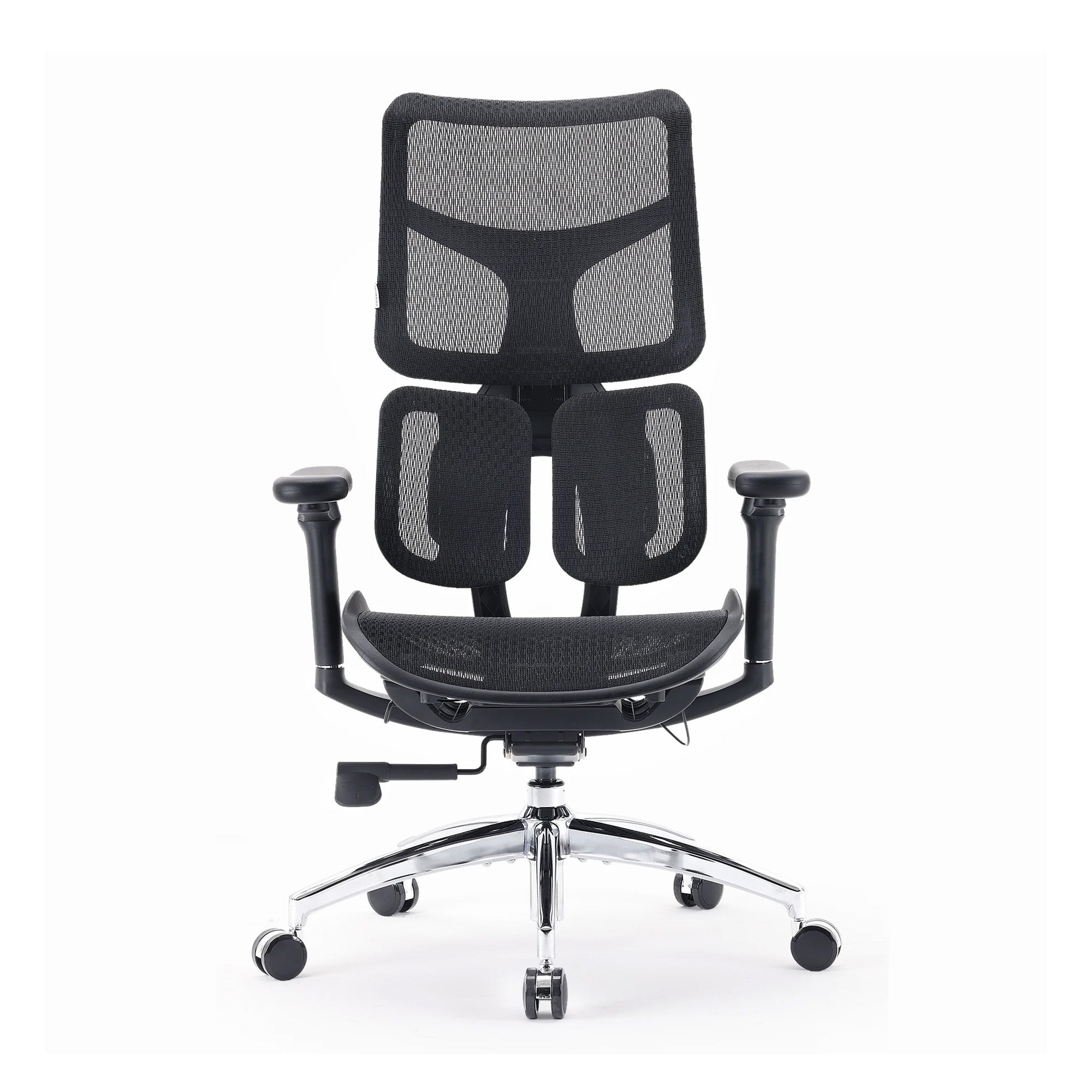
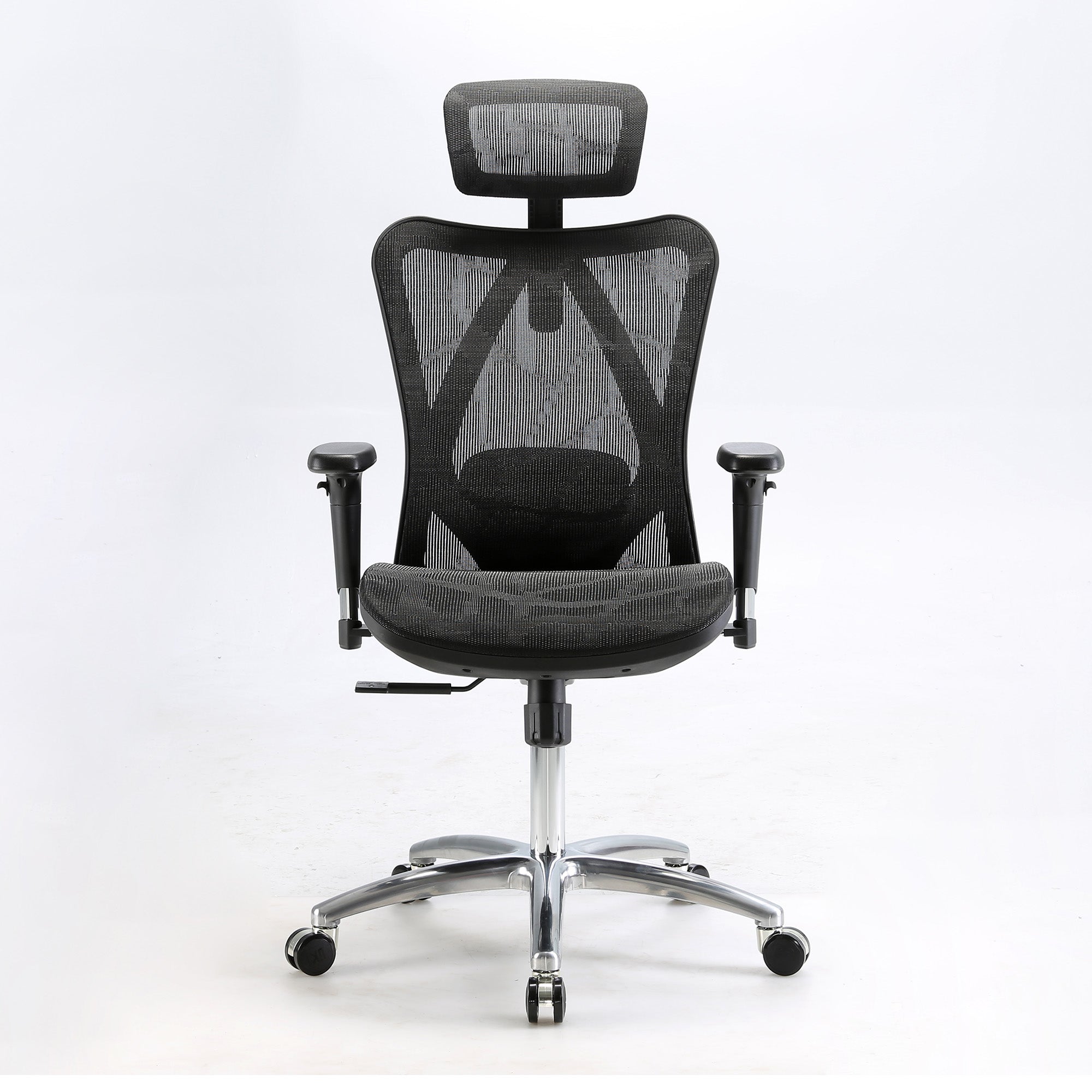
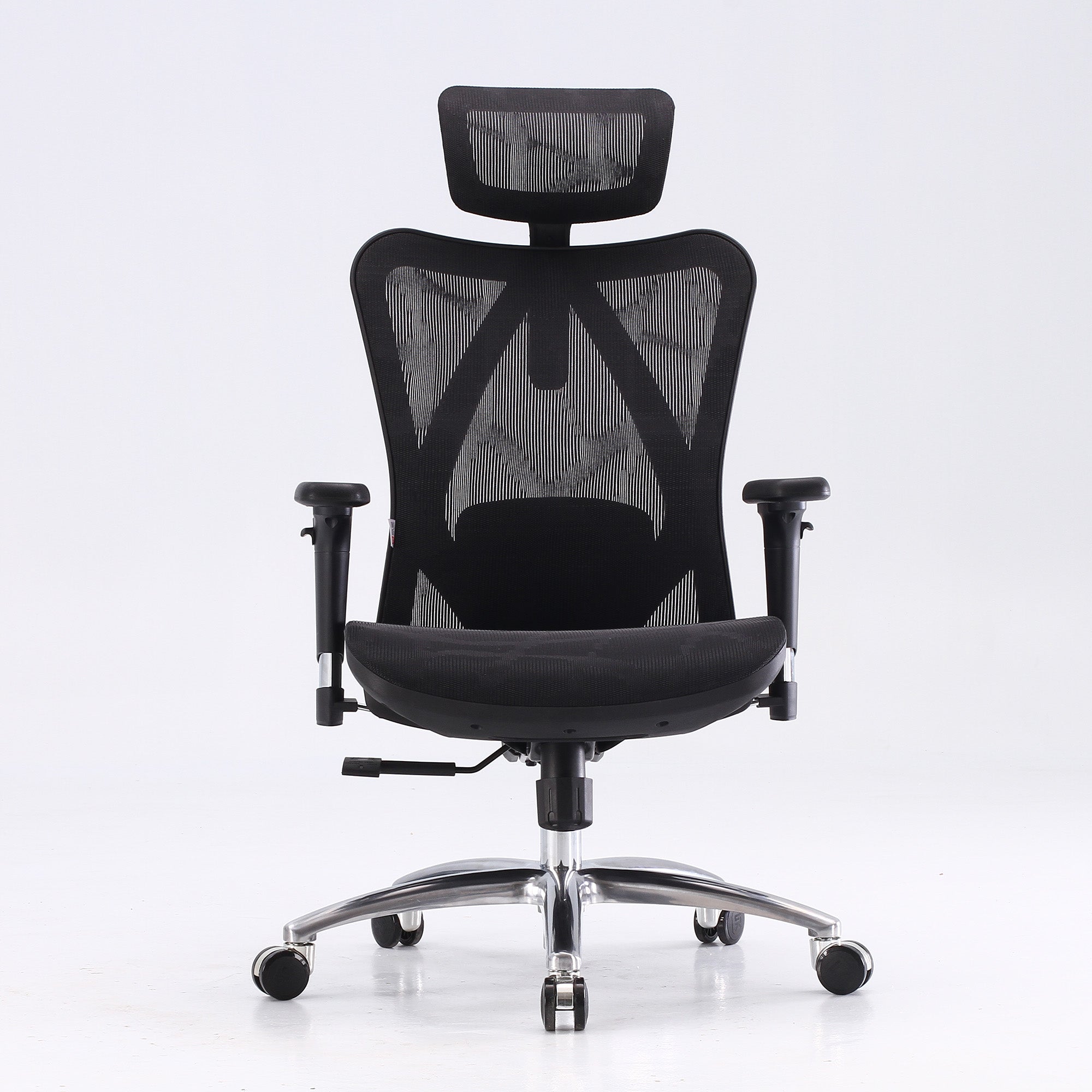
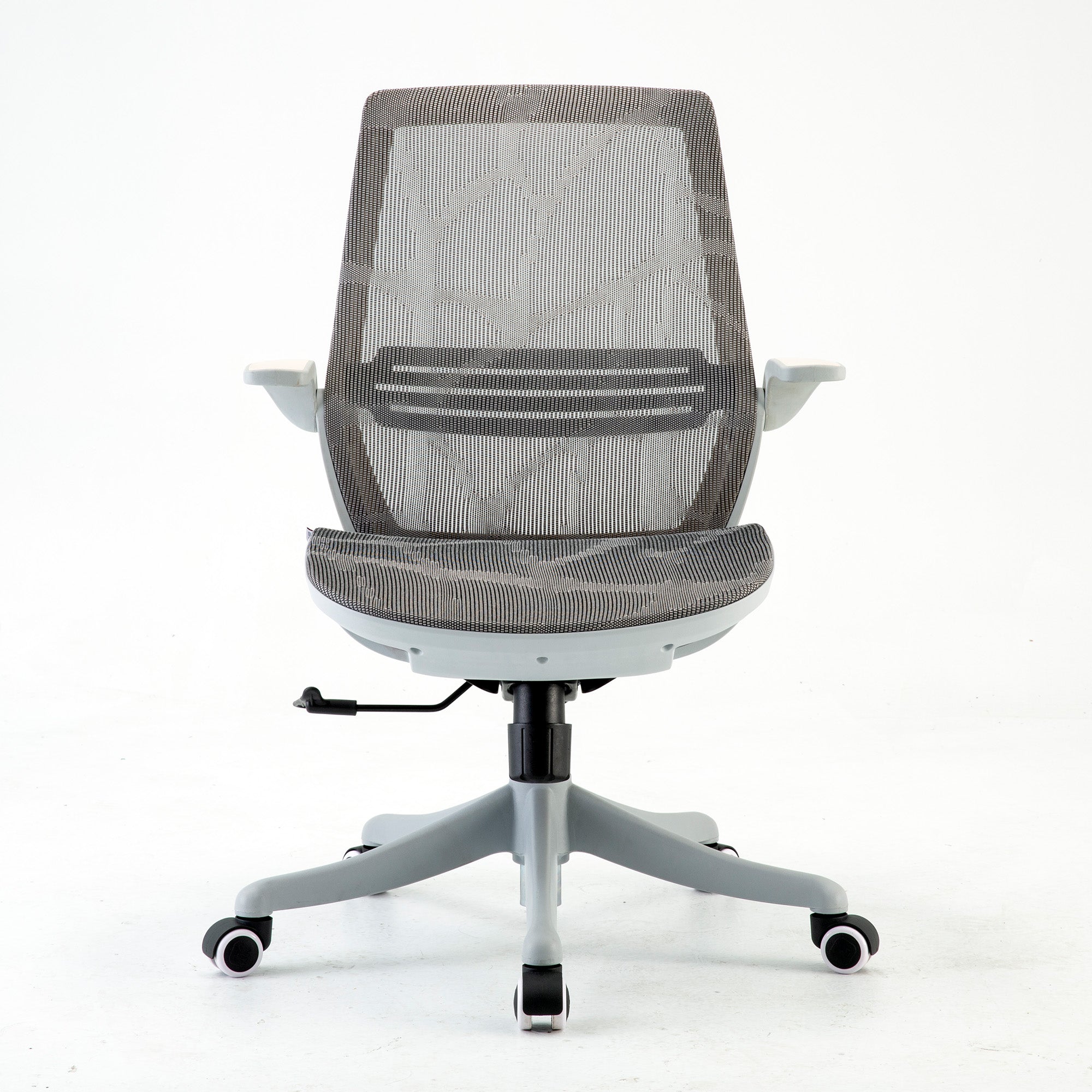
SIHOO's Doro S100 is an example of a chair positioned around this level. Its features include dual dynamic lumbar support, adjustable seat depth and 4D coordinated armrests.
The value here is not simply having more adjustment levers.
It is having more control over the chair's fit.
Who should consider spending around $500?
This range can make sense if Dad:
-
Works from home regularly
-
Sits for several hours each day
-
Wants more control over lumbar support
-
Changes posture frequently
-
Needs better armrest positioning
-
Finds basic office chairs too restrictive
For many people, this can be a practical middle ground between basic ergonomics and premium ergonomic seating.
Around $700–$800: Advanced support for longer days
At around $700–$800, the question becomes less about getting more individual adjustments and more about how those adjustments work together.
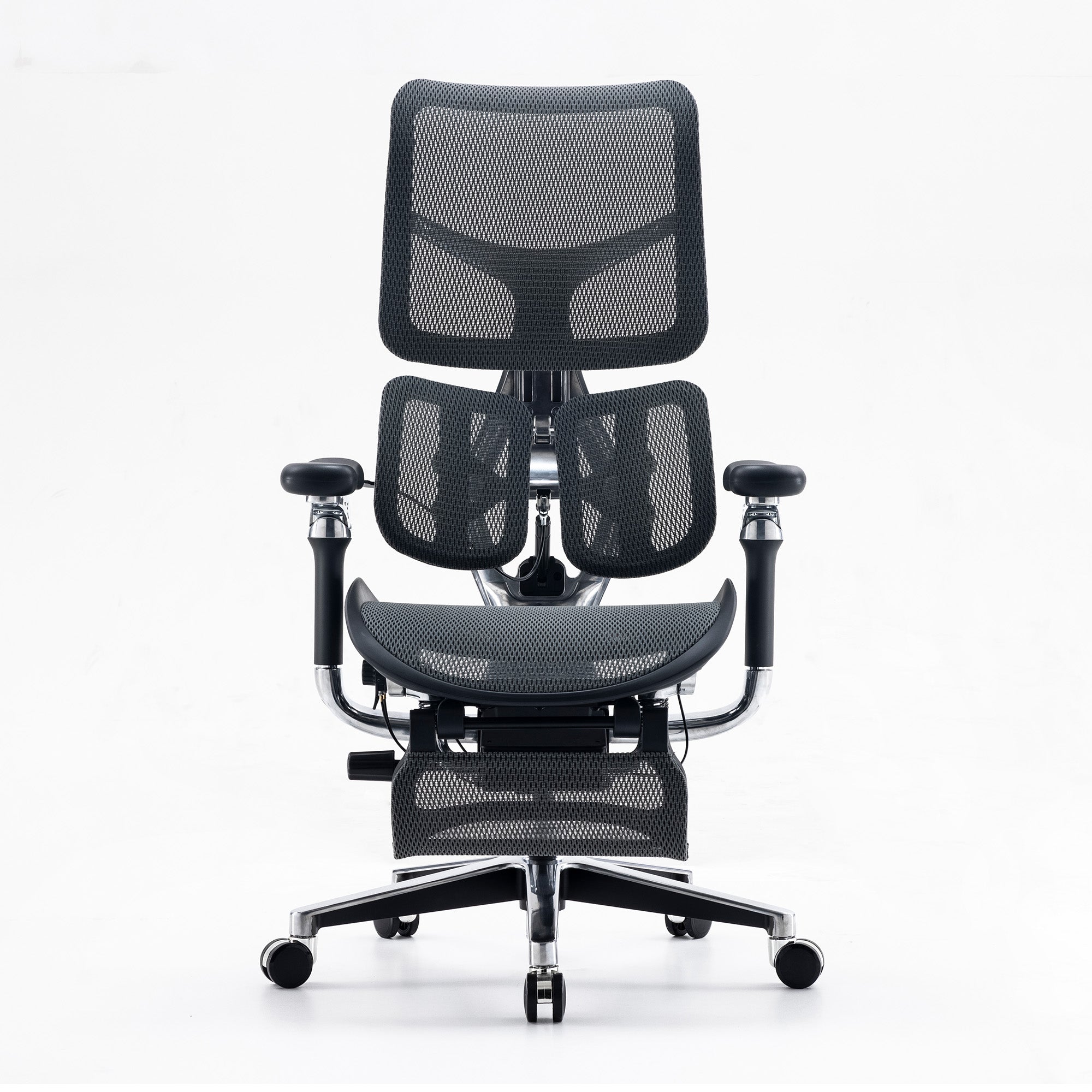
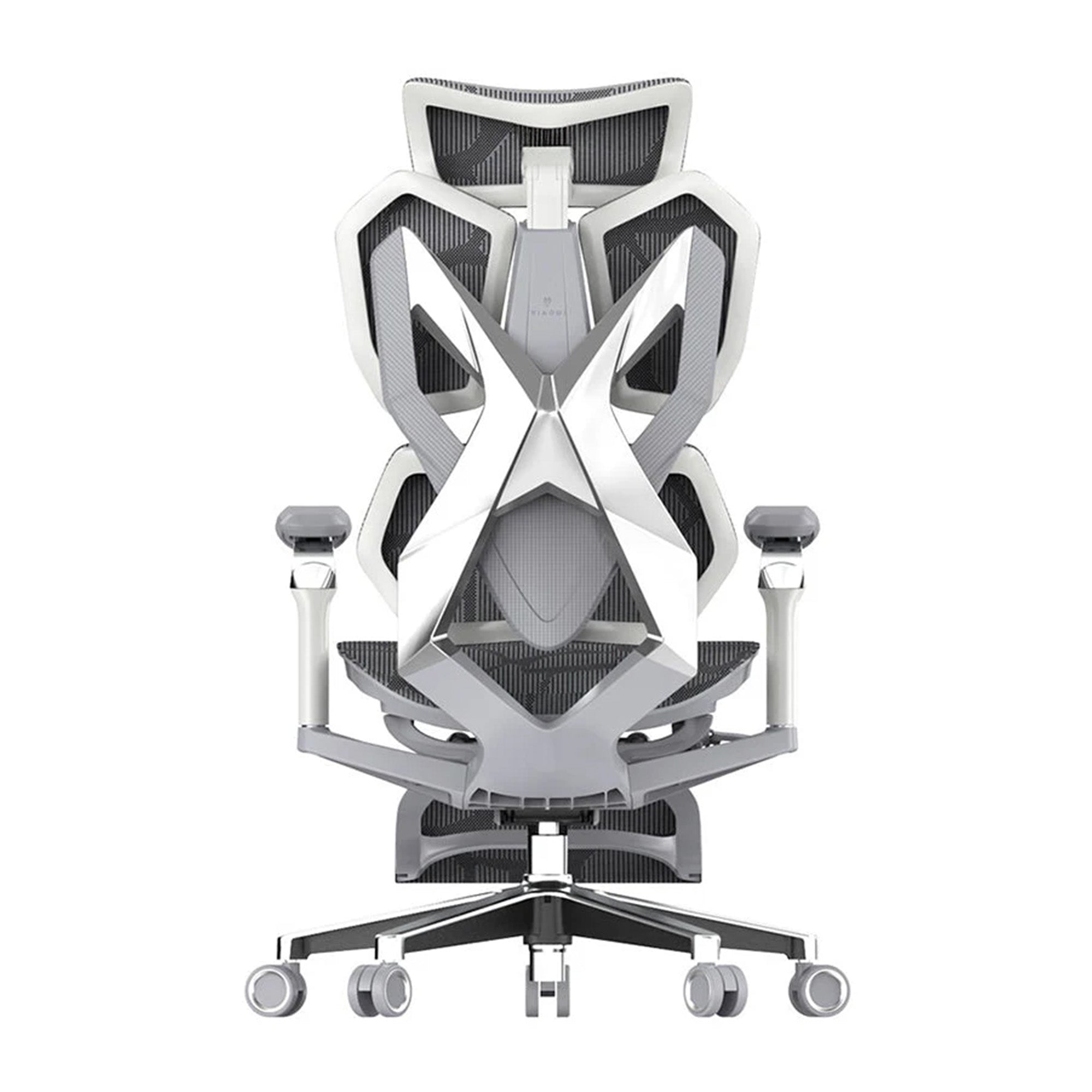
This is where the SIHOO Doro C300 Pro V2 fits naturally into the comparison.
The Doro C300 Pro V2 is a more advanced ergonomic chair designed for people who spend extended periods working, studying, creating or gaming at a desk.
Rather than simply adding more adjustment points, it combines multiple forms of support to accommodate changes in posture.
Its DynaCore™ Full-Body Support System coordinates support across areas including the headrest, backrest, lumbar region and armrests.
The chair also features:
-
SyncroFlex™ Back-Glide System
-
Domino™ Sacral-Lumbar Support
-
8D Bionic Armrests
-
Adjustable seat depth
-
Adjustable headrest
-
Multiple recline positions
These features become more relevant when Dad uses his chair for more than one activity.
He might sit upright while working, lean back during a video call, recline while reading or switch to gaming in the evening.
A chair capable of accommodating those changes can offer more flexibility than a model designed primarily for one sitting position.
What are you really paying more for?
This is perhaps the most important part of comparing an ergonomic chair price in Australia.
Moving from $200 to $500 or $800 does not mean you are simply buying "better quality".
You are usually paying for things such as:
A wider adjustment range
More adjustment can make it easier to fine-tune the chair to Dad's body and preferred sitting position.
More responsive lumbar support
Basic chairs may provide a relatively fixed lumbar position, while more advanced designs can provide support that responds more naturally as Dad changes posture.
Adjustable seat depth
This gives Dad greater control over how he sits in relation to the backrest.
More versatile armrests
Advanced armrests can support different arm positions during typing, reading, gaming and reclining.
More configurable head and neck support
A highly adjustable headrest can become particularly useful when Dad frequently reclines.
A more sophisticated recline mechanism
Premium chairs may provide more controlled reclining and better coordination between the backrest and other parts of the chair.
Better coordination between features
This is one of the biggest differences to look for.
A chair with ten independent adjustment points is not automatically better than a chair with fewer adjustments that work together effectively.
The real value comes from how the chair responds to Dad's movements.
Who should actually spend $700–$800?
A premium ergonomic chair can be worth considering if Dad:
-
Works from home full-time
-
Spends most of his working day at a computer
-
Uses one chair for both work and gaming
-
Frequently switches between upright and reclined positions
-
Wants greater control over how his chair fits
-
Has already found basic ergonomic chairs too limiting
-
Is building a permanent home office
-
Wants one chair that can handle several daily activities
Imagine Dad works from home during the day and games in the evening.
He may want an upright position while typing and attending meetings, more arm support while using his mouse and keyboard, and a deeper recline when gaming or relaxing.
In this situation, the additional flexibility of a premium chair can make more sense.
But that does not mean every Dad needs one.
When is an expensive ergonomic chair unnecessary?
A good ergonomic chair buying guide should also explain when not to spend more.
If Dad only spends an hour or two at his computer each day, many of the advanced adjustment and adaptive-support features of a premium chair may not provide enough additional value to justify the higher price.
If he rarely reclines, does not need extensive armrest adjustment and mainly uses his computer for quick tasks, a lower-priced chair may be the smarter purchase.
The same applies if you are buying a chair for a temporary workspace that Dad will only use occasionally.
In these cases, spending $700–$800 simply because the chair has more features may be unnecessary.
More features only create more value when Dad actually benefits from them.
Cheap vs expensive ergonomic chair: Which one is right for Dad?
Instead of asking whether a cheap or expensive ergonomic chair is better, consider how Dad uses his chair.
|
Dad's typical use |
What to prioritise |
Suitable budget |
|
Occasional computer use |
Basic ergonomic support and fit |
Around $200–$300 |
|
Several hours at a desk |
More lumbar, seat and armrest adjustment |
Around $400–$500 |
|
Full working day at a desk |
Greater adjustment range and support |
Around $500–$800 |
|
Work + gaming |
Flexible support for different positions |
Around $500–$800 |
|
Frequent reclining |
Recline, backrest and headrest flexibility |
Around $700–$800 |
The ranges are simply a starting point.
Dad's individual needs should determine where you land.
How much should you spend on a work-from-home chair?
If Dad works from home occasionally, there is little reason to automatically choose a premium model.
A chair around $200–$300 may provide the essentials he needs.
For regular work-from-home use, however, spending around $400–$500 can be easier to justify because Dad spends more time in the chair and can benefit from additional adjustability.
For a full-time home office, the equation changes again.
If Dad sits for most of the working day and continues using the chair for gaming or relaxing after work, a premium model such as the Doro C300 Pro V2 may provide useful additional flexibility.
The more time Dad spends in the chair, the more important it becomes to consider how well it can adapt to his different sitting positions.
What ergonomic chair should I buy for Dad?
There is no universal answer.
If Dad is an occasional computer user, focus on the fundamentals and stay around the $200–$300 range.
If he works from home regularly, consider moving towards the $400–$500 range for greater adjustability.
If he spends most of his day at a desk and wants one chair for work, gaming and relaxation, a chair around $700–$800 may be worth considering.
That is where the Doro C300 Pro V2 can make sense… not because every Dad needs the most expensive option, but because its advanced support and adjustability are designed for people who will actually use them.
Is a premium ergonomic chair worth buying as a Father's Day gift?
It can be, provided it matches Dad's routine.
A premium chair is a particularly practical Father's Day gift because Dad may use it every working day for years.
The most valuable gift doesn’t always come with the highest price tag.
If Dad only needs basic support, a lower-priced SIHOO chair may be the better choice. If he spends long hours at his desk and wants greater control over his seating position, stepping up to a mid-range model may offer more meaningful benefits.
And if Dad's desk is effectively his second home, whether he works, games, creates or relaxes there, investing in a more advanced chair such as the Doro C300 Pro V2 can be easier to justify.
The right price is the one that matches Dad's routine
So, how much should I spend on an office chair?
Start with Dad, not the price tag.
Think about how many hours he spends sitting, what he does at his desk and how often he changes position.
For occasional use, $200–$300 can cover the essentials.
For regular work, $400–$500 can provide valuable additional adjustability.
For long working days, mixed activities and frequent changes in posture, $700–$800 can provide a more advanced level of support and flexibility.
The most important lesson from this cheap vs expensive ergonomic chair comparison is that spending more does not automatically make a chair the right choice.
Do not buy the cheapest chair simply to save money, but do not buy the most expensive chair simply because it has more features.
Choose the level of support Dad will genuinely use.
That way, your Father's Day gift is not just another chair for his desk. It is a practical upgrade built around how he actually spends his time.
Frequently Asked Questions
A brief guided setup beats a written instruction sheet, most people won't read a manual before sitting down. Pairing the walkthrough with a simple visible reference card at each desk, showing the five settings in order, keeps the habit going after the initial session.
Yes. Factory default settings suit an imagined average user, and most of a team sits outside that range in some dimension. A short, structured walkthrough on delivery day, roughly fifteen minutes per person, is a small cost relative to the chairs themselves and is what actually converts the spend into a working outcome.
Some adjustment period is normal, particularly if you're moving from a non-ergonomic chair, since your body has adapted to the wrong posture over time. If discomfort persists or worsens past one to two weeks despite correct adjustment, the model itself may not suit your body, and it's worth checking against a pain-type or fit guide rather than pushing through.
No, but revisit armrest and recline settings when your task changes significantly, like switching from typing to reading or a call. A single setup that never gets revisited is the most common reason a correctly specified chair still feels wrong.
Your posture shifts through the day with task, fatigue, and movement, so a setting correct at 9am can feel slightly off by early afternoon. This isn't a sign the chair has failed, it's normal, and worth a quick lumbar and recline recheck around the middle of the day.
Check exact position, not just firmness. Lumbar support needs to sit at the natural inward curve of your lower back specifically. Too high lands on the thoracic spine and pushes your upper back forward. Too low presses into the sacrum and leaves a gap behind your actual lower back. Slide it up or down in small increments rather than tightening it further.
Seat height first, then seat depth, then lumbar support, then armrests, then recline tension. Doing them out of order means later settings end up compensating for earlier ones being wrong, so you correct a correction instead of getting it right the first time.
Shop products from this article


Save big on the Doro C300 Pro V2 this Father’s Day. Pay in 4 interest-free instalments with Afterpay.
SHOP NOWRecommended Posts

How to Properly Adjust Your Ergonomic Chair
Aug 17, 2026


Sihoo's Best-Selling Ergonomic Chairs Right Now
Jul 31, 2026