


Most organisations upgrade their office chairs and see almost no change.
That is not a criticism of the chairs. It is a description of what happens when furniture is treated as the solution to a problem that is actually about how the furniture is used. The chairs arrive. They get assembled. People sit in them at the same factory-default settings the previous chairs were never adjusted from. Six months later, the back pain is the same, the afternoon flatness is the same, and somebody suggests the chairs were not as good as advertised.

The research tells a more specific story. A 2019 cluster randomised trial of 763 office workers across 14 Brisbane organisations, funded by the NHMRC and published in the Scandinavian Journal of Work, Environment and Health, found that an ergonomics intervention reduced monetised productivity loss by a statistically significant margin over 12 months. Both groups in the trial received a workstation assessment. The group that also received targeted physical intervention showed measurable improvement. The finding was not that better chairs automatically produce better outcomes. It was that structured implementation of ergonomic principles produces better outcomes, and the chair is one input in that process.
This guide covers what the evidence actually shows, what most organisations get wrong in implementation, and the specific conditions under which an ergonomic office chair upgrade produces measurable results rather than expensive furniture.

The Honest Answer: It Depends Almost Entirely on Implementation
Why the Chairs Are Not the Variable
There is a version of this question that has a clean answer. Do ergonomic chairs improve productivity compared to no ergonomic intervention at all? Yes. The research is consistent on this. Washington State Department of Labor and Industries' 2000 cost-benefit analysis of its ergonomics standard estimated a benefit-cost ratio of 4.24 across all industries. The Brisbane RCT found statistically significant reductions in presenteeism and monetised productivity loss. Multiple systematic reviews confirm the direction: ergonomic interventions reduce musculoskeletal disorder risk and improve functional output in office workers.
The more useful question is: what does a chair upgrade produce specifically, in a typical Australian office, when implemented the way most organisations implement it? The answer to that question is different, and less flattering.
Here is what happens in most upgrades. The chairs arrive. An operations person assembles them. They are placed at workstations. Employees sit down and continue working. Nobody adjusts the lumbar support for the individual user. Nobody checks whether the seat is at the correct height. Nobody moves the monitor that has been at the wrong height for three years. The environment that was generating physical fatigue continues generating it, with slightly newer furniture.
Within two weeks, the new chairs are performing exactly like the old ones, because they are set up the same way the old ones were: for an average user who does not exist, with a lumbar support contacting nobody's spine correctly, armrests at a height that loads everyone's shoulders, and a seat depth that forces shorter users to lose lumbar contact the moment they try to sit back.
THE IMPLEMENTATION FINDING: Research consistently shows that ergonomic interventions produce measurable outcomes. But the outcome depends on what the intervention actually is. A chair purchase without adjustment, workstation review, and implementation support is not an ergonomic intervention. It is a furniture purchase.
What the Research Actually Measured
The Brisbane trial measured the outcome of ergonomics plus structured intervention, not ergonomics alone. Both groups received an ergonomic workstation assessment. One group received neck-specific exercise instruction. The other received general health promotion information. The difference in productivity outcomes was measured at the 12-month mark.
The finding was AU$1,464 in monetised productivity loss per person per year in the ergonomics-plus-exercise group versus AU$1,563 in the ergonomics-plus-health-promotion group. That AU$99 difference per person per year is modest in isolation. Across a team of 20 people it is $1,980 per year. Across five years it is $9,900. And this is the incremental benefit from adding targeted physical intervention on top of a workstation assessment. The workstation assessment itself was the baseline for both groups.
What this tells us is that the workstation assessment is where the baseline improvement lives. The chair upgrade is the tool that makes the workstation assessment meaningful. Neither produces much without the other.

What Is Actually Happening Inside the Body When the Chair Changes
The First Twenty-Five Minutes
If you sit in a chair without adequate lumbar support, the deep trunk muscles responsible for spinal stability, specifically the transversus abdominis and multifidus, begin fatiguing between the 15th and 25th minute of sitting. This is not a hypothesis. It is a finding from a scoping review published in Sports Medicine Open in February 2025 by Amiri, Behm, and Zemkova, based on controlled measurement of deep trunk muscle activity under sustained sitting conditions.
What happens next is the part most people do not know. As those deep stabilising muscles fatigue, the body shifts the load to the superficial muscles, the ones not designed to maintain spinal support continuously. Those muscles tire faster. Spinal stress increases. The employee does not feel acute pain. They feel a low-level, diffuse discomfort that builds gradually across the morning, is noticeable but manageable by 11am, and is at a threshold that starts costing cognitive output by early afternoon.
A chair with correct lumbar support positioned at the natural inward curve of the lower back reduces the rate at which this happens because the chair is maintaining spinal alignment rather than the muscles. The muscles are still active but they are not under continuous load from the first minute of the day. The fatigue curve is different. The afternoon performance profile is different.
This is not marketing language. It is the mechanism. Understanding the mechanism is what separates an organisation that gets measurable results from a chair upgrade from one that does not.
The Compound Effect by 3pm
By early afternoon, the employee who has been sitting in an incorrectly configured chair since 9am is not experiencing one problem. They are managing the accumulated output of at least three simultaneous physical load sources: the lumbar fatigue from an unsupported lower back running since the first half-hour, the neck and upper back tension from a monitor at the wrong height running since the first minute of screen work, and the physiological effects of sustained sedentary behaviour on cerebral blood flow and cognitive performance.
A 2024 study published in Scientific Reports on office workers found that physical and mental fatigue mutually reinforce each other. Physical fatigue impairs cognitive function. Cognitive fatigue reduces the capacity to manage physical discomfort. The loop runs continuously in both directions from mid-morning onward.
When you upgrade the chairs and adjust them correctly and reposition the monitors, you are not just improving comfort. You are interrupting this loop at two of its three input sources. The afternoon performance profile changes not because people are more motivated or more comfortable in a vague sense. It changes because the physiological load that was degrading their output has been reduced.

What Changes Immediately, What Takes Weeks, and What Takes Months
The First Week: Physical Discomfort Reduces
When an employee sits in a correctly adjusted ergonomic chair for the first time after years in an incorrectly configured one, the first noticeable change is not productivity. It is the absence of the familiar discomfort that they had stopped noticing because it had become their normal.
This is worth naming explicitly because it is frequently misunderstood. Physical discomfort that has been present every day for two years stops registering as discomfort and starts registering as the baseline condition of being at work. The employee is not aware they are managing it. They have adapted. When the discomfort reduces, they do not think "I am more comfortable." They think "I feel better today for some reason." The connection to the chair is rarely made consciously.
In the first week, the measurable change is in end-of-day physical state. Employees who previously finished the day with neck tension, lower back stiffness, or generalised fatigue report less of these. This is the physical mechanism producing its first visible output. Cognitive productivity changes follow from here, but they lag the physical change by several weeks.
Weeks Two to Six: Presenteeism Begins to Reduce
SafeWork NSW's 2017 return on investment study put the cost of presenteeism at $1,680 per employee per year. Presenteeism is the accumulated effect of employees being at work but operating below cognitive capacity due to a health condition or physical discomfort. It does not show up in absence records. It shows up in the quality and volume of work produced in the afternoon hours.
Between weeks two and six of a correctly implemented chair upgrade, the presenteeism contribution from physical discomfort begins to reduce. This is not dramatic or sudden. It is the gradual recalibration of what an afternoon at the desk feels like. The emails are slightly more considered. The complex tasks that were being deferred to the following morning because focus had gone get completed in the current session. The late-afternoon period that was reliably low-output becomes less reliably so.
This is difficult to measure without baseline data. Organisations that have tracked output quality metrics before and after an upgrade report noticing this pattern at the 4 to 8 week mark. Organisations that did not track baseline data notice the change anecdotally but cannot quantify it.
Months Two to Six: The Longer Game
The largest productivity gain from an ergonomic chair upgrade does not come from the physical comfort improvement. It comes from the WHS risk reduction that the physical comfort improvement enables. The average serious musculoskeletal disorder claim in NSW costs $64,759 in direct compensation and 20 weeks of lost productivity. That is the outcome that was building invisibly while the chairs were wrong.
At the 3 to 6 month mark of a correctly implemented upgrade, the physical load that was generating progressive musculoskeletal stress has been significantly reduced. The risk that was accumulating has not been eliminated but it has been materially lower than it was. This does not produce a visible productivity improvement that can be pointed to. It produces the absence of an injury event that would have been highly visible and very expensive.
This is the productivity gain most organisations fail to credit to the chair upgrade because it never appears on a report. The claim that did not happen is not tracked anywhere. The $64,759 that was not spent is not counted as a saving. The 20 weeks of productivity that were not lost are not measured against a baseline. But they were real outcomes that the upgrade produced.
What Different Upgrade Scenarios Actually Produce
The table below maps five different implementation scenarios against what the research and practical evidence shows about each one. This is the version of the productivity question nobody usually answers honestly.
|
What you upgrade |
What the research shows |
What actually drives the result |
Realistic timeframe |
|
Chair only, no setup session |
Minimal improvement. Factory-default chairs do not deliver ergonomic benefit. |
The chair was never adjusted. The problem was not the model — it was the implementation. |
No change |
|
Chair plus correct adjustment for each user |
Measurable reduction in discomfort from week one. Presenteeism reduction within 4-6 weeks. |
Physical fatigue reduced. Cognitive load from managing discomfort drops. Afternoon output improves. |
4 to 8 weeks |
|
Chair plus adjustment plus monitor repositioning |
Compound improvement. Neck and upper back load reduced simultaneously with lumbar load. |
Two of the three largest physical fatigue sources addressed together. |
2 to 4 weeks |
|
Full workstation review: chair, monitor, lighting, movement protocol |
Brisbane RCT (Pereira et al. 2019, 763 workers): monetised productivity loss reduced $99 per person per year at 12 months. |
All major environmental fatigue sources addressed. Compound benefit. |
8 to 12 weeks |
|
Chairs replaced but no adjustment training, no review of monitors or lighting |
Common scenario. Little measurable improvement despite full spend. |
Furniture was treated as the solution. The environment was the problem. |
No sustained change |
Outcomes based on Pereira et al. 2019 Brisbane RCT (NHMRC-funded, 763 workers), SafeWork NSW ROI Study 2017, Amiri et al. Sports Medicine Open 2025, Scientific Reports 2024, and SIRA NSW MSD claim data 2018-23. All figures are informed estimates based on published research, not guarantees of specific organisational outcomes.
The Implementation Gap: What Most Organisations Skip
The Five Steps That Determine Whether the Upgrade Works
The difference between an organisation that reports meaningful productivity improvement after a chair upgrade and one that reports no change almost always comes down to five specific implementation steps. None of them are complicated. Most of them cost nothing. And most organisations skip at least three of them.
|
Implementation step |
Takes how long |
What it produces |
Cost |
|
Adjust every chair for the person using it |
10 minutes per workstation |
Lumbar contact, correct seat height, relaxed shoulders from day one |
$0 |
|
Reposition monitors to eye level |
5 minutes per workstation |
Neck and upper back load eliminated from first hour of the day |
$0 to $120 for arm or riser |
|
Post adjustment card at each desk |
One afternoon for the whole office |
Users can reset shared chairs correctly without training every time |
Under $5 per desk |
|
Add workstation setup to onboarding checklist |
15 minutes per new starter |
No new starter accumulates physical fatigue from an incorrectly set up chair for their first six months |
$0 |
|
Annual workstation review |
15 to 20 minutes per person |
Catches drift, worn chairs, and changed user profiles before they produce WHS risk |
$0 to $150 in staff time per person |
Time estimates are approximate based on typical implementation experience. Costs are indicative and based on Australian retail pricing as of May 2026.
The Most Commonly Skipped Step
The step that is skipped most often is the individual adjustment session. Not because organisations do not know it should happen. Because nobody is assigned responsibility for it.
The chairs arrive. The facilities person assembles them. Operations sends an email saying the new chairs are in place. The email may include a link to the manufacturer's adjustment guide. The adjustment guide may even be printed and placed at each workstation. And then, because reading an adjustment guide while sitting in a chair is harder than it sounds, and because nobody is standing there walking through it with each person, almost nobody does it properly.
The solution is not a better instruction card. It is a thirty-minute group session on delivery day where someone walks through every adjustment with every person sitting in their specific chair. This is what the Brisbane trial's workstation assessment component looked like in practice. A trained assessor, each workstation, each person, in sequence. The productivity improvement the trial measured was produced by that process, not by the chairs arriving.
The full adjustment sequence for any ergonomic chair, in the order that produces the most reliable outcome, is covered at how to properly adjust your ergonomic chair. The process takes ten minutes per workstation and is the single highest-return implementation step available.

What Specific Chair Features Produce Specific Outcomes
Adaptive Lumbar vs Manual Lumbar: Why the Distinction Matters for Productivity
A manually adjustable lumbar support is correctly positioned when the user sets it correctly and stays correctly positioned until the user moves significantly and then forgets to readjust it. For an employee who shifts position regularly across an eight-hour day, which is the physiologically correct behaviour, a manual lumbar support is in the right position for a fraction of the time it appears to be in use.
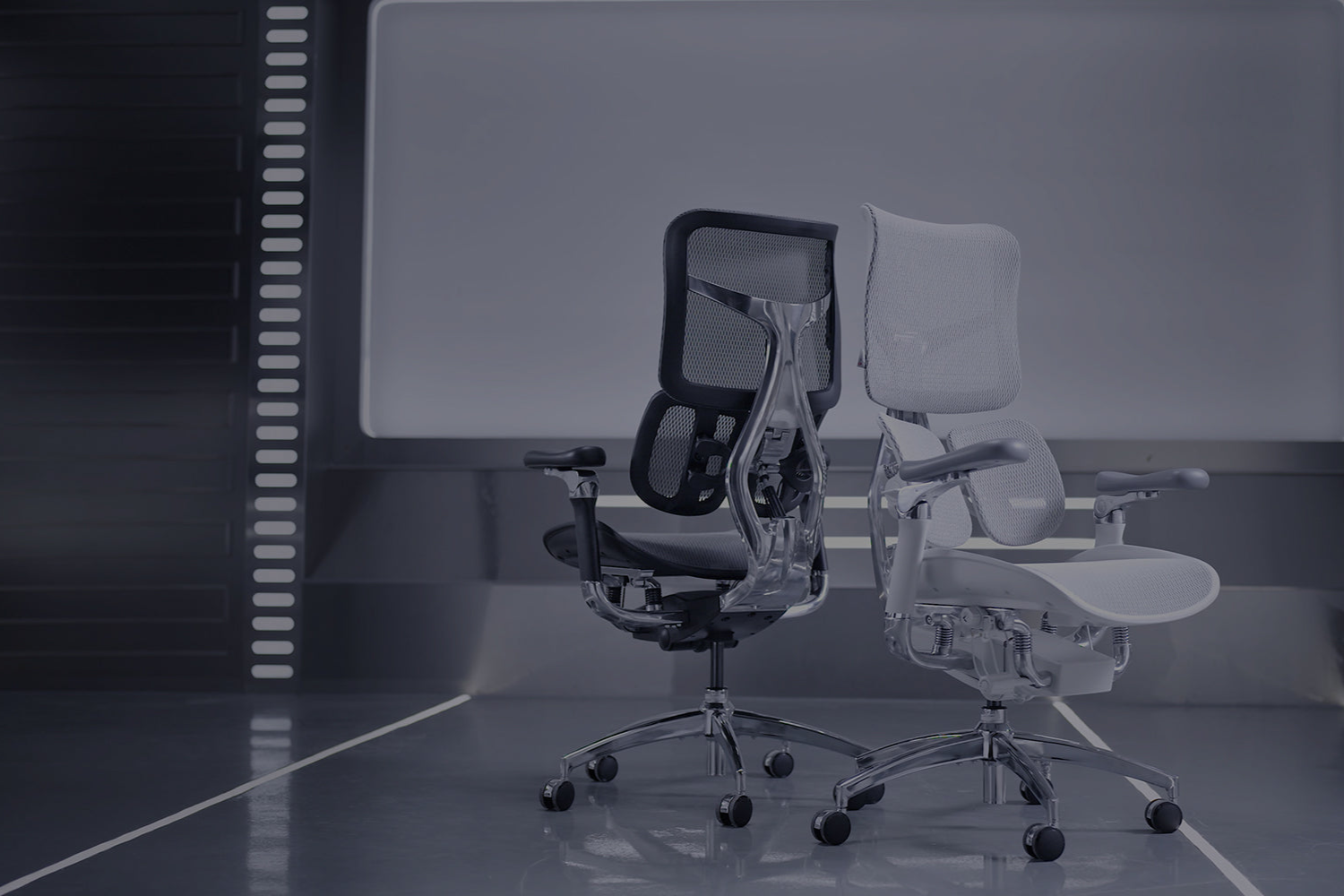
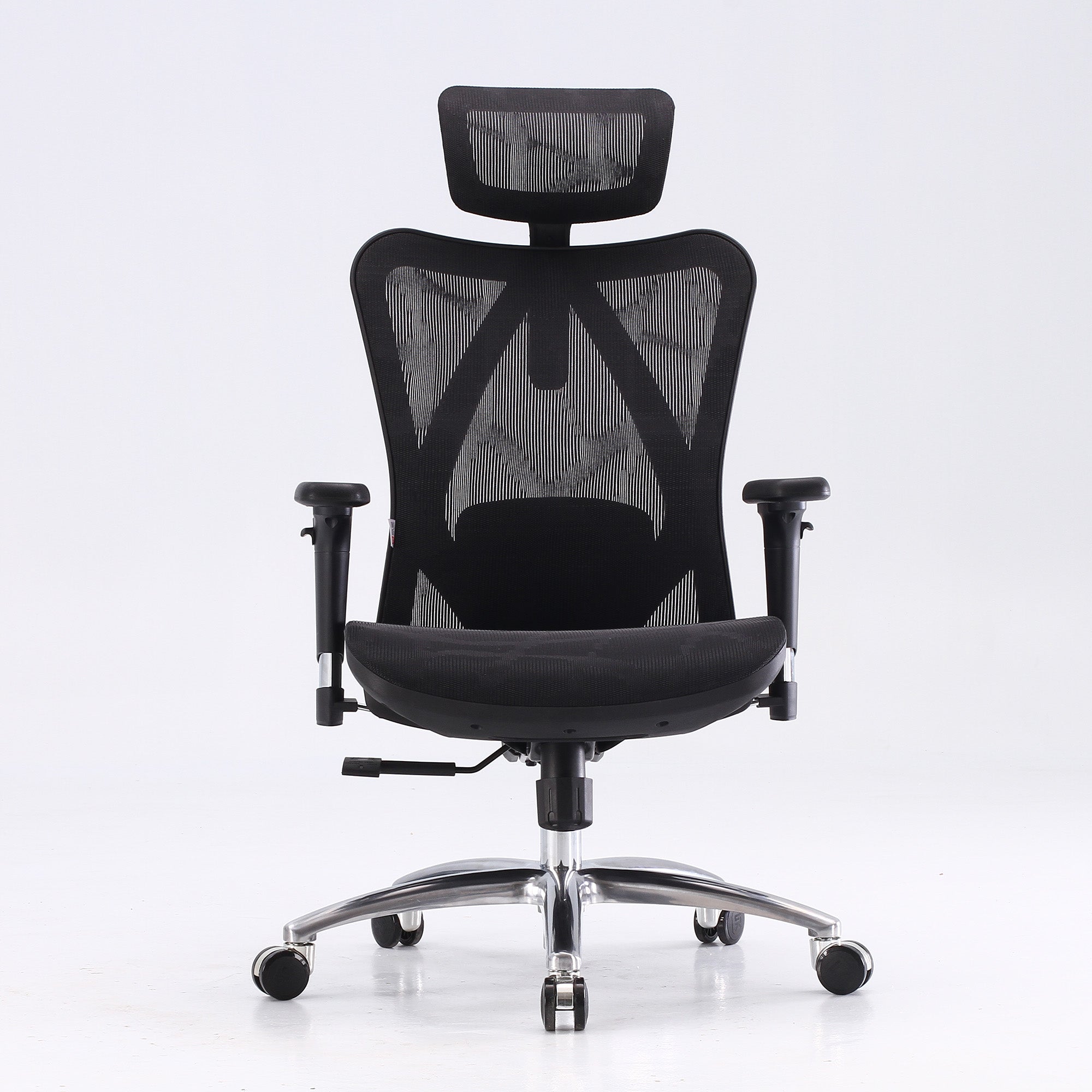
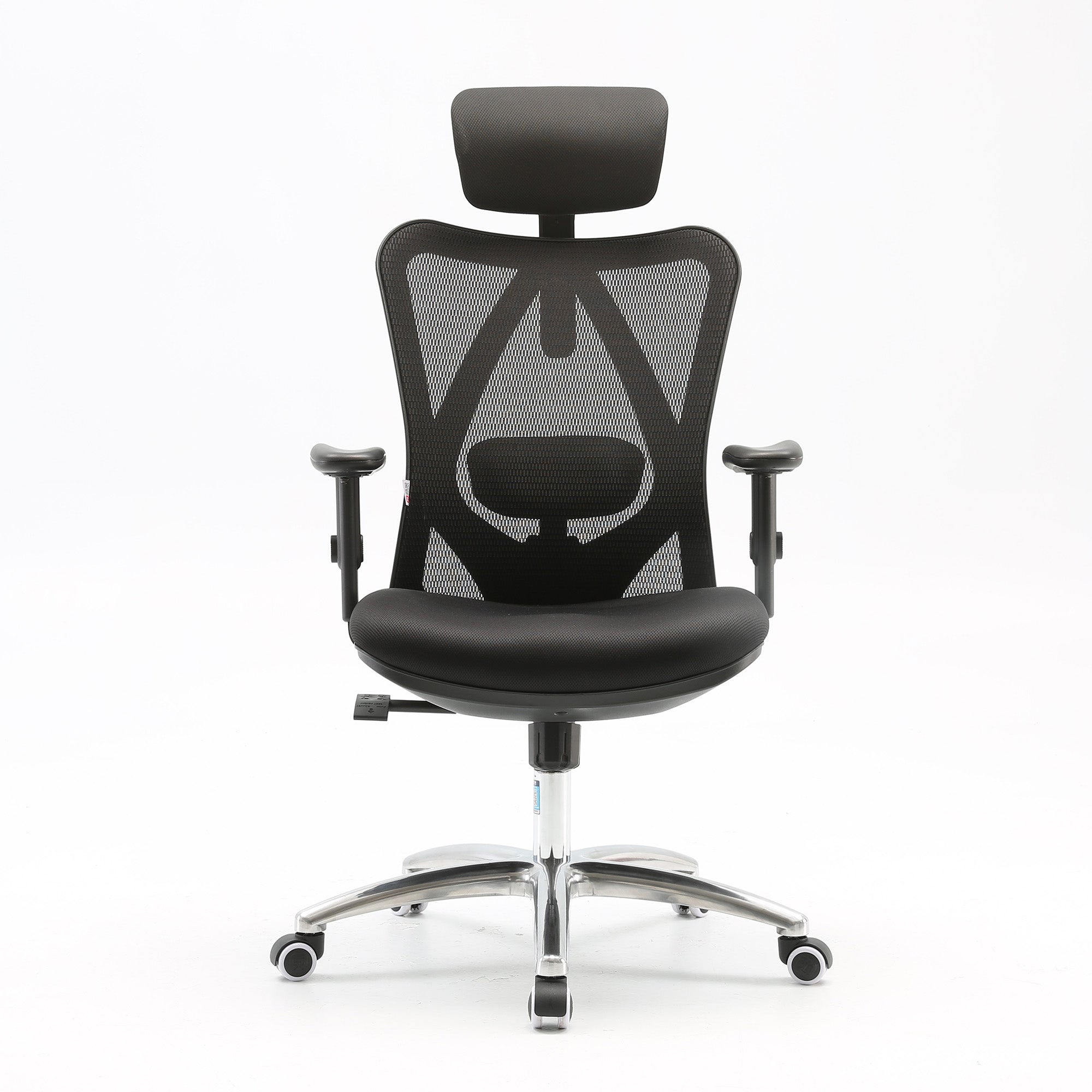
An adaptive lumbar support, like the elastic mechanism in the Sihoo Vito M90, maintains contact with the lower back as posture shifts. The employee does not need to remember to readjust it after a call or after leaning forward to read a document. The support is there when they sit back. This matters for productivity because the benefit of lumbar support is continuous, not episodic. An adaptive system provides continuous benefit. A manual system provides episodic benefit in an environment where episodes of correct posture are separated by long periods of unadjusted drift.
For roles involving sustained daily sitting of six or more hours, or for shared workstations where users rotate through the same chair, the difference between adaptive and manual lumbar is not a comfort preference. It is the difference between the chair delivering its intended function most of the time and the chair delivering its intended function some of the time.
Seat Depth Adjustment: The Feature That Determines Whether Shorter Users Get Any Benefit at All
Seat depth is the specification that determines whether a user can physically use the backrest of the chair. If the seat is deeper than the user's buttock-to-knee measurement, the user cannot sit back against the backrest without the front edge pressing into the back of their knees. They sit forward on the front third of the seat. The lumbar support, however good it is, contacts nothing.
For a team where any member is below 165cm, a chair without seat depth adjustment does not deliver lumbar support to that person regardless of its specification. This is not a minor comfort issue. It means the chair is providing no spinal support at all to a portion of the team, and the productivity improvement from correct lumbar support is completely absent for those users.
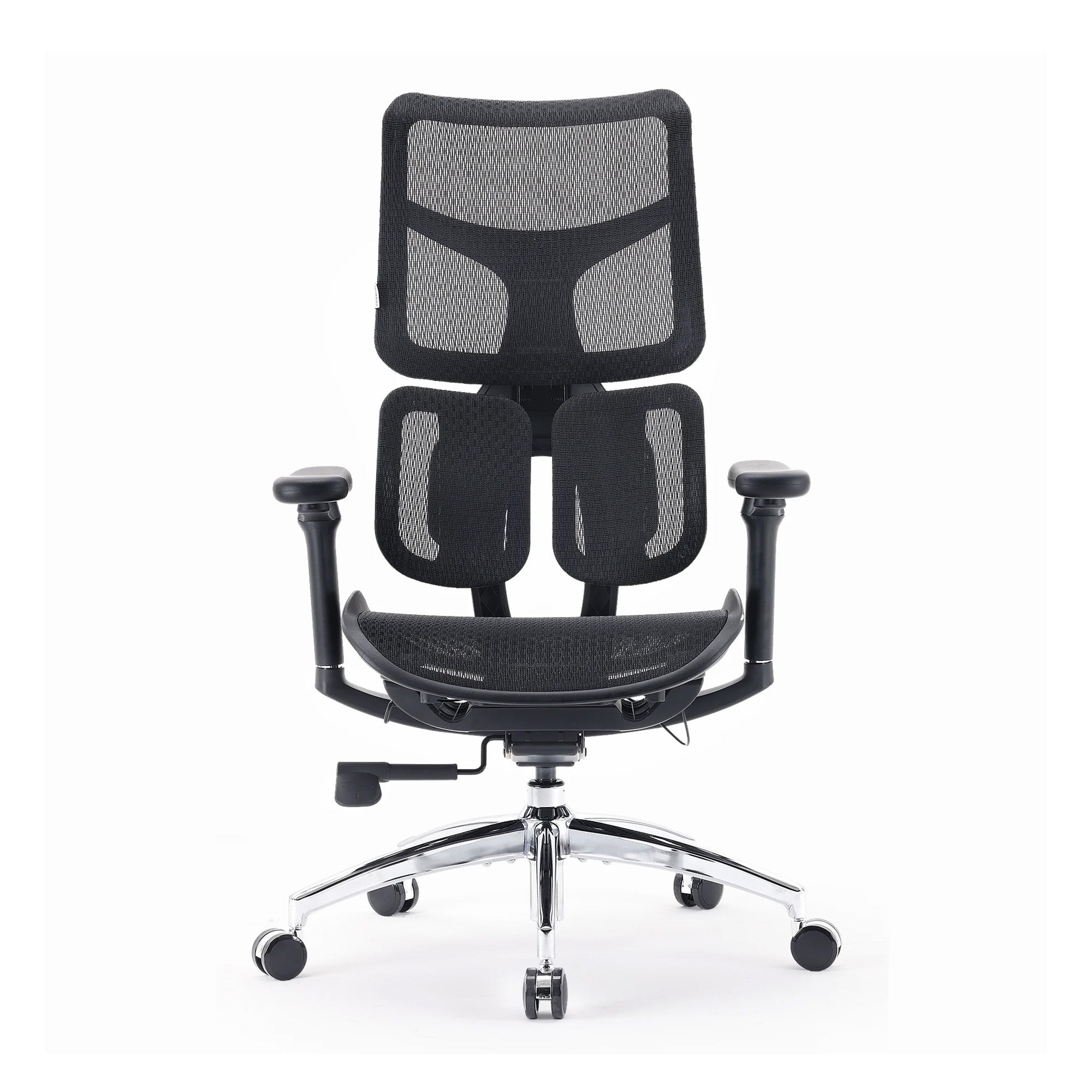
The Sihoo V1 has a sliding seat depth mechanism that addresses this directly. For a team with height variation that includes users below 165cm, specifying a chair with seat depth adjustment is not an upgrade from one ergonomic feature to another. It is the difference between some of the team receiving benefit from the upgrade and those users receiving none at all.
Breathability in the Australian Context
There is a productivity dimension to mesh chair breathability that is specific to Australian office conditions. In summer months, particularly in offices with inconsistent air conditioning, a foam or PU leather chair generates sustained heat and moisture at the seat surface. The physiological response to thermal discomfort is the same category of low-level physical load as lumbar discomfort: it runs continuously, it distracts at a subconscious level, and it contributes to the accumulated fatigue that degrades afternoon performance.
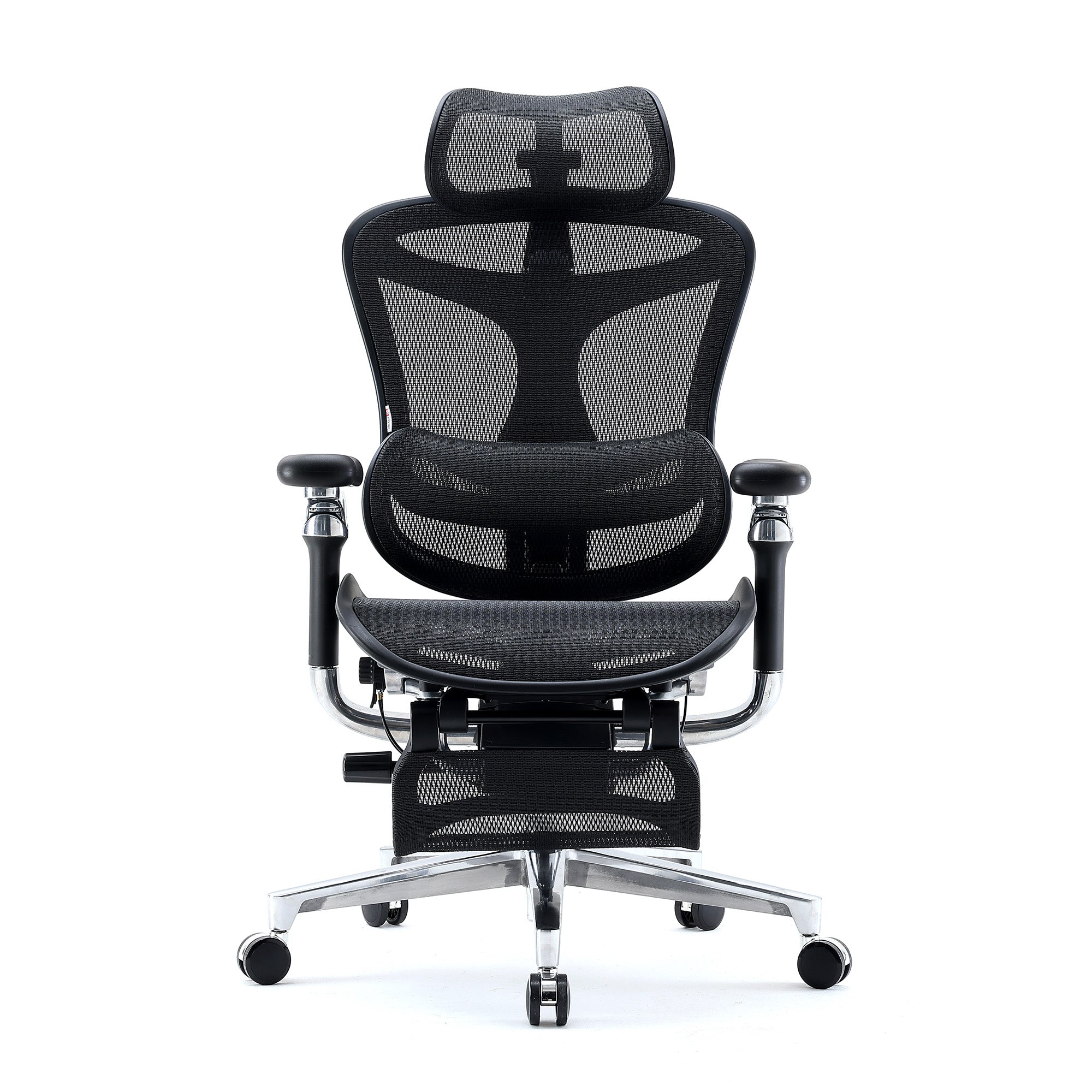
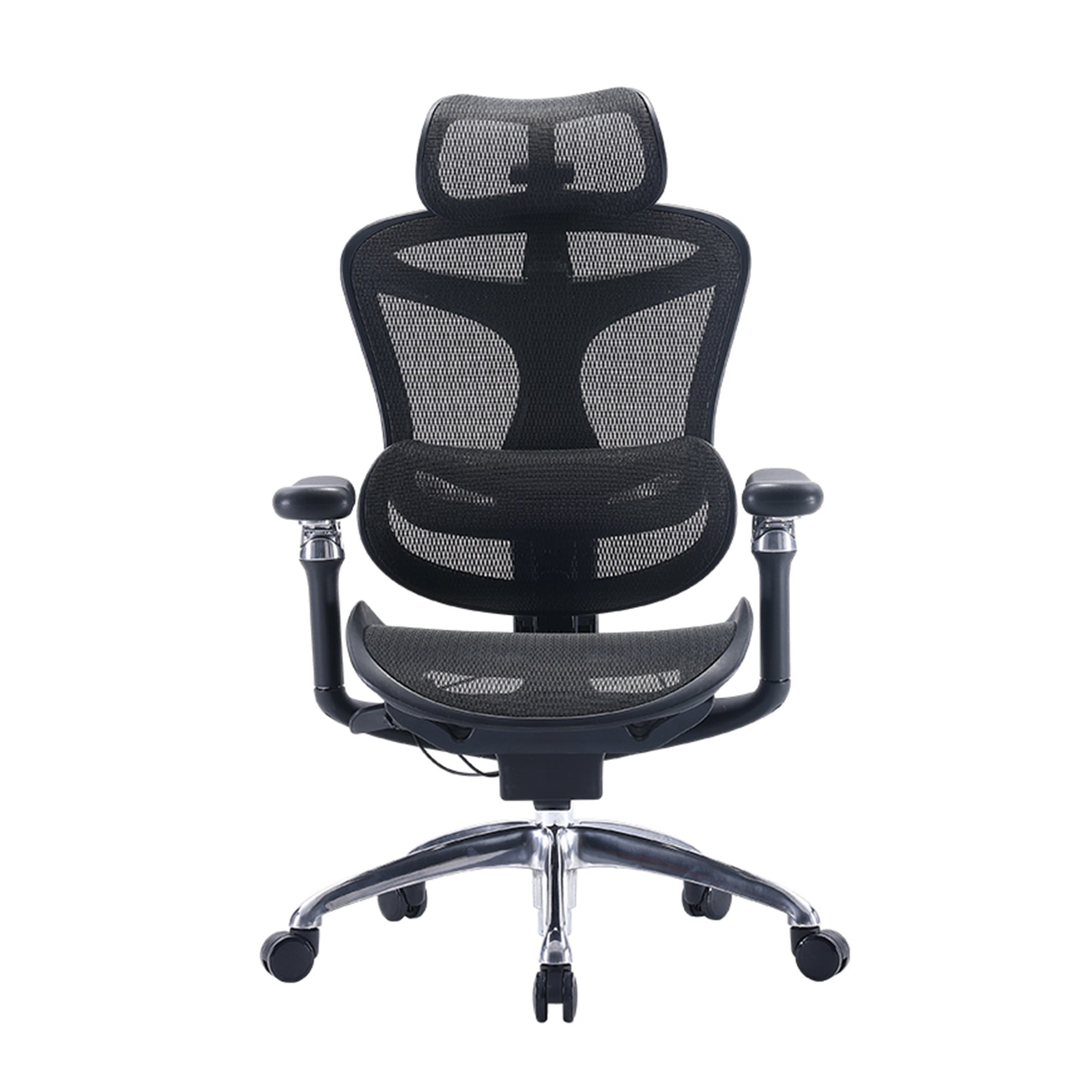
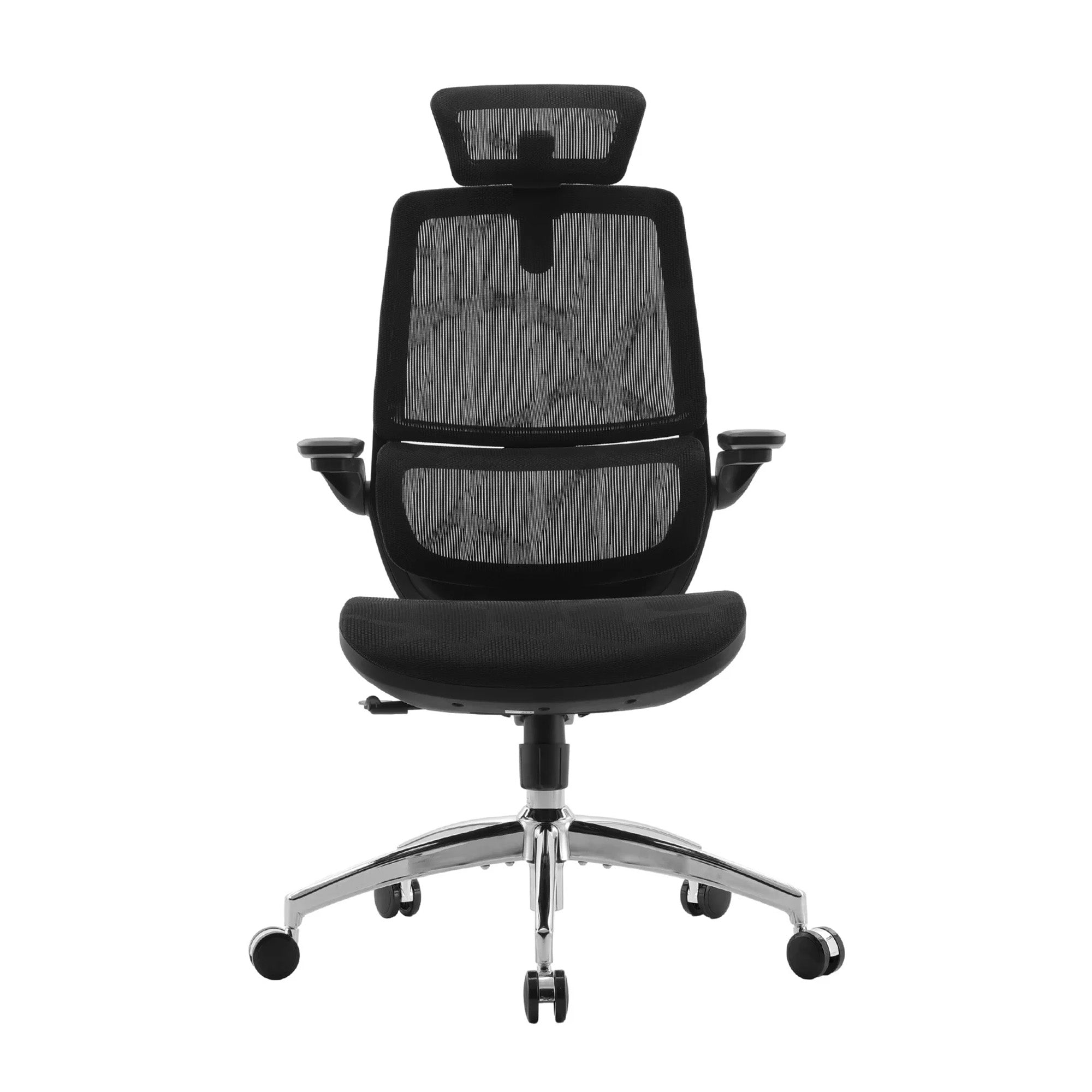
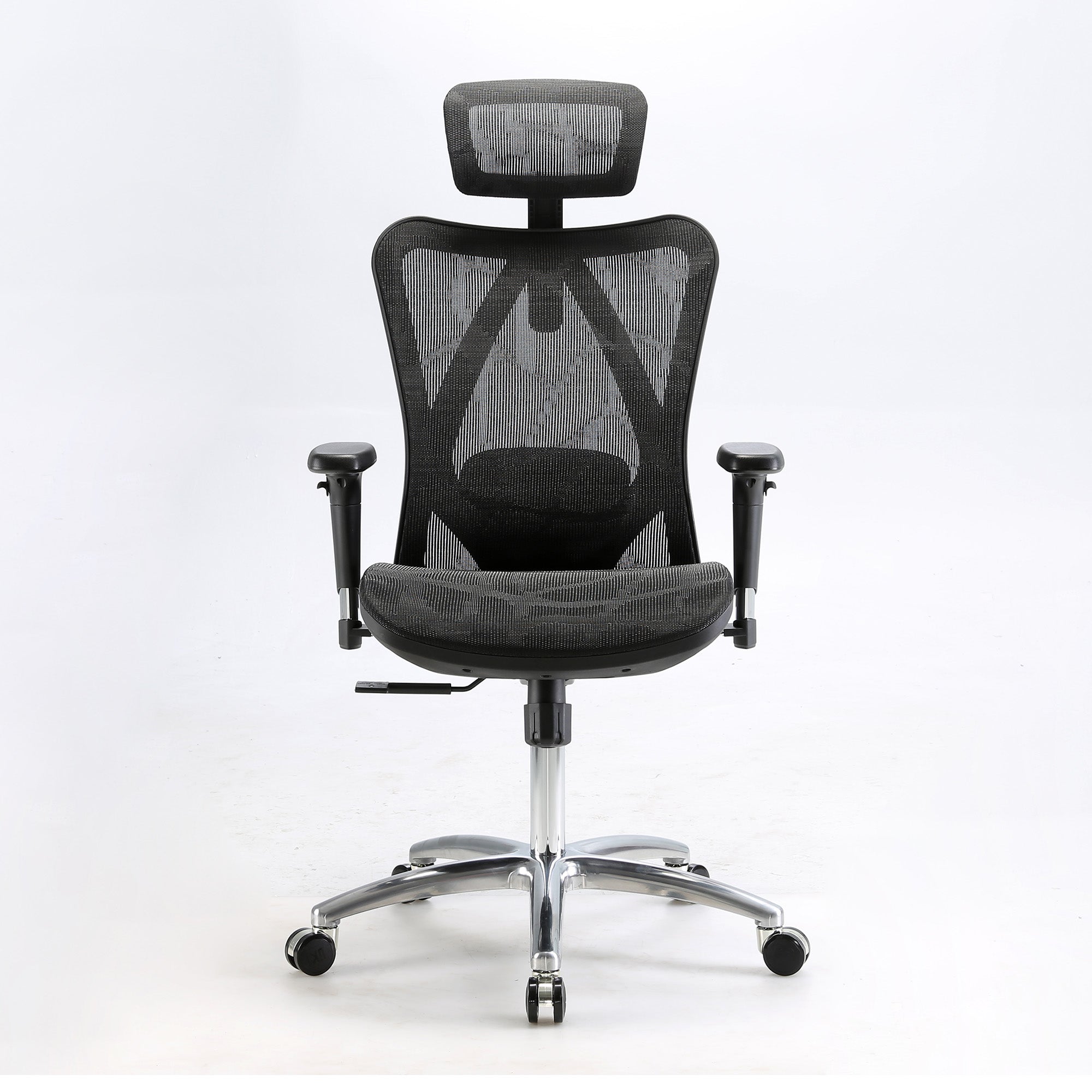
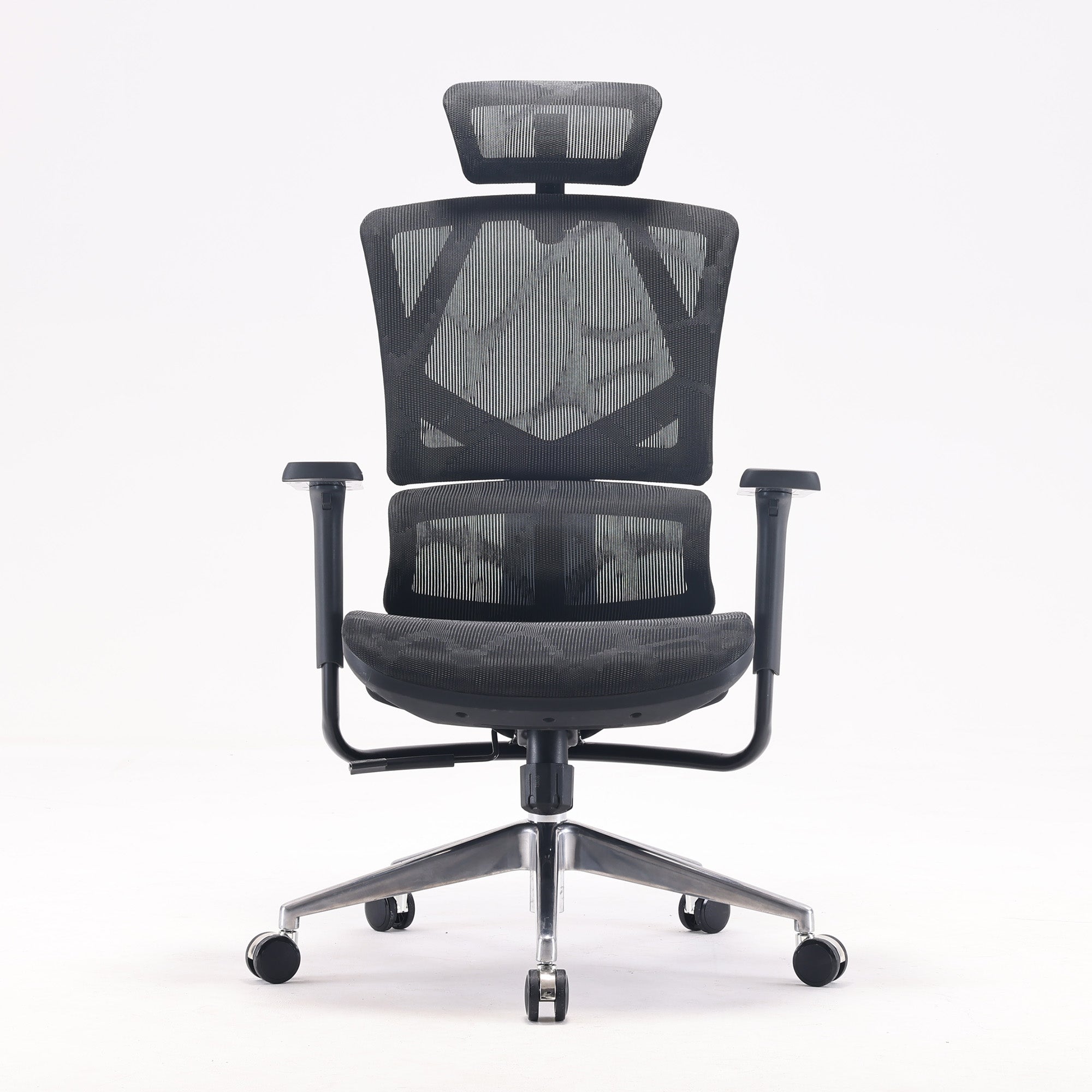
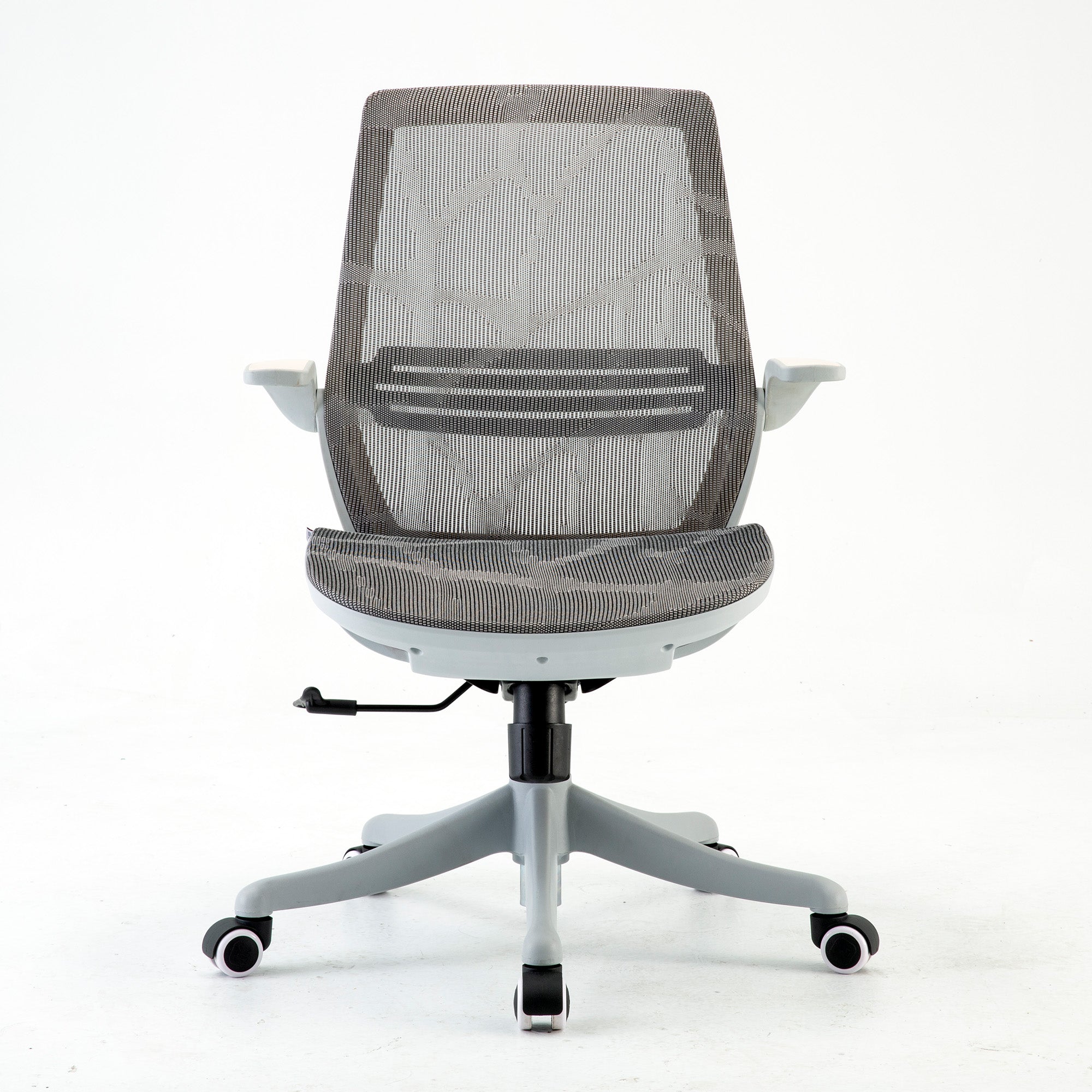
Full mesh chairs, including the Sihoo M57, M59AS, Doro C300, and Doro S300, allow airflow through the seat and backrest surface throughout the day. For Australian offices without reliable climate control, this is a functional specification rather than a comfort preference. The productivity argument for mesh over foam applies year-round in Queensland, for most of the year in NSW and Victoria, and for significant portions of the year everywhere else.

What the Productivity Change Looks Like at the Team Level
The Numbers, Shown Transparently
For a team of 20 people, a correctly implemented ergonomic chair upgrade produces the following changes, based on Australian research data.
Presenteeism reduction: SafeWork NSW puts presenteeism at $1,680 per employee per year as a baseline across all health conditions. A conservative estimate of a 15 percent reduction in the portion attributable to physical discomfort from seating produces $25,200 in recovered productive capacity per year across the team. This assumes physical discomfort accounts for approximately 50 percent of total presenteeism, which is consistent with the occupational health literature on sedentary knowledge worker populations. The actual proportion varies by team, role type, and individual health profile.
WHS claim risk reduction: Body stressing accounts for 34.5 percent of all serious workers compensation claims in Australia. The average serious MSD claim in NSW costs $64,759. A correctly implemented ergonomic upgrade does not eliminate this risk but it materially reduces the progressive physical load that leads to claims. The financial value of this reduction is impossible to quantify precisely without longitudinal data, but the direction and order of magnitude are both supported by the research.
The Brisbane trial baseline: The Pereira et al. 2019 trial found a monetised productivity loss of AU$1,464 per person per year in the ergonomics-plus-intervention group. That figure represents what correctly implemented ergonomic support produces as a productivity outcome in an Australian office context with structured implementation. For 20 people that is AU$29,280 in monetised productivity per year against which the upgrade cost is measured.
Note: These figures are calculations based on published Australian research applied to an illustrative team of 20. Actual outcomes depend on implementation quality, team health profile, existing workstation configuration, and role type. These are transparent estimates, not guarantees.
What to Do With This If You Are Planning an Upgrade
The Minimum That Produces a Real Result
If you are planning a chair upgrade and you want it to produce a measurable outcome rather than expensive new furniture, the minimum implementation required is this.
- A workstation assessment before the chairs arrive. Walk every desk. Check current chair adjustment, monitor height, and seat depth fit for each user. This tells you what the chairs need to fix and whether any users require specific models rather than the standard specification.
- Correct adjustment for every chair on delivery day. Not an email with a link. A session where someone walks each person through every adjustment while they are sitting in their specific chair. Thirty minutes for ten people. This is the step the research shows produces outcomes.
- Monitor height checked at the same time. The chair corrects the lumbar load. The monitor position corrects the neck load. Addressing only one of the two largest physical fatigue sources produces partial improvement. Addressing both together produces compound improvement.
- A new starter setup process. Any employee who joins after the upgrade should receive the same adjustment session in their first week. The improvement you produce today should not erode as the team changes over time.
The office ergonomics checklist for businesses provides the structured workstation assessment process that underpins this implementation, covering every element in the order that produces the most reliable outcome.
Which Chair Delivers Which Outcome
The chair specification should follow from the implementation assessment, not precede it. That said, the following matches are reliable starting points based on the specific productivity outcomes each model is designed to support.
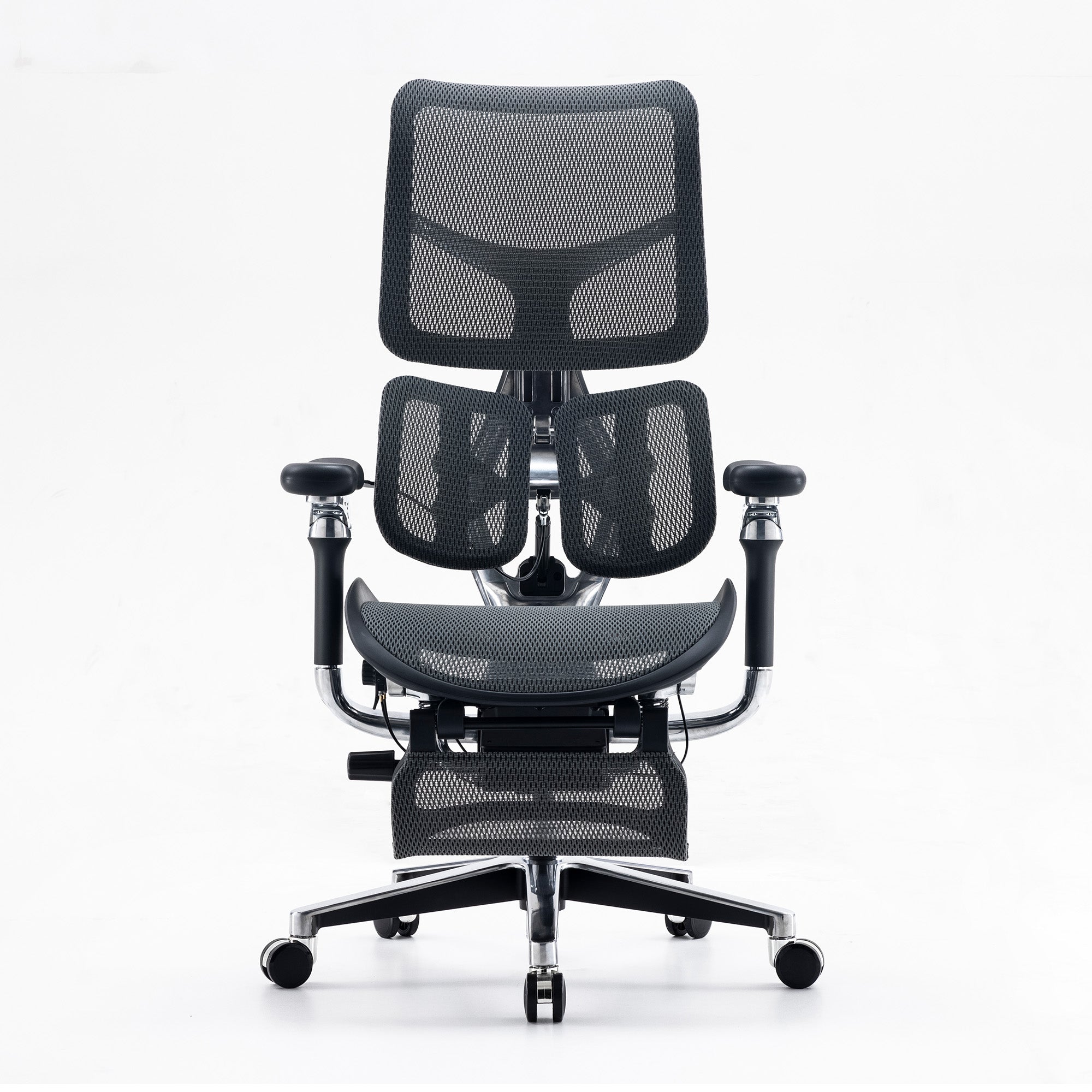
For teams where the primary productivity issue is afternoon fatigue from sustained sitting: An adaptive lumbar system is the relevant specification. The Sihoo Vito M90 at $379 provides continuous lumbar response without requiring manual readjustment. For roles with eight or more daily hours, the Sihoo Doro S300's dynamic lumbar arm tracks spinal movement across the full range of working postures.
For mixed teams where shorter users are not benefiting from standard chairs: Seat depth adjustment is the non-negotiable specification. The Sihoo V1 sliding seat mechanism directly addresses this. Without it, users below 165cm receive no lumbar benefit from any chair in the standard range regardless of how well it is otherwise specified.
For standard roles where the primary upgrade is from no adjustable lumbar to a properly adjusted one: The Sihoo M57 at $329 covers the fundamentals for four to six hour daily use. Full mesh, adjustable lumbar, 3D armrests, height adjustment. Combined with a correct setup session, this is the configuration the research shows produces outcomes.
For hot-desk environments where the implementation challenge is adjustment consistency: The Sihoo Doro C500's wide adjustment range and adaptive lumbar reduce the dependency on individual users completing the adjustment protocol correctly every session.
For organisations approaching this as a structured team-level investment rather than individual chair replacement, how to build an ergonomic office setup for teams covers the three-phase implementation framework that produces sustained results.
Volume Upgrades and Commercial Ordering
When the Business Case Is Ready
If the cost model and the implementation framework in this guide have produced a clear business case internally, the next step is building the order. For organisations sourcing wholesale office chairs across a team or full office, Sihoo Australia's commercial programme supports volume orders with bulk pricing, mixed-model specification, and delivery coordination. For businesses purchasing before June 30 2026, the $20,000 instant asset write-off is confirmed as law, and every Sihoo model falls below the per-asset threshold. Contact support@sihoo.com.au or 1300 002 580.
Conclusion
The question of what happens to productivity when you upgrade office chairs does not have one answer.
If you upgrade the chairs, assemble them, and leave them at factory defaults, the answer is almost nothing. If you upgrade the chairs, adjust every one correctly for the person using it, reposition the monitors, and build a workstation setup into your onboarding process, the research supports measurable reductions in presenteeism, reduced WHS claim risk, and a compound improvement in afternoon cognitive output over the 4 to 12 weeks that follow.
The chairs are not the variable. The implementation is the variable. This is the finding most organisations miss because it is easier to evaluate a chair purchase than it is to evaluate whether the purchase was implemented correctly. The chair can be pointed to on an invoice. The adjustment session that should have happened on delivery day is invisible once the moment has passed.
The organisations that consistently report meaningful outcomes from ergonomic upgrades are the ones that treat the chair as the input to a process rather than the process itself. They assess before they purchase. They adjust on delivery day. They check again after six months. They integrate the workstation setup into how new people join the team. The chair they bought may be the same model as the one that produced no result somewhere else. The implementation is what made it different.
Browse the full range of best ergonomic office chairs in Australia and match the specification to the implementation plan, not the other way around.
Better Comfort Starts Now.
Sources Referenced
- Pereira M et al. (2019): The impact of workplace ergonomics and neck-specific exercise versus ergonomics and health promotion interventions on office worker productivity. Scandinavian Journal of Work, Environment and Health, 45(1): 42-52. DOI: 10.5271/sjweh.3760. Brisbane cluster RCT, 763 workers, 14 organisations, NHMRC-funded.
- Amiri B, Behm DG, Zemkova E (2025): Core Exercises in Alleviating Muscular Fatigue from Prolonged Sitting. Sports Medicine Open, February 2025. DOI: 10.1186/s40798-025-00816-x. Deep trunk muscle fatigue onset 15 to 25 minutes unsupported sitting.
- Scientific Reports (2024): Unraveling the interplay between mental workload, occupational fatigue, physiological responses and cognitive performance in office workers. nature.com/articles/s41598-024-68889-4
- Yu S. & Glozier N. (2017): Mentally Healthy Workplaces in NSW: A Return on Investment Study. SafeWork NSW. Presenteeism $1,680 per employee per year; absenteeism $825 per employee per year.
- SIRA / SafeWork NSW: $64,759 average cost per serious MSD claim; 20 weeks average time lost; five-year average 2018-19 to 2022-23.
- Safe Work Australia, Key WHS Statistics 2025: 146,700 serious claims 2023-24p; 34.5% body stressing. data.safeworkaustralia.gov.au
- Washington State Department of Labor and Industries (2000): Ergonomics Standard Cost-Benefit Analysis. Benefit-cost ratio 4.24. Note: underlying rule repealed by initiative in 2003.
- PMC (2018): Short-term musculoskeletal and cognitive effects of prolonged sitting during office computer work. pmc.ncbi.nlm.nih.gov/articles/PMC6122014
- Cornell University Ergonomics Web: seat depth adjustment 14 to 18.5 inches for adjustable seats. ergo.human.cornell.edu
- ABS National Health Survey 2011-12: average Australian male 175.6cm, female 161.8cm.
Frequently Asked Questions
Use cost avoidance language rather than productivity improvement language. The $64,759 average serious MSD claim cost in NSW, the $1,680 per employee per year presenteeism cost from SafeWork NSW, and the Washington State 4.24 benefit-cost ratio for ergonomic interventions are all sourced from government and peer-reviewed data. The claim is not that better chairs make people work harder. It is that incorrectly configured workstations are generating physical fatigue that costs $1,680 per person per year in reduced output, and that a chair upgrade with correct implementation reduces that cost. The full data-backed case, with all calculations shown, is in the real cost of a bad office chair for Australian businesses.
It depends on the height distribution of your team. For a team where everyone falls between 165cm and 185cm and daily seated hours are consistent, a single well-specified model covers the team adequately. For teams with any users below 165cm, seat depth adjustment is a non-negotiable feature and requires a model with a sliding seat mechanism. For teams with users above 185cm, backrest height coverage becomes important and the Doro C300 or Doro S300 is the appropriate specification. The full decision framework, including a specification matching table based on height bands and daily hours, is in the guide to choosing ergonomic chairs for teams with different body types.
Baseline measurement before the upgrade matters more than most organisations realise, because without it the improvement is invisible. The most practical metrics are: self-reported end-of-day fatigue levels (a simple five-point scale, filled in anonymously at the end of each Friday), afternoon task completion rates if your team uses project management software that captures output timing, and sick leave and WHS incident records. Run the baseline for four weeks before the chairs arrive. Measure the same metrics for twelve weeks after. The SafeWork NSW presenteeism methodology, using the Health and Work Performance Questionnaire, is the most rigorous approach if you want a properly validated metric rather than a proxy measure.
Almost certainly the implementation. Two questions diagnose this precisely. First, was there a setup session on delivery day where someone walked each employee through the five key adjustments while they were sitting in their specific chair? Not an email. Not an instruction card. A person, at each workstation, in sequence. Second, were the monitors checked and repositioned at the same time? If the answer to either question is no, the chairs were purchased but the ergonomic intervention was not implemented. The research that shows productivity improvements from ergonomic upgrades assumes the upgrade includes the workstation assessment and adjustment process. Without it, the chairs are furniture.
Reposition your monitor. If the top of the screen is above your eye level when you are seated correctly, you are loading your neck and upper back from the first minute of every screen session. Move the screen down or raise your chair until the top of the monitor is at or below eye level. This costs nothing, takes five minutes, and removes the second-largest source of physical fatigue in a standard office setup. The first largest, the lumbar support, takes ten minutes to adjust on your existing chair and also costs nothing. Do both before buying anything.
The same model can feel very different to two people if it has not been adjusted for each person individually. Start with the seat depth. If you sit all the way back and the front edge presses into the back of your legs before your back reaches the backrest, the seat is too deep for your leg length. This is the most common reason shorter employees get no benefit from a chair that works well for taller colleagues. If the chair has seat depth adjustment, use it. If it does not, bring this to your manager's attention as a WHS issue. A chair that cannot be configured to allow you to use the backrest is not providing lumbar support regardless of its other specifications.
Most people notice the reduction in end-of-day physical fatigue within the first three to five days. The absence of the neck tension or lower back stiffness that was previously normal becomes noticeable once it is gone. Cognitive productivity improvement, specifically better concentration in the afternoon and less effort required to maintain focus on complex tasks, is typically noticeable within two to four weeks. The more dramatic the previous setup was wrong, the more noticeable the change. If you have been sitting in a chair with no lumbar contact for two years, the first week in a correctly adjusted chair with proper lumbar support feels categorically different.
Probably not with the chair. The most common reason a new ergonomic chair does not resolve back pain quickly is that it was never adjusted for the individual user. Check four things in order. Is the seat at a height where your feet are flat on the floor and your knees are at 90 degrees? When you sit all the way back, is the lumbar support in contact with the inward curve of your lower back specifically, not the mid or upper back? Are the armrests low enough that your shoulders are completely relaxed? Is the seat depth short enough that there are two to three finger-widths of clearance between the front edge and the back of your knees? If any of these are wrong and the chair is capable of adjustment, the answer is in the setup, not the model.
Shop products from this article


Recommended Posts


