
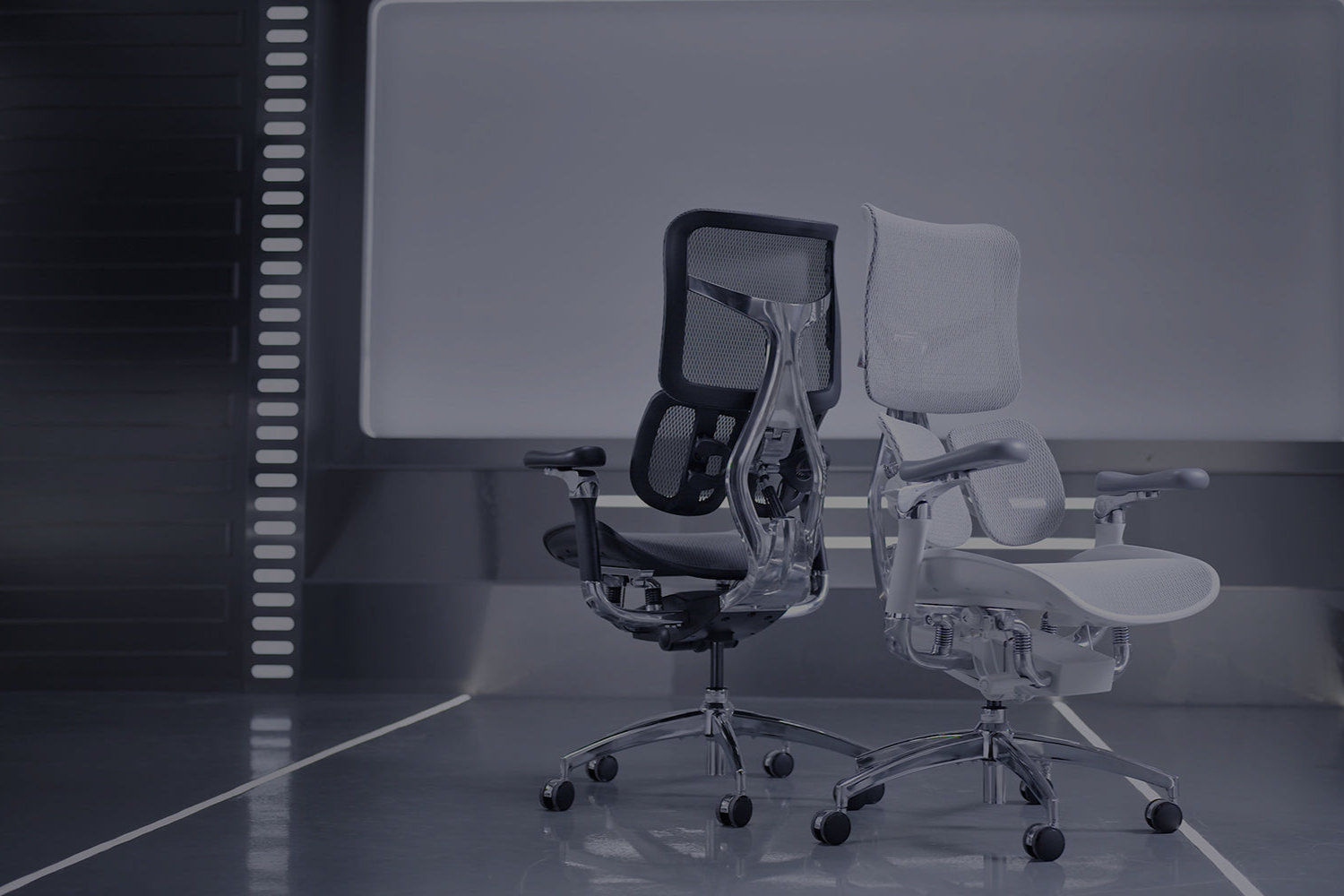

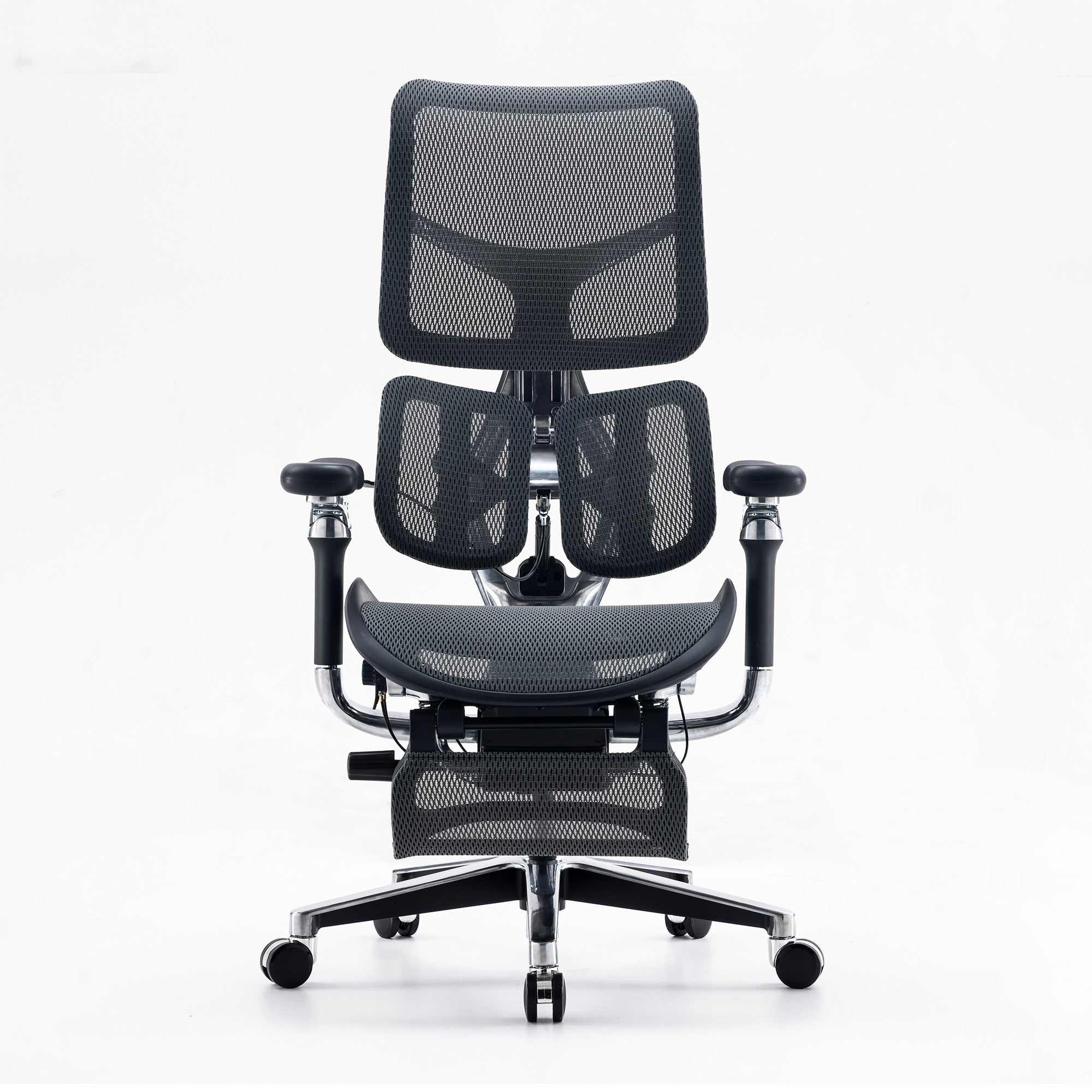
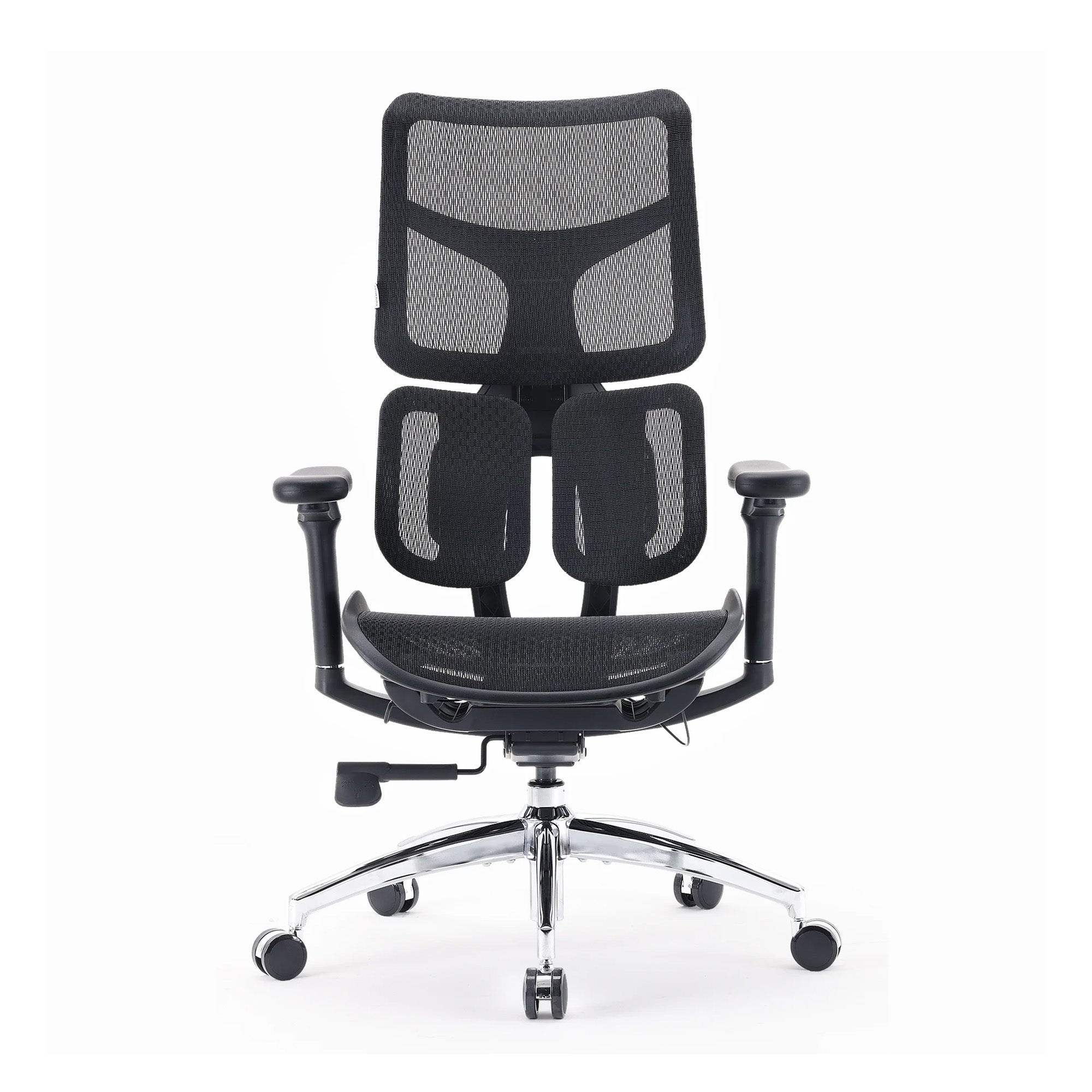
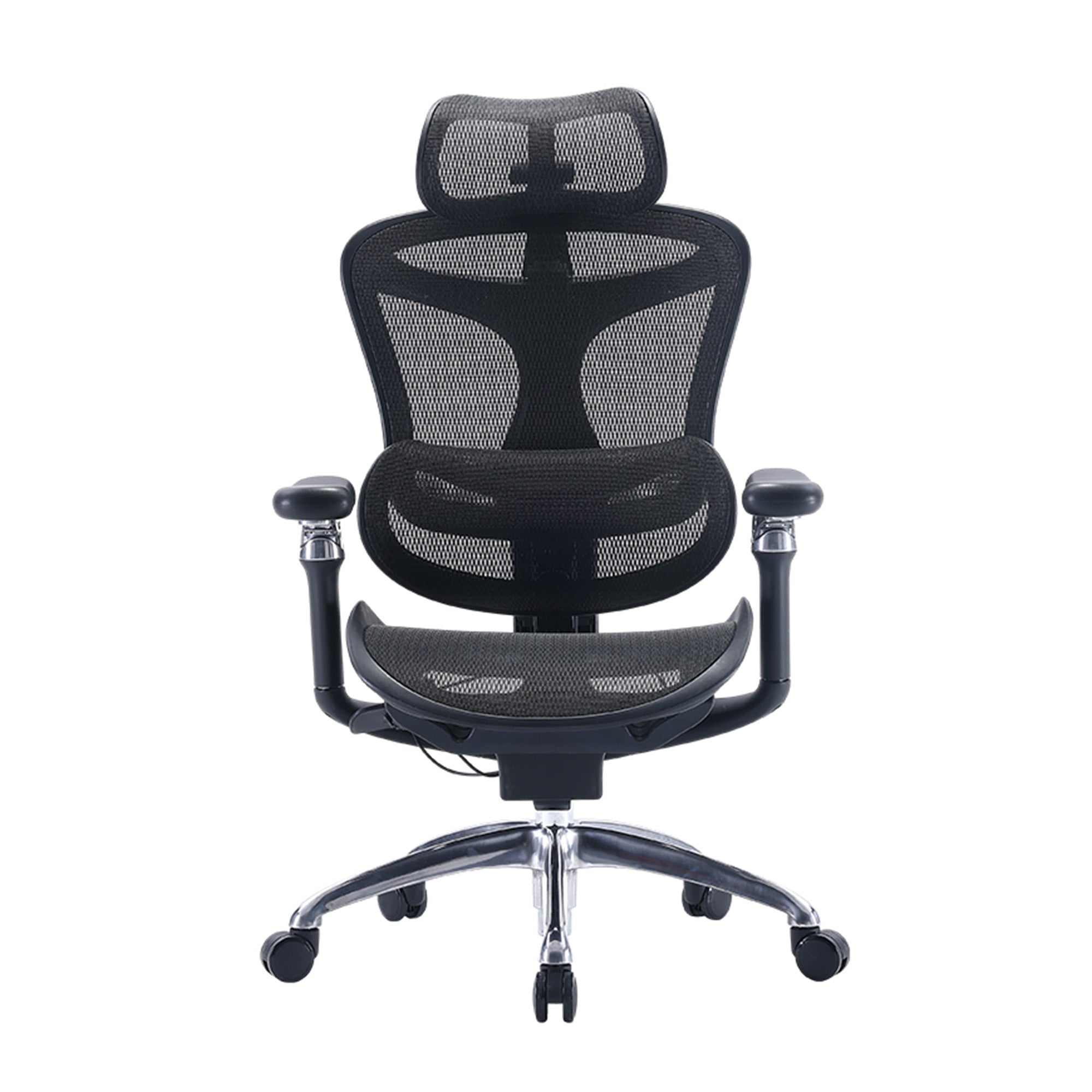
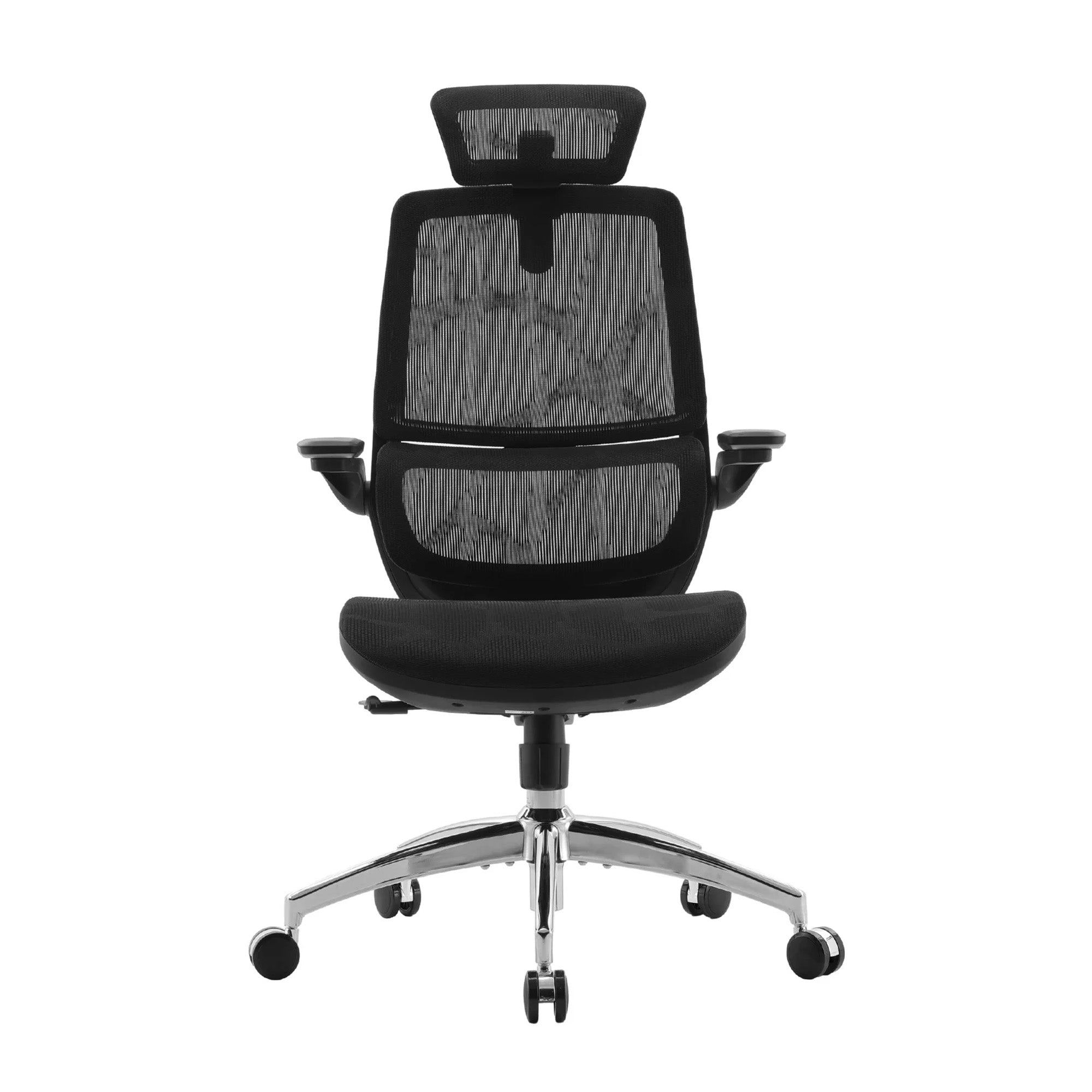
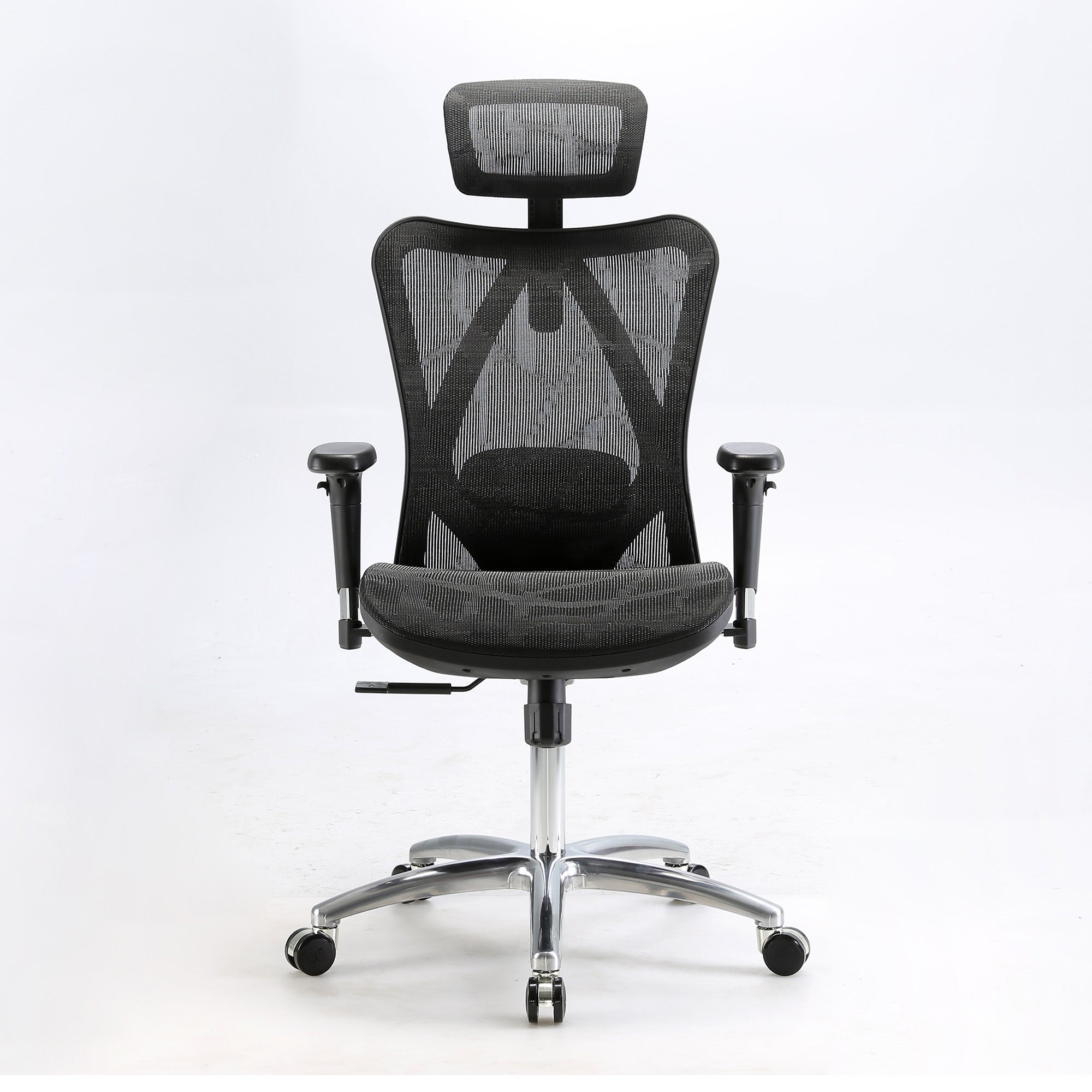
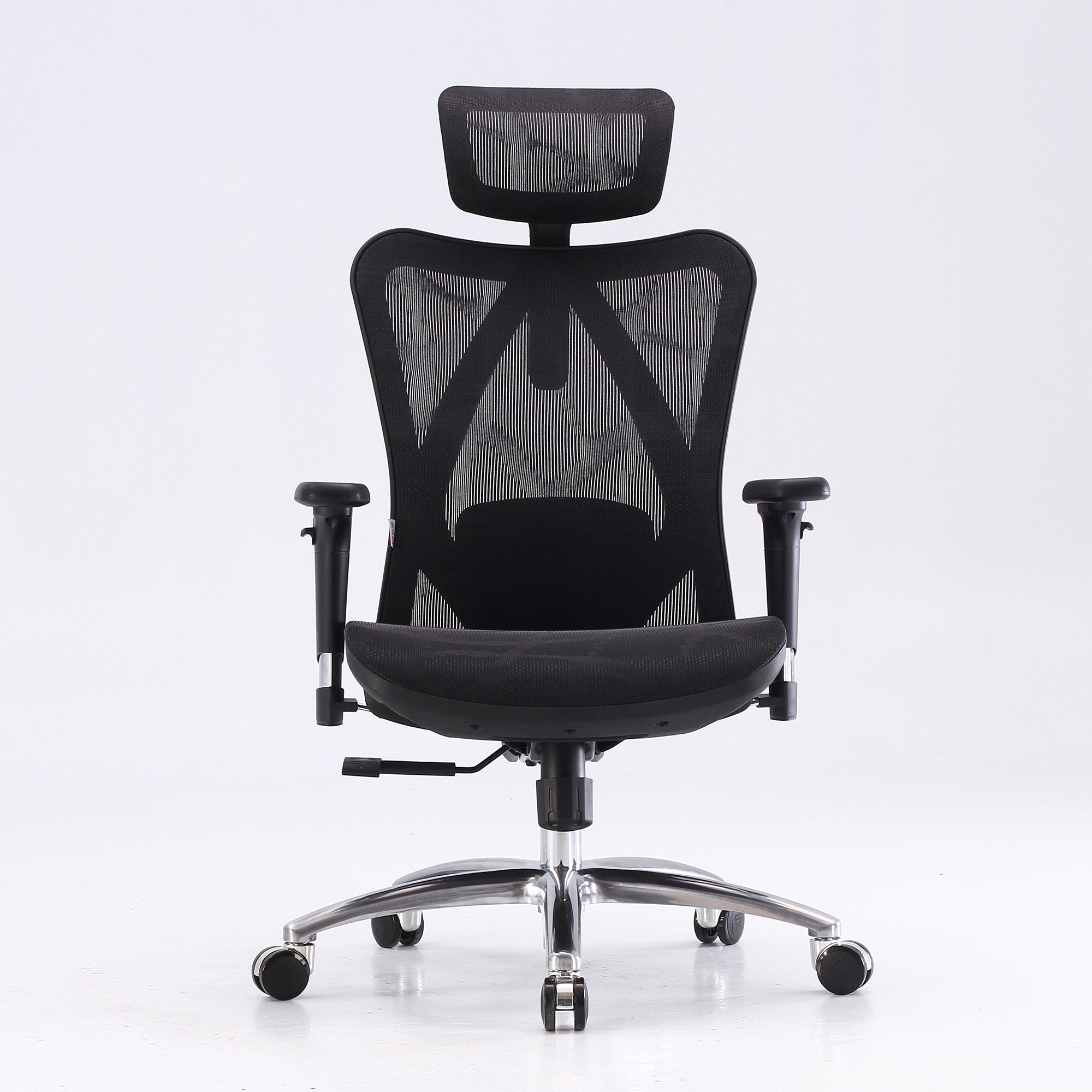
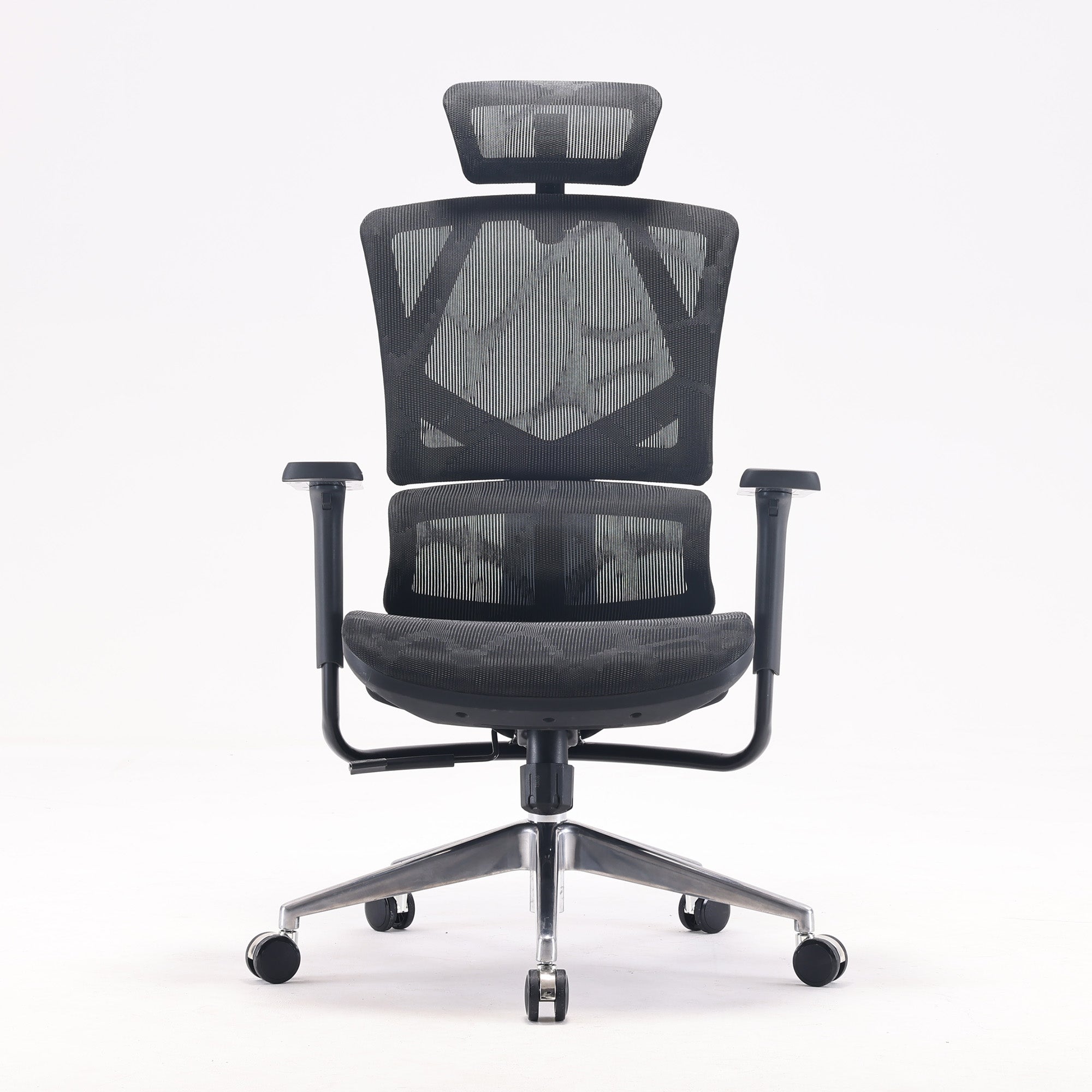
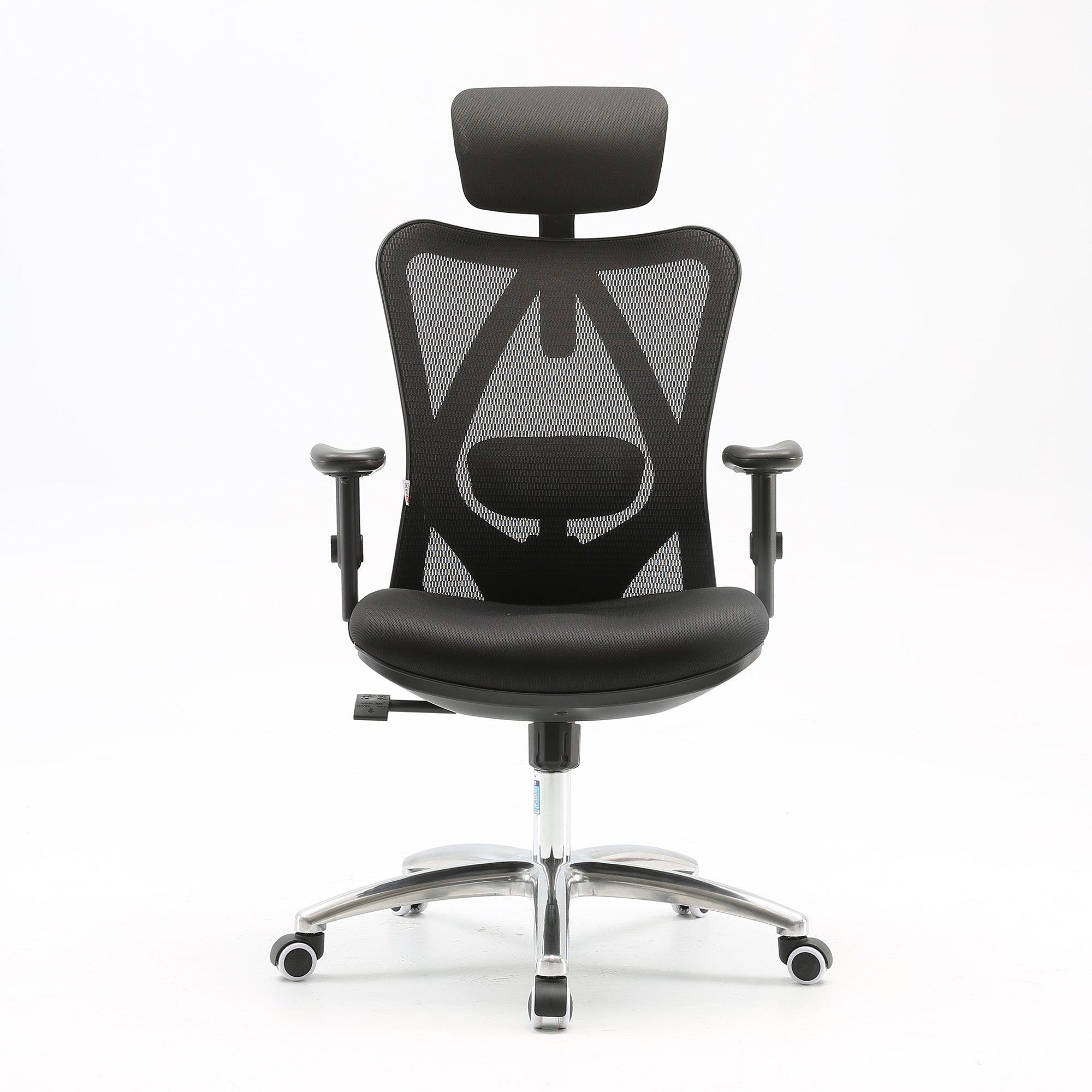
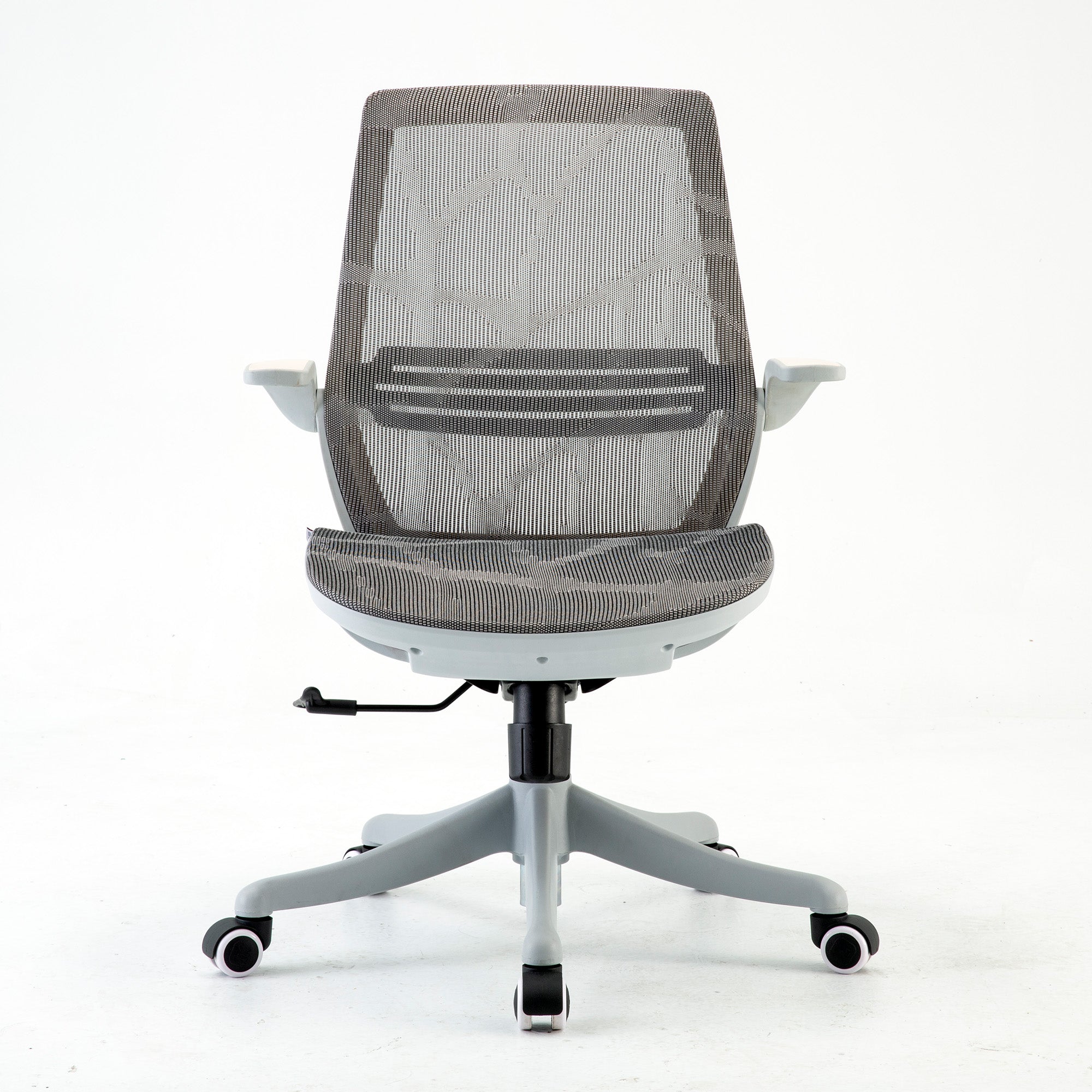
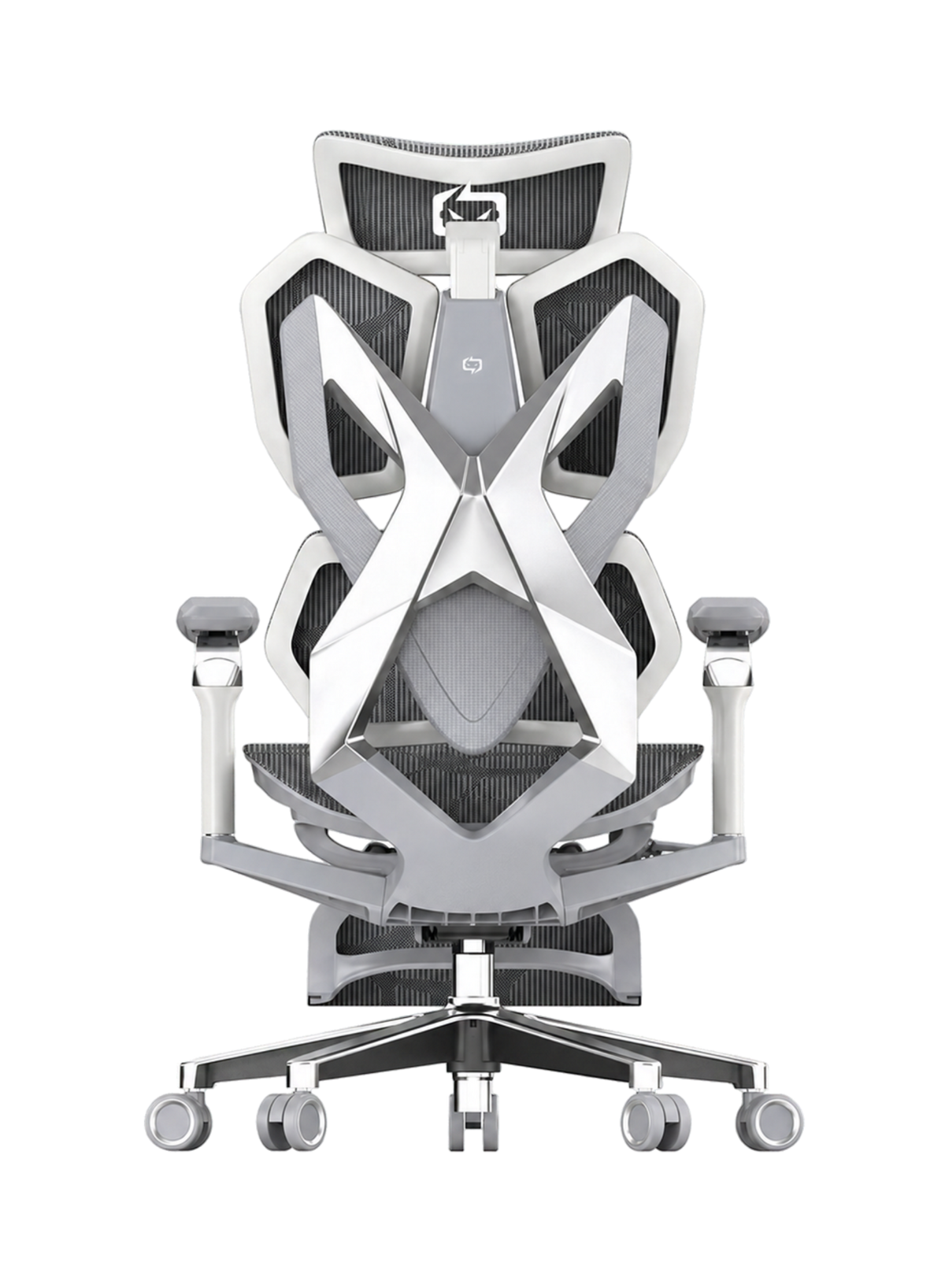
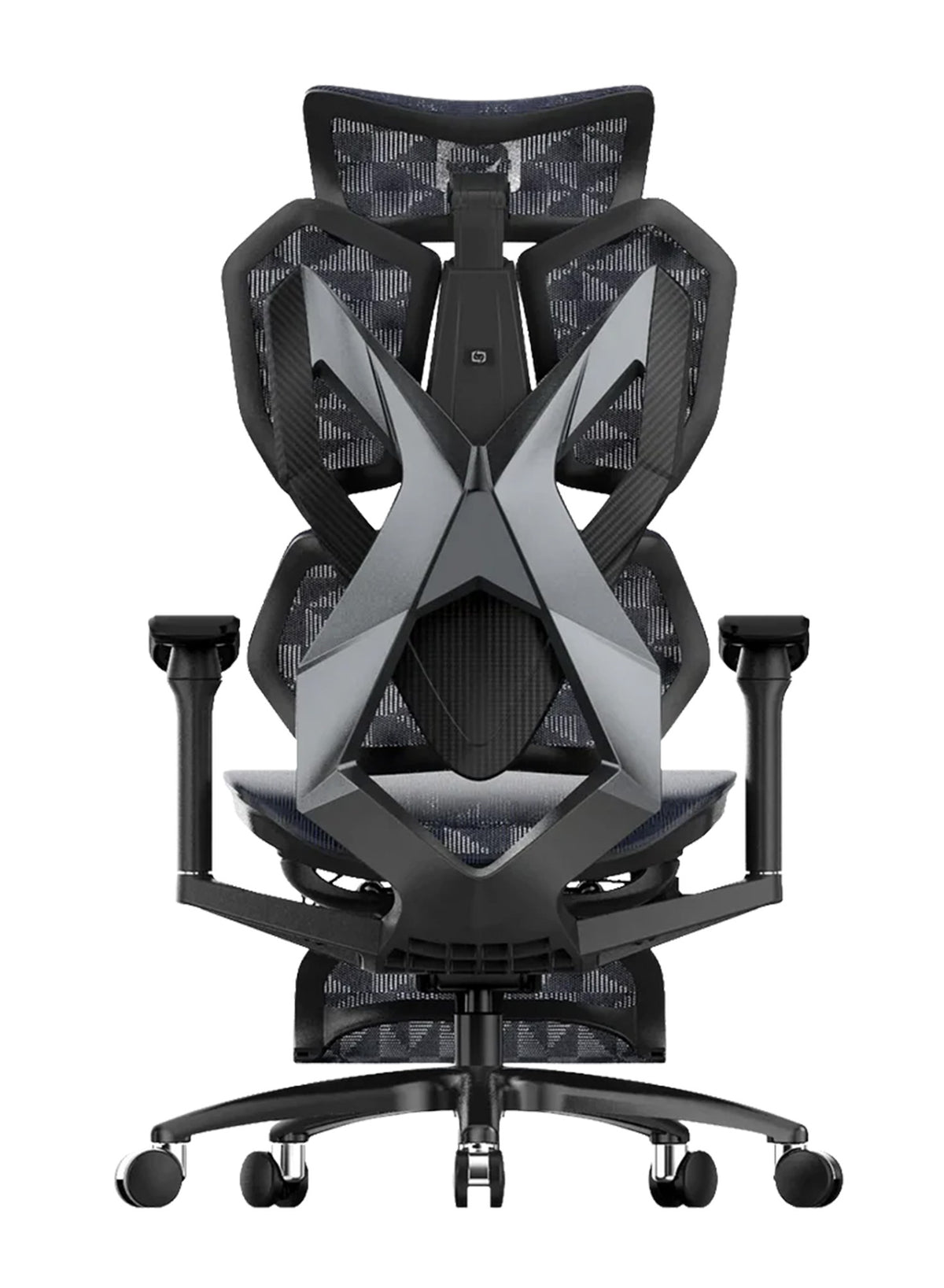

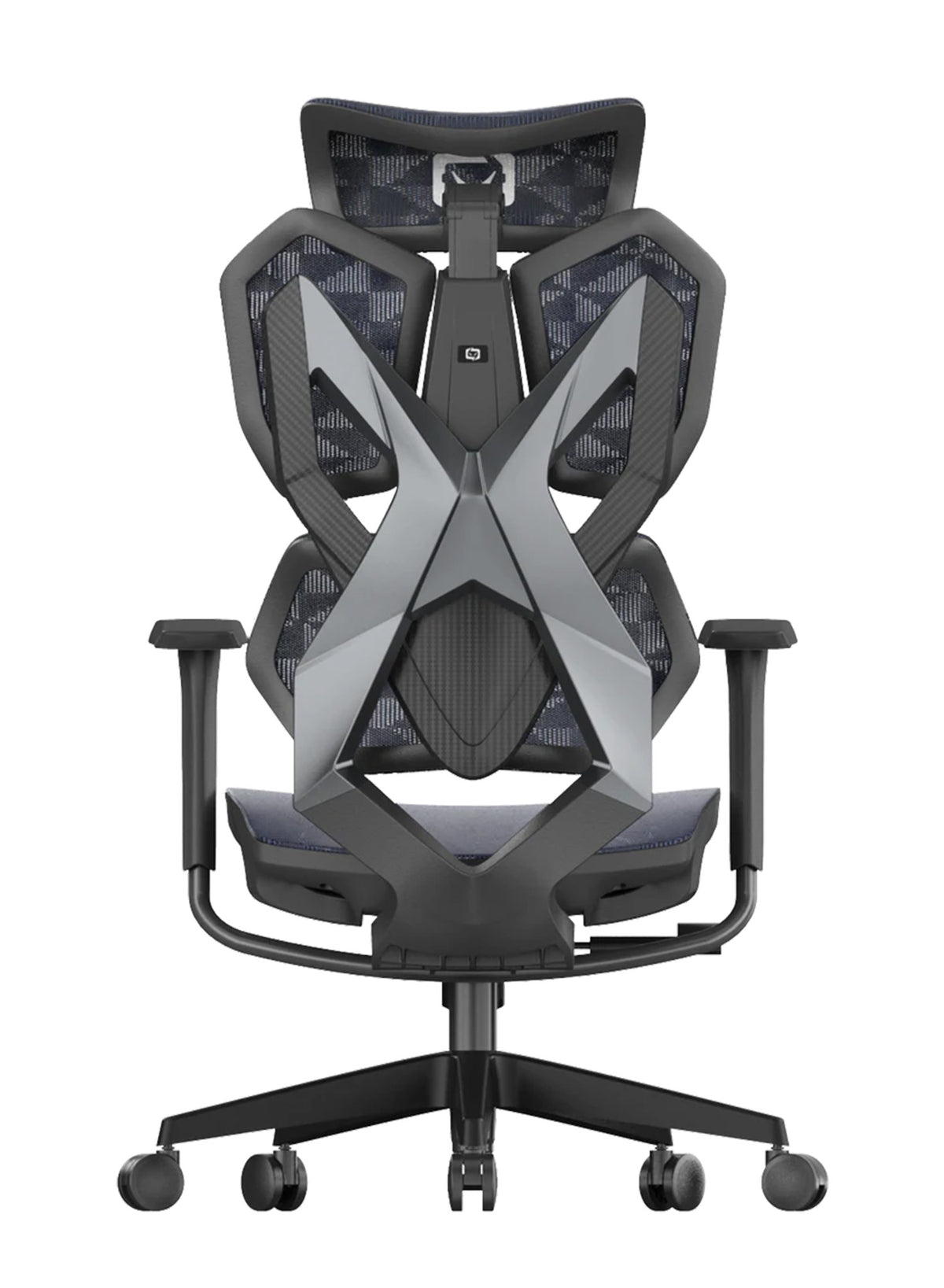

Armrests are not equal.
A buyer in Perth has two chairs open in two tabs. One says 4D armrests and the other says 8D. Her desk is a standard height and her forearms are short, so she wonders whether eight must beat four.
This guide is for anyone choosing among Ergonomic Desk Chairs for Home and Office in Australia who wants a clear answer. A good ergonomic office chair lets your arms rest without lifting your shoulders. How many "D"s it claims is only part of that story.
We checked the armrest details of every Sihoo chair on 9 October 2026, then rechecked prices, stock and ratings on 2 November 2026. Prices and stock change often, so check before you buy.
Quick answer: A higher D-count means more ways to move the pad, not better support. Pick the armrest that fits your desk first, then count the adjustments. For most desks, 3D or 4D is enough. Choose more only if several people share the chair or you change tasks often.
What a D-Count Does and Does Not Tell You
The letter D is usually read as "dimension" or "direction". Brands count them in different ways, and we did not find a standard that defines the term. That is our reading of a search of the sources we could access, so treat it as a caution and not a proof.
Why one brand's 4D is another brand's 6D
One chair may count "up and down" as one adjustment. Another may count height, tilt and slide as three separate ones. Neither is wrong, because no rule says how to count. So you cannot compare a Sihoo 4D with another brand's 4D without looking at what actually moves.

We have the same problem on our own site. Some of it count only the movements you can name. Others use the label first and describe the movements loosely. The table below shows where we are clear and where we are not.
What the label can and cannot tell you
A D-count tells you how many types of adjustment the brand claims, and nothing more. It does not tell you how far the pad moves, how firmly it stays put, or whether the chair slides under your desk with the pads at your elbow height.
Two chairs with the same count can feel very different. In an office this matters, because a buying list that says "must have 4D armrests" may rule out a chair that suits the staff better.
Every Sihoo Armrest Type at a Glance
The table shows our armrest wording as of 9 October 2026, with prices rechecked on 2 November 2026. Where our wording contradicts itself, we say so. We left out the separate footrest versions of the M57, M57 Pro and Vito M90, so the table covers the base chairs.
| Model | Price | Armrest wording | What moves |
|---|---|---|---|
| Doro C100 | $459 | 4D coordinated (one line says "six directions") | Up and down, forward and back, rotate in and out, pivot up to 75 degrees, moves with the backrest |
| Doro C300 Pro | $747 | 6D in specs; our comparison table says 4D for this chair and 8D for the V2 | Height, angle, forward, backward, rotational (five named) |
| Doro C300 Pro V2 | $851 standard; $871 footrest | 8D Bionic | "Multiple directions"; the eight are not listed |
| Doro C500 | $1,199 | 6D Bionic Joint | "Six directions"; not all named |
| Doro S100 | $499 | 4D coordinated (one line says "4-way") | Up and down 2.76 in, forward and back 1.18 in, side to side, rotate 72 degrees, tilt linkage |
| Doro S300 | $949 | 6D | "Six different directions"; not all named |
| V1 | From $529 | 4D | Height, depth, width, pivot, with 360 degree rotating pads |
| M16 | $299 | Fixed (alt text says "adjustable") | None: fixed, curved, set at standard desk elbow height |
| M18 | $279 | 2D (FAQ only) | Height and depth |
| M18 Pro | From $369 | 4D linked | Linked to the backrest; no movements listed |
| M57 | From $329 | 3D | Up, down, forward, rotate |
| M57 Pro | From $399 | 4D linkage (meta description and image) | Not listed |
| M59 | $279 | Flip-up (no D count on our M59) | Flips up 90 degrees to clear a desk |
| M59AS | $349 | 3D coordinated flip-up | Up and down, left and right, forward and back, flips up |
| M76 | $179 | Flip-up only | Lifts 90 degrees; no other adjustment described |
| Vito M90 | From $339 | 3D linked | Moves with the reclining backrest |
We left out the M56 to keep the table focused on the chairs we compared in detail. Also, the M18's "2D" and the M18 Pro's "4D" appear in FAQ text and not in the main feature list.
Where Our Labels Are Mixed
For the C100, we use "4D" and "4-Direction" in most places, then say "six directions" once. Our C300 Pro says 6D in its specifications, but our comparison table calls the C300 Pro 4D (the 8D label there belongs to the V2).

For the S100, we say 4D in most places and "4-way" in one, and we list more movements than four. These labels need tidying. For now, trust the movements we name over the number in the label.
What the numbers mean in plain terms
Even the movements are not equal, because "height" decides whether your forearm touches the pad at all. "Forward and back" and "rotate in and out" shape reach, while "pivot" suits mouse work and phone use.
Extra movements past those are comfort options, not need-to-haves, and in our view a 3D pad that moves up, forward and in can fit most desks.
What Evidence Says About Arm Support and Shoulder Load
This section tells you what research shows and what it does not. No study we found compares 4D with 8D armrests.
Forearm support lowered shoulder muscle activity in a lab
Onyebeke, Young, Trudeau and Dennerlein tested 16 adults (eight men and eight women) doing computer mouse tasks under six arm support conditions. The study appeared in Applied Ergonomics, first online in 2013 and in print in 2014.
Forearm support was linked with less shoulder muscle activity than no support. The abstract also reports that forearm supports reduced shoulder flexion torque by 90% compared with no support. We read the abstract and a summary only, so we cannot explain how that figure was worked out.
Why the Lab Result Has Limits
Those were short lab tasks with a small group of healthy volunteers. The findings may not carry over to a full work day, and the supports were not office chair armrests.
A second small study points the same way
Speklé, van der Doelen and van Dieën studied 20 people doing a three-minute typing and mouse task. Surface electrodes recorded nine upper neck and shoulder muscles.
In their abstract, arm support in general, and table support in particular, went with "lower and more dynamic" muscle activity. The chair and table supports were compared with no support. This was a two-page conference paper from 2019, and we read only the abstract, so we cannot say which muscles changed most.
What the guidance says about setting armrests
The United States Occupational Safety and Health Administration says to set adjustable armrests so they support your lower arm and let your upper arm stay close to your body. It adds that if armrests cannot be adjusted properly, or if they get in the way, you should remove them or stop using them.
WorkSafe Queensland says your elbows should be level with the desk surface. It adds that if armrests stop you getting close enough to the desk, you should remove them.
What this means for the D-count
The evidence supports arm support that fits your desk and your elbows. It does not support a rule that more D means less strain.
The value of any armrest is whether it sits where your forearm lands when you type. For teams, that is a job for a quick check at each desk, not a line in a purchase order.
Desk Height and Keyboard Trays Decide Which Armrest Works
Armrests can clash with the desk edge, which is easy to miss in a showroom. A buyer in Brisbane raises her chair to match her desk and finds the pads hit the underside, so she stops pulling in, reaches forward and shrugs her shoulders up.
Three desk problems armrests cause
Armrests can be too high to slide under the desk, or too wide to fit between a keyboard tray and a desk frame. They can also be too loose, so they swing out when you pull in and catch your sleeve. The first two are about size, but the third is about how firmly the pad holds its position.

How to test your own desk
- Sit in the chair at your usual height.
- Set your elbows level with the desk, in line with the guidance above.
- Slide the chair in as far as you work.
- If the pads stop you, lower or move them.
- If they still stop you, you need a flip-up pad or a removable one.
Why we cannot give you a number
We do not list the lowest armrest height in centimetres, so we cannot tell you which model clears a given desk. We can tell you which chairs have flip-up armrests.
The M59 and M76 armrests lift 90 degrees, and we call the M59AS armrests flip-up without giving an angle. For the M59, we say this clears a desk. For the M76, we say it helps when you tuck the chair beneath a compatible desk, and we do not say which desks.
How Workplaces Should Test Desks
For a workplace with fixed-height desks, test one chair at the lowest and highest desk before ordering. Our wholesale office chairs covers larger orders.
Some Buyers Find Armrests Too Loose
More movements can mean more looseness, and buyers made the same complaint.
What buyers say about the Doro armrests
On our C100, a reviewer in October 2025 said the armrests flick left and right at a bump and wished they could lock. On our S300, one reviewer said they knock the pads out of place when they swivel.
Another in 2025 said the pads move a little too easily. A V2 reviewer who gave the chair 4 out of 5 said the arms move too easily. Not every review is negative, since another V2 reviewer praised the armrests.
What the press reviews say about the V2
T3 reviewed the V2 on 20 May 2026. Bethan Morgan listed "almost too many arm adjustments" as the chair's con.
She said the arms moved easily and sometimes shifted with a knock or when she moved the chair. She added that the arms felt close together in the neutral position.
TechRadar reviewed it on 26 May 2026. Collin Probst listed "almost too adjustable" as a con.
How to read this fairly
These are a few opinions among many buyers. The C100 has 125 reviews, the S300 has 82 and the V2 has 22, so a handful of complaints is not a verdict. Still, the pattern is clear enough to test.
A loose pad is a nuisance when you share a chair and a gain when you change tasks. If you like to set arms once and forget, look for fewer adjustments.
The Armrest Decision Table by Situation
A chair that suits one desk can annoy at another. This table starts with the situation, then names the Sihoo model we would shortlist and why. Specs are as of 9 October 2026, and prices, stock and ratings were rechecked on 2 November 2026.
| Situation | What to look for | Sihoo picks | Watch out for |
|---|---|---|---|
| Low desk or tight under-desk space | Flip-up pads | M59AS ($349), M59 ($279) | M59AS has 5 reviews at 4.0 out of 5. M59 states 150 to 180 cm and 3 years |
| Shared or hot-desk chair | Fewer moving parts, pads that follow the recline | Vito M90 (3D linked, $339 from), M57 (3D) | M90 states 165 to 188 cm |
| 6 to 8 hours a day | Several movements and a strong cushion | Doro C300 Pro ($747), M57 Pro ($399) | C300 Pro armrest wording is inconsistent; one M57 Pro reviewer wished for softer armrests |
| Short arms or smaller frame | Pads that rotate in and adjust width | V1 (4D, width and pivot), C100 (rotates in and out) | C100 has a loose pad complaint, and it shows conflicting height range and warranty figures |
| Tasks that change (typing, reading, gaming) | More movements | Doro V2 (8D, $871 footrest) or Doro C500 (6D, $1,199) | V2 pads move easily per T3; V2 has 22 reviews at 4.0 out of 5 |
| Tight budget, simple setup | Fixed or minimal | M16 ($299, fixed), M76 ($179, flip-up only) | M76 states 130 kg and 150 to 175 cm; M16 cannot be adjusted |
Who should not buy a high D-count chair
If you set your arms once and never touch them, skip the 6D and 8D chairs. You may never use the extra movements, and loose pads can be fiddly.
The M16 suits standard-height desks only, because its armrests are fixed. The M76 suits users up to 130 kg and 175 cm.

Named Sihoo Picks for Each Type of User
Here are the picks, with the main trade-off for each.
The M59AS for low or shared desks
We list 3D coordinated flip-up armrests on the M59AS. It costs $349, and the pads move up and down, left and right and forward and back. It has only 5 reviews, so the sample is small. We do not state a user height range for it.
The Vito M90 for shared chairs
The Vito M90 has 3D armrests linked to the backrest, so they follow you when you recline. It states 165 to 188 cm and 150 kg. With fewer movements, there is less to reset when staff swap chairs. Black starts at $339 and the Grey Frame at $389.
The Doro C300 Pro for long days
For the Doro C300 Pro, we state 150 kg, 150 to 190 cm and a 5 year warranty, and it holds a 4.6 out of 5 rating from 184 reviews. Its armrest wording is mixed (6D in the specifications, 4D in a comparison table), so ask support which D-count applies before you order.
We also list dynamic lumbar support and a linked recline for it, which suit long hours.
The V1 for shorter reach
The V1 has height, depth, width and pivot adjustment, with 360 degree rotating pads, and is rated 4.6 out of 5 from 77 reviews. We state a 136 kg limit and 150 to 190 cm. Check the seat range against your legs first, because a good armrest cannot fix a poor fit.
The V2 and C500 for people who want the most adjustment
If you value many movements, the V2 (8D, 150 kg, 5 years) and the C500 (6D, 4.8 out of 5 from 28 reviews) are the Sihoo options. The V2's standard version showed as sold out on 9 October 2026, and it was available again by 2 November. Both cost more than most M-series chairs, so read the loose pad notes above first.
Conclusion
The Short Answer on D-Counts
A higher D-count means more adjustments, not better support. For most desks, a 3D or 4D armrest that sits at your elbow height is enough, and the evidence we read backs forearm support, not a number of directions.
Next Steps Before You Buy
Measure your desk, test the pads at your usual height, and treat any product listing that contradicts itself with care, ours included.
If you want to compare the whole range, browse the best ergonomic office chairs in Australia before you choose.
Our guide to correct sitting posture shows how to set your armrests once you own the chair. Our guide on how to measure an office chair helps you check the fit before you buy. Finally, the budget guide covers other price tiers.
Sources Referenced
- Sihoo Australia, product pages for the Sihoo chair range (Doro C100, C300 Pro, C300 Pro V2, C500, S100, S300, V1, M16, M18, M18 Pro, M57, M57 Pro, M59, M59AS, M76 and Vito M90), checked 9 October 2026, with prices and ratings rechecked 2 November 2026.
- Onyebeke LC, Young JG, Trudeau MB, Dennerlein JT. Effects of forearm and palm supports on the upper extremity during computer mouse use. Applied Ergonomics, 2014;45(3):564 to 570 (abstract and summary only).
- Speklé EM, van der Doelen BHM, van Dieën JH. The effects of chair inclination, arm support and touch-typing on shoulder and arm muscle activity in computer work. Proceedings of the 20th Congress of the International Ergonomics Association (IEA 2018), Volume III, Springer, 2019, pp. 303 to 304 (abstract only).
- Occupational Safety and Health Administration, eTools: Computer Workstations, Workstation Components, Chairs, osha.gov.
- WorkSafe Queensland, Selecting and adjusting your chair, worksafe.qld.gov.au (page shows a 20 January 2022 publication date).
- Morgan, B., Sihoo C300 Pro V2 office chair review, T3, 20 May 2026.
- Probst, C., Sihoo Doro C300 Pro V2 review, TechRadar, 26 May 2026.
- Sihoo Australia blog: Correct Sitting Posture for Ergonomic Office Chairs; Best Ergonomic Chair in Australia 2026: Matched to Your Use Case; Best Sihoo Ergonomic Chairs in Australia by Budget.
Frequently Asked Questions
No. It means the brand counts more adjustments. Fit to your desk and elbows matters more than the number.
On 9 October 2026, only the Doro C300 Pro V2 had 8D Bionic armrests. Our C300 Pro page shows the 8D label only in the V2 column of a comparison table.
The M59 and M76 armrests lift 90 degrees, and we describe the M59AS armrests as flip-up.
Guidance from OSHA says to remove armrests or stop using them that cannot be set properly or that get in the way. Check the assembly steps for your model, and ask support before changing a chair under warranty.
No. Two small lab studies found less shoulder muscle activity with arm support. The studies did not use chair armrests or enrol people with neck or shoulder pain. See a health professional if pain continues.
Pads that follow the recline and have fewer movements are easier to reset, and the Vito M90 and M57 are both 3D. Test with your shortest and tallest staff.
Order one chair per model. Ask staff to sit at their usual desk height, set their elbows level with the desk and slide in fully. Then record which pads clear the desk and which swing out.
They can. Reviews on three of our Doro pages mention pads that move easily. Ask staff after a week whether they keep readjusting.
Shop products from this article


SIHOO’s Black Friday Sale is ON! Save up to 49% + EXTRA $50 off qualifying chairs over $700. Add an M18 or M57 to a qualifying Doro chair purchase for $15 less! Shop now. Pay in 4 with Afterpay.
SHOP NOWRecommended Posts


Sihoo M18 Pro vs M18: Is the $90 Upgrade Worth It?
Nov 16, 2026
