


It’s funny how we treat our bodies like a collection of isolated Lego bricks. When your eyes start screaming—you know that gritty, "I’ve been staring at a radiator" feeling or that low-grade thrumming in your temples—the first thing you do is mess with the monitor. You dim the lights, maybe you toss on those blue-light glasses that make everything look like a sepia-toned indie flick, or you try that 20-20-20 rule everyone talks about.
But here’s the thing: your eyes aren't just floating in a vacuum. They’re hooked up to everything else. Believe it or not, the way your heels are digging into the carpet or the funky tilt of your hips might be the real reason you can't focus on that spreadsheet. If you’re struggling with screen fatigue working from home, it’s time to stop looking at the glass and start looking at your office chairs.
The Whole "Knit-Together" Body Thing
We’ve got to talk about biotensegrity. It’s a fancy-pants word, but basically, it means your muscles and connective tissue (fascia) are like a giant, high-tension spider web. Pull one string in your basement, and the attic shakes.
When your lower half is a mess, your pelvis starts to tip over like a bowl of cereal. To keep you from literally face-planting onto your desk, your spine does this frantic S-curve dance. Your shoulders slump, your chin pokes out—the classic "Tech Neck" look—and suddenly, the tiny muscles at the base of your skull are screaming for mercy.
Now, here is the kicker: those neck muscles are neurologically "besties" with the muscles that move your eyeballs. If your neck is locked up because your legs are dangling or crossed, your eyes can’t track smoothly. It’s a feedback loop from hell. This is why high-quality ergonomic office chairs are designed to support more than just your back; they support your neurological flow.
Your Pelvis is the Boss of Your Vision
Think of your pelvis as the anchor. If you’re sitting back on your tailbone (the "slump") instead of those bony "sit-bones," your lower back goes flat as a pancake. This is where most cheap office chairs fail us.
-
The Chain Reaction: Your chest caves in, and your eyes naturally want to look at your lap.
-
The Visual Tax: To actually see your screen, you have to crane your neck up. This "craning" pinches nerves and forces your eyes to work double-time just to keep a single image from splitting in two. It's no wonder you've got a headache by 2:00 PM.
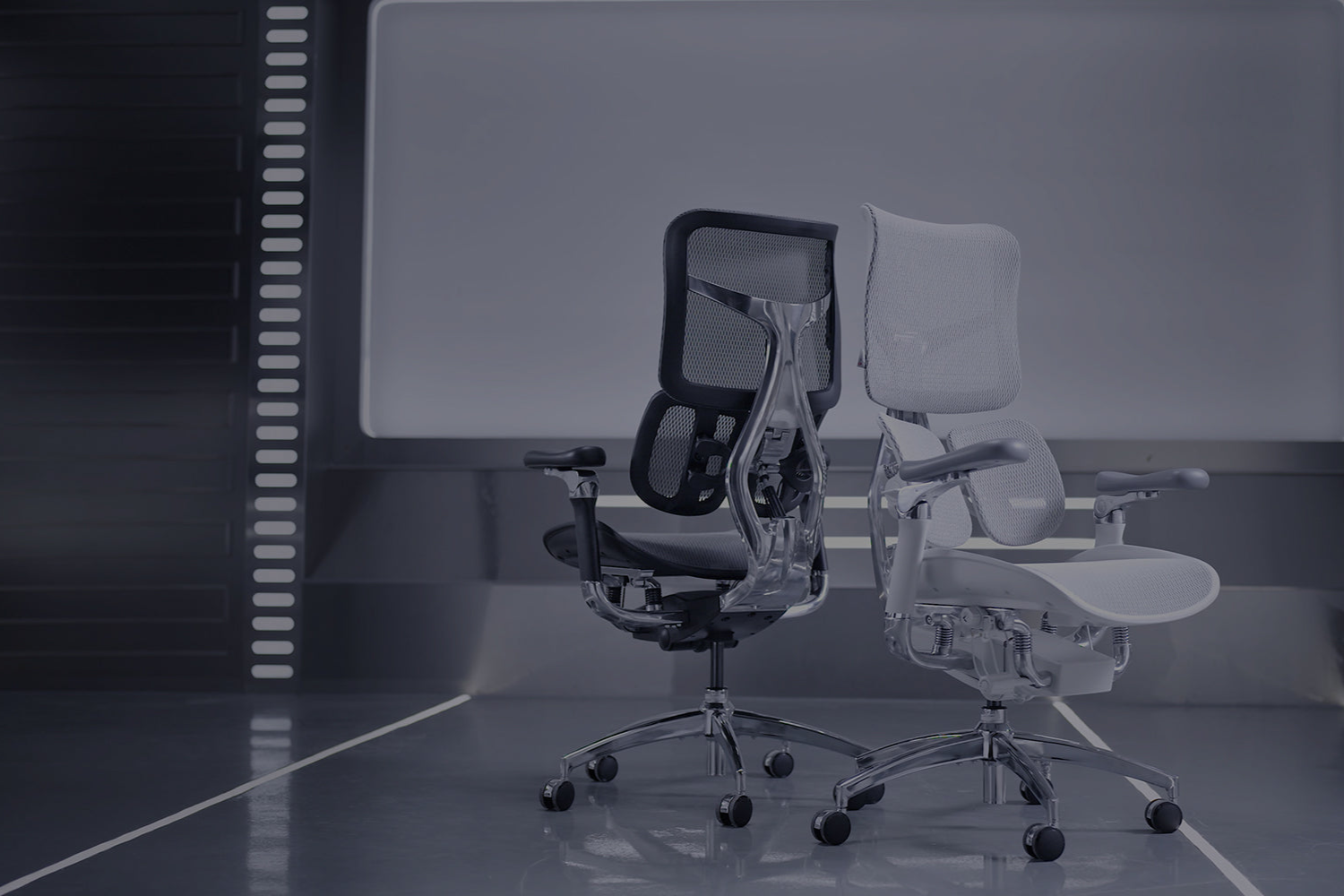
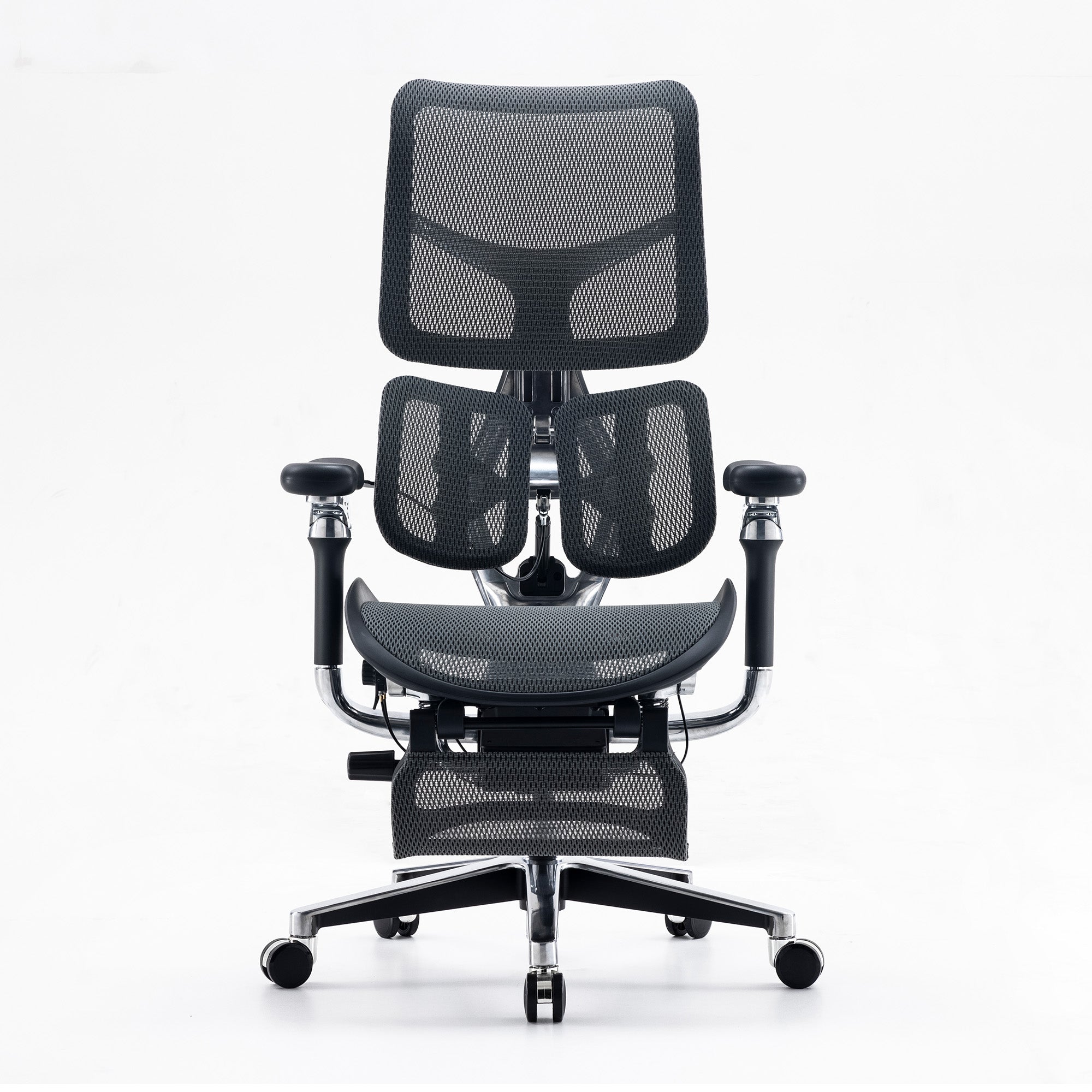
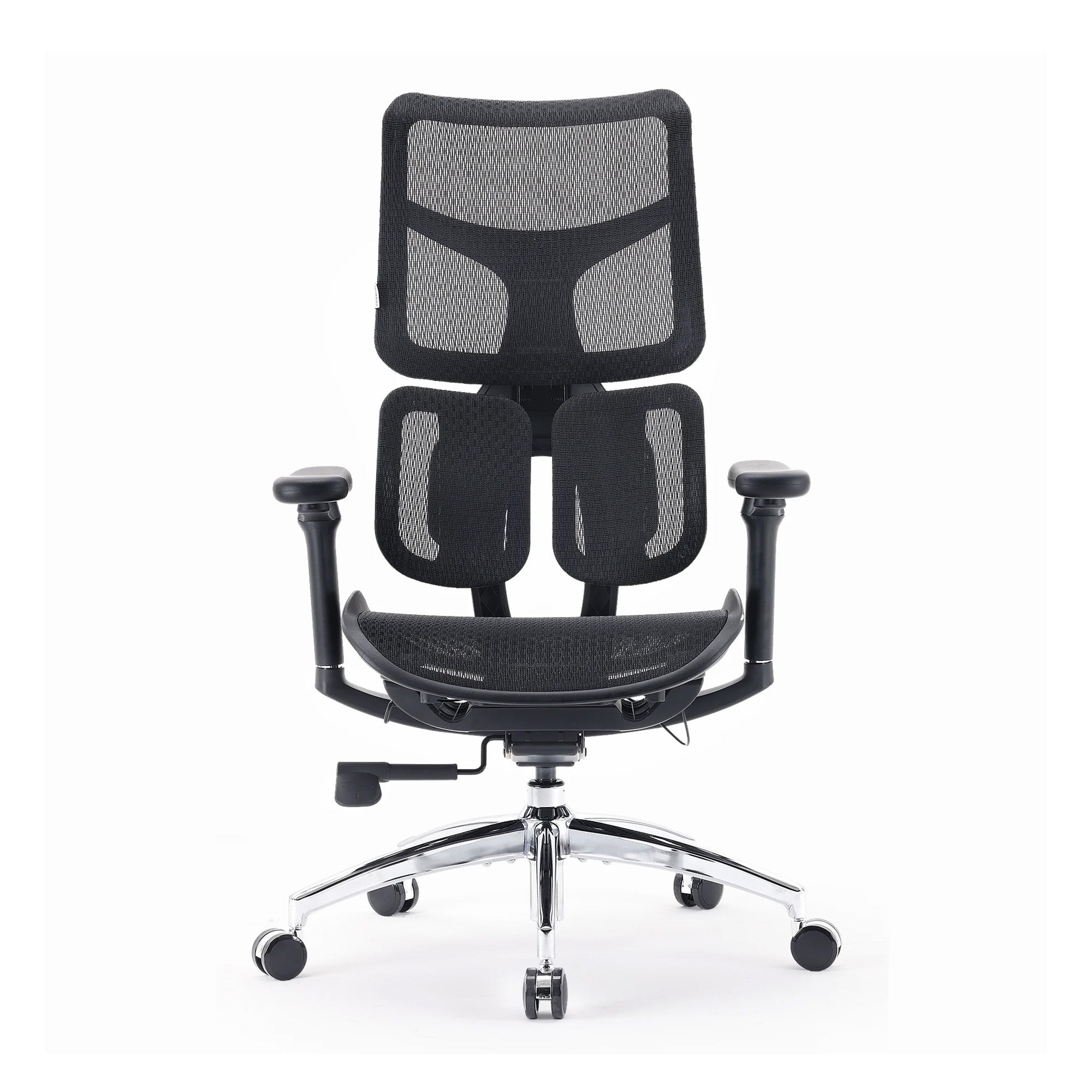
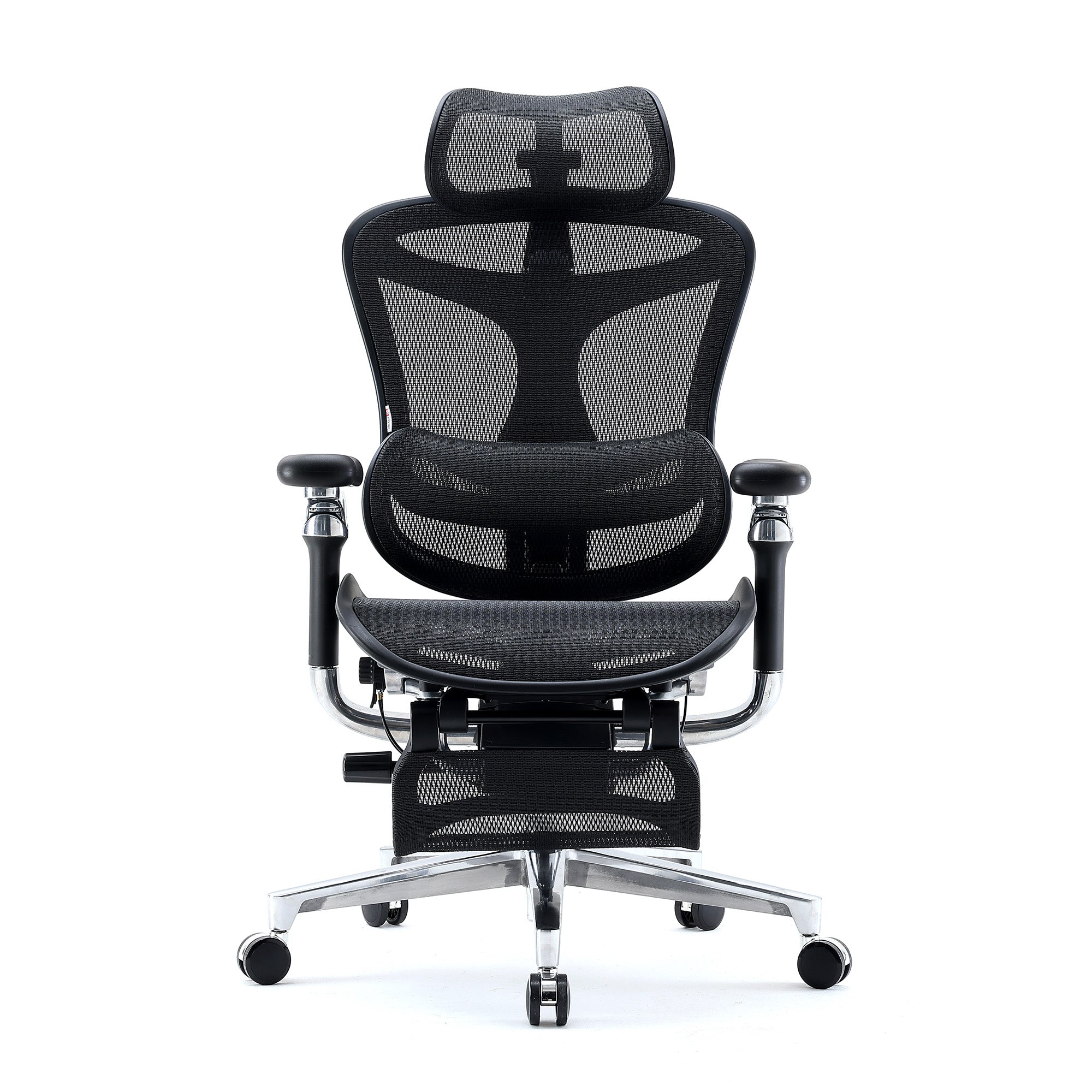
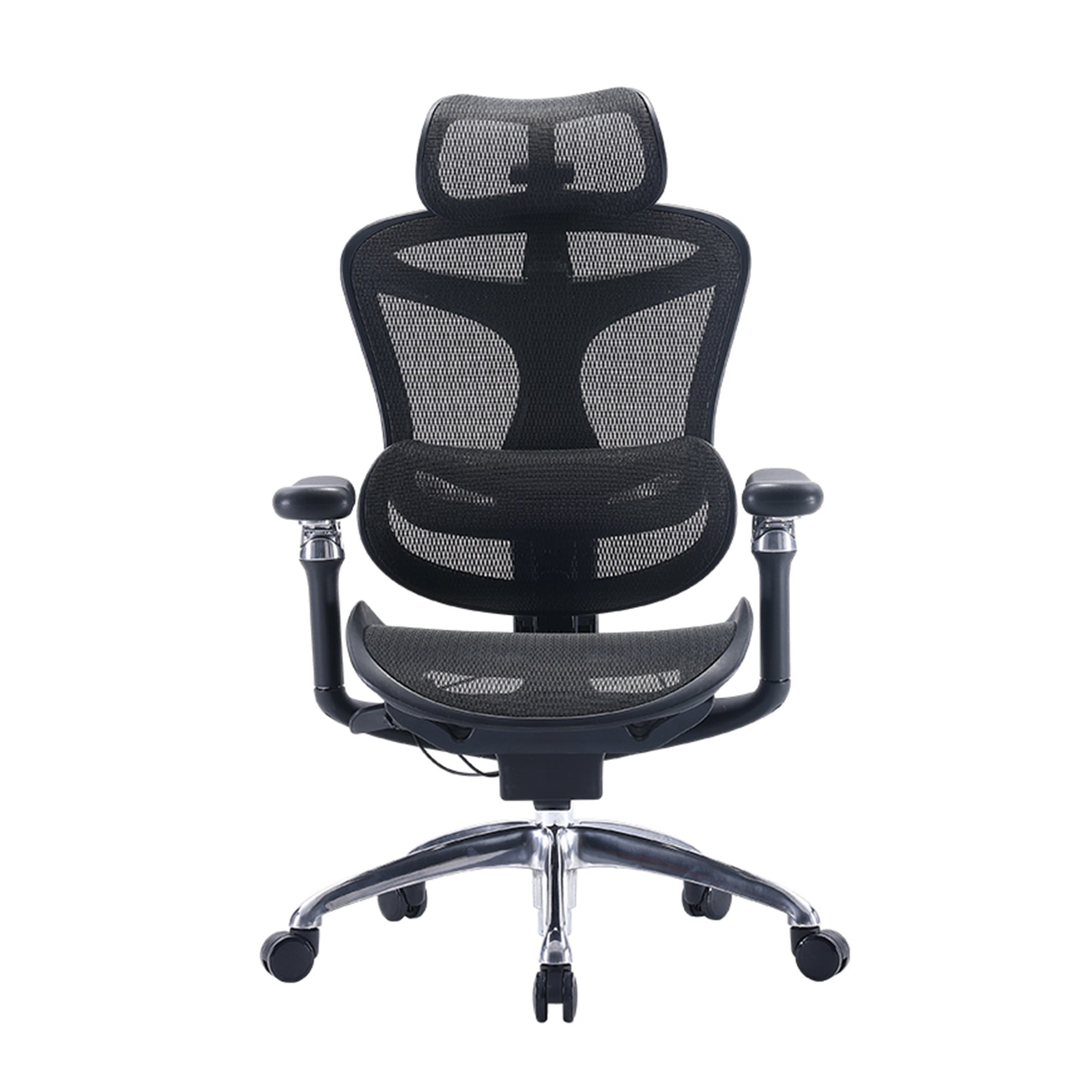
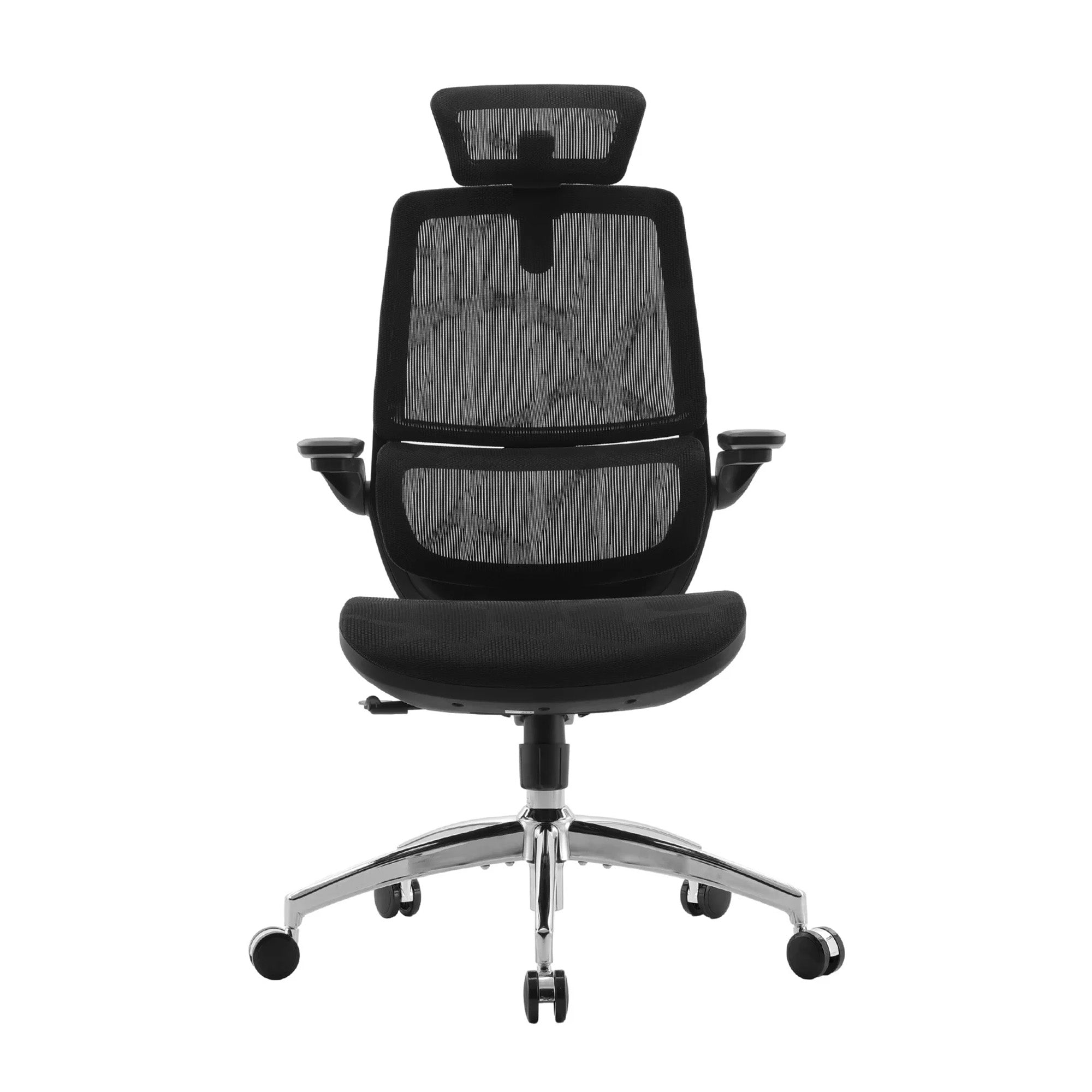
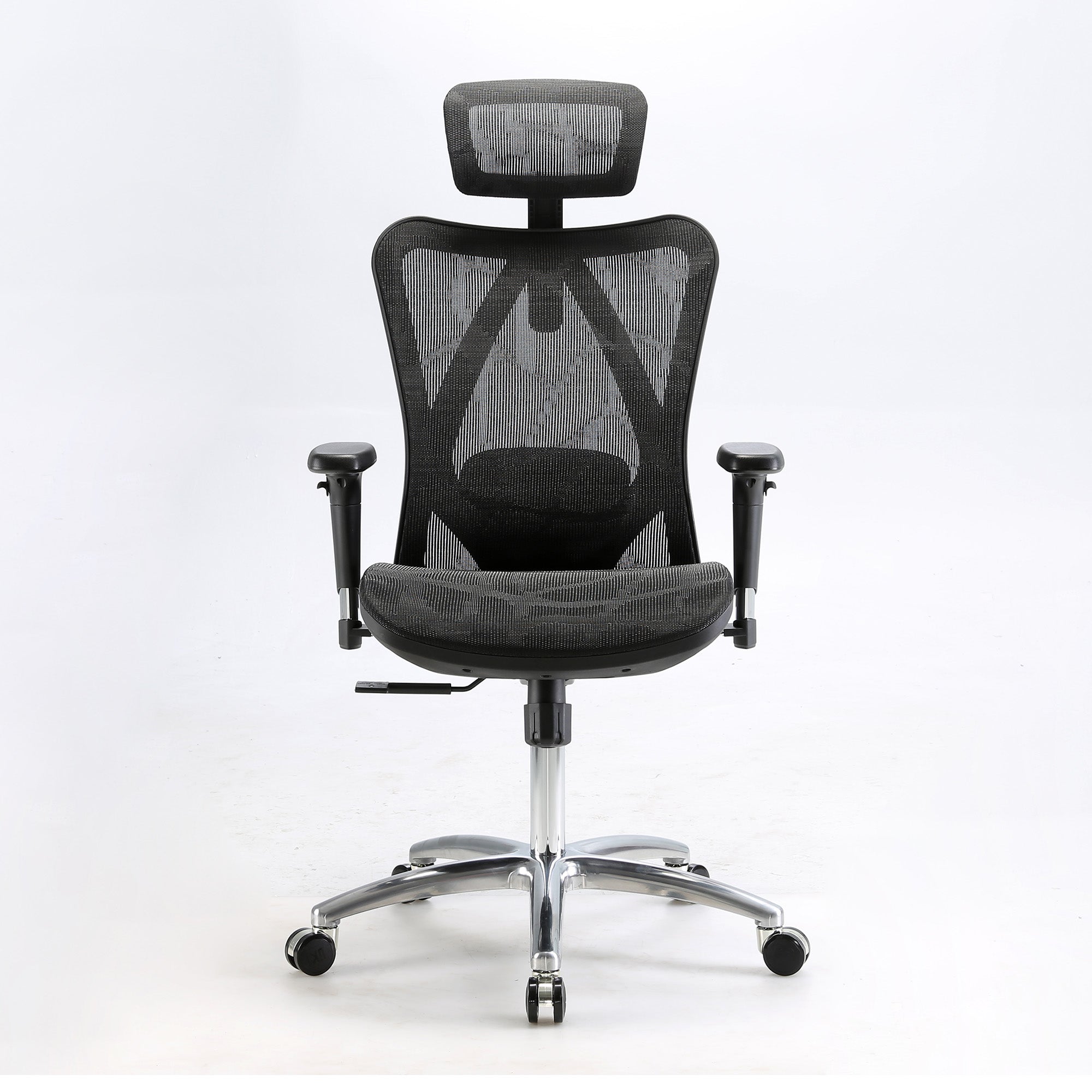
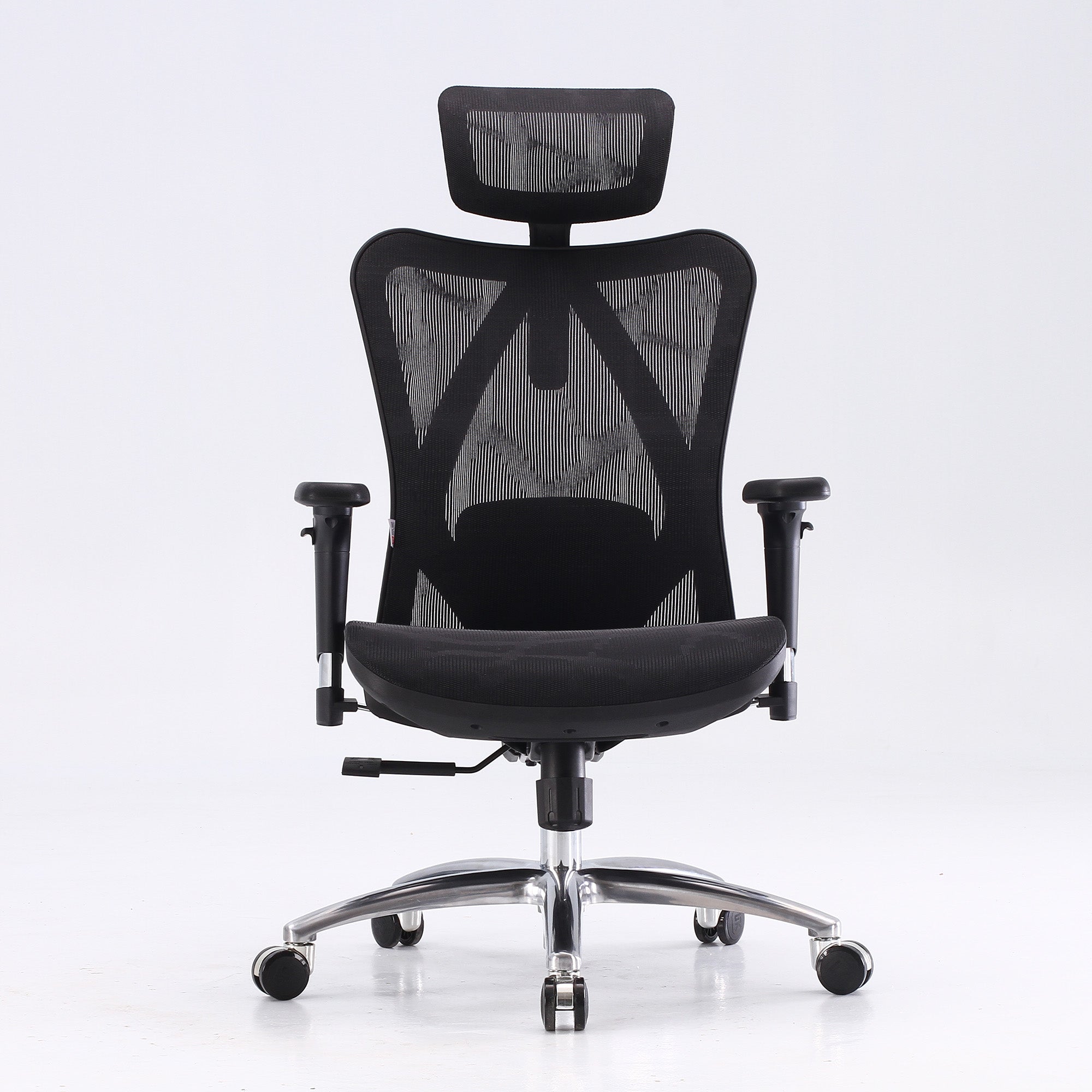
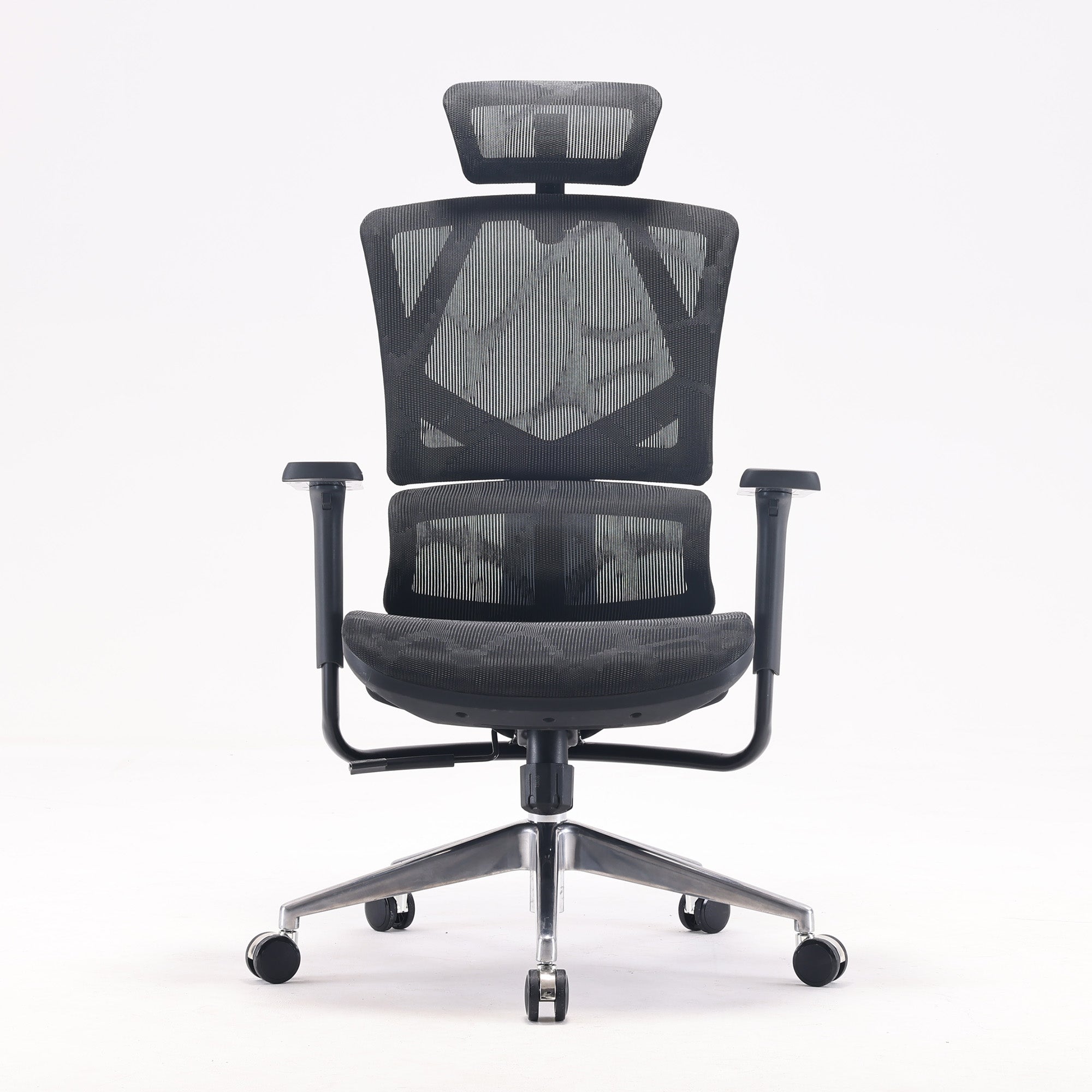
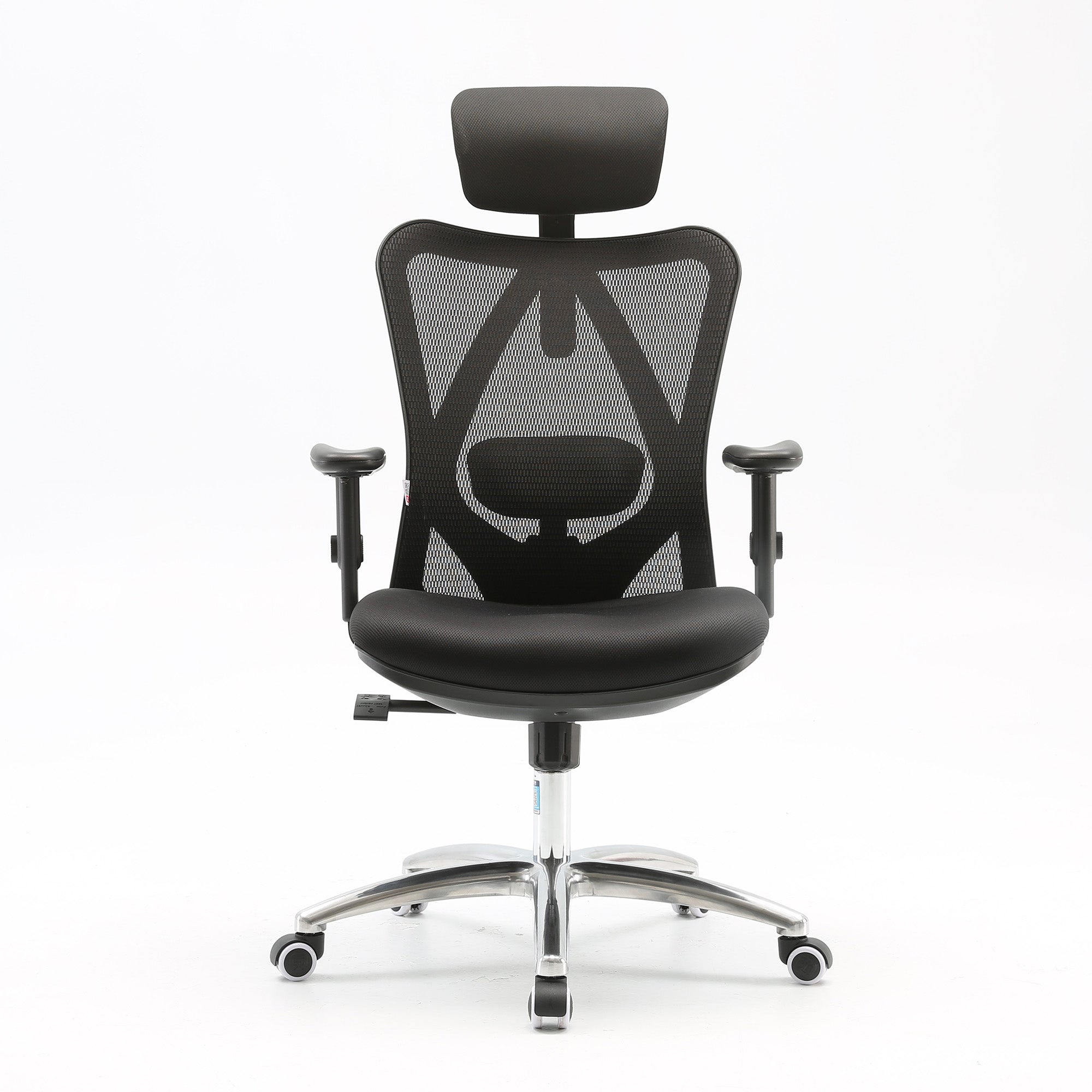
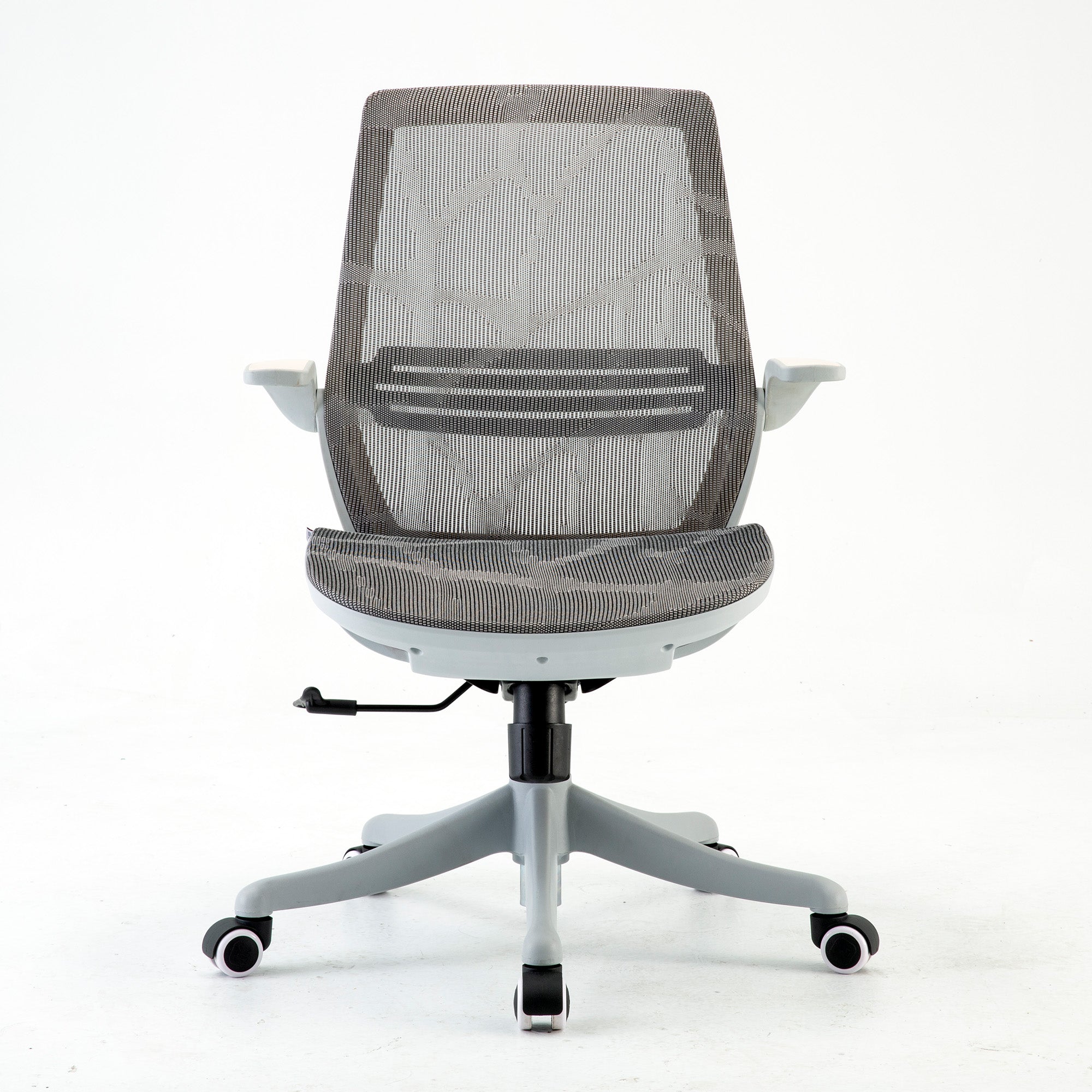
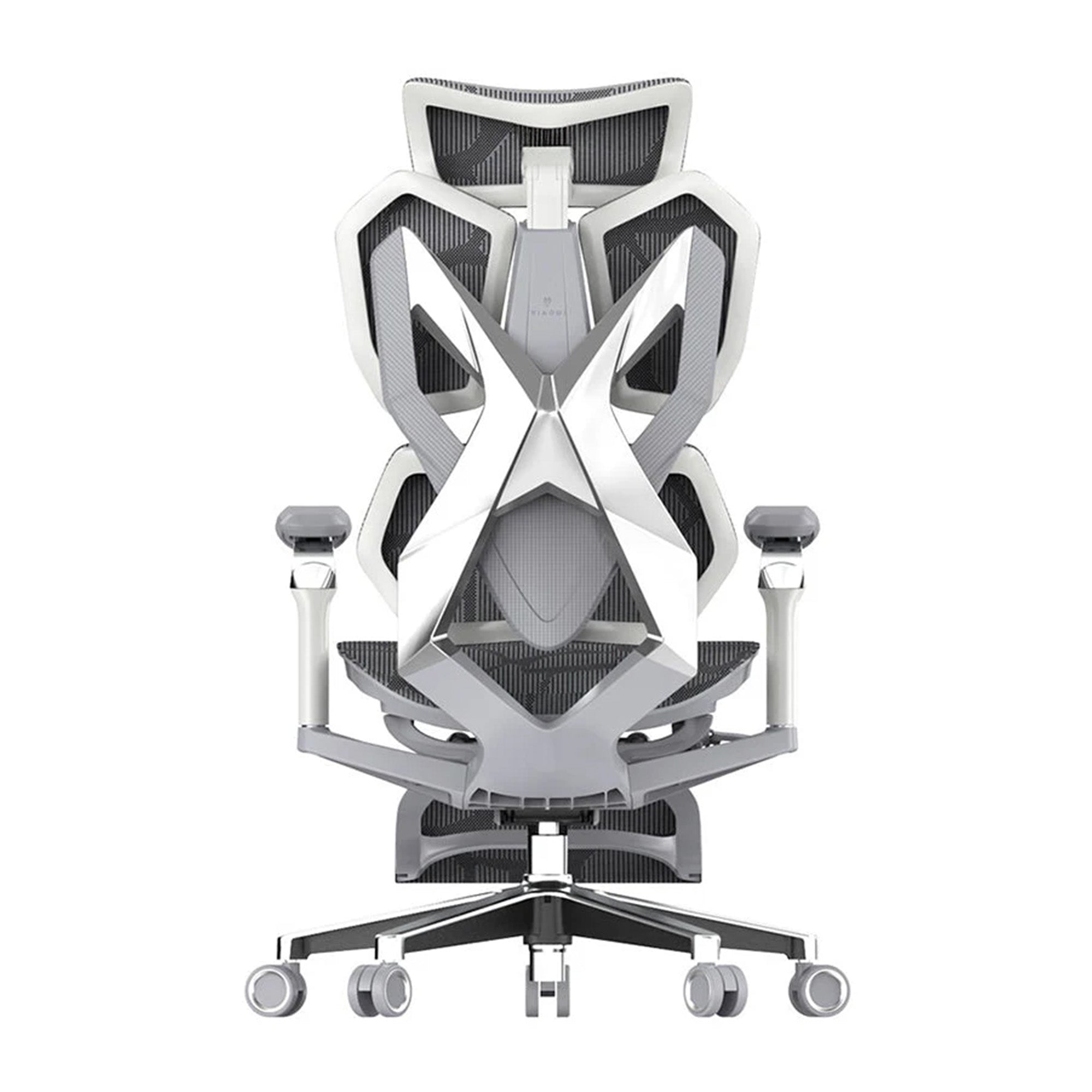
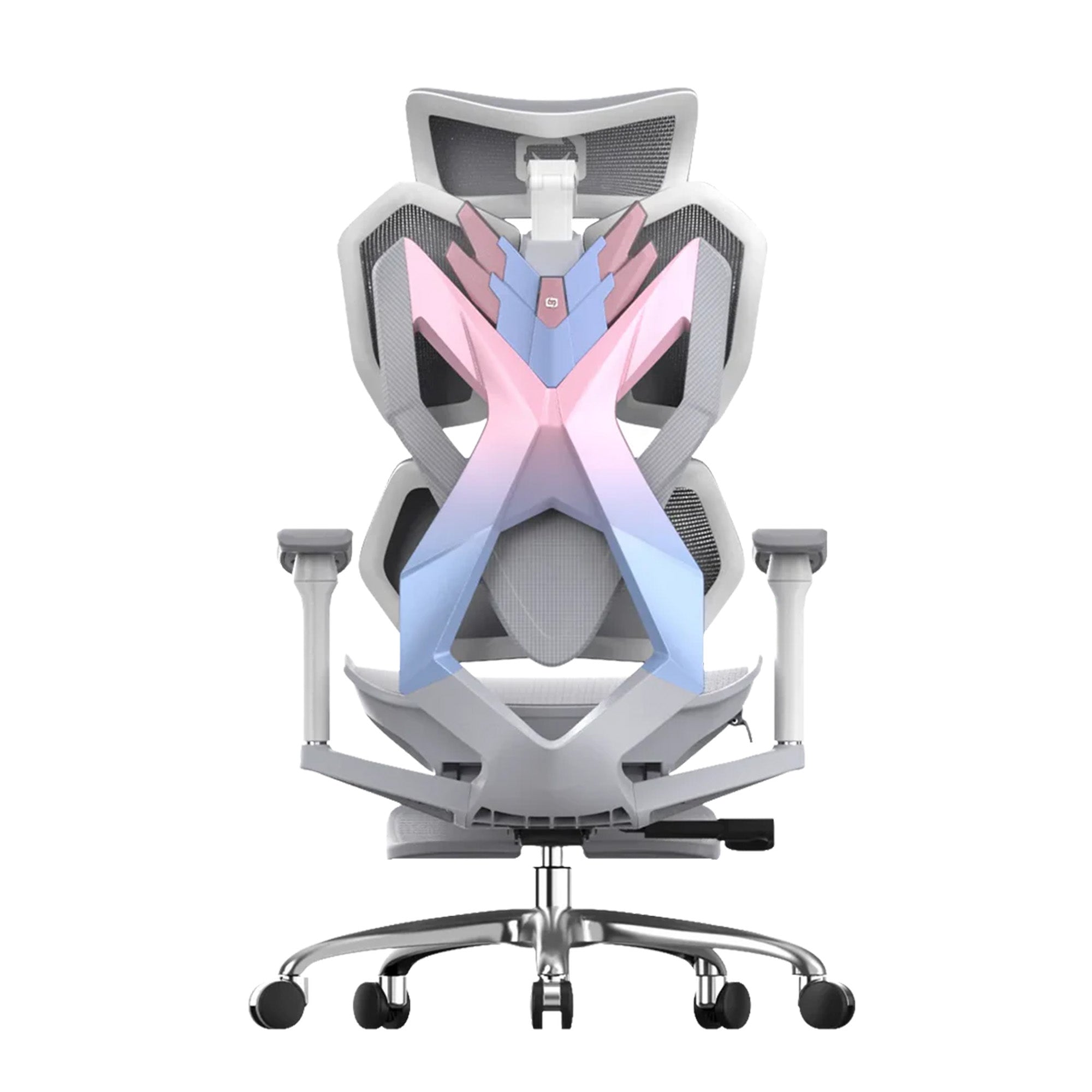
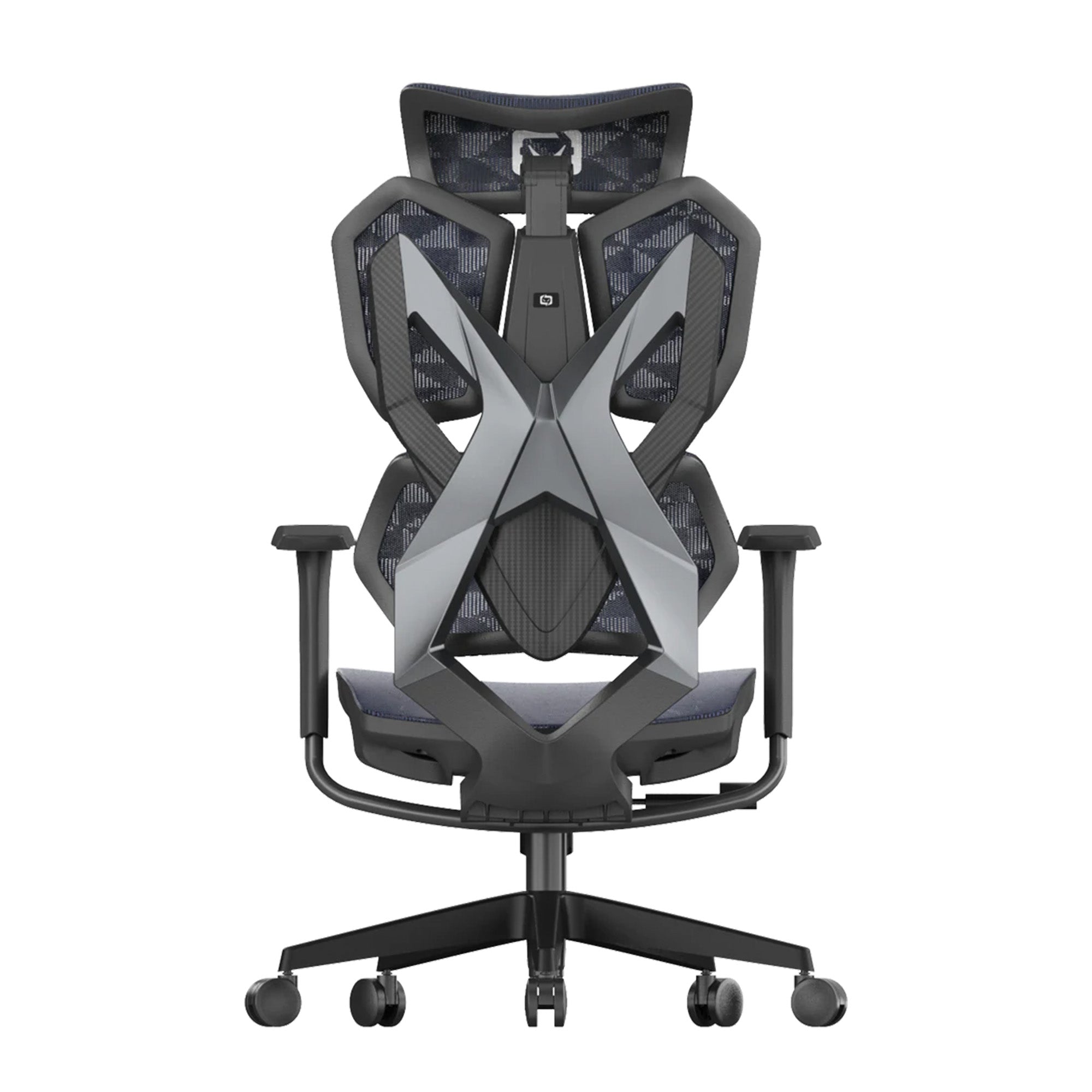
Using a brand like Sihoo helps mitigate this because their ergonomic chairs focus heavily on pelvic alignment. When the base is steady, the "craning" stops.
Why Your Feet Actually Matter
It sounds like total hippie nonsense to suggest your feet affect your vision, but it’s just physics. When your feet are flat and firm, your brain feels "safe." It’s called proprioception.
If you’re a leg-crosser or a "feet-tucked-under-the-chair" person (guilty as charged, honestly), your body feels slightly off-balance. To compensate, your core and neck stay in a state of "micro-tension." This makes your gaze stiff. Instead of your eyes gliding across the text, they move in these glitchy, jumpy little hops called saccades. It’s exhausting and a huge contributor to screen fatigue working from home.
Building a Better Foundation with Sihoo
If you want to stop the burn, you’ve got to build from the floor up. Ergonomic office chairs are tools, but you have to use them right.
-
The 90-Degree Hack: Try to keep your ankles, knees, and hips at right angles. It keeps your spine in that natural curve so your head can just "sit" there without your muscles doing the heavy lifting.
-
Support Your Lumbar: Don't let your back turn into a "C" shape. Sihoo chairs often feature adjustable lumbar support that mimics the spine's natural curve. This keeps your chest open, which—surprise—actually relaxes the focal length of your eyes.
-
Find the Floor: If your feet don't reach the ground, get a foot rest. Anything to stop your pelvis from sliding forward and turning you into a human pretzel.
Just... Move a Little?
Staying frozen in one spot is the absolute enemy. When your legs get heavy and the blood flow turns to sludge, your brain gets foggy, and your vision blurs right along with it.
You don’t need a gym break; just do some weird stuff under your desk. Pump your ankles like you're hitting a gas pedal. Squeeze your glutes. Do a couple of pelvic tilts. It "reboots" the nervous system and breaks that thousand-yard stare that's killing your focus.
At the end of the day, your eyes are just the scouts for the rest of your body. If the foundation is shaky, the scouts are going to be on high alert. And if you’re looking for ergonomic chairs in Australia, it’s worth choosing one that properly supports your base so your eyes can finally catch a break.
Frequently Asked Questions
Lower body alignment directly influences your posture, which in turn affects how your head and eyes position themselves. When your hips, knees, and feet are not properly aligned, your spine compensates, often leading to neck strain and poor viewing angles. This forces your eyes to work harder to focus, contributing to screen fatigue and discomfort.
Yes, poor sitting posture can lead to visual fatigue, tension headaches, and difficulty focusing. When you slouch or sit unevenly, your head shifts forward, placing strain on the neck and eye muscles. Over time, this creates a constant effort for your eyes to stabilise vision, which can feel like eye strain even if your screen setup is correct.
Ergonomic office chairs support proper lower body alignment, helping to stabilise your pelvis and maintain the natural curve of your spine. This reduces unnecessary tension in the neck and shoulders, allowing your eyes to track more smoothly. With better posture, your visual system doesn’t have to compensate, making it easier to stay focused for longer periods.
The ideal sitting position keeps your feet flat on the floor, with your knees and hips at roughly 90-degree angles. Your back should be supported with a natural lumbar curve, and your screen positioned at eye level to avoid tilting your head. This alignment helps minimise strain on both your body and your eyes during extended work sessions.
If your screen setup is already correct, the issue may lie in your body alignment rather than your equipment. Focus on how your lower body is positioned—ensure your feet are grounded, avoid crossing your legs, and maintain proper pelvic support. Small adjustments to your posture and regular movement throughout the day can significantly reduce screen fatigue and improve overall comfort.
Shop products from this article


Save up to 49% this Clearance Sale. Pay in 4 interest-free instalments with Afterpay.
SHOP NOWRecommended Posts


5 easy workspace fixes for a better workday
Apr 18, 2026

