
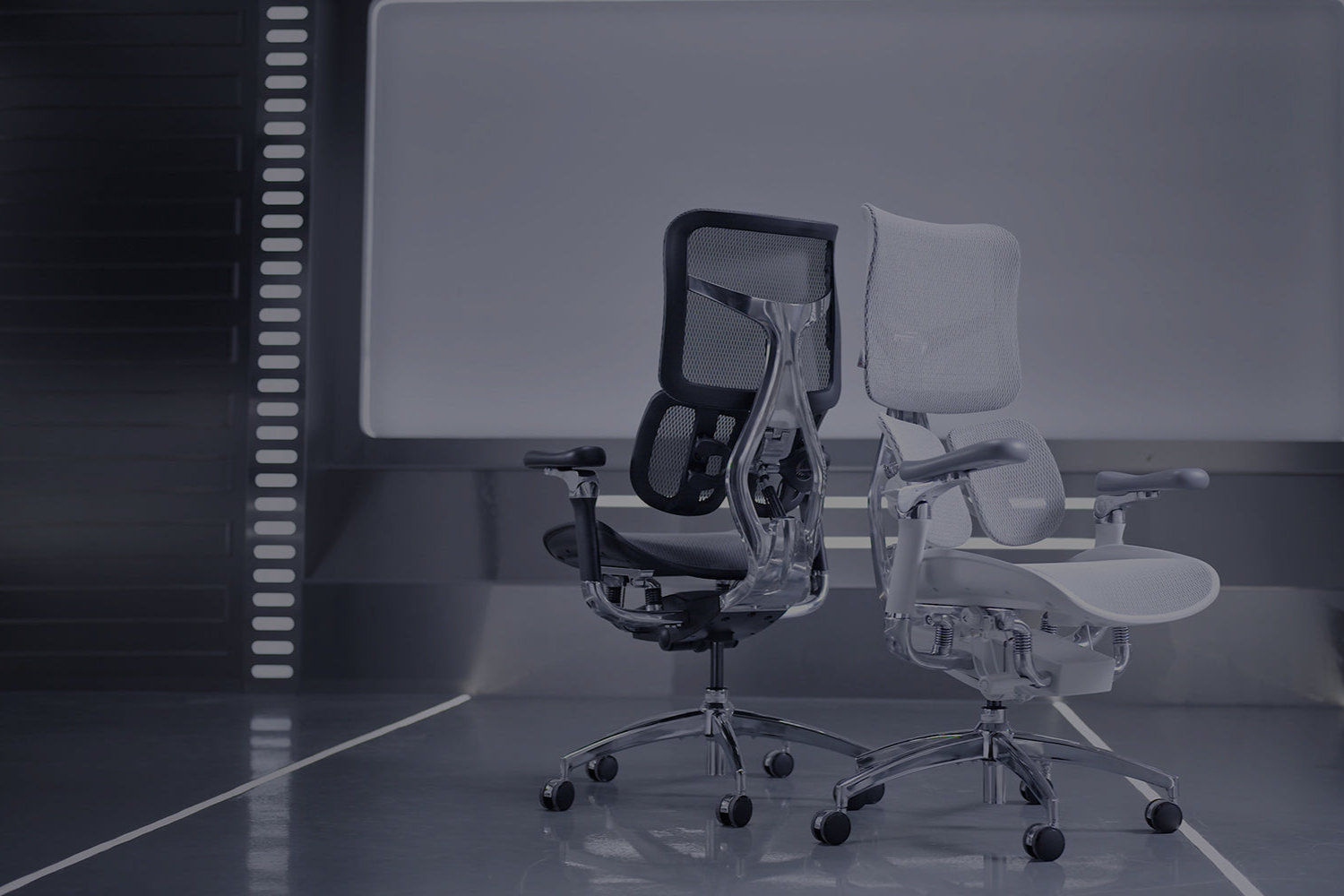
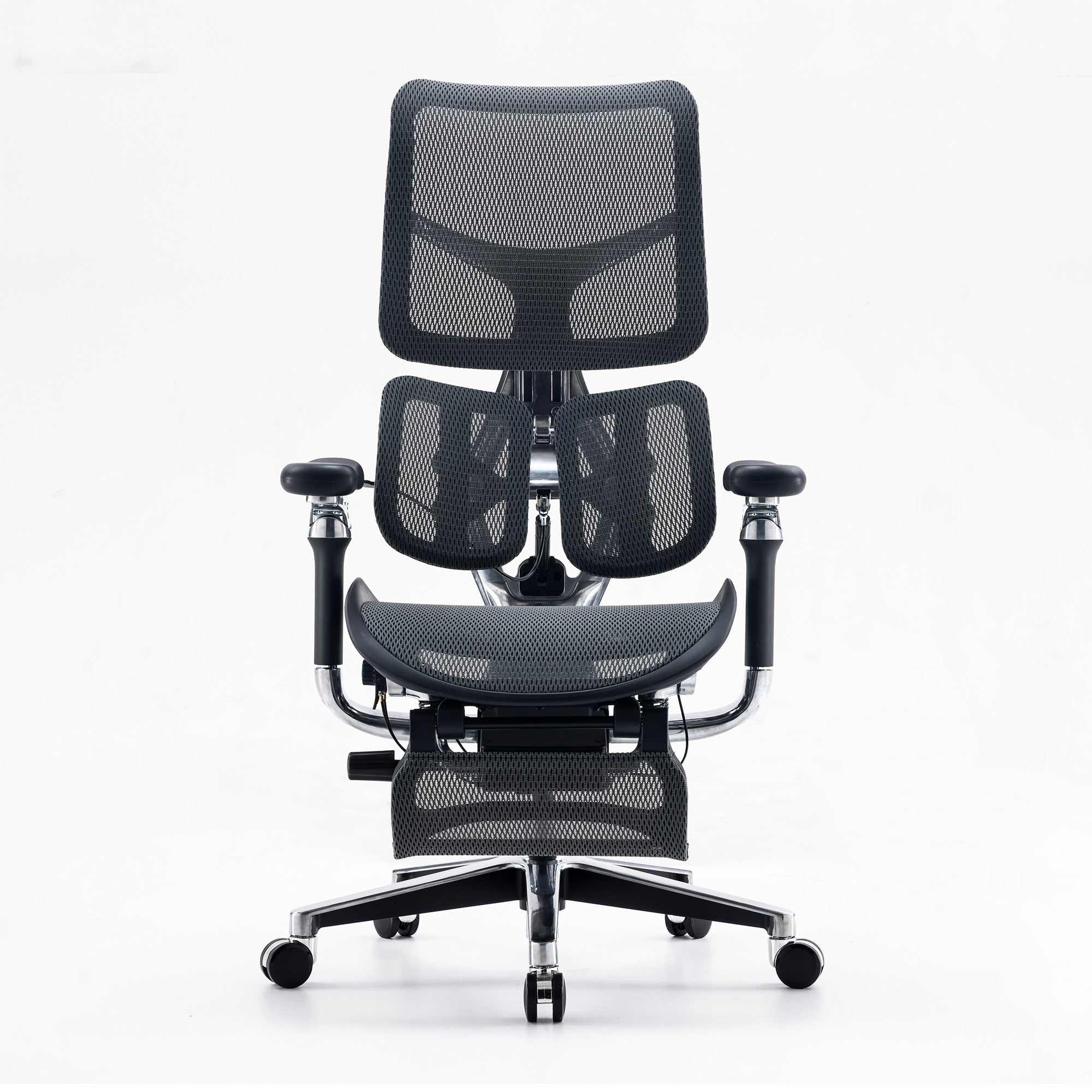
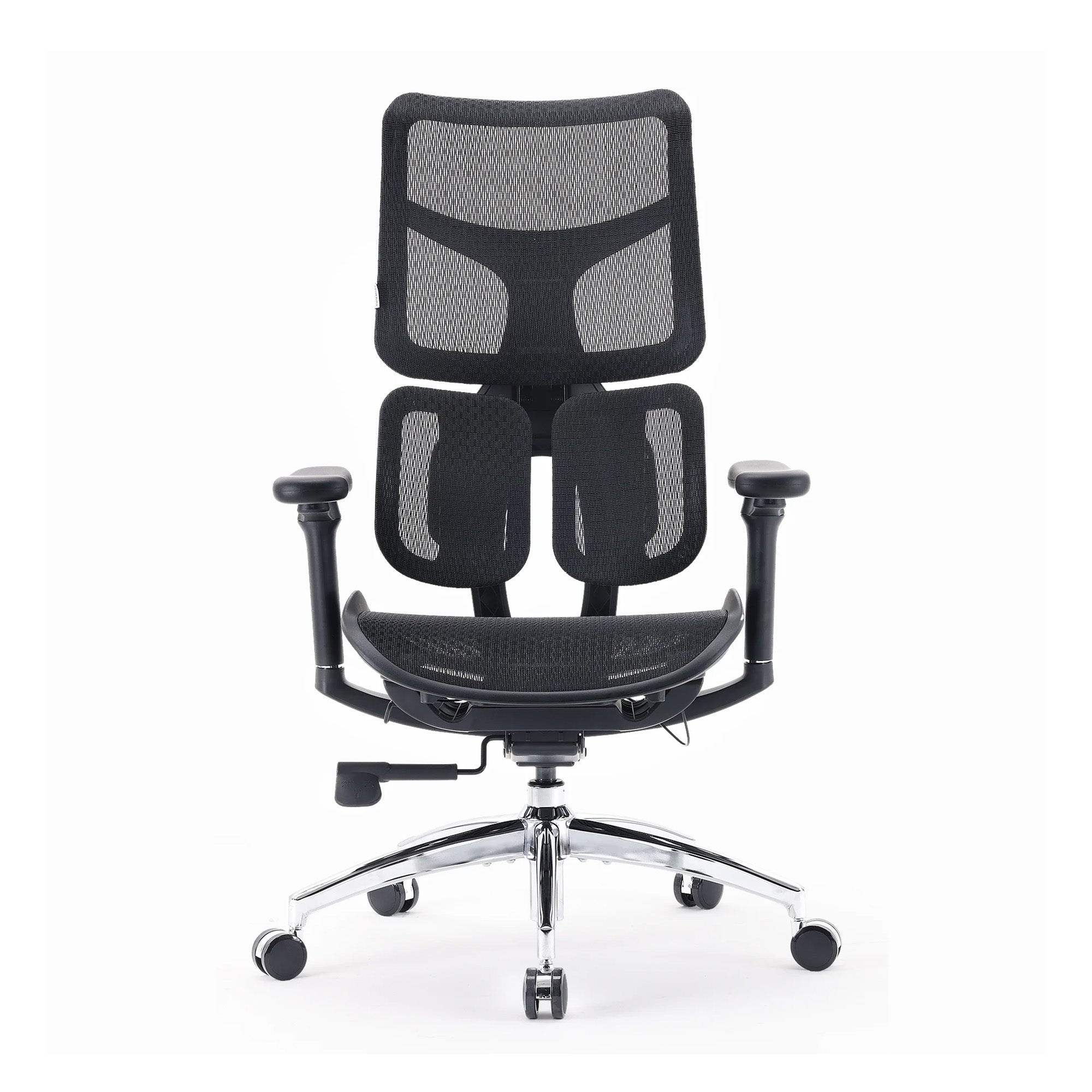
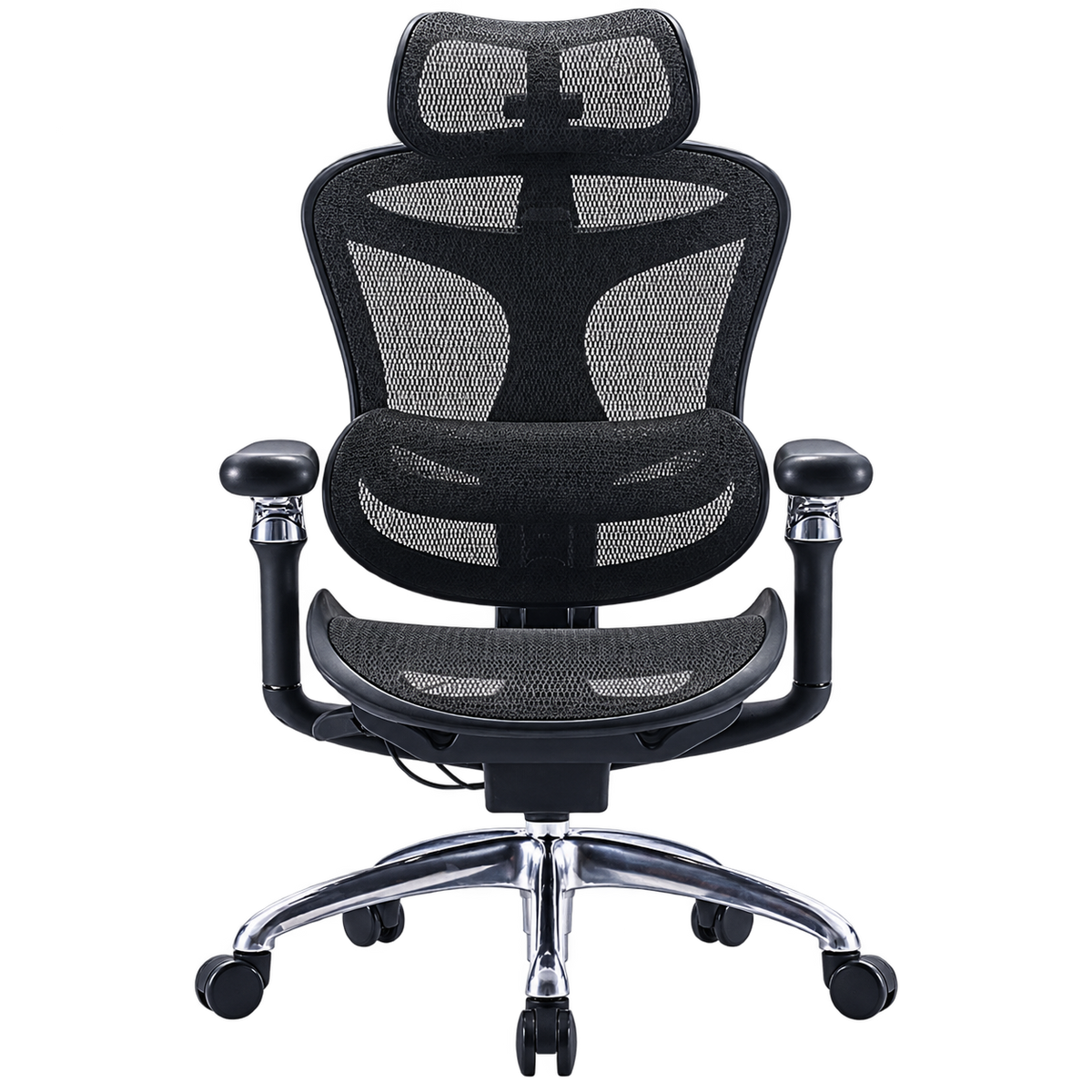
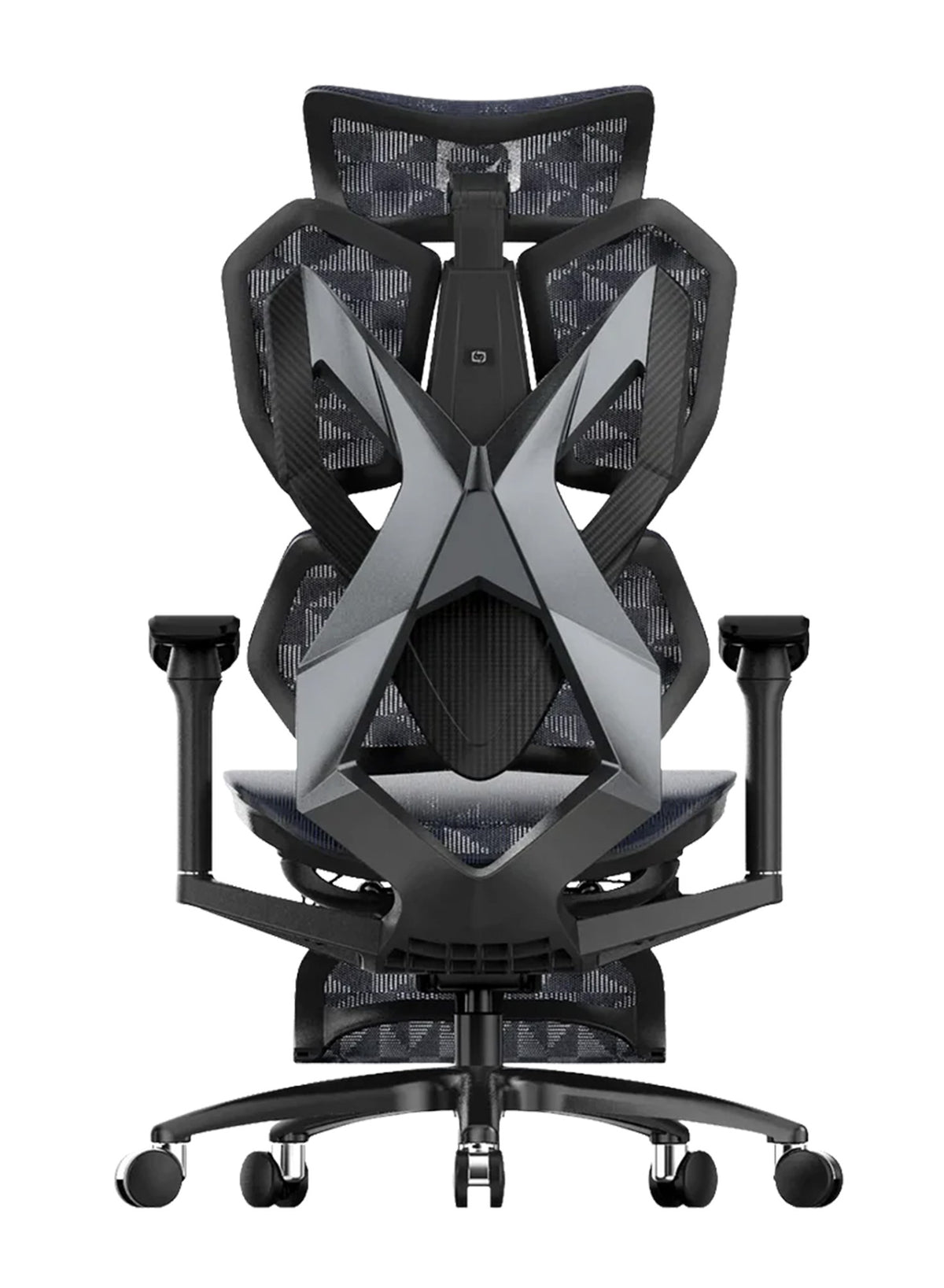

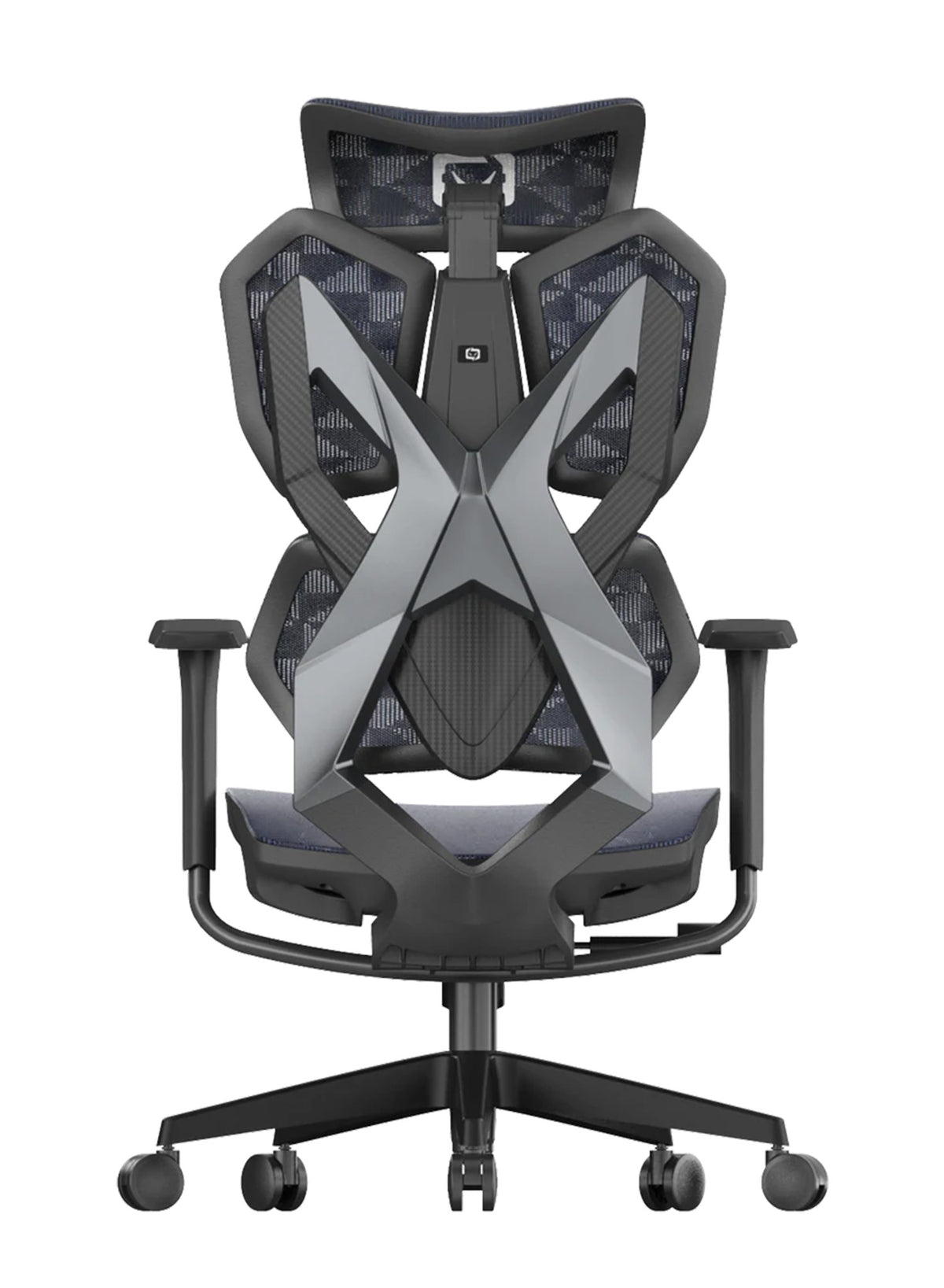

The chairs all match.
Twelve desks sit in two tidy rows, each with a black chair bought in one order four years ago. At 3 pm, one person is perched on the front edge of the seat. Another has the laptop propped on a ream of paper, and a third keeps rubbing the back of the neck. Nobody has complained. Nothing is actually broken.
That quiet gap between "fine" and "fit for the person" is where most office problems live. This guide shows how to apply ergonomics in the workplace, step by step, using Australian WHS rules as the frame. It also covers how to choose ergonomic desk chairs for home and office in Australia, once the free fixes are done. If you run a team, you get a cost model and a checklist. If you work alone, the same steps fit your desk, and a well-set ergonomic office chair is one part of it.
Quick answer: Workplace ergonomics means fitting the work to the person. In Australia, employers must manage the risk as far as is reasonably practicable and consult workers. Start with free fixes: adjust each chair, raise each screen, and break up long sitting. Buy equipment only for the gaps those fixes leave.
Workplace Ergonomics Is a WHS Duty, Not a Perk
Most of us treat a sore back as a private problem, but the law treats it as a workplace one when the cause sits in the job. Here is what that means in plain terms.
What WHS laws ask of an employer
Safe Work Australia says a person conducting a business or undertaking, called a PCBU, has a primary duty to ensure the health and safety of workers. The duty is limited to what is reasonably practicable. The same page says a PCBU must consult workers who are likely to be directly affected.
The phrase "reasonably practicable" matters. It does not mean "buy the dearest chair." It means you weigh the risk against what you can do about it, and then you act when the options are sensible.
How the risk process works at a desk
Safe Work Australia sets out four steps: spot hazards, assess risks, control risks and review the controls. It adds that you must consult workers and their health and safety reps at each step. SafeWork NSW lists the same pattern for hazardous manual tasks. You remove the risk if you can, and otherwise you reduce it.
Why sustained posture counts as a hazard
SafeWork NSW lists sustained or awkward posture as one of five risk factors that can make a manual task hazardous. It defines a sustained posture as one where part or all of the body stays in the same position for more than 30 seconds at a time. Desk work fits that description for hours, which is why a quiet office can still carry a real risk.
For a team, this is the main shift. You are not checking whether people look comfortable. You are checking whether the setup lets them change position when they need to.
Sitting Is the Hazard Most Offices Overlook
Think about your own day, which might run from a meeting to email, then a report, then lunch at the desk, with few chances to stand up before noon.
How long Australians actually sit at work
SafeWork NSW says Australian workers spend about 76 percent of their work time sitting, which is roughly five hours a day. The page does not name a source or a year for that figure, so treat it as a guide. Safe Work Australia is firmer on the limit. It says more than seven hours a day of sedentary behaviour is too much, and that health problems from long sitting remain even if you exercise every day.
What the numbers say about cost
Safe Work Australia counts 146,700 serious workers' compensation claims in 2023-24 (preliminary data that may be revised). Of those, 50,326 claims, about 34 percent, came from body stressing. Body stressing covers strain from lifting, repeated movement and sustained effort. Not every claim is a desk injury. It does show where much of the burden sits.
A Monash study led by Sean Docking, with Rachelle Buchbinder, ran in JAMA Network Open in 2025. It modelled the cost of long-term back problems in working-age Australians. Monash reports an estimated $638 billion in lost productivity over a decade if nothing changes. It also reports that cutting the prevalence of long-term back problems by 10 percent could add $41.4 billion to GDP over that period. We could read the Monash news summary but not the full paper, so we cannot comment on the model's assumptions.
What this means for a manager
A model for the whole country does not tell you about your own floor. It does explain why regulators ask employers to look at posture and movement before a claim lands.
The Hierarchy of Control Applied to a Desk Job
The best-known tool in WHS is the hierarchy of control. Safe Work Australia says eliminating the risk is the best control. It says administrative controls and protective gear are the least effective. Here is how that order looks at a desk.
|
Level of control |
What it means |
Office example |
|---|---|---|
|
Eliminate |
Remove the hazard |
Redesign tasks so fewer jobs need hours of unbroken sitting |
|
Substitute or engineer |
Change the equipment |
Height-adjustable desks, adjustable chairs, monitor arms, separate keyboards |
|
Administrative |
Change how people work |
Movement prompts, setup cards, an onboarding check |
|
Personal protection |
Support the individual |
Rarely the right tool for desk work |
Eliminate first: design the task, not just the desk
SafeWork NSW suggests you review job and task design to minimise sitting time and vary work tasks to encourage posture change. Walking meetings and phone calls on foot are two examples. Both cost nothing, because they need no new gear.
Engineer next: fit the equipment to the person
Adjustable equipment sits in the second layer. A chair that cannot change height or lumbar position forces the person to adapt, which is the opposite of the goal. SafeWork NSW also lists height-adjustable sit-stand desks as a control.
Administer last: prompts and habits
Reminders to move are useful but weaker. They rely on memory, so use them to back up the layers above.

Free Fixes First: A Four-Step Plan for Any Team
Many offices spend on equipment while the settings stay at the factory default, so we suggest this order.
Step 1: Adjust every chair to its user
Pick one desk, then run a ten-minute check while the person sits at it. Seat height should suit the desk and let the feet rest flat. WHS Queensland says to use a footrest if your feet cannot rest flat on the floor, and to aim to change posture every 30 minutes. Our guide on how to properly adjust your ergonomic chair walks through each control. For the full seated position, see our guide to correct sitting posture.
Step 2: Move screens, keyboards and mice
WHS Queensland says the monitor should sit at eye level or just below, about an arm's length away. It places the keyboard and mouse on a flat surface directly in front of you, 10 to 15 cm from the desk edge. With two monitors, it advises placing them symmetrically at the same level.
These changes cost little, and they often fix neck and shoulder complaints that people wrongly blame on the chair.
Step 3: Build movement into the day
Safe Work Australia says sitting is likely to be harmful when you sit for more than 30 minutes without a break. It suggests standing or walking during calls, reading and meetings. A team can agree on a simple norm, such as standing for the first five minutes of each meeting if the room allows it.
Step 4: Make setup part of onboarding
New starters often inherit a desk set for someone else, but a short setup card and a ten-minute check on day one stops that. It is a cheap administrative control, and it supports the others.
How a team lead can run this
Ask staff what hurts and what annoys them before you change anything, because workers often know the problem first. The WHS duty to consult is not a box to tick, since workers often know which chair wobbles or which screen glares.
When Equipment Is the Next Step
By now, the free fixes are done. Some chairs still cannot be set right, because the seat is fixed, the lumbar is missing, or the armrests will not move out of the way.
What to look for in a chair for long hours
Look for a seat that changes height, a lumbar support you can place at your lower back, and armrests that move. A recline that locks matters too, and so does a seat depth that suits your legs. A breathable back helps in a warm office. For heavy or shared use, check the weight limit. The testing body FURNTECH says AS/NZS 4438 covers height adjustable swivel chairs. It rates levels 4, 5 and 6 as suitable for commercial use, and it describes Level 6 as the severe commercial level.
Not every adjustment suits every person. Test before you commit, because a chair that fits a 165 cm person may not fit a 190 cm person.
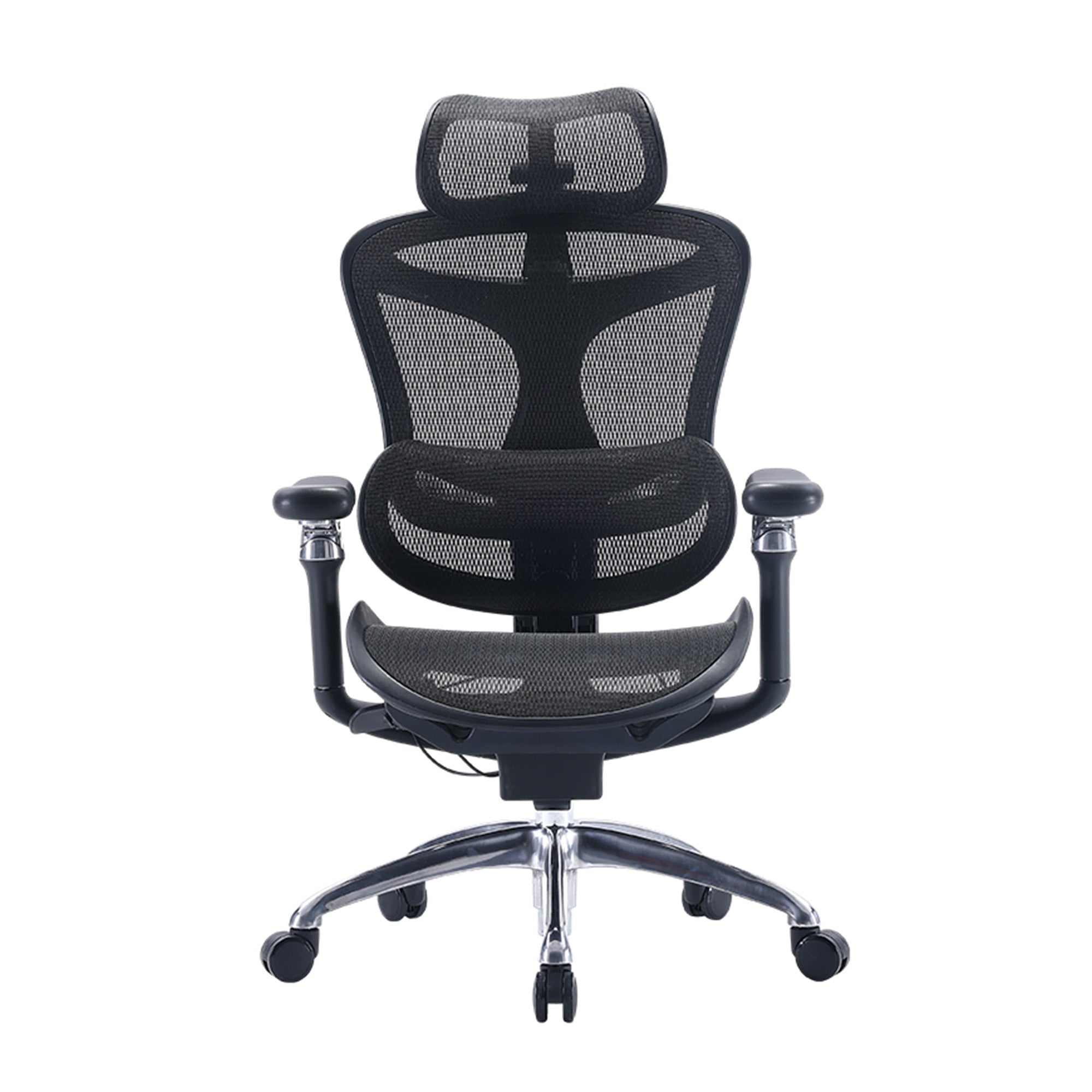
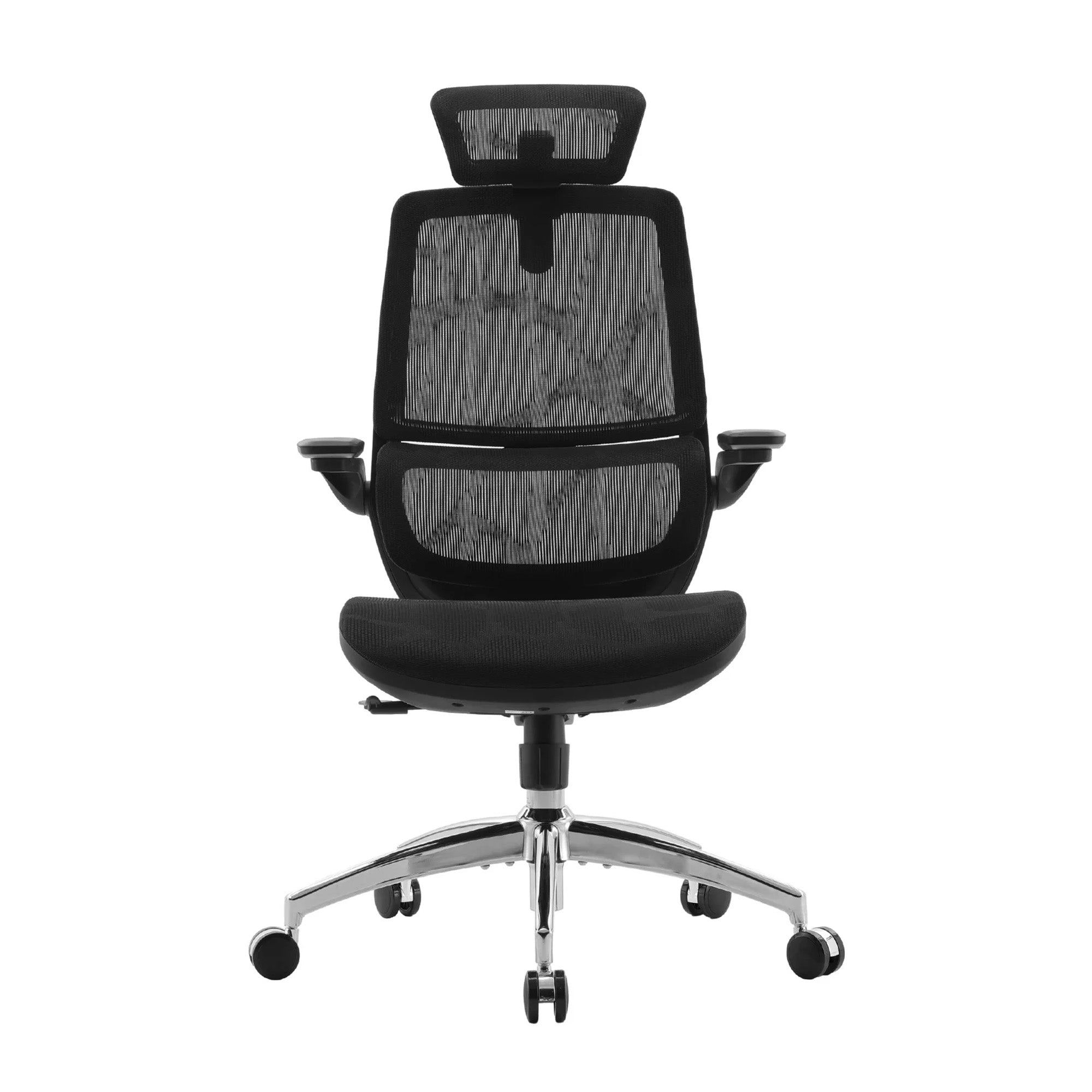
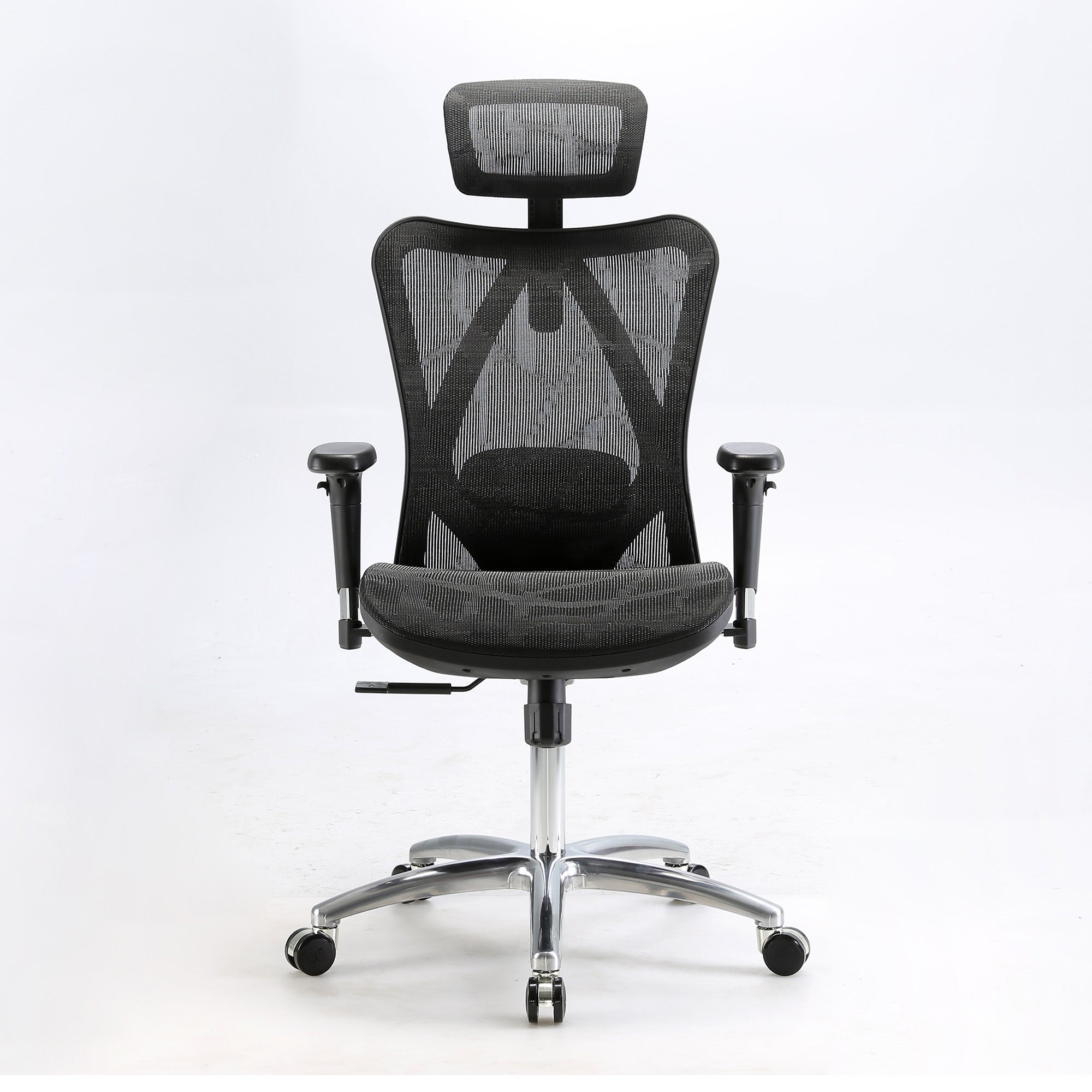
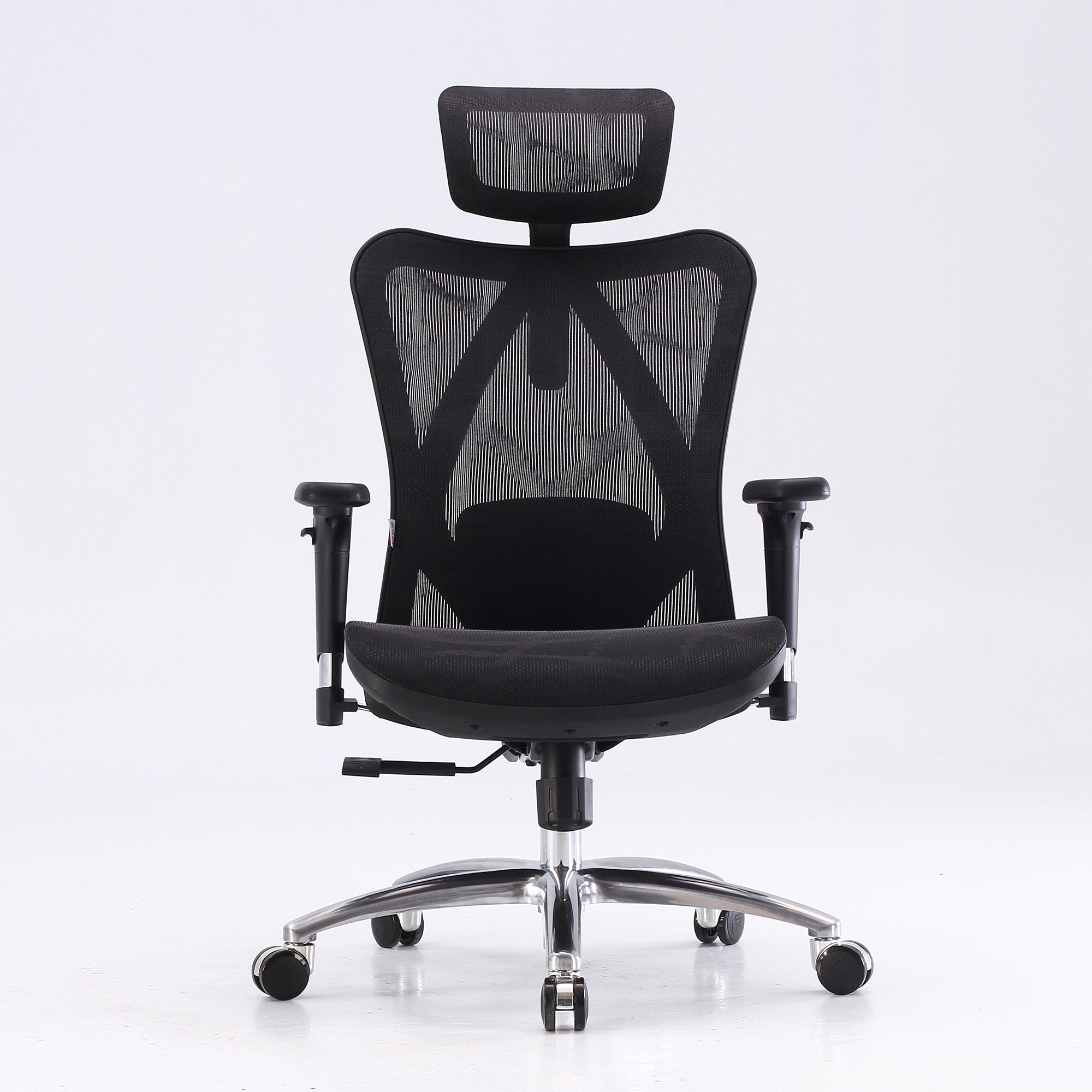
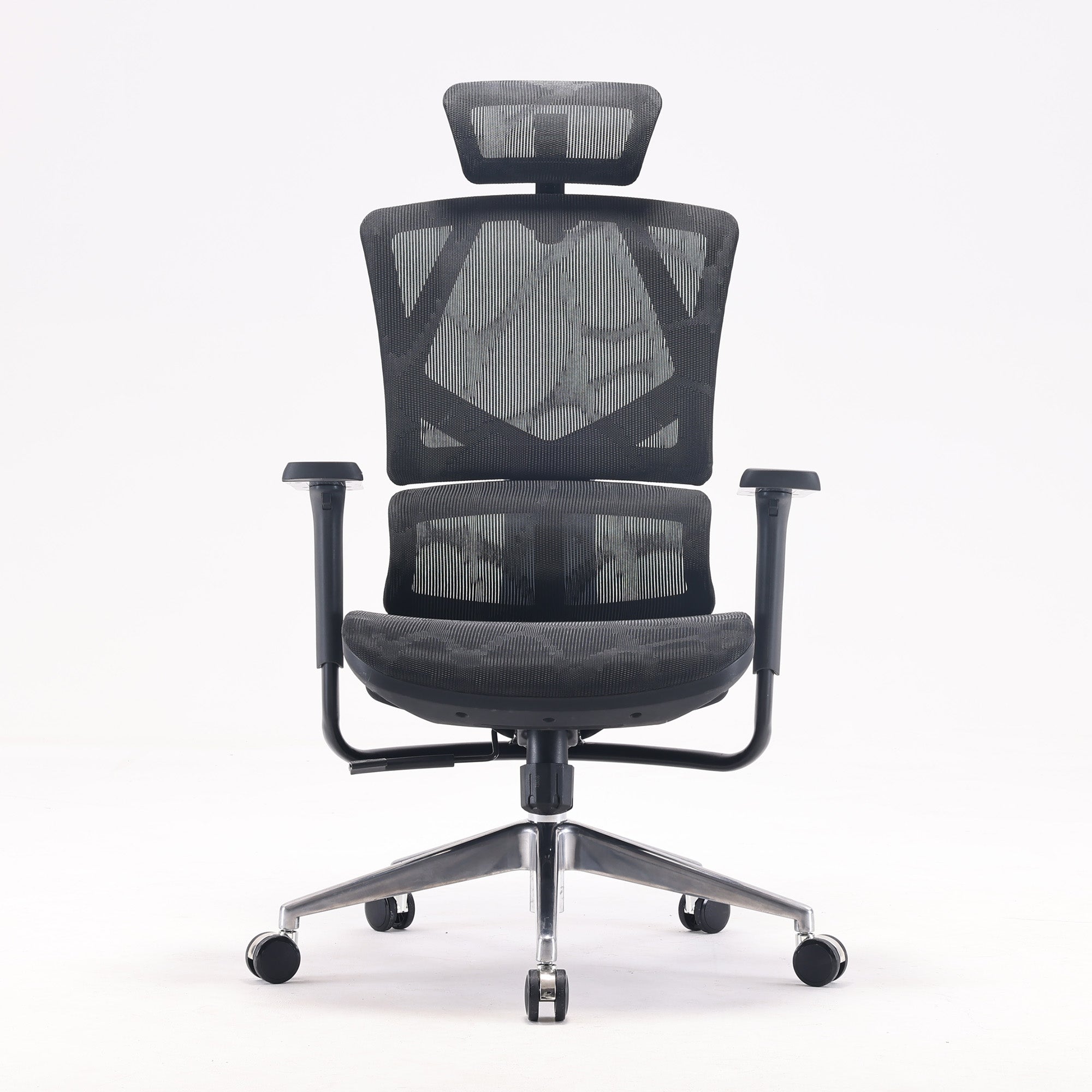
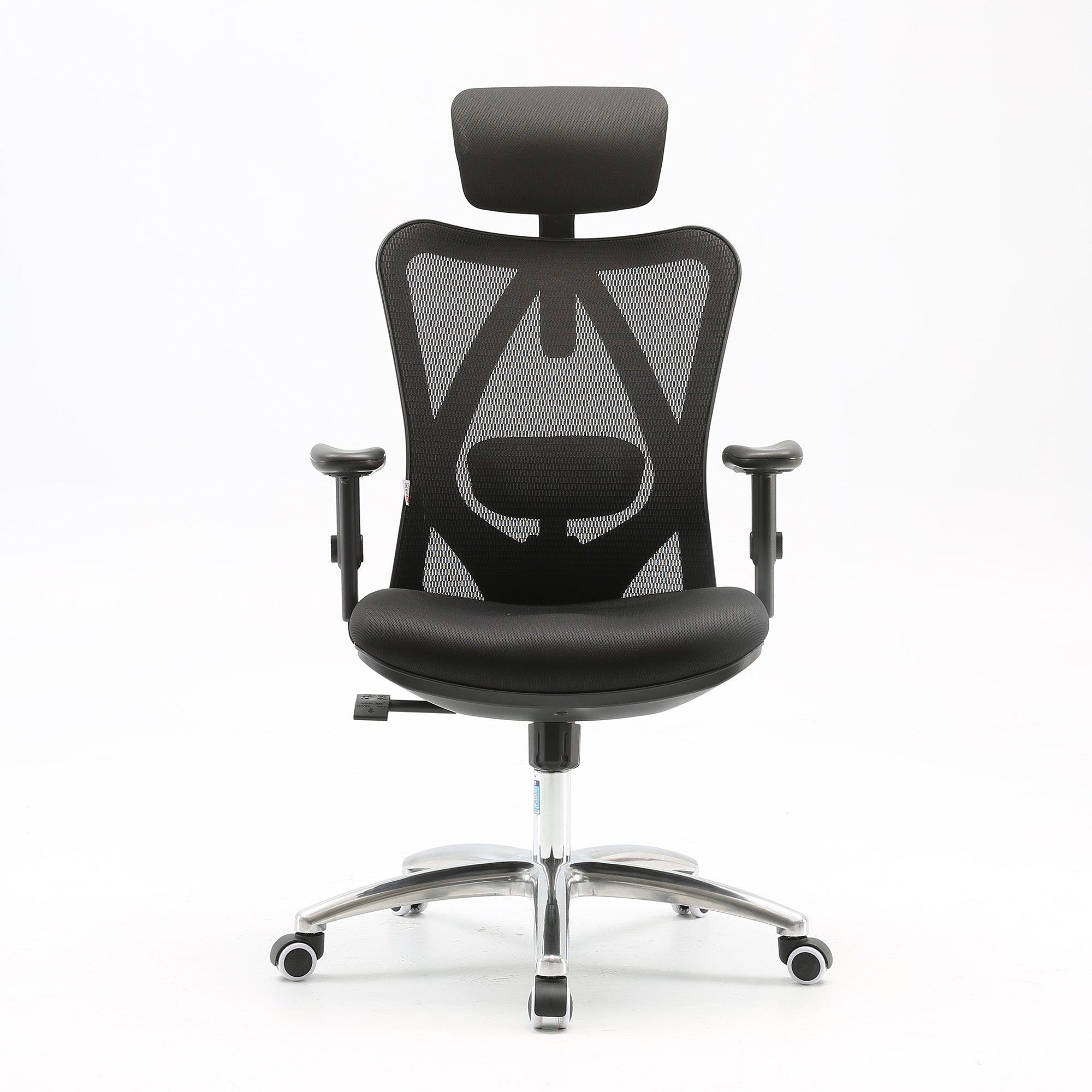
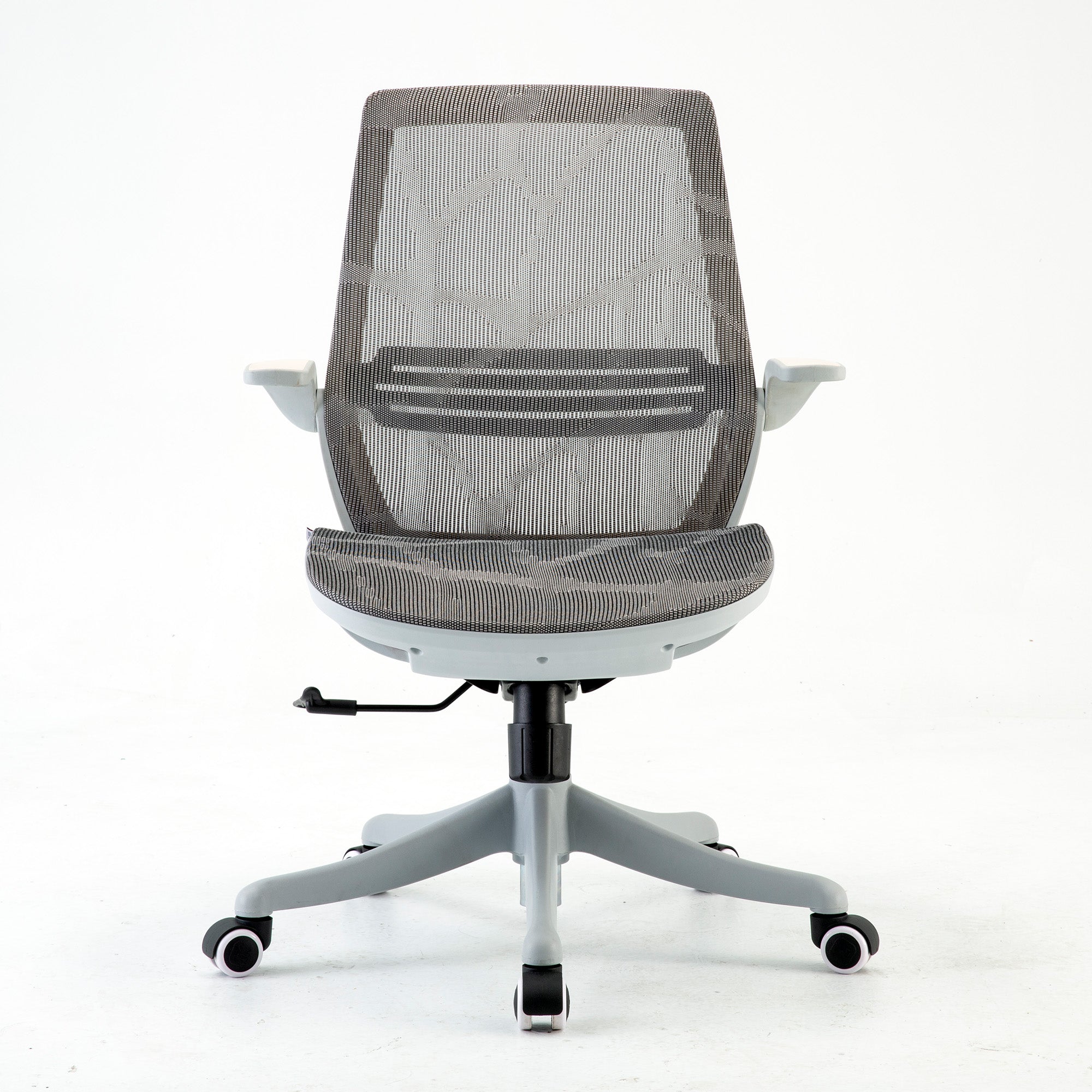
Four Sihoo models, checked on 9 October 2026
These details come from each live product page on 9 October 2026. Prices were sale prices on that day and may change.
|
Model |
Price on 9 Oct 2026 |
Lumbar |
Seat depth |
Armrests |
Weight limit |
Warranty |
|---|---|---|---|---|---|---|
|
$329 (was $489) |
Adjusts up, down and in and out |
Not stated |
3D |
150 kg |
3 years |
|
|
$339 (was $529) |
Adaptive lumbar on a spring |
46 cm deep, no adjustment listed |
3D, linked to the backrest |
150 kg |
3 years |
|
|
$747 (was $1,099) |
Dynamic, adaptive lumbar |
Up to 4 cm of adjustment |
6D |
150 kg |
5 years |
|
|
$529 to $599 by variant (was $849) |
Adjusts for height and depth |
Slides 44.5 to 49.5 cm |
4D |
136 kg |
3 years |
The M57 page describes a breathable full-mesh back and seat, and the Vito M90 page describes breathable mesh. The Doro C300 Pro page describes a breathable wave mesh. The V1 page lists a mesh back. The Vito M90 page gives a 46 cm seat depth and lists no depth adjustment. It also states a user height of 165 to 188 cm, so it will not suit every body. The Doro C300 Pro page also mentions other armrest types in its support-system text, so confirm the armrests before you order. If you plan to buy for a team with a wide range of heights, a seat depth that adjusts is worth checking first. Our guide to Sihoo chairs between $300 and $600 compares the lower-priced models in more detail.
Buying for a team
If you need many chairs, Sihoo runs a commercial programme. Its page lists wholesale pricing by seat volume and free shipping Australia-wide in the quote builder. On-site assembly costs $50 a chair, and old chair disposal costs $30 a chair. The page gives two different minimums, three chairs in the quote builder and ten seats in the FAQ. Confirm which applies to you before you plan the order. You can ask about wholesale office chairs there.
A note on tax
The tax office says the $20,000 instant asset write-off is permanent from 1 July 2026. It applies to businesses with yearly turnover under $10 million. Each asset must cost less than $20,000. The ATO page was last updated on 28 August 2026. Timing rules also apply. Check your own case with an accountant.
What the Evidence Says Ergonomic Programs Achieve
A chair maker's blog should be careful here, because the research is promising but limited. It is not a promise of less pain or a bigger return.
One Australian trial of office workers
Pereira and colleagues ran a one-year trial in 2019 with 763 office workers from 14 firms. The trial placed workers in groups at random. Both groups got a desk setup check for each person. One group then did 12 weeks of neck-specific exercises, and the other group got 12 weeks of health tips.
At 12 months, productivity loss in dollars was AU$1,464 per person in the exercise group and AU$1,563 in the other group. That is a difference of AU$99 (P=0.023), and both groups had a desk setup check. So the trial cannot tell you what a workstation change does alone. The authors describe "possible benefits" for the exercise program, and the gap is small. We read the abstract only.
What a Cochrane review found
The 2018 Cochrane update looked at ergonomic design and training to prevent work-related upper limb and neck disorders in office workers. Two small studies (about 190 people) found fewer neck and shoulder disorders with arm support plus a different mouse. Certainty was moderate. Arm support with a standard mouse, and an alternative mouse alone, showed no clear difference. Training showed no clear drop in symptoms. The evidence on extra breaks was very weak. We read the review summary page and not the full text, so treat our summary with care.
What we take from the research
The evidence does not say that a particular chair prevents injury. It does suggest that a sound approach fits the desk to the person and adds movement and worker input. It is also a good reason to avoid big claims when you write a business case, because a modest and honest case is easier to defend.
A Cost Model for a Team of 20
Managers often ask us for a simple sum. This one uses arithmetic only, and every input is yours to change, so it does not claim any saving.
Assumptions: a chair lasts five years, staff work 220 days a year, and an hour of staff time costs the business $45. These are our own assumptions and not published figures.
|
Chair |
Price on 9 Oct 2026 |
Cost for 20 chairs |
Cost per person per working day over 5 years |
Minutes of staff time it must save each day to break even |
|---|---|---|---|---|
|
Sihoo M57 |
$329 |
$6,580 |
about $0.30 |
about 0.4 minutes |
|
Sihoo Doro C300 Pro |
$747 |
$14,940 |
about $0.68 |
about 0.9 minutes |
Add your own costs for freight, assembly and old chair disposal. Then test the sum with your own numbers, because a team of 20 with high turnover has a different answer from a stable one. The model shows scale, but it does not show that any chair will save that time. For a deeper look at hidden costs, see our post on the real cost of a bad office chair.
The Workplace Ergonomics Checklist
Print this and walk the floor, and ask the worker at each desk to check each line with you. The measurements come from WHS Queensland and Safe Work Australia where marked. Tick "pass" only if the person at the desk agrees.
|
Area |
Check |
Pass if |
Source or note |
|---|---|---|---|
|
Chair |
Seat height |
Feet rest flat, or a footrest is in use |
WHS Queensland |
|
Chair |
Lumbar and backrest |
Support meets the lower back, and the person can recline without perching |
Fit to the person |
|
Chair |
Condition |
Base is stable, mechanisms hold their setting, no worn seat |
Inspect yearly |
|
Desk |
Height |
Forearms rest comfortably; fixed desk about 680 to 720 mm |
WHS Queensland |
|
Screen |
Position |
Top at eye level or just below, about an arm's length away |
WHS Queensland |
|
Dual screens |
Layout |
Placed symmetrically at the same level |
WHS Queensland |
|
Keyboard and mouse |
Position |
Flat, in front, 10 to 15 cm from the desk edge; mouse close |
WHS Queensland |
|
Laptop |
Use over time |
Separate keyboard and mouse, with the screen raised |
Common practice |
|
Movement |
Posture change |
Change position about every 30 minutes |
WHS Queensland, Safe Work Australia |
|
Sitting total |
Daily hours |
Under seven hours of sedentary time |
Safe Work Australia |
|
Consultation |
Worker input |
Worker has been asked and has signed off the fix |
WHS duty |
|
Records |
Follow-up |
Date, name, finding and action are written down |
Review yearly |
How to sort the findings
Once you finish, group each fail into three buckets: fix today for free, fix this month at low cost, and replace or redesign. Then rank by the risk to the person, not by the cost. A worker with a pain history goes to the top of the list.
When to run the check again
Repeat it at least once a year. Run it again when someone starts, when a person reports pain, or when the layout changes. Safe Work Australia says to review control measures to confirm they work as planned.
Remote and Hybrid Staff Are Covered Too
Many of us set up at the kitchen table in 2020 and never moved. The setup hardly changed, but the duty did not stop when the work left the office.
Safe Work Australia says WHS laws apply to people working from home just as they do in traditional workplaces such as offices, so the duty follows the worker. It has information sheets for PCBUs and workers and a hazard checklist for home workers. Ask staff to send a photo of their setup, share the checklist above, and fund the items that fall short if they cannot fix them for free. A laptop stand and a separate keyboard cost little when you compare them with a long-term complaint.
Home-based staff can also use the same chair guide as the office. For a person with back pain, our guide to the best ergonomic chair for lower back pain in Australia covers the key features.
Where a Chair Is Not the Answer
Some problems do not start at the desk, because the risk can come from deadlines, long shifts, an old injury or a job that rarely lets anyone stand.
Some signs call for a clinician. These include pain that lingers, numbness or tingling, and pain that wakes a person at night. A chair swap is the wrong first step there, so the worker should see a GP or physio. The employer should then follow that advice. A physio or occupational therapist can also assess the person at their desk.
The Cochrane update also found no clear benefit from training alone, though the evidence was low quality. So a poster about stretching will not meet your duty. The best programs mix equipment, task design, movement and a way for workers to speak up.

Conclusion
Workplace ergonomics is not a single purchase but a cycle. Look at the work and ask the people. Fix the free things first. Then buy what is still missing, and review the result. The WHS framework gives you the order, and the checklist above gives you something to do on Monday.
If your review does point to chairs, start with the best-fit model for each body, not the cheapest one in bulk. You can see the best ergonomic office chairs in Australia in our range, then match the features to the gaps you found on the floor.
Better Comfort Starts Now.
Sources Referenced
-
Safe Work Australia, "Sitting and standing" (safeworkaustralia.gov.au/safety-topic/hazards/sitting-and-standing), checked 9 October 2026.
-
Safe Work Australia, "Managing risks" (safeworkaustralia.gov.au/safety-topic/managing-health-and-safety/identify-assess-and-control-hazards/managing-risks), checked 9 October 2026.
-
Safe Work Australia, "Key Work Health and Safety Statistics Australia 2025" (data.safeworkaustralia.gov.au) and "Behind the numbers: what's causing harm at work" (2025), checked 9 October 2026.
-
Safe Work Australia, "Duties of a PCBU" (safeworkaustralia.gov.au), checked 9 October 2026.
-
Safe Work Australia, "New working from home WHS guidance published" (safeworkaustralia.gov.au/media-centre/news/new-working-home-whs-guidance-published), checked 9 October 2026.
-
SafeWork NSW, "Sedentary work" (safework.nsw.gov.au/hazards-a-z/sedentary-work), published 6 September 2018, last modified 29 April 2026.
-
SafeWork NSW, "Hazardous manual tasks" (safework.nsw.gov.au/hazards-a-z/hazardous-manual-tasks), checked 9 October 2026.
-
Workplace Health and Safety Queensland, "Setting up your workstation" (worksafe.qld.gov.au), checked 9 October 2026.
-
Workplace Health and Safety Queensland, "Managing hazardous manual tasks" (worksafe.qld.gov.au), checked 9 October 2026.
-
Pereira M, Comans T, Sjogaard G, Straker L, Melloh M, O'Leary S, Chen X, Johnston V. The impact of workplace ergonomics and neck-specific exercise versus ergonomics and health promotion interventions on office worker productivity: a cluster-randomized trial. Scand J Work Environ Health. 2019;45(1):42-52. doi:10.5271/sjweh.3760 (abstract only).
-
Cochrane Database of Systematic Reviews, "Ergonomic interventions for preventing work-related musculoskeletal disorders of the upper limb and neck among office workers" (Hoe et al., 2018 update, doi:10.1002/14651858.CD008570.pub3; summary page only).
-
Docking S, Buchbinder R, et al. Productivity losses due to long-term back problems in working-age Australians. JAMA Netw Open. 2025. doi:10.1001/jamanetworkopen.2025.27284; Monash University news summary "Back pain a $638 billion productivity black hole, new study warns" (2025).
-
Australian Taxation Office, "Instant asset write-off for eligible businesses" (ato.gov.au), last updated 28 August 2026; ATO small business newsroom, "$20,000 instant asset write-off (IAWO) here to stay", 4 September 2026.
-
FURNTECH, "Swivel chairs information" (furntech.org.au, 2025).
-
Sihoo Australia product pages (M57, Vito M90, Doro C300 Pro, V1) and commercial page, checked 9 October 2026.
Frequently Asked Questions
Many people get most of the benefit by setting the seat height, raising the screen and moving more. If your chair cannot adjust, a better one may help.
WHS Queensland says to aim to change posture every 30 minutes. Safe Work Australia says sitting is likely to be harmful after more than 30 minutes without a break.
WHS Queensland places the monitor at eye level or just below, about an arm's length away. Adjust the height if you wear glasses.
A chair that fits you can make sitting easier. It cannot treat a medical condition, so see a GP or physio if pain lingers, spreads, or comes with numbness or tingling.
Safe Work Australia says WHS laws apply to home workers as they do in an office. Talk to your manager, and check your own state or territory regulator for the detail.
The PCBU, meaning the person conducting the business or undertaking. Safe Work Australia says it has a primary duty to ensure the health and safety of workers, limited to what is reasonably practicable, and must consult them.
Not for every desk, because a simple walk-through with a checklist covers most. Bring in a qualified professional for workers with injuries or for problems you cannot fix.
At least once a year, and when staff start, report pain, or change layout.
No, because SafeWork NSW lists sit-stand desks as one control of several, and task design and movement habits still matter.
Only if it fits the range of bodies on your team. Seat depth, lumbar position and user height all matter, so test before you order.
Shop products from this article


SIHOO’s Pre-Black Friday Sale is now on! Save up to 49%, plus get an extra $15 off with code EARLY15. Pay in 4 interest-free instalments with Afterpay.
SHOP NOWRecommended Posts


