
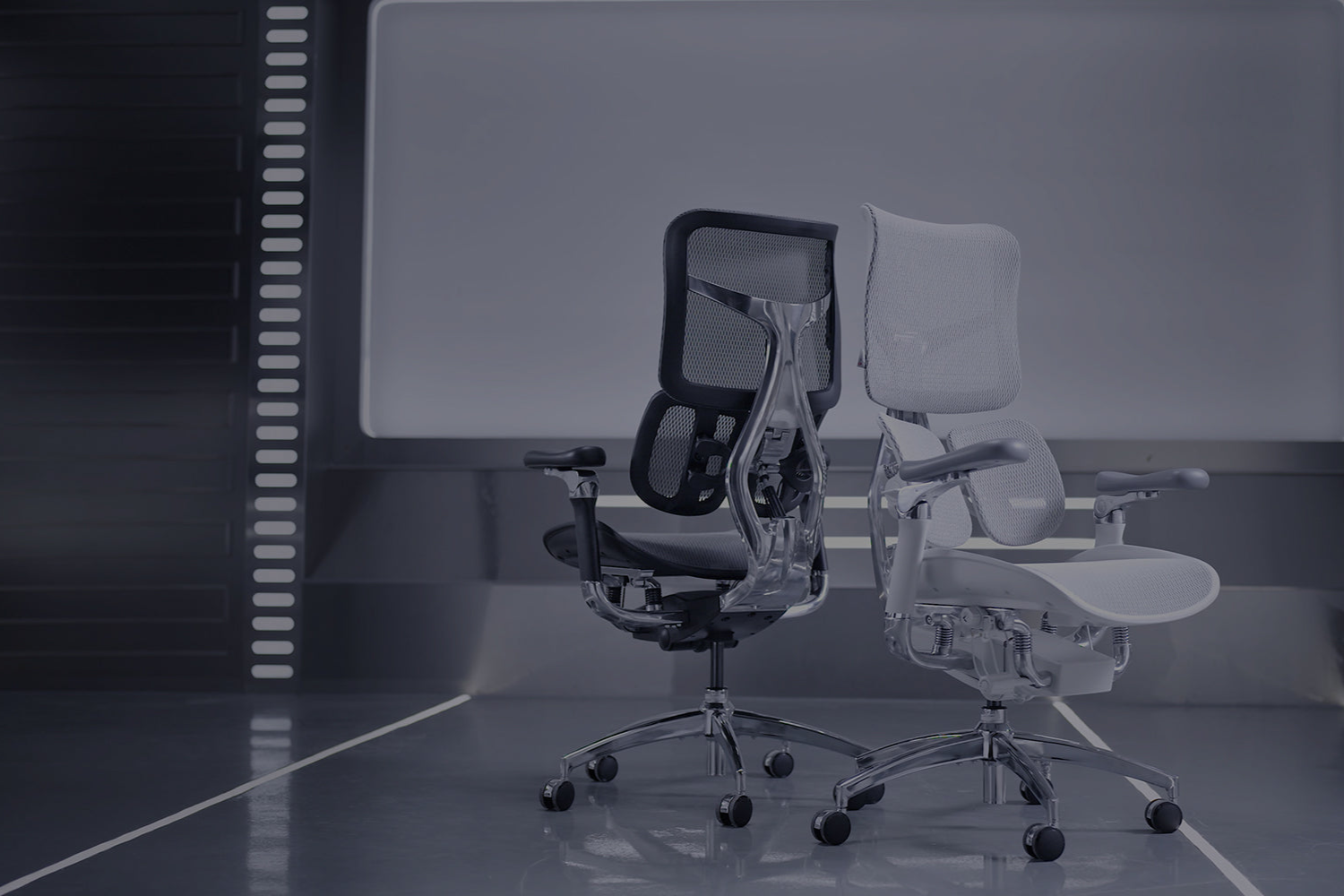

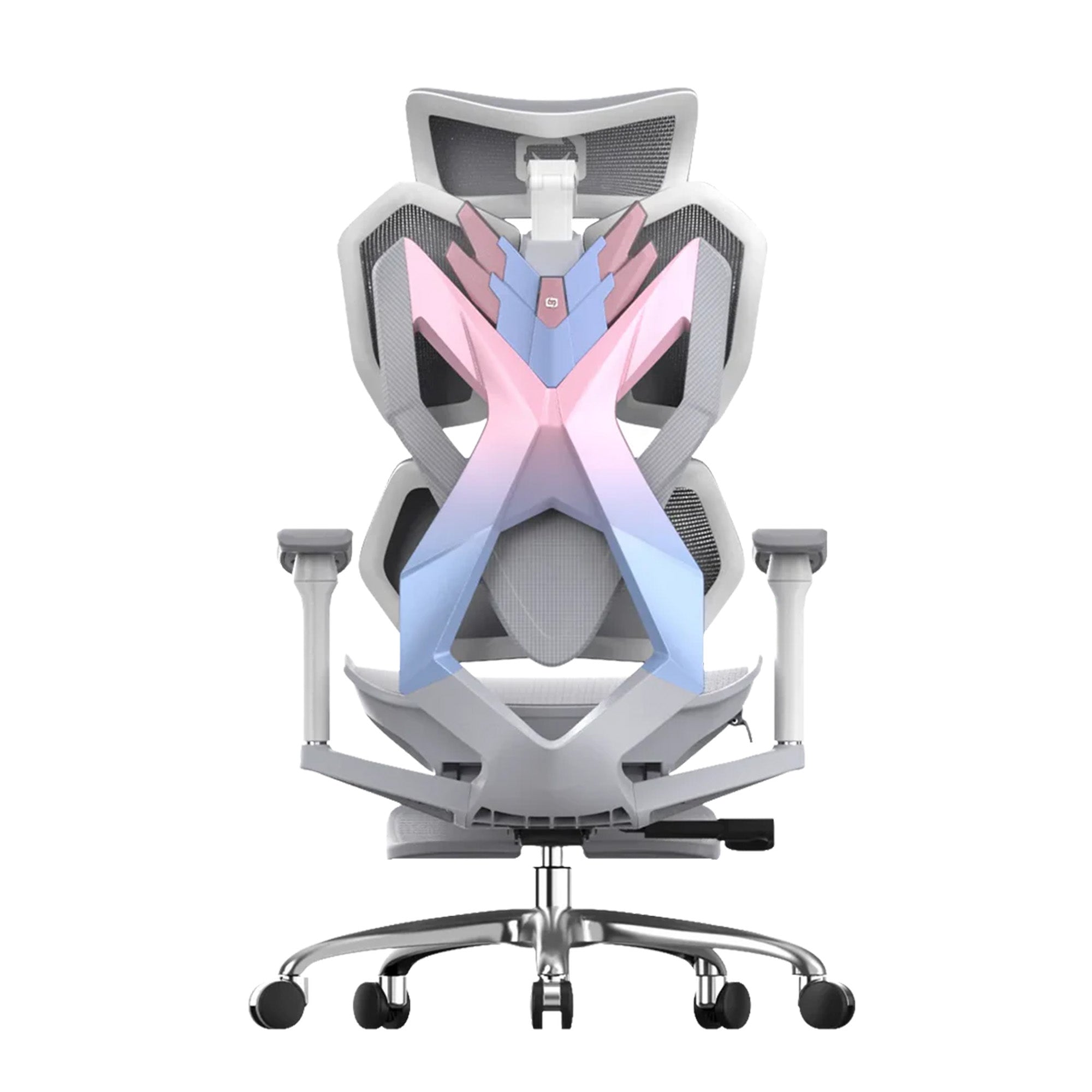
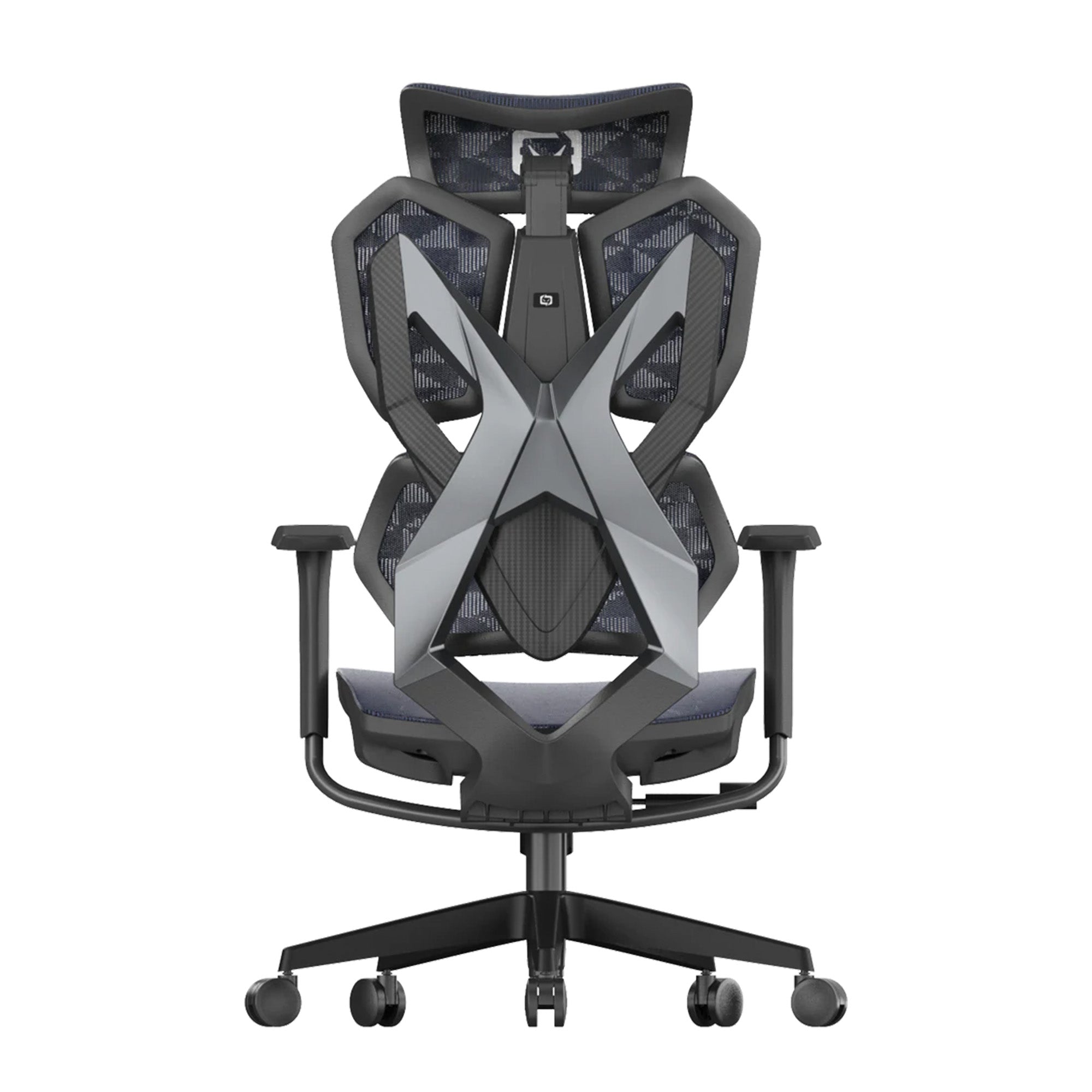

The numbers confirm what your body is already telling you: if your back hurts after a long day at work, it's true. According to a 2024 survey by the Australian Chiropractors Association, about 4 million Australians have back problems right now. Lower back pain is the most common complaint, affecting 80.6% of people who have musculoskeletal issues. One of the best things you can do to fix this is to find the right ergonomic chair. This guide will show you everything you need to know about picking the right chair for your lower back in 2026, whether you work from home, in a shared office, or both.

What Is an Ergonomic Chair for Lower Back Pain?
What It Actually Means in Practice
The word "ergonomic" simply means designed to fit the way your body naturally works. An ergonomic chair for lower back pain is built to support the lumbar region of your spine, which is the inward curve just above your hips. When you sit for hours without proper support, that curve flattens, your muscles tighten, and pain follows.
A good ergonomic chair keeps your spine in a neutral position. It holds your lower back where it naturally belongs rather than letting it slump forward or collapse inward. The result is less strain on your muscles, ligaments, and discs across the day.
This is not about luxury. It is about reducing physical wear on your body during the hours you spend seated. Offices across Australia are gradually making this shift, recognising that a well-supported team is a more comfortable and consistent one.
Who This Guide Is For
This guide is written for anyone who sits for extended periods and wants to address or prevent lower back pain. That includes remote workers who spend most of their day at a home desk, students who study for long stretches, and professionals returning to office environments after years of hybrid work.
It is also relevant for small business owners and office managers thinking about chair upgrades across a team. The same qualities that help one person stay comfortable apply equally when buying for a shared workspace. The principles do not change, but the value of getting it right multiplies.
If you are already dealing with pain, it helps to read up on the best office chairs for long hours of sitting to understand what features matter most for sustained comfort.

What Problems Does a Good Ergonomic Chair Solve?
The Scale of the Problem in Australia
Most people don't know that back pain is more common in Australia than they think. According to the Australian Institute of Health and Welfare (AIHW), about 4 million Australians (16% of the population) had back problems in 2022. In 2023, back problems were the third most common cause of disease burden in Australia, accounting for 4.3% of the country's total disease burden.
There is also a lot of evidence that sitting can cause back pain. According to Safe Work Australia, Australians spend about 76% of their work hours sitting. The ABS's national data backs this up, showing that 46.9% of working adults in Australia spend most of their workday sitting. Studies show that sitting for more than six hours a day raises the risk of chronic back pain by 33% compared to sitting less.
The cost in money is just as important. A study published in JAMA Network Open in 2025 by Monash University said that long-term back problems will cost the Australian economy over $638 billion in lost productivity between 2024 and 2033. The same study also found that cutting the number of back problems by just 10% could add $41.4 billion to Australia's GDP over ten years. The Australian Chiropractors Association says that musculoskeletal disorders already cost the Australian economy more than $55.1 billion a year in direct health costs, lost productivity, and lower quality of life.
The Real Pain Points People Experience Day to Day
Lower back pain from sitting usually comes from a few consistent causes. The most common is a lack of lumbar support. When your chair does not push back against your lower spine, your muscles work overtime to hold you upright. After a few hours, they fatigue and you begin to slump.
Another common issue is a seat that is too deep or too shallow. If the seat is too long, the front edge digs into the back of your knees and you slide forward, losing any back support the chair offers. If it is too shallow, you feel unsupported and perch awkwardly.
Poor armrest placement is also underestimated. When your arms have nowhere to rest comfortably, your shoulders rise and your neck tightens. Over time, this tension migrates down into the upper and lower back. Many people blame their chair back when the armrests are the real issue.
These problems are widespread in home offices where people are working on dining chairs or budget seats not designed for long hours. In traditional office settings, ageing chair stock that was never properly ergonomic causes the same issues at scale.
How Discomfort Affects Comfort and Productivity
Back pain is not just a physical issue. A 2025 report from the Australian Physiotherapy Association found that people living with back and neck pain rated their quality of life at 60 out of 100, compared to a national average of 72. Nearly 80% reported dissatisfaction with their sleep quality, and 93% described their pain as chronic rather than temporary.
For individuals, this often shows up as a drop in concentration after the first two or three hours of work. Tasks that should take thirty minutes stretch out because you cannot settle in. For teams, the effect compounds. If multiple people in an office are dealing with the same discomfort, the collective drop in focus adds up quickly.
According to the ACA, 75% of respondents aged 18 to 60 in peak working years reported back pain, yet 64% of lower back pain sufferers had not sought a formal diagnosis. Many simply manage symptoms with over-the-counter pain relief rather than addressing the root cause. For most desk workers, that root cause begins with the chair they sit in every day.

Key Features to Look for in an Ergonomic Chair for Lower Back Pain
The Features You Should Not Compromise On
Adjustable lumbar support is the most important feature for lower back pain. A 2023 study published in Ergonomics (University of Waterloo) found that lumbar support as a chair design feature significantly affected both spine posture and perceived pain in seated participants. The study identified that 39% of participants were "pain developers," meaning they experienced meaningfully higher peak pain levels across body regions during prolonged sitting without proper support. Look for chairs where the lumbar pad can be moved up or down to match your specific spine shape. Adjustable is always the safer choice over fixed.
Seat height adjustment is equally non-negotiable. Your feet should rest flat on the floor with your knees at roughly ninety degrees. If you cannot get this right, no other feature can fully compensate.
Seat depth adjustment allows the seat pan to slide forward or backward. This is important for taller and shorter users alike. Getting the right depth means you can sit back fully and still have an inch or two of space behind your knees.
Recline with tension control lets you lean back slightly throughout the day, which takes pressure off the lumbar discs. Chairs that lock you in a single upright position actually increase spinal load. The ability to shift positions is important.
4D armrests move up, down, forward, back, and often sideways. They allow your arms to rest in a natural position regardless of your desk height or seating posture, which reduces shoulder and neck tension that feeds into back pain.
Once you have a chair, getting the setup right is just as important as the chair itself. Research has shown that many office workers rarely use lumbar support correctly, and most do not know how to use seat adjustments. Learning how to properly adjust your ergonomic chair is a step many people skip, and it is the reason a good chair can still feel uncomfortable if it has not been dialled in.
Useful Upgrades Worth Considering
The mesh backrest lets air flow behind your back, which is very important during long sessions. At first, foam backs can feel supportive, but after an hour or two, they can trap heat and become uncomfortable.
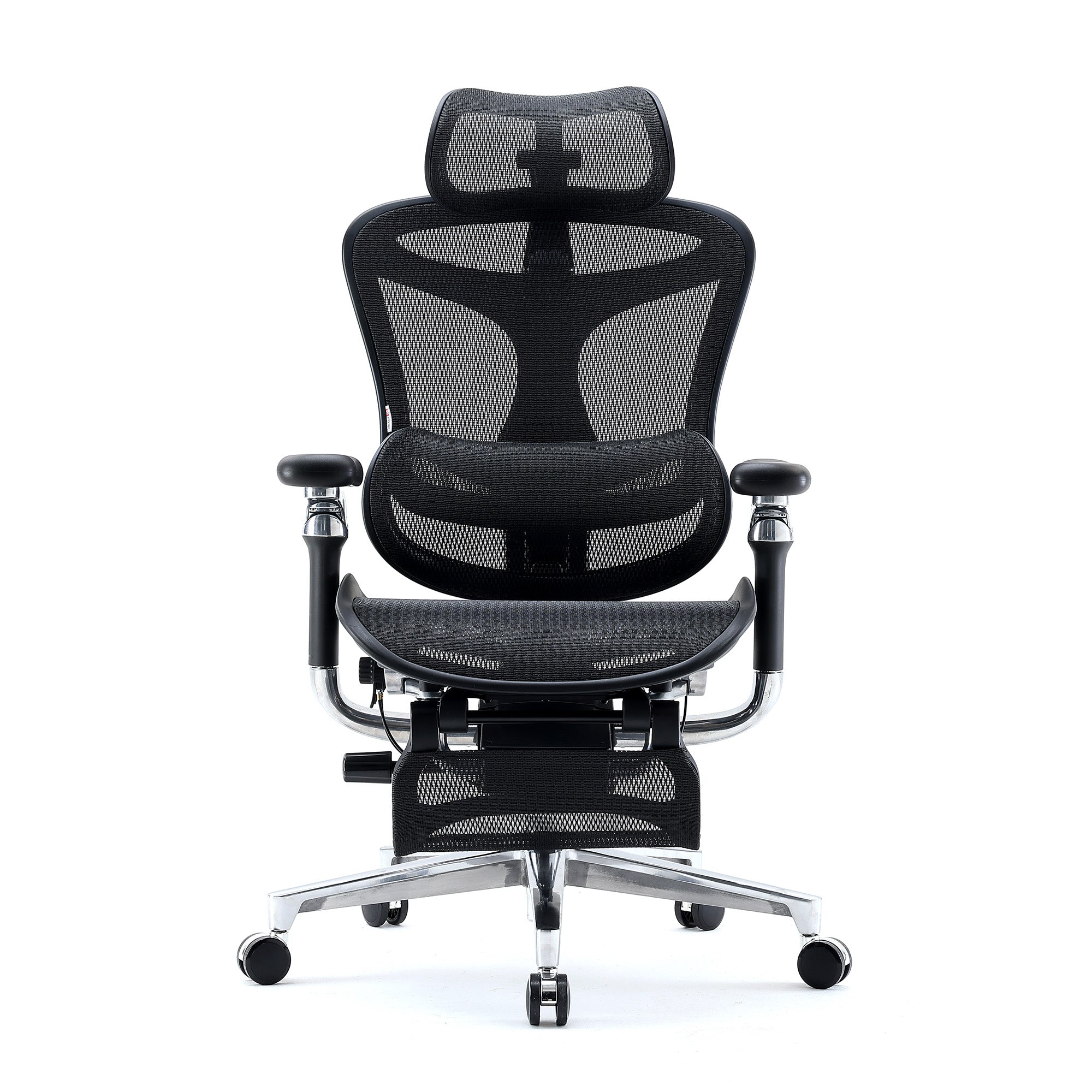
People who lean back a lot or work while lying down will find the headrest helpful. It is not as important as lumbar support, but it is helpful for taller people or anyone who has neck tension.
From a research point of view, the dynamic or split backrest design is interesting. A 2024 study published in the Scandinavian Journal of Work, Environment and Health discovered that encouraging postural changes while seated diminished the occurrence of neck and lower back pain among high-risk office employees. This finding is in line with chairs that let you move around naturally instead of locking you into one position.
When you recline, the synchronized tilt mechanism moves the seat and back together, keeping your body's proportions natural. It feels more natural than a backrest that moves on its own.
If you're taller than average, some features, like the height of the backrest and the range of seat depth, become even more important. The guide to ergonomic chairs for tall people tells you what to look for if standard sizes don't quite fit.

Best Ergonomic Chairs for Lower Back Pain in Australia (2026)
In the last few years, the Australian market has gotten a lot better. You don't have to spend a lot of money to get real ergonomic support anymore. Here is a breakdown by budget tier based on how well they work in the real world and how easy they are to find right now.
Budget Tier: Under $400 AUD
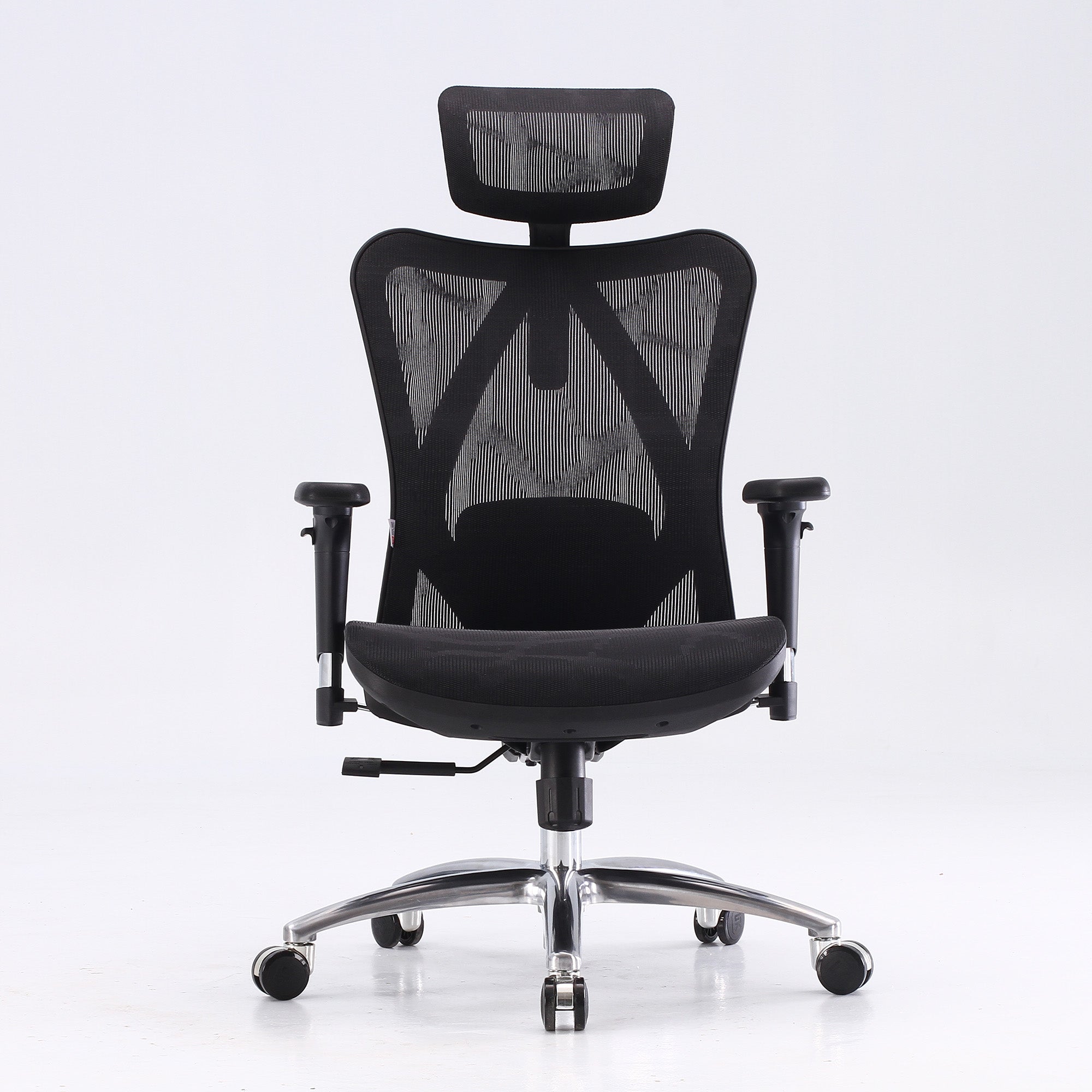
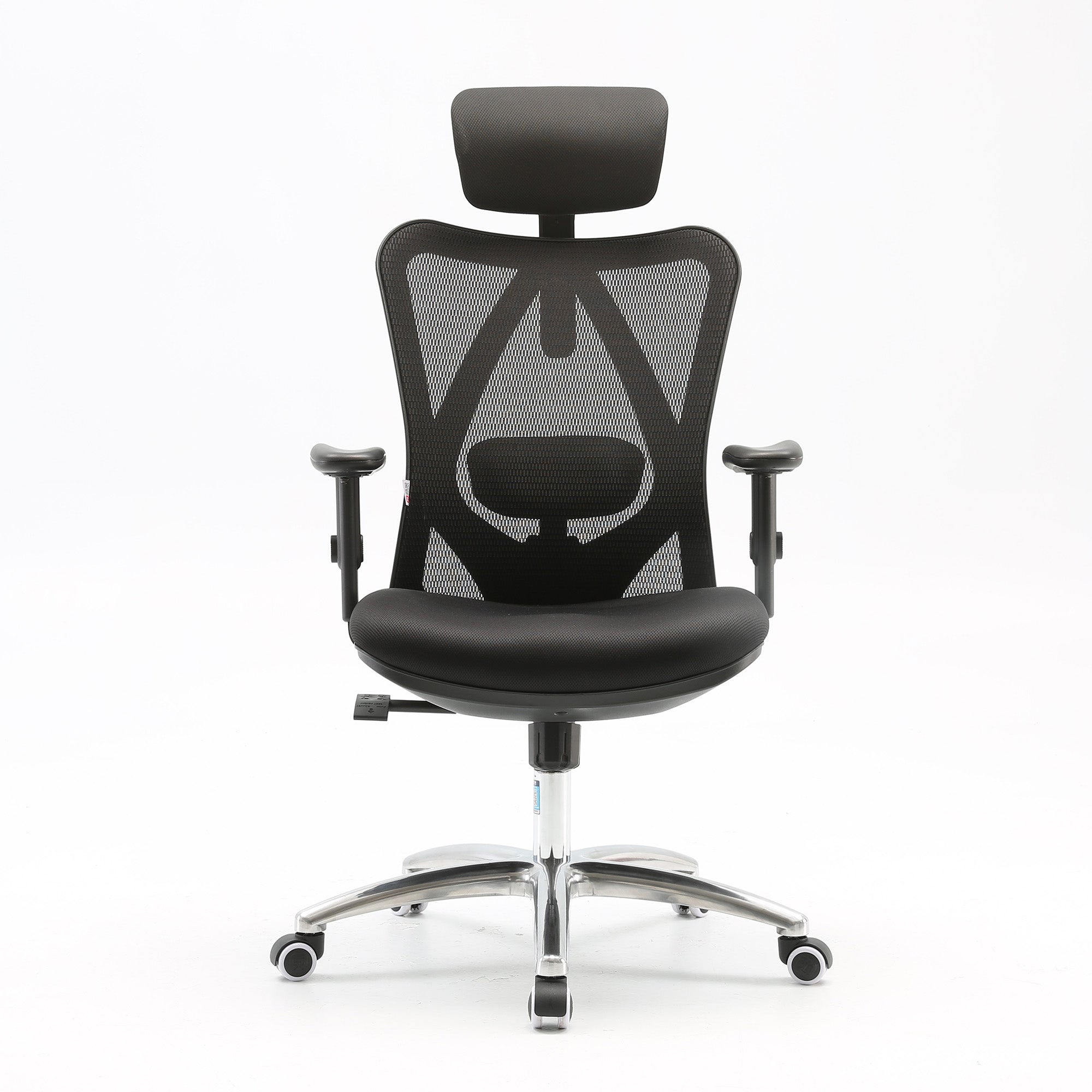
The Sihoo M57 is a great choice for anyone who wants dependable lumbar support without spending a lot of money. It has a mesh backrest, an adjustable lumbar cushion, and 3D armrests. The build quality is good for the price, and it fits most body types that are average height.
You should be ready to give up some things at this price. Many cheap chairs don't let you change the depth of the seat, and the recline tension may not be very strong. That being said, the M57 is a real upgrade for someone who works from home and wants something more comfortable than a dining chair or a basic office chair.
If your office needs to buy chairs for more than one workstation without spending too much money, budget tier chairs are a good option for jobs that require short periods of sitting or staff that rotates. Not every chair needs to be a high-end one, but every chair should be able to adjust to fit your lower back. The ABS data shows that back pain is most common among Australians aged 18 to 60, which is when they are most productive. So, even a small improvement in the quality of seating in an office is a good investment.
Mid-Range Tier: $400 to $800 AUD
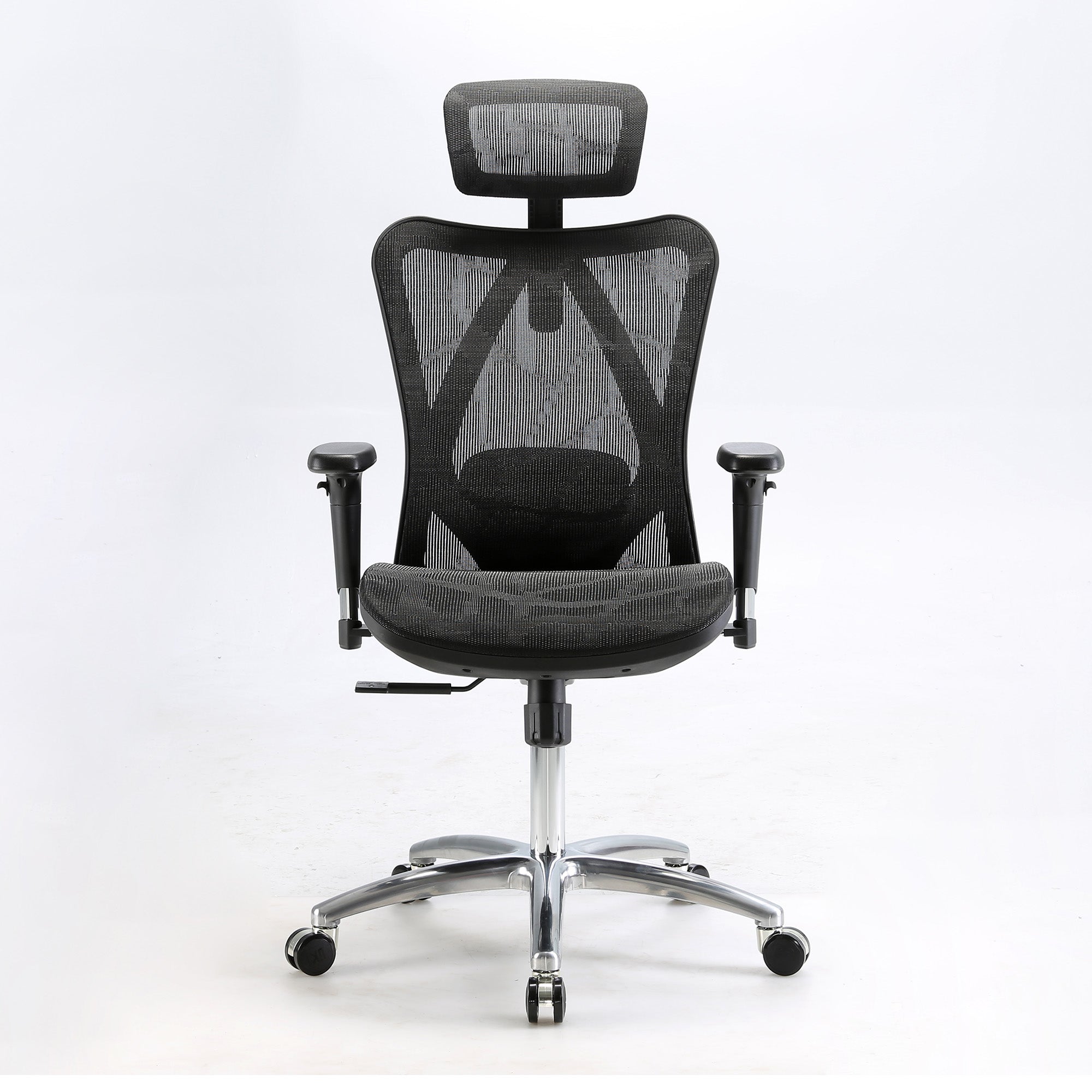
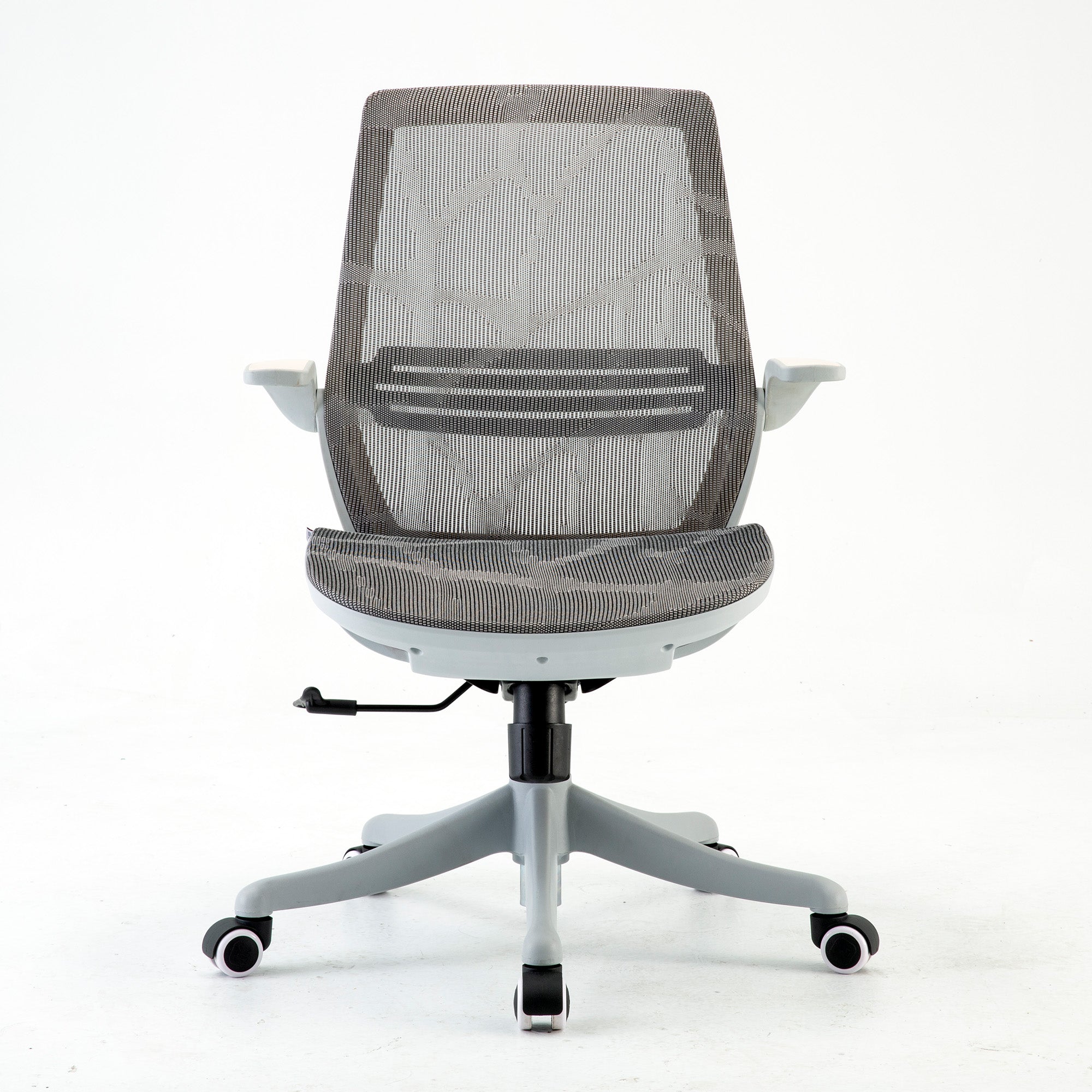
The Sihoo M18 is at the low end of the mid-range and has a simple, clean design with useful ergonomic features. The mesh back lets air flow through, and the lumbar support can really be adjusted. It works for a lot of different people and is a good choice for home offices or meeting rooms.
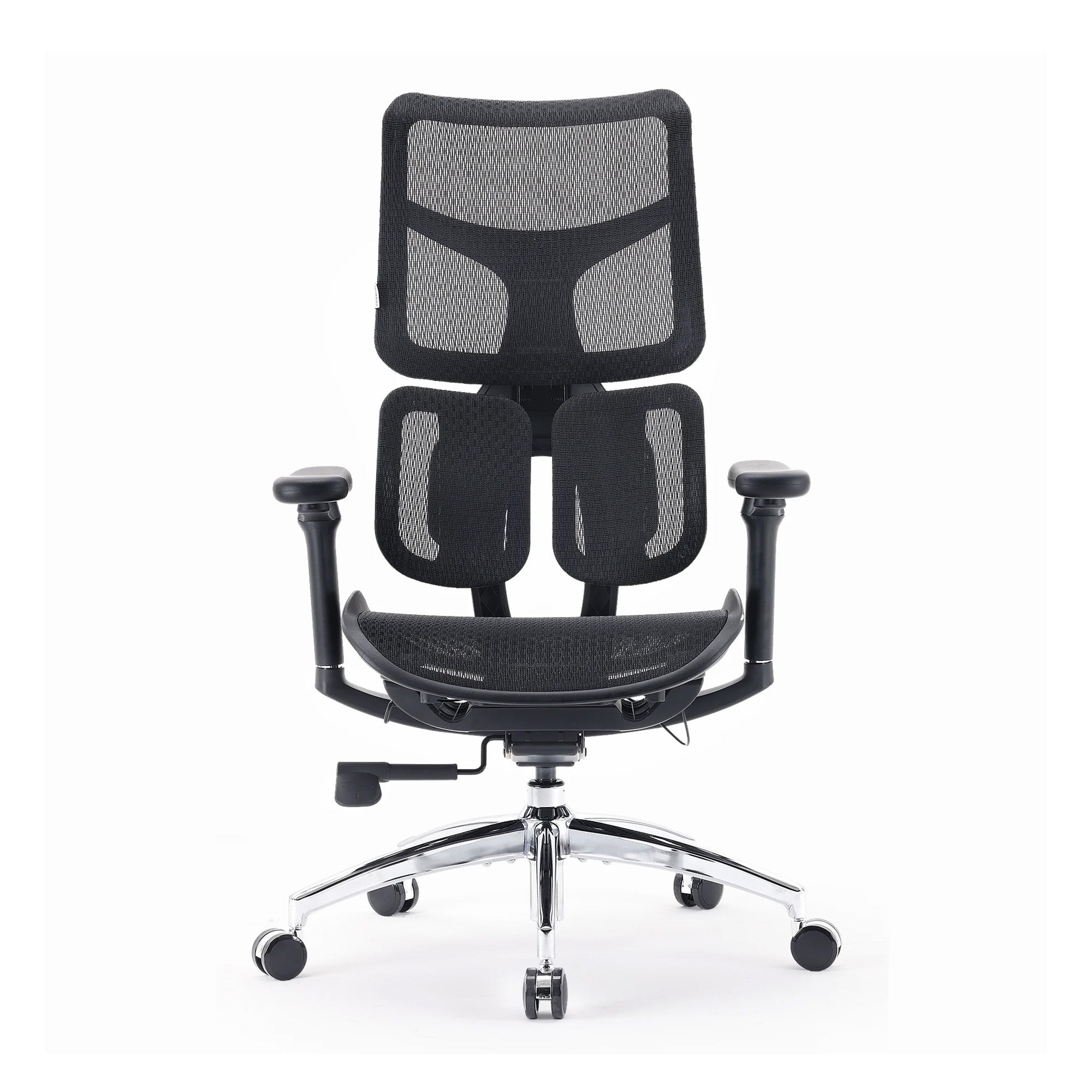
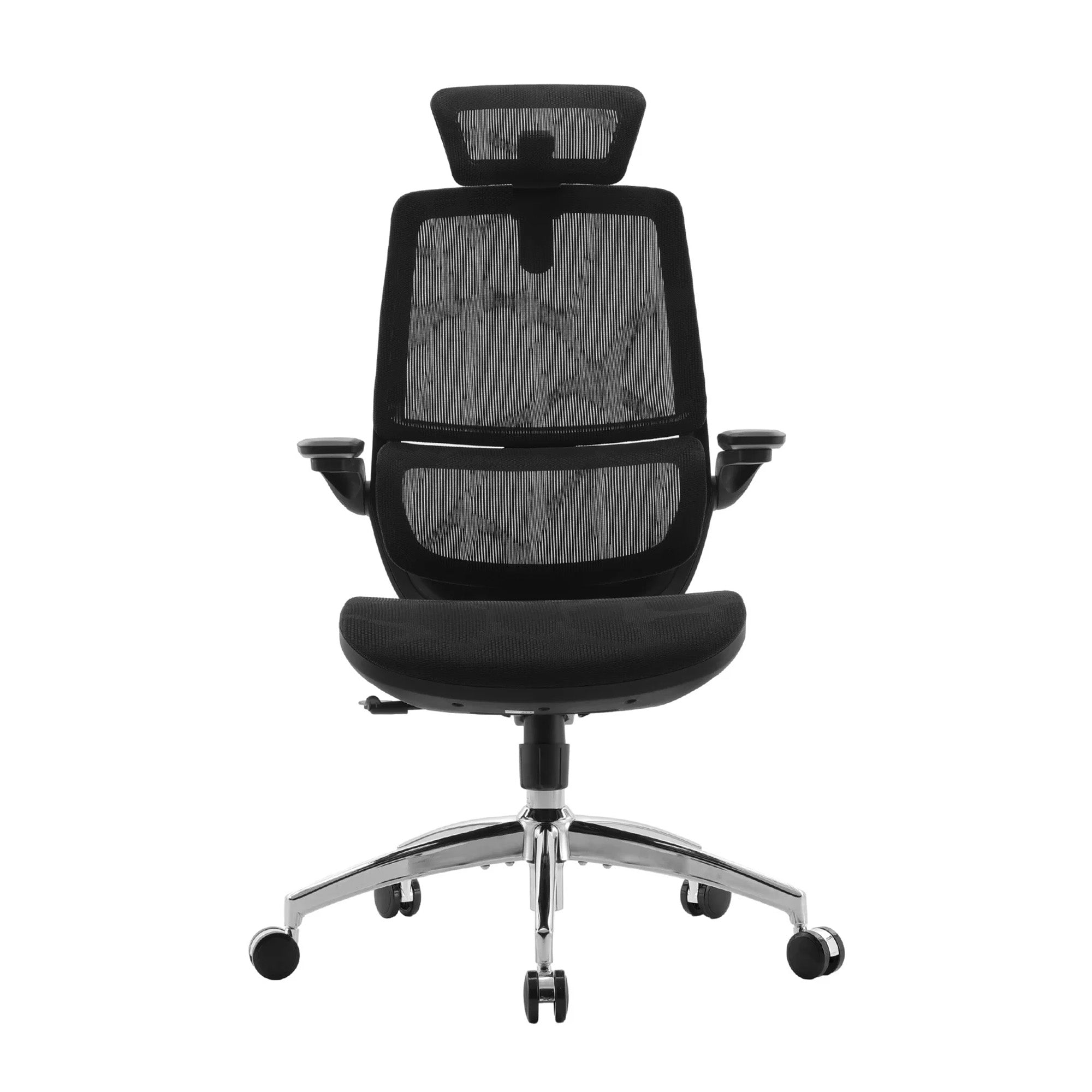
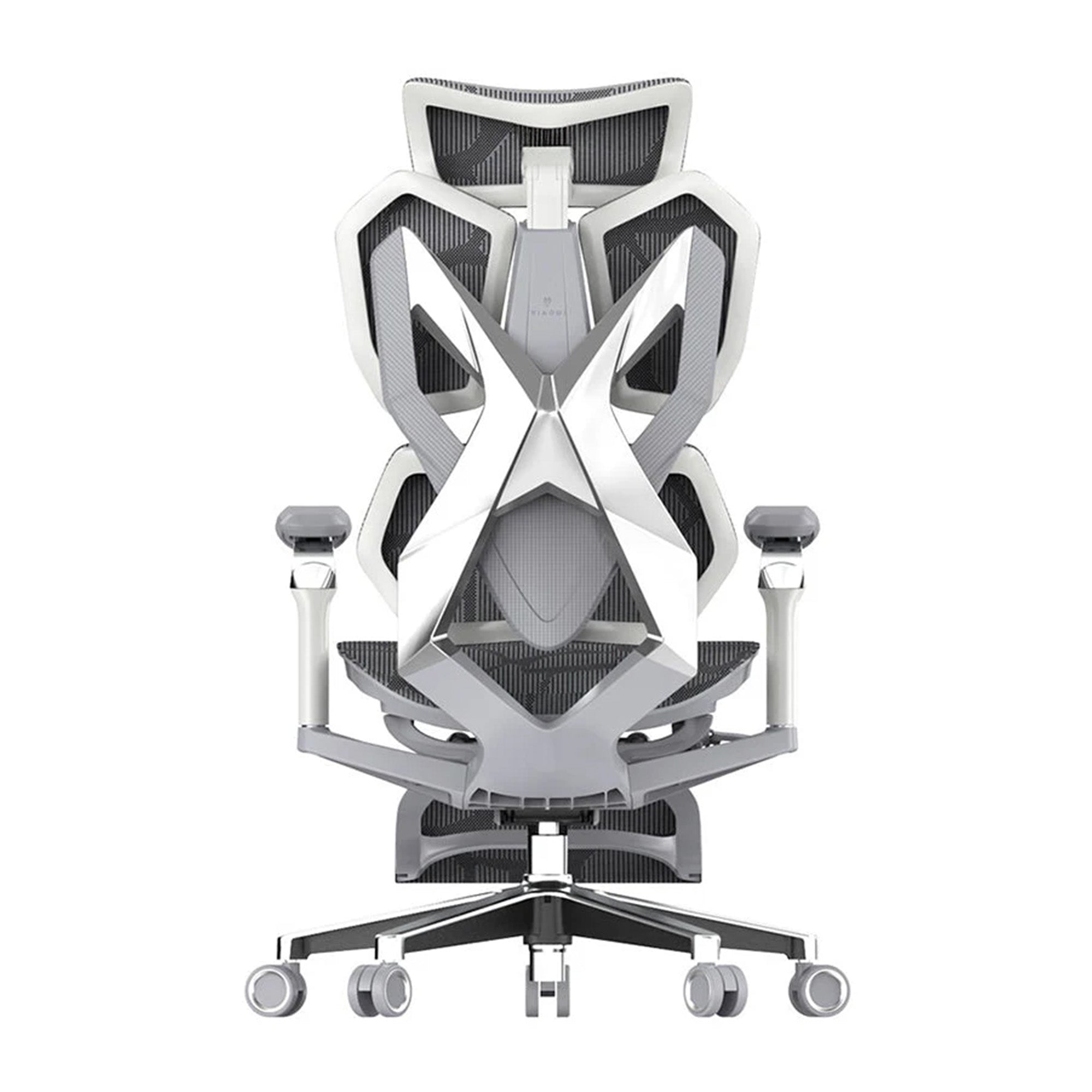
The Sihoo Doro C300 has dynamic lumbar support that moves with you as you move in the seat. This is a big step up from lumbar that is fixed or can be adjusted by hand. The C300 also has a split backrest that lets each side move on its own. This is great for people who tend to sit off-center. This fits with the growing body of research that shows that moving around and changing your posture while working at a desk puts less strain on your muscles and joints than staying still.
You start to see real differences in build quality, adjustability range, and long-term comfort in the mid-range. This level is the best balance between cost and real ergonomic value for professionals who work eight hours or more a day. A systematic review published in BMC Musculoskeletal Disorders identified a consistent trend indicating that chair interventions effectively reduce the severity, intensity, and frequency of musculoskeletal pain in workers who remain seated for extended durations.
Premium Tier: $800 AUD and Above
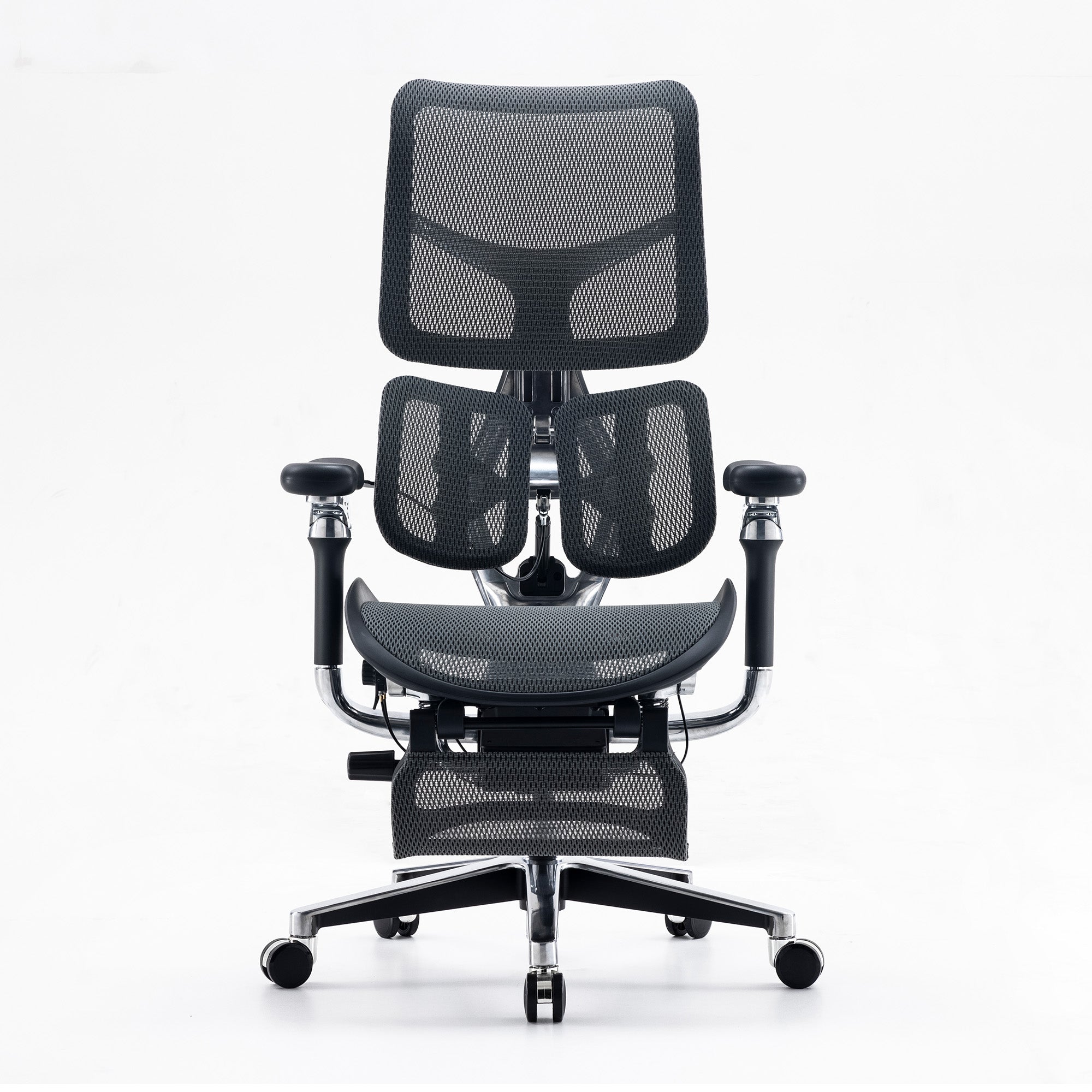
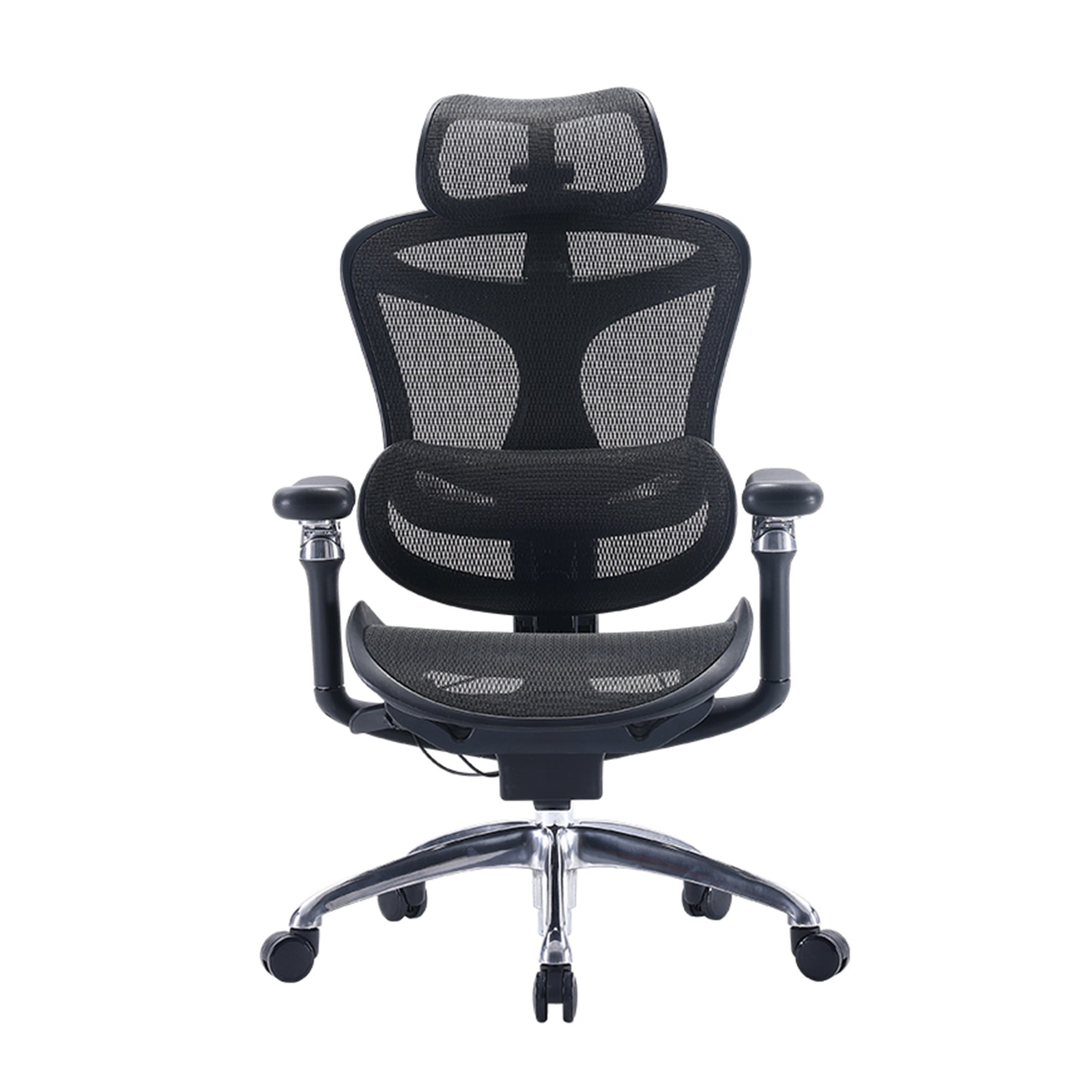
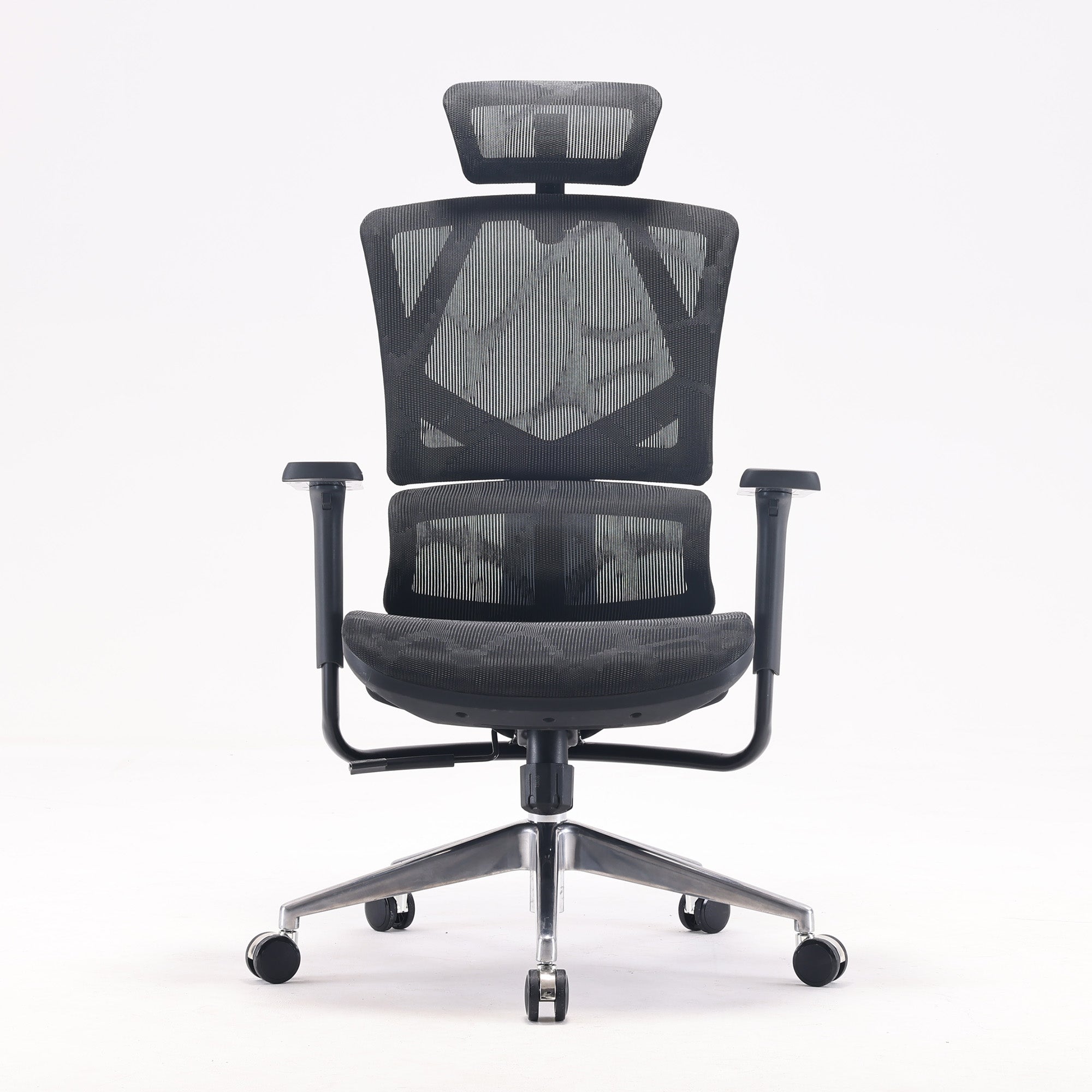
The Sihoo Doro S300 is the best ergonomic chair in Sihoo's line in Australia. It has a separate lumbar support system, a headrest that can be adjusted in any way, 4D armrests, and a complicated recline mechanism that evenly spreads your weight across the seat and back. The mesh is made of two layers and lets air through. The materials are made to last for a long time of daily use.
The S300 is a good choice for people who sit for six or more hours a day and have lower back pain on a regular basis. It can be adjusted to fit almost any body type, which is why it works well as a shared chair in hot-desking environments where more than one person uses the same seat.
If you're setting up a home office and buying a high-end chair, you should also think about how the rest of your workspace fits together. Design ideas for a home office can help you set up your desk, chair, and lighting so that they all work together to make you more comfortable and focused.
How to Choose the Right Chair for Your Situation
A Simple Checklist Before You Buy
Know your height and weight range. Most chairs specify a recommended user range. If you sit outside the standard range, check seat depth, backrest height, and weight capacity carefully.
Set your budget as a firm number. It is easy to keep bumping up. Decide beforehand whether you are comfortable at $350, $600, or $900, then find the best chair within that range rather than comparing across tiers.
Identify your main pain point. Lower back pain points you toward lumbar adjustability and seat depth. Neck and shoulder issues point you toward armrest quality and headrest options. The right primary feature matters more than having every feature.
Think about how long you sit per day. Under four hours, budget tier will likely serve you well. Four to eight hours, mid-range makes more sense. Over eight hours or if you already have chronic back issues, premium is worth the investment. Research shows that sitting more than six hours a day raises back pain risk by 33%, so anyone in that category needs a chair that can handle the load.
Check the return and warranty policy. Sihoo Australia offers warranty support, which matters for a purchase you will use daily. A chair is not a product you want to replace in a year.
Sometimes discomfort comes from how the chair is being used rather than the chair itself. There are also practical ways to make your current office chair more comfortable while you decide whether to upgrade.
Common Mistakes to Avoid When Buying
Buying based on looks alone. A chair can look sleek but have poor lumbar depth, a seat pan that is too wide, or armrests that do not adjust to a usable height. Always check the spec sheet against your body measurements.
Skipping the adjustment process. A study on ergonomic interventions found that many office users rarely use lumbar support at all and do not know how to operate seat adjustments. Many people unbox a chair, sit down, and decide it is uncomfortable without ever adjusting it properly. Spend fifteen minutes adjusting every setting before you assess comfort.
Prioritising price over fit. A $600 chair set up correctly for your body will outperform a $1,200 chair that does not fit your height or posture. Fit matters more than price point.
Ignoring seat depth. This is the most commonly overlooked feature. A seat that is too deep forces you to sit on the edge, losing all back support. Always check whether the chair offers seat depth adjustment if you are shorter or taller than average.
Buying multiple chairs for a team without trialling first. If you are equipping an office, buy one or two chairs from a shortlist and have staff trial them for a week before committing to a full order. The cost of bulk returns is higher than the cost of a proper trial process.
Final Recommendation: Which Chair Should You Get?
Best Overall: Sihoo Doro S300
For most people dealing with lower back pain who work five or more hours a day, the Sihoo Doro S300 is the strongest choice in the Australian market. It covers every important ergonomic feature, the lumbar support is genuinely adjustable and effective, and the build quality is designed for long-term use.
It suits home offices and professional work environments equally well. The adjustability range accommodates a wide variety of body types, which makes it a reliable option for shared office seating as well as dedicated personal workstations.
The S300 is not the cheapest chair on the market, but for the hours most working Australians put in each week, it is a sound investment in sustained comfort and healthier posture over time. With long-term back problems projected to affect over 3.2 million working-age Australians by 2033 according to Monash University research, getting the right support in place now is a practical decision, not a luxury one.
Best Value: Sihoo Doro C300
The Sihoo Doro C300 is the best chair if your budget is in the middle and you want one that does more than the basics. The dynamic lumbar support that moves with you is a feature that is usually only found in more expensive chairs. The split backrest design is also very helpful for people who have uneven posture or movement patterns.
The C300 is great for people who work in a chair and need to move around a lot during the day, going from tasks that require leaning forward to tasks that require thinking while sitting back. It works better with that range of things than most chairs in its price range.
The C300 is a good way for offices with limited budgets to improve the seating for everyone on the team. It works better than you'd expect for the price and helps most users get through a full workday with less pain.
No matter which chair you choose, the goal is the same: to have less pain, better posture, and more energy at the end of the day. The best ergonomic chair for Australians is a useful tool for anyone who sits for a living. It pays for itself in comfort and consistency over time.
FAQ: Ergonomic Chairs for Lower Back Pain (For Individuals)
Can an ergonomic chair actually fix lower back pain?
A chair alone will not cure back pain, but it can significantly reduce the strain that causes it in the first place. The lumbar spine has a natural inward curve, and sitting without support flattens that curve, loading the muscles and discs around it. A properly adjusted ergonomic chair maintains that curve throughout the day, which reduces muscle fatigue and disc pressure. For many people with non-specific lower back pain linked to prolonged sitting, the right chair makes a noticeable difference within the first few weeks of use.
That said, a chair works best when paired with regular movement breaks. No matter how good the chair, sitting in one position for hours still increases spinal load. Standing up and walking for a few minutes every thirty to forty minutes is recommended alongside any ergonomic seating upgrade.
How long does it take to feel a difference after switching to an ergonomic chair?
Most people notice improved comfort within the first one to two weeks, though this depends on how well the chair is adjusted and how many hours you sit per day. The adjustment period matters here. If you have spent years sitting in a poorly supported chair, your muscles and posture may take a little time to adapt to a neutral position. Some users find the lumbar support feels unfamiliar at first because their back muscles are not used to being held in the correct position.
Stick with it and make incremental adjustments over the first week. If you follow the setup steps correctly, discomfort should decrease, not increase, as your body settles into a better sitting posture.
What is the most important feature for lower back pain specifically?
Adjustable lumbar support is the single most important feature. It needs to be positioned at the right height for your specific body, pressing gently against the inward curve of your lower spine. If it sits too high, it pushes on your mid-back. If it sits too low, it does nothing for lumbar support. The ability to move it up and down to your exact measurement is what makes it effective.
After lumbar support, seat depth adjustment is the second most impactful feature. If you cannot sit fully back in the chair with some clearance behind your knees, you will lose back contact with the lumbar pad and all the benefit of that support disappears.
Is a mesh chair better than a foam chair for back pain?
For most people who work long hours, mesh is the better choice. Mesh allows airflow behind your back, which prevents the heat build-up that makes sitting uncomfortable after sixty to ninety minutes. When you are hot and restless, you shift around and lose contact with the lumbar support more often.
Foam chairs can provide excellent initial support and may feel more cushioned, but they tend to retain heat and can compress over time, reducing the effectiveness of built-in lumbar features. If you work in an air-conditioned office and sit for shorter periods, foam may suit you well. For long daily sessions in a warm home office, mesh generally holds up better.
How do I know if my chair is set up correctly for lower back pain?
When your chair is set up correctly, your feet should rest flat on the floor, your knees should be at roughly ninety degrees, and your lower back should be lightly pressed against the lumbar support without you having to lean into it. Your hips should be at roughly the same height as or slightly higher than your knees, and your shoulders should be relaxed, not raised.
If you feel the lumbar support pushing uncomfortably into your back, it is probably set too high or too far forward. If you feel no support at all, it may be too low or the depth may not be set to press against your spine. Take time to dial in every adjustment individually rather than setting them all at once.
Can I use an ergonomic chair if I already have a diagnosed back condition?
An ergonomic chair can support people with many back conditions, but it is not a substitute for medical advice. If you have been diagnosed with a herniated disc, scoliosis, sciatica, or another specific spinal condition, speak with your physiotherapist or GP about which chair features are most appropriate for your situation before purchasing.
For most people with non-specific lower back pain, which accounts for the majority of cases, a well-adjusted ergonomic chair with proper lumbar support and seat depth is a practical and safe intervention. The ACA notes that 64% of lower back pain sufferers in Australia have never sought a formal diagnosis, which means many people are managing symptoms without knowing their specific cause. If your pain is severe, persistent, or worsening, a professional assessment is always worthwhile.
How long should an ergonomic chair last?
A quality ergonomic chair used in a home office environment should last seven to ten years with normal care. Chairs used in commercial environments with multiple daily users may need replacement sooner, typically in the five to seven year range. Key indicators that a chair needs replacing include a backrest that no longer holds its angle, a seat cushion that has flattened significantly, or adjustment mechanisms that no longer hold their position.
Sihoo chairs come with warranty coverage, which is worth checking before you buy. A chair is a daily-use item, and knowing the warranty period and what it covers gives you confidence in the investment.
FAQ: Ergonomic Chairs for the Workplace (For Businesses and Office Managers)
Are Australian employers legally required to provide ergonomic chairs?
Under the Work Health and Safety (WHS) Act, which has been adopted across most Australian states and territories, employers have a legal duty to provide a safe working environment. This includes ensuring workstations are set up to minimise the risk of musculoskeletal injury. While the legislation does not name specific chair models, it does require employers to assess and control hazards related to prolonged sitting, repetitive tasks, and workstation design.
The relevant Australian standard for office chairs is AS/NZS 4438, which covers height-adjustable swivel chairs used in commercial environments. Chairs that meet this standard have been independently tested for adjustability, stability, and ergonomic design. For businesses procuring chairs at scale, compliance with AS/NZS 4438 is considered best practice and reduces exposure to WHS liability. AFRDI Level 6 certification, issued by the Australasian Furnishing Research and Development Institute, is widely regarded as the gold standard for commercial ergonomic seating in Australia.
If a worker sustains a musculoskeletal injury and an employer cannot demonstrate that appropriate seating and workstation assessments were in place, the organisation may be exposed to workers' compensation claims and WHS enforcement action. Investing in proper chairs is both a health decision and a risk management one.
How do I choose ergonomic chairs for a team with different body types?
The key is adjustability range rather than a one-size-fits-all spec. A chair that can be configured across a meaningful range of heights, seat depths, lumbar positions, and armrest widths will serve the majority of a team regardless of individual size. Chairs with a seat height range of roughly 42 to 54 cm, combined with seat depth adjustment, cover most adult body types within typical Australian workforce demographics.
For teams with significant variation in height or body weight, consider auditing the range of your staff before purchasing. If you have staff members who are considerably taller or heavier than average, check that shortlisted chairs are rated appropriately. Buying a chair that does not fit someone properly defeats the purpose of an ergonomic upgrade entirely.
It is also worth noting that research shows many office workers do not know how to use their chair adjustments correctly. Rolling out a new chair without a basic setup guide or a brief team walkthrough often means the ergonomic investment is underutilised. A short document or video on how to set the chair up reduces this risk significantly.
What is the ROI of investing in ergonomic chairs for an office?
The return is real, though it manifests across several different measures rather than a single direct figure. The most tangible is reduced absenteeism. Back pain is one of the leading causes of sick days in Australian workplaces, and the Monash University research published in 2025 found that long-term back problems are projected to cost over $638 billion in lost productivity to Australia's GDP over the next decade. Reducing the incidence at the workstation level contributes to keeping staff present, focused, and functioning.
Beyond absenteeism, there is the less visible but equally real cost of presenteeism, where staff are physically at work but performing below their capacity because of discomfort. Research consistently links physical comfort with sustained concentration and task completion rates. A team that is not shifting around in pain every ninety minutes simply gets more done across the day.
There is also the WHS compliance angle. Workers' compensation claims related to musculoskeletal conditions carry direct costs in premiums and claim management, as well as indirect costs in replacement staffing and training. Chairs that reduce injury risk reduce these downstream costs over time. The ACA reports that the annual cost of MSDs to the Australian economy exceeds $55.1 billion, and a meaningful share of that originates at the office chair.
How many chairs should we trial before a bulk purchase?
Trialling two to three models across a representative sample of your team is enough to make an informed decision for most offices. Choose staff who vary in height, sitting habits, and current comfort levels, and ask them to use each chair as their primary seat for at least three to five full working days before providing feedback. First impressions after ten minutes are not reliable indicators of how a chair performs over a full week.
Ask specific questions in the feedback process rather than open-ended ones. Questions like: does the lumbar support reach the right part of your back? Can you adjust the height so your feet sit flat without pressure under your thighs? Do the armrests let you rest your elbows without raising your shoulders? These give you actionable data rather than general impressions.
What should we look for in an ergonomic chair for hot-desking environments?
Hot-desking introduces a specific challenge: multiple users with different body types sharing the same chair, often without taking the time to readjust it between sessions. This means intuitive adjustment mechanisms are more important than ever. If adjusting the lumbar or seat height requires significant effort, knowledge, or time, most users will simply sit in whatever position the previous user left it in.
Look for chairs with clearly labelled, easily operated controls. Pneumatic height adjustment with a single lever is standard and works well. Lumbar adjusters that can be reached easily from a seated position without reading an instruction manual are a plus. Durable build quality matters more in high-rotation environments than in single-user settings, as the chair is being adjusted and used by multiple people daily.
In hot-desking setups, it is also worth pairing the chair rollout with a short, visible guide posted at each workstation showing the five key adjustments and target positions. This small addition significantly improves the likelihood that each user actually gets the support the chair is designed to provide.
Can we claim ergonomic chairs as a business expense in Australia?
Ergonomic chairs purchased for use in a business workspace are generally tax-deductible as a business expense in Australia, as they are considered depreciable assets used in the course of business. For home-based businesses and remote workers, the ATO allows deductions for home office equipment including chairs, subject to the proportion of time the space is used for work purposes.
For specific guidance on how to claim and the applicable depreciation rates for office furniture, consult your accountant or refer to the ATO's guidance on business deductions and the instant asset write-off threshold applicable for the current financial year. Tax rules can change, and a professional can confirm the most current treatment for your specific situation.
How should we handle ergonomic chair requests from remote or hybrid workers?
This is an increasingly common question for Australian employers as hybrid work has become the norm. Under WHS legislation, the duty of care extends to home-based work environments. Employers are expected to take reasonable steps to ensure their remote workers have safe and ergonomically appropriate setups, which includes seating.
In practice, many businesses address this through a home office equipment allowance or reimbursement scheme, allowing staff to select a chair that fits their specific home setup within a defined budget. Others take a more centralised approach, providing a standardised chair from a preferred supplier for all remote staff. Either approach demonstrates due diligence under WHS obligations and reduces the risk of claims linked to home workstation injuries.
Safe Work Australia has published specific guidance on managing WHS risks for workers doing computer-based work from home, which is worth reviewing if you are establishing or updating a remote work policy that includes furniture.
Sources and Research Referenced
• Australian Institute of Health and Welfare (AIHW), Chronic Musculoskeletal Conditions: Back Problems, 2024 — aihw.gov.au
• Australian Chiropractors Association (ACA), New Data Uncovers Australia's Back Pain Crisis, National Spinal Health Week 2024
• Monash University / JAMA Network Open, Productivity Losses Due to Long-Term Back Problems in Working-Age Australians, 2025 — doi:10.1001/jamanetworkopen.2025.27284
• Australian Physiotherapy Association (APA), Profiling Australia's Pain, Report 2, January 2025 — australian.physio
• MVMT Sports Chiropractic, Back Pain Statistics Australia, citing ABS Physical Activity Survey 2022 and Safe Work Australia data
• De Carvalho DE & Callaghan JP, Effect of Office Chair Design Features on Lumbar Spine Posture, Muscle Activity and Perceived Pain During Prolonged Sitting, Ergonomics, 2023, doi:10.1080/00140139.2022.2152113
• Scandinavian Journal of Work, Environment and Health, The Effectiveness of a Dynamic Seat Cushion in Preventing Neck and Low-Back Pain Among High-Risk Office Workers, October 2024
• PMC / BMC Musculoskeletal Disorders, The Effectiveness of a Chair Intervention in the Workplace to Reduce Musculoskeletal Symptoms: A Systematic Review
PMC, Impact of Lumbar Support on Pain Reduction in Low Back Pain Patients: A Systematic Review a


