
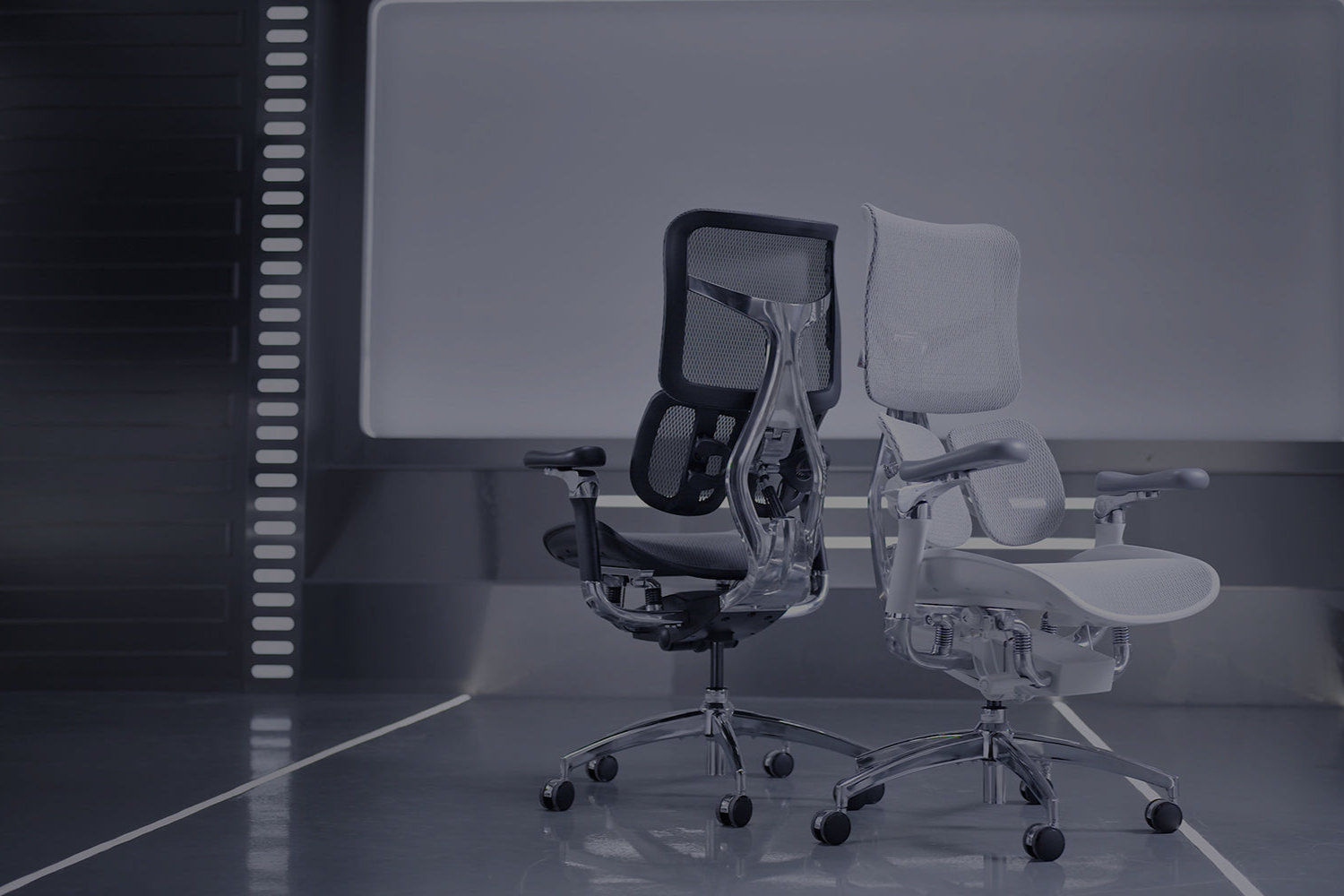
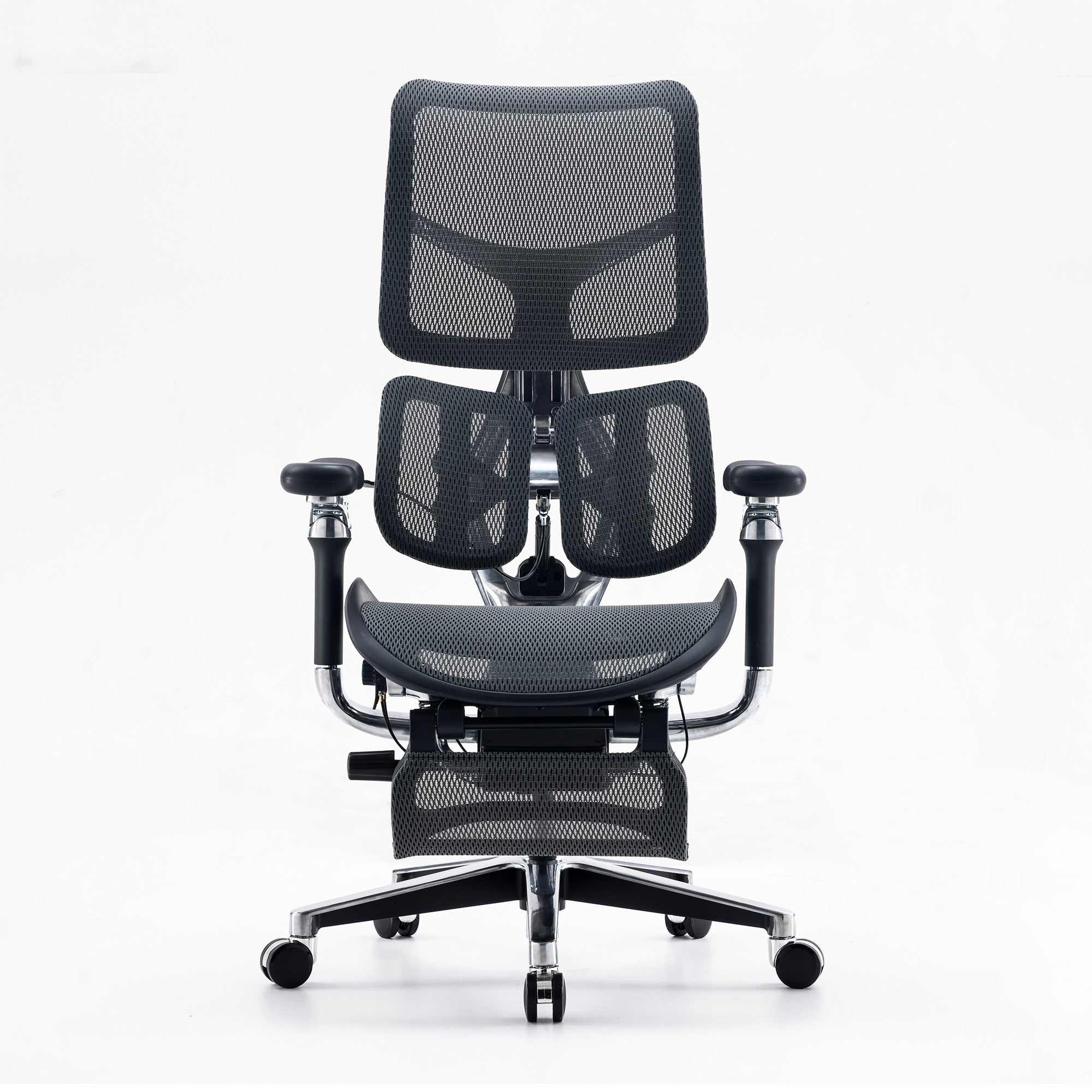
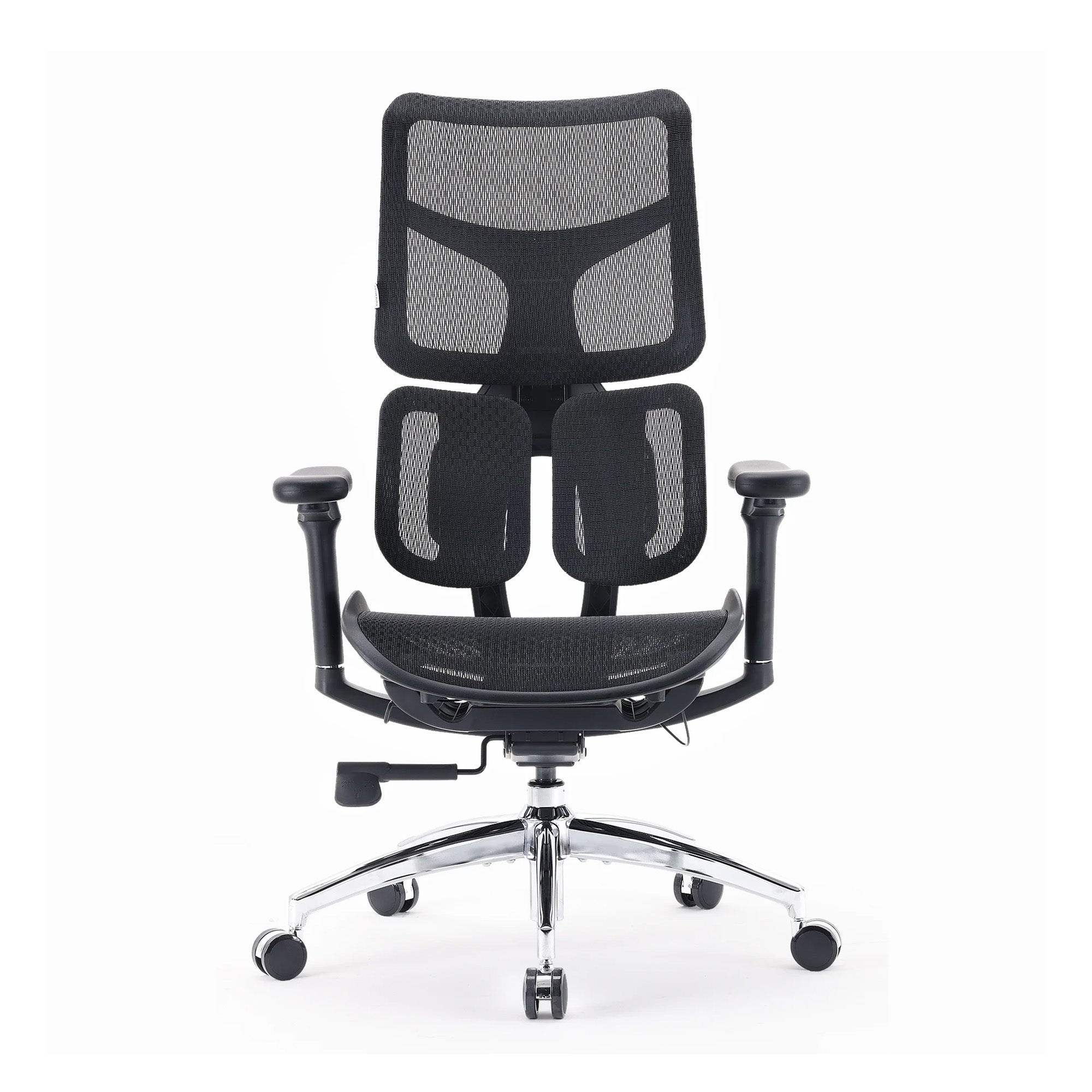
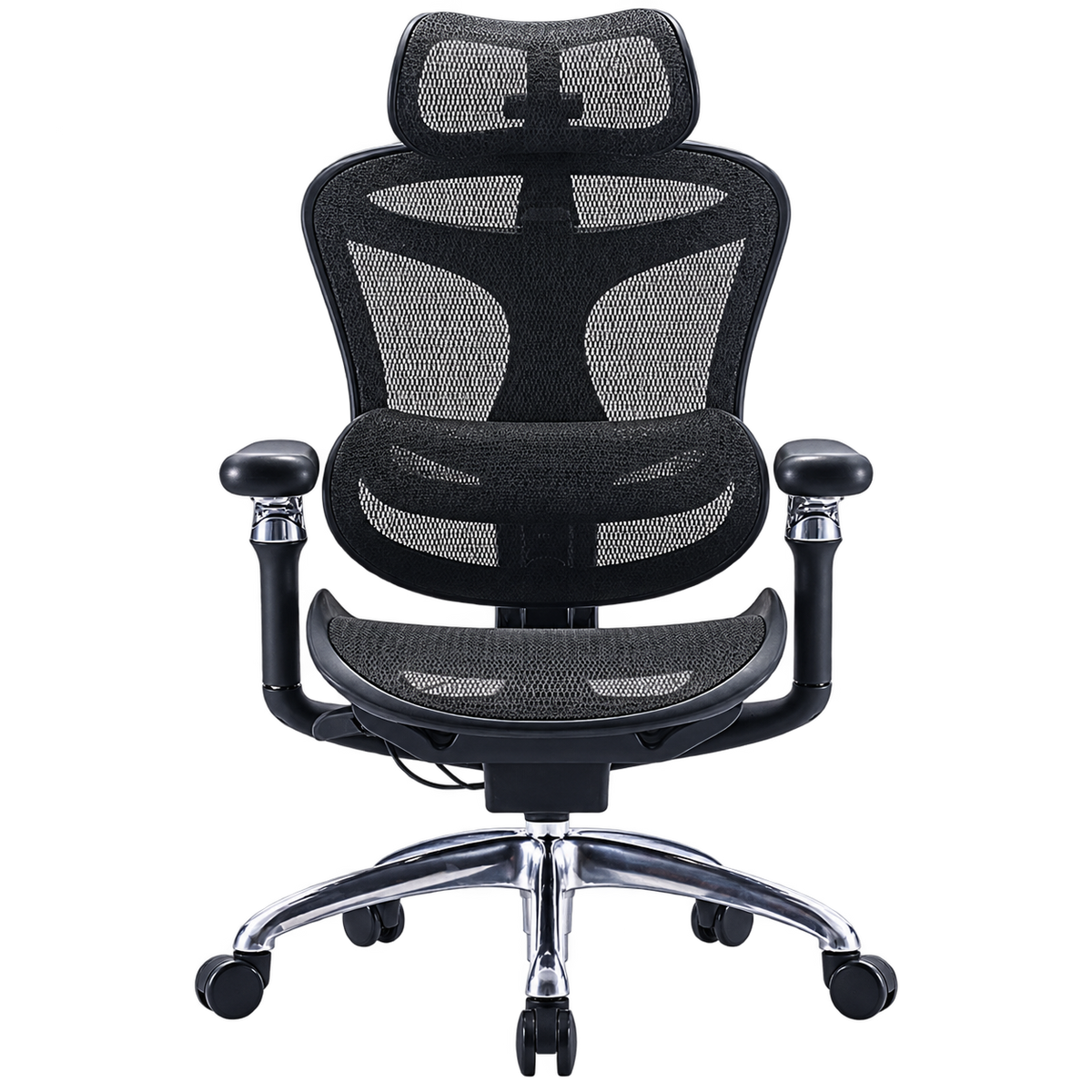
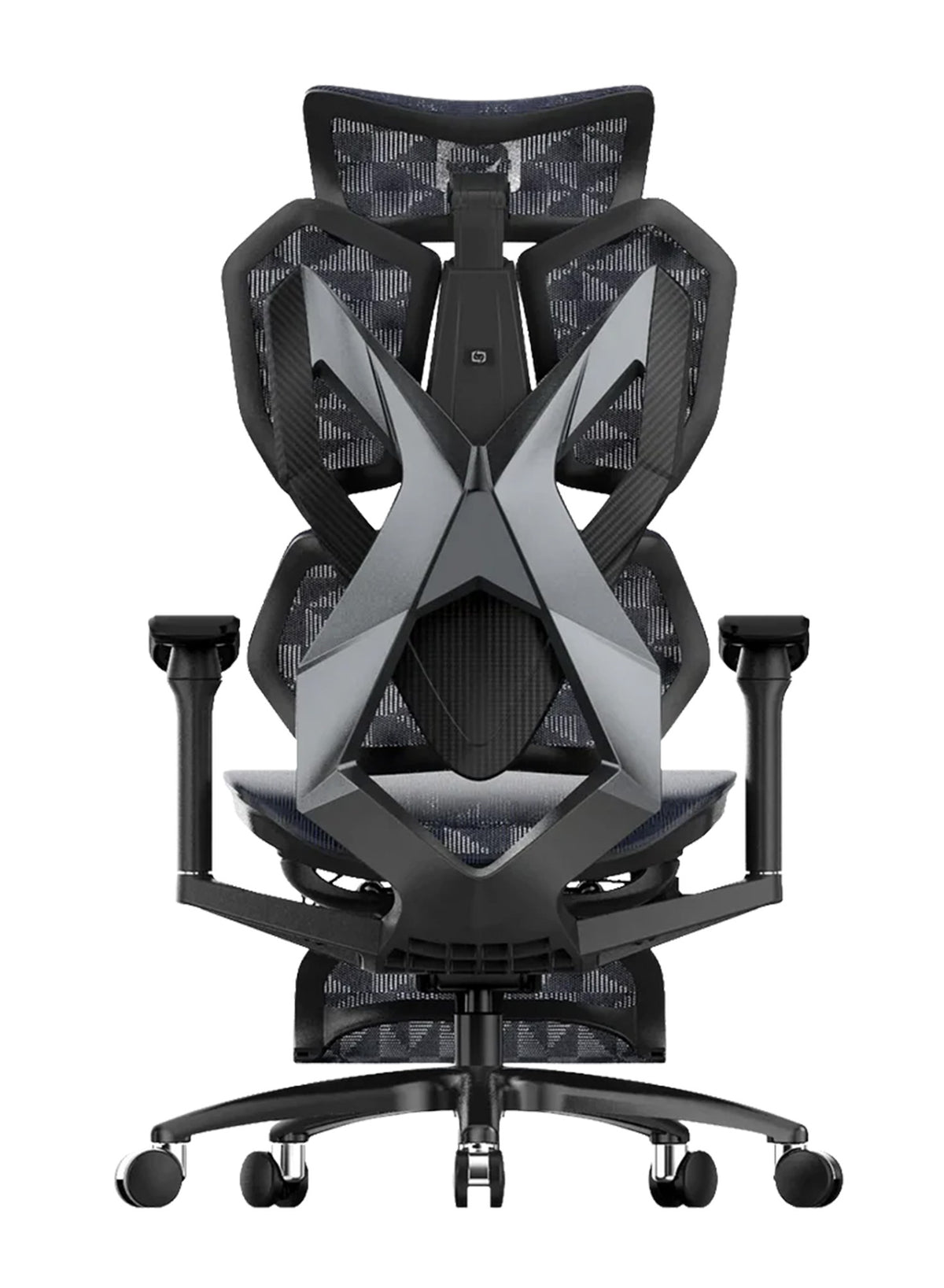

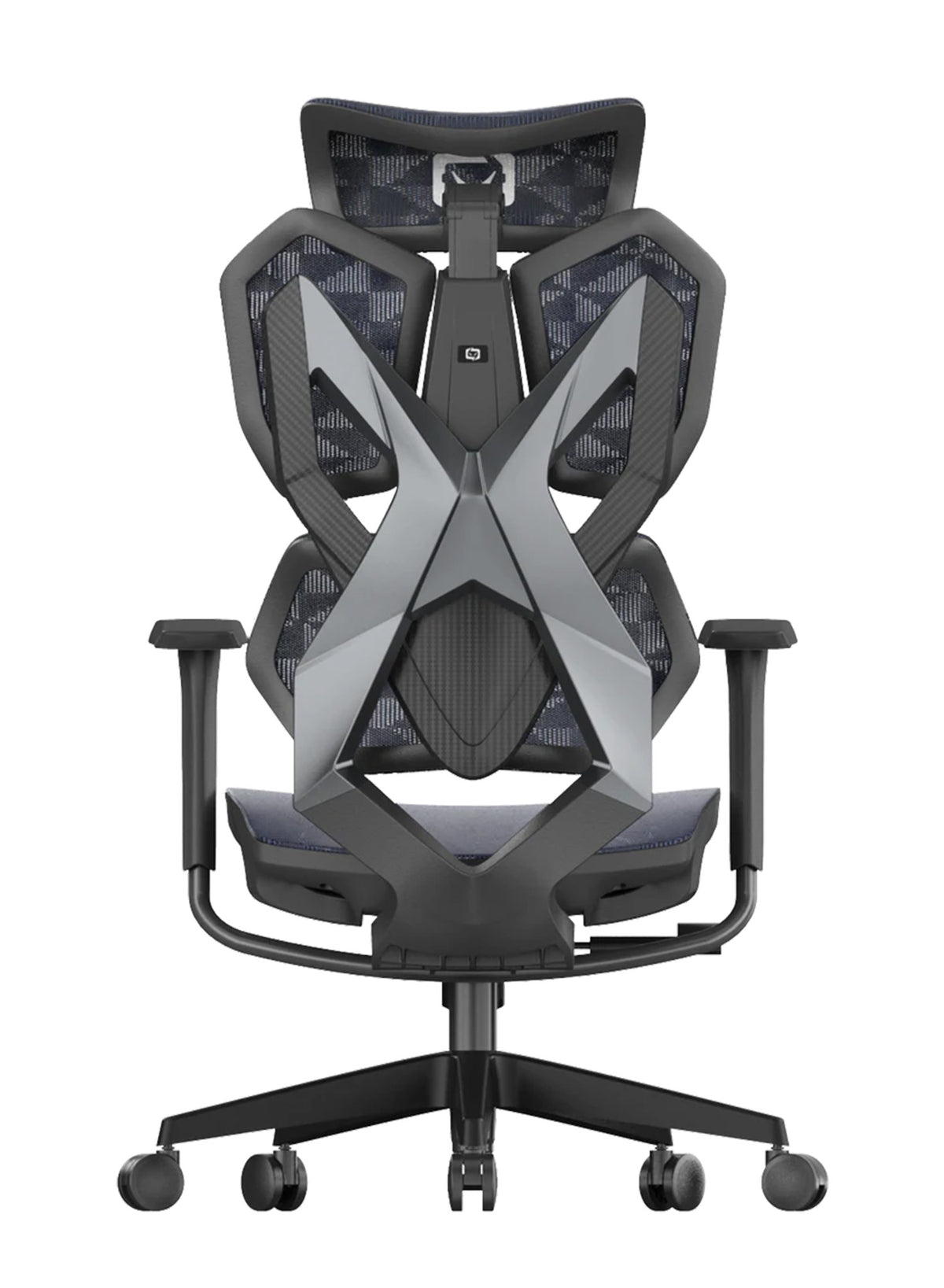

Match three starts at nine.
By match six, the screen has pulled the head forward, one foot is tucked under the seat, and the neck pillow has slid sideways. The player is winning, but the shoulders have crept up toward the ears. Nobody planned to sit like this, because the game just got good.
This guide compares a gaming chair with an ergonomic office chair for your spine. It covers the research, how gamers really sit, and a feature table. If you are choosing between ergonomic desk chairs for home and office in Australia, you will want facts before style. A well-fitted ergonomic office chair is one option, but the evidence on chair type alone is thinner than most sellers admit, and that includes us.
Quick answer: No study we found proves that a gaming chair harms your spine or that an office chair protects it. What the research does show is that long sessions, fixed arms and little movement go with more pain. Pick a chair you can adjust to your body, set it up well, and stand up every 30 minutes. See a doctor if back pain lasts about six weeks.
Gaming Chair vs Ergonomic Office Chair: What We Can and Cannot Claim
Most chair debates online are loud and short on proof. It helps to know what is solid before you spend money.
The evidence is thin, and we say so
We searched for trials that compare gaming chairs and office chairs on spine outcomes. We found one small crossover study, covered below, and it did not show a clear winner. The old version of this page made health claims with no studies behind them, so we have removed those claims.
Adjustability is the practical difference
What does change between chairs is how much you can adjust. A chair that fits your height, leg length and back curve gives you more ways to sit well. A chair with a fixed shape asks your body to fit the chair. That is a design point, not a proven health effect.
Why this matters to a team
If you manage an office or an esports room, one chair model rarely fits everyone. Adjustable seats let a short player and a tall player share the same desk across shifts.
What the Research Says About Chairs, Sitting and Back Pain
Let us go through the studies one at a time and say exactly what each one measured.
One crossover trial found little difference in muscle stiffness
A preprint on medRxiv (2024) compared an Aeron office chair with a Secret Lab gaming chair. Thirty-three ranked League of Legends players sat for two hours in each chair. Stiffness in the thoracic and lumbar regions was lower in the gaming chair, but those differences were not statistically significant. The only significant difference (p = 0.03) was in the left upper trapezius, a neck and shoulder muscle.
Treat this study with care. Secret Lab, the gaming chair maker, funded it, and we could not confirm that it has been peer reviewed. The percentages also differ between sections of the paper, and it tested only one game, one group and two hours of play. It suggests that the chair label alone did not decide the outcome, but it cannot tell us what happens over years.
Sitting time alone is a weak predictor of back pain
Chen and colleagues (2009, International Archives of Occupational and Environmental Health) reviewed the literature and found no evidence that prolonged sitting is a risk factor for low back pain. A later review by Alzahrani and colleagues (2022, PeerJ) pooled eight longitudinal studies and 83,111 people. Sitting time was not linked to developing low back pain. Sitting three or more hours a day was linked to more pain-related disability in people who already had it (odds ratio 1.24).
Both reviews have limits, since most studies used self-reported sitting time and the authors call their findings tentative. They also measured how long people sit, not how they sit or what they sit on.
A chair designed for movement helped one small group
O'Keeffe and colleagues (2013, Ergonomics) tested 21 people whose low back pain flared with long sitting. Each person typed for one hour on a forward-tilted dynamic chair and for one hour on a standard office chair. Low back discomfort rose more on the standard chair. The sample was small and the test lasted only an hour. It supports one narrow point. For some people with back pain, the way a chair lets you move can change how sitting feels.
Esports players report pain, and setup is linked to it
Schlesiger and colleagues (2026, Journal of Experimental Orthopaedics, DOI 10.1002/jeo2.70786) reviewed ten studies of 789 e-athletes. Muscle and joint symptoms ranged from 26.8% to 86.2% across studies, while lower back pain ranged from 4.7% to 63.8% and neck pain from 11.3% to 50%. Longer training time and poor ergonomic setups, such as missing armrests, were linked to more symptoms.
We read the abstract only, so we cannot say how strong each study was. Reviews of this kind show links, not cause. Still, the pattern fits common sense: hours of play and unsupported arms matter.
What this adds up to
None of these studies compares a gaming chair with an office chair over months for spine health. So the fair reading is simple: time in the seat, movement and fit matter, and chair type alone has not been shown to decide the result.
How Gamers Sit and Why Habits Matter More Than the Label
The studies above point at habits. Here are the sitting patterns that come up most often in gaming. These are common patterns, not measured findings from one trial.

Long sessions with few breaks
SafeWork NSW says Australian workers sit for about 76% of their work time, roughly five hours a day, and suggests moving every 30 minutes. Healthdirect also advises alternating between sitting and standing every 30 minutes. Gaming sessions often run longer than a work meeting. A break timer can do more than any seat pad, because it forces a change in position.
Leaning toward the screen in tense moments
In a close match, the head and shoulders drift forward. The backrest then does nothing because you are no longer touching it. Setting the screen so you do not have to look down helps, and so does a chair with a recline you can lock at an angle you can hold.
Arms that float with no support
Controllers and mice keep the hands busy for hours. If the arms hang unsupported, the shoulders and neck take the load. The Schlesiger review links missing armrests with more symptoms. A Cochrane review (Hoe and colleagues, 2018) of 15 trials with 2,165 workers found no clear effect from arm support with a conventional mouse. Arm support paired with an alternative mouse showed moderate-quality evidence of fewer neck and shoulder problems. So support helps most when the whole hand position is right.
Feet tucked under, weight on one hip
Many players sit cross-legged or on one foot, which feels relaxed for a while. Healthdirect advises keeping the feet flat on the floor, and a footrest can help if your feet do not reach.
Switching between mouse and controller
A controller session usually means a reclined lean with the arms low. A mouse session pulls you forward to the desk. If you do both, you need a seat that handles both postures. Look for a recline that locks, since you will also want a seat you can slide closer to the desk.
What a team can do
A gaming room or a streaming studio can set a shared rule of a stand-up at the end of each match, which costs nothing and suits any chair.

Gaming Chair vs Office Chair Feature Table
This table compares two common designs, but not every chair fits its category. Some gaming chairs offer plenty of adjustment, and some office chairs offer little. Check the listing for the chair in front of you.
|
Feature |
Typical fixed-shape gaming chair |
Adjustable ergonomic office chair |
What to check |
|---|---|---|---|
|
Lumbar support |
Removable pillow, fixed position |
Built-in lumbar, often with height or depth adjustment |
Does it meet the hollow of your lower back? |
|
Seat depth |
Often fixed |
Often adjustable |
Two to three fingers of space behind the knee |
|
Armrests |
Height only, sometimes fixed |
Multi-way adjustment on many models |
Elbows near desk height, shoulders relaxed |
|
Headrest |
Often a strap-on pillow |
Built-in on some models |
Does it support the head when you lean back? |
|
Backrest shape |
High, shaped sides that can limit movement |
Open mesh or contoured back |
Can you turn and shift easily? |
|
Material |
Often PU leather or fabric |
Often mesh |
Warmth in an Australian summer |
|
Recline |
Deep recline, often with a lock |
Tilt with tension control on many models |
Can you lock a position you can hold? |
|
Weight rating |
Varies |
Varies |
Check the listed limit for your body |
Where the line blurs
Some chairs sold as gaming chairs now come with adjustable lumbar support, armrests and seat depth, and some chairs sold as office chairs do not. We could not load the XALLKING X5 Pro page on 9 October 2026, so we do not quote its specs here. The word "gaming" on the label does not tell you how adjustable a chair is, so read the specs.
Side bolsters and movement
High, shaped sides can feel secure. They can also limit how often you shift. Since the dynamic sitting study above points to movement, test whether you can turn, lean and change position easily.
Heat matters in Australia
Mesh lets air through. PU leather holds heat. We have no study comparing the two for spine health. It is a comfort point, but in a hot room it can decide how long you stay seated.
Free Fixes to Try Before You Buy Any Chair
A new chair is the last step, not the first, so try these for two weeks.
Set a 30 minute reset
Stand, walk to the kitchen and roll your shoulders. SafeWork NSW and Healthdirect both point to 30 minutes, and a phone timer works fine.
Put your feet flat
Raise or lower the seat until your feet rest on the floor. If the desk is too high for that, add a stable footrest.
Move the screen up and the keyboard close
Raise the monitor so you do not bend your neck to look down. Bring the keyboard and mouse close so your elbows stay by your sides. Healthdirect suggests setting up your workstation so you can work in a neutral posture most of the time.
Support the lower back
Healthdirect says to keep your back supported against the chair, and its posture page suggests a cushion or lumbar roll for the lower back. A rolled towel works as a test, and if it helps, you learn that lumbar shape matters for you.
Check your current chair settings
Many chairs sit at factory settings for years, and our guide to correct sitting posture in an ergonomic chair walks through each control in order.
Try these steps across a team
Add the 30 minute rule and a one-page setup card to onboarding, because for a team that often does more than a chair swap.
When an Ergonomic Office Chair Makes Sense for Gamers
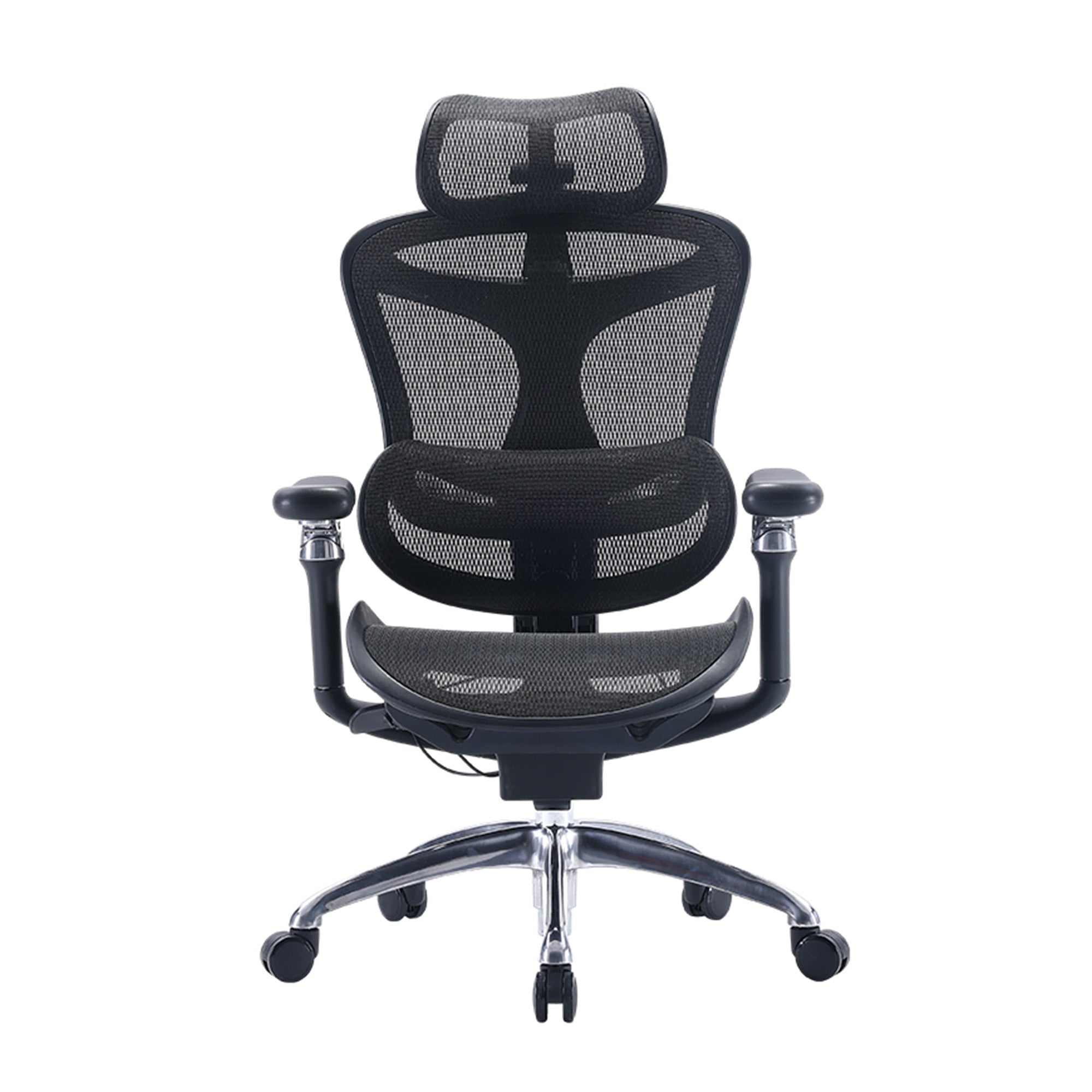
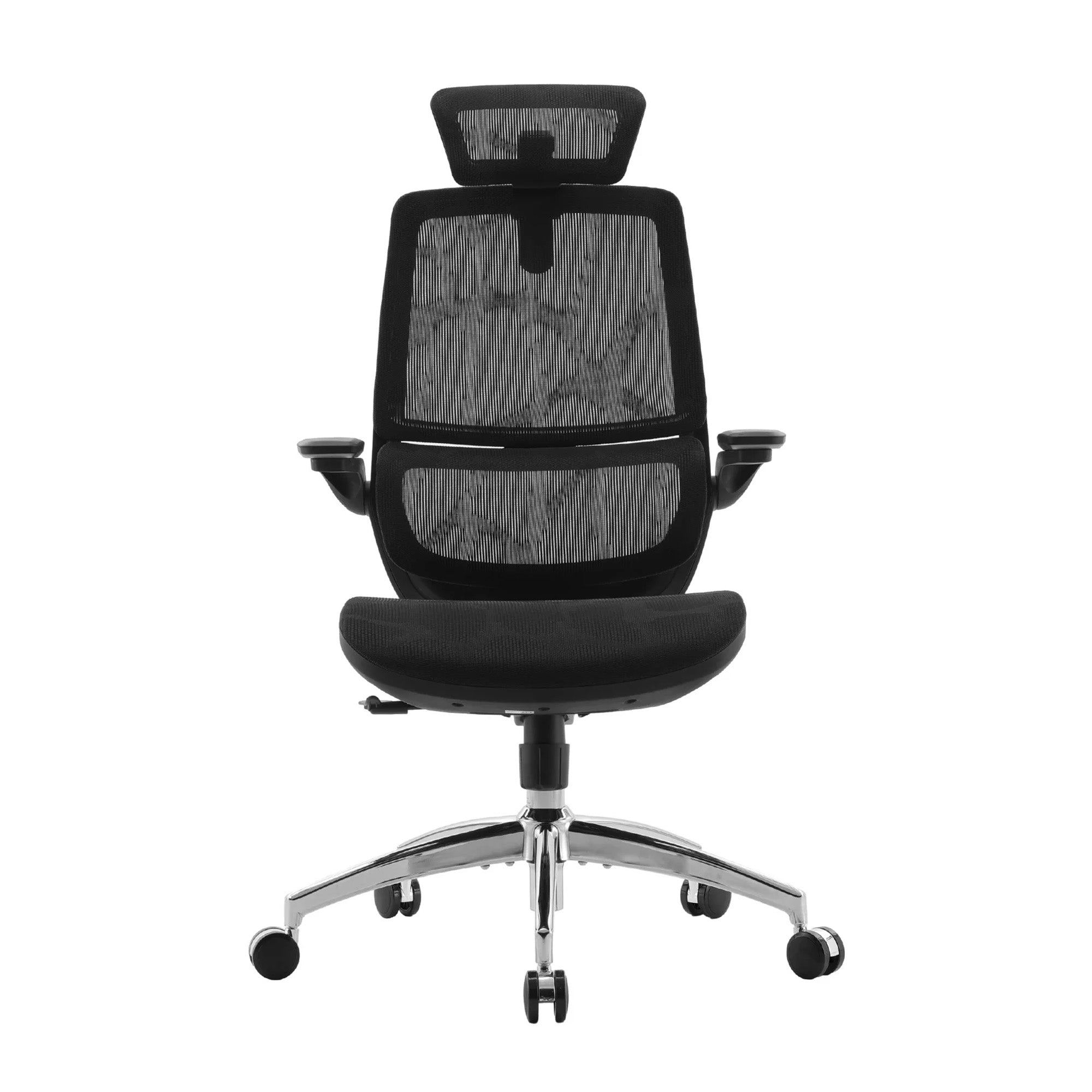
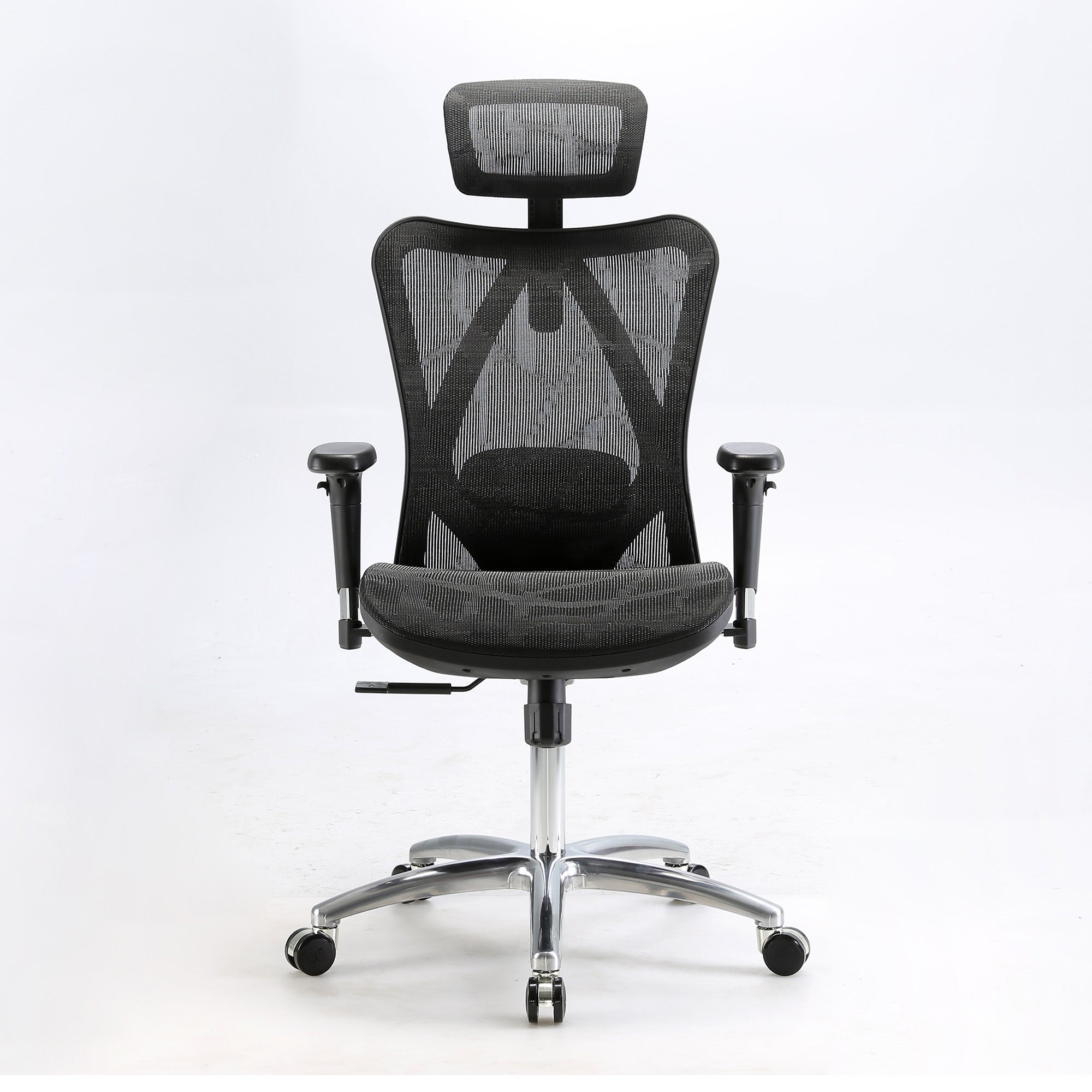
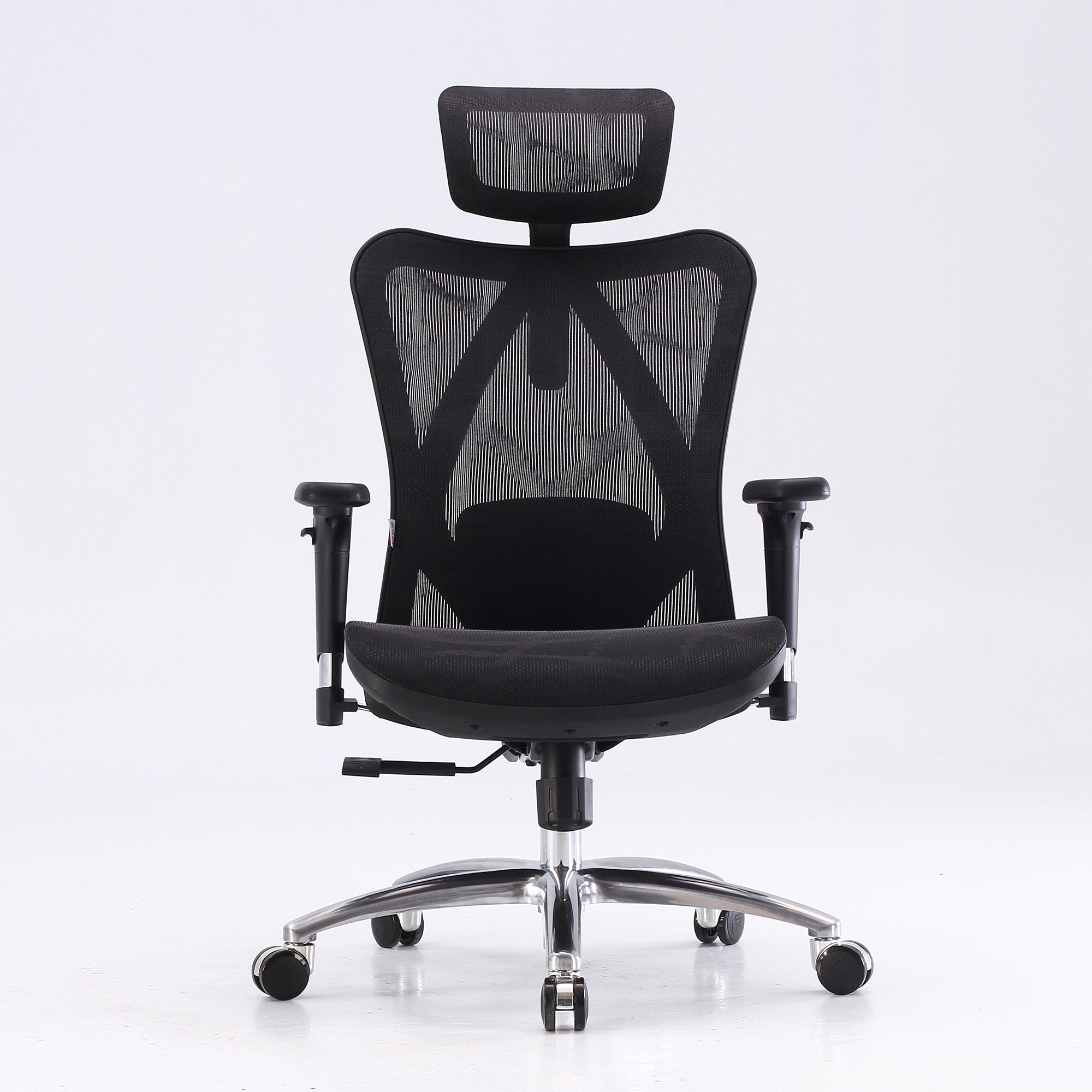
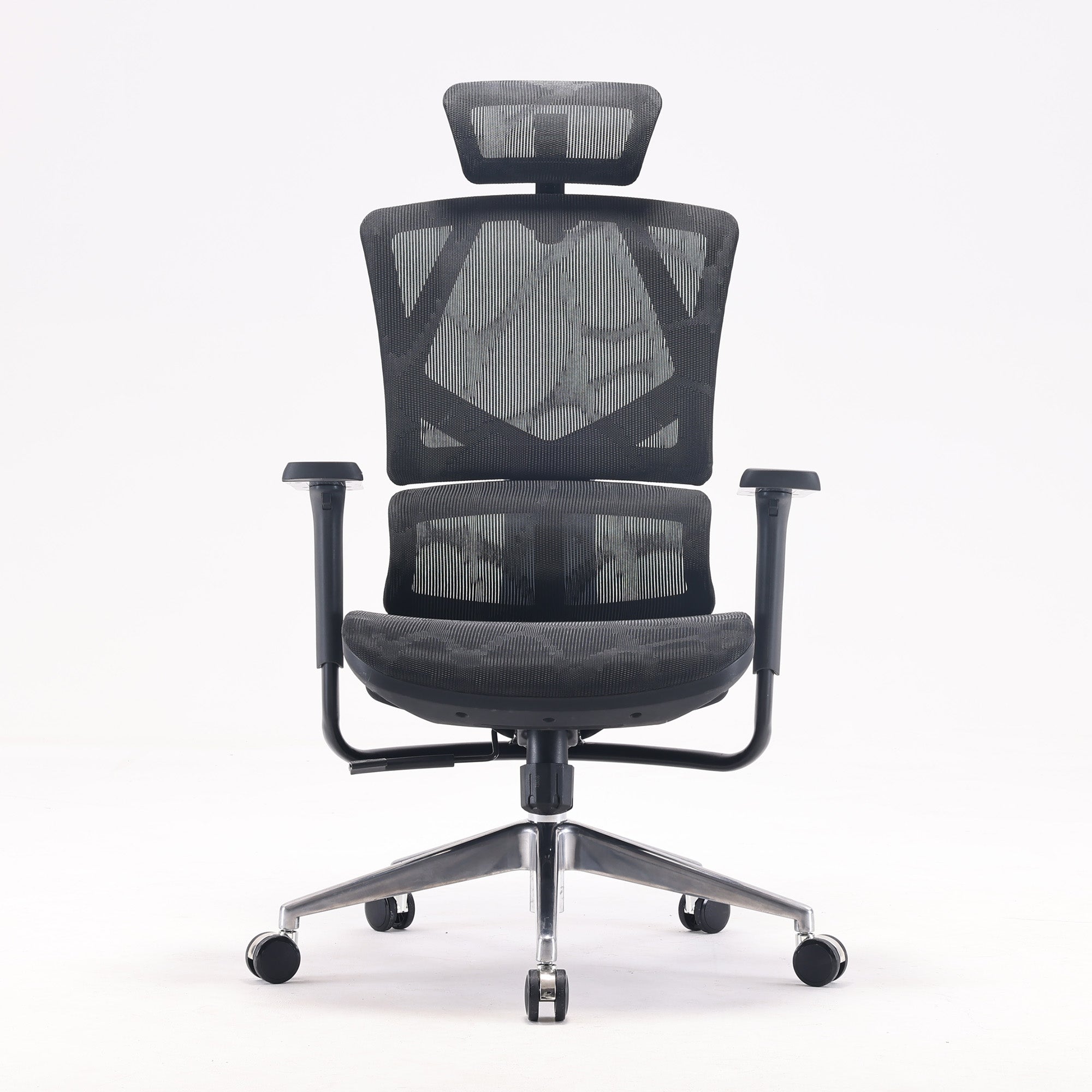
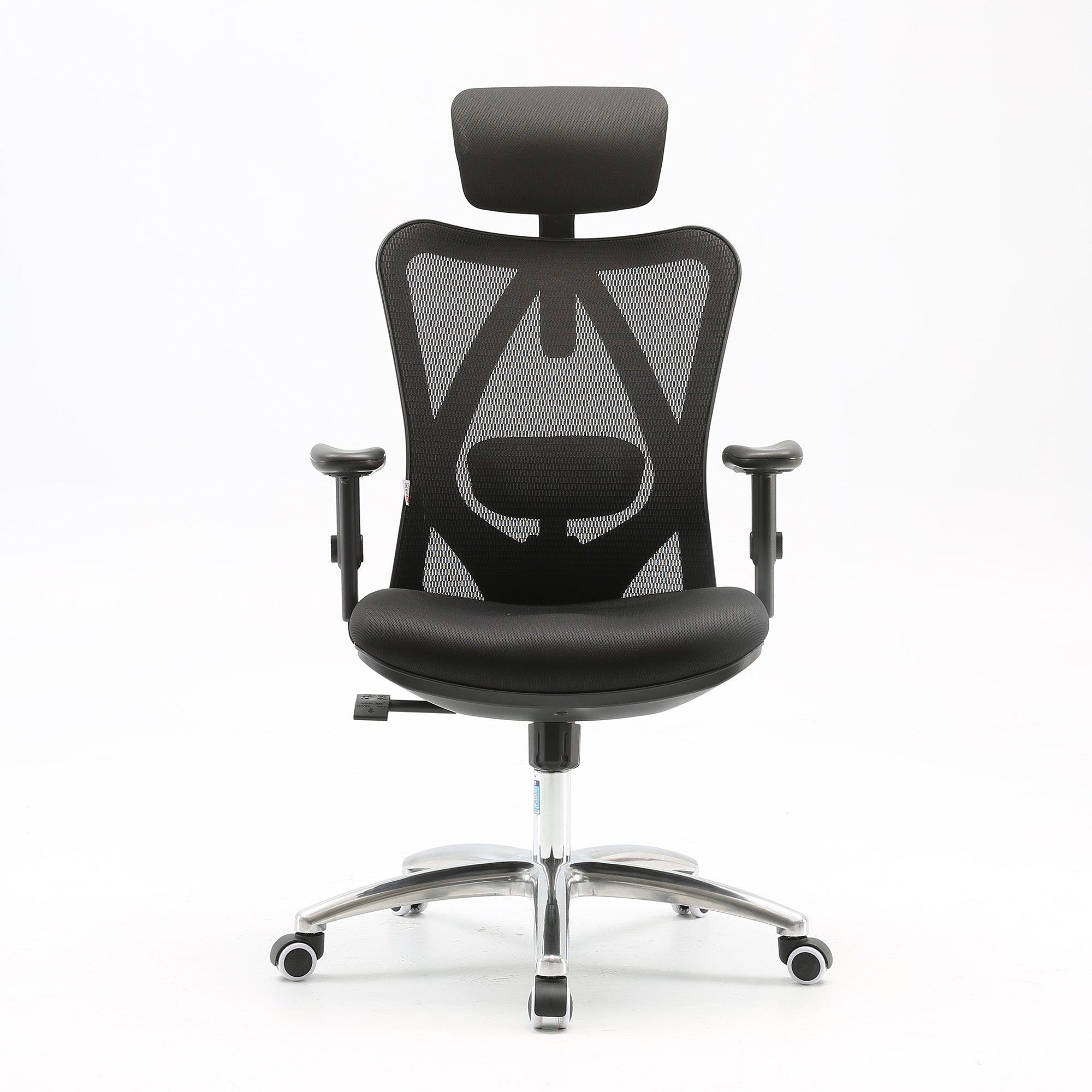
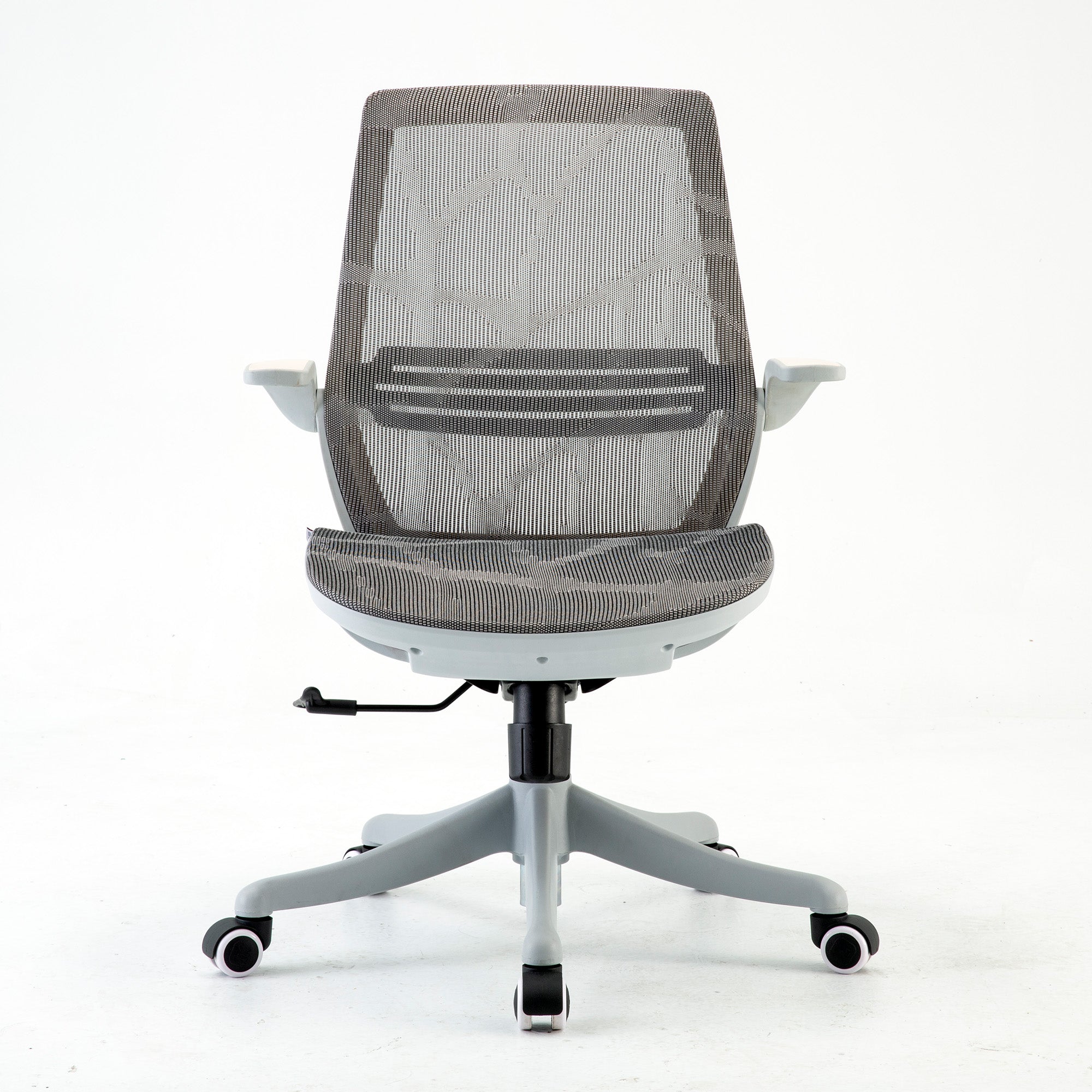
If the free fixes help but you still feel strain by hour three or four, a chair with more adjustment may be worth a try. These are three Sihoo models. Prices are the listed prices on 9 October 2026, and they change during sales.
A lower-cost starting point
The Sihoo M59AS lists at $349. The page lists dynamic lumbar support, 3D flip-up armrests and a full mesh back. It also lists a 43.5 cm seat depth, recline up to 126 degrees, a 150 kg limit and a 3-year warranty. It is a simple option for someone who wants a mesh chair with some adjustment.
A mid-range pick for long sessions
The Sihoo Doro C300 Pro lists from $747. The page lists a seat depth of 42.7 to 45.1 cm, a seat height of 44 to 54 cm and 6D armrests. It also lists an adaptive lumbar support and a three-position recline lock at 105, 120 and 135 degrees, with a 150 kg limit and a 5-year warranty. The recline lock suits players who switch between a mouse and a controller.
A higher-end option with seat depth control
The Sihoo Doro S300 lists from $949. The page lists dual dynamic lumbar pads, 6D armrests and adjustable seat depth. It also lists an integrated headrest, an anti-gravity recline that holds any angle without a lock, a 150 kg limit and a 5-year warranty.
Fit matters more than price
None of these chairs has a published trial showing it prevents back pain, so we list their features and not health outcomes. Sit in a chair if you can, and check the return terms before you buy. Our lower back pain chair guide matches pain patterns to features, and our budget guide compares models by price tier.
Buying for a team or a gaming room
When you fit out several seats, adjustable models cut the number of chair types you need to stock. Our page for wholesale office chairs covers bulk orders for businesses and fit-outs.

When a Chair Is Not the Answer
A chair cannot fix every back problem, and it pays to be clear about that before you spend.
Know the numbers
The Australian Institute of Health and Welfare estimated that about 4.0 million Australians (16%) were living with back problems in 2022, based on the ABS National Health Survey. Healthdirect says more than 9 in 10 cases of back pain are not caused by a serious medical problem. So back pain is common, and most of it is not dangerous.
See a doctor if pain lingers
Healthdirect advises seeing a doctor if back pain has not improved after about six weeks, or if it affects your sleep or daily activities.
Treat red flags as urgent
Healthdirect says to call 000 or go to an emergency department for sudden severe pain, pain after a significant injury, fever or feeling unwell, or unexplained weight loss. The same applies to trouble walking, leg weakness or numbness, and a change in bladder or bowel function. No chair setting helps with those.
What employers should do
If a staff member reports pain, point them to a doctor or an occupational therapist. Do not treat a new chair as medical care.
Conclusion
The choice between a gaming chair and an office chair depends less on the label than on three things. These are how well the chair adjusts to you, how long you sit and how often you move. The research is thin, and we would rather say that than sell you a promise. Start with the free fixes. If you still need a better fit, compare the best ergonomic office chairs in Australia by feature and price, and match them to the way you sit.
Better Comfort Starts Now.
Sources Referenced
-
Healthdirect Australia. Back pain. healthdirect.gov.au (checked 9 October 2026)
-
Healthdirect Australia. How to improve your posture (last reviewed March 2026). healthdirect.gov.au
-
SafeWork NSW. Sedentary work. safework.nsw.gov.au (checked 9 October 2026)
-
Australian Institute of Health and Welfare. Back problems (2022 National Health Survey data). aihw.gov.au
-
Schlesiger L, Oronowicz J, Lutter C, Tischer T, Seil R, Jasina A. Musculoskeletal disorders in esports athletes: a systematic review. Journal of Experimental Orthopaedics, 2026;13(2):e70786. DOI: 10.1002/jeo2.70786 (abstract-level access only)
-
Alzahrani H and colleagues. The association between sedentary behavior and low back pain in adults: a systematic review and meta-analysis of longitudinal studies. PeerJ, 2022;10:e13127.
-
Chen SM and colleagues. Sedentary lifestyle as a risk factor for low back pain: a systematic review. International Archives of Occupational and Environmental Health, 2009 (read via a secondary summary and the PubMed listing title; full text not accessed).
-
O'Keeffe M, Dankaerts W, O'Sullivan P, O'Sullivan L, O'Sullivan K. Specific flexion-related low back pain and sitting: comparison of seated discomfort on two different chairs. Ergonomics, 2013;56(4):650-658.
-
Randomised crossover comparison of an Aeron office chair and a Secret Lab gaming chair in League of Legends players. medRxiv preprint, 2024. DOI: 10.1101/2024.03.13.24304245 (company-funded; peer review status not confirmed)
-
Hoe VCW, Urquhart DM, Kelsall HL, Zamri EN, Sim MR. Ergonomic interventions for preventing work-related musculoskeletal disorders of the upper limb and neck among office workers. Cochrane Database of Systematic Reviews, 2018, Issue 10. DOI: 10.1002/14651858.CD008570.pub3 (summary-level access only)
-
Sihoo Australia product pages for the M59AS, Doro C300 Pro and Doro S300 (checked 9 October 2026). sihoo.com.au
Frequently Asked Questions
We found no study showing that they are, but we also found none showing they are safe over years. Fit, adjustability and breaks matter more than the label.
The evidence does not say, but one small trial found no clear difference in back muscle stiffness. A chair with more adjustment gives you more ways to fit your body.
Yes, as long as the recline suits your play style and the armrests fit your desk.
SafeWork NSW and Healthdirect both suggest changing position about every 30 minutes.
They can help some people, and Healthdirect mentions a cushion or lumbar roll. But a pillow that slides or sits at the wrong height will not support the right spot.
See a doctor if pain has not improved after about six weeks or affects sleep or daily life. Seek urgent care for any red flag listed above.
Look for seat height, armrests and lumbar support that adjust, so different players can share seats. Also check the weight limits and warranty terms.
Not always, because an adjustable chair with a lockable recline can suit both. Streamers who sit for longer may value seat depth and armrest range.
Yes, because a shared rule, such as a stand-up between matches, costs nothing and matches the 30 minute advice from SafeWork NSW.
Shop products from this article


SIHOO’s Pre-Black Friday Sale is now on! Save up to 49%, plus get an extra $15 off with code EARLY15. Pay in 4 interest-free instalments with Afterpay.
SHOP NOWRecommended Posts


