


Sources checked 9 October 2026
The desk fits. Barely.
It sits in the corner of a spare room in a Brisbane unit, with the window on the left and the door on the right, and no gap between them. The monitor is propped on a stack of boxes, and the chair backs into a wardrobe whenever someone stands up. By the third hour, the player is leaning in toward the screen with a sore neck.
Most small rooms fail in the same few ways. This guide shows how to plan a compact space around four things: screen height, chair fit, glare and floor space. If you want ergonomic desk chairs for home and office in Australia that also fit a tight room, start with the layout, because it decides which chair will work. A well-fitted ergonomic office chair only helps if the screen, the light and the walking space around it are right.
Quick answer: Put the top of the screen at eye level or just below, about an arm's length away. Keep windows to the side of the screen, not behind or in front of it. Pick a chair that fits your body and the floor space you have. Then stand up and move about every 30 minutes.
A Small Gaming Room Works When Four Things Are Right
Small rooms are not the real problem, because wrong sight lines are. A tidy room can still leave your neck bent forward for hours, and a big room can do the same.
The sight-line rule for screens
We call this the sight-line rule: your eyes should reach the screen without your head moving down or forward. Workplace Health and Safety Queensland (WHSQ) says to set the top of the screen at eye level or just below, and about an arm's length away. Comcare gives the same height and distance advice.
A small study backs the comfort side of this. Kothiyal and Bjørnerem (2009, WORK) tested ten people at three screen heights, 15, 30 and 45 degrees below eye level. Muscle activity in the upper trapezius did not differ between heights. But people rated overall comfort higher at the highest setting. Neck and low back comfort was also higher at the highest setting than at the lowest. Ten people is a small group, and we could only read the abstract, so treat the result as a hint and not as proof.
Why a small room raises the stakes
In a big room, you can shuffle the desk until it feels right. In a small room, it has one place to go. So you need to get the screen height, window position and chair space right before you buy anything else.
What the evidence says about gamers and pain
Alqabbani and colleagues (2026, Journal of Pain Research) surveyed 593 gamers in Saudi Arabia. The authors found that 78.2% reported pain in at least one body region, and the neck (49.4%) and lower back (40.0%) were among the most affected regions. This was a self-reported survey with a convenience sample, so it cannot show that gaming or a setup causes pain. It does show that neck and back complaints are common among people who game. A corrigendum to the paper was published on 23 April 2026, and we have not reviewed it.
Teams and shared rooms
The same rules apply to a break room with a console or a small studio. When several people share one screen, set it for the person who sits there longest. Everyone else can then adjust the chair height, the recline and the armrests to match that fixed sight line, which is far easier than moving a mounted screen.
Fix the Screen First, Whatever Your Setup
A better screen position costs very little, so do it before you spend money on anything else in the room.
Laptop gaming setup in a small room
A laptop joins the screen and keyboard. A low screen means a bent neck. WHSQ says to raise a laptop on a riser, a stand or a stack of books if you have no separate monitor. Then add a separate keyboard and mouse so your hands can stay near your body.
A dock can keep cables to one plug. Our old guide claimed docks improve cooling, and we found no source for that, so we have dropped the claim.
Dual monitor setup for a small desk
WHSQ says to place two screens symmetrically in front of you at the same height if you use both equally. If you use one more than the other, the choice of layout is our own judgement, not a published rule. Centre the main screen in front of you, and put the second one beside it, angled slightly inward. Use the second screen for chat or guides, not for the main game.
If you glance at the side screen often, turn your chair and body, not just your neck. A monitor arm frees desk space and lets you set each height separately.
Console and TV setups
Many small rooms use a TV instead of a monitor, especially for console play from a couch or bed. No Australian source we read gives a TV height rule. So we apply the same sight-line idea: avoid a TV so high that you tilt your head back, or so low that you look down. If you sit on a bed or couch, a lap desk for the controller helps you stay level.

Minimalist PC setups
A clean desk makes the screen position easier to hold. Keep the keyboard and mouse directly in front of you. WHSQ gives a range of 10 to 15 cm from the desk edge, and that keeps your elbows close to your sides while you play. Put the PC under the desk or on a shelf so the surface stays clear.
Teams: audit the screens before the chairs
For a shared gaming or training room, check screen height at each seat. It takes a few minutes, and it can fix neck complaints that a new purchase would not.
Control Glare and Lighting in a Compact Room
A small room has few places to hide a light source. Glare often shows up as squinting, a tight brow or a headache near the end of a session.
Where to put the window
WHSQ says to avoid having windows in front of or behind your seat, and it also suggests adjustable blinds or shutters to control light and reflections. It adds that you should avoid sitting directly under overhead lights. In a small room, the best fix is often to turn the desk so the window sits at your side.
LED strips and bias lighting
LED strips behind a monitor can look good. We did not find an Australian source that proves they reduce eye strain, so we treat them as a style choice. If you use them, keep them dim and out of your direct view. WHSQ also says task lighting should not shine into your eyes.
White desks and glossy finishes
White looks clean and bright in a small room, but WHSQ lists white desks, shiny surfaces and full-length windows as glare-producing surfaces. If you choose a white desk, pick a matte finish and check it at the brightest time of day.
Screen settings and breaks
Healthdirect says long screen use reduces blinking, which can dry the surface of the eye and make it feel tired. It suggests looking at something about 20 feet (6 metres) away for 20 seconds every 20 minutes. It also says to adjust the screen's brightness and contrast. An optometrist can check your eyes, and the page advises an eye check-up if your glasses no longer help as much as they used to.
Workplaces: lighting is a shared hazard
In a shared room, one person's glare fix is another person's dark corner, so use blinds and a lamp at each desk. Then ask every user which seat feels least comfortable by mid-afternoon.
Choose a Chair That Fits Your Body and Your Floor
The chair is the biggest object in a small gaming room. It has to fit you first and the space second, because a seat that suits the room but not your body will cost you comfort every day.
Chair fit comes before style
WHSQ says to adjust the chair so your feet rest flat, and to use a footrest if they do not. It also recommends clear space under the desk so you can stretch your legs, which matters when a drawer unit or a PC tower is competing for the same spot. A chair you cannot adjust to those settings will cause problems however good it looks.
What adjustability does for long sessions
A chair with adjustable seat height, lumbar support and armrests lets you reach those settings, even when two people of different heights share the same desk during the week. Our guide to correct sitting posture in an ergonomic chair walks through each control.
Compact chairs worth checking
We checked the live product pages on 9 October 2026. Prices change during sales, so confirm them before you buy.
-
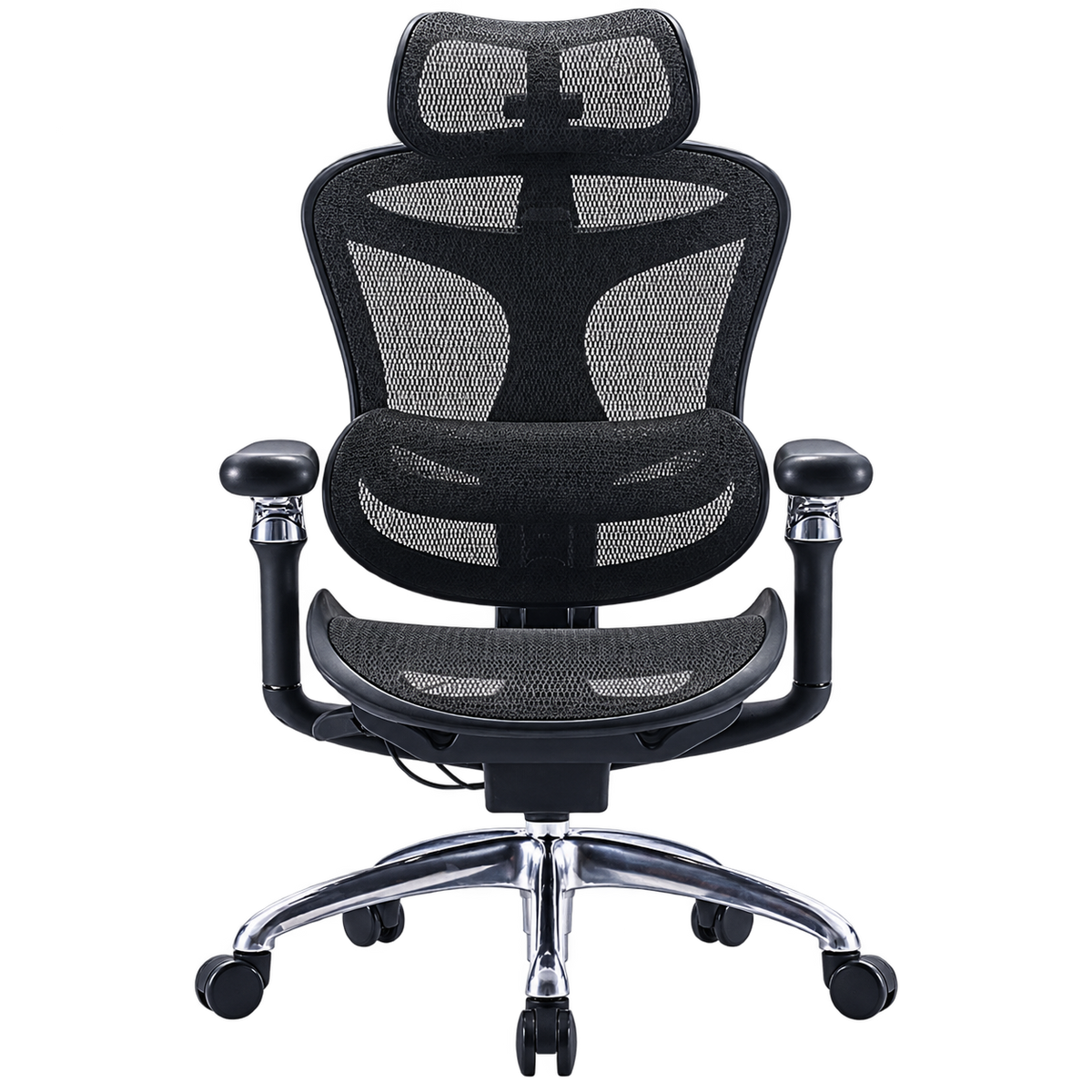
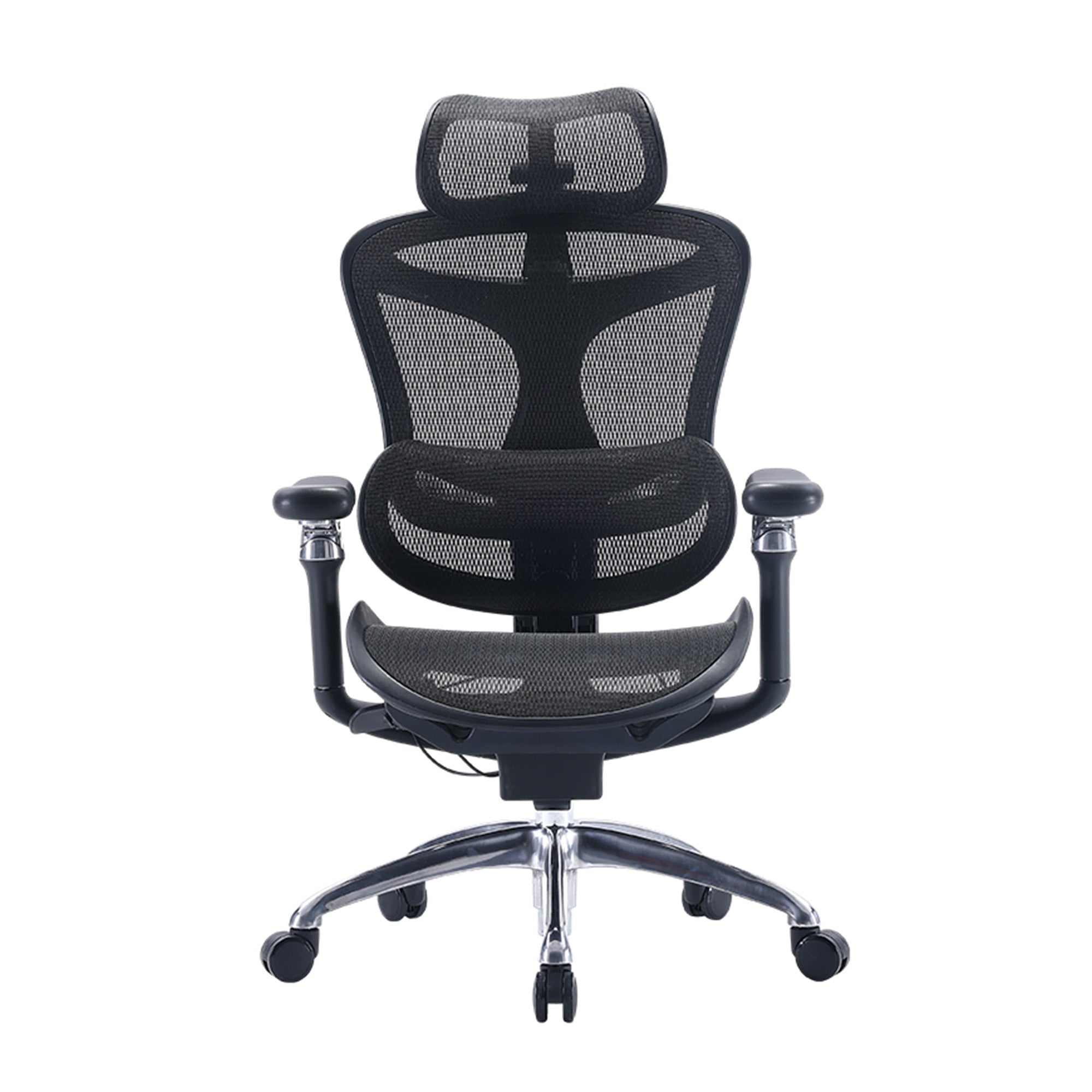
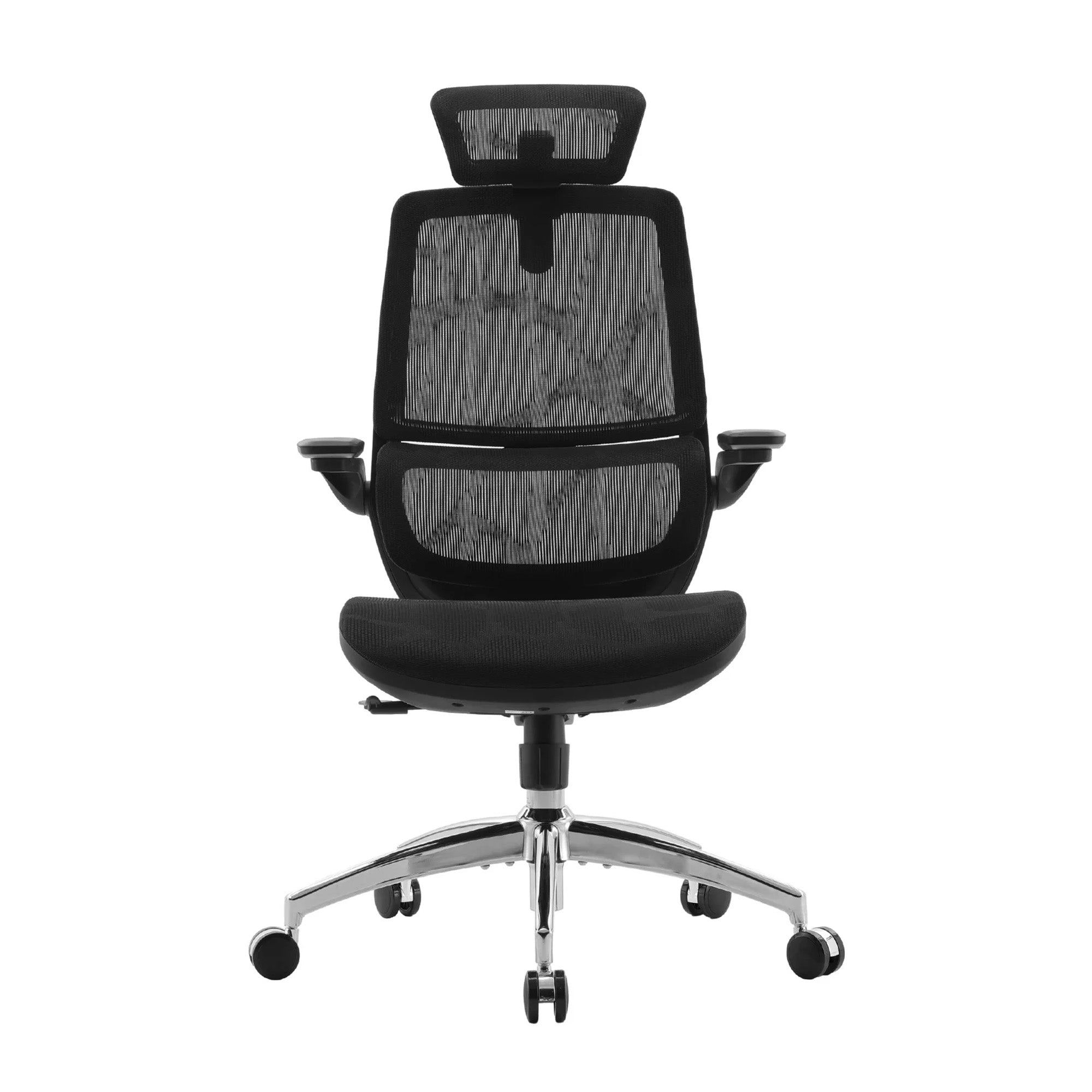
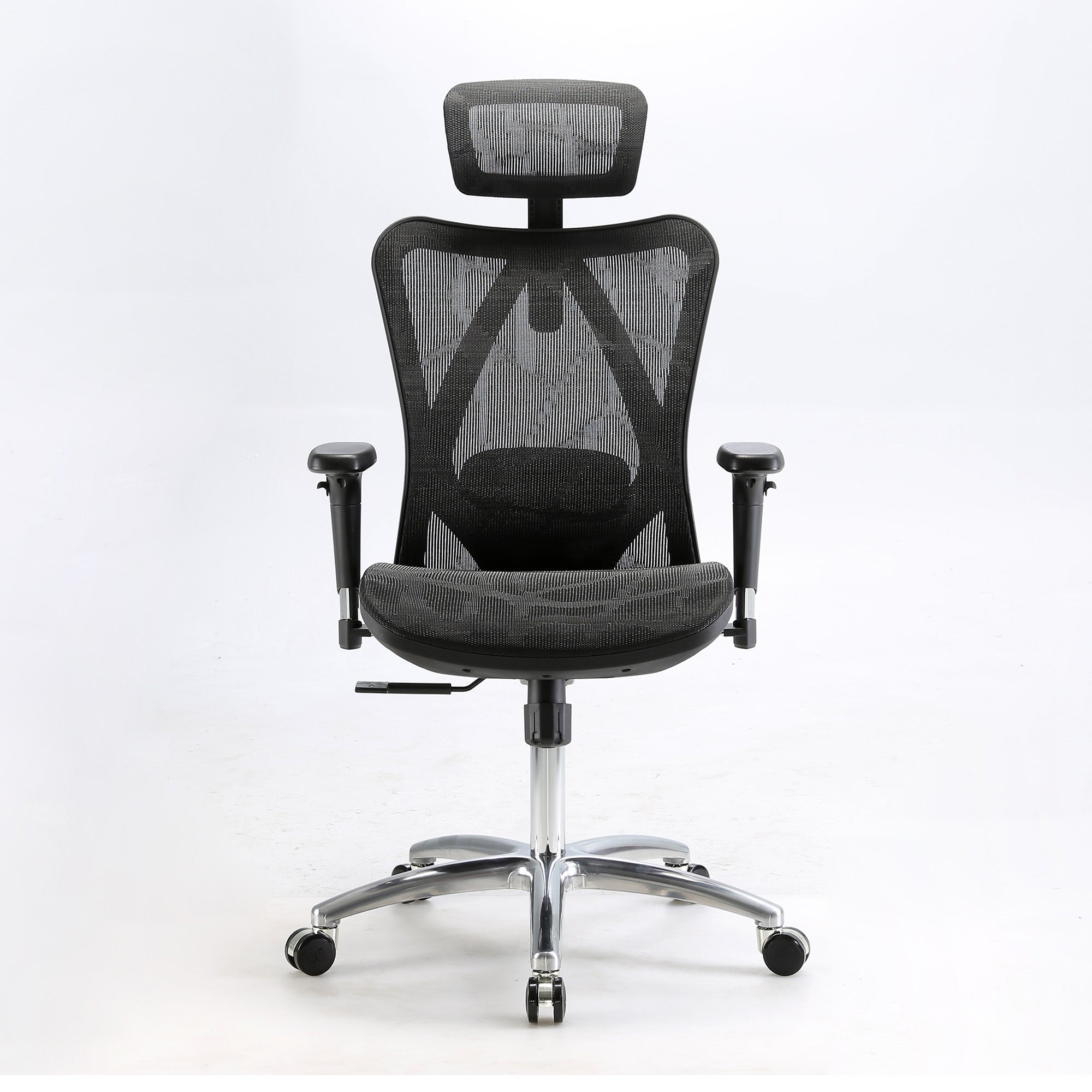
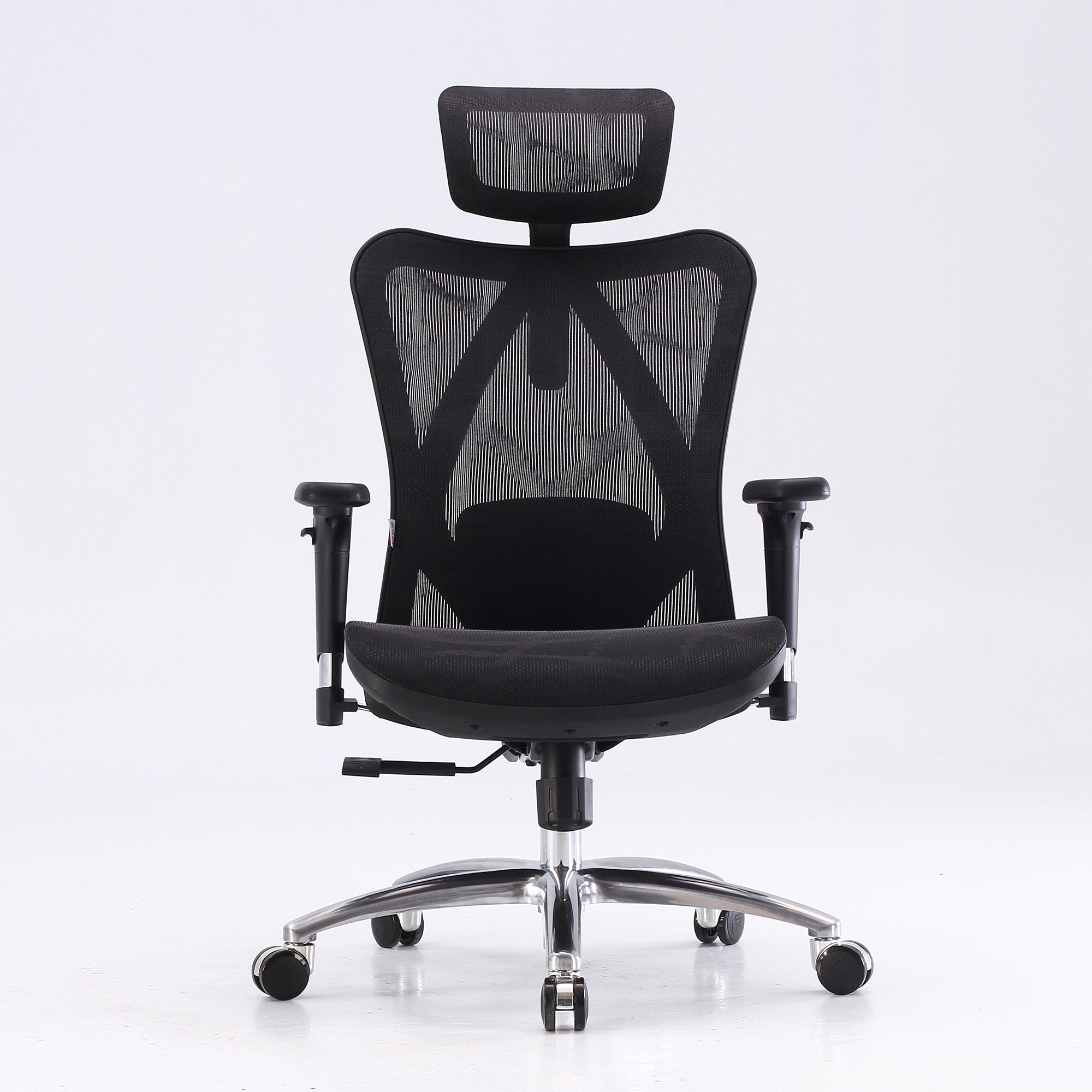
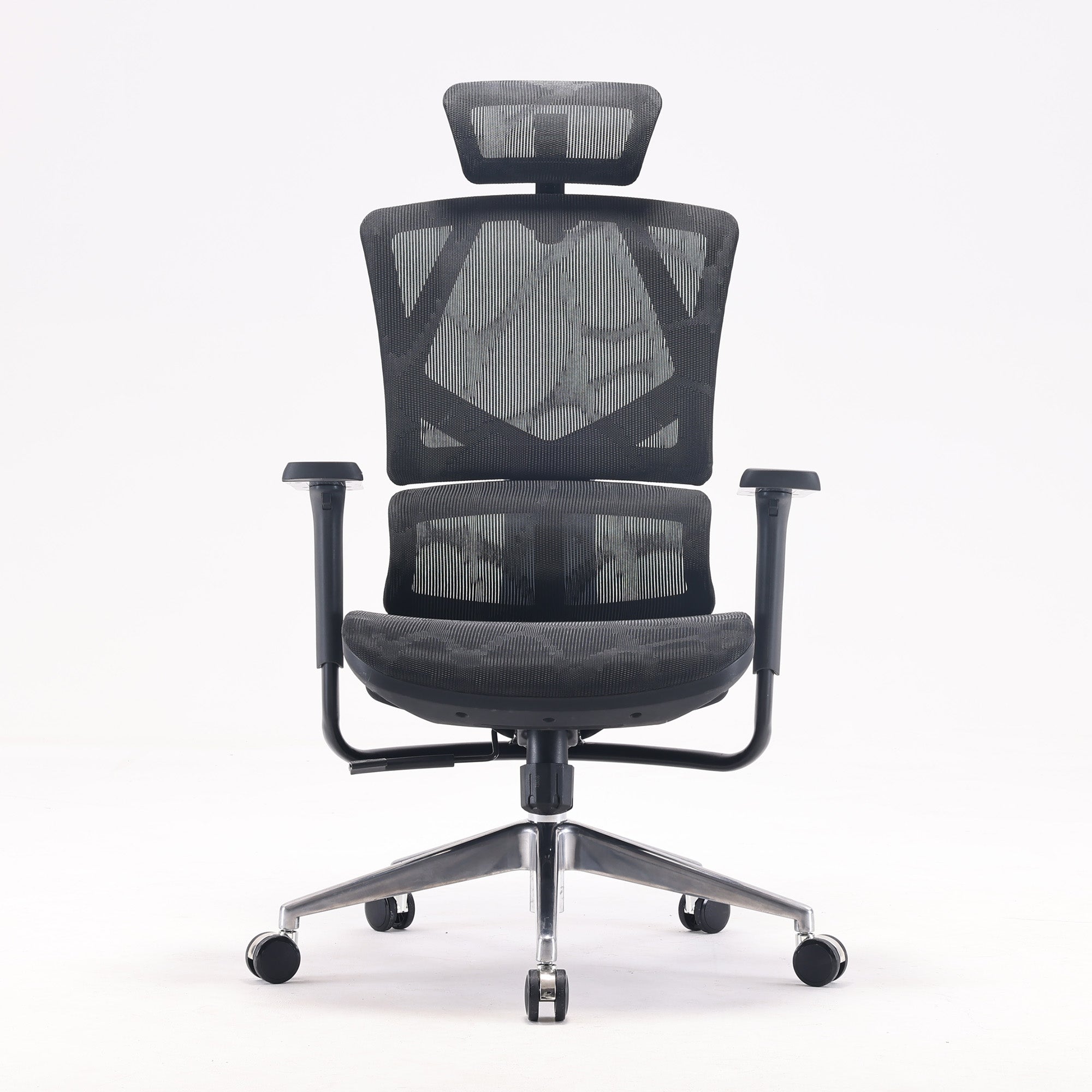
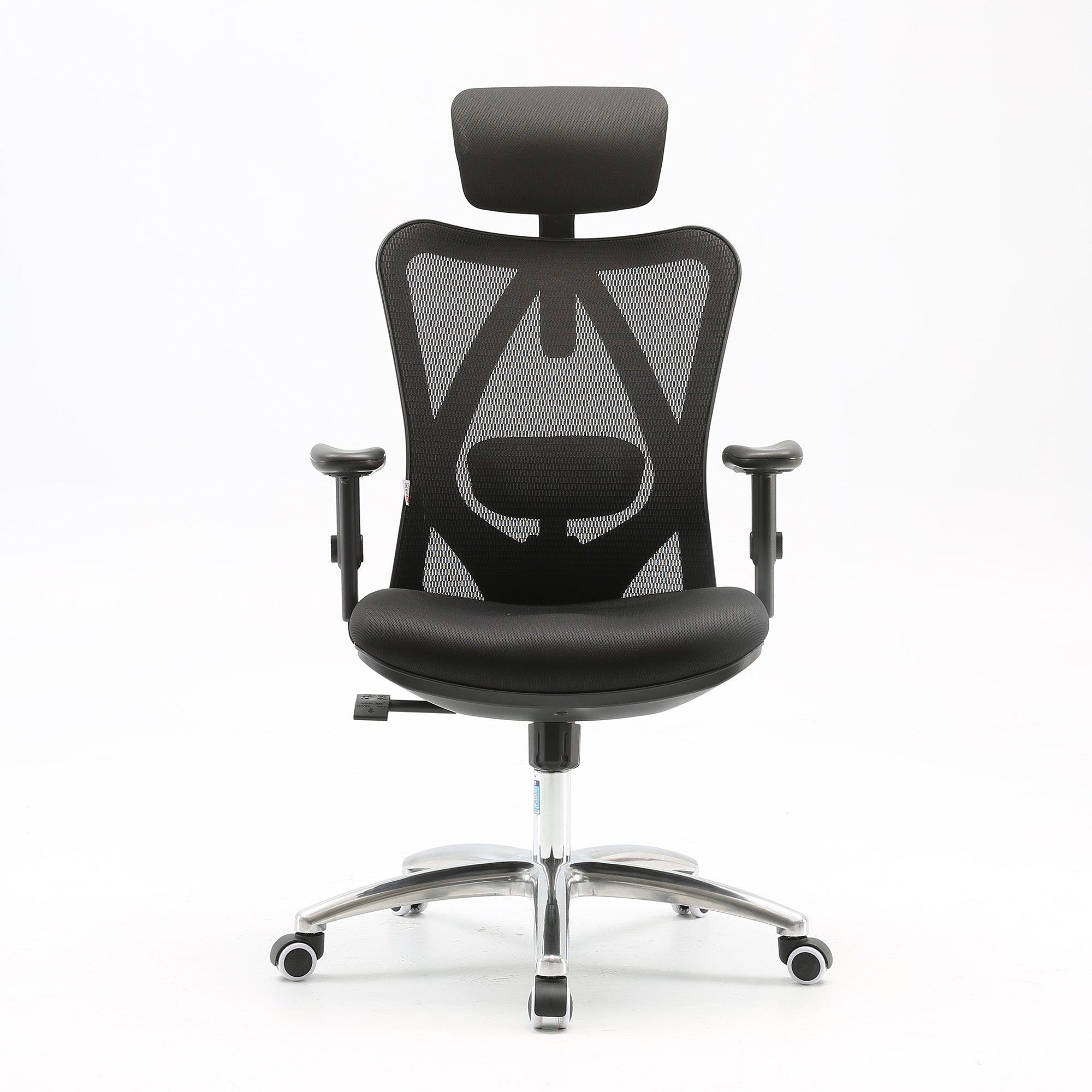
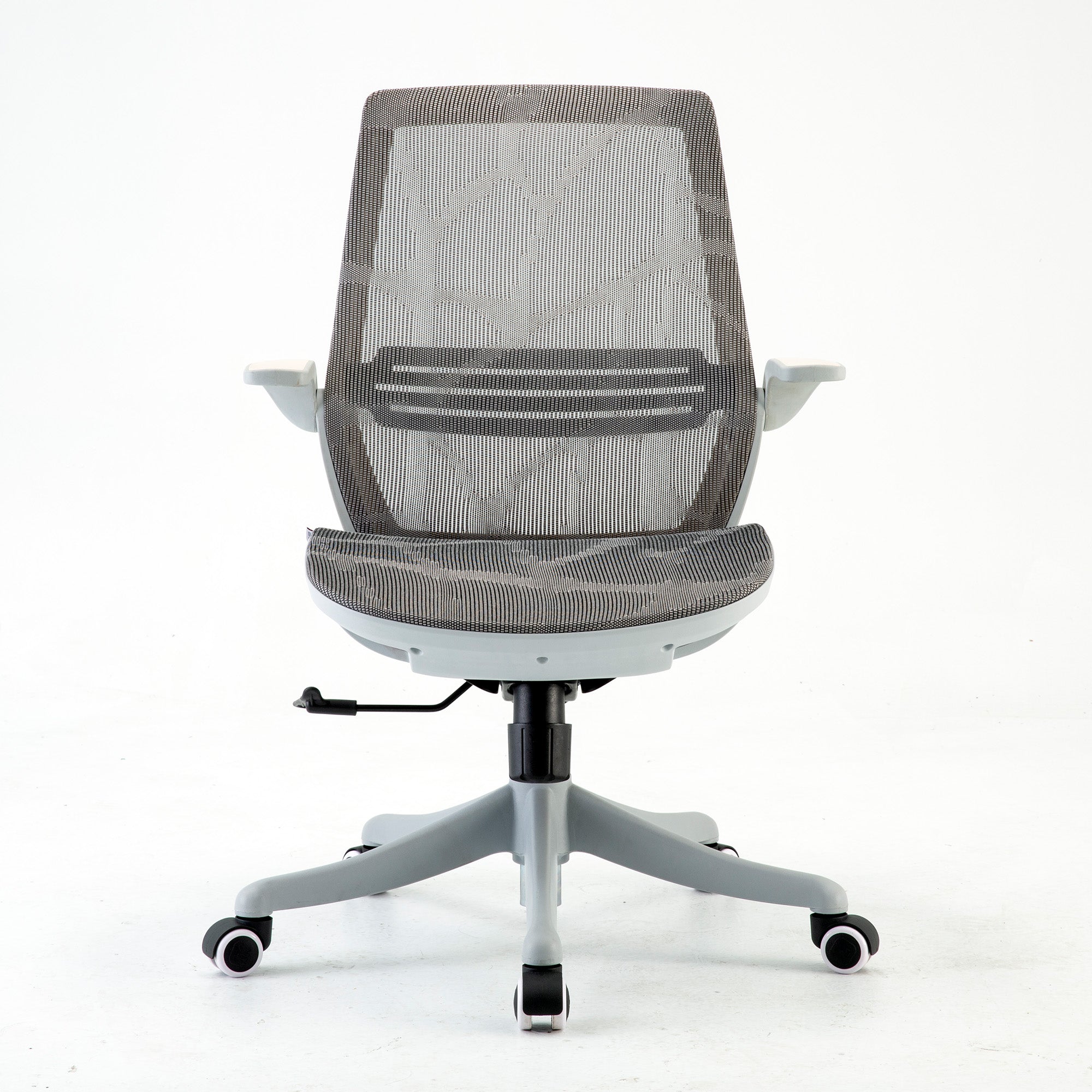
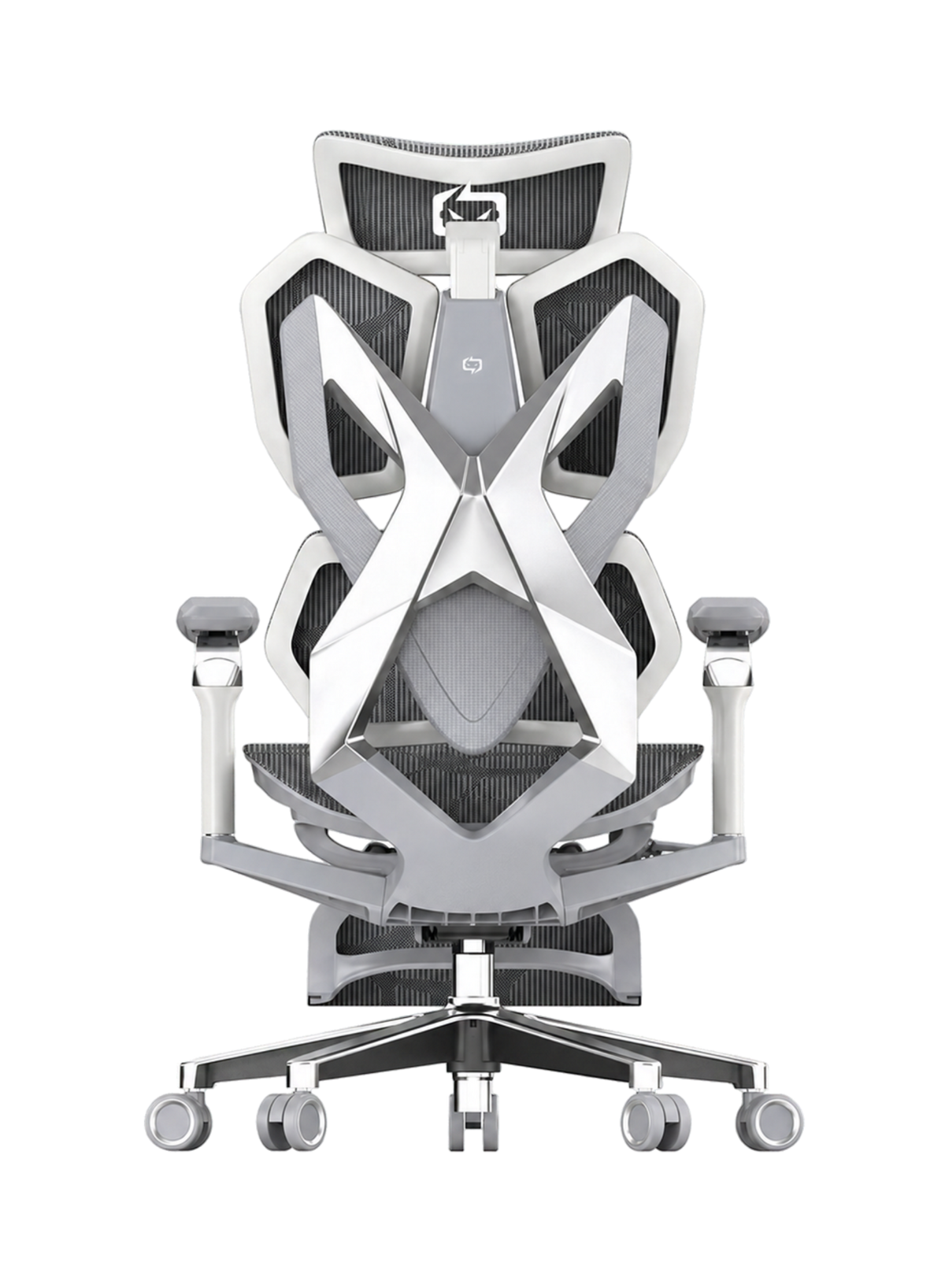
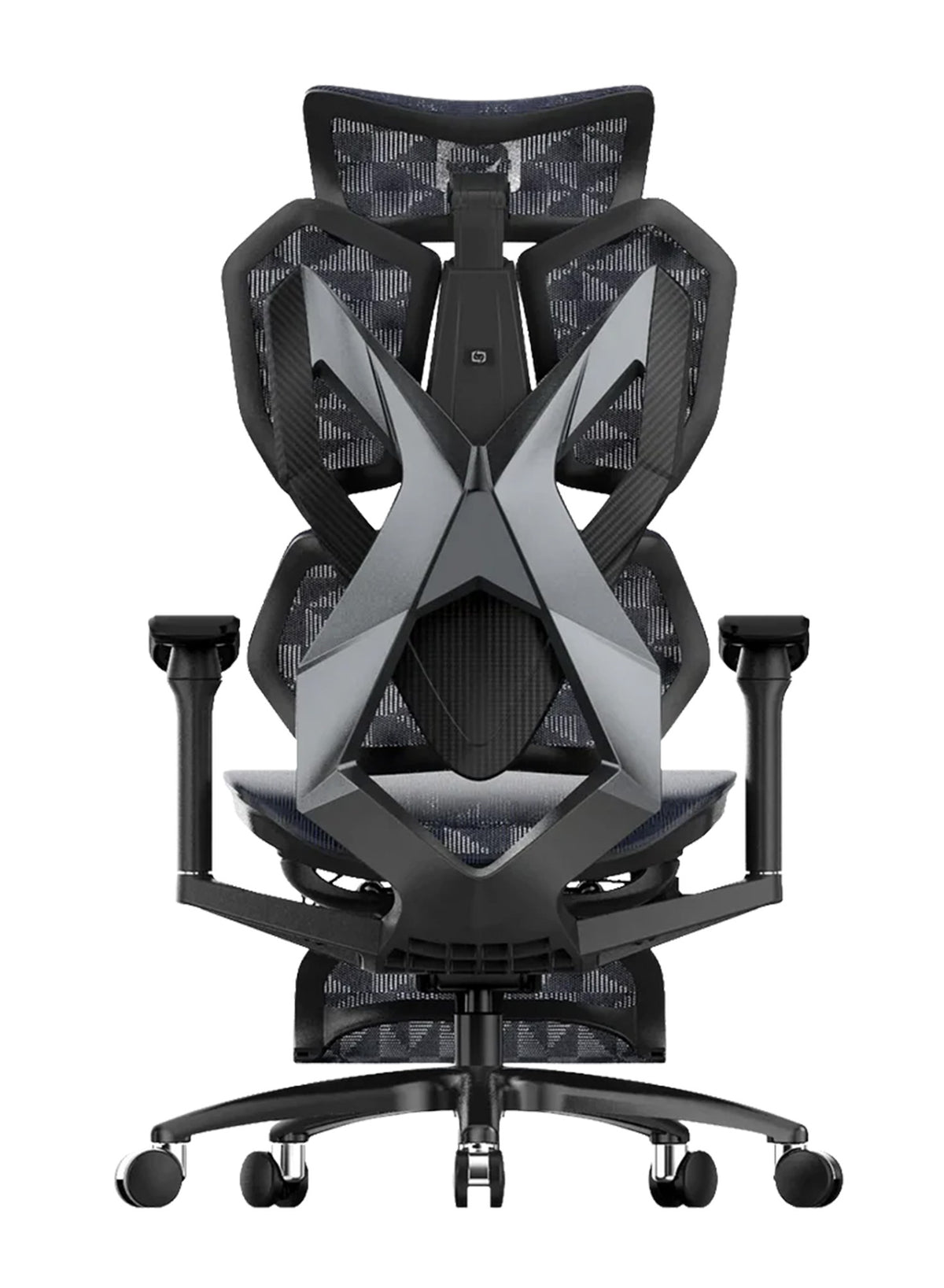
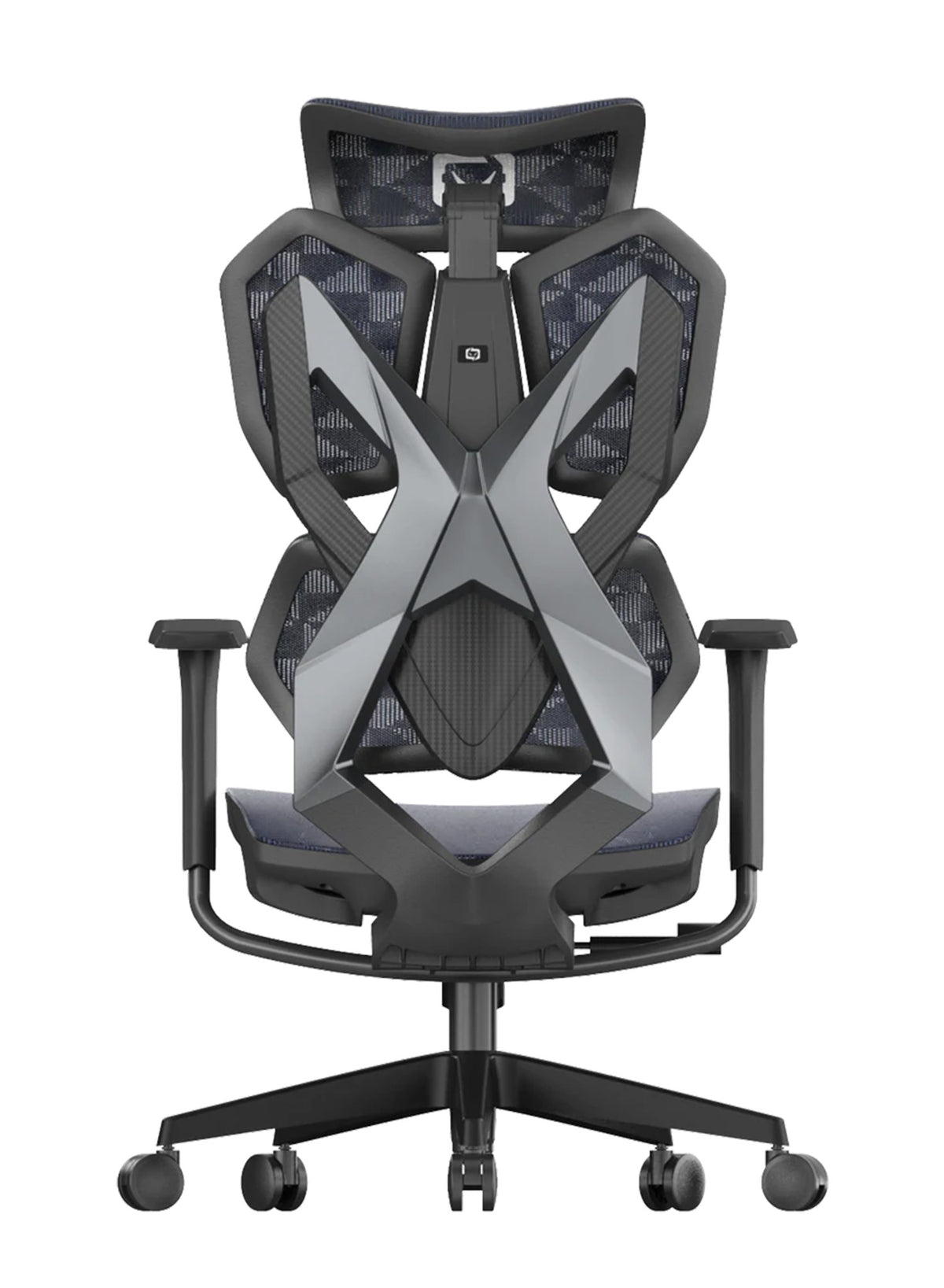
The Sihoo M57 lists $329 for the black mesh version, down from $489. It has a full mesh back and seat, a lumbar support that adjusts up, down and in and out, and recline up to 126 degrees. It has a 3-year warranty and is rated to 150 kg. The page does not state its dimensions as text.
-
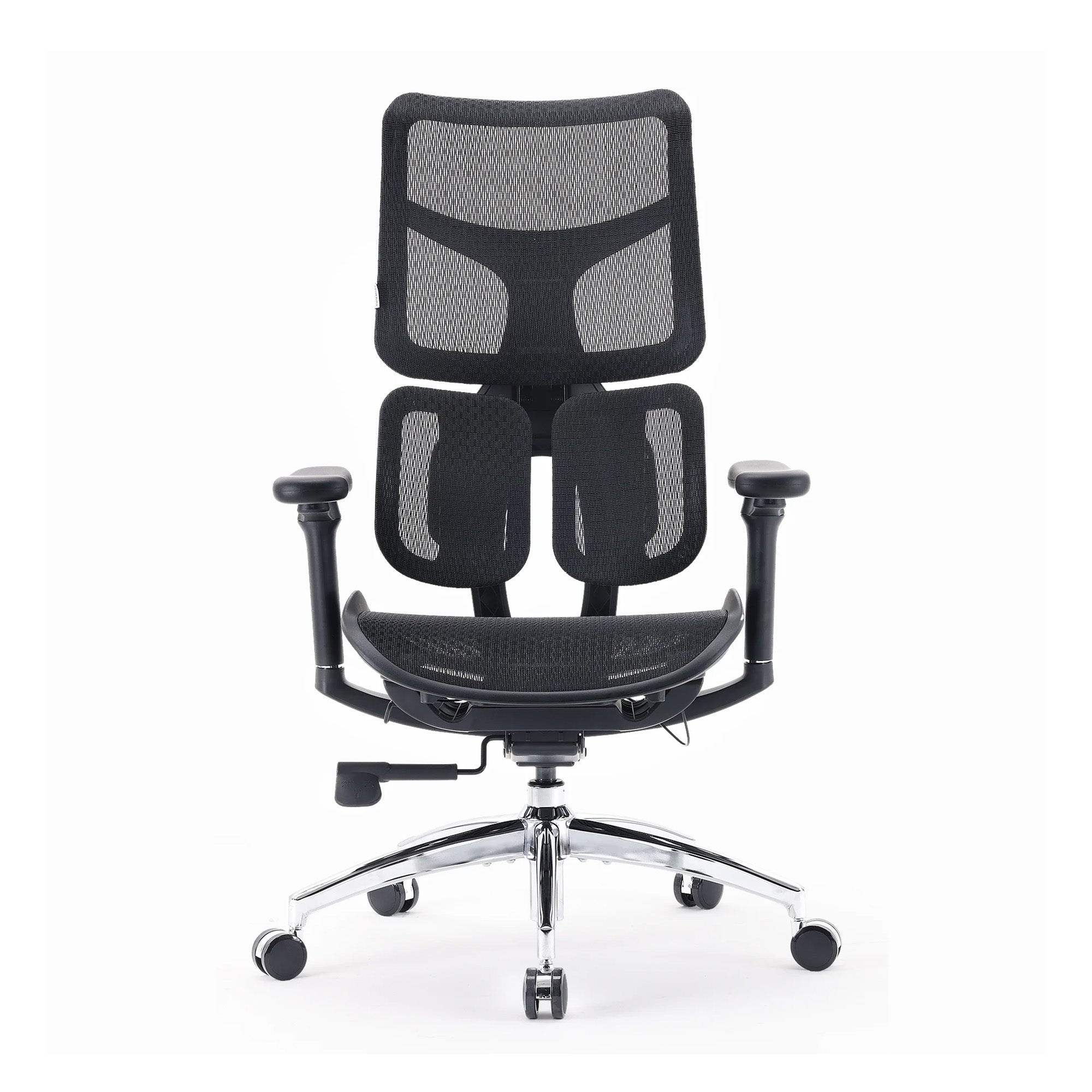
The Sihoo M59AS lists $349, down from $499. It measures 70.5 cm wide and 70 cm deep, weighs 16.6 kg, and has a 3-year warranty. Its page shows only four reviews, so the rating is not reliable yet.
-
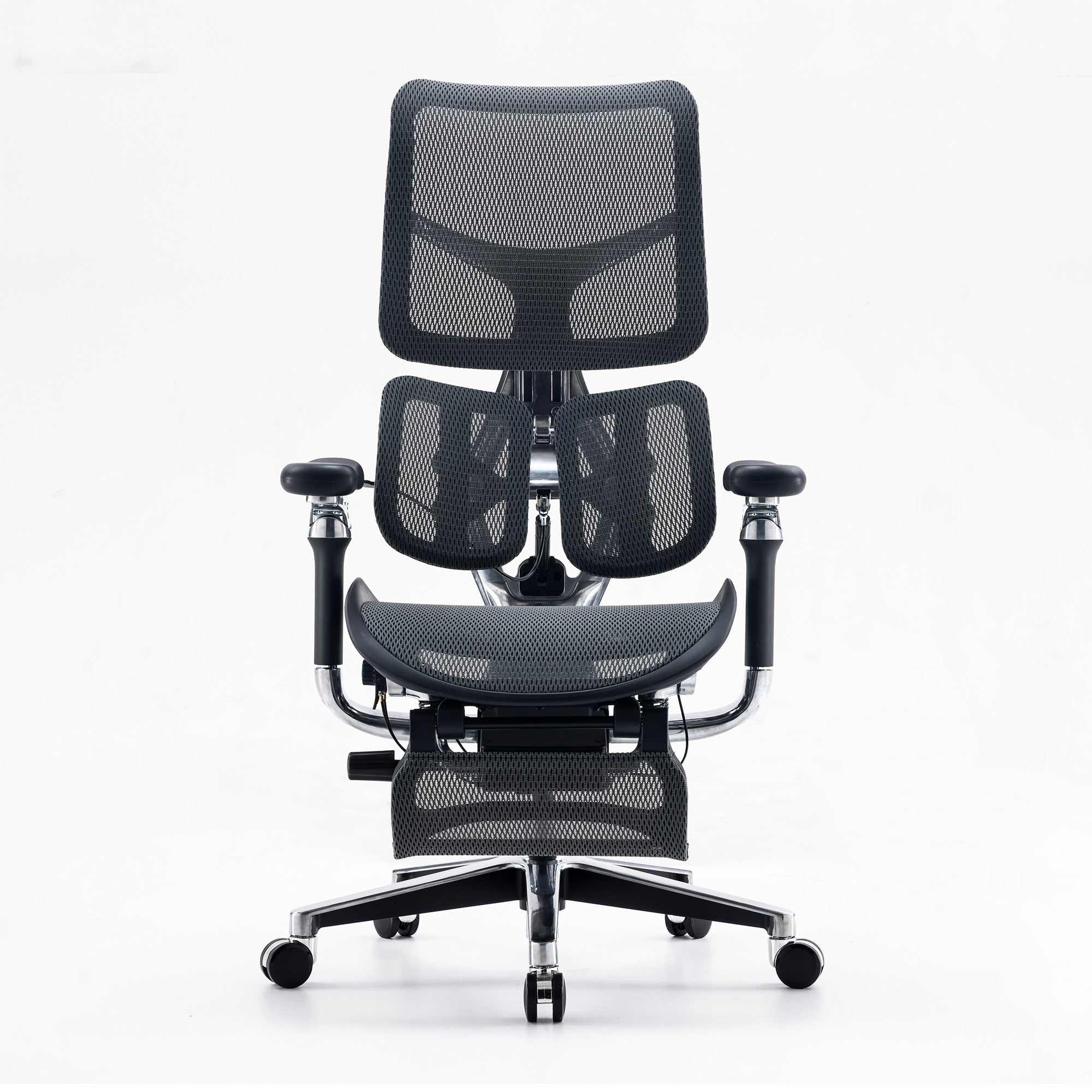
The Sihoo Doro C300 Pro lists $747, down from $1,099. It measures 71 cm by 71 cm, has a 5-year warranty and a 150 kg limit, and suits users 150 to 190 cm tall. It has three linked recline positions at 105, 120 and 135 degrees.
All three have a base of about 70 cm, so none is a tiny chair. That is a real limit for a very small room.

Match the chair to the room, not the other way round
If the footprint is the issue, a smaller chair with fewer features may serve you better than a large one that blocks the door. Our guide to Sihoo chairs between $300 and $600 compares the mid-range options.
Gaming chair or office chair
Many gamers ask whether a racing-style chair or an office chair suits long sessions. Our comparison of a gaming chair and an ergonomic office chair for spine health covers the trade-offs.
Buying for several seats
If you are fitting out a shared room, mix body sizes in your trial. Our team can quote on wholesale office chairs for small groups.
Plan the Floor Space Before You Buy Anything
Floor space is the part most guides skip, and it matters most when the room is small. Measure first, then compare the plan with the room.
A floor space budget you can fill in
Use this table with a tape measure, because the chair figures come from the live product pages and the rest depends on your room.
|
Item |
What to measure |
Reference |
|---|---|---|
|
Desk depth |
Front to back |
WHSQ suggests about 800 mm for leg room |
|
Chair footprint |
Width and depth |
Doro C300 Pro 71 x 71 cm; M59AS 70.5 x 70 cm |
|
Pull-out space |
Distance from desk edge to the wall or door behind you |
Enough to stand up and turn without hitting anything |
|
Window side |
Which wall the window is on |
Keep it to your side, not behind or in front |
|
Walkway |
Gap from door to desk |
Keep it clear, so the room is safe to cross |
If the numbers do not add up, shrink the desk or move the chair. Do not shrink the screen.
Layouts that save floor space
A corner desk uses dead space that would otherwise sit empty, and a wall-mounted shelf holds a console or router off the desk. A monitor arm clears the surface. Under-desk storage hides cables and the PC, which leaves room for your legs and a footrest. Keep a footrest or a plain floor area for your feet.
Couples and shared gaming rooms
Two desks in one small room need a plan. Face the desks at the same wall or put them back to back with a walkway between. Set each screen to its own user, because a shared height suits neither person. Two people also double the chair footprint, so check the table above for both seats.
Workplaces: a gaming room is also a break room
A small console room in an office needs the same walkway and glare checks. Add a quick checklist on the wall so every user can adjust the seat.
A Small Gaming Room Checklist You Can Use Tonight
Print it or copy it into your notes, and work through it in order because each step affects the next.
-
Measure the room, the desk and the chair footprint, then compare all three with the floor space table before you buy or move anything.
-
Turn the desk so the window sits to your side.
-
Raise the screen until its top is at eye level or just below, about an arm's length away.
-
Set the seat so your feet rest flat or on a footrest.
-
Move the lumbar support to the hollow of your lower back.
-
Place the keyboard and mouse directly in front of you.
-
Dim any LED lights, and keep them out of your direct view so they do not add glare.
-
Set a reminder. Look away every 20 minutes and move every 30 minutes.
Keep moving even with a perfect setup
SafeWork NSW says Australian workers spend about 76% of their work time sitting, roughly five hours a day, though the page names no source for that figure. It suggests moving every 30 minutes and says exercise outside work does not cancel the risk of long sitting. That finding applies to long gaming sessions as well, so build breaks into the session.
When a chair is not the answer
A chair cannot fix every problem, and some problems need a professional. Healthdirect says to see a doctor if back pain is not getting better after about six weeks, or if it affects your sleep or daily life. Seek urgent help for severe pain that comes on very quickly, pain after a major injury, or fever. Also seek help for loss of feeling or movement in your limbs, or problems controlling your bowels or bladder. This guide is general information, not medical advice.

Conclusion
A good small gaming room starts with the sight line, not the shopping list. Get the screen to eye level. Move the window to your side. Then fit the chair to both your body and your floor, so the room works for long sessions and not only for the first hour. Then move often, because no setup replaces that.
If you are ready to compare chairs, our range of the best ergonomic office chairs in Australia lists each model by price and feature. Check the footprint against your floor space budget first.
Better Comfort Starts Now.
Sources Referenced
-
Workplace Health and Safety Queensland. Setting up your workstation (WorkSafe Queensland, page last modified 11 September 2020). worksafe.qld.gov.au
-
Workplace Health and Safety Queensland. Visual comfort for computer work (page last modified 11 September 2020). worksafe.qld.gov.au
-
Comcare. Setting up your workstation factsheet (undated). comcare.gov.au
-
Healthdirect. Eye strain (last reviewed April 2024). healthdirect.gov.au
-
Healthdirect. Back pain (last reviewed June 2024). healthdirect.gov.au
-
SafeWork NSW. Sedentary work (last modified 29 April 2026). safework.nsw.gov.au
-
Kothiyal K, Bjørnerem AM. Effects of computer monitor setting on muscular activity, user comfort and acceptability in office work. WORK, 2009;32(2):155-163. DOI: 10.3233/WOR-2009-0801 (abstract only read)
-
Alqabbani S, Alhussaini RF, Alsaedan SA, et al. A cross-sectional survey on musculoskeletal pain among professional and non-professional gamers in Saudi Arabia: associations with gaming genre, duration, and ergonomic factors. Journal of Pain Research, 2026;19:1-15. Corrigendum published 23 April 2026; not reviewed. DOI: 10.2147/JPR.S557124
-
Sihoo Australia product pages: M57, M59AS, Doro C300 Pro (checked 9 October 2026). sihoo.com.au
Frequently Asked Questions
Measure the room first and sketch where the desk, chair and door will sit. Then set the screen at eye level, put the window to your side, and choose a chair that fits both you and the floor space.
WHSQ says to place the top of the screen at eye level or just below. Place it about an arm's length away so your eyes do not have to work harder.
Raise the laptop on a stable riser or books, as WHSQ advises. Then add a separate keyboard and mouse, so your hands can stay close to your body while your eyes stay level with the screen.
We found no Australian source that settles this. Keep lights dim and out of your direct view, and avoid glare on the screen.
Healthdirect suggests a 20-second look at something far away every 20 minutes. SafeWork NSW suggests moving every 30 minutes.
Check screen height and glare at each seat. Add a short setup card so each person can adjust the chair.
Check the walkway, the window position and the chair footprint first, and then check the height of each screen.
Often yes, because body sizes differ and one seat height will not suit everyone. So trial two or three models with a mixed group before you buy.
No. A chair makes good positions easier to hold, but SafeWork NSW still advises regular movement.
Shop products from this article


SIHOO’s Pre-Black Friday Sale is now on! Save up to 49%, plus get an extra $15 off with code EARLY15. Pay in 4 interest-free instalments with Afterpay.
SHOP NOWRecommended Posts


