

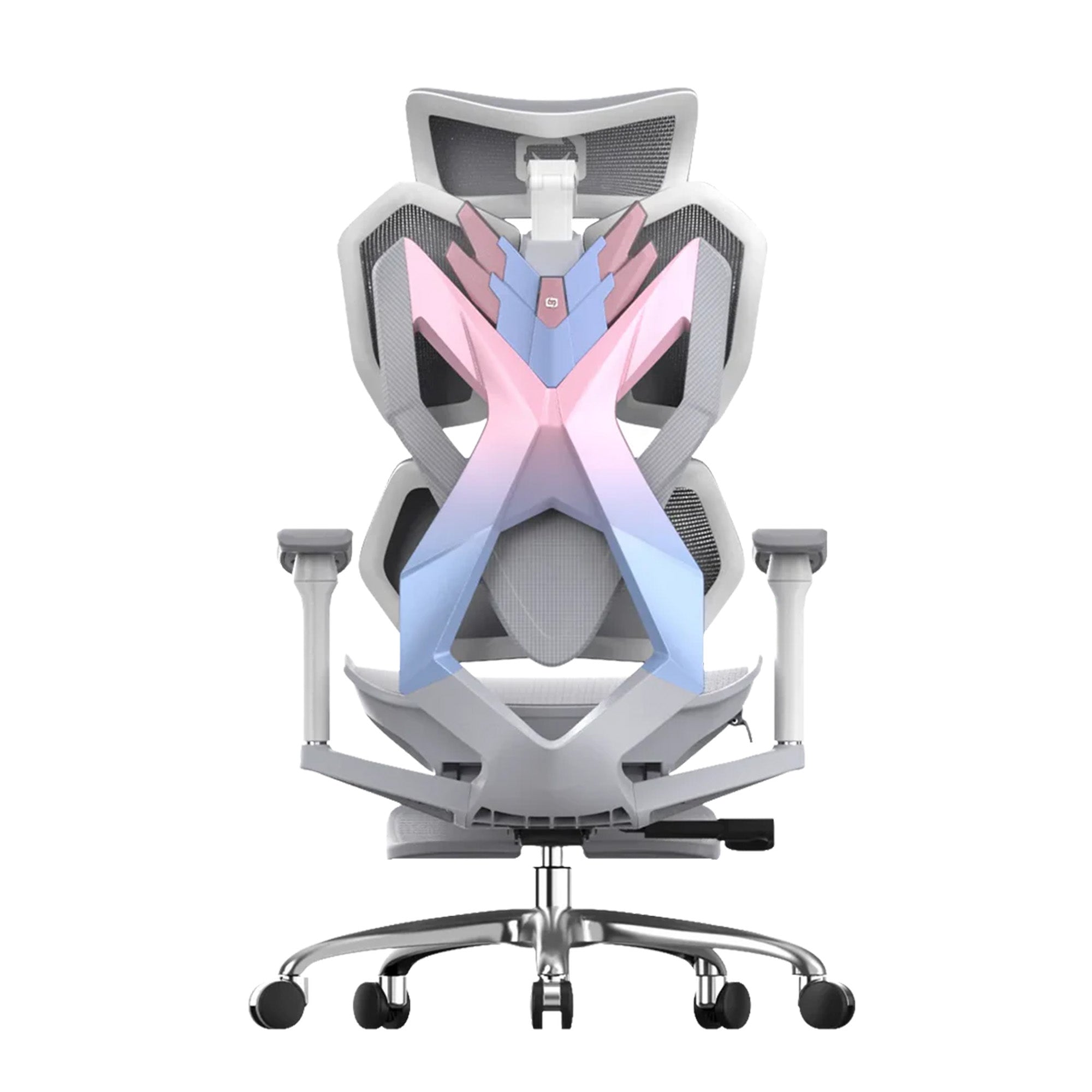
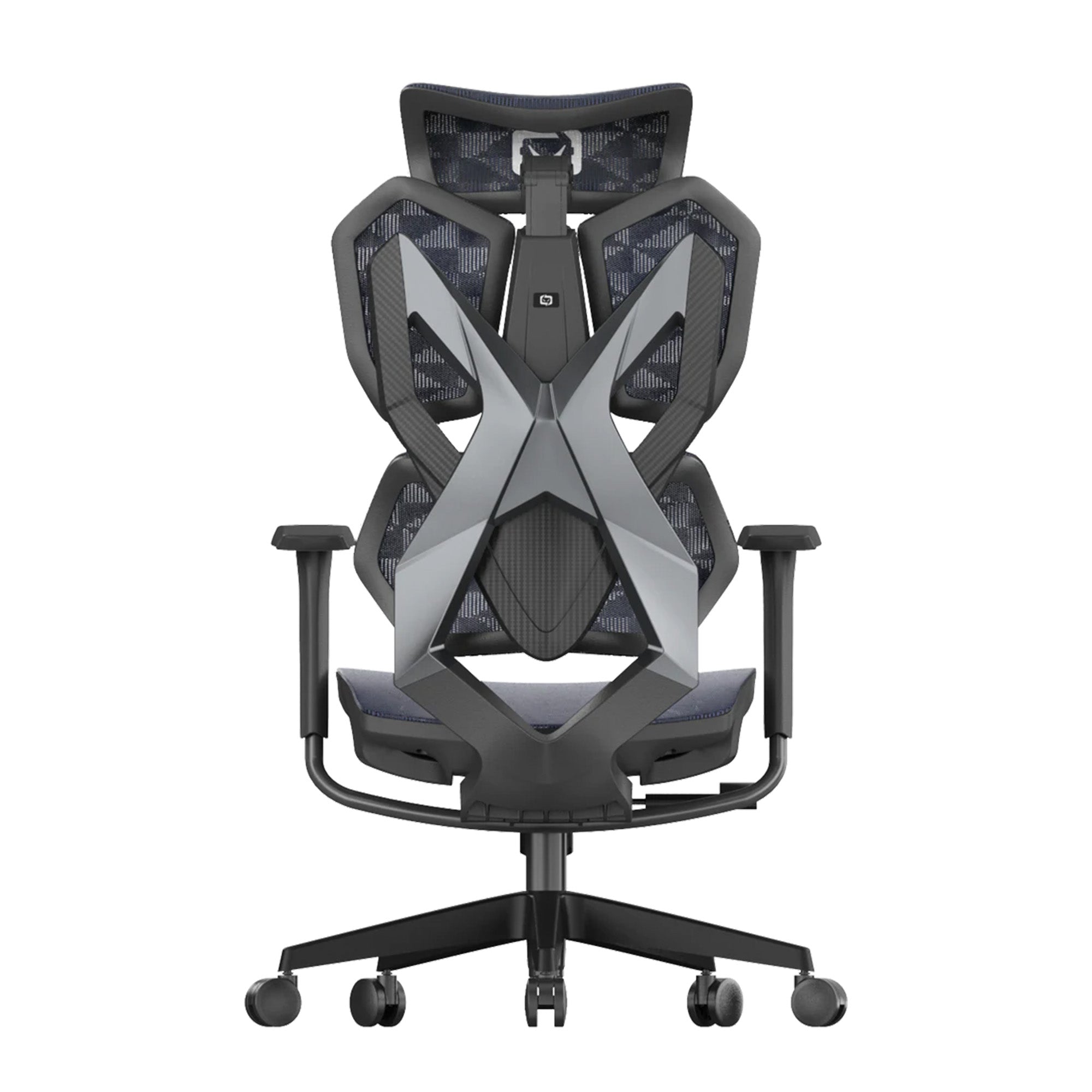

The chair at home and the chair at the office are probably not the same.
For most hybrid workers in Australia, they are not even close. The office chair was chosen during a fit-out three years ago and may or may not be correctly adjusted. The home setup is whatever was available when remote work started, often a dining chair, a kitchen table, or a laptop balanced on a cushion. Two days a week at one, three days at the other.
The ergonomic conversation about hybrid work has mostly focused on the home office in isolation. Get a better chair at home. Set up a proper desk. Use a laptop stand. That advice is correct but incomplete. The problem with hybrid work ergonomics is not any single environment. It is the relationship between two environments and what happens to the body that alternates between them week after week.
This guide is about building an ergonomic strategy for hybrid work as a system, covering both environments, how they interact, and what organisations can do to manage the physical load across the whole working week rather than addressing each location as a separate problem.

The Scale of the Shift in Australia
Where the Workforce Is Now
Over 40 percent of employed Australians worked from home in 2024, according to the Australian Bureau of Statistics. This figure is expected to remain at or above this level into 2026. The typical hybrid arrangement in Australia involves two to three days at home and two to three days in the office per week, with significant variation by industry, role type, and employer policy.
Seven point three million Australians were estimated to be living with chronic musculoskeletal conditions in 2022, according to the Australian Institute of Health and Welfare, based on ABS National Health Survey data. Musculoskeletal conditions are the leading cause of disability and health costs in Australia. The workplace is not the only contributor to that figure, but it is a significant one.
A 2024 national survey commissioned by the Australian Chiropractors Association found that 86.7 percent of Australian workers experienced a musculoskeletal disorder either at work or because of their work environment. That figure predates a meaningful accounting of what hybrid work, now embedded as standard practice for a large portion of the workforce, is adding to the cumulative picture.
What the Research Says About WFH and MSD Risk
A large longitudinal study of 40,702 workers, published in PMC using data from the Lifelines COVID-19 cohort, found that working from home was associated with higher odds of musculoskeletal pain in the lower back, upper back, and neck and shoulder region compared to working on location. Upper back pain showed the strongest association, with an odds ratio of 1.24.
A second study from the same cohort, examining 28,586 workers over two years, found that sedentary behaviour was a significant mediating factor in the relationship between home working and musculoskeletal pain. Home workers were more sedentary than office workers, and this additional sedentary time was a driver of the higher pain rates, not just the home setup itself.
This finding matters more than it first appears. It means the ergonomic risk of home working is not primarily about having bad furniture. It is about moving less. An employee with a well-configured home office who sits without a break for five consecutive hours accumulates more musculoskeletal load than an employee with a mediocre office setup who stands, walks to meetings, takes the stairs, and moves naturally throughout the day.
THE HYBRID FINDING: Research from the Lifelines COVID-19 cohort (40,702 workers, PMC 2022) found home workers had 24% higher odds of upper back pain than office workers, with sedentary behaviour as the key mediating factor. The risk is not just the furniture. It is the movement deficit. Source: PMC, Lifelines COVID-19 cohort, 20

The Problem Nobody Is Managing: Two Environments, One Body
Why Treating Each Location Separately Misses the Point
Most ergonomic guidance for hybrid workers is written as two separate checklists. Here is how to set up your home office. Here is how to set up your office workstation. Follow both lists and the problem is solved.
The problem with this approach is that it treats each environment as independent when the body the worker inhabits is not. The musculoskeletal load from a poorly set-up home workstation on Monday and Tuesday does not reset before the worker sits down at their office desk on Wednesday. The accumulated physical fatigue carries over. The recovery that would normally happen during sleep and non-work hours is partially offset by the fact that the next working day begins a new cycle of load in a different environment with different characteristics.
A 2024 paper published in La Medicina del Lavoro identified that hybrid work arrangements can result in prolonged static postures of the trunk, neck, and upper limbs without adequate breaks, thereby increasing the risk of neck and lower back pain. The static posture risk is not from one environment. It is from the pattern of alternation between environments, each of which may impose different posture profiles on the same body in the same week.
The Three Ways Hybrid Ergonomics Differs from Office-Only Ergonomics
The assessment problem: In a standard office, a workstation assessment covers one location. In a hybrid arrangement, it needs to cover two. Most employers have never assessed their employees' home workstations. Most employees have never been asked. The WHS duty of care extends to home-based workers under Model WHS Laws, confirmed by the Human Factors and Ergonomics Society of Australia, but the operational process for meeting that obligation in a hybrid context is unclear for most organisations.
The adjustment problem: In a dedicated office workstation, a chair is adjusted for one person and stays set for them. In a hybrid arrangement involving hot-desking on office days, the chair is re-adjusted every time the worker arrives. Research consistently shows that most employees do not adjust their chairs before sitting down. An employee who adjusts their home chair correctly but then sits in an unadjusted hot-desk chair at the office for three days a week is not in a functional hybrid ergonomic arrangement. They are in a partially correct home setup and a consistently incorrect office setup.
The movement problem: Office work involves incidental movement: walking to meetings, taking stairs, moving between floors, going to a printer, speaking to a colleague in person. Home work compresses all of these into a much smaller physical space. The commute, often cited as one of the costs of office work, was also a source of physical activity. Working from home eliminates it. The net effect is a more sedentary working day, which the Lifelines research identifies as a driver of the higher MSD rates in home workers.

A Hybrid Ergonomics Strategy: Five Components
Component 1: Assess Both Environments
The first step is to assess both the office and home workstation for every hybrid employee. This does not require a home visit. A structured self-assessment form, reviewed by a manager or WHS officer via video call, covers the key elements: chair height, lumbar support contact, monitor height, keyboard position, and available floor space for movement.
For the office assessment, the process is the same workstation review used for any office ergonomics programme. For hybrid workers, the assessment should be timed to coincide with one of their office days so both environments can be covered in the same week.
The office ergonomics checklist for businesses covers the full workstation review process. The home version of this checklist uses the same five-section structure: seating, desk and monitor, keyboard and mouse, lighting, and movement. The employee completes it as a self-assessment and flags any issues that require follow-up.
Component 2: Set a Minimum Standard for Both Locations
One of the practical challenges of hybrid ergonomics is that employers have direct control over the office setup and indirect control at best over the home setup. The strategy that works is to define a minimum standard that applies to both environments and provide the support needed to meet it.
The minimum ergonomic standard for any hybrid workstation, whether in the office or at home, should include: a chair with seat height adjustment and adjustable lumbar support, a screen at or below eye level, a keyboard positioned to allow neutral wrist alignment, and a surface area that allows the keyboard and mouse to be close to the body without reaching.
For employees whose home setup cannot meet this standard, the organisation should have a clear policy on support. This might include providing a chair for home use, contributing to a home office equipment allowance, or modifying the hybrid schedule so that employees with inadequate home setups work more days in the office until the home setup can be improved.
Component 3: Address the Adjustment Gap for Hot-Desking
If the office days involve hot-desking, the chair adjustment problem becomes the most important operational issue in the hybrid ergonomics strategy. A worker who sits correctly at home but in an unadjusted shared chair at the office is not in a good hybrid setup. They are in a half-good setup that provides correct support on home days and incorrect support on office days.
The solution is a two-minute adjustment protocol, printed and posted at every hot-desk station. Five settings, in order: seat height, seat depth where available, lumbar position, armrest height, and recline tension. An employee who arrives at a shared workstation and runs through this protocol before starting work will be correctly set up within two minutes regardless of which chair they are using.
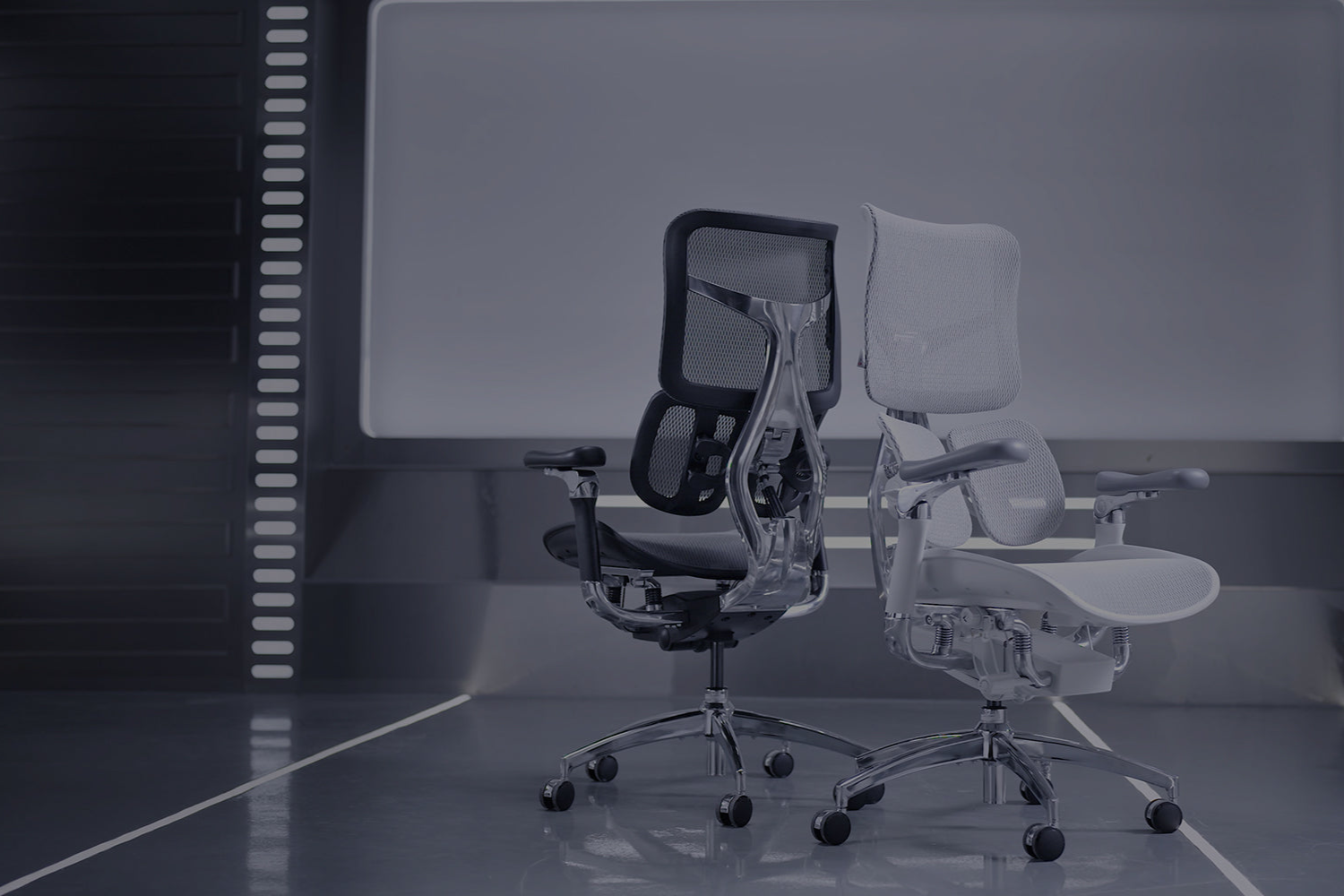
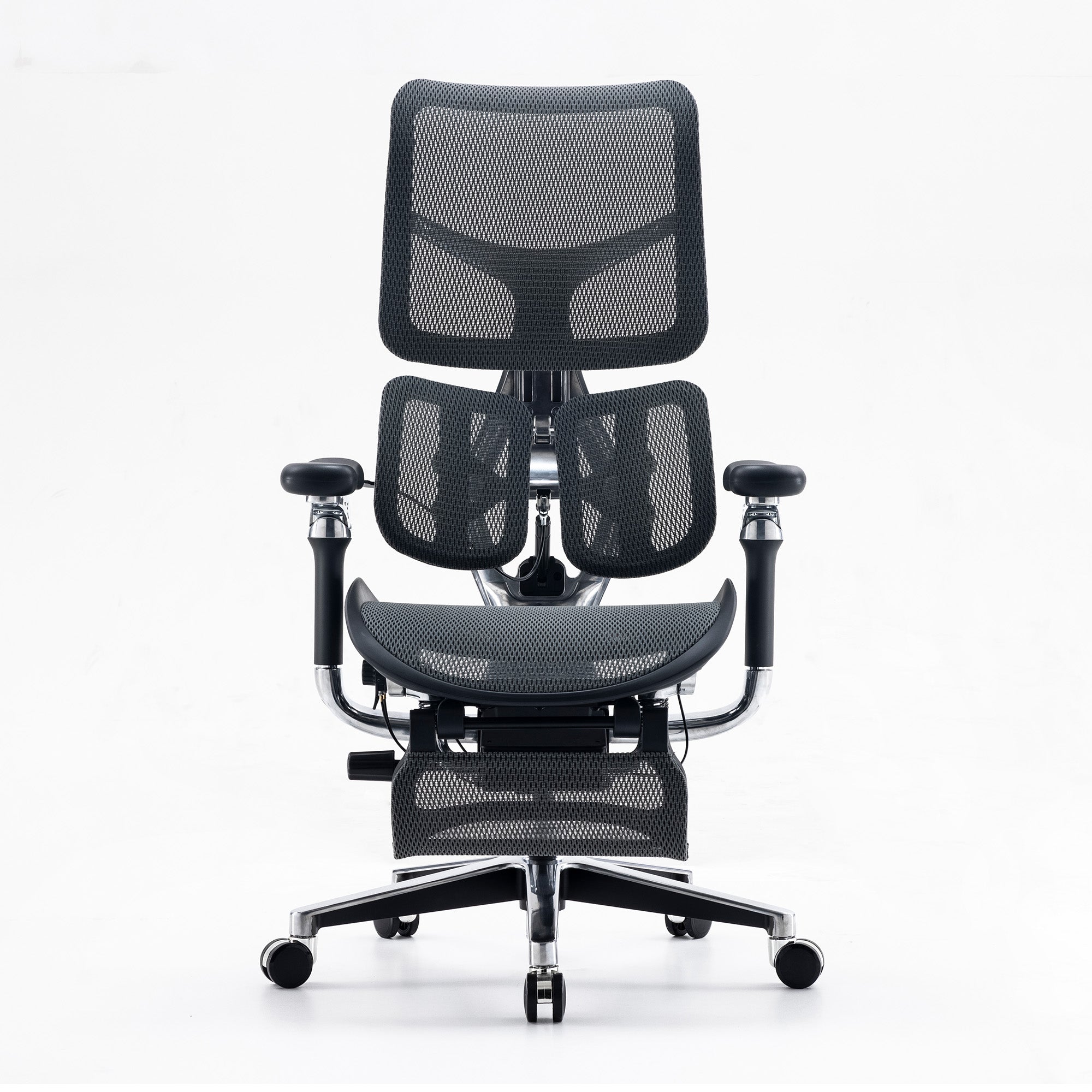
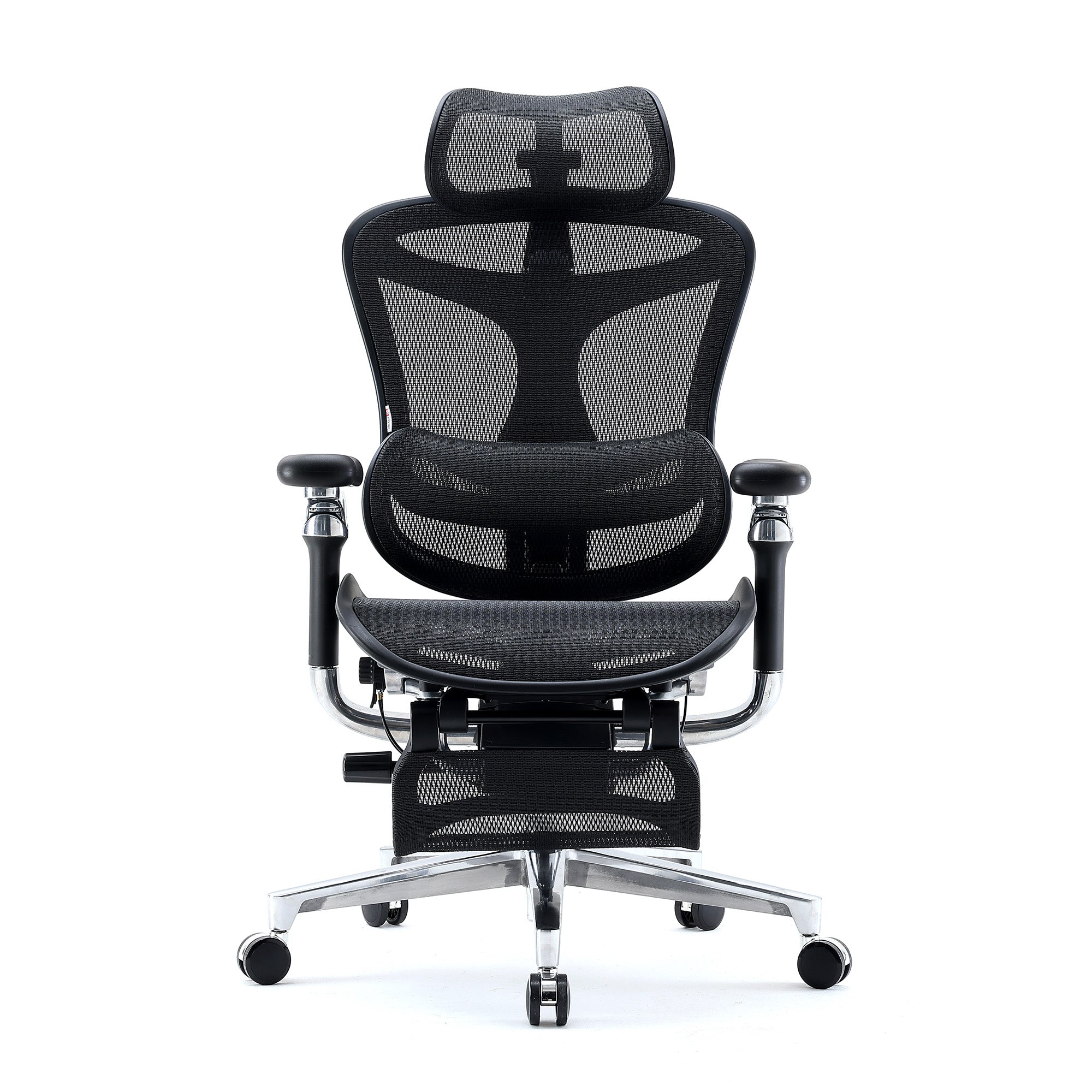
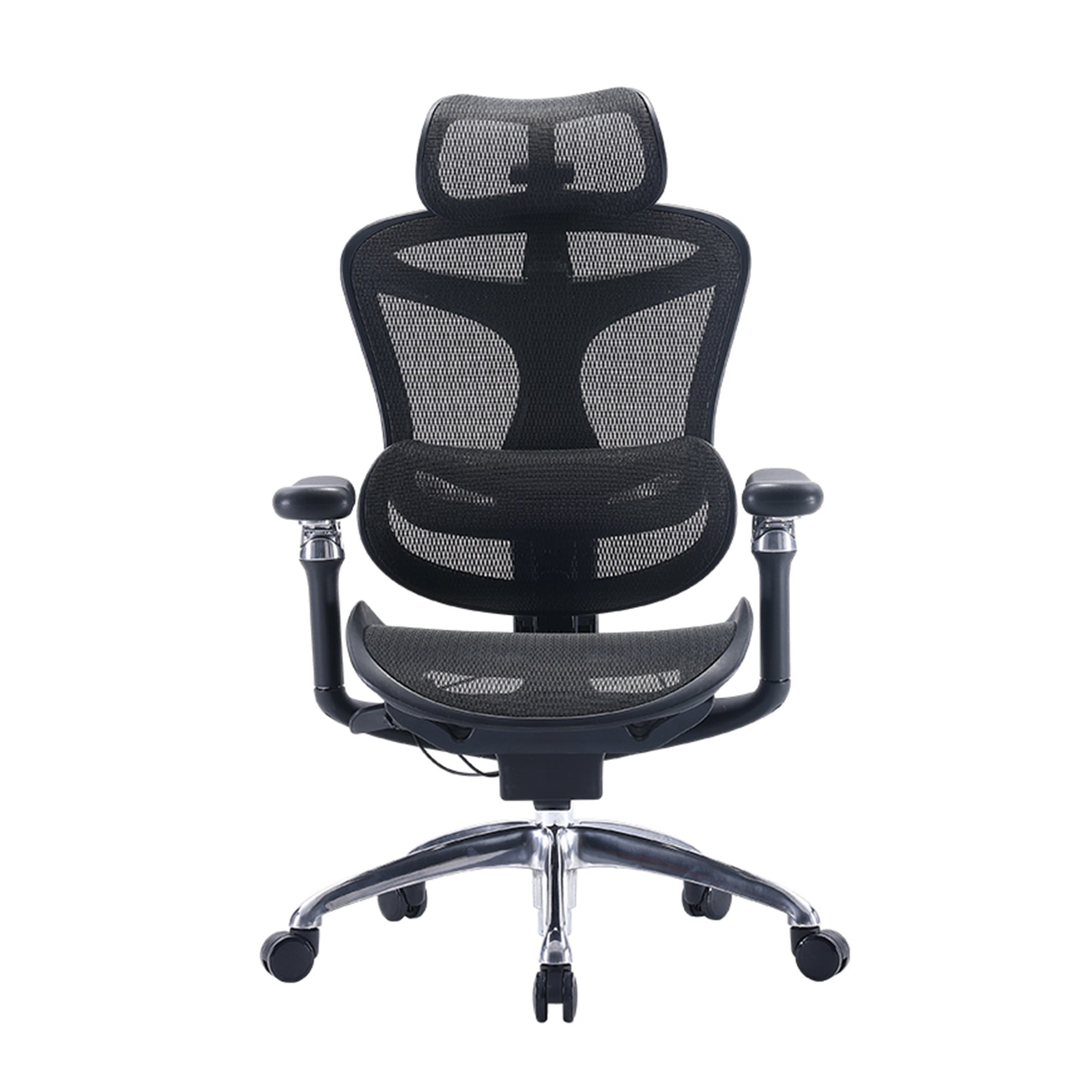
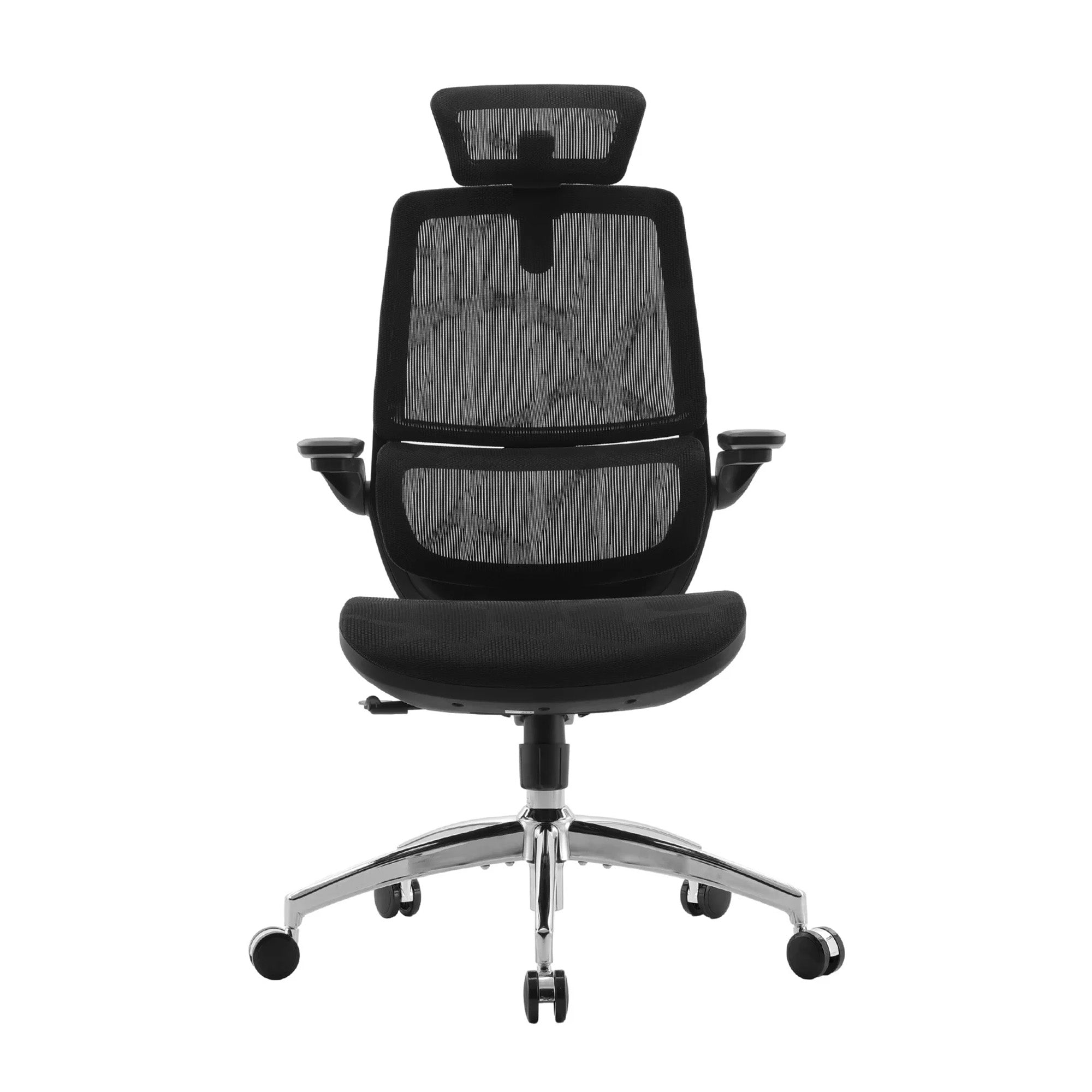
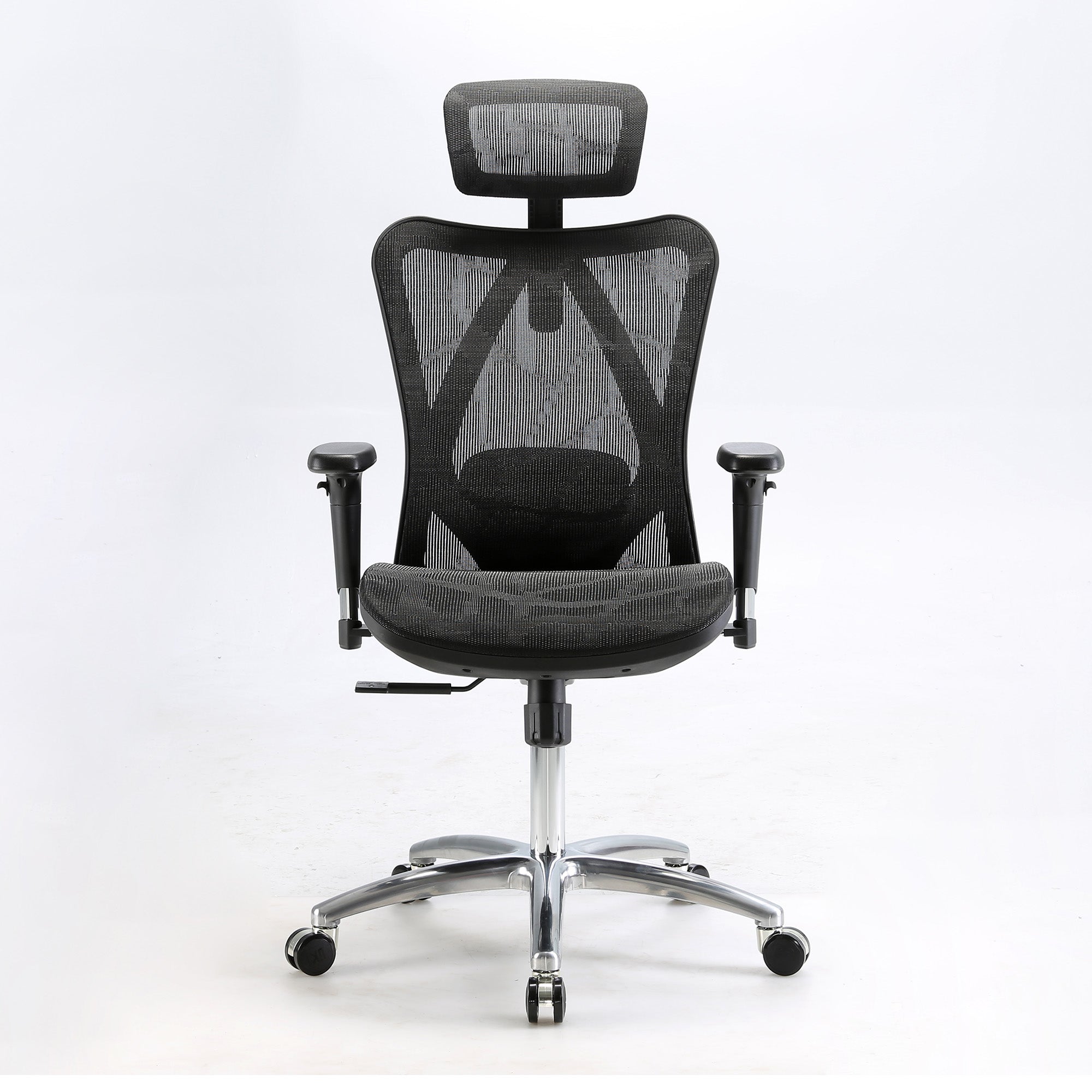
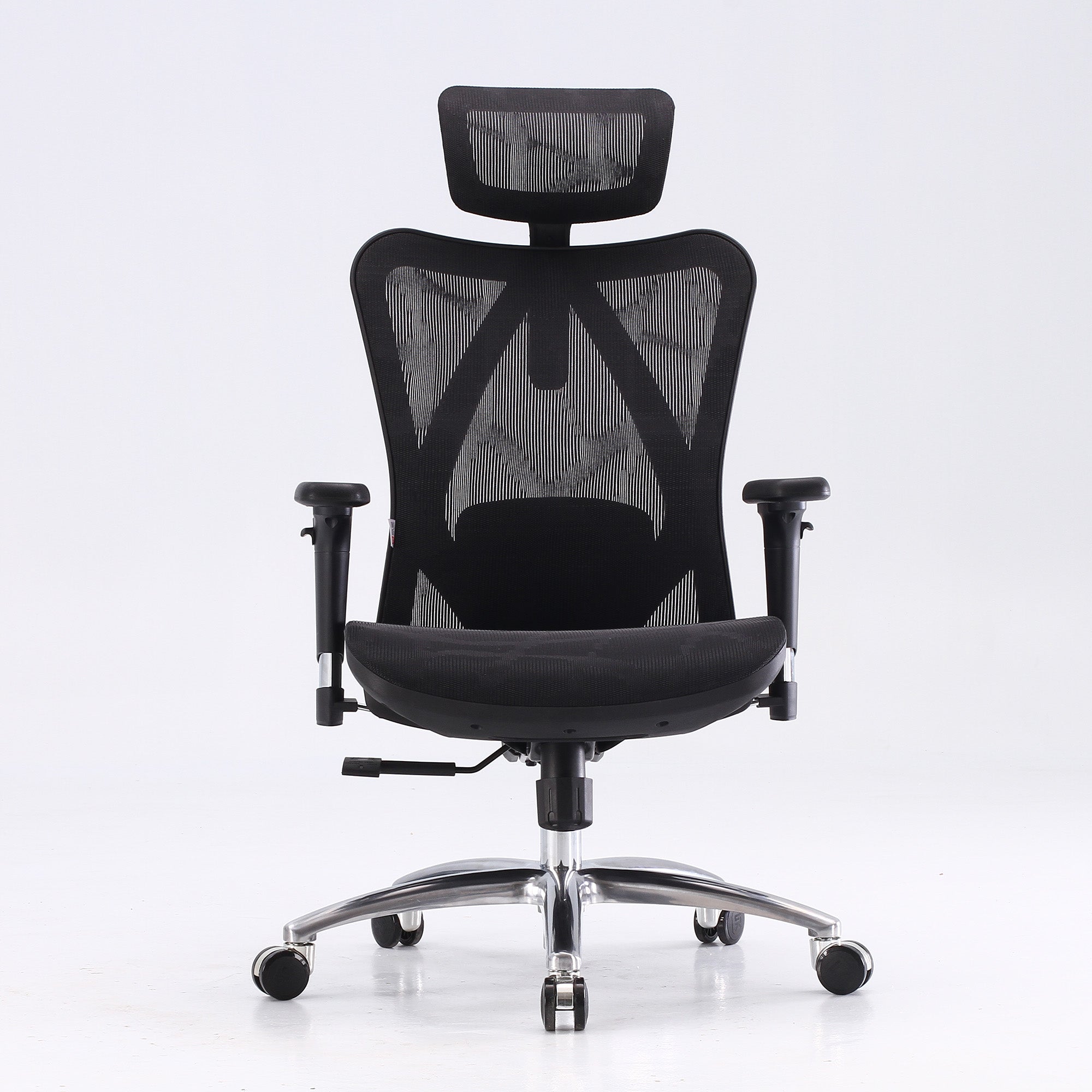
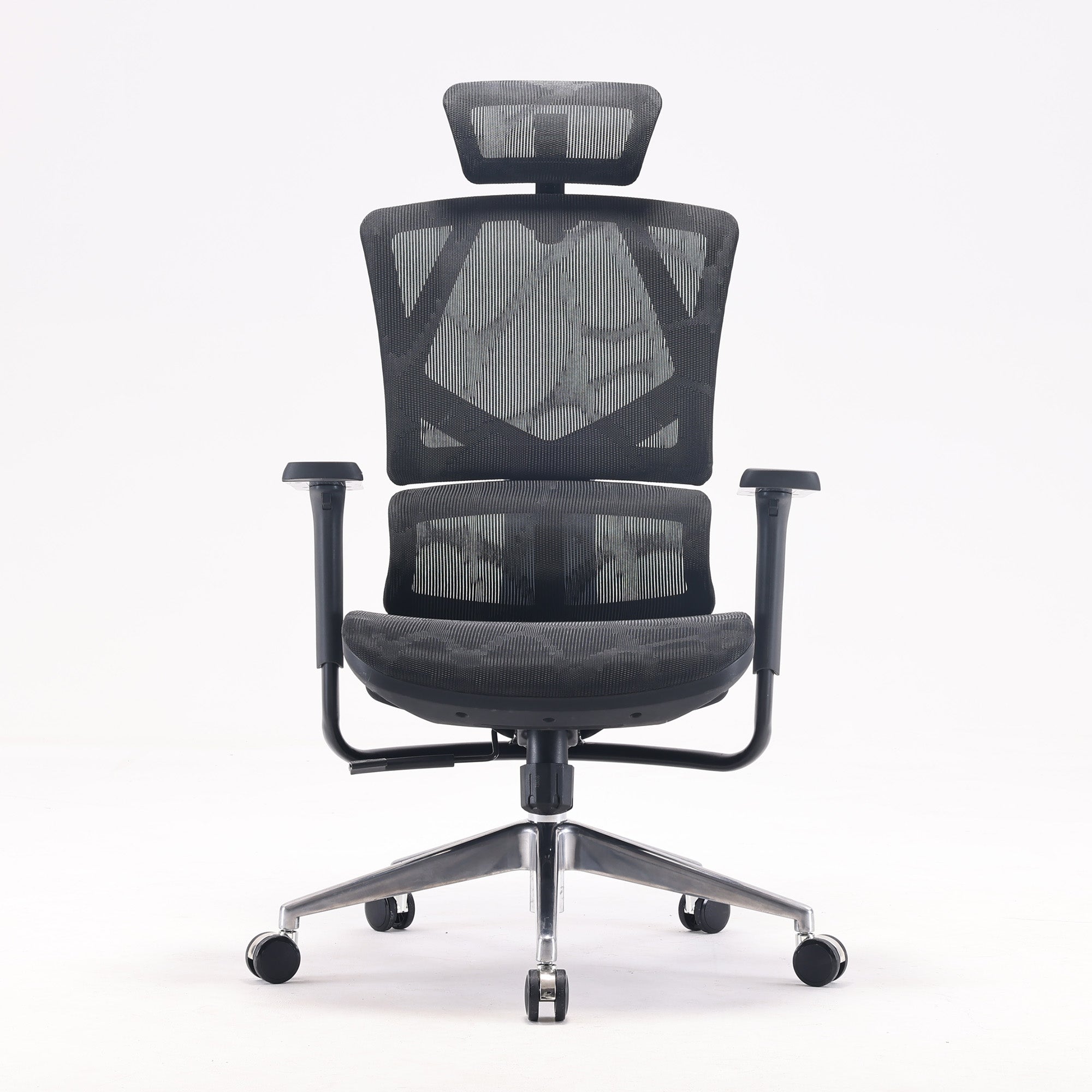
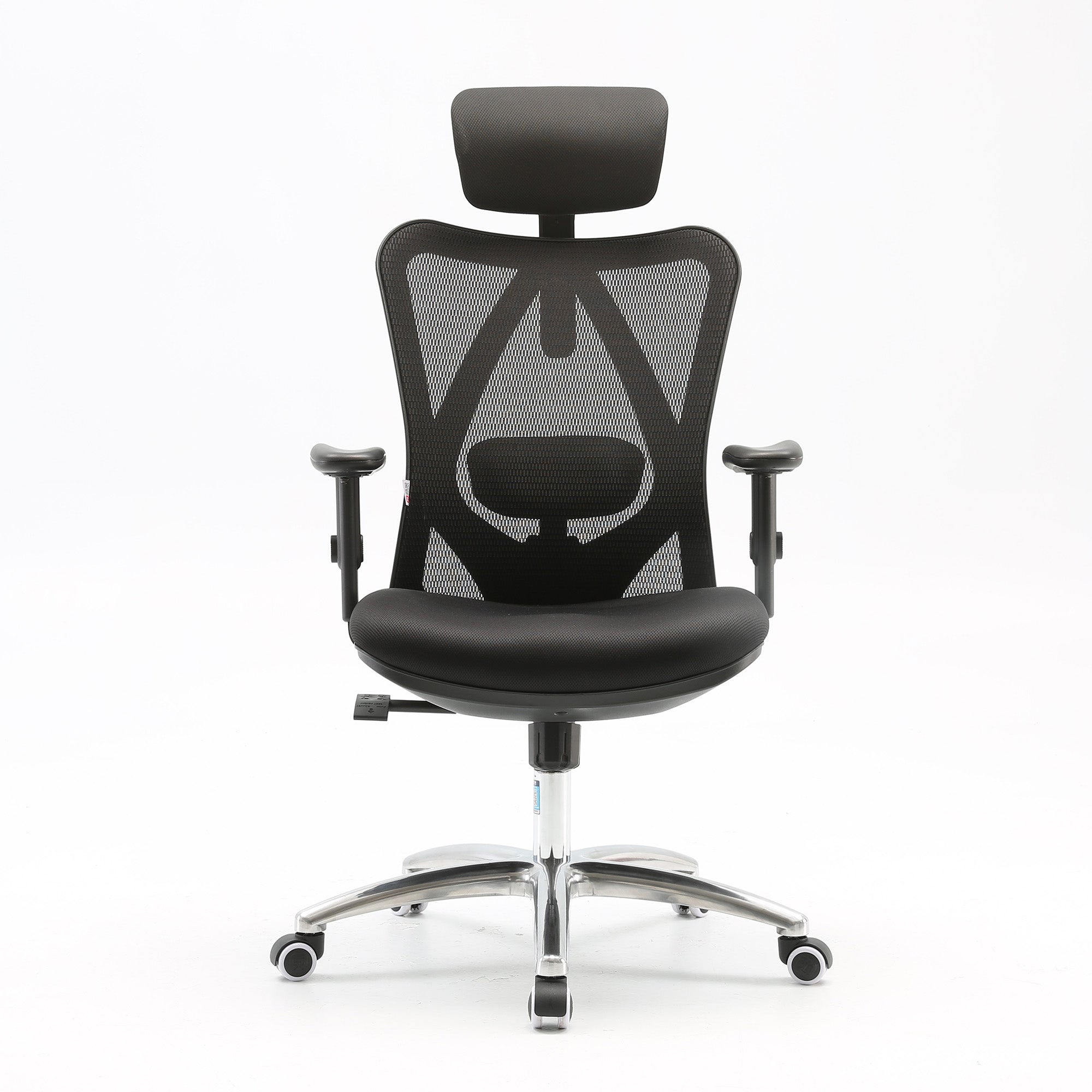
For organisations specifying chairs for hot-desk environments, the Sihoo Doro C500 and Doro C100 are both designed with wide adjustment ranges suited to multiple users. The Doro C500 in particular offers an adaptive lumbar system that removes the dependency on manual lumbar repositioning, which is the adjustment most commonly skipped when workers are moving quickly between desks.
For organisations setting up or reviewing their hot-desk configuration as part of a broader ergonomic fit-out, how to build an ergonomic office setup for teams covers the three-phase implementation framework that sustains ergonomic standards across a shared environment.
Component 4: Build Movement into the Home Working Day Structurally
The sedentary behaviour finding from the Lifelines research is the most actionable insight in the hybrid ergonomics literature. Home workers sit more than office workers, and this additional sitting is a driver of the higher MSD rates. The intervention is not a standing desk, though that helps. It is a structural approach to building movement into the home working day.
Telling employees to take regular breaks does not produce sustained behaviour change. A simple rule embedded in existing work habits does. Standing to take all calls. Walking to the kitchen for water at the end of every video meeting. Starting the morning with a ten-minute walk before opening the laptop. These are not wellness initiatives. They are postural variety strategies that happen to be free and that reduce the accumulated sedentary load on home working days.
Safe Work Australia recommends that sedentary task bouts be no longer than 20 to 30 minutes before a postural change or brief movement. For a home worker in a five-hour deep work session, this standard is not being met. Building in a postural change at the end of each video call or at the top of each hour is a practical starting point.
Component 5: Document and Review Annually
A hybrid ergonomics strategy is not a one-time fix. The hybrid arrangement itself changes. Employees move house. Their home setup changes. Their role changes. Their office days change. An annual review of both environments, built into the same review cycle as the standard office ergonomics assessment, catches the drift that accumulates when setups are never reassessed after the initial evaluation.
Documentation serves two purposes. It creates a record of the assessment process that demonstrates WHS due diligence if a claim is ever investigated. It also creates a baseline that allows the organisation to track whether the strategy is producing the intended outcomes: fewer MSD complaints, fewer adjustment issues reported, and lower incidence of the specific pain patterns associated with hybrid sedentary load.
The broader case for treating ergonomics as an ongoing operational process rather than a one-time purchase decision is made in how ergonomics improves employee productivity, including the financial return data from Washington State and the Australian cost of serious MSD claims.

WHS Obligations for Hybrid Workers in Australia
The Legal Framework
The Work Health and Safety Act 2011 requires employers to ensure, so far as is reasonably practicable, the health and safety of workers. This obligation does not have a geographic limitation. It applies to workers performing work from any location, including their home.
The Human Factors and Ergonomics Society of Australia confirms that Model WHS Laws apply whether working in the office or at home. A worker's home workstation must be safe, comfortable, and easy to use. Workers also have a duty of care for their own health when working at home and should follow any reasonable directions from their employer, including ergonomic guidance and self-assessment requirements.
Safe Work Australia has published specific guidance on managing WHS risks when workers perform computer-based work from home. This guidance covers workstation assessment, equipment standards, and the employer's responsibilities for supporting safe home-based work arrangements. Organisations that have not reviewed this guidance since the initial shift to hybrid work in 2020 to 2021 should do so, as the guidance has been updated to reflect the normalisation of hybrid work as an ongoing arrangement rather than a temporary response.
What Reasonable Practicability Means in Practice
The standard of reasonable practicability means the employer must take steps proportionate to the nature and severity of the risk. For a hybrid worker whose home setup involves a dining chair and no lumbar support, the risk of progressive musculoskeletal injury from sustained daily use is both foreseeable and addressable. Providing a chair, contributing to equipment costs, or adjusting the hybrid schedule to reduce home working days until the setup is improved are all practical responses that a court or regulator would consider proportionate.
The organisations most exposed to WHS liability in a hybrid context are those that have never assessed their employees' home workstations, have no policy for home office equipment, and have not provided any ergonomic guidance to remote workers since the arrangement began. The risk is not theoretical. It is a documented pattern of higher MSD rates in home workers that is now well established in the peer-reviewed literature.
The Hybrid Ergonomics Strategy at a Glance
The table below maps the five key risk environments in a typical hybrid arrangement against the primary risk, the research basis, the priority fix, and the appropriate chair specification.
|
Environment |
Primary risk |
Key research |
Priority fix |
Sihoo match |
|
Office — dedicated desk |
Chair never re-adjusted after WFH days |
HFESA Model WHS Laws; Safe Work Australia |
Adjustment protocol on return days |
Doro C300, Vito M90 |
|
Office — hot desk |
Setup wrong for every user, every session |
Gensler 2026: 13-point focus gap in unassigned seating |
Laminated 2-min adjustment card at each desk |
Doro C500, Doro C100 |
|
Home — laptop on desk |
Forward head posture, elevated shoulders, no lumbar support |
PMC Lifelines cohort: WFH 24% higher upper back pain OR |
Laptop stand + external keyboard, chair adjustment |
M57, M59AS, V1 |
|
Home — adequate setup |
Sedentary behaviour higher at home than office |
Lifelines cohort: sedentary behaviour mediates WFH-MSD link |
Structured movement protocol, break rhythm |
Any model + movement schedule |
|
Alternating environments |
Body accumulates load from both; recovery inconsistent |
La Medicina del Lavoro 2024: prolonged static posture in hybrid work increases MSD risk |
Match setup standards across both environments |
Same model spec at home and office where feasible |
Risk ratings and chair specifications are indicative. Actual requirements depend on the individual employee's height, daily hours of use, and existing health conditions. All specifications should be confirmed through a workstation assessment for each employee.
Implementing Hybrid Ergonomics Across a Team
The Audit Sequence
For an organisation implementing a hybrid ergonomics strategy for the first time, the recommended sequence is as follows.
Week one: Distribute a home workstation self-assessment to all hybrid employees. Ask for completion within five working days. The form should cover the five areas: seating, monitor, keyboard, lighting, and movement habits.
Week two: Review the completed assessments. Identify employees whose home setup does not meet the minimum standard. Schedule a video call walkthrough for each flagged employee within the same week.
Week three: Run the office workstation assessment for all hybrid employees on their next office day. Use the same five-section structure. Focus on whether the chair is correctly adjusted and whether hot-desk adjustment protocols are being used.
Week four: Implement no-cost and low-cost fixes. Adjust chairs. Post adjustment protocols at hot-desk stations. Order laptop stands and external keyboards for employees identified as using laptops flat on desks at home. Document every finding and action.
Ongoing: Add the hybrid ergonomics review to the annual WHS review cycle. Add a workstation setup step to the onboarding checklist for any new hybrid employee.
Volume Purchasing for Hybrid Teams
Organisations equipping both office and home workstations for hybrid teams can discuss wholesale office chairs for both environments through Sihoo Australia's commercial programme. Volume pricing is available for orders covering multiple workstations across office and home locations. Contact support@sihoo.com.au or 1300 002 580 to discuss your requirements.
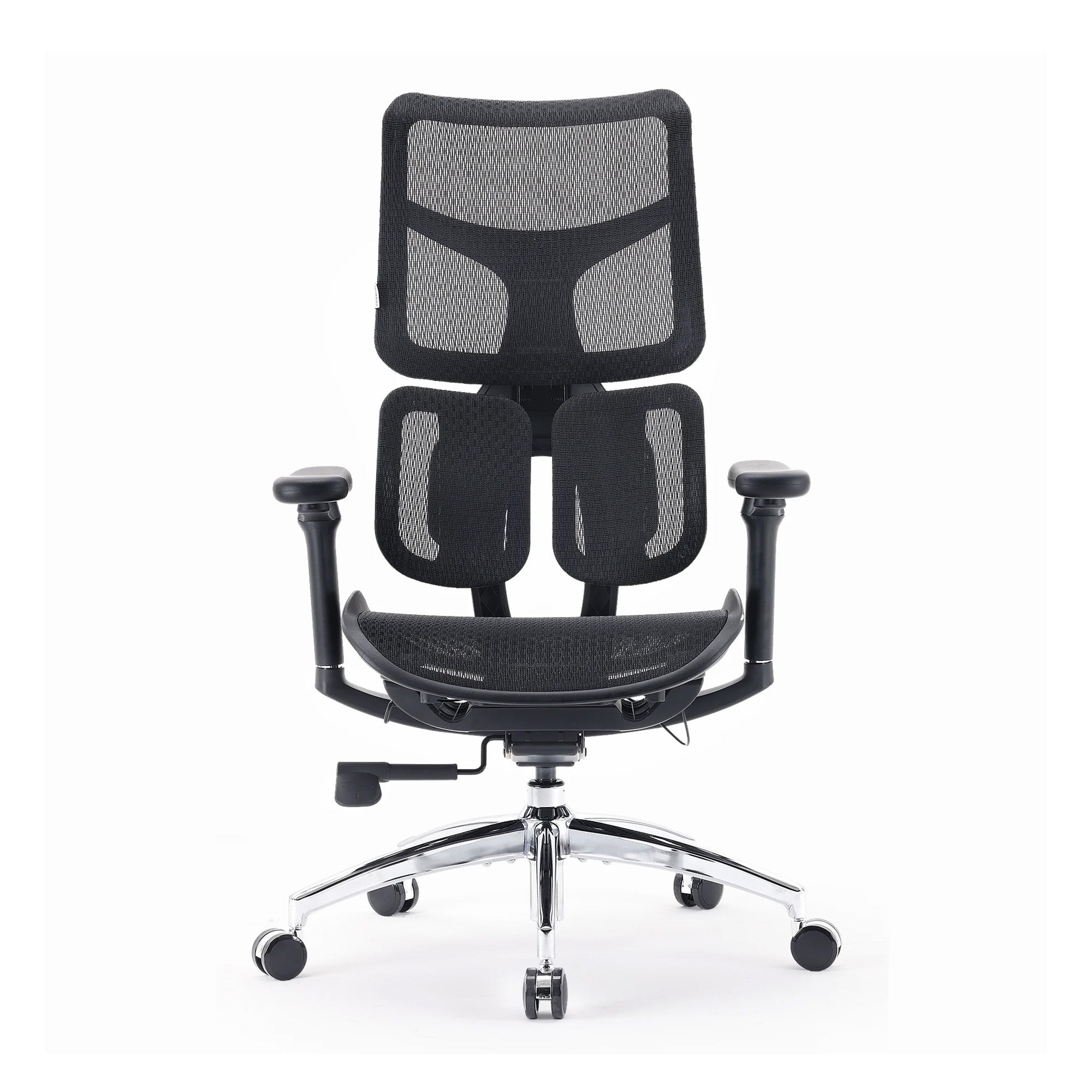
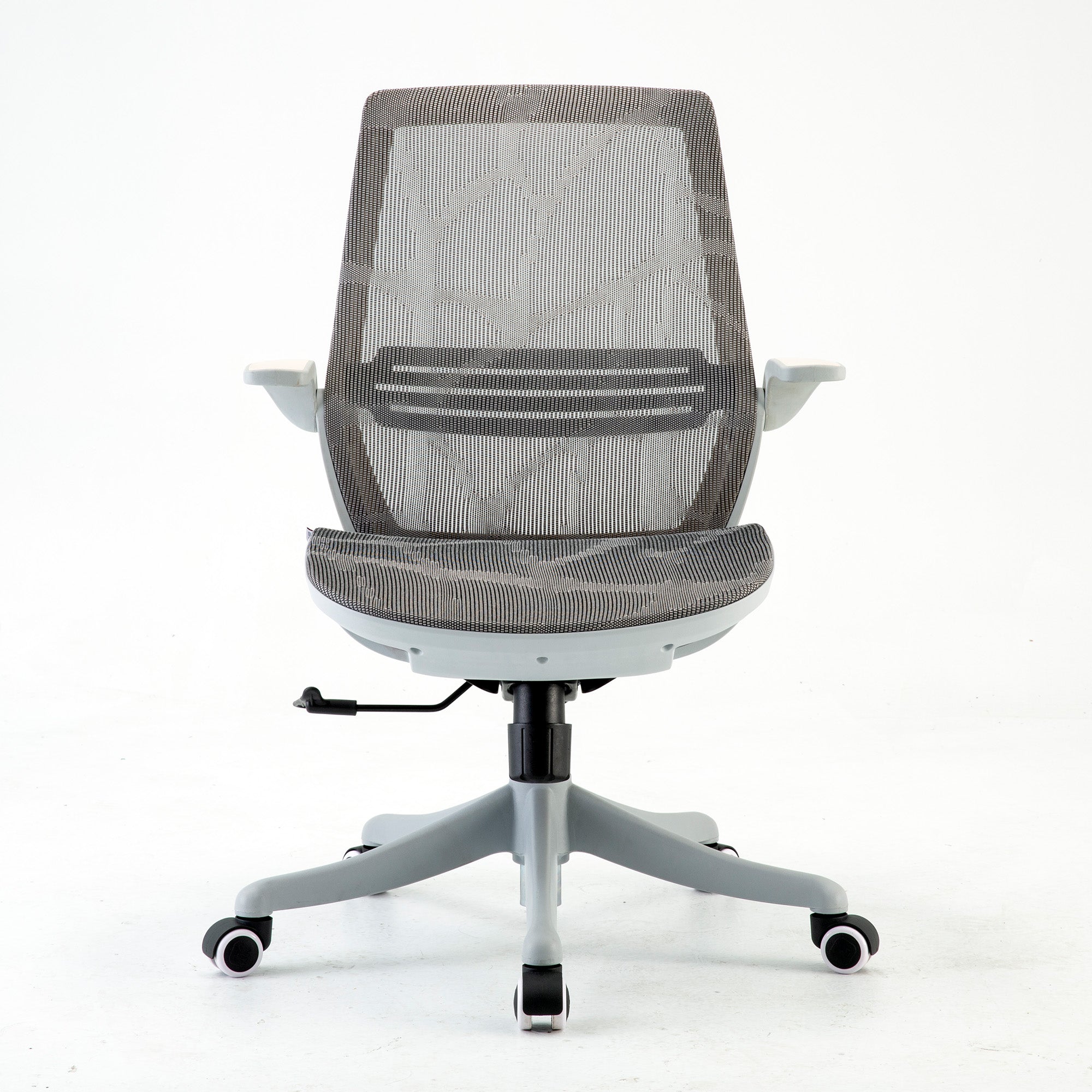
For organisations specifying chairs for home use by hybrid employees, the Sihoo M57 and M59AS are both practical options: adjustable lumbar, full mesh for Australian conditions, and priced appropriately for an employer equipment provision or allowance programme. For employees who work primarily from home and sit for six or more hours daily, the Vito M90's adaptive lumbar system provides meaningful additional support without requiring the employee to remember to readjust their chair setting after every break.
For the full specification matching guide across different body types and use cases, how to choose ergonomic chairs for a team with different body types covers every dimension of the procurement decision in detail.
Conclusion
Hybrid work is not a temporary arrangement that ergonomics needs to accommodate until things return to normal. It is the normal. For a growing proportion of the Australian workforce, the standard working week involves two physical environments, different furniture, different movement patterns, and different physical loads applied to the same body in alternation.
The organisations that manage this well are the ones that stop treating the home office and the office workstation as separate problems and start treating them as one ergonomic system. That means assessing both environments, setting a minimum standard that applies to both, addressing the specific risks that arise from alternating between them, and reviewing the whole arrangement annually as the hybrid pattern itself evolves.
The research is clear that home workers carry a higher MSD risk than office workers, and that sedentary behaviour is the primary mechanism. The intervention is not a standing desk at home. It is a structured approach to movement on home working days, combined with a home setup that meets the same minimum standard as the office. Neither of these requires large investment. Both require intentional management.
Better Comfort Starts Now.
Sources Referenced
-
Australian Bureau of Statistics: over 40% of employed Australians worked from home in 2024 — abs.gov.au
-
AIHW: 7.3 million Australians with chronic musculoskeletal conditions, ABS National Health Survey 2022 — aihw.gov.au
-
Australian Chiropractors Association national survey 2024: 86.7% of Australian workers experienced an MSD at or because of work — chiro.org.au
-
PMC: Working from home associated with higher MSD risk, Lifelines COVID-19 cohort, 40,702 workers — pmc.ncbi.nlm.nih.gov/articles/PMC9790086
-
PMC: Sedentary behaviour mediates WFH-MSD relationship, Lifelines COVID-19 cohort, 28,586 workers — pmc.ncbi.nlm.nih.gov/articles/PMC9757165
-
La Medicina del Lavoro 2024: Hybrid work and prolonged static postures increase MSD risk — DOI: 10.23749/mdl.v115i3.16072
-
Human Factors and Ergonomics Society of Australia: Model WHS Laws apply to home-based workers — ergonomics.org.au
-
Safe Work Australia: WHS guidance for computer-based work from home — safeworkaustralia.gov.au
-
Work Health and Safety Act 2011 (Cth): duty of care for all workers including home-based — legislation.gov.au
-
Gensler 2026 Global Workplace Survey: 13-point focus gap in unassigned vs assigned seating environments
-
AHRI: Hybrid and Flexible Working Practices in Australian Workplaces 2025 — ahri.com.au
-
Scientific Reports 2024: Physical and mental fatigue mutually reinforce each other — nature.com/articles/s41598-024-68889-4
Frequently Asked Questions
Sihoo Australia supports volume orders covering both office and home workstations for hybrid teams. For organisations sourcing wholesale office chairs across multiple locations, the commercial team can assist with model selection, bulk pricing, and delivery coordination to both office and residential addresses. Contact support@sihoo.com.au or 1300 002 580 to discuss your requirements.
For employees working from home in Australia, the WHS Act 2011 and its state and territory equivalents apply. For employees working from home in other countries, the relevant jurisdiction's occupational health and safety laws apply. Multinational hybrid arrangements need a jurisdiction-by-jurisdiction review of applicable obligations. For Australian-based employees, the answer is clear: the duty of care extends to the home workstation and the employer is responsible for taking reasonably practicable steps to ensure it is safe.
A structured self-assessment form distributed to employees, combined with a video call review for flagged cases, covers the key requirements without site visits. The self-assessment should include the five areas from the standard workstation checklist: seating, monitor height, keyboard position, lighting, and movement habits. Employees upload a photo of their setup alongside the form to allow the reviewer to verify the assessment. For complex cases or employees with existing injuries, an external occupational health assessment via video call with a physiotherapist or ergonomist is a practical option.
For employees who work primarily from home under a permanent hybrid arrangement, providing or subsidising a chair that meets the minimum ergonomic standard is a reasonable and proportionate response to the WHS duty of care. The cost of a quality ergonomic chair is substantially lower than the cost of a single serious MSD claim. For employees on a casual hybrid arrangement, a home office equipment allowance that the employee can apply toward a chair purchase is an alternative that gives employees flexibility while meeting the organisation's obligation to support a safe home setup.
Under the Work Health and Safety Act 2011, employers must ensure the health and safety of all workers, including those working from home, so far as is reasonably practicable. This means: assessing the home workstation for ergonomic hazards, providing guidance on safe setup, having a policy for equipment support where the home setup cannot meet minimum ergonomic standards, and reviewing the arrangement periodically. Safe Work Australia has published specific WHS guidance for computer-based work from home. Organisations that have not reviewed this guidance recently should do so and confirm their current hybrid work policies align with it.
For Australian employees who work from home, the work-use proportion of ergonomic equipment purchased for a dedicated home workspace is generally deductible under the actual cost method. You need to keep receipts and be able to demonstrate the work-use proportion. For employees using the fixed-rate method for home office deductions, a specific chair claim would need to be assessed against ATO guidance for the current financial year. Consult your accountant or refer to the ATO's working from home expenses guidance, which is updated annually, for the current rules.
It tells you that the home setup is generating physical load that the office setup is not. The most likely causes in order are: your home chair is not providing lumbar support, your screen is at the wrong height for your home setup, you are moving less at home than at the office, or some combination of all three. Start with the chair. Confirm the lumbar support is contacting the correct area of your lower back. Then check the screen height. Then look at how many times you stood up or walked during your home working day compared to an office day. The difference in movement alone can explain a significant portion of the difference in how you feel. For a guide to diagnosing and fixing back pain from sitting, the guide to avoiding back pain while sitting for long hours covers the specific mechanisms.
Under Model WHS Laws, your employer has a duty of care for your health and safety when you work from home. Raise the issue in writing, describing your current home setup and the specific ergonomic risks it creates. Framing it as a WHS matter rather than a personal comfort preference changes the conversation. Ask whether the organisation has a home office equipment policy or allowance. If not, suggest that one be developed. Your employer may be unaware of their obligations in this area or of the practical options for addressing them.
Focus on the environment where you spend the most time first. Three days at home means the home setup is generating more of the weekly physical load. The risk from a poorly configured home setup running for three days slightly outweighs a poorly configured office setup running for two. However, if the office days involve hot-desking with no adjustment protocol, the office problem may be more severe per hour because you are effectively sitting in a new incorrect setup every session rather than a consistently incorrect setup that your body has at least partially adapted to.
Yes, and for more of your working week if you are primarily home-based. A dining chair at a kitchen table is the single most common home working setup in Australia and the one most likely to produce accumulated back and neck load across a working day. The lumbar support is absent, the seat depth is wrong for desk work, and the armrests, if any, are not configurable. For three days a week of full-time desk work, a chair with adjustable lumbar, correct seat depth, and height adjustment is not a luxury. It is the minimum specification for the hours being asked of it.
Shop products from this article


Recommended Posts


How to Reduce Workplace Fatigue Through Office Setup
May 08, 2026